Indoor LED Screen Rental Solutions for Small and Large Events


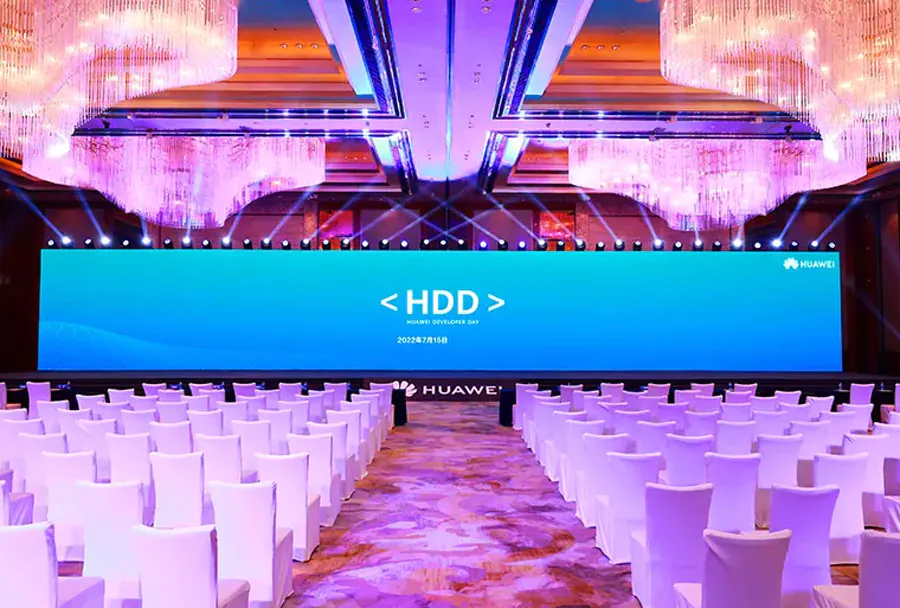
Indoor LED screens have become a staple for event producers, marketers, and venue managers who want to deliver high-impact visuals with flexibility and reliability. Whether the goal is to present crystal-clear slides at a corporate town hall, create a cinematic backdrop for a wedding, or build a multi-story video wall for a large convention center keynote, LED technology offers brightness, color fidelity, and modularity that projection and traditional displays cannot match in many indoor scenarios. This guide outlines practical rental solutions for both small and large events, covering technical specifications, logistical considerations, cost drivers, and best-practice recommendations to help you choose the right configuration for your needs.
Understanding Core LED Screen Specifications
To choose an appropriate rental solution, you need to understand a few core specifications:
Pixel Pitch
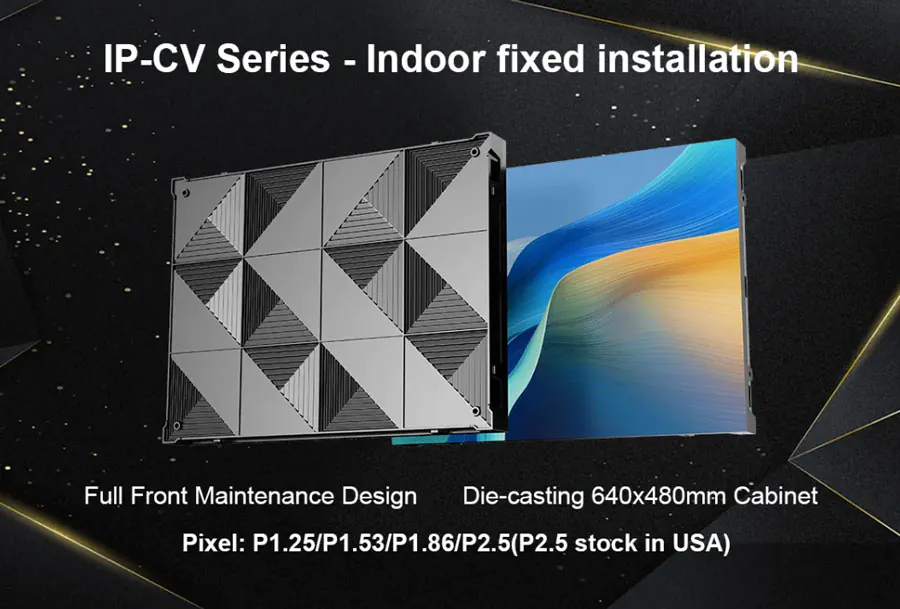
Pixel pitch (measured in millimeters) defines the distance between LED pixel centers. Smaller pitch equals higher pixel density and closer optimal viewing distances. Typical indoor rental options range from 0.9mm up to 4mm for common use cases:
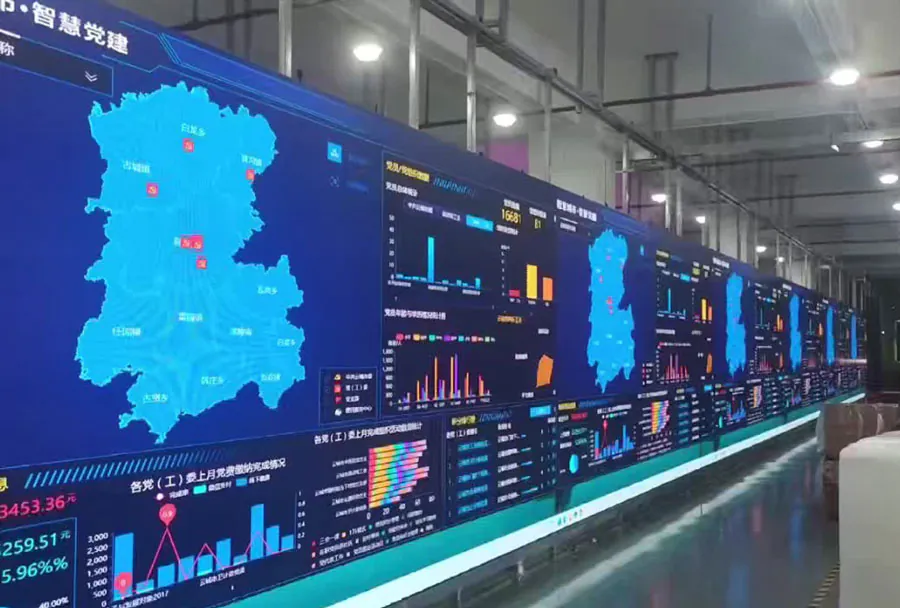
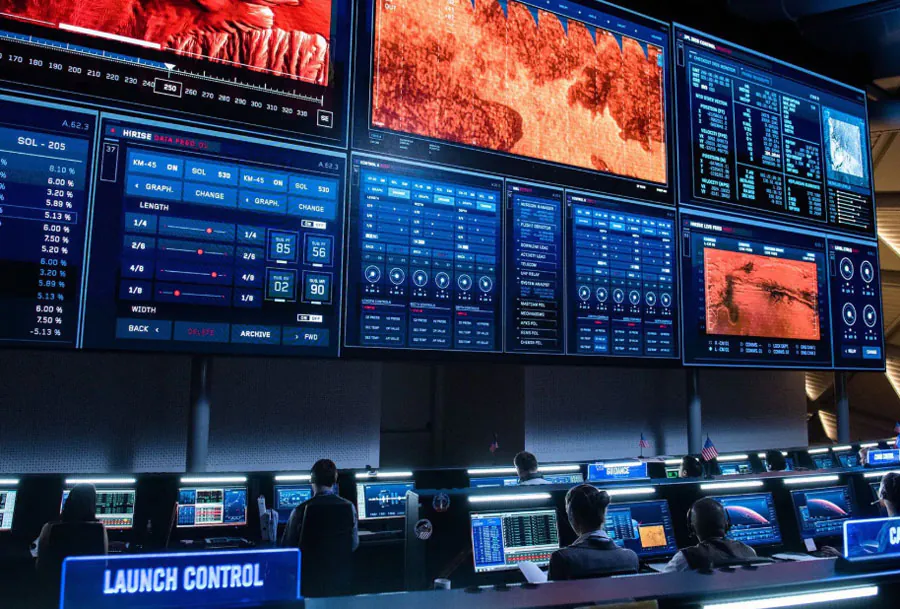
– ≤1.5mm: ultra-fine for close-up viewing (control rooms, broadcast studios).
– 1.8–2.5mm: excellent for corporate events and medium-sized auditoriums.
– 3–4mm: cost-effective for larger screens where viewers sit farther away.
Resolution and Aspect Ratio
Balance desired content resolution (1080p, 4K) with physical screen size. For small setups, a native 1080p panel may suffice; larger walls benefit from tiled panels to reach 4K or higher. Common aspect ratios are 16:9 for standard video and widescreen content or custom ratios for scenic design.
Brightness and Contrast
Indoor LED brightness typically ranges from 800 to 2000 nits. Controlled-light venues (ballrooms, conference rooms) can use lower brightness, while well-lit trade show floors or spaces with ambient lighting require higher brightness. High contrast and color accuracy are critical for impactful visuals.
Refresh Rate and Processing
Choose screens with refresh rates >3,840 Hz for camera-friendly output during live broadcasts or where video recording is required. The screen controller and scaling hardware affect frame management and content synchronization.
Designing Solutions for Small Events
Small events (20–200 attendees) often require fast setup, portability, and cost efficiency. Rental suppliers offer several tailored solutions:
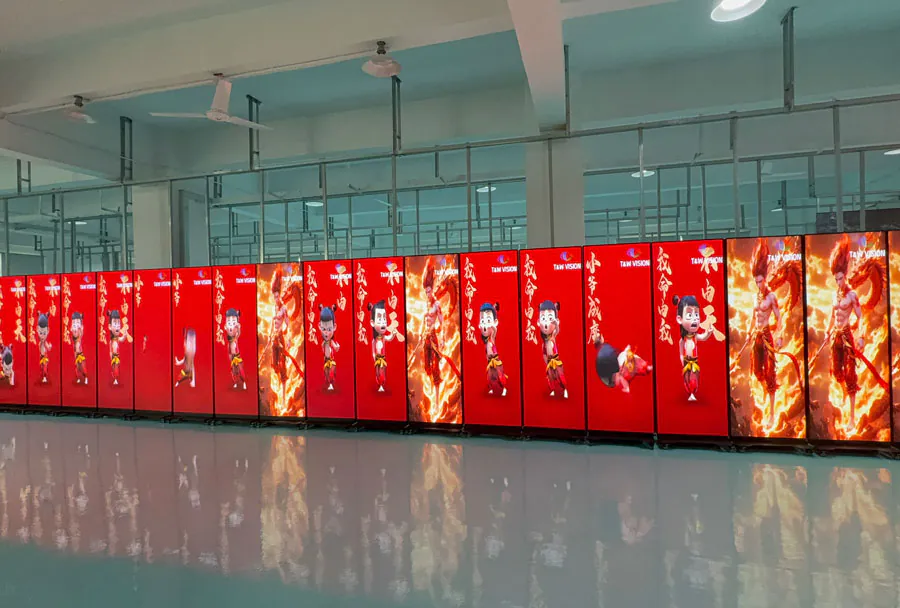
Portable LED Panels and Floor-Stand Systems
– Modular cabinets in small sizes (e.g., 500×500mm or 500×1000mm) mounted on stands or pre-built frames.
– Quick-locking hardware reduces setup time.
– Ideal for meetings, small product launches, and intimate performances.
Single-Surface Backdrops and Stage Screens
– Typical sizes: 2m–6m wide by 1.5m–3m high for conferences and weddings.
– Pixel pitch: 1.8–2.5mm for stage-facing audiences within 5–12 meters.
– Integration with AV mixers and simple media servers for looped content.
Rental Package Considerations
– Turnkey packages: screen, processor, cables, stands, and on-site tech support.
– Include media playback device and content formatting to avoid last-minute issues.
– Confirm venue power availability and rigging points in advance.
Scaling Up: Solutions for Large Events
Large events (500 to several thousand attendees) demand scalability, redundancy, and higher technical sophistication.
Large-Format Walls and Curved Structures
– Create walls ranging from 6m up to 40m wide using modular cabinets.
– Curved and segmented designs allow immersive stage visuals.
– Pixel pitch between 1.2 and 2.5mm for on-stage use; 2.5–4mm for audience-facing perimeter walls.
Rigging, Load, and Structural Safety
– Large walls require certified truss systems and load calculations.
– Consider wind load for indoor spaces with HVAC drafts and safety factor for multiple suspension points.
– Rental vendors often provide structural engineers or recommended rigging specs.
Redundancy and Signal Management
– Use dual-path signal distribution, redundant processors, and backup power to avoid single points of failure.
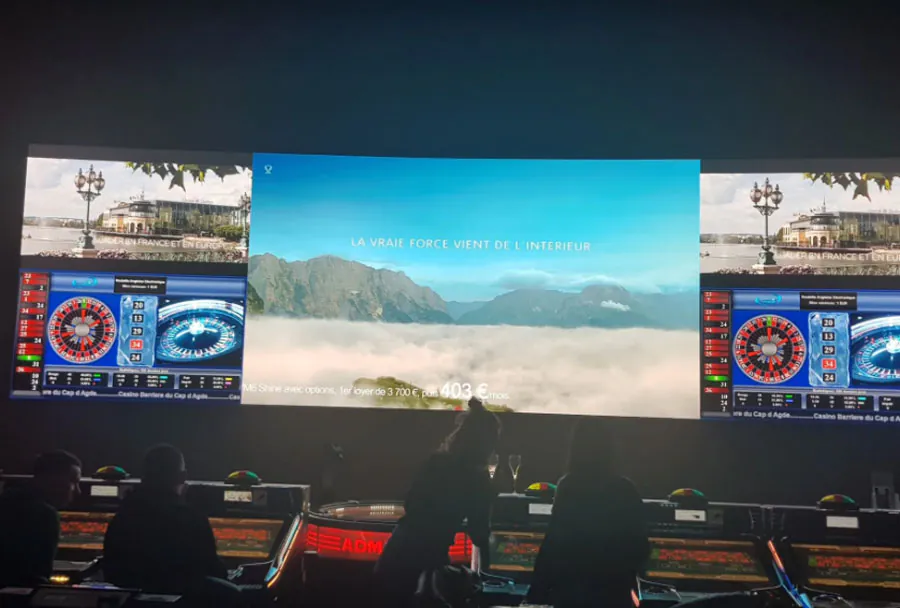
– Large events rely on professional video servers, synchronized playback, and SMPTE timecode for show control.
Technical and Logistical Considerations
Successful LED deployments depend on careful logistics and technical planning.
Venue Survey and Site Planning
– Conduct a site visit or obtain detailed floor plans, rigging points, and power locations.
– Measure sightlines and seating geometry to set optimum screen size, pixel pitch, and placement height.
Power and Cooling
– LED walls consume significant power; verify dedicated circuits and distribution panels.
– Provide ventilation access around large walls; enclosed areas may need additional fans.
Signal Path, Cabling, and Control
– Plan for long video runs: fiber or HD-SDI for long distances; CAT6 may be used with extenders.
– Label and test all cabling during setup; determine your control room position for signal routing.
Installation and Strike Timing
– Smaller setups: 1–4 hours to install and test.
– Medium to large walls: 6–24+ hours with a full crew, depending on complexity.
– Allow rehearsal time with content playback and camera checks.
Support Services from Rental Providers
Rented LED solutions normally include a range of services that materially affect the event outcome.
On-Site Technicians
– Technicians handle assembly, pixel mapping, calibration, and live adjustments.
– For large shows, request a lead AV technician or video engineer.
Content Preparation and Mapping
– Rental companies often help format and map content to the exact pixel grid, adjust for non-standard aspect ratios, and perform color calibration.
– Ask for proof-of-play tests before the event.
Monitoring and Troubleshooting
– Live monitoring desks and spare panels reduce risk of visual glitches.
– Ensure the rental includes spare modules, power supplies, and cabling.
Cost Drivers and Pricing Models
LED screen rental pricing depends on several variables:
– Screen size and pixel pitch: finer pitch and larger area increase rental rates.
– Rental duration: daily vs. multi-day discounts.
– Delivery, installation, and labor: charges for freight, crew hours, and rigging.
– Ancillary equipment: processors, playback servers, scaffolding, truss, and power distribution.
– Support level: 24/7 on-site tech vs. remote support.
– Insurance and venue fees: some venues require liability coverage for suspended loads.
Typical cost components:
– Per-square-meter daily or weekly rate for the LED surface.
– Fixed setup/strike labor charges and rigging fees.
– Transportation (truck/equipment handling) and hotel for crew for multi-day events.
Analysis Table: Recommended Configurations
| Use Case / Event Size | Recommended Pixel Pitch | Typical Screen Size (W x H) | Avg Setup Time | Estimated Cost Range (Rental + Labor) |
|---|---|---|---|---|
| Small Corporate Meeting (20–80 attendees) | 1.8–2.5mm | 2.5m x 1.5m | 2–4 hours | $1,000–$3,000 per day |
| Wedding Ceremony / Private Event (50–200 guests) | 2.5–3.5mm | 3m x 2m | 3–6 hours | $1,500–$4,000 per day |
| Trade Show Booth / Product Demo (200–1,000) | 1.5–2.5mm | 4m x 2.5m | 4–8 hours | $3,000–$8,000 per day |
| Medium Concert / Theater (500–2,000) | 1.2–2.5mm | 6m x 3.5m | 8–16 hours | $8,000–$25,000 per event |
| Large Conference / Keynote (1,000+) | 1.2–2.0mm | 10m x 5m (or larger) | 12–36 hours | $20,000–$75,000+ per event |
h3 and h4 tags are used above for section headings to meet the requested formatting. (Note: The cost ranges are approximate and vary significantly by market, vendor, and event complexity.)
Content and Creative Best Practices
Great visuals require more than just hardware. Follow these creative guidelines:
Design for Pixel Density

– Avoid tiny text and high-detail graphics on coarse-pitch walls.
– Use large typography, bold graphics, and high-contrast color palettes.
Optimize Media Files
– Deliver files at native resolution and aspect ratio; provide lower-resolution backups for remote playback.
– Use encoding and codecs recommended by the rental vendor (often H.264 or ProRes for playback servers).
Motion and Refresh Considerations
– Animate at 60fps if possible and ensure controllers can support frame rates needed for camera capture to minimize flicker.
– Avoid excessive fast motion on coarse pixel pitches that can create perceived blur.
Risk Management and Safety Checklist
Mitigate risk with a short checklist:
– Confirm rigging points and load ratings with venue; obtain approvals.
– Verify insurance coverage for suspended loads and equipment.
– Schedule a full technical rehearsal with lighting and camera setups.
– Request spare modules, power supplies, and a replacement crew member on-call.
– Ensure emergency power isolation and clearly labeled circuits.
Sustainability and Future Trends
LED technology continues becoming more energy-efficient and higher-resolution. Trends to watch:
– MicroLED and fine-pitch advances enabling near-retina displays for large stages.
– Sensor-driven content that adjusts brightness and color to ambient lighting for energy savings.
– Rental fleets offering hybrid solutions: LED + projection or LED + LCD blends for cost-effective visual diversity.
Final Recommendations
Choosing the right indoor LED rental solution means aligning technical specs with event goals, venue constraints, and budget. For small events prioritize ease of installation, turnkey packages, and crisp pixel pitch for close viewing. For large events invest in redundancy, certified rigging, and professional video engineering. Always work with reputable rental partners who provide detailed site surveys, clear pricing, and on-site support. Finally, build time in the schedule for testing and rehearsals — the difference between a good visual experience and a great one is often a well-executed technical dry run.