From Small Roadshows to Big Stages How to Choose the Right Size Flexible LED Roll Up Screen

Choosing the right size flexible LED roll up screen is a careful balance of visual impact, logistics, and cost. Whether you’re packing into a trade-show booth, touring small roadshows, or lighting up a large stage, the wrong screen size can diminish message clarity, complicate setup, or create unnecessary expense. Flexible roll up LED screens give event planners and AV professionals the freedom to scale visuals without the bulk of rigid panels—but they also introduce unique sizing decisions around viewing distance, pixel pitch, transportability, and venue constraints.
Understand the variables: what really determines “right” size?
Before deciding on nominal dimensions, break the decision into the variables that actually affect perceived image quality and practicality:
– Viewing distance and audience density: How close will the closest and farthest viewers be? More intimate events require higher resolution and proportionally smaller screen sizes to maintain sharpness.
– Pixel pitch and resolution: Pixel pitch (distance between LED centers) dictates how much detail you can show at close range. Smaller pitch = higher detail = higher cost and usually heavier panels.
– Venue brightness and ambient light: Outdoor or brightly lit environments benefit from larger, brighter screens so from a distance the image remains legible.
– Aspect ratio and content fit: Most content is produced in 16:9—align your screen to common video ratios to avoid letterboxing or awkward cropping.
– Portability, rigging, and setup time: Roll up screens excel in small footprint storage and fast setup, but larger screens multiply weight and require sturdier support and more crew.
– Budget and ROI: Bigger screens increase cost in hardware, transport, rigging, and power. Factor rental vs. purchase and how often you’ll reuse the screen.
Viewing distance and pixel pitch: the core relationship
A practical way to approach size is to start with the typical closest viewing distance. For events where attendees are within arm’s reach (trade-show booths, demo stations), you’ll need a fine pixel pitch (e.g., 1.9–2.5mm) to avoid visible pixelation. For audiences seated several meters away (conference rooms, small theaters), mid-range pitches (3–4mm) typically work. For large auditoriums and outdoor stages, coarser pitches (5–10mm or larger) provide sufficient clarity because viewers are farther away.
Simple guidance:
– Close-up viewing (1–4 m / 3–13 ft): 1.9–2.5mm pitch
– Mid-range (3–10 m / 10–33 ft): 3–4mm pitch
– Long-view / outdoor (8–30 m / 26–100 ft): 5–10mm+ pitch
Combine that with width recommendations (below) and you can quickly match a pixel pitch to a screen size that fits your venue and budget.
Recommended sizes by use case
Below is a practical table to analyze different event types and recommended screen sizes, pixel pitch, and portability notes. Use this as a starting point and adapt to your specific venue dimensions and audience counts.
| Event Type | Typical Audience / Distance | Recommended Screen Size (W × H) | Ideal Pixel Pitch (mm) | Portability / Setup Notes |
|---|---|---|---|---|
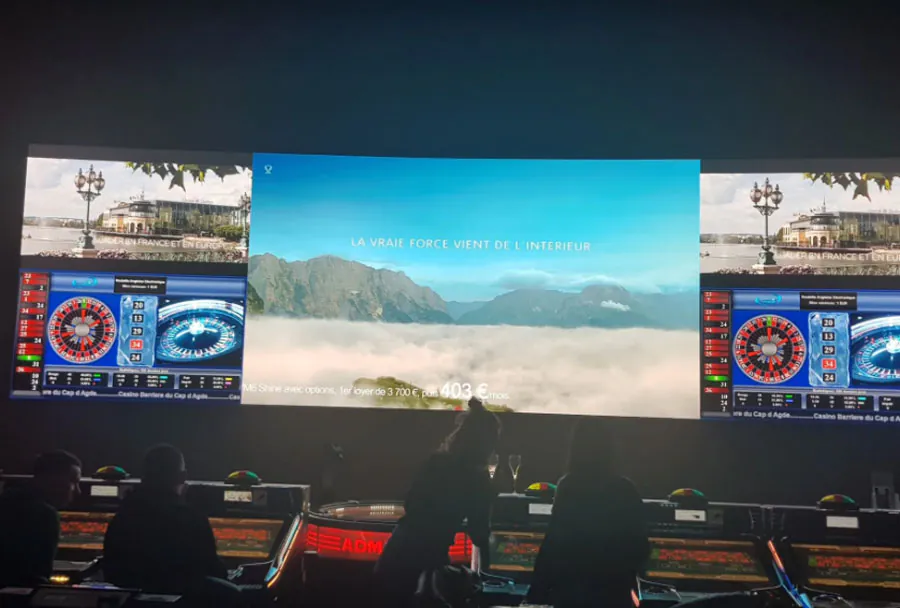
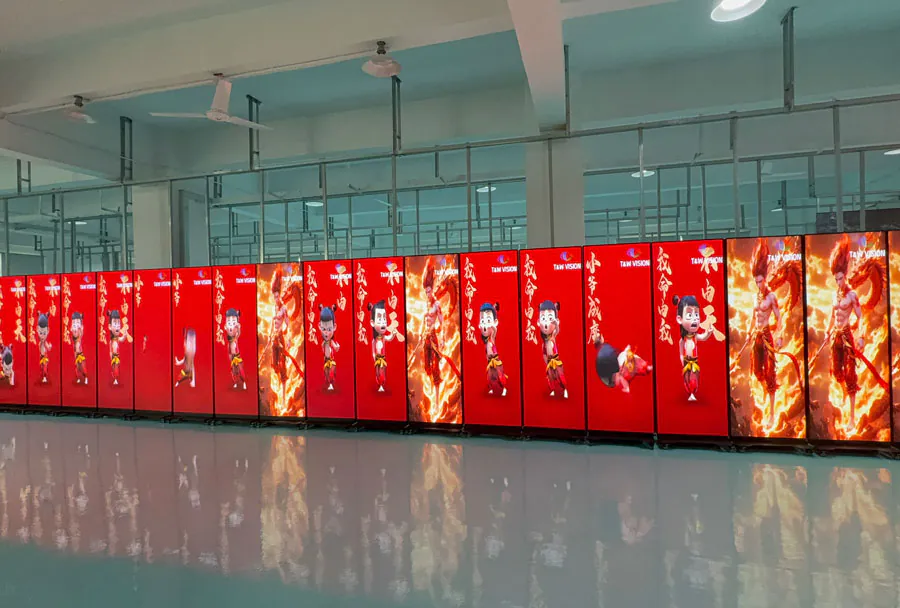
| Small roadshows / trade booths | 10–50 people, 3–10 ft (1–3 m) | 3–6 ft × 1.7–3.4 ft (0.9–1.8 m × 0.5–1.0 m) | 1.9–2.5mm | Lightweight, single-person setup; ideal roll bag; low power |
| Hotel meeting rooms / corporate presentations | 30–150 people, 10–30 ft (3–9 m) | 6–10 ft × 3.4–5.6 ft (1.8–3.0 m × 1.0–1.7 m) | 2.5–3.9mm | Two-person setup recommended; tripod or frame mounting |
| Small auditoriums / theaters | 150–500 people, 20–60 ft (6–18 m) | 10–16 ft × 5.6–9 ft (3–5 m × 1.7–2.7 m) | 3–5mm | Multiple panels; rigging points or permanent frame; transport case |
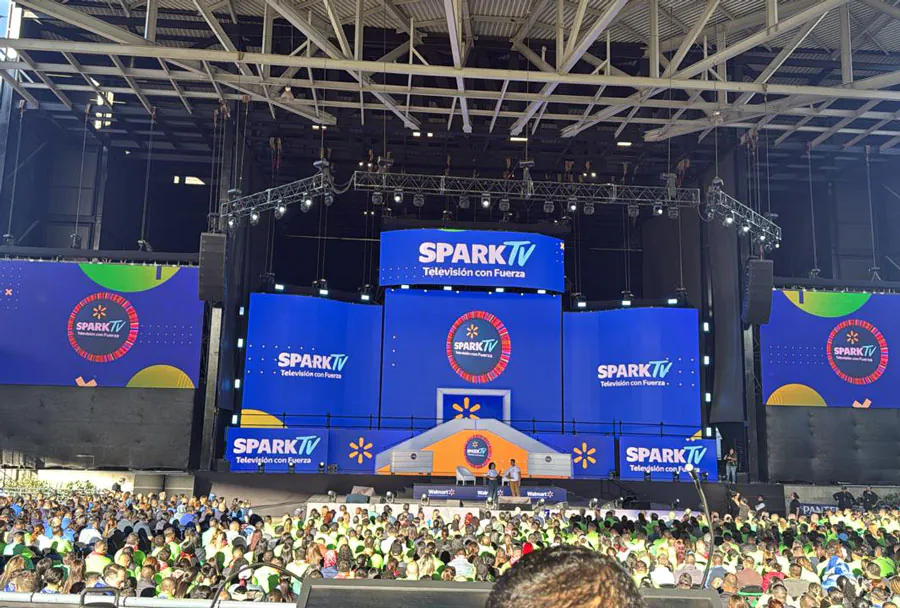
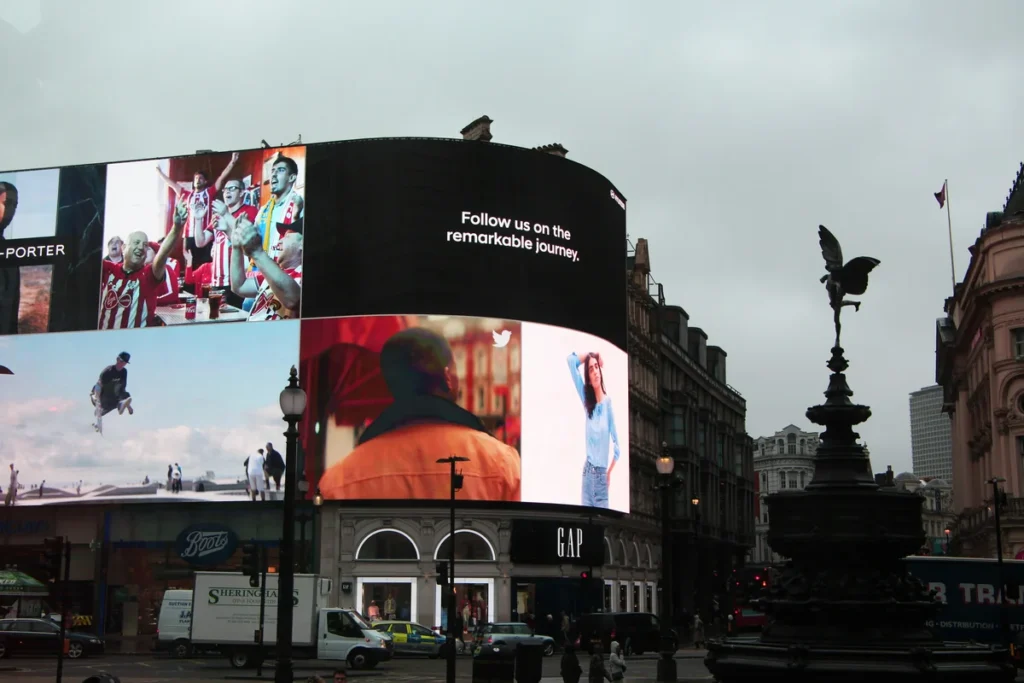
| Large stages / outdoor events | 500–5000+ people, 50–200+ ft (15–60 m) | 16–40+ ft × 9–22+ ft (5–12+ m × 2.7–6.7+ m) | 5–10mm (or coarser) | Heavy-duty structure; crew of 4+; wind-rated rigging and weather protection |
| Pop-up experiences / interactive kiosks | Small groups, 2–8 ft (0.6–2.4 m) | 2–4 ft × 1.1–2.2 ft (0.6–1.2 m × 0.3–0.7 m) | 1.2–2.5mm | Ultra-portable; battery options; quick-change content via USB/Wi?Fi |
Aspect ratio, resolution, and content considerations
Most video content is produced in 16:9. Choosing a screen with a matching aspect ratio simplifies content playback and ensures your assets look as intended. If your content is primarily portrait (digital wayfinding, social walls), consider custom aspect ratios or modular stacking to achieve vertical formats without losing pixels.
Resolution planning: Once you have desired physical width and pixel pitch, calculate pixel count across width by dividing the width in millimeters by the pitch in millimeters. Example: a 6-ft (~1830 mm) wide screen at 3 mm pitch yields ~610 horizontal pixels. That helps determine whether your video source needs scaling or if you need a higher-density screen for high-detail imagery.
Keep typography legible—text should be large enough for the furthest viewers. A general rule: main headlines should be readable from the farthest seat; consider testing at scale with mockups or floor tape.
Logistics: transport, setup, and rigging
Flexible LED roll up screens are prized for portability, but logistics scale quickly with size. Smaller screens roll into compact cases and can be carried by one person. Mid-to-large sizes often come as several rolled sections that assemble on-site; these require cases, dollies, and sometimes a small crew.
Key logistics checklist:
– Confirm airline or road transport dimensions and weight limits if touring.
– Choose carrying cases with good padding and wheels; consider climate control for long trips.
– Confirm venue rigging points or floor space for stands; ask about load capacities and safety inspections.
– Factor in power: large LED arrays can require dedicated power circuits and distribution boxes.
– Schedule setup/test time—especially important for multi-panel joins and calibration.
Cost trade-offs and renting vs. buying
Cost rises with display area and finer pixel pitch. If your organization runs frequent events of a similar type, owning a screen tailored to that use case can be cost-effective. However, for diverse events (from intimate roadshows to stadium shows), renting allows you to match the right screen to the job without carrying dead weight.
When evaluating total cost of ownership, include:
– Initial purchase price
– Transport and storage (cases, vehicles)
– Maintenance and replacement modules
– Calibration and control hardware
– Training for setup crew
Rentals give access to the latest technology and specialist support for big events, while ownership favors repeatable, predictable setups.
Best practices when specifying and testing a screen
– Mock up the sightlines on-site using tape or fabric to represent screen size before committing.
– Test content at full scale. Pixelation and brightness issues often only reveal themselves at event scale.
– Choose a modular solution with spare modules. Quick-swap modules reduce downtime during tours.
– Confirm brightness (nits) and contrast specifications for your environment—outdoor stages need much higher nits than dark conference halls.
– Ensure control system compatibility with show playback sources (HDMI, SDI, media servers).
Checklist for choosing the right size
– Define the closest and farthest viewer distances.
– Estimate the number of attendees and density.
– Match pixel pitch to close-view needs and budget.
– Choose a physical width that fits the stage/booth and matches aspect ratio.
– Confirm rigging, power, and transport feasibility.
– Decide rent vs. buy based on frequency and variety of events.
– Test content at scale and plan for spare modules and crew training.
Right-size for impact and practicality
Flexible LED roll up screens give event teams tremendous freedom, but that freedom demands thoughtful selection. The “right” size is a compromise between visual clarity—determined by viewing distance and pixel pitch—and practical constraints like transport, rigging, and budget. Start with audience distance and content type, translate that into pixel pitch and physical width, then validate with on-site mockups and testing. For small roadshows, prioritize fine pitch and compact widths; for big stages, scale out with coarser pitches and robust rigging. With a clear specification process and due attention to logistics, you’ll choose a flexible led screen that maximizes impact and minimizes headaches—no matter the size of the stage.