How to Choose the Best LED Screen Rental Service for Your Needs

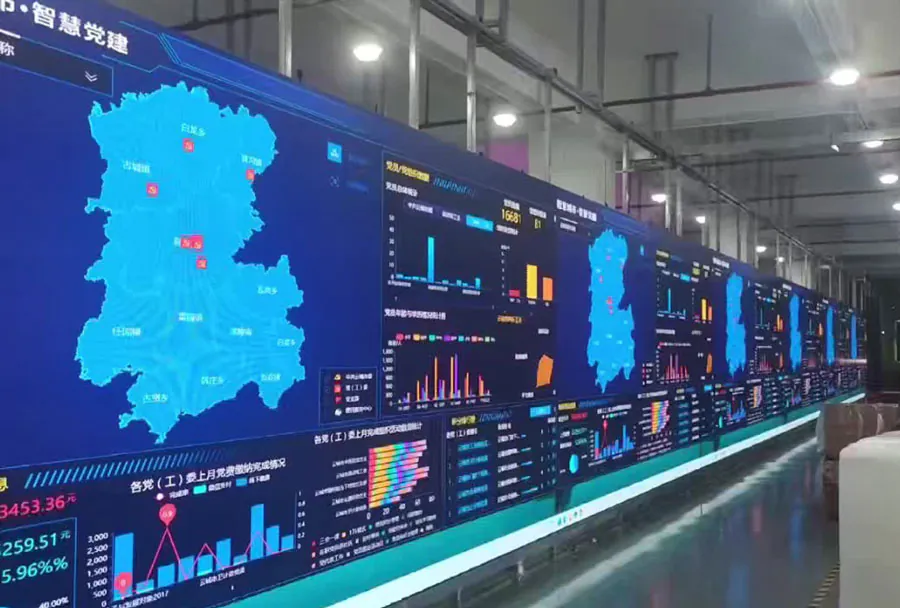
LED screens are no longer a luxury reserved for stadiums and major concerts — they are a key tool for events of all sizes, from corporate meetings and product launches to weddings and trade shows. Selecting the right LED screen rental service can make or break the visual experience of your event. The right provider not only supplies high-quality equipment but also ensures timely delivery, professional installation, technical support, and seamless content playback. This guide walks you through the essential considerations to choose the best LED screen rental service for your specific needs.
Define Your Event Needs First
Clarify Event Type and Goals
Start by defining what kind of event you’re hosting and what the LED screen must achieve. Are you aiming to display video content, live camera feeds, sponsor ads, presentation slides, or interactive content? Large-scale concerts and outdoor festivals demand different equipment and logistics than small indoor seminars.
Questions to answer:
– Is this indoor or outdoor?
– What is the planned audience size and viewing area?
– Will the screen display live video, pre-recorded content, or both?
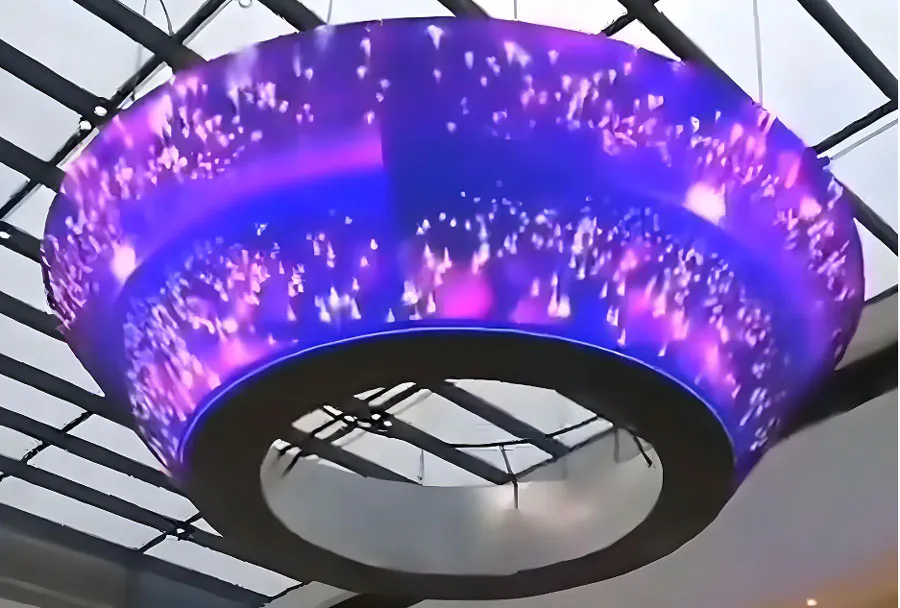
– Do you need multi-screen setups or curved/transparent screens for special effects?
Budget and Value
Set a realistic budget. Keep in mind that rental costs typically include the screen, basic control hardware, transport, setup, and technician labor. Some vendors may charge extra for custom rigging, content playback systems, or extended technical support. Balance cost with vendor reliability and equipment quality — the cheapest option is not always the best value.
Understand LED Screen Types and Key Specifications
Pixel Pitch and Resolution
Pixel pitch (measured in millimeters) indicates the distance between LED centers. Smaller pixel pitch means higher resolution and better close-up image clarity — crucial for indoor events where audiences are near the screen. For example:
– P2.5–P4.0: great for close viewing distances (indoor presentations, control rooms)
– P4.8–P6.9: suitable for general indoor and small outdoor events
– P8.0 and larger: best for long-distance outdoor viewing (stadiums, billboards)
Brightness (Nits) and Contrast
Brightness, measured in nits (cd/m2), determines visibility in various lighting conditions. For outdoor daytime events, choose screens with higher brightness (5,000+ nits). For indoor or nighttime events, 800–1,500 nits can be sufficient. Contrast and color reproduction are equally important for image depth and vividness.
Refresh Rate and Gray Scale
Refresh rates affect motion smoothness and camera compatibility. A higher refresh rate (≥ 3,840 Hz) helps avoid flicker when capturing video with high-speed cameras, particularly for broadcast or streamed events. Gray scale affects how smoothly gradients and dark scenes render; higher values produce richer visuals.
Indoor vs. Outdoor and Environmental Durability
Outdoor LED screens need weatherproofing (IP65 or higher), temperature tolerance, and robust mounting systems to withstand wind and rain. Indoor panels may emphasize slim form factors, quiet cooling, and lightweight cabinets for quick rigging.
Service and Support: Beyond the Hardware
Installation, Rigging, and Safety
A reputable rental service provides certified technicians for installation and rigging. For large or complex installs, ask about structural engineering assessments, wind load calculations for outdoor screens, and compliance with local venue safety codes. Make sure the vendor follows industry-standard rigging practices and has qualified personnel for working at height.
On-site Technical Support and Troubleshooting
Even reliable equipment can encounter issues. Confirm whether the provider offers on-site technicians during load-in, the event, and load-out. Understand response times for onsite and remote troubleshooting, spare parts availability, and replacement protocols.
Content Management and Playback Solutions
Determine how content will be delivered and played back. Some rental companies include servers, media players, and control software; others may require you to supply playback systems. Ask about supported formats, resolution limitations, and whether the vendor can handle live inputs (HD-SDI, HDMI, NDI) or wireless feeds.
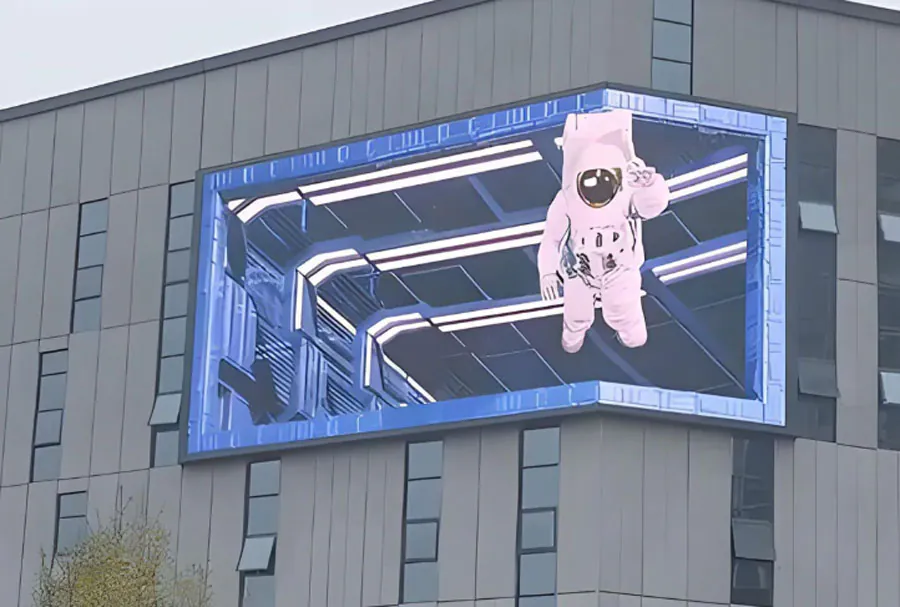
Logistics: Delivery, Setup, and Timing
Delivery and Staging
Confirm delivery windows and staging procedures. For venues with tight timelines or restricted access (ballrooms, rooftops), vendors with experience navigating venue requirements are invaluable. Ask about their vehicle fleet, loading dock coordination, and whether they provide roadcases or protective transport packaging.
Turnaround Times and Contingency Plans
Good rental partners provide realistic time estimates for setup and teardown and contingency plans if equipment fails. Ask about backup screens, spare modules, and return policies for damaged or malfunctioning panels.
Contracts, Pricing, and Hidden Costs
Pricing Models
Rental pricing may be hourly, per-day, or flat-rate for multi-day events. Some vendors offer bundled packages (screen + control system + technician), while others price each element separately. Get a detailed cost breakdown to compare apples to apples.
Additional Fees and Insurance
Watch for additional fees: travel charges, parking, overtime labor, rigging permits, and cleaning fees. Insist on clear policies regarding damage liability. Many rental companies require a damage deposit or proof of insurance. Determine whether the vendor carries its own insurance that covers equipment during transport and on-site incidents.
Vendor Reputation and Portfolio
Check References and Case Studies
Ask for references and examples of past events similar to yours. A vendor with diverse, relevant experience is more likely to anticipate challenges and deliver a smoother event.
Certifications and Industry Standards
Verify certifications for rigging, safety training, and equipment standards. Membership in professional associations and certifications from manufacturers can indicate a higher level of competence.
Making Technical Comparisons — Analysis Table
Below is a practical analysis table to compare potential rental vendors across five key dimensions. Use this as a quick-reference tool during your vendor selection process.
| Criteria | What to Look For | Indicator of Quality | Questions to Ask Vendor | Example (Good Answer) |
|---|---|---|---|---|
| Screen Specs | Pixel pitch, brightness, refresh rate, indoor/outdoor rating | Low pixel pitch for close viewing; >3,000 Hz refresh for broadcast; | Which model is recommended for my viewing distance and lighting? | P2.9 indoor for 30-50 ft viewing; 5,500 nits outdoor for daylight |
| Support & Installation | On-site techs, rigging crew, safety protocols | Certified riggers; on-site tech during event; load-in/out plan | Do you provide certified riggers and on-site techs? Response time? | 2 technicians on-site, certified rigger, 1-hour emergency response |
| Content Playback | Playback hardware, codecs supported, live input options | Supports common codecs, multiple inputs (SDI/HDMI/NDI) and servers | What playback options and formats do you support? | Media server with H.264/ProRes support; SDI input for live cameras |
| Logistics & Timing | Delivery schedule, setup/teardown times, freight handling | Clear timeline; contingency plan; vehicle access checklist | How long for install/teardown and what are backup plans? | Install 6 hrs, teardown 3 hrs; backup panels and spares onsite |
| Pricing & Contract | Breakdown of costs, insurance, cancellation fees | Transparent itemized quote and insurance options | Can you provide a full itemized quote and insurance details? | Detailed quote with line items, vendor-insured equipment, deposit terms |
Scenarios and Recommendations
Small Indoor Corporate Meeting (50–200 attendees)
– Recommended pixel pitch: P2.5–P4.0 for close viewing
– Brightness: 800–1,500 nits
– Key needs: Seamless presentation integration, reliable HDMI inputs, easy content management
– Vendor selection: Choose a service with experience in corporate AV, quick setup, and minimal noise for indoor venues.
Trade Show Booth or Exhibition
– Recommended pitch: P2.5–P4.8 depending on booth size
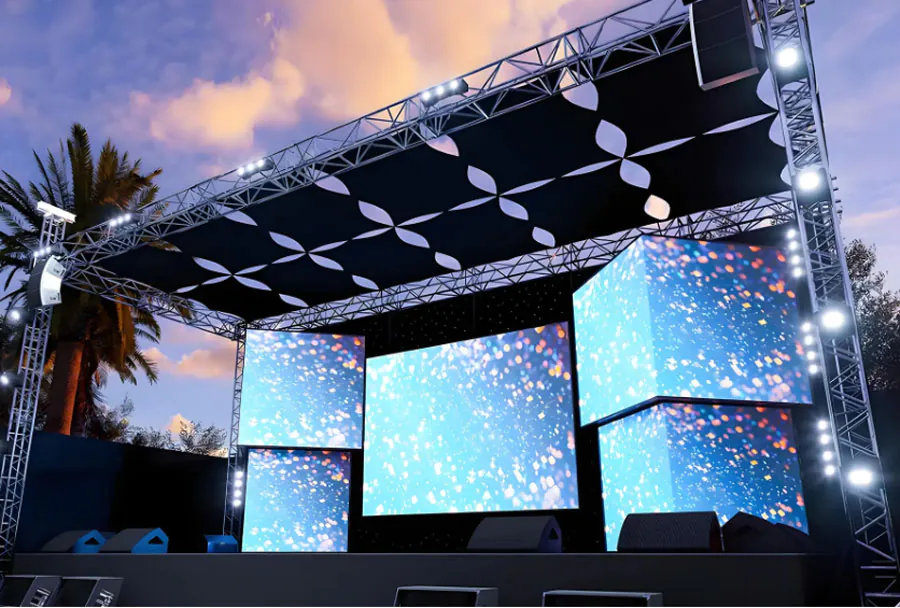
– Consider modular screens for custom shapes and easy transport
– Vendor selection: Prioritize companies offering modular panels, quick swap capabilities, and attractive stage/booth framing.
Outdoor Festival or Large Concert
– Recommended pitch: P6.0–P10+ for long-distance viewing
– Brightness: 5,000+ nits for daylight
– Key needs: Weatherproofing (IP65+), certified rigging, wind loading calculations, large-format controllers and redundancy
– Vendor selection: Opt for established outdoor screen specialists with structural engineering support and substantial inventory.
Negotiation Tips and Contract Clauses to Watch
– Itemized Quote: Demand a line-by-line breakdown of equipment, labor, transport, and any ancillary fees.
– Service Window: Define exact load-in, rehearsal, event, and load-out windows and what happens if timings change.
– Uptime and Remedies: For critical events, include uptime guarantees and remediation if equipment fails (e.g., refunds, credit, or replacement).
– Insurance and Liability: Clarify who is responsible for damage, theft, or injuries related to the equipment. Ensure both parties carry adequate insurance.
– Cancellation and Force Majeure: Understand the vendor’s cancellation policy and how force majeure events are handled.
Checklist: Questions to Ask Every LED Screen Rental Vendor
– Can you provide references and case studies for similar events?
– What is the exact model and specification of the LED panels you recommend?
– Do you provide certified riggers and on-site technicians?
– What playback systems and formats do you support?
– What are your delivery, installation, and teardown timelines?
– What is your policy on equipment failure and spare parts availability?
– Do you carry insurance for transported and on-site equipment?
– Can you provide a fully itemized quote and contract sample?
Practical Tips for a Successful LED Screen Experience
– Book Early: High-quality rental vendors are in demand. Lock in your rental well in advance, especially for peak seasons.
– Visit a Demo: If possible, visit the vendor’s demo room to evaluate screen quality, color fidelity, and viewing angles.
– Rehearse: Schedule a technical rehearsal to test video playback, camera feeds, and live switches. Rehearsals help catch format and compatibility issues early.
– Plan Redundancy: For mission-critical events, plan for backup playback devices, spare panels, and an on-site technician for the event duration.
– Coordinate AV and Lighting: Lighting design affects perceived screen contrast. Coordinate with lighting and stage designers to avoid washout or glare.
Choosing the best LED screen rental service requires balancing technical specifications, vendor reliability, logistical capabilities, and budget. Start by defining your event goals and viewing conditions, then prioritize pixel pitch, brightness, and refresh rate based on those needs. Evaluate vendors for experience, on-site support, and transparent contracting. Use the analysis table and checklist provided to compare options objectively. With careful planning, clear communication, and a strong vendor partnership, your LED screen will elevate the attendee experience and ensure your event looks as good as you envision.