Outdoor Big Digital LED Screen Rental Toronto for Public Gatherings

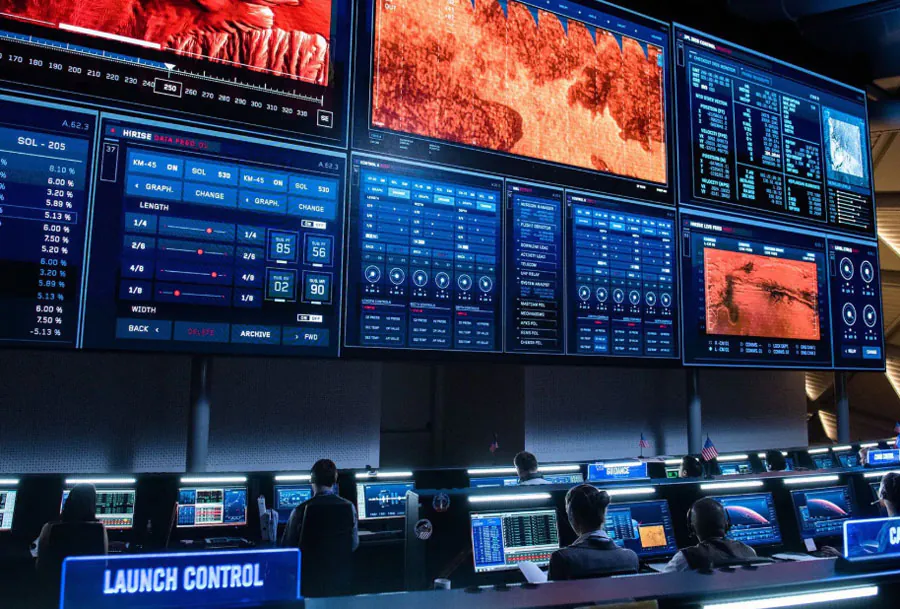
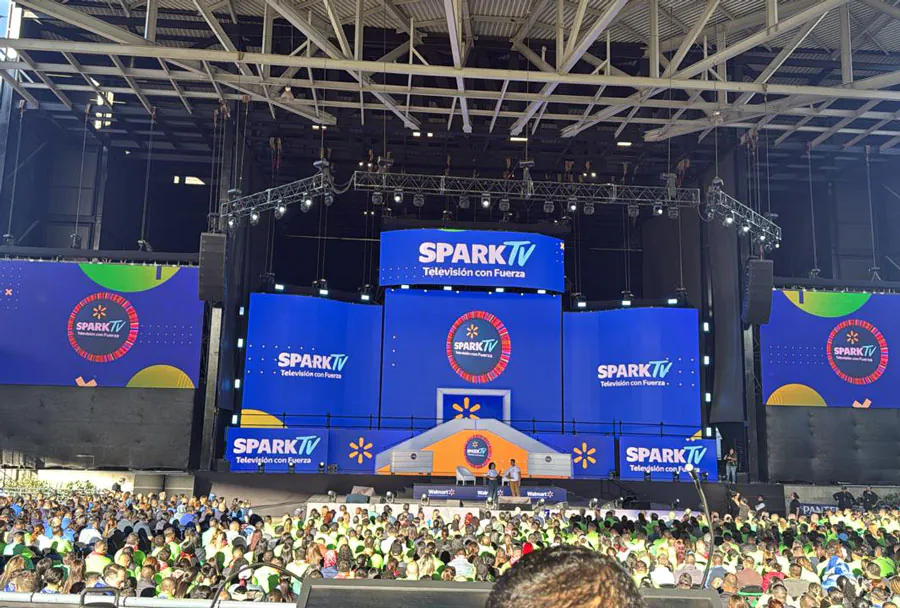
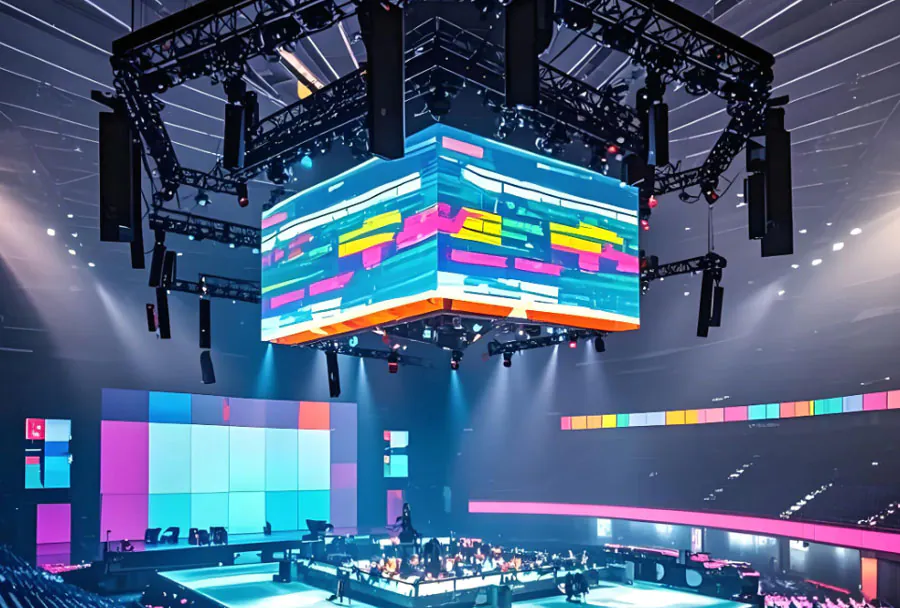
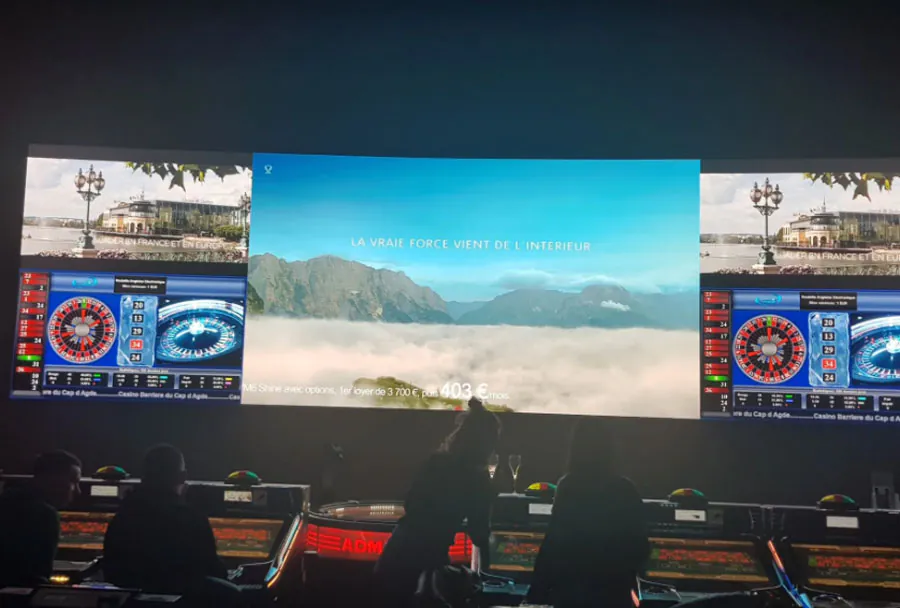
Large outdoor digital LED screen have become indispensable tools for public gatherings—festivals, concerts, sports viewings, rallies, cultural events, and municipal announcements. In a vibrant, densely populated city like Toronto, where public spaces such as Nathan Phillips Square, Yonge-Dundas Square, and various parks and waterfront venues host thousands of attendees, a big LED screen transforms audience engagement. It increases visibility, ensures everyone feels included irrespective of their position in the crowd, and creates dynamic branding opportunities for sponsors and organizers.
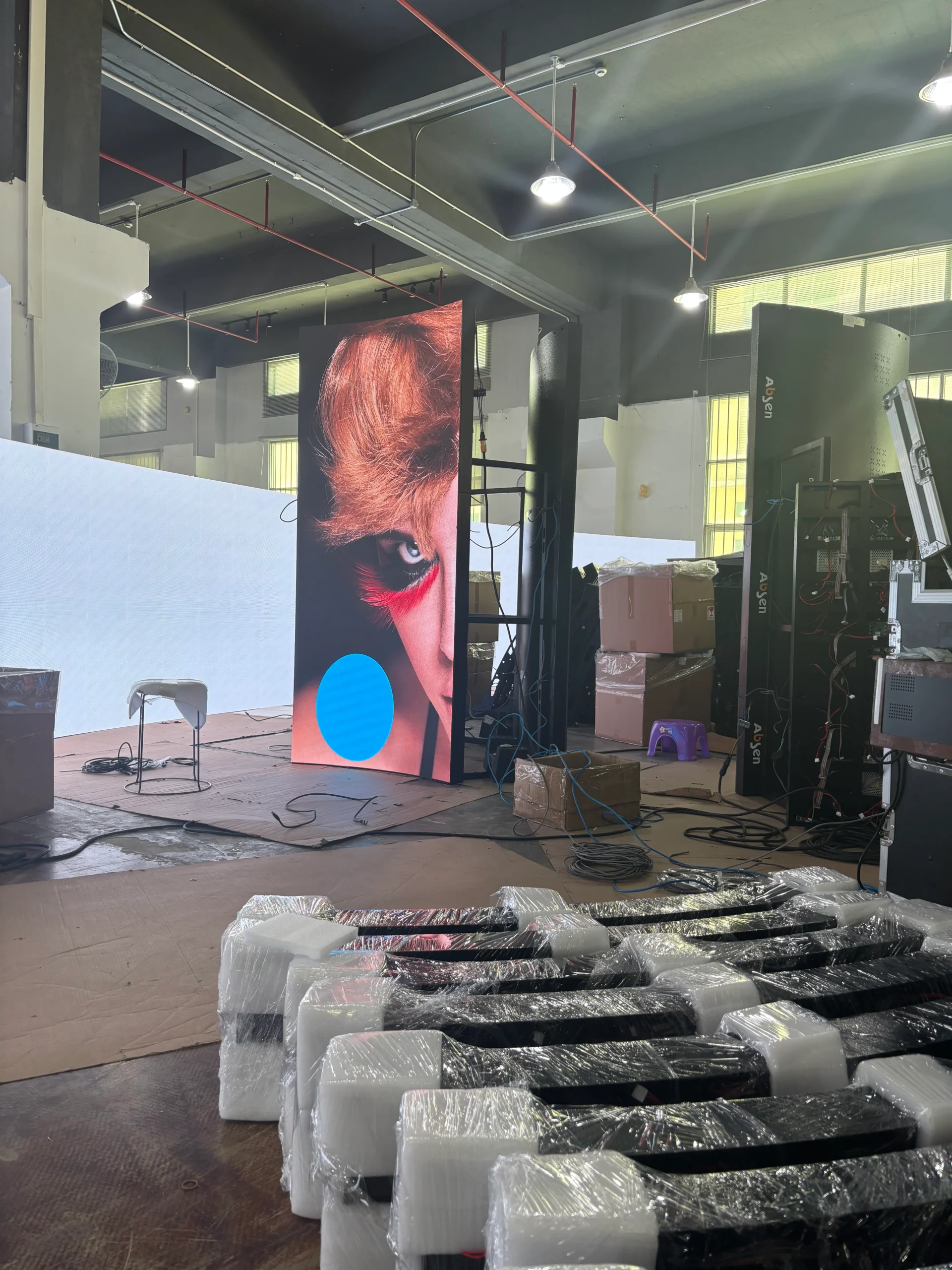
Here is TW VISION outdoor digital LED screen cabinet video.
This article provides a comprehensive, practical guide to renting large outdoor LED screens in Toronto for public gatherings. It covers technical specifications, event planning, venue and permitting considerations specific to Toronto, logistics (setup, power, weatherproofing), content and playback, audio integration, vendor selection, budgeting, safety and contingency planning, and best practices derived from real-world examples.
Technical Fundamentals: Choosing the Right LED Screen
Screen Size, Resolution, and Pixel Pitch
– Pixel pitch (measured in millimeters) determines resolution and ideal viewing distance. Typical outdoor pitches: P2.9–P6 for near-field viewing (stage front), P6–P10 for medium distance, and P10–P16 or higher for very large outdoor displays meant for long-distance viewing.
– Choose pixel pitch based on audience distance: e.g., for a crowd primarily 30–60 feet away, a P6–P8 screen balances clarity and cost.
– Screen physical size should match crowd scale: small gatherings (500–1,000) can use 12–16 ft wide screens; large festivals (5,000+) often require 24–40+ ft wide display surfaces.
Brightness, Contrast, and Weatherproofing
– Outdoor led displays require high brightness (typically 5,000–8,000 nits) for daytime visibility. Automatic brightness adjustment helps adapt to changing daylight.
– High contrast and excellent refresh rates (≥3840 Hz for broadcast-quality appearance) prevent flicker and improve camera capture.
– Weather ratings: look for IP65 or better for full protection against rain and dust; ensure cabinets and seams are sealed and connectors are weatherproof.
Structural and Safety Specs
– Rigging and wind-load ratings matter—screens must have certified anchoring systems and appropriate ballast or ground support. Understand the screen’s rated maximum wind speed; for many temporary builds, wind speeds above 30–40 km/h trigger mitigation or take-down.
– Truss, towers, or ground stacks must conform to manufacturer specs and local code; use certified riggers and engineers for large builds.
Toronto-Specific Considerations: Permits, Noise, and Public Space Rules
Permits and Approvals
– City of Toronto requires permits for special events, street closures, and use of public squares/parks. Apply early—permit lead times can range from weeks to months depending on scope.
– Events on or near public roads may require coordination with Traffic Management and Toronto Police Service for closures or traffic control plans.
– If using amplified sound or broadcasting, check noise by-law requirements and obtain necessary approvals from municipal authorities.
Electrical and Generator Requirements
– Access to power on-site must be evaluated early. Municipal parks usually have limited or no high-voltage access; generators are commonly used.
– Confirm generator capacity with your vendor. Large LED walls can demand tens to hundreds of amps depending on size and brightness. Factor in redundant power (dual feeds or backup generators) for mission-critical events.
Public Safety, Crowd Management, and Accessibility
– Coordinate with Toronto Public Health and safety agencies as needed for first-aid stations, sanitation, and crowd flow plans.
– Ensure ADA-compliant sightlines and accessible viewing areas for people with disabilities.
– Have emergency messaging capability via the screen to display evacuation instructions or safety announcements.
Analysis Table: Typical LED Screen Options for Toronto Public Gatherings
| Screen Size (W × H) | Pixel Pitch (mm) | Recommended Viewing Distance | Best Event Types | Typical Rental Cost (Per Day, CAD) |
|---|---|---|---|---|
| 12 ft × 8 ft (3.6m × 2.4m) | P6–P8 | 30–100 ft (10–30 m) | Small community events, outdoor movie nights, local ceremonies | $1,200–$2,500 |
| 16 ft × 9 ft (5m × 2.8m) | P6 | 50–150 ft (15–45 m) | Block parties, medium concerts, product launches | $2,500–$4,500 |
| 24 ft × 14 ft (7.2m × 4.3m) | P6–P10 | 75–250 ft (25–75 m) | Large festivals, fan zones, political rallies | $4,500–$8,000 |
| 40 ft × 22 ft (12m × 6.7m) | P8–P16 | 150–500+ ft (50–150+ m) | Major outdoor concerts, city-wide broadcasts, large fan parks | $8,000–$20,000+ |
Note: Pricing is illustrative and varies by vendor, season, length of rental, additional services (audio, power, transport), and permit costs.
Logistics: Site Assessment, Transport, Setup, and Teardown
Site Survey and Pre-Production
– Conduct a site survey well in advance. Identify mounting points, clearances, sightlines, power sources, road access for trucks, and staging areas for rigging.
– Model audience sightlines using CAD or simple layouts to determine screen height and tilt so the display remains visible to the maximum number of people.
– Confirm local restrictions on vehicle movement times, especially for downtown Toronto districts.
Transport and Labor
– Large screens and associated gear (trusses, controllers, cables, audio) require truck access. Factor in truck size limits in narrow streets or parks.
– Experienced crew: rigger, AV tech, electrician, stagehands, and site manager. For large builds, 6–12 personnel may be required during setup.
– Plan for 1–3 days of setup for very large installations; smaller setups may be completed in a single day.
Weather and Contingency
– Toronto weather can be unpredictable: have rainproof covers, water diversion plans, and procedures for high winds.
– Establish wind speed thresholds for safe operation; include a plan for lowering or removing screens if winds exceed safe limits.
– Schedule buffer days for setup in case of weather delays.
Content, Playback, and Connectivity
Content Preparation
– Prepare content in the native resolution and aspect ratio of the LED wall to avoid scaling artifacts. If exact resolution is non-standard, use the controller’s recommended resolution or the range that matches the pixel matrix.
– Use high-quality codecs and formats: ProRes or high-bitrate H.264/H.265 files for playback. For live feeds, use SDI or fiber connections with proper frame sync.
Playback Systems and Synchronization
– Use dedicated media servers (e.g., NovaStar, Brompton, or proprietary servers) that handle brightness calibration, color mapping, and multi-zone control.
– For multiple screens or split-screen content, ensure synchronization across displays using genlock or synchronous frame rates.
– Plan for content redundancy: duplicate media on two players to ensure continuity in case of hardware failure.
Live Feeds and Networking
– Live camera feeds may use SDI, fiber, or low-latency NDI over reliable network backbones. When using wireless links, ensure line-of-sight and frequency coordination.
– For remote content delivery, coordinate with venue IT or use private networks to avoid congestion on public Wi-Fi.
Audio Integration and Noise Management
Designing Outdoor PA Systems
– Pair the LED screen with a PA system sized for the crowd and venue acoustics. Line arrays are common for larger events to ensure even coverage.
– Common SPL targets outdoors range from 85–95 dB for large audiences; be mindful of local noise bylaws—Toronto’s noise by-law sets limits and times when amplified sound is restricted.
Compliance and Community Relations
– Coordinate sound checks in advance and inform nearby businesses and residents where required. Consider using directional speaker clusters to minimize spill into residential areas.
– Have a noise management plan as part of your permit package and be ready to adjust levels if requested by authorities.
Budgeting: Typical Cost Components
– Base screen rental: depends on size and resolution.
– Transport: truck(s), fuel, driver fees, parking fees.
– Labor: setup, operator, electrician, rigger, security.
– Power: generator rental, fuel, electrician fees.
– Audio: PA rental, engineers, speaker towers.
– Permits and approvals: municipal fees, road closures.
– Insurance: general liability and equipment insurance (often required by City of Toronto).
– Content creation and playback hardware/software: media servers, playback licenses.
– Contingency: unforeseen costs, overtime, weather delays.
Provide a rough budget example for a medium festival:
– Screen rental (24×14): $6,000/day
– Transport and labor: $2,500
– Generators and power distribution: $1,200
– PA system rental and techs: $3,000
– Permits and insurance: $1,500
– Contingency and miscellaneous: $1,000
Total approximate: $15,200 for event day and setup/teardown.
Vendor Selection and Contract Essentials
Questions to Ask Potential Vendors
– Can you provide proof of previous similar installations in Toronto (references or case studies)?
– What are the technical specifications: pixel pitch, brightness, IP rating, refresh rate?
– What safety certifications and rigging documentation do you provide?
– Do you carry equipment insurance and staff certifications (e.g., Working at Heights)?
– What is your backup plan if hardware fails? Do you provide redundant players, spare modules, or on-site spare screens?
– What are precise delivery, setup, and teardown timelines included in rental fees?
Contract Clauses to Watch
– Clear scope of work listing all included items (power distro, cables, controllers, media server).
– Responsibility for permits, insurance, and compliance.
– Cancellation and weather clauses—especially for unpredictable outdoor events.
– Overtime rates, additional labor, and damage liability.
– Payment schedule and deposit requirements.
Health, Safety, and Risk Management
– Obtain general liability insurance and equipment coverage. City permits often require minimum coverage limits.
– Implement a safety plan that includes site access control, emergency evacuation procedures, first-aid staff, and communications protocols.
– Ensure rigging inspections are logged, anchor points verified, and that temporary structures (towers, trusses) have engineer sign-off when required.
– Have a qualified on-site technical lead who can make real-time decisions about safety and technical adjustments.
Case Studies and Best Practices
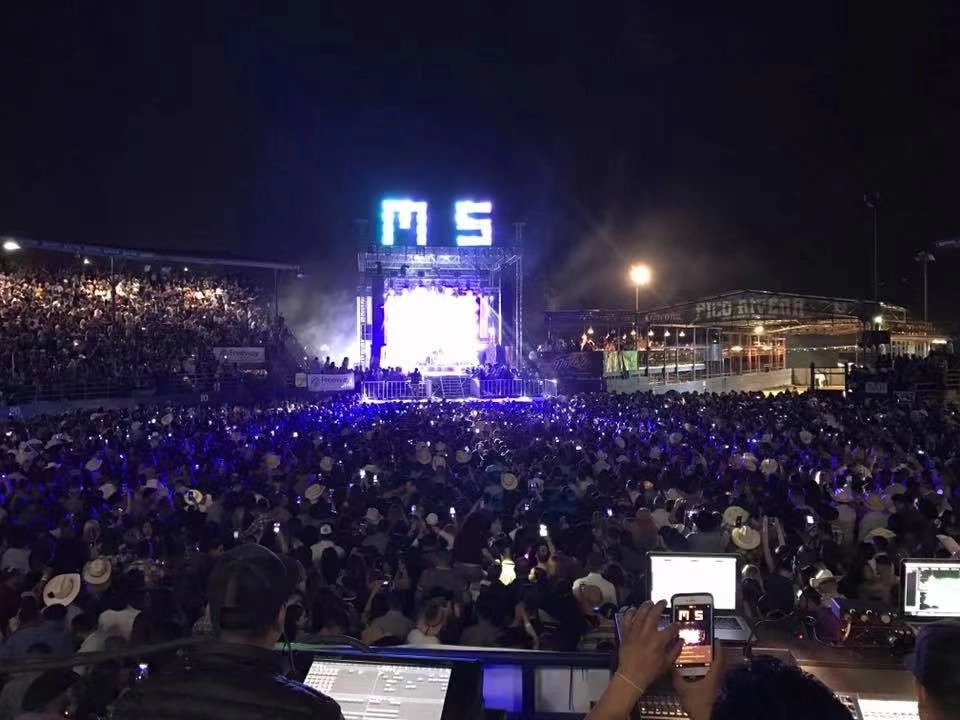
– Fan Zone at Public Square: A mid-sized fan zone used a 24×14 LED wall with P8 pitch, placed 16 ft high to clear sightlines. They synchronized multiple camera feeds and used captioning for accessibility. Outcome: increased dwell time and positive sponsor exposure.
– Outdoor Movie Night in a Park: A 12×8 P6 screen paired with a low-latency media server reduced playback issues. Generators were positioned 50 meters away with proper cable protection for safety.
– Cultural Festival on Waterfront: Multiple smaller LED screens deployed across the site allowed distributed viewing areas. This minimized crowding and improved overall engagement.
Best practices distilled:
– Start planning 8–12 weeks in advance for medium-to-large events.
– Conduct a thorough site survey and mock-up sightline diagrams.
– Confirm power needs early and secure generators if required.
– Prepare content in the screen’s native resolution and provide redundant media servers.
– Always include contingency funds for weather and permit delays.
Troubleshooting Common Issues
– Flicker or banding on camera recordings: ensure high refresh rates and broadcast-friendly refresh (≥3840 Hz) and check camera shutter sync.
– Visibility problems in bright sunlight: increase screen brightness and use anti-glare positioning; consider shading if feasible.
– Sync drift between multiple screens: use genlock or a single master playback server.
– Unexpected power drop: have UPS and generator redundancy; deploy staged power-on procedures.
Sustainability and Community Considerations
– Reduce generator runtime by using shore power where possible and efficient generator models. Use LED lighting with low-power requirements for ancillary lighting.
– Communicate with local communities about event plans, follow noise and closure regulations, and provide clear signage and staff to manage crowd behavior.
– Offer accessible viewing areas and closed captioning or simultaneous translation where appropriate.
Conclusion: Maximizing Impact While Managing Risk
Renting a large outdoor digital LED screen in Toronto can elevate any public gathering from a routine event to a memorable shared experience—but success depends on careful planning, technical competence, compliance with municipal regulations, and contingency preparedness. Key actions for event organizers:
– Begin early: secure permits and vendors well in advance.
– Choose the right screen specs for audience distance and event type.
– Factor in power, audio, and safety requirements.
– Vet vendors for experience, certifications, and redundancy plans.
– Allocate budget for permit fees, insurance, and contingencies.
When organized thoughtfully, outdoor LED screens become not just visual focal points but tools for engagement, wayfinding, accessibility, and emergency communication. In Toronto’s dynamic public spaces, the right screen done right enhances the communal experience while protecting the event, the audience, and the city.