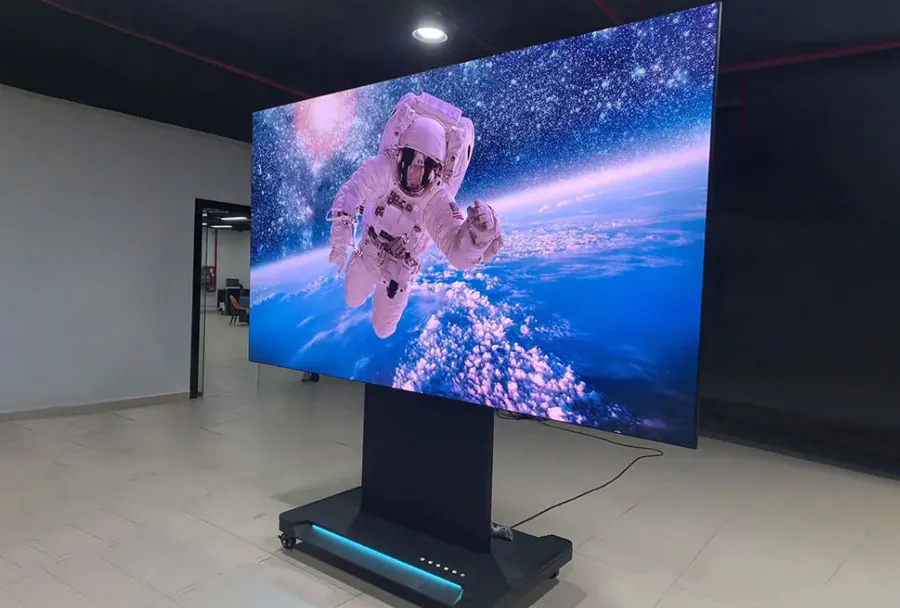
Touchscreen Digital Signage Monitor for Interactive Displays

Interactive screens have moved far beyond “playing a looped video.” Today, a Touchscreen Digital Signage Monitor for Interactive Displays is a practical tool for selling, guiding, educating, and collecting real-time data—especially in retail, hospitality, corporate spaces, museums, healthcare, and transportation hubs. When designed correctly, it turns foot traffic into meaningful engagement: people tap, explore, compare, register, navigate, and even complete purchases.
As a service provider, TW VISION focuses on delivering touchscreen digital signage solutions that are reliable in public environments, visually compelling, and easy to manage at scale. Below is a complete, experience-driven look at what these monitors are, how to choose them, and how to use them to create interactive displays that perform.
Identify What “LED Display” Actually Means
An LED display can mean an LED-backlit LCD monitor or a direct-view LED screen, and those technologies require different comparisons.
LED-backlit LCD monitors
In a conventional LCD monitor, liquid crystals control light supplied by a backlight. When that backlight uses LEDs, retailers often shorten the description to “LED monitor.”
Adding a touch sensor does not change that basic image-producing system. A touchscreen LCD can also be an LED monitor.
ViewSonic provides a concrete reference: its TD1655 specifications list a 1920 × 1080 display with LED backlighting and touch capability. ViewSonic’s documentation establishes that these features coexist in one product.
Direct-view LED screens
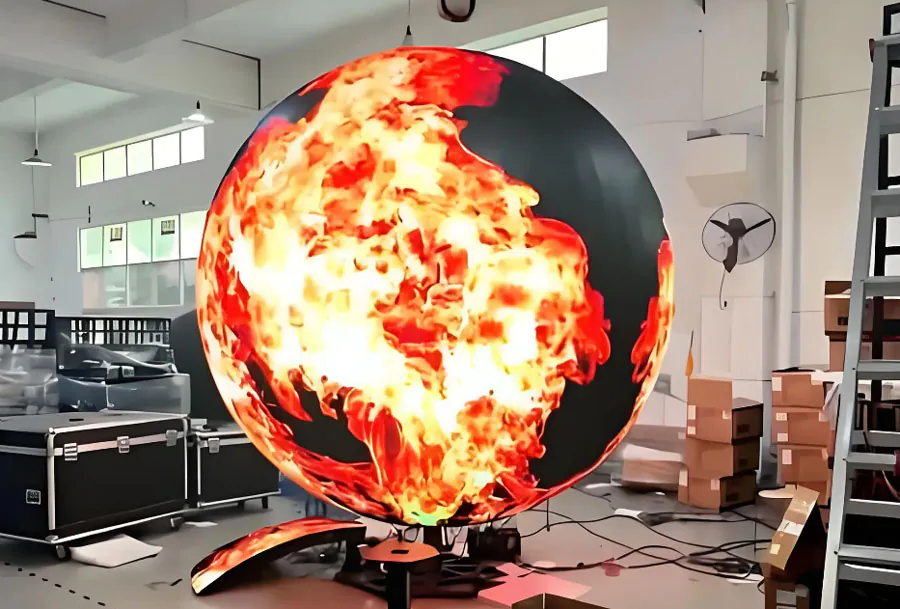
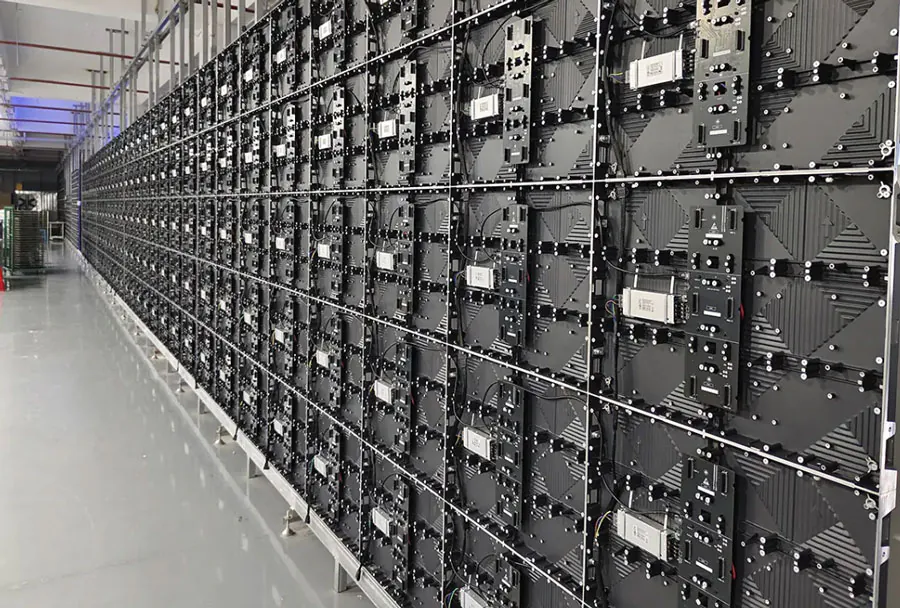
Direct-view LED displays form images using light-emitting elements arranged across the display surface. They are common in video walls and signage, where size, viewing distance, and installation requirements matter.
A touchscreen LCD is usually a more relevant comparison for a desktop LED-backlit monitor than for a modular signage wall.
For LED Display vs. Touchscreen LCD Monitor, first establish which meaning the seller intends. Otherwise, you may compare products built for different jobs.
How to apply this: Before comparing LED Display vs. Touchscreen LCD Monitor prices, ask each supplier to identify the panel technology, backlight type, and whether touch is included.
Why Interactive Displays Are Becoming the Default in Public Spaces
Traditional digital signage speaks at people; interactive signage speaks with them. That shift matters because attention is expensive and time is limited. An interactive display creates a “micro-journey” where users can self-serve information and move forward without waiting for staff.
Common business outcomes include:
– Higher conversion: interactive product finders, comparison tools, and guided selection flow.
– Reduced operational load: self-service directories, FAQs, queue and appointment check-ins.
– Better brand recall: hands-on exploration is more memorable than passive viewing.
– Measurable engagement: taps, dwell time, popular pages, and interaction funnels can be tracked.
– Faster updates: promotions and information can be changed instantly without reprinting materials.
TW VISION typically positions touchscreen signage not as “a screen purchase,” but as an experience infrastructure that supports customer service, marketing performance, and operational efficiency.
Core Features to Look for in a Touchscreen Digital Signage Monitor
Choosing the right monitor determines whether your interactive display becomes a long-term asset or a constant maintenance issue. Below are the features that matter most in public-facing environments.
Commercial-Grade Reliability (Not Consumer Hardware)
Public displays should be built for long operating schedules. Commercial units are designed for extended runtimes, improved thermal control, and stable performance in varied environments. Reliability affects everything: maintenance cost, user trust, and brand perception.
Touch Accuracy and Responsiveness
Interactivity fails when touch feels laggy, inaccurate, or inconsistent near the edges. A good touchscreen digital signage monitor supports smooth navigation and precise selection—especially for directories, maps, forms, and multi-step user flows.
High Brightness and Visibility
Interactive displays must remain readable under strong ambient light, including storefront windows, lobby lighting, or overhead downlights. Brightness, contrast, and anti-glare design influence whether users approach the screen confidently or walk away.
Durability for Frequent Use
In public spaces, the screen needs strong protective glass and a robust chassis. The display should be designed to handle frequent touches, cleaning routines, and accidental bumps in high-traffic areas.
Connectivity and System Integration
Interactive signage rarely works alone. A touchscreen monitor may need to integrate with content platforms, POS systems, CRM membership flows, queue systems, IoT sensors, or building directories. Stable connectivity and compatible interfaces simplify deployment and scaling.
Flexible Mounting and Installation Options
Wall-mounted, floor-standing kiosk, countertop, or embedded installations all have different requirements. The monitor’s mounting compatibility, cable routing, and service access strongly affect installation time and the final appearance.
Interactive Display Scenarios That Perform Well
A Touchscreen Digital Signage Monitor for Interactive Displays can be used in many ways. However, the highest ROI usually comes from experiences that solve a clear user problem through a simple, intuitive process. For example, businesses can use interactive displays to help customers find information, explore products, or access services more efficiently. As a result, when companies focus on user needs and simplify each step, they can improve engagement while maximizing the value of their investment.
Here are proven scenarios that TW VISION often supports through planning and deployment services.
Retail Product Discovery and Endless Aisle
Interactive catalogs allow customers to browse colors, sizes, specifications, and availability. Instead of walking away when an item is out of stock, users can find alternatives or place orders.
Wayfinding and Interactive Directories
In malls, hospitals, campuses, and corporate buildings, interactive maps reduce confusion and staff interruptions. Users can search by store, department, service type, or appointment name and get step-by-step directions.
Self Check-In and Queue Management
Clinics, banks, government service counters, and showrooms use touchscreen displays to reduce waiting friction. Customers can check in, receive queue numbers, and get guidance about required documents.
Museum and Exhibition Engagement
Interactive storytelling creates deeper learning: timelines, zoomable images, 3D models, quizzes, multilingual content, and accessibility-friendly navigation.
Corporate Lobby and Visitor Management
A lobby touchscreen can handle visitor registration, host notifications, meeting room directions, and company introductions—creating a consistent, premium first impression.
Designing Content for Touch: What Makes Interactivity Work
Many interactive signage projects fail not because of hardware, but because the user experience is designed like a poster. Touch content needs a different approach: fewer steps, larger buttons, and immediate feedback.
Key best practices include:
– Clear first action: one obvious starting point (e.g., “Find a store,” “Browse products,” “Check in”).
– Big touch targets: buttons sized for real fingers, not a mouse pointer.
– Shallow navigation: avoid deep menus; keep users within 2–3 taps of the goal.
– Fast performance: loading delays kill engagement; optimize media and transitions.
– Idle-to-attract loop: when untouched, the screen should invite interaction with a short, clear call-to-action.
– Accessible UI: support readable typography, high contrast, and multilingual options when needed.
TW VISION often supports clients by aligning the touchscreen content structure with the physical environment: where people stand, how long they wait, what they need, and how quickly they move.
Deployment at Scale: Remote Management and Operational Control
For a single site, a touchscreen monitor is manageable. For multiple branches, it becomes a networked system that needs control and visibility. The operational value comes from being able to update content, monitor status, and troubleshoot without onsite visits.
A strong solution typically includes:
– Central content scheduling (by time, location, or user segment)
– Remote health monitoring (online/offline status, temperature alerts, performance checks)
– User interaction analytics (tap events, popular pages, session length)
– Permission control (brand headquarters vs. local store edits)
– Security policy (lockdown modes, restricted ports, safe browsing rules where relevant)
TW VISION’s service approach emphasizes that interactive signage is not a “one-time install,” but an ongoing channel—like a website in the physical world—requiring updates, governance, and performance measurement.
How TW VISION Supports Touchscreen Digital Signage Projects
As a service provider, TW VISION helps clients implement Touchscreen Digital Signage Monitor for Interactive Displays projects with a focus on stability, usability, and brand impact. Typical support areas include:
– Solution consulting: choosing screen sizes, placement strategy, and interaction goals.
– Hardware selection and configuration: matching commercial-grade monitors to usage scenarios.
– Installation planning: cable routing, mounting method, power/network readiness, and site conditions.
– Content and interaction planning: design the UI to support touch behavior and real-world environments.
– System integration: connecting signage with business workflows (directories, check-in, CRM, or product data).
– Maintenance and lifecycle support: keeping the display network consistent and operational.
The result is a deployment that looks professional, works smoothly for users, and remains manageable for operations teams.
Measuring Success: What to Track Beyond “It Looks Good”
Marketers should evaluate interactive signage like any performance channel. Visibility alone is not the goal—outcomes are.
Meaningful metrics include:
– Engagement rate: how many passersby start interacting.
– Session duration: time spent per user (context matters—short can be good for wayfinding).
– Top actions: most-used functions, most-viewed products, most-searched departments.
– Completion rate: check-in completed, form submitted, map route generated, catalog inquiry sent.
– Operational impact: reduced counter questions, shorter wait times, improved staff efficiency.
By aligning metrics to business goals, TW VISION helps clients iterate: refine menus, adjust calls-to-action, optimize placement, and keep content relevant.
Turning Screens into Real Interactions with TW VISION
A Touchscreen Digital Signage Monitor for Interactive Displays is more than just a display; instead, it serves as a customer-facing interface, a practical service tool, and a measurable engagement channel. Moreover, when combined with commercial-grade reliability and thoughtful UX design, it can deliver a smoother and more engaging user experience. At the same time, scalable management helps businesses maintain consistent content and streamline daily operations. As a result, interactive signage can strengthen brand experiences while improving operational efficiency.
With TW VISION as the service provider, businesses can move from “installing a touchscreen” to building a consistent interactive ecosystem: one that attracts attention, guides users, reduces friction, and delivers insights that help teams keep improving long after launch.
Frequently Asked Questions About LED Display vs. Touchscreen LCD Monitor
These answers address accessories and operating conditions that can change an otherwise suitable purchase.
Can I use a privacy filter on a touchscreen monitor?
Yes, if the filter is compatible with the monitor’s touch system and attachment method. A filter can change visibility or touch behavior, so check both manufacturers’ guidance before buying. In a healthcare reception setting, restricted side viewing may help reduce casual observation, but it does not secure stored information. Add accessory compatibility to your LED Display vs.
Touchscreen LCD Monitor evaluation and test the fitted filter.
Why does my display show bands when I record it?
Camera banding can result from the interaction between a camera’s exposure timing and a display’s refresh or backlight behavior. A screen may look normal to your eyes while showing moving bands in video. If you record training sessions with a monitor in frame, test your intended camera settings before purchase. For LED Display vs.
Touchscreen LCD Monitor, evaluate recorded footage separately from how the screen looks in person.
Can a touchscreen monitor replace a drawing tablet?
Only if it supports the pen features your drawing work needs. Finger touch does not establish pressure sensitivity, tilt recognition, or palm rejection. A designer signing occasional documents may accept basic stylus input, while an illustrator needs explicit support for the intended pen and application. When comparing LED Display vs.
Touchscreen LCD Monitor, ask for the supported pen model and test strokes inside your actual drawing software.
Will touchscreen controls work before I log into my computer?
They may, but support depends on the operating system, drivers, and login environment. Touch working inside an application does not guarantee that an on-screen keyboard will appear at sign-in. An unattended kiosk that restarts after an outage could become difficult to access without a physical keyboard. Include restart and login testing in your LED Display vs.
Touchscreen LCD Monitor assessment, and keep a documented recovery method.
Can an ordinary monitor be converted into a touchscreen?
Sometimes, using a compatible touch overlay or external touch frame. The accessory must fit the active display area and support your computer, while its mounting can affect appearance and usability. Retrofitting a public information screen may make sense when replacing the whole installation is impractical. For LED Display vs.
Touchscreen LCD Monitor, compare the complete retrofit cost and support arrangements against an integrated touchscreen before committing.
Choose the Display That Fits Your Workflow
Choose a display by matching its technology, interface, and installation requirements to the work you need it to perform. The most useful LED Display vs. Touchscreen LCD Monitor comparison starts with a clear specification and ends with a practical trial.
– Identify the technology: Confirm whether “LED” means an LCD backlight or a direct-view LED display.
– Test your content: Judge text, controls, reflections, and viewing distance using your real application.
– Validate interaction: Check touch accuracy, reach, supported gestures, and the complete connection path.
– Price the installation: Include mounting, accessories, maintenance, and replacement arrangements alongside the screen itself.
Treat supplier claims as a starting point, then confirm the details in official documentation. Your next step is to shortlist suitable models and request a demonstration using your software, lighting conditions, and mounting position before placing an order.