How to Choose the Right TW VISION Flexible LED Display

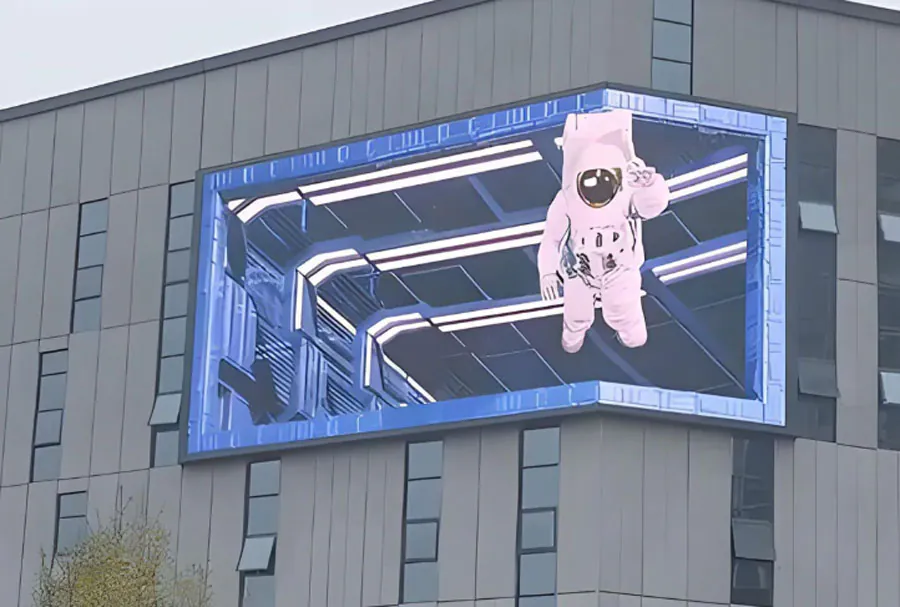
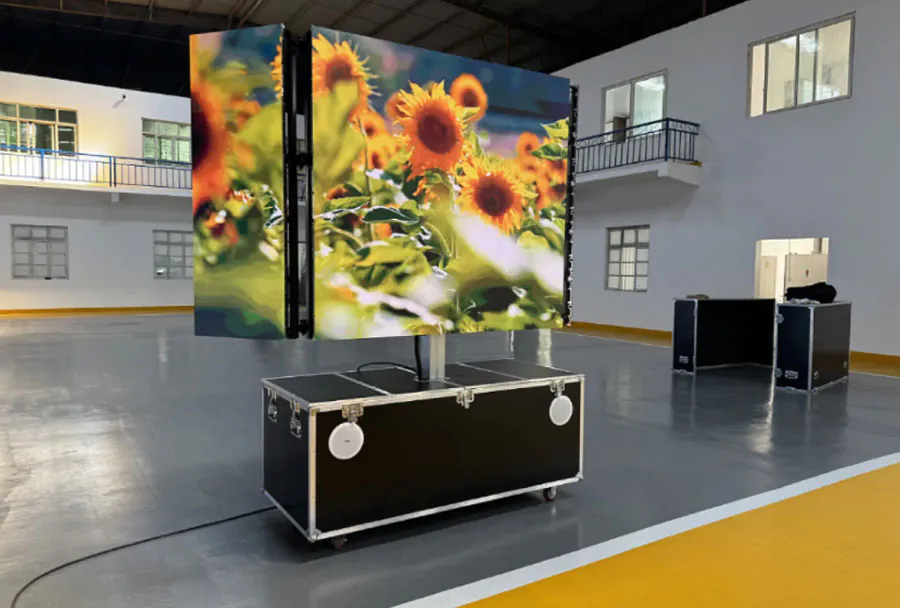
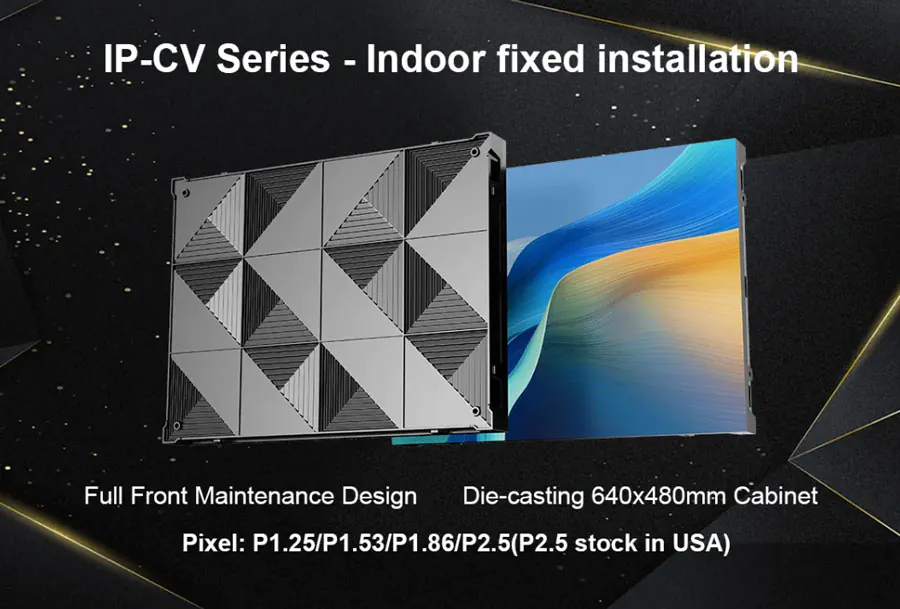
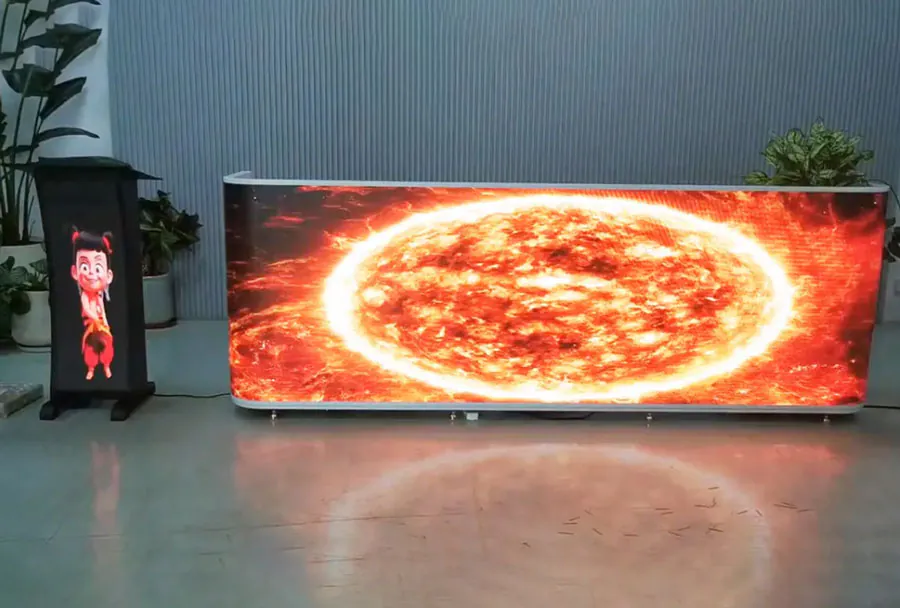
flexible led displays from TW VISION combine the advantages of traditional LED Video Walls—high brightness, long service life, and rich color—with the ability to curve, bend, or wrap around architectural features. That flexibility unlocks creative possibilities for retail facades, immersive stage backdrops, curved signage, and sculptural installations. Choosing the right TW VISION flexible LED display, however, requires understanding technical trade-offs and matching product capabilities to your site, content, budget, and long-term service needs. This guide walks you through the essential selection criteria, offers practical recommendations, and provides an analysis table to help you compare options objectively.
Understanding Flexible LED Displays
What “Flexible” Means in Practice
“Flexible” LED displays are constructed from lightweight, thin LED modules or strips mounted on pliable substrates that allow convex or concave curvature, seamless cylindrical wrapping, or free-form shapes. The flexibility may be limited to gentle curves or engineered for tight radii; different TW VISION product families support varying degrees of bendability. Beyond shape, consider pixel pitch, brightness, refresh rate, and environmental protection—those attributes determine where the display will perform best.
Common Use Cases
– Retail window wrap or brand signage
– Conference room or museum curved exhibits
– Stage and touring backdrops with complex shapes
– Indoor architectural installations (columns, atriums)
– Outdoor fa?ade accents (requires high IP rating and brightness)
Key Selection Criteria
1. Pixel Pitch and Resolution
Pixel pitch (mm) determines perceived sharpness and the optimal viewing distance. For close-view environments (retail windows, interactive exhibits), choose finer pitches (e.g., P1.9–P2.5). For mid-range viewing (conference rooms, lobbies), P2.5–P4 is common. For large-format displays or longer viewing distances (fa?ade signage, stage background), P4–P10 works well. Always confirm the content type—text and fine graphics require denser pixels.
2. Brightness and HDR Capability
Brightness (measured in nits or cd/m2) determines readability in ambient light. Indoor flexible displays typically range from 600–1,500 nits; outdoor and window-facing displays require 2,000–6,000 nits depending on direct sunlight exposure. For broadcast or camera-captured content, confirm high dynamic range handling and stable color under high refresh rates.
3. Curvature Radius and Mechanical Flexibility
Not all flexible panels bend equally. Check the manufacturer’s specified minimum bending radius and whether the product supports convex, concave, or both. For tight shapes or cylindrical columns, request a mockup or sample to verify fit. Consider mounting systems that accommodate movement and thermal expansion.
4. Weight, Thickness, and Mounting
Thin, lightweight flexible panels reduce structural load and simplify installation. However, lighter panels can be more delicate—verify recommended mounting hardware and backing structures. For permanent installations, coordinate with structural engineers for fa?ade loads and wind-load considerations on outdoor wraps.
5. Power Consumption and Thermal Management
LED power draw varies with brightness and pixel density. Flexible displays often use passive or minimal active cooling; check operating temperature ranges and duty cycles to avoid thermal throttling. For continuous 24/7 outdoor operation, confirm thermal design and ventilation requirements.
6. Refresh Rate and Scan Technology
For camera-friendly output (live broadcasts, streamed events), high refresh rates and high PWM frequencies reduce flicker and banding. Specify refresh rates and ask for test footage under camera capture to validate performance.
7. Environmental Protection (IP Rating)
Outdoor usage demands weatherproofing: IP65 or higher for exposed installations. Indoor installations near moisture or condensation should also be assessed. Ask for corrosion-resistant components and UV-stable materials for long-term color stability.
8. Serviceability and Repair
Flexible displays differ in repair approach—module-level repairs, replaceable LED strips, or entire panel swaps. Confirm MTTR (mean time to repair), availability of spare parts, and whether TW VISION offers local service partners.
9. Control Systems and Compatibility
Ensure the LED controller supports your content management system, video feed formats, and synchronization (if multiple walls or layers are involved). Verify remote diagnostics and firmware upgrade paths.
10. Warranty, Certifications, and Compliance
Ask for product warranty terms, extended service packages, and certifications (CE, FCC, UL). For public installations, demand evidence of electrical safety and fire retardancy where applicable.
Analysis Table
| Criteria | Why It Matters | Key Specs to Check | Typical Range | Recommendation |
|---|---|---|---|---|
| Pixel Pitch | Sharpness & viewing distance | P-value (e.g., P1.9, P3) | P1.2–P2.5 (close); P2.5–P4 (mid); P4+ (far) | Match pixel pitch to viewing distance and content detail |
| Brightness | Readability in ambient light | Nits / cd/m2 | 600–1,500 (indoor); 2,000–6,000+ (outdoor) | Pick higher nits for outdoor or window-facing installations |
| Flexibility | Ability to achieve desired shapes | Minimum bending radius, convex/concave support | Hundreds of mm to >1,000 mm depending on product | Validate with sample; avoid forcing beyond rated radius |
| Environmental Rating | Durability outdoors | IP rating, UV resistance | IP20 (indoor) to IP65+ (outdoor) | Specify IP65+ for exposed outdoor use |
| Service & Warranty | Maintenance cost & downtime | Warranty years, service network | 1–5 years typical; extended service optional | Choose a vendor with local support and clear SLA |
Practical Selection Workflow
Step 1 – Define Use Case and Viewing Conditions
Document purpose (branding, information, entertainment), typical viewer distance, indoor vs outdoor, ambient light, and whether cameras will capture the display. These parameters immediately narrow pixel pitch and brightness choices.
Step 2 – Site Survey and Mechanical Constraints
Perform a physical site survey: available mounting surfaces, curvature geometry, load-bearing capacity, power access, and ventilation. For fa?ades, check wind load and waterproofing needs.
Step 3 – Review TW VISION Product Lines
Ask TW VISION for datasheets matching your needs—include module dimensions, bend radius, brightness, power, and control hardware. Request test samples or small demo panels to confirm curvature and image quality.
Step 4 – Validate Content and Control Chain
Test representative content on the proposed panel type. Verify color accuracy, motion handling, and compatibility with your media servers. For multi-panel systems, test synchronization and edge-blending if used.
Step 5 – Confirm Installation & Maintenance Plan
Agree on installation method, on-site training, spare parts, and response times for service. For public or mission-critical displays, negotiate an SLA and extended warranty.
Use-Case Examples and Recommended Specs
Retail Window Wrap (Interactive)
– Pixel Pitch: P1.9–P2.5
– Brightness: 3,000–6,000 nits (window-facing)
– Flexibility: Support for tight wrap; confirm min radius
– Recommendation: High-brightness modules with front-serviceable LEDs and robust weatherproofing for glass exposure.
Theatrical Stage Backdrop
– Pixel Pitch: P2.5–P4
– Brightness: 1,000–3,000 nits
– Refresh Rate: High (≥3,000–4,000 Hz) for camera capture
– Recommendation: Lightweight, fast-install frame system with rigging points and on-site spare modules.
Architectural Column or Atrium Wrap
– Pixel Pitch: P2.5–P6
– Flexibility: Support for 360° wrap; ensure even curvature
– Environmental: Indoor UV-stable materials
– Recommendation: Panels with low-profile mounting and easy access for maintenance.
Procurement and Long-Term Considerations
Budget vs Performance
Higher performance (finer pixel pitch, higher brightness, tighter radii, broadcast-grade refresh) increases cost. Prioritize features based on where viewers will stand and how content will be consumed.

Total Cost of Ownership
Include installation, control systems, spare parts inventory, energy consumption, and service contracts when calculating ROI. Flexible displays that are easier to service reduce downtime and operating expense.
Testing and Acceptance
Agree on factory acceptance tests (FAT) and site acceptance tests (SAT). Insist on test footage and camera-capture demonstrations if the installation will be broadcast or recorded.
Working with TW VISION
Engage TW VISION early in the project lifecycle. Provide sketches, content samples, and site photos so the vendor can propose a tailored solution. Request:
– Detailed datasheets and mechanical drawings
– Minimum bending radius documentation
– IP ratings and durability test results
– Sample panels for mockup
– References from similar installations
Final Checklist Before Purchase
– Confirm pixel pitch matches viewing distance and content detail.
– Verify brightness and HDR capability against ambient light.
– Validate minimum bending radius and mounting system compatibility.
– Check IP rating for outdoor exposure and UV resistance.
– Ensure refresh rate and control electronics are camera-friendly if required.
– Confirm warranty, spare-part availability, and local service options.
– Arrange FAT/SAT and sample testing.
Choosing the right TW VISION flexible LED display is a mix of creative ambition and technical discipline. Start from your use case and viewing environment, then filter product choices by pixel pitch, brightness, flexibility, and durability. Use mockups and sample testing to validate shape and image quality. Finally, factor in serviceability, warranties, and the total cost of ownership to ensure the display remains a compelling part of your environment for years to come. With careful planning and collaboration with TW VISION, you can deploy a flexible LED solution that delivers both visual impact and reliable long-term performance.