LED Display Rental: 5 : Smart Guide for Event Success


LED display rental have become a cornerstone of modern corporate events — from product launches and conferences to AGM presentations and gala dinners. They deliver brightness, color accuracy, and flexibility that traditional projectors and printed backdrops can’t match. This guide walks event planners, AV technicians, and corporate stakeholders through everything needed to rent the right indoor LED screen: sizing, pixel pitch, mounting, power and rigging considerations, content preparation, budget planning, and on-site support. Whether you’re planning a small executive briefing or a large industry conference, these best practices will help you get predictable results and avoid costly last-minute problems.
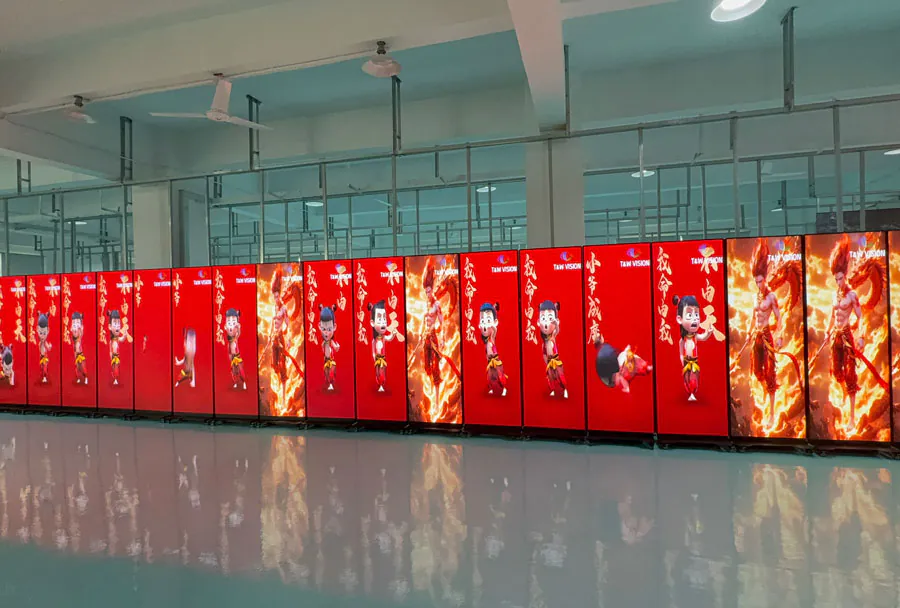
Followed is the TW VISION front desk screen operation video.
Table of Contents
- Introduction
- What LED Display Rental Offers
- Choosing the Right Rental Setup
- Cost, Planning, and Logistics
- Best Practices for Maximum Impact
- Industries That Benefit Most
- FAQ
- What is LED Display Rental used for?
- How do I choose the right screen size?
- Is indoor rental different from outdoor rental?
- How far in advance should I book?
- Can rental providers help with installation?
- Conclusion
Instead of buying and maintaining equipment that may only be used occasionally, many teams now prefer flexible rental solutions that can match different venues, screen sizes, and technical demands. From indoor presentations to outdoor festivals, the right display setup can improve audience engagement and create a polished professional look. This article explains how to choose, plan, and use a rental display solution effectively, with a focus on performance, budget, and event goals.
What LED Display Rental Offers
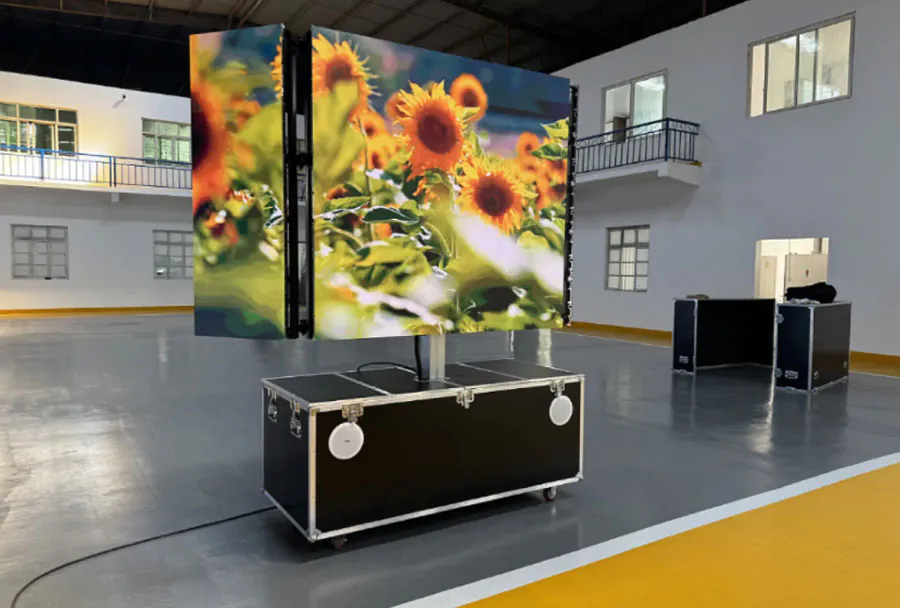
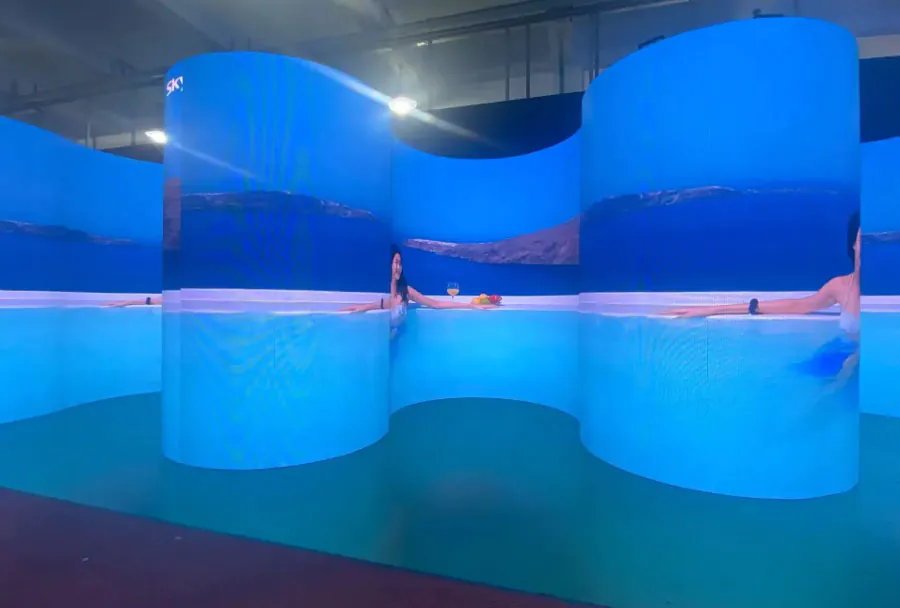
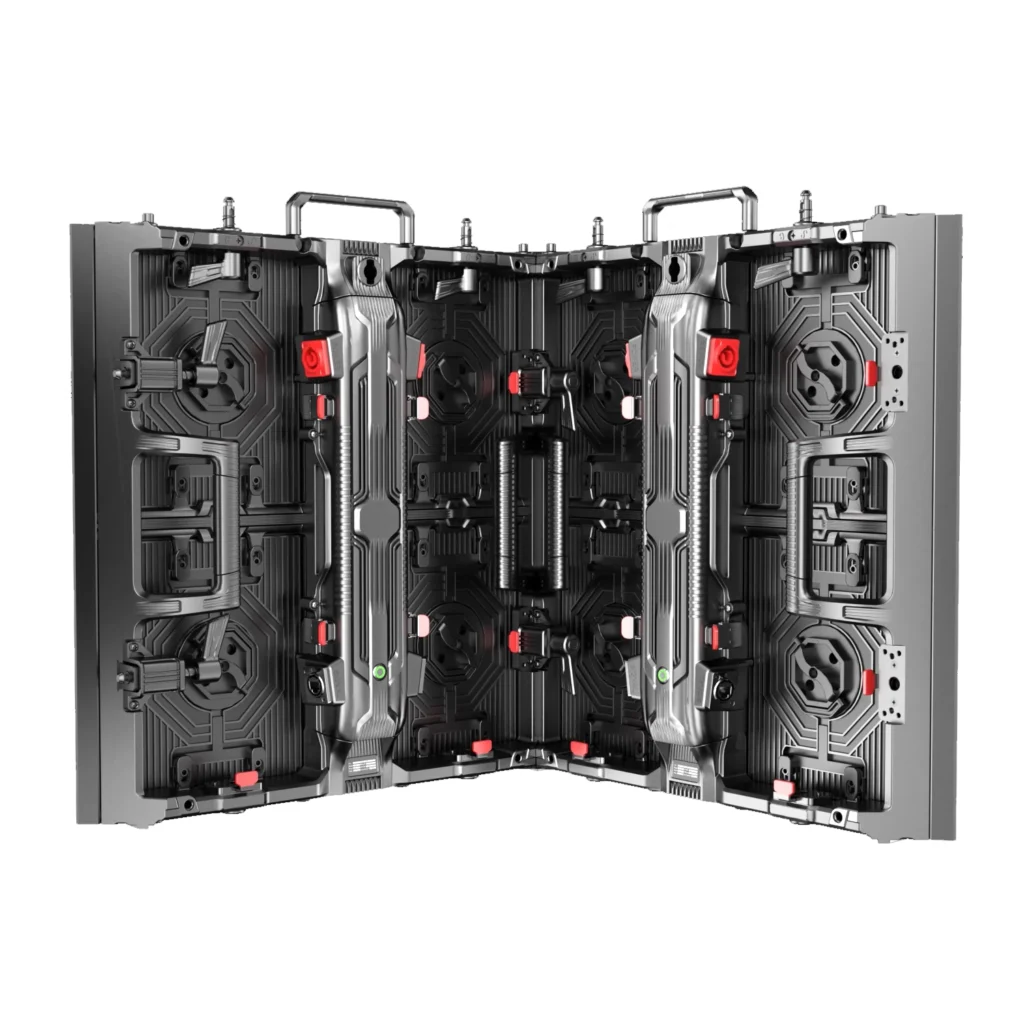
`LED Display Rental` gives businesses and event planners access to high-quality screens without committing to a permanent purchase. This is especially useful when display needs change from one event to another. A small seminar may require a compact indoor wall, while a trade show booth may need a larger, brighter setup with custom dimensions. Rental services make that flexibility possible.
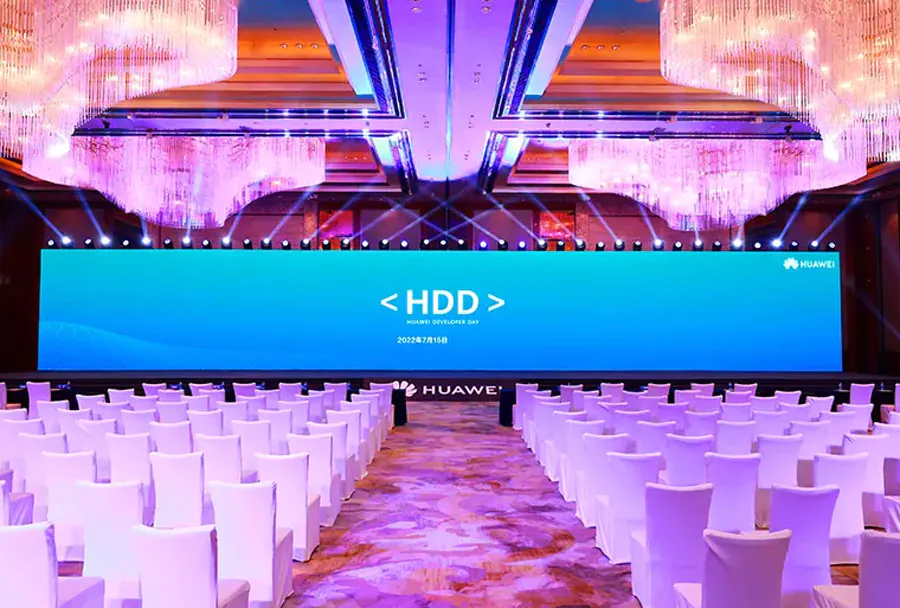
One major advantage is scalability. You can select the size, resolution, and configuration that best fits the space instead of forcing a fixed asset into every setting. That matters because screen visibility depends on viewing distance, lighting, and content type. A presentation that looks sharp in a hotel ballroom may need a different pixel pitch than a screen used for a concert stage.
Another benefit is reduced operational burden. Providers usually handle delivery, assembly, calibration, and dismantling. That means less pressure on your internal team and fewer technical surprises on event day. For organizations running multiple events across the year, `LED Display Rental` can also simplify budgeting because costs are tied to actual usage rather than ownership, storage, repairs, or depreciation.
Choosing the Right Rental Setup
Selecting the right system starts with the event environment. Indoor venues usually allow tighter pixel pitch and closer audience viewing, while outdoor events require higher brightness and weather-resistant construction. If your audience will stand far from the screen, you can prioritize size and brightness. If people will be close, image clarity becomes more important.
Content also matters. Live video, slides, motion graphics, and real-time data all have different requirements. A stage backdrop for a keynote needs consistent color and reliable playback. A sports broadcast or live concert feed needs smooth motion handling. When working with `LED Display Rental`, always match the screen specification to the visual content, not just the venue dimensions.
Installation logistics deserve attention too. Consider rigging points, floor load limits, power access, cable routing, and safety barriers. The screen should be placed so sightlines remain clear and no structural element blocks visibility. It is also worth asking whether the rental provider offers technical support during the event. On-site assistance can prevent delays if adjustments are needed after setup.
Cost, Planning, and Logistics
Budgeting for `LED Display Rental` should go beyond the quote for screen hardware alone. Event planners need to account for transport, installation, dismantling, technical labor, control equipment, and any special rigging or weatherproofing requirements. A lower base rate may not always be the best deal if it leaves out services you will still need.
The most efficient way to control costs is to define the scope early. Know the venue size, event duration, audience count, and content format before requesting proposals. Clear requirements help vendors recommend the right system without oversizing the setup. That reduces waste and keeps the rental package aligned with the real purpose of the event.
Timing also affects price and availability. High-demand periods such as convention season, holidays, and major entertainment dates can limit inventory. Booking early often gives you more options and avoids premium rush charges. For recurring events, a consistent `LED Display Rental` partner can help standardize planning and reduce the amount of work needed for each new installation.
Best Practices for Maximum Impact
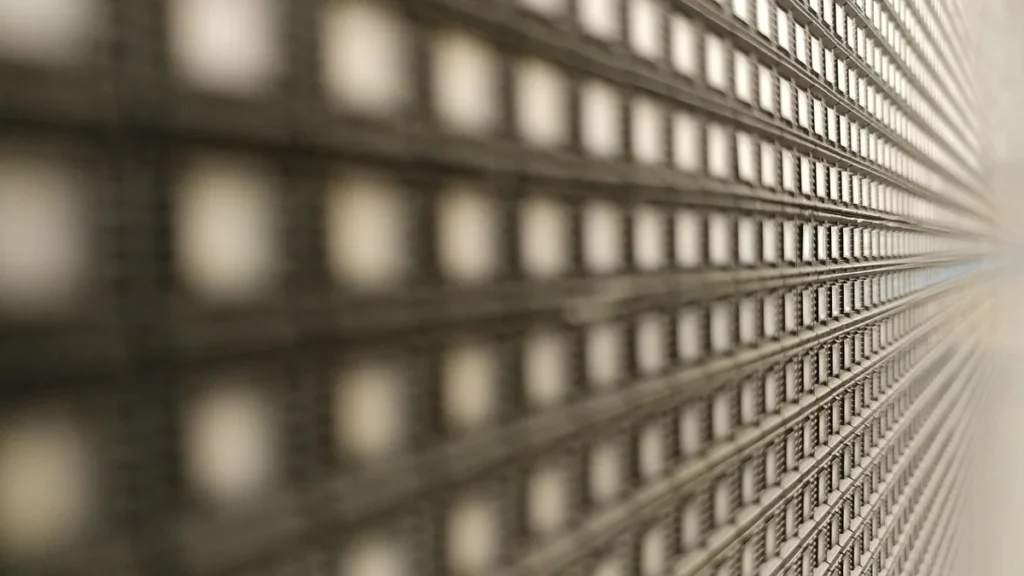
To get the best result from `LED Display Rental`, content quality must match the screen quality. High-resolution graphics, strong contrast, and concise messaging work better than dense text or weak visuals. Large displays are built for fast comprehension, so each frame should communicate clearly from a distance.
It also helps to design content with the audience position in mind. If viewers will be moving around, large type and simple layouts are easier to absorb. If the screen is part of a stage presentation, use motion and contrast carefully so the display supports the speaker instead of distracting from the message. Test every media file before the event to avoid resolution mismatches, aspect-ratio problems, or playback errors.
Operational discipline matters as well. Confirm the event schedule, load-in window, technical contacts, and backup plan before the team arrives on site. Keep spare cables, adapters, and playback devices ready. Even a well-executed `LED Display Rental` setup can be undermined by poor preparation, so treat the screen as one part of a broader production workflow rather than a standalone asset.
Industries That Benefit Most
`LED Display Rental` is used across a wide range of industries because visual communication is central to many event types. Corporate events often use it for product launches, executive presentations, and brand storytelling. Exhibition teams use it to attract visitors, showcase demos, and create a more memorable booth presence.
Entertainment events also rely heavily on rental screens. Concerts, festivals, theater productions, and live broadcasts use them to display visuals, sponsor messages, lyrics, or camera feeds. In these settings, brightness, reliability, and flexible staging options are especially important. A rental solution can adapt to different stage designs and audience sizes without requiring permanent investment.
Retail, education, sports, worship, and public-sector events can also benefit. A conference may use one configuration for a keynote and another for breakout sessions. A stadium may need temporary boards for special programming. Across all of these environments, `LED Display Rental` gives teams the freedom to scale visual impact precisely where it is needed.
Case Studies and Quick Scenarios
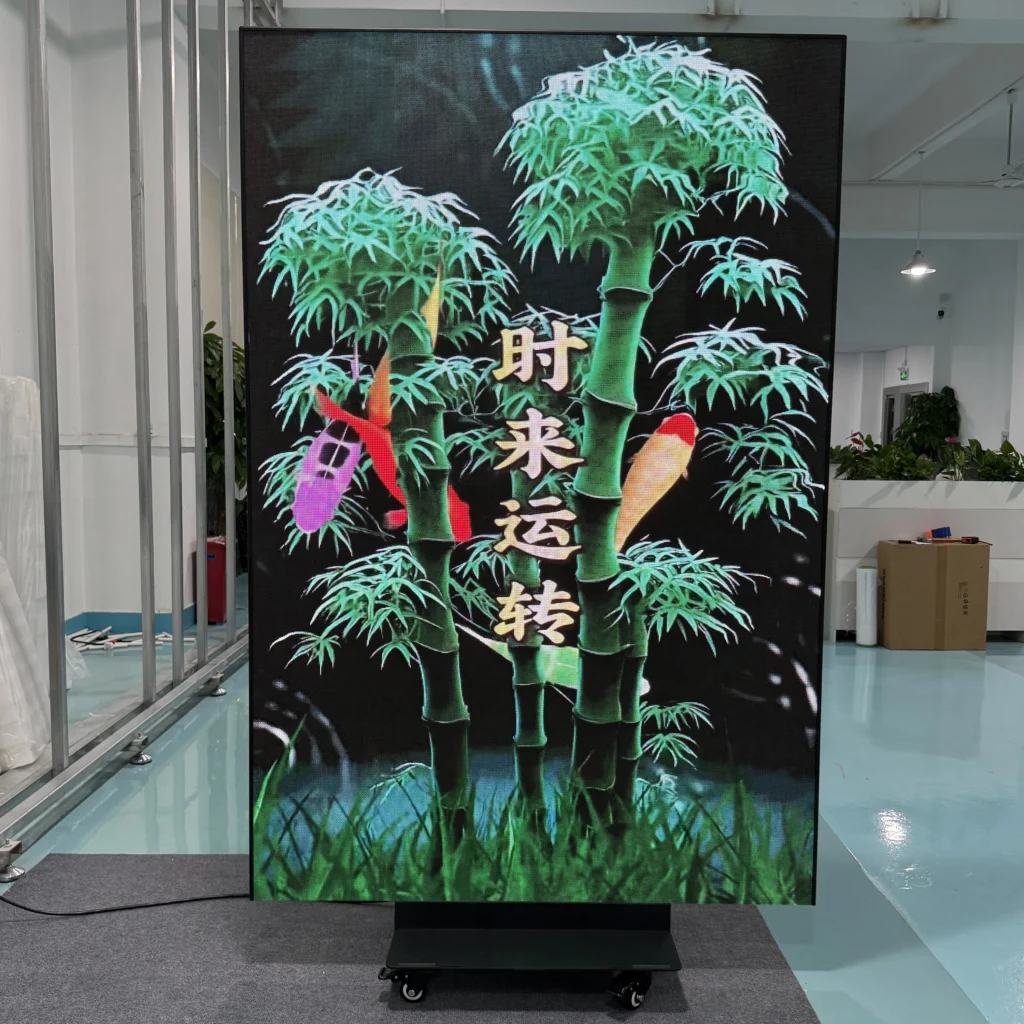
– Small executive briefing (50–100 people): P1.9–P2.5 LED, 3–4 m wide, ground-stacked or wall-mounted. Minimal rigging, single technician for setup and playback.
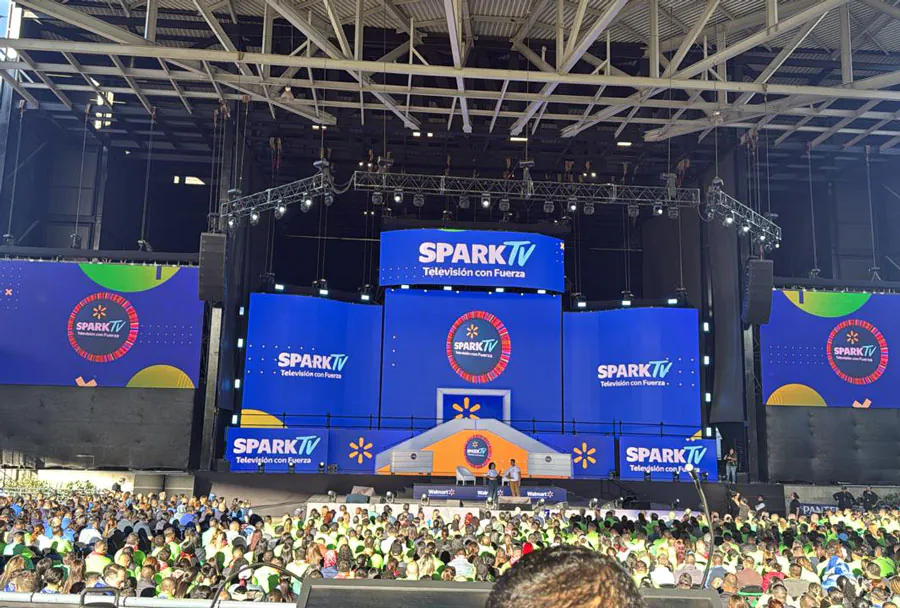
– Large conference keynote (500+ people): P2.5–P3.9 LED, 6–12 m wide, flown screen or wide stage wall, redundant media servers, dedicated video operator and technicians.
– Product launch with livestream: Fine-pitch LED for product close-ups, high refresh rate, carefully coordinated camera placements and confidence monitors.
FAQ
What is LED Display Rental used for?
`LED Display Rental` is used to provide temporary display systems for events, presentations, promotions, and live productions. It is useful when you need a large, bright, and professional visual solution without buying permanent hardware.
How do I choose the right screen size?
The right size depends on venue dimensions, audience distance, and content type. For `LED Display Rental`, larger audiences usually need bigger screens, while closer viewing requires finer pixel pitch and sharper resolution.
Is indoor rental different from outdoor rental?
Yes. Outdoor setups usually need higher brightness, weather resistance, and stronger structural support. Indoor `LED Display Rental` systems can focus more on image detail, viewing comfort, and space efficiency.
How far in advance should I book?
For the best availability, book as early as possible, especially during peak event seasons. Early booking gives you more options for `LED Display Rental` specifications, delivery timing, and technical support.
Can rental providers help with installation?
Most professional providers do. Installation, calibration, testing, and dismantling are commonly included or available as add-on services. With `LED Display Rental`, on-site support is often important for smooth event execution.
Conclusion
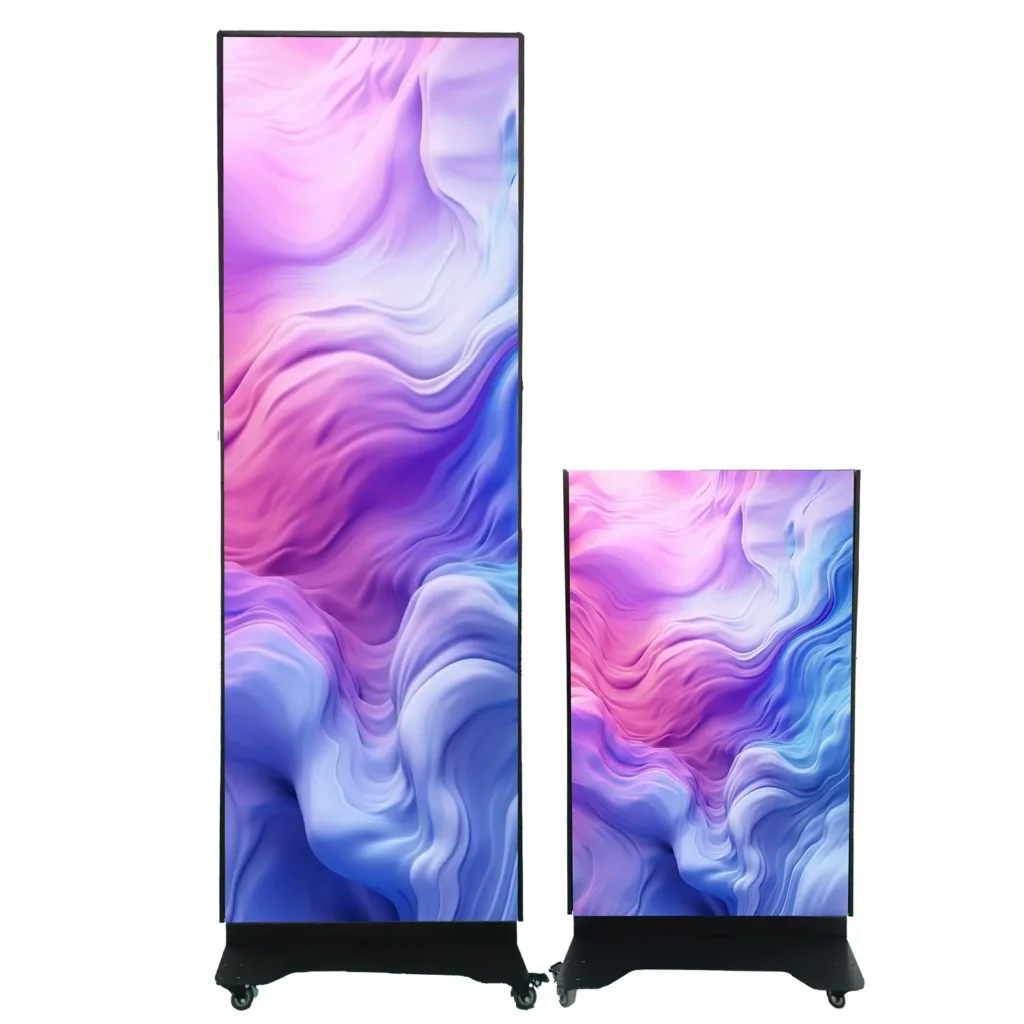
`LED Display Rental` is a practical way to create strong visual impact while keeping costs, logistics, and flexibility under control. When the screen size, brightness, content, and venue are matched properly, the result is a clearer message and a more professional event experience.
The best rentals are planned early, specified carefully, and supported by good content and technical coordination. Whether the goal is to increase brand visibility, improve audience engagement, or deliver a smooth live production, `LED Display Rental` gives you the adaptability to do it without the burden of ownership.
Related Articles
- mobile led screen rental: 5 Best for Events and Promotions
- led screen rental tampa: 9 Best for Events and Promotions
- led screen panel price: led screen panel price: Complete