Portable LED Displays for Exhibitions & Trade Shows

Portable LED Displays for Exhibitions & Trade Shows can help you explain a product, demonstrate software, and make your booth easier to spot. Yet a surprising technical fact often gets overlooked: Adobe’s guide to video resolution defines Full HD as 1920 × 1080 pixels, but a physically large LED wall may have a lower native resolution.
Table of Contents
- 1. Choose the Display Format Around Your Demonstration
- Match Resolution to Content
- 2. Design Content That Visitors Can Read Quickly
- Use Contrast as a Starting Point
- 3. Plan Installation, Power, and Venue Approval Together
- Confirm the Venue Requirements
- 4. Test Playback Under Real Operating Conditions
- Check Motion and Recovery
- 5. Compare the Full Cost of Renting and Buying
- Separate Purchase Price From Operating Cost
- Can portable LED displays be filmed without visible bands?
- Can an indoor LED display be used at an outdoor exhibition?
- What should you prepare before shipping a display internationally?
- How can you protect confidential information during a live demonstration?
- Who is responsible for licensing music and video shown at a booth?
- Conclusion
That distinction matters when your presentation includes small labels, detailed diagrams, or a software interface. A display can look impressive across the hall while making your product difficult to understand up close.
Your challenge is to match the screen to your content, audience, booth layout, and operating budget. Equipment specifications alone cannot make that decision.
A useful buying or rental brief should cover display format, readable content, installation requirements, reliable playback, and total cost. Getting those decisions right gives your team a clear presentation system and makes competing supplier quotes easier to assess.
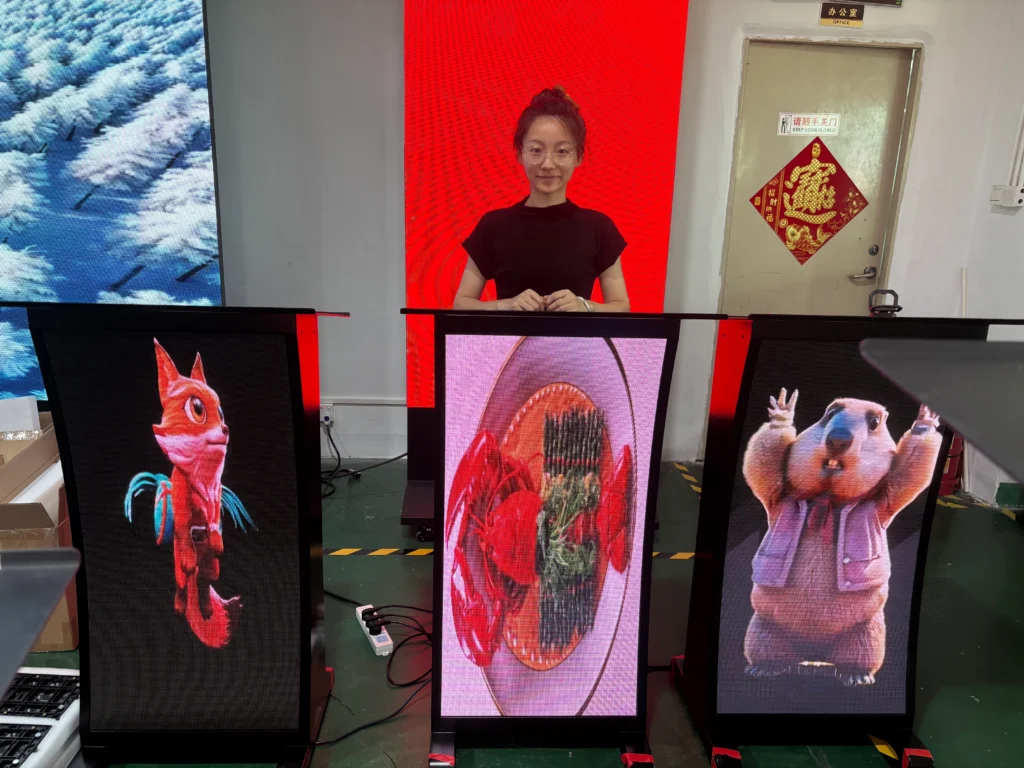
Foldable led poster operation video, show how it put into road case and take out, how to fold and flat with T-tool, cascade with 2 units poster and GOB protection. Made by TW VISION. TW VISION have stock for it in USA, welcome for inquiry.
1. Choose the Display Format Around Your Demonstration
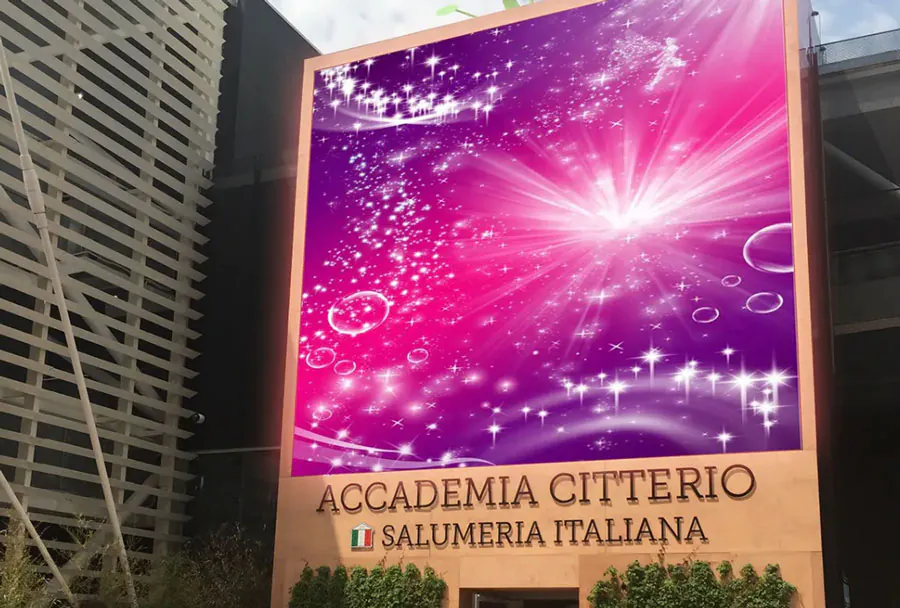
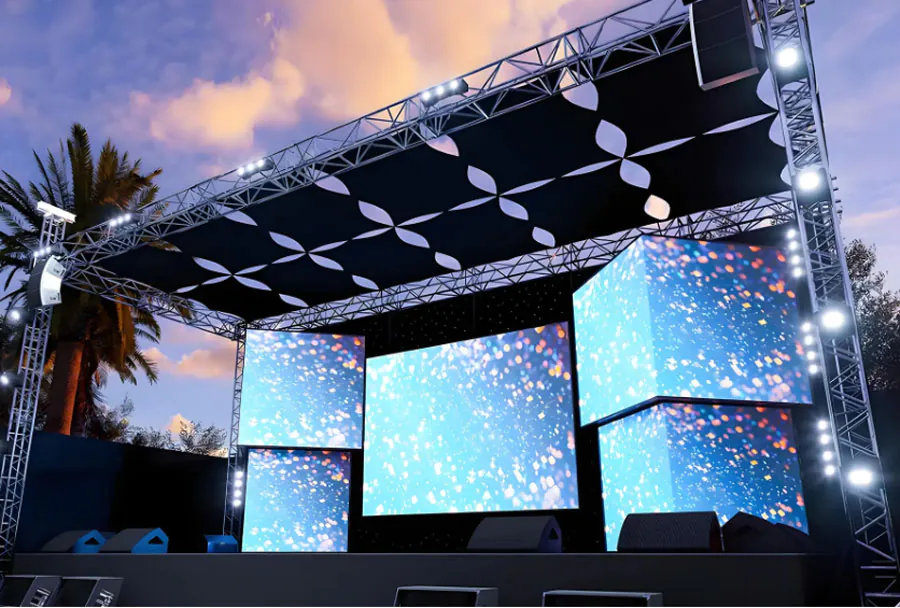
Choose your display format according to viewing distance, content detail, and available booth space. Portable LED Displays for Exhibitions & Trade Shows include several equipment types, and suppliers do not always use the terminology consistently.
A direct-view LED display creates the image through light-emitting diodes arranged across modules. An LCD display uses a liquid-crystal panel with a backlight, which may also be described as LED technology. Confirm which product a quotation actually includes.
Match Resolution to Content
Adobe identifies 1920 × 1080 pixels as Full HD. Ask for the proposed display’s native pixel dimensions, because its physical size does not establish how much detail it can show.
Pixel pitch describes the spacing between LED pixel centers. At the same physical screen size, a smaller pitch allows more pixels, but you should still evaluate your actual content at the expected viewing distance.
| Format | Useful application | What to check |
|---|---|---|
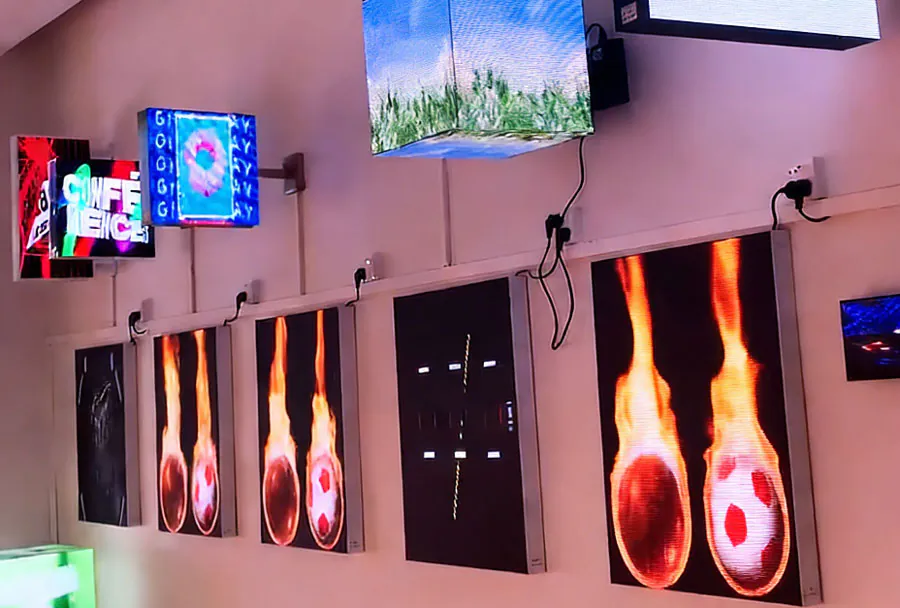
| Freestanding LED poster | Aisle-facing messages | Stability and transport case |
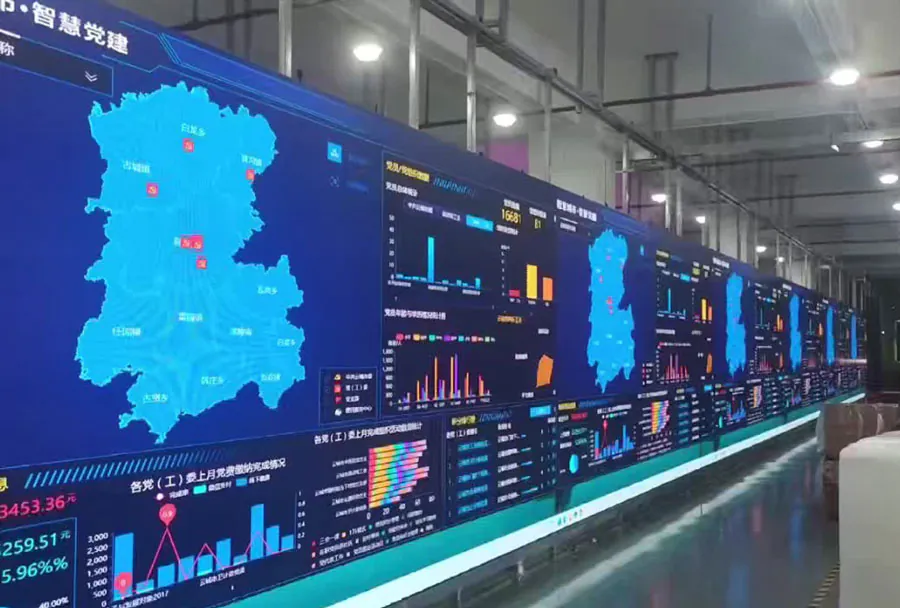
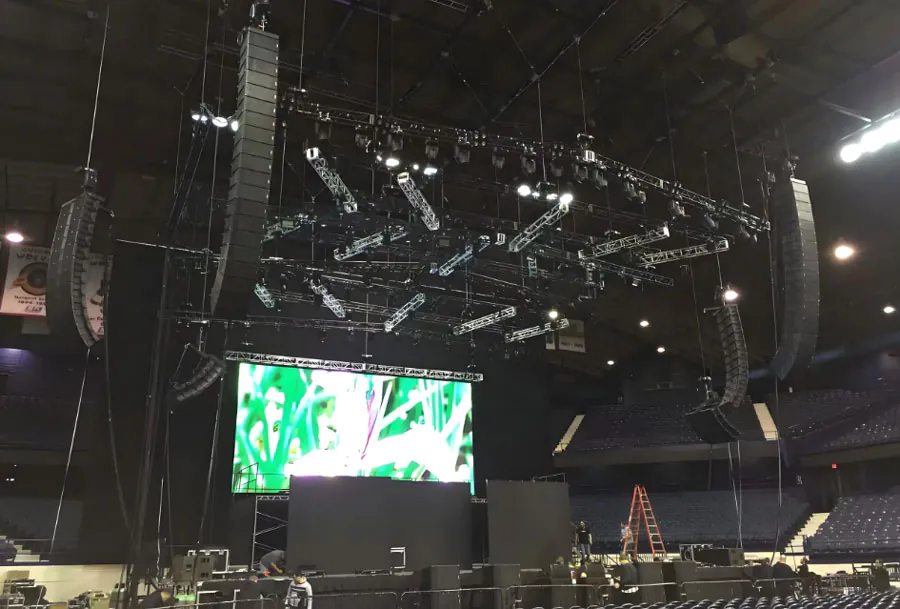
| Modular LED wall | Large visual presentations | Native resolution and assembly |
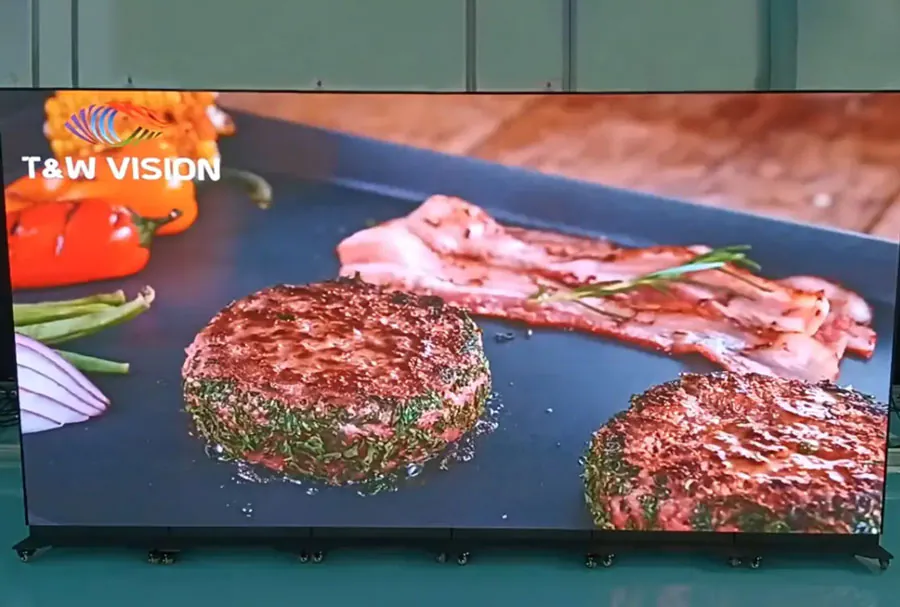
| LCD on a portable stand | Detailed product demonstrations | Glare and viewing angles |
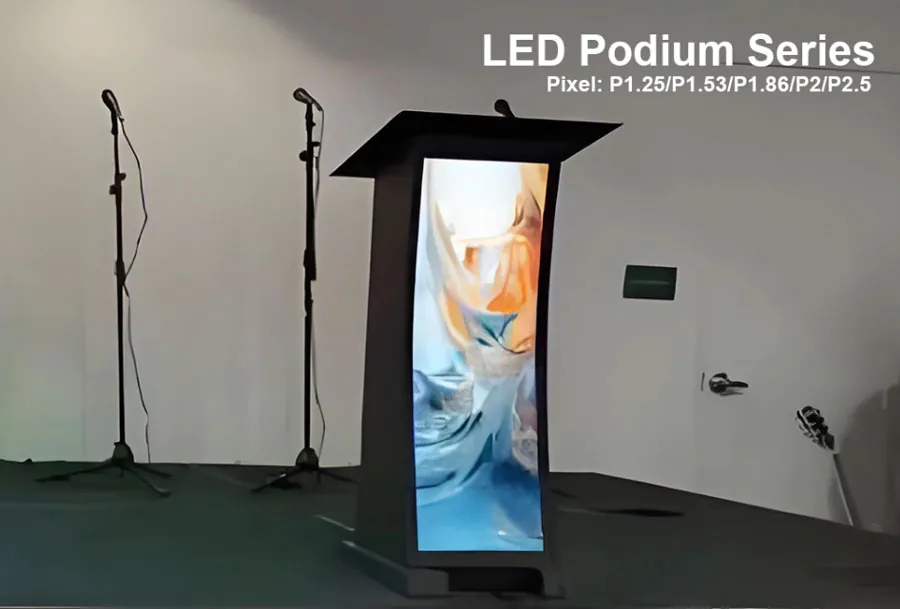
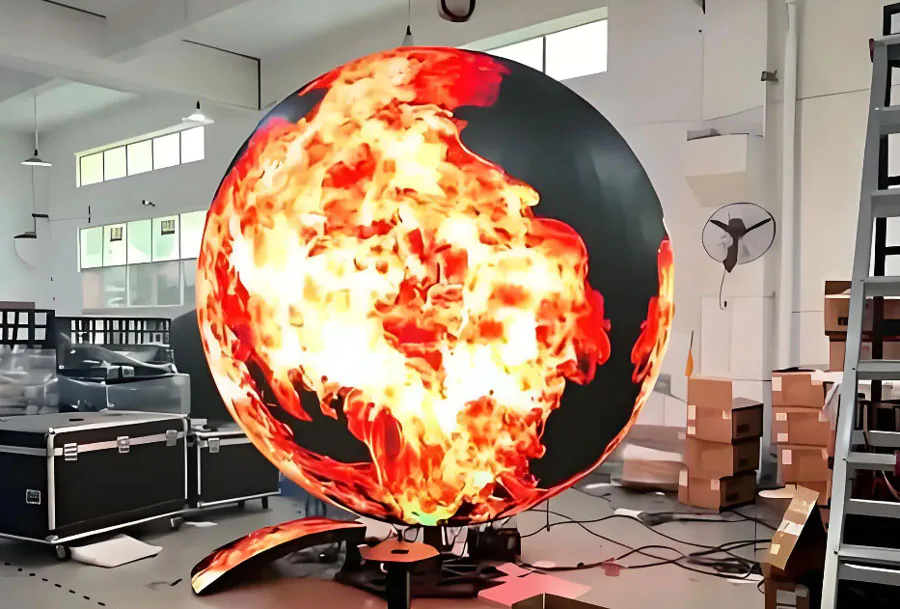
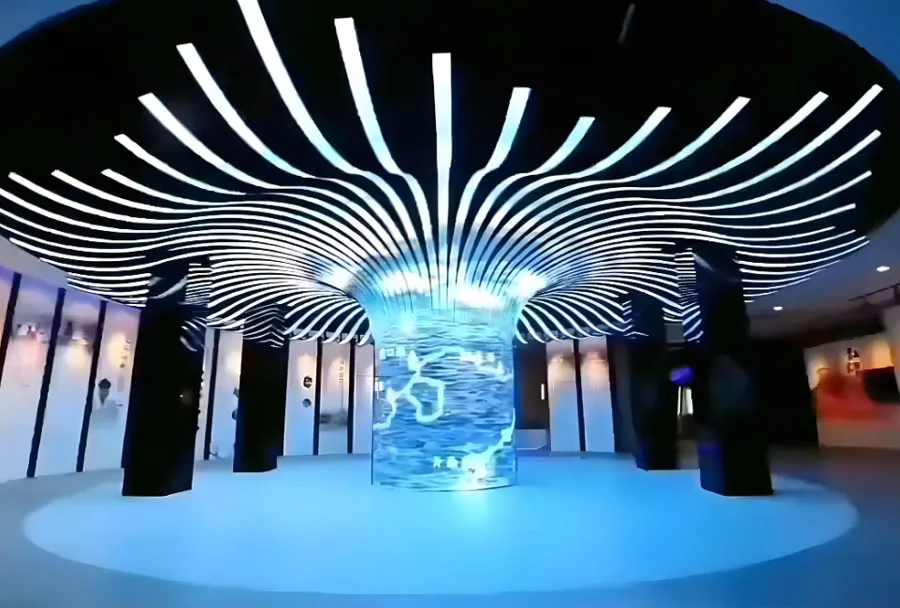
| Flexible LED system | Curved booth features | Support and handling limits |
For a software demonstration, test the smallest interface text before approving the equipment. That test provides more useful evidence than a promotional video.
When comparing Portable LED Displays for Exhibitions & Trade Shows, request a demonstration using your own files.
How to apply this: Send suppliers your booth dimensions, closest viewing position, and sample content, then request a recommendation with native resolution and complete transport dimensions.
2. Design Content That Visitors Can Read Quickly
Readable exhibition content combines a clear message, strong contrast, and text sized for the viewing position. Portable LED Displays for Exhibitions & Trade Shows work best when visitors can understand the offer without waiting through an entire presentation.
Separate the message that attracts attention from the material your sales team uses during a conversation. An aisle-facing screen needs a clear product benefit; a guided demonstration can contain more detail.
Use Contrast as a Starting Point
The World Wide Web Consortium’s WCAG guidance on minimum contrast states that normal text generally needs a contrast ratio of at least 4.5:1, while large text generally needs 3:1.
These are web accessibility criteria, but they provide a useful starting point for screen content. Physical viewing conditions still matter: reflections, ambient light, display settings, and distance can affect readability.
Canva supports presentation and video design, making it useful for preparing layouts at the dimensions supplied by your display provider. Check the exported file on the actual equipment before approving it.
A common scenario is a product video with captions positioned along the bottom edge. Furniture or visitors may obscure that area, so place essential information where your booth layout leaves it visible.
For Portable LED Displays for Exhibitions & Trade Shows, make the core message understandable without sound and keep calls to action visible long enough to read.
How to apply this: Build a sample screen with your headline, product image, and next step, then review it from the intended visitor position.
3. Plan Installation, Power, and Venue Approval Together
A portable display needs a complete installation plan covering stability, electricity, access, and venue rules. Portable LED Displays for Exhibitions & Trade Shows may be transportable while still requiring trained assembly, lifting equipment, or specialist electrical work.
Ask suppliers to distinguish between the display’s weight and the weight of its complete operating setup. Bases, support frames, controllers, and protective cases all affect handling and delivery.
Confirm the Venue Requirements
In the United States, OSHA’s exit-route requirements specify a minimum exit-access width of 28 inches. That workplace requirement is not a universal exhibition aisle specification; your venue, organizer, and local authority may require greater clearance.
OSHA also states that “Exit routes must be free and unobstructed.” Position screens, cases, and cables accordingly.
Request the following information before confirming the order:
– Complete operating weight and footprint.
– Maximum electrical demand and required connections.
– Approved support method and assembly instructions.
– Cable routing and protection requirements.
– Delivery access and storage arrangements.
– Venue documentation required for the installation.
Consider a freestanding display positioned beside a busy booth entrance. Its base must remain within the approved footprint, and its cables must not create an obstacle.
Portable LED Displays for Exhibitions & Trade Shows should be reviewed against the exhibitor manual before arrival.
How to apply this: Send the proposed layout, equipment specifications, and electrical requirements to your venue contact, and keep the approved plan with your onsite documents.
4. Test Playback Under Real Operating Conditions
Reliable playback requires testing the complete signal path, including the content file, player, controller, and display. Portable LED Displays for Exhibitions & Trade Shows can expose problems that remain invisible when you preview a file on a laptop.
Confirm supported formats, canvas dimensions, connection types, and startup behavior with the supplier. Establish who controls playback during the event and who can troubleshoot it.
Check Motion and Recovery
The W3C’s guidance on flashes sets a threshold of three flashes in any one-second period, with additional conditions governing flash intensity and area. Avoid strobing transitions and rapid flashes in booth content; applying the full criterion requires more than simply counting edits.
OBS Studio is free, open-source software for video recording and live streaming. Its scenes and sources can support switching between a live demonstration and prepared material when the configured computer output feeds the display system.
Before shipping your setup:
– Play the final exported files through the intended equipment.
– Check cropping, captions, colors, and sound.
– Disconnect network access to identify dependencies.
– Restart the system and confirm the recovery procedure.
– Keep approved content and essential configuration details available offline.
In a live demonstration, an application may stop responding while the display continues showing its output. Prepare a holding screen that the operator can select immediately.
Testing Portable LED Displays for Exhibitions & Trade Shows should include both normal operation and recovery.
How to apply this: Rehearse the presentation and a simulated failure, then give the operator a written startup and recovery checklist.
5. Compare the Full Cost of Renting and Buying
Compare rental and purchase using the total cost of delivering each event, including support and logistics. Portable LED Displays for Exhibitions & Trade Shows create expenses beyond the equipment price, and those expenses can change which option suits your schedule.
Rental can provide access to equipment and support for a particular booth. Ownership gives you control over availability, but you also take responsibility for storage, maintenance, transport, and future compatibility.
Separate Purchase Price From Operating Cost
The U.S. Energy Information Administration explains that a kilowatt-hour measures energy use: operating a one-kilowatt load for one hour consumes one kilowatt-hour.
That relationship helps estimate electricity consumption when you know average power demand and operating time. However, a venue may charge for an electrical connection, installation labor, or a service package, so consumption alone may not determine your invoice.
Build your comparison around:
– Equipment rental or purchase.
– Controllers, players, stands, and cases.
– Freight, handling, and storage.
– Installation and dismantling.
– Electrical services and technical support.
– Maintenance, replacement parts, and insurance.
For an exhibitor attending events in different regions, repeated freight and handling costs may change the ownership calculation. Obtain event-specific quotes before assuming that frequent use automatically favors buying.
Evaluate Portable LED Displays for Exhibitions & Trade Shows against a defined purpose, such as supported demonstrations or qualified sales conversations. Record results consistently so future purchasing decisions use your own evidence.
How to apply this: Create a cost sheet for your confirmed event calendar and compare complete rental and ownership proposals on the same scope.
Frequently Asked Questions About Portable LED Displays for Exhibitions & Trade Shows
These answers address situations that can change how you specify, transport, or operate an exhibition display.
Can portable LED displays be filmed without visible bands?
They can, but camera compatibility requires testing the display and camera together. Portable LED Displays for Exhibitions & Trade Shows may show bands or flicker on recordings even when they look acceptable in person.
If your booth will host interviews, ask the supplier to test your intended camera settings. Refresh rate alone does not guarantee clean footage; shutter settings, panel scanning, brightness, and synchronization can also affect the recorded image.
Can an indoor LED display be used at an outdoor exhibition?
Only use it outdoors when the manufacturer approves the equipment for the expected conditions. Portable LED Displays for Exhibitions & Trade Shows designed for indoor halls may lack suitable protection against rain, dust, heat, or direct sunlight.
A covered pavilion is an important edge case: wind-driven rain can still reach equipment. Request written confirmation covering the display, power connections, controller, and supporting structure before approving an outdoor or partially sheltered installation.
What should you prepare before shipping a display internationally?
Confirm customs documentation, temporary import arrangements, insurance, and destination electrical requirements before dispatch. Portable LED Displays for Exhibitions & Trade Shows can face delays when equipment descriptions or serial numbers do not match shipping documents.
An ATA Carnet may be relevant for eligible temporary imports, but acceptance and conditions depend on the destination and intended use. Ask your freight provider which procedure applies, including how it will document the equipment’s return after the exhibition.
How can you protect confidential information during a live demonstration?
Use a dedicated demonstration account with approved sample data, and disable notifications before presenting. Portable LED Displays for Exhibitions & Trade Shows can make private messages, customer records, or browser suggestions visible to everyone near the booth.
Screen mirroring creates a particular risk because switching applications may expose the desktop. Restrict the output to the intended presentation where your setup allows it, and keep a prepared holding screen available during account changes or troubleshooting.
Who is responsible for licensing music and video shown at a booth?
Your organization should establish the necessary permissions before showing third-party material. Portable LED Displays for Exhibitions & Trade Shows do not include content rights simply because the equipment or media player is rented.
A subscription that permits personal viewing may not authorize public exhibition use. Check the license for the specific footage, soundtrack, and intended setting, and ask the organizer whether any venue music arrangements apply to your activity rather than assuming coverage.
Conclusion
Choose Portable LED Displays for Exhibitions & Trade Shows by working backward from what visitors need to see and understand. The right specification connects your content, viewing conditions, installation plan, and budget.
Keep these priorities in your supplier brief:
– Match the equipment to the content. Confirm native resolution and evaluate your actual presentation at the expected distance.
– Make the message readable. Review contrast, captions, placement, and visibility within the finished booth layout.
– Prepare the complete operating setup. Confirm venue requirements, power, support, playback, and recovery procedures.
– Compare complete costs. Include logistics, labor, storage, and technical support when assessing rental and ownership.
Your next step is to send a sample presentation, booth plan, and event schedule to shortlisted suppliers. Request a demonstration and an itemized proposal based on that same brief before committing.