The Ultimate Guide to Content Management for Outdoor Digital Signage


Outdoor digital signage is no longer just a novel way to display ads or announcements — it’s an operational extension of brands, transit systems, municipalities, and retail environments. Because outdoor screens face sunlight, weather, and a public audience with short attention spans, content must be managed differently than for indoor displays. Effective content management for outdoor digital signage (ODDS) delivers the right message at the right time, ensures visibility and reliability under challenging conditions, and protects brand reputation while enabling measurable outcomes.
This guide focuses on practical, actionable strategies for managing outdoor signage content: from CMS capabilities and creative best practices to scheduling, technical safeguards, measurement, and an implementation roadmap you can use today.
Understanding Outdoor Digital Signage Needs
Audience, Location, and Context
Outdoor signage reaches a heterogeneous audience: pedestrians, drivers, commuters. Consider sightlines, dwell time, ambient noise, and speed of movement. A message meant for drivers must be concise and high-contrast; a transit shelter can support slightly longer messages and schedules.
Environmental & Operational Constraints
Sunlight glare, temperature extremes, rain, and vandalism affect both hardware and perceived content. Network connectivity can be intermittent in outdoor deployments, which drives requirements for caching, local scheduling, and failover content.
Regulatory & Safety Considerations
Some jurisdictions restrict signage brightness, animation, or proximity to roadways. Public safety messaging and emergency alerts must be prioritized in templates and scheduling logic.
Key Components of a Robust Outdoor Content Management System (CMS)
1. Centralized Content Repository
A centralized library with version control, tagging, and metadata allows teams to find, preview, and approve assets quickly. Metadata should include visibility conditions (day/night), languages, campaign tags, and fallback rules.
2. Scheduling & Playlists
Granular scheduling empowers location-, time-, and condition-based playlists. A strong CMS supports conditional rules (e.g., weather-based content), priority overrides for emergency messages, and cyclical or dynamic playlists.
3. Remote Device Management
Remote health monitoring, software updates, remote reboot, and screen diagnostics reduce on-site service calls. A CMS that integrates device telemetry helps anticipate failures and ensures content is actually playing.
4. Edge Caching & Failover
Because outdoor networks can be unreliable, your player should cache playlists and media, and switch to local fallback content when connectivity is lost. Ensure failover content still respects brand and legal requirements.
5. Security & Permissions
Role-based access control (RBAC), secure APIs, signed media, and encrypted delivery protect content and the network. Audit logs and approval workflows help maintain compliance.
Designing Effective Outdoor Content
Simplicity and Legibility
Large, sans-serif fonts; high-contrast color palettes; and minimal information per screen increase comprehension at glance. Aim for one clear call to action (CTA) and 5–7 words for messages aimed at moving audiences.
Motion and Video Use
Motion can capture attention but should be used sparingly outdoors to reduce distraction and avoid regulatory issues. When using video, keep loopable short segments, strong thumbnail frames, and concise messages.
Dayparting and Adaptive Content
Tailor creative for day and night (brightness, color temp) and for ambient conditions (rainy, sunny). Use camera or sensor triggers to alter content in real time.
Scheduling, Targeting, and Delivery Strategies
Dynamic Scheduling
Build playlists that adapt to schedule windows (morning commute vs. afternoon), special events, or geo-fenced triggers. Implement priority rules so safety or emergency messages can preempt regular content.
Audience Targeting
Target content by location, time, and contextual signals: nearby events, transportation schedules, local promotions. Use anonymized aggregation to avoid privacy issues while still reaching the right audience.
Localization and Multilanguage Support
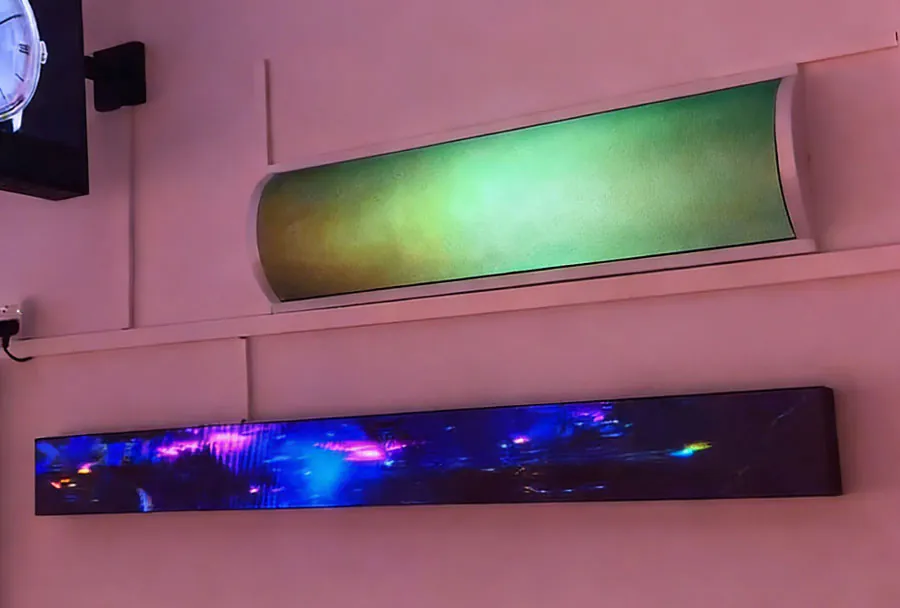
Outdoor displays in multi-lingual markets should rotate or display messages in the relevant languages or use universally recognizable icons to mitigate language barriers.
Technical Considerations and Reliability
Player Hardware and Software Requirements
Select robust, weather-rated players with adequate GPU performance for high-brightness displays and video playback. The OS should support secure boot, automatic updates, and watchdog services.
Network Architecture
Design for intermittent connectivity by using hybrid delivery: primary CDN + edge caching + scheduled updates via cellular fallback. Optimize media compression (H.264/HEVC for video, WebP for images) while ensuring acceptable quality at high brightness.
Synchronization & Multi-Screen Layouts
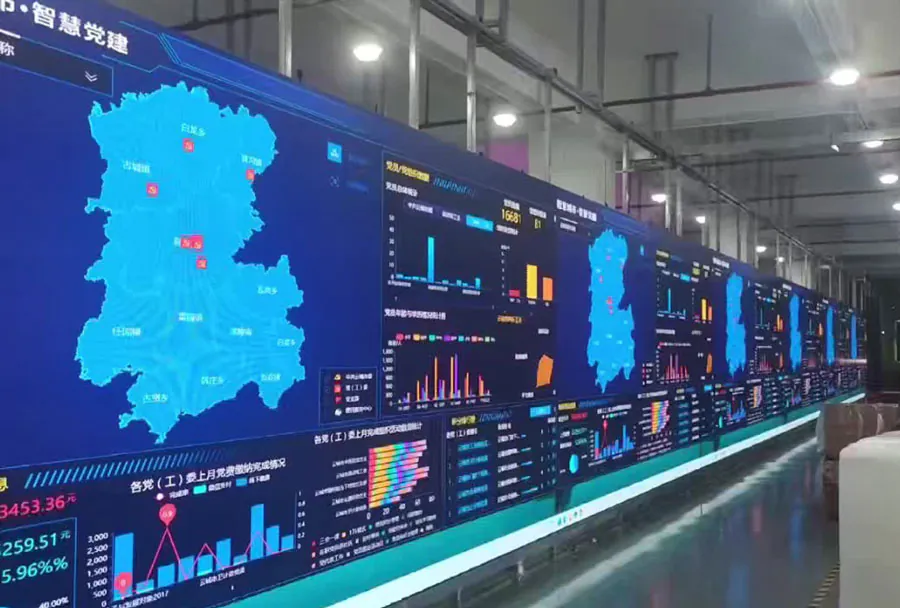
For multi-panel installations, ensure the CMS supports synchronized playback and bezel compensation. Timecode-based sync reduces visible tearing across large canvases.
Compliance, Accessibility & Public Safety
Brightness and Glare Management
Automatic brightness control based on ambient light keeps displays readable and compliant with local brightness ordinances. Night dimming schedules reduce light pollution.
Accessibility Best Practices
While outdoor signage is primarily visual, ensure high color contrast ratios, readable font sizes, and consistent iconography for accessibility. Where audio is used, provide captioned equivalents and ensure volume is appropriate for outdoor public spaces.
Emergency Messaging Integration
Integrate with public alert systems and implement an urgent override channel in the CMS. Test emergency workflows regularly and ensure messages auto-prioritize across locations.
Measurement & Optimization
Key Performance Indicators (KPIs)
Measure impressions (estimated passersby), dwell time (via sensors or camera analytics), engagement actions (QR scans, app triggers), and campaign-specific conversions. Combine impression estimates with campaign lift studies when possible.
Analytics & A/B Testing
Use the CMS to run A/B tests by rotating creative across matched locations or time slots, and analyze differential performance. Track metrics over time to optimize message duration, content type, and dayparting strategies.
Data Privacy & Ethics
When using audience analytics (video analytics, Wi-Fi/Bluetooth sensing), anonymize data and comply with privacy laws. Post visible notices where required and avoid personally identifiable information.
Analysis Table: Content Type Comparison
| Content Type | Best Use Case | Advantages | Technical Requirements | Performance Metrics |
|---|---|---|---|---|
| Static Image | Digital posters, quick promos, wayfinding | Low bandwidth, fast load, great legibility | High-res PNG/JPEG, contrast-optimized, small file size | Impression estimate, dwell time, QR scans |
| Short Video | Brand storytelling, motion-driven CTAs | High engagement, emotional impact | H.264/HEVC, edge caching, GPU-enabled player | Play-through rate, engagement lift, conversions |
| Live Data Feed | Transit times, weather, stock tickers | High utility, repeat viewership | API integration, refresh logic, robust error handling | Repeat impressions, dwell time, user trust metrics |
| Interactive (touchless) | Wayfinding, info kiosks, QR-triggered apps | High engagement, measurable actions | Sensor input, QR integration, low-latency interaction | Engagement rate, action completions, session length |
| Emergency/Override Content | Weather alerts, AMBER alerts, safety instructions | Immediate visibility, life-saving potential | Priority channel, reliable delivery, auto-preempt rules | Delivery success, time-to-display, acknowledgment logs |
Implementation Roadmap
Phase 1: Requirements & Pilot
Define objectives, KPIs, and compliance needs. Run a small pilot with 2–5 outdoor locations to validate CMS features, caching strategies, and creative templates. Focus on measuring baseline impressions and reliability.
Phase 2: Scale & Harden
Roll out to more locations, refine failover logic, and implement remote monitoring. Standardize asset naming, tag taxonomy, and approval workflows. Train local ops teams for basic diagnostics.
Phase 3: Optimize & Integrate
Integrate analytics with ad servers or marketing stacks. Use A/B tests and daypart optimization to refine creative and scheduling. Build emergency message playbooks and automate routine operational alerts.
Best Practices Checklist
– Use a CMS with robust scheduling, remote device management, and edge caching.
– Design for glanceability: large fonts, limited words, high contrast.
– Implement automated brightness and daypart-specific creatives.
– Prioritize failover content and remote diagnostics to avoid dark screens.
– Integrate emergency alert channels and test them regularly.
– Anonymize analytics data and comply with local privacy laws.
– Continuously measure and iterate using clear KPIs.
Outdoor digital signage is a powerful communication channel when content is managed with the right combination of creativity, technology, and operations discipline. A strong CMS tailored to outdoor constraints — one that supports smart scheduling, robust caching, device health monitoring, and easy localization — transforms screens into reliable assets that drive awareness, engagement, and safety. Begin with a focused pilot, prioritize legibility and fail-safes, and build measurement into every campaign. With those elements in place, your outdoor network will deliver consistent value under any weather, daylight, or traffic conditions.