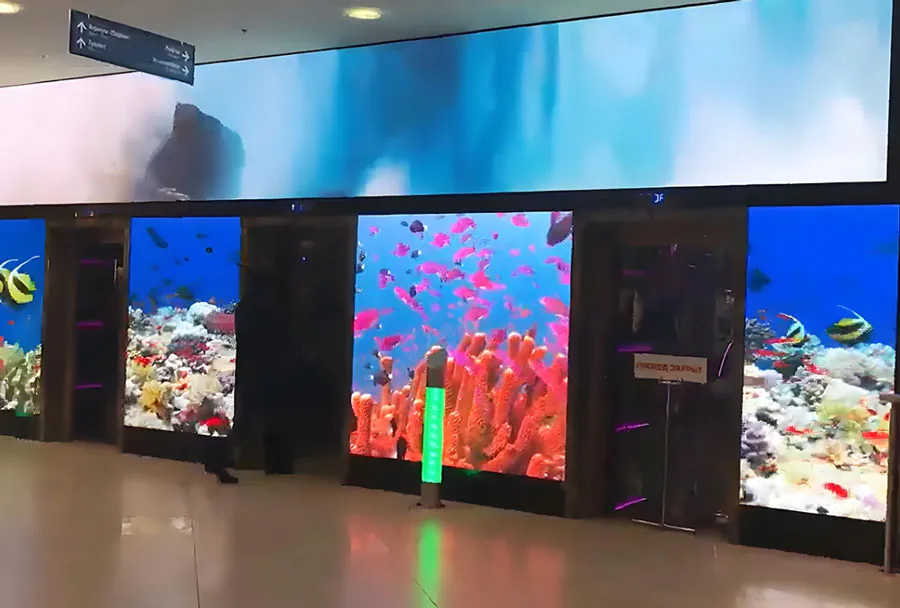
led screen rental near me: event display guide: Expert Guide

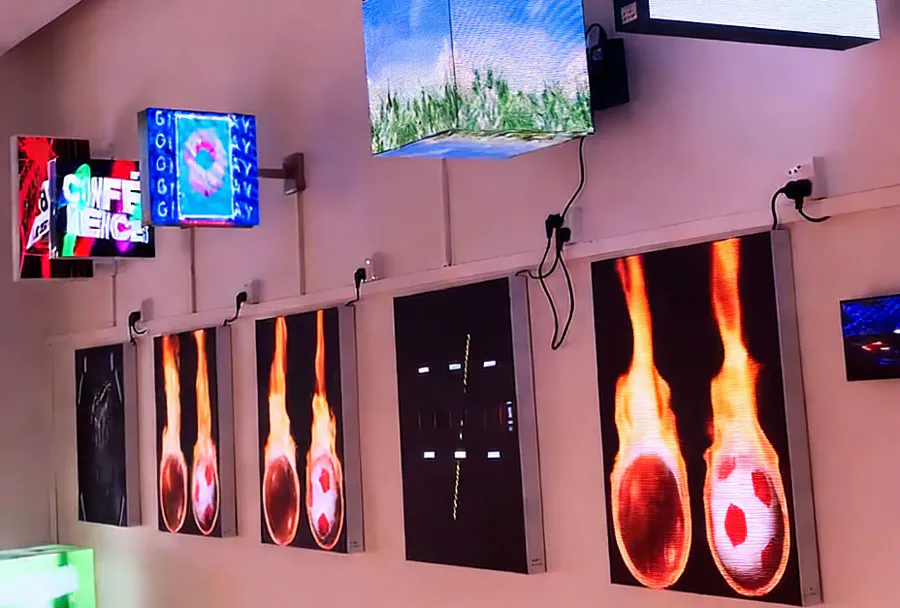
Finding the right display solution can make or break an event. Whether you are planning a corporate conference, trade show, concert, wedding, church service, sporting event, or outdoor festival, choosing the best LED screen can help you deliver a clear message, create a stronger visual impact, and keep your audience engaged from start to finish. Modern LED displays offer bright visuals, flexible sizing, easy customization, and reliable performance in many environments.
Table of Contents
- Why Choose led screen rental near me for Events
- How to Select the Best led screen rental near me
- What to Expect from led screen rental near me Pricing
- Common Uses for led screen rental near me
- Tips for Booking led screen rental near me Successfully
- FAQ
- How do I find the best led screen rental near me?
- How much does led screen rental near me usually cost?
- Is led screen rental near me better than using a projector?
- What size screen should I rent for my event?
- Do LED screen rental companies provide setup and technicians?
- Conclusion
If you are searching for “led screen rental near me”, it is important to know what to look for before booking. Screen size, pixel pitch, indoor or outdoor use, setup support, content compatibility, and pricing all affect the overall experience. This guide covers everything you need to know, from selecting the right screen type to comparing providers, avoiding common mistakes, and getting the best value for your event budget.
Watch our video to see TW VISION’s LED display products and available stock options.
Why Choose led screen rental near me for Events
When planning an event, visibility matters. A professional led screen rental gives you a practical way to show presentations, videos, sponsor messages, branding, live camera feeds, and social media content in a format that audiences can easily see. Unlike traditional projectors, LED screens perform well in bright environments and produce vibrant images with strong contrast.
Another reason many organizers look for led screen rental is flexibility. LED displays can be configured in multiple sizes and shapes to fit ballrooms, outdoor stages, exhibition booths, retail activations, and houses of worship. This means you are not limited to a standard screen format. Instead, you can create a visual setup tailored to your venue and audience size.
Local rental providers may offer convenient communication and logistics, depending on their service area and capabilities. Before booking, confirm whether they provide site visits, delivery, troubleshooting, and venue-specific support for your event. For time-sensitive events, that local advantage can make a major difference.
In addition, LED rentals are often more cost-effective than purchasing equipment outright. If you only need a screen for a short-term event, renting eliminates maintenance, storage, transport, and technical servicing costs. That makes it a smart option for one-time events, seasonal campaigns, or occasional productions.
How to Select the Best led screen rental near me
Choosing the right led screen starts with understanding your event goals. Ask yourself what you want the display to accomplish. Are you trying to improve audience visibility at a keynote session? Do you need a large stage backdrop for a concert? Are you showcasing promotional videos at a product launch? Your use case determines the ideal screen type and specifications.
One of the most important technical factors is pixel pitch. Pixel pitch refers to the distance between LED pixels, and it affects image clarity at different viewing distances. Smaller pixel pitch works better for close-up viewing, such as indoor conferences and trade show booths. Larger pixel pitch is often acceptable for outdoor concerts or sports viewing where the audience is farther away.
A compatible live-camera setup requires every device between the lens and the viewer to support the same signal.
Live Camera and Content Compatibility begins with four components: the camera output, connection type, capture hardware, and receiving application. USB webcams commonly use the USB Video Class standard, while interchangeable-lens cameras often send video through HDMI and require a capture device.
The USB-IF’s Video Class 1.5 document set, published in 2012, includes specifications for uncompressed video, MJPEG, H.264, and VP8 payloads. However, support for a standard does not guarantee that every camera exposes every resolution or control to your software. (usb.org)
Compare the Main Connection Methods
| Connection | Typical use | What to check |
|---|---|---|
| USB webcam | Meetings and streams | UVC support and USB bandwidth |
| HDMI capture | DSLR or camcorder | Clean output and capture resolution |
| Browser camera | Web-based tools | HTTPS and permissions |
| Virtual camera | Composed scenes | App support and restart requirements |
Consider a camera that outputs 4K over HDMI while its capture card accepts only 1080p. The setup may still work, but only if the camera can send a supported 1080p signal or the capture device can downscale it.
Documenting each device’s input and output specifications makes Live Camera and Content Compatibility easier to diagnose because you can identify the first mismatched link.
How to apply this: Write down the camera output, cable type, capture-device limit, and application input format before purchasing or connecting equipment.
A camera can be technically compatible yet remain unavailable because software permissions or operating-system controls block access.
Live Camera and Content Compatibility depends on whether the receiving application can detect and open the camera. Browser-based tools must also follow security rules that native desktop programs may not use in the same way.
MDN Web Docs states that browser camera access through `getUserMedia()` “can only be used in secure contexts.” In practice, the page normally needs HTTPS, and the user must grant camera and microphone permission. MDN identifies the feature as widely available across browsers since September 2017. (developer.mozilla.org)
Check Access at Three Levels
– Confirm the operating system allows the application to use cameras.
– Confirm the browser grants permission to the correct website.
– Close other programs that may have exclusive control of the device.
– Restart the receiving app after enabling a virtual camera.
– Select the camera manually instead of relying on the default device.
Zoom supports built-in webcams, USB cameras, capture cards connected to compatible cameras, and virtual-camera software such as OBS. Its requirements also note that hardware capability can affect screen-sharing frame rates. (support.zoom.com)
In one case, a camera may work in the operating system’s preview app but not in a browser because permission was denied for that specific site.
Testing Live Camera and Content Compatibility in the final application is therefore more reliable than testing only in a general camera utility.
How to apply this: Open your system privacy settings and confirm camera access for the exact browser or desktop application you plan to use.
LED Wall Seam Alignment and Image Continuity
Correct the Physical Alignment First
LED Wall Seam Alignment and Image Continuity starts with a flat, square, and stable mounting structure. Cabinet locks can pull neighboring panels together, but they cannot compensate for a frame that bows, twists, or changes level across the wall.
Separate Gaps From Height Differences
A true gap usually appears as a dark line from several viewing angles. A height difference may look bright from one direction and dark from the opposite direction because one module edge sits in front of the other.
Samsung installation guidance recommends checking seams with a full-white pattern. Its published guide specification lists module flush variation at 0.07 mm or less and module gaps at 0.05 mm or less, although you must follow the tolerances for your specific product. (manualzz.com)
Adjust in the Correct Order
Work from a verified reference cabinet rather than shifting several panels at once:
- Confirm that the supporting frame is level and plumb.
- Lock the first cabinet in its final position.
- Install adjacent cabinets from the center outward.
- Check cabinet corners before tightening all hardware.
- Adjust magnetic module mounts only after cabinet geometry is correct.
A common scenario is a dark vertical line that returns after adjustment. This often indicates frame movement or uneven locking pressure rather than a brightness problem.
Correct geometry gives LED Wall Seam Alignment and Image Continuity a stable foundation for later electronic correction.
How to apply this: Display solid white, inspect each seam from both sides, and mark gaps and height differences separately before moving any hardware.
Diagnose Seams With Controlled Test Patterns
Solid test patterns reveal seam defects more clearly than normal video content. Detailed footage can hide small discontinuities, while uniform colors expose differences in luminance, color, module height, and pixel spacing.
Use More Than a White Screen
Begin with white because it makes dark gaps easy to see. Then inspect red, green, blue, cyan, magenta, yellow, and low-gray patterns where your processor supports them.
Different patterns reveal different faults:
– White: Dark gaps, bright edges, and broad brightness mismatch
– Primary colors: LED channel or calibration inconsistencies
– Low gray: Receiving-card response and low-brightness variation
– Fine grids: Pixel mapping, scaling, and cabinet-position errors
– Moving lines: Frame tearing, duplicate pixels, or coordinate offsets
The Brompton Tessera OSCA interface provides six seam-selection modes, covering horizontal and vertical seams at module and panel levels. It can also display white, primary, and secondary colors during correction. (bromptontech.com)
Check From Real Viewing Positions
Stand at the expected audience distance, then move off-axis. A seam that disappears directly in front of the display may remain obvious to viewers seated near an edge.
LED Wall Seam Alignment and Image Continuity should also be reviewed through the production camera when the wall will appear on screen. Camera exposure, focus, and angle can expose patterns that are less visible to the eye.
How to apply this: Build a short test sequence containing white, RGB colors, low gray, a one-pixel grid, and a slow horizontal line.
Verify Pixel Mapping and Content Geometry
Correct mapping ensures that image features cross cabinet boundaries without jumping, repeating, or changing scale. A mechanically perfect seam will still look broken when cabinets occupy the wrong coordinates in the processor.
Confirm Cabinet Order
Compare the physical signal path with the processor canvas. Check cabinet orientation, receiving-card dimensions, cable direction, port assignments, and any rotated or custom modules.
A one-cabinet coordinate error can produce:
– Repeated or missing image strips
– Reversed sections
– Diagonal features that jump at a boundary
– Text with broken letterforms
– Circles that become stretched between panel types
The NovaStar NovaCLB full-screen calibration system provides three coefficient-simulation views: original color, gray, and false color. These views help technicians identify brightness ranges and partition errors before coefficients are uploaded to receiving cards. (novastar.tech)
Respect Physical Size and Pixel Pitch
Mixed panel types require more than matching pixel counts. Brompton’s interpolated mapping accounts for physical panel size so content can retain its proportions when fixtures use different pixel pitches. (bromptontech.com)
Consider a circular graphic crossing two fixture types. If the processor treats both panels as physically identical when they are not, the circle may change diameter at the seam even though every pixel receives valid content.
For consistent LED Wall Seam Alignment and Image Continuity, mapping must represent both the raster coordinates and the physical dimensions of the installed display.
How to apply this: Send a numbered cabinet map and geometric grid to the wall, then verify every boundary before applying brightness correction.
You should also consider whether you need an indoor or outdoor display. Indoor screens generally offer fine resolution and lighter panel designs. Outdoor screens are built for higher brightness and weather resistance. If your event takes place in daylight or unpredictable weather, be sure your led screen includes equipment suited for those conditions.
Support services matter too. Depending on the rental agreement, a local provider may include delivery, installation, dismantling, on-site technicians, media server support, and content testing. Confirm which services are included before booking. Some event organizers focus only on screen price and forget to ask about labor, rigging, power requirements, and backup plans. Always request a detailed quote so you understand the full scope of service.
Before booking, ask to see recent projects, client reviews, and equipment details. Reputable providers should be able to explain their setup process clearly and recommend the best configuration for your venue. This helps ensure your screen solution matches both your technical needs and your budget.
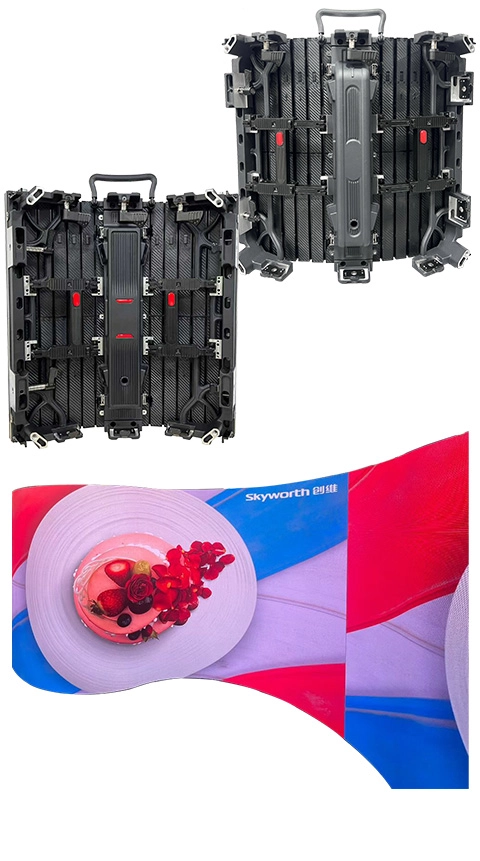
What to Expect from led screen rental near me Pricing
Budget is often one of the first concerns when comparing it options. Pricing can vary widely based on screen size, resolution, rental duration, event location, installation complexity, and technician support. Because of this, there is no single flat rate that applies to every event.
Small indoor screens for meetings or exhibitions usually cost less than large stage displays or mobile outdoor video walls. If your venue requires custom mounting, truss systems, special access hours, or extensive content management, those factors can increase the total rental price. Multi-day events may also include different pricing structures than single-day rentals.
When reviewing quotes, it is helpful to ask exactly what is included. Some providers bundle setup, transport, and technical support into the package, while others charge separately for each service. The cheapest quote is not always the best value if it leaves out important support that your event will need.
A good led screen provider should be transparent about costs and willing to explain the differences between package levels. For example, they may offer standard, premium, or full-service options depending on the level of support required. Understanding those differences helps you avoid unexpected fees later.
If you want to save money, consider booking early, simplifying the screen configuration, confirming venue logistics in advance, and preparing your content files before the event date. These steps can reduce labor time and prevent last-minute changes that often add to the final invoice.
Common Uses for led screen rental near me
There are many situations whereled display can add real value. Corporate events often use LED displays for keynote presentations, branded stage backdrops, award ceremonies, and live streaming. Because the screens are bright and scalable, they help large audiences stay connected to the content even in wide venues.
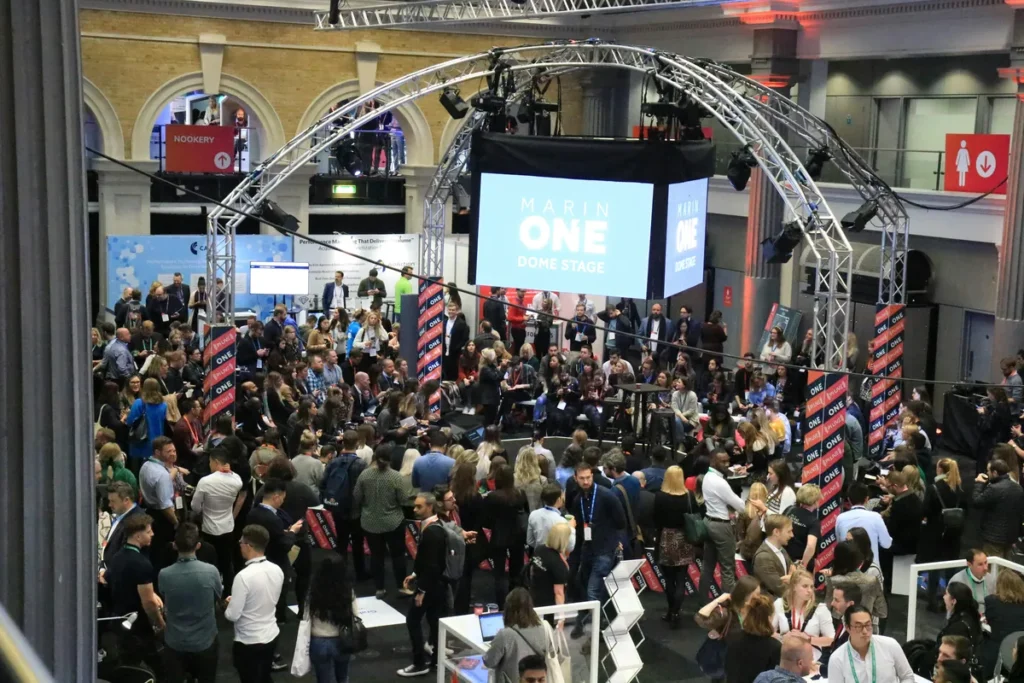
Trade shows and expos are another major use case. Exhibitors use LED walls to attract foot traffic, demonstrate products, and reinforce brand identity. A dynamic screen can make a booth look more modern and memorable than static signage alone. In competitive exhibition halls, visual impact can directly influence visitor engagement.
Concerts, festivals, and community events also benefit from led display services. Large displays help audiences see performers, event graphics, schedules, and sponsor messaging from a distance. Outdoor LED walls are especially useful for events with large crowds where stage visibility may otherwise be limited.
Weddings and private celebrations increasingly use LED screens as well. Couples and planners may display photo slideshows, live video, custom animations, or monograms to create a more immersive guest experience. Churches and nonprofit organizations also use rented LED displays for worship services, fundraising galas, and holiday productions.
Sporting events, watch parties, school functions, and product launches round out the list. In each case, the goal is the same: deliver content clearly, professionally, and at a scale that fits the audience. With the right provider, LED rentals can be adapted to almost any event format.
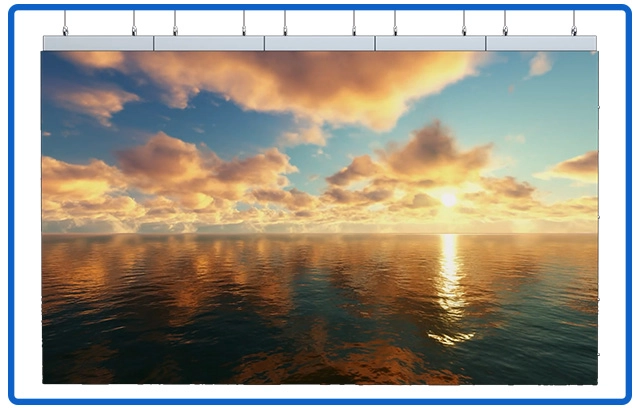
Tips for Booking led screen rental near me Successfully
To get the best results from led screen rental near me, start planning as early as possible. Last-minute bookings can limit your equipment choices and increase costs, especially during peak event seasons. Early planning gives you time to compare providers, review technical details, and coordinate with the venue.
Always perform a venue assessment before confirming the rental. Check screen placement, audience sightlines, ceiling height, power sources, load-in access, and weather exposure if the event is outdoors. These details affect what type of display can be installed safely and effectively.
Content preparation is equally important. Your visuals should match the screen resolution and aspect ratio to avoid distortion or empty space. Test all videos, graphics, slides, and live feed connections ahead of time. Before the event, ask your rental provider to test file compatibility, screen resolution, aspect ratio, and live-feed connections. Confirm that all required content works with the selected display system.
Keep all arrangements with your rental provider in writing. Confirm setup and teardown times, the designated contact, technician availability, insurance requirements, and the procedure for handling technical issues. Make sure each responsibility is assigned before the event. If your event includes speakers, performers, or multiple media cues, create a run-of-show document so the screen team can coordinate effectively.
Finally, prioritize experience over price alone. A seasoned vendor with strong support can save you time, reduce stress, and help prevent costly mistakes. When audience experience and event quality matter, professional execution is worth the investment.
FAQ
How do I find the best led screen rental near me?
Start by comparing local providers based on reviews, project experience, equipment quality, and included services. A suitable rental provider should offer clear pricing should offer clear pricing, technical guidance, installation support, and solutions matched to your event type and venue.
How much does led screen rental near me usually cost?
LED screen rental costs depends on screen size, pixel pitch, indoor or outdoor use, rental duration, transport, and support services. Request a detailed quote so you can compare complete packages rather than base pricing alone.
Is led screen rental near me better than using a projector?
In many cases, yes. A professional led screen rental supplier option usually provides higher brightness, better visibility in daylight, stronger color performance, and more flexible screen sizing than a projector, especially for larger audiences or outdoor events.
What size screen should I rent for my event?
The right size depends on venue dimensions, audience distance, and the type of content you plan to display. A trusted led screen rental provider can recommend the best dimensions and resolution after reviewing your event layout and goals.
Do LED screen rental companies provide setup and technicians?
Some rental providers include setup, on-site technicians, content testing, and teardown, while others offer equipment only. Confirm the service scope, staffing, and technical responsibilities in writing before booking. The right arrangement depends on your event requirements and the provider’s capabilities.
Conclusion
Choosing the right LED screen rental depends on your event size, viewing distance, display quality, and the services included in the rental agreement. Compare equipment specifications, technical support, and total costs before making a decision.
For businesses that use LED displays regularly or need a permanent installation, purchasing may be worth considering alongside rental options. TW VISION manufactures and sells LED displays for rental applications, permanent installations, and custom projects. Contact our team to discuss product specifications, customization, and available U.S. stock.