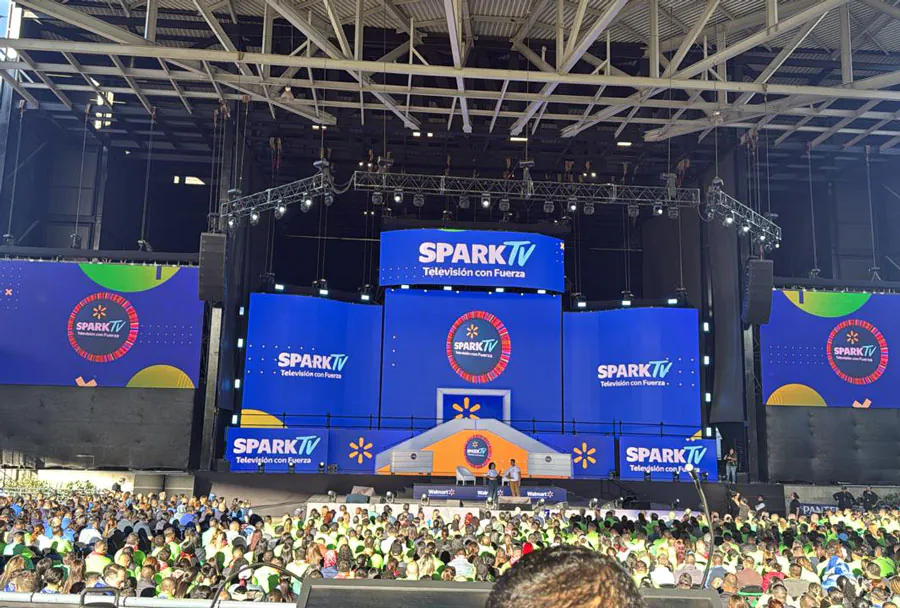
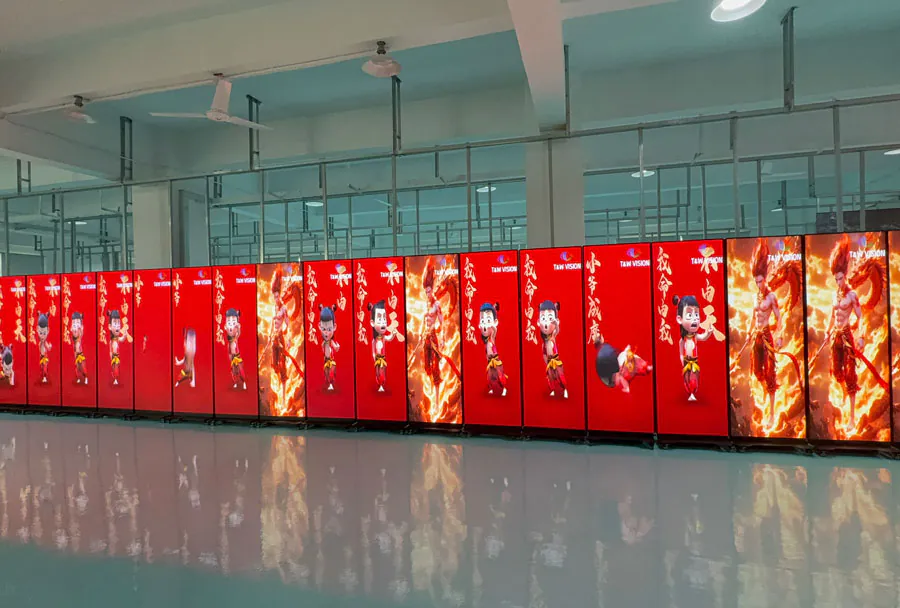
High-Resolution Big Digital LED Screen Rental Toronto Near You

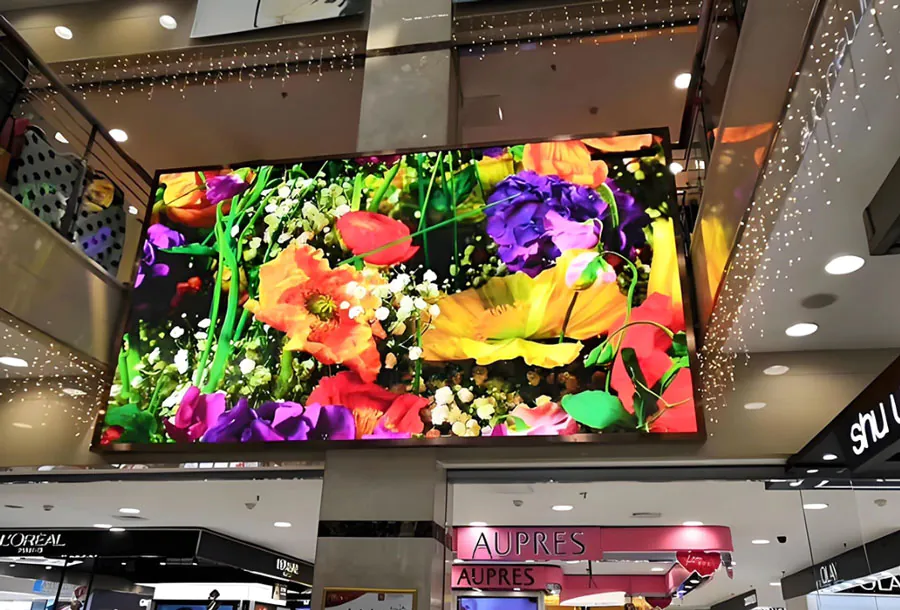
In a city as dynamic and visually competitive as Toronto, renting a high-resolution big digital LED screen is one of the most effective strategies for maximizing visibility at events, commercials, outdoor activations, sports broadcasts, and corporate gatherings. Whether you are promoting a product launch in the Entertainment District, broadcasting a live feed at a downtown rally, or driving engagement at a festival on the waterfront, a nearby rental partner reduces logistics complexity and ensures timely service, installation, and technical support.
This article explores everything you need to know about High-Resolution Big Digital LED Screen Rental Toronto Near You: technical specifications, use cases, procurement and rental process, pricing considerations, installation logistics, permits and municipal requirements, return on investment (ROI) calculations, and how to choose the right local vendor. It includes an analysis table comparing common rental options to help you evaluate trade-offs quickly.
What “High-Resolution Big Digital LED Screen” Means
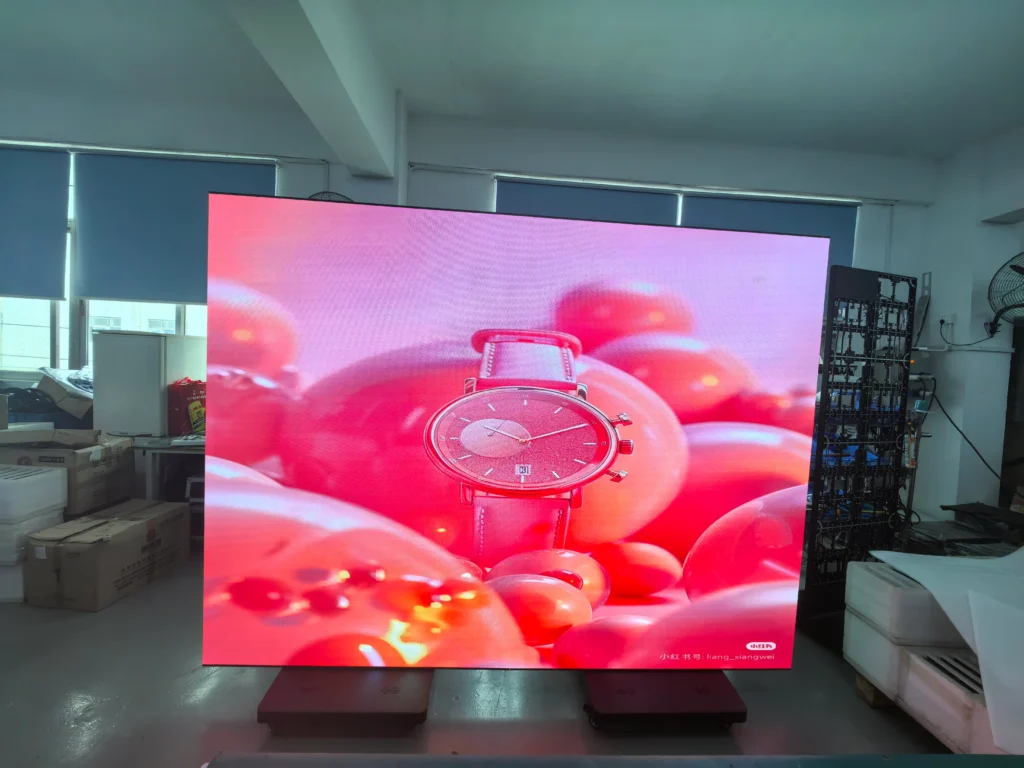
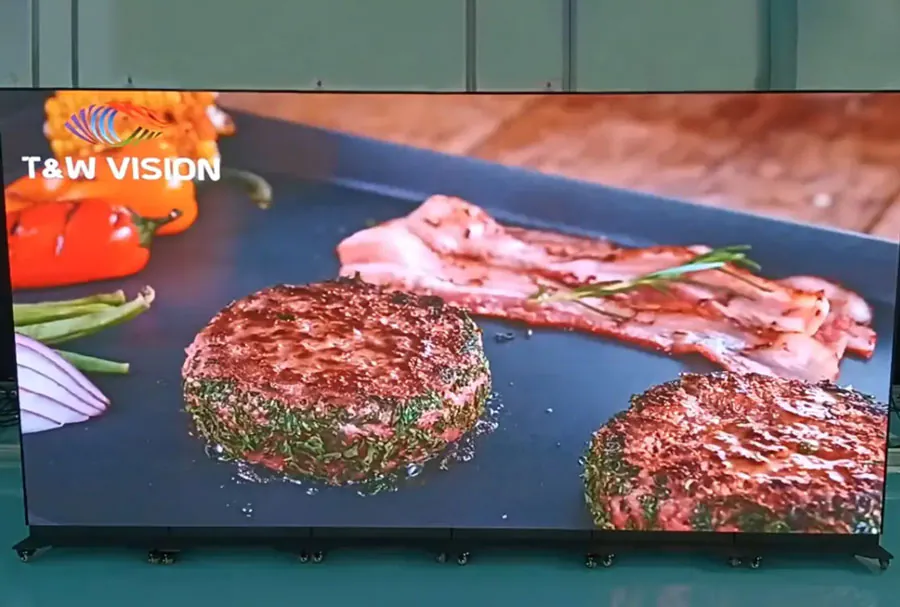
High-resolution big digital LED screens are large-format displays built from modular LED cabinets. Key defining characteristics include:
– Pixel pitch (e.g., P2, P3, P4) which determines resolution and optimal viewing distance.
– Physical size (square meters or diagonal feet) affecting audience capacity and visual impact.
– Brightness measured in nits (typically 4,000–8,000 nits for outdoor use).
– IP rating (IP65 or higher for outdoor weather protection).
– Refresh rate and grayscale/color depth important for broadcast quality and video smoothness.
– Rigging and mounting capability (truss, ground support, mobile trailer, rooftop).
In a rental context, “big” typically refers to screens starting from 10–12 feet wide and scaling up to 30+ feet, with modular options for creative shapes and curved configurations.
Key Technical Specs to Request from Toronto Rental Providers
– Pixel Pitch: Choose smaller pitch (P1.5–P3) for close-range indoor viewing; P3–P8 for outdoor crowds.
– Brightness: Minimum 4,500 nits for daytime outdoor visibility; 1,000–2,000 nits may suffice for indoor arenas.
– Resolution: Match resolution to content type and distance—HD and 4K source compatibility.
– Refresh Rate: 3,840 Hz or higher for camera-friendly displays and broadcast compatibility.
– IP Rating: IP65+ for outdoor; IP54 may be adequate for semi-protected settings.
– Power Requirements: Calculate total amperage, backup generators, and distribution.
– Weight and Rigging: Confirm wind load ratings, anchoring requirements, and local bylaw compliance.
Top Use Cases for High-Resolution Big Digital LED Screens in Toronto
– Outdoor festivals and concerts (NXNE, Pride, Toronto Jazz Festival)
– Sports events and viewing parties (Raptors, Blue Jays, Toronto FC)
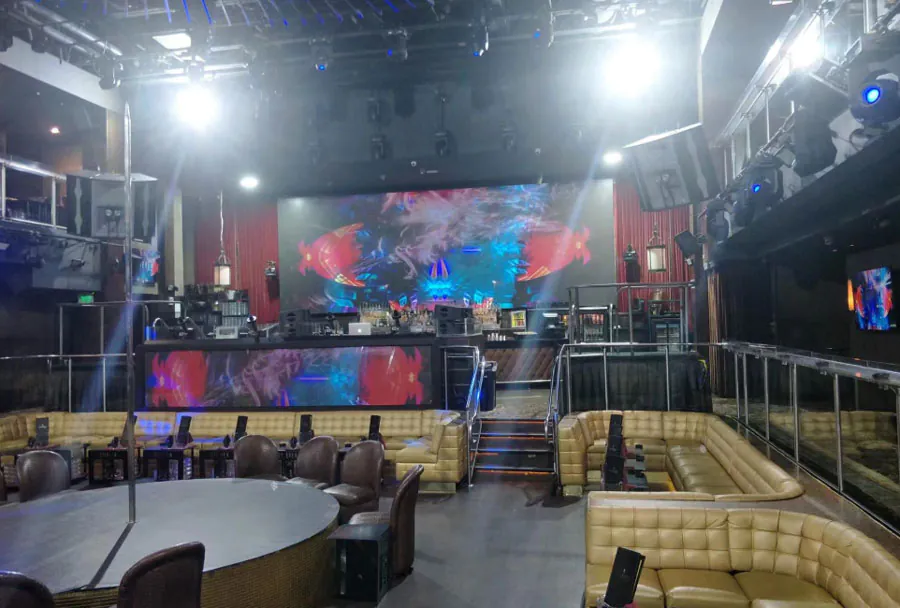
– Corporate roadshows, trade shows, and product launches in convention centers
– Live broadcasts, worship services, and drive-in cinemas
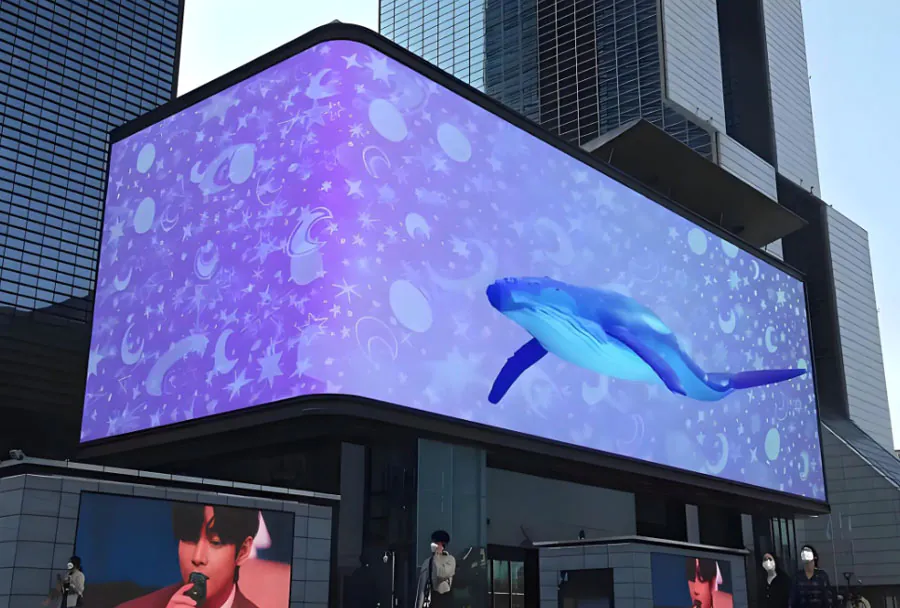
– Retail activations, mall displays, and brand takeovers in high-footfall areas
– Political rallies and community events where visibility and crowd information matter
Why Renting Locally in Toronto Is Advantageous
– Reduced transportation cost and time: local vendors minimize shipping and logistics delays.
– Faster permitting and site surveys: vendors familiar with Toronto’s permit landscape expedite approvals.
– On-site technical crews: quicker troubleshooting and real-time content adjustments.
– Local experience with weather patterns and outdoor gear suited for Toronto conditions.
– Cost-effective for short-term needs: avoid capital expenditure for one-off activations.
Analysis Table: Typical Rental Options Comparison
| Option | Typical Pixel Pitch | Screen Size (ft) | Brightness (nits) | Typical Daily Rental Price (CAD) |
|---|---|---|---|---|
| Indoor High-Res Video Wall | P1.9–P2.5 | 10 × 6 – 20 × 8 | 800–2,000 | $600–$1,500 |
| Outdoor Event Wall (Mid Pixel) | P3–P6 | 15 × 8 – 30 × 12 | 4,500–7,000 | $1,200–$4,000 |
| Full Daytime Billboard (Large) | P6–P10 | 25 × 14 – 40 × 20 | 6,000–8,000 | $3,000–$10,000 |
| Mobile Trailer LED Screen | P4–P8 | 12 × 6 – 20 × 10 | 5,000–7,000 | $1,500–$5,000 |
| Custom Modular Build | Any (depending on modules) | Variable | Variable | Quote-based |

Note: Prices are ballpark ranges for Toronto rentals and vary with seasonality, availability, delivery distance, setup complexity, and required technical crew.
Choosing the Right Pixel Pitch and Size for Your Event
Choosing the wrong pixel pitch or size is a common mistake. Use these rules of thumb:
– Viewing distance (feet) ≈ Pixel pitch (mm) × 3.28. For example, P4 (~4 mm) is optimal for viewers 13+ feet away.
– For large outdoor audiences where viewers are 30+ feet away, P6–P10 provides cost-effective coverage.
– Indoor conferences with close-range audiences require P1.9–P3.
– Consider screen aspect ratio to match 16:9 content to avoid pillarboxing or stretching.
Sample Selection Guide
– Trade show booth where viewers are 8–15 feet away: P2.5–P3, 10–15 ft wide.
– Outdoor street festival with crowds viewing from 20–50 feet: P4–P6, 18–30 ft wide.
– Stadium or large plaza broadcasting across 100+ ft: larger, coarser pixel pitch but massive physical size.
Cost Factors and How to Budget
Key cost drivers:
– Screen size and resolution: larger and higher-res screens command higher rental fees.
– Duration: daily, multi-day, and weekly rates differ; long rentals often reduce daily cost.
– Transport and labor: loading, delivery, rigging, and strike crews.
– Permits and inspections: municipal fees for street closures or structure permits.
– Power and generator costs: especially for remote outdoor sites.
– Insurance and liability coverage.
– Technical support and content management (live switching, media servers).
Budgeting tips:
– Get itemized quotes to compare apples-to-apples.
– Build contingency (10–20%) for unexpected delays or weather-related adjustments.
– Ask about package deals that include crew, video processing, and generator set.
Sample Budget Breakdown for a One-Day Outdoor Activation
– Screen rental (P4, 20×10 ft): $2,000
– Delivery and setup (local crew): $800
– Generator & power distribution: $400
– Permits and inspection fees: $300
– Technician and content operator (8 hours): $700
– Insurance/day rate: $250
– Contingency: $400
Total estimated: $4,850
Permitting, Site Logistics, and Toronto-Specific Considerations
Toronto has specific requirements depending on location and whether the screen is on private property or public right-of-way:
– City permits: road closures, sidewalk closures, temporary structures, electrical inspections may be required.
– Noise bylaws: amplified sound and generator use have time restrictions.
– Parks and waterfront: Parks, Forestry & Recreation approvals often needed.
– Building panels: rooftop or facade mountings can require structural review and permit.
– Traffic management: obstructed lanes may need TM plans and coordination.
– Conservation Authorities: for events near protected areas, additional permissions may be required.
Work with a vendor experienced with Toronto municipal procedures to avoid delays. A reputable rental company will handle permit submission, provide structural drawings, and liaise with inspectors when required.
Installation and Safety Best Practices
– Site survey: perform a physical walk-through before finalizing configuration.
– Wind and grade calculations: ensure the structure is rated for local wind loads.
– Proper anchoring: ballast, ground anchors, or truss systems per structural guidelines.
– Electrical safety: distribute load across circuits and use proper breakers and grounding.
– Crowd barriers and egress: maintain safe viewing distances and clear emergency exits.
– Redundancy: dual video processors and backup power for critical events.
Content and Playback: Best Practices for High-Resolution LED Screens
– Native resolution: design content at the native resolution of the screen to maximize clarity.
– Avoid small text: on large outdoor screens, text should be large, bold, and high contrast.

– Frame rate and scanning: match your content’s frame rate to the display’s refresh rate.
– Color calibration: request uniform color calibration and gamma matching across cabinets.
– Media formats: confirm codecs and container formats with the rental provider’s playback system (common: H.264/H.265 in MP4, ProRes for high-end).
– Dynamic content & scheduling: use playlist and scheduling tools to cycle ads, live feeds, and updates.
Live Video and Broadcast Considerations
– Camera-friendly refresh rates and scan rates to avoid flicker.
– Use broadcast-grade video processors and switchers for live inputs.
– Synchronize LED refresh with camera shutter if possible.
– Test run with live camera feeds on-site before event start.
Maintenance, Support, and Contingency Planning
A quality rental vendor provides:
– On-site technicians during setup and event hours.
– Spare modules and power supplies to replace failures quickly.
– Remote monitoring and diagnostics for pixel issues and brightness variance.
– Rapid strike team for emergency repairs.
– Pre-event burn-in and functionality checks.
Ask vendors about mean time to repair (MTTR) and spare inventory levels. For high-profile events, ensure a contingency display or plan B.
ROI and Measurement: How to Evaluate Effectiveness
Quantify returns using:
– Reach and impressions: estimate the number of passersby and viewing duration.
– Engagement metrics: QR scans, NFC taps, website visits from promo codes, and social media mentions.
– Conversion uplift: monitor sales lift, registrations, or other KPIs tied to the activation period.
– Cost per thousand impressions (CPM): Rental cost divided by estimated impressions × 1000.
– Brand recall studies: quick post-event surveys to measure awareness lift.
Example quick ROI formula:
Estimated Impressions × Conversion Rate × Average Value per Conversion – Total Activation Cost = Net Return
Practical Measurement Tools
– Footfall counters and camera analytics for real-time estimates.
– Short URLs, UTM tags, and QR codes to track clicks and conversions.
– Promo codes and event-specific offers to tie sales directly to the screen activation.
Choosing a Reliable Local Vendor in Toronto
Checklist for vetting suppliers:
– References and local case studies: past events in Toronto and nearby.
– Insurance and WSIB compliance for crew.
– Inventory and redundancy: sufficient stock to cover your required screen and spares.
– In-house installation and technical staff vs subcontracted crews.
– Familiarity with local permits and municipal processes.
– Clear SLAs for setup times, uptime guarantees, and technical support.
Ask for a site visit and mock-up early in the planning phase. Trust vendors who provide detailed technical drawings, power plans, and safety documentation.
Case Study Snapshot
A mid-sized Toronto music festival rented a P4 20×12 ft outdoor video wall for weekend broadcasts and sponsor content. With proper placement and scheduling of ads, the brand reported:
– 120,000 estimated impressions across three days.
– A 2.3% click-through rate on QR-driven promotions.
– Sponsorship revenue offset 65% of the rental cost.
Key success factors: local vendor expertise, onsite technician, and strategic placement on the main stage facing pedestrian flow.
Common Pitfalls and How to Avoid Them
– Underestimating power needs: always verify site feed capacity and bring backup generators.
– Choosing wrong pixel pitch: match to typical viewing distance to prevent blurred visuals.
– Skipping permits: start permit processes early to avoid fines and cancellations.
– Ignoring weather contingency: plan for rain, wind, and temperature extremes.
– Poor content optimization: low-res source assets look worse on large LEDs—use high-quality master files.
Conclusion: Making the Most of High-Resolution Big Digital LED Screen Rental Toronto Near You
Renting a high-resolution big digital LED screen in Toronto is a strategic move that can generate substantial brand exposure, engage audiences, and elevate any event or activation. By selecting the right pixel pitch and size, budgeting accurately, choosing a knowledgeable local vendor, and planning for permits and contingencies, your activation can deliver measurable results. Use the analysis table and checklist in this article to make informed decisions, and always prioritize on-site technical support and content optimization for the best visual and business outcomes.
Related Blogs:
Outdoor Big Digital LED Screen Rental Toronto for Public Gatherings