Affordable Stage LED Screen Rental Options for All Budgets

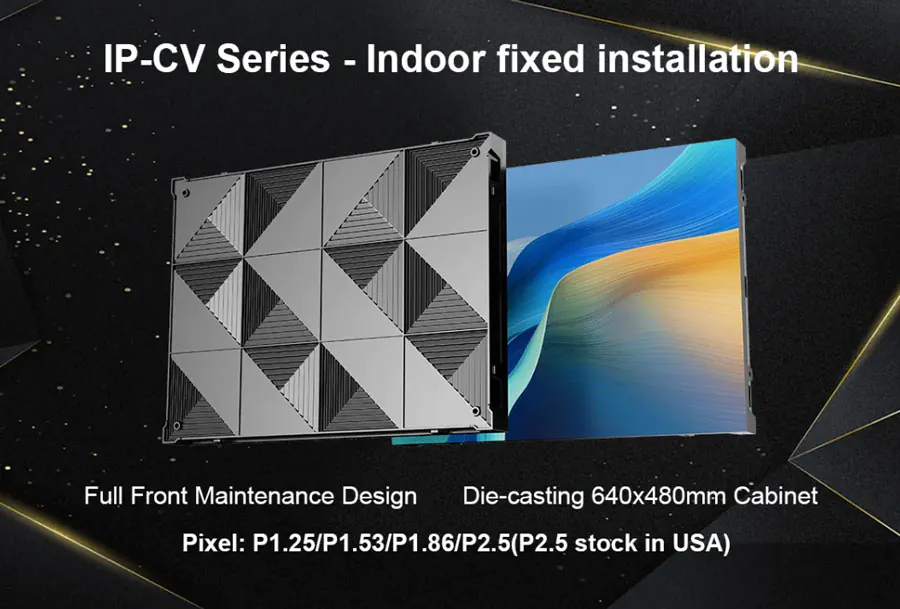
LED screens have become a cornerstone of modern live events, from corporate conferences and trade shows to concerts and wedding receptions. They deliver bright, high-resolution visuals that engage audiences and elevate production value. However, the perception that stage LED screens are prohibitively expensive persists. The good news: a wide range of rental options exists to serve virtually every budget without compromising on visual impact. This guide walks you through practical, budget-conscious choices, technical considerations, and vendor strategies so you can secure an LED solution that fits your event needs and financial constraints.
How Rental Pricing Works: Key Cost Drivers
Understanding what drives rental pricing helps you make informed tradeoffs. Primary factors include:
– Screen size and total panel count: Larger displays require more modules and labor.
– Pixel pitch (resolution): Smaller pitch equals higher resolution and higher cost.
– Indoor vs. outdoor ratings: Outdoor-rated cabinets cost more for weatherproofing and higher brightness.
– Mounting system and rigging: Truss, ground stack, flown LED, and creative shapes add different labor and equipment fees.
– Control hardware and playback: Media servers, scalers, and technicians are often charged separately.
– Transport and labor: Shipping distance, load-in complexity, and number of technicians affect the final bill.
– Duration and timing: Multi-day rentals often reduce daily rates; peak-season or weekend events may have surcharges.
Types of LED Rental Options and Who They’re Best For
Below are common rental options with typical use cases:
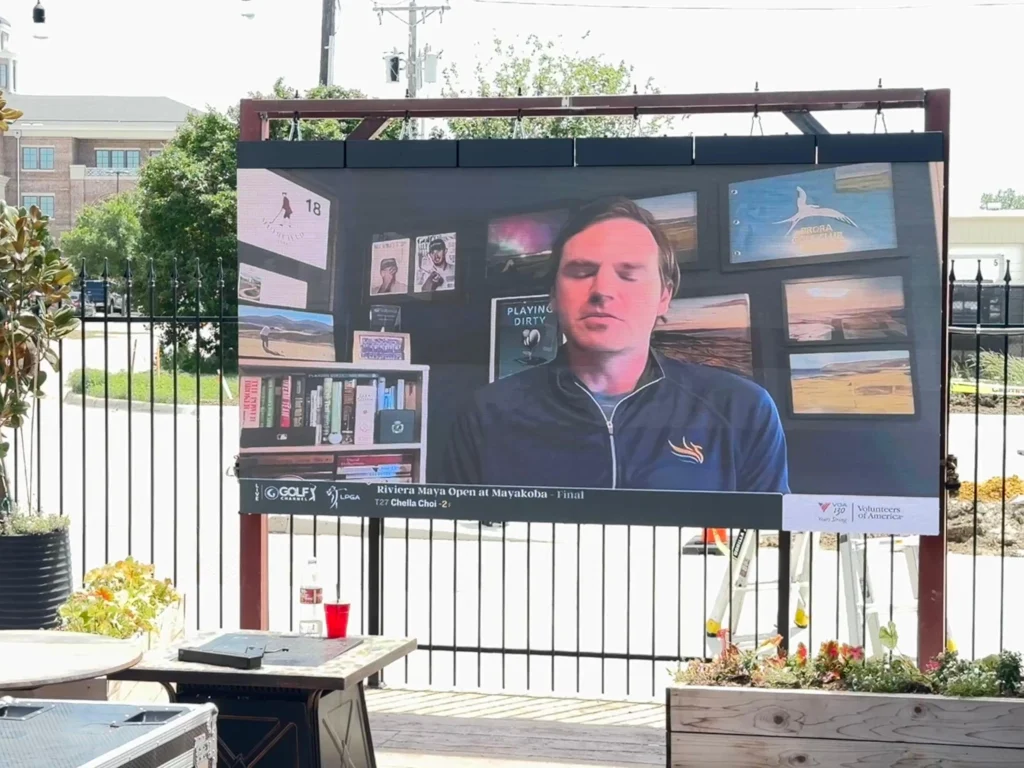
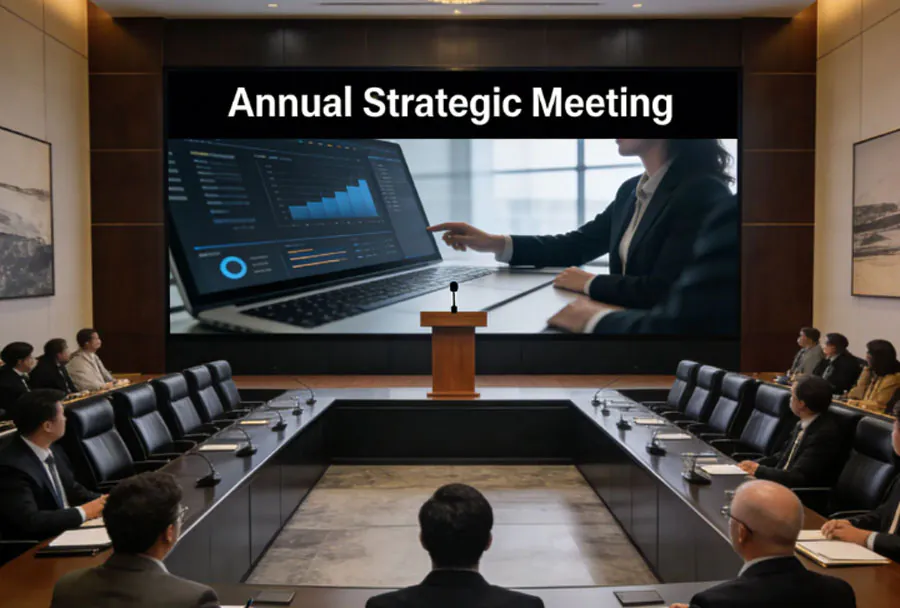
– Standard Rental LED Walls (Frame or Panel Systems): Versatile for corporate stages, concerts, and houses of worship. They provide a balance of cost and quality.
– Pixel Pitch-Focused Options (P6.9–P2.5): Budget events can use P6–P8 for stage backdrops; high-end corporate or broadcast events may need P2.5–P3 for close viewing.
– Outdoor/Rental-Grade Cabinets: Built for outdoor production and concerts with high brightness and weather protection.
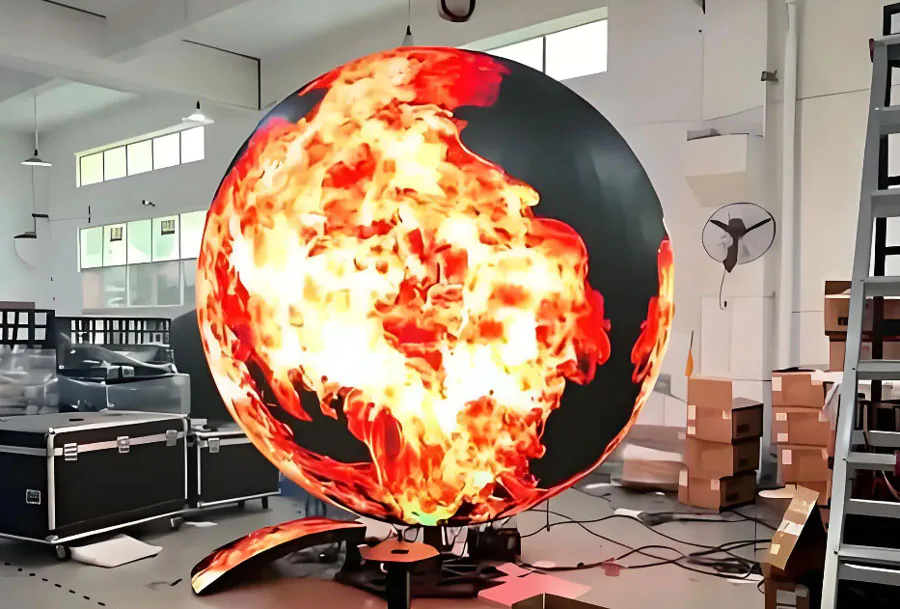
– Creative/Custom Shapes and Transparent LED: For experiential marketing or fashion shows; higher cost due to customization and specialized rigging.
– LED Rental Packages (All-Inclusive): Often include screen, media server, cabling, installation, and technician; best for event planners who prefer predictable, bundled pricing.
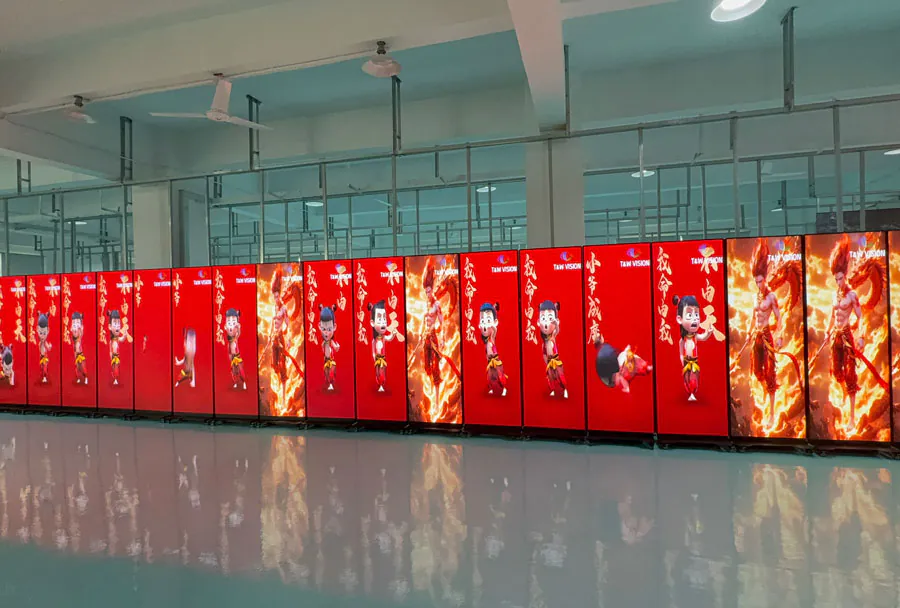
– Short-Throw/Portable Displays: Smaller, lightweight panels or LED cubes for pop-ups and trade booths — very cost-effective for short durations.
Affordability Strategies: How to Lower Costs Without Sacrificing Impact
– Right-size the screen: Determine viewing distance and audience size first. Over-specifying resolution or size wastes budget. For example, if most attendees are farther than 30 feet, a P4–P6 surface often looks excellent.
– Use masking and printed sidebands: Reduce LED area by combining LED center with printed scenic elements to create the illusion of larger content for less cost.
– Opt for hybrid solutions: Mix LED center panels with projection or LCD screens for side fills to cover large sightlines affordably.
– Choose rental-grade panels with slightly larger pixel pitch: For many events, the viewing conditions make P4–P6 perfectly acceptable and far cheaper than P2.5.
– Book off-peak and multi-day: Weekday or off-season rentals and lengthier bookings typically come with discounts.
– Negotiate bundled services: Request quotes that include freight, rigging, and a tech for a fixed rate to avoid surprise fees.
What to Ask Your Rental Vendor
– What is the pixel pitch and resolution of the offered panels?
– Are the panels indoor or outdoor rated, and what is the maximum brightness (nits)?
– What is the warranty on rented modules, and how do you handle dead pixels?
– What is included in the quote (setup, teardown, cabling, power distribution, control system, operator)?
– Can you provide test content playback prior to the event and on-site backup solutions?
– What are cancellation, damage, and overtime policies?
Technical Checklist: Ensuring Smooth Execution
– Power: Confirm dedicated power circuits and backup power as needed.
– Rigging and Load: Verify hanging points, truss capacity, and ground support conditions.
– Video Inputs and Control: Ask for the control hardware (e.g., Novastar, Brompton) and confirm your input sources match (HDMI, SDI, DVI).
– Signal Redundancy: For mission-critical events, require redundant media servers and backup cabling.
– Sightlines and Viewing Distance: Map out sightlines to determine optimal screen height and pitch.
– Weather Plan: For outdoor events, confirm weatherproofing, drainage, and wind plan.
Comparison Table: Affordable LED Rental Options – Analysis
| Option Type | Typical Price Range (Daily) | Best For | Pros | Cons |
|---|---|---|---|---|
| Basic Indoor Rental Wall (P6–P8) | $300–$900 per m2 | Small-to-medium corporate events, houses of worship | Cost-effective, fast install, good for long-distance viewing | Lower resolution for close viewing, limited brightness |
| Mid-Range Indoor/Outdoor (P4–P5) | $700–$1,500 per m2 | Medium concerts, trade show stages, product launches | Balanced resolution/brightness, versatile | Higher cost than entry models, heavier cabinets |
| High-Res Studio/Broadcast (P2.5–P3) | $1,200–$2,500 per m2 | Close-view corporate events, TV studios | Excellent clarity, great for cameras and close audiences | Expensive, higher power consumption |
| Outdoor Rental-Grade (High Brightness) | $1,000–$2,000 per m2 | Outdoor concerts, festivals | Weatherproof, high nits, durable | Higher cost, complex rigging, transport heavy |
| Portable/Short-Term Panels & Packages | $150–$600 per m2 or flat package fees | Pop-ups, small trade booths, weddings | Very budget-friendly, minimal setup time | Limited sizes and flexibility, lower brightness |
Sample Budget Scenarios and Real-World Guidance
– Tight Budget (Under $5,000 total): Focus on a single, right-sized P6–P8 wall, minimal rigging, and local rental houses to avoid shipping. Use in-house playback or a simple media player.
– Moderate Budget ($5,000–$20,000): You can secure a P4 wall up to 20–30 m2, include basic control hardware, and add simple side fills. Negotiate a multi-day rate and include at least one technician.
– Premium But Still Cost-Conscious ($20,000+): Engage P2.5–P3 panels for premium visuals, full media server and redundancy, professional rigging, and creative content. Take advantage of package bundling and early booking discounts.
Content and Pixel Management: Maximize Perceived Quality
– Design for Pixel Pitch: Create content at the native resolution (or a scaled version) to avoid soft edges. For larger pixel pitches, prefer bold graphics and high-contrast imagery over detailed small text.
– Use Motion and Depth: Subtle motion, parallax, and high-contrast color grading increase perceived quality even on lower-resolution walls.
– Letterboxing and Safe Zones: For mixed screens (LED center and printed borders), design with safe zones so important text remains legible.
– Test Content in Situ: Always run a content rehearsal on the actual screen to fine-tune color, brightness, and timing.
Operational Considerations: Time, Crew, and Contingencies
– Load-in and Setup Time: Factor in several hours for modular LED builds, more for flown systems. For outdoor shows, schedule extra time for weather checks.
– Skilled Technicians: Budget for at least one LED tech and a rigger depending on size. Experienced crews reduce install time and troubleshooting.
– Spare Parts: Confirm the vendor brings spare modules, power supplies, and connectors.
– Insurance and Liabilities: Check venue and vendor insurance requirements, and consider event insurance for high-value gear.
Vendor Selection and Negotiation Tips
– Vet Multiple Quotes: Get at least three detailed quotes that list what’s included and excluded.
– Request References and Photos/Videos: See prior installs of similar scale to ensure vendor capability.
– Ask for a Technical Rider: Ensure the vendor provides a clear technical rider that aligns with your venue and production plan.
– Negotiate Payment Terms: Attempt to lock in favorable deposit and final payment schedules; request discounts for earlier or larger bookings.
– Clarify Overtime Rates: If your schedule may run late, pre-agree on overtime hourly rates to avoid surprises.
Green and Cost-Efficient Practices
– Reuse and Rotate Content: For events with multiple days, design content variations rather than new assets every day.
– Energy Efficiency: Newer LED cabinets have better efficiency; request LED models with lower power draw to cut generator or utility costs.
– Local Sourcing: Choose a local rental house to cut transport fees and emissions.
Final Checklist Before Signing the Rental Contract
– Confirm pixel pitch, screen dimensions, and brightness.
– Verify inclusions: rigging, cabling, power, control, technician, spares.
– Check the timeline for delivery, setup, rehearsal, event, teardown.
– Confirm insurance and damage liability terms.
– Get a clear cancellation and force majeure policy, especially for outdoor events.
Balancing Quality and Cost
Securing an affordable LED screen rental is entirely feasible with the right approach: know your viewing conditions, prioritize what matters (resolution vs. brightness vs. size), and negotiate transparent, bundled pricing with reputable vendors. Whether you’re working with a shoestring budget for a local seminar or planning a multi-day festival, a range of rental options exists to deliver compelling visuals that leave a lasting impression without breaking the bank.