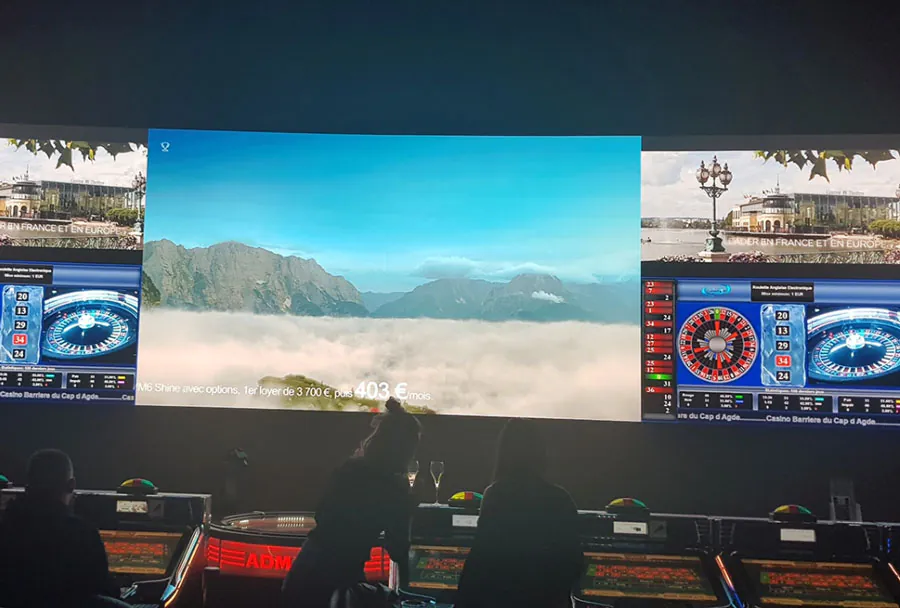
Custom LED Display Screen Rental for Corporate & Marketing Events

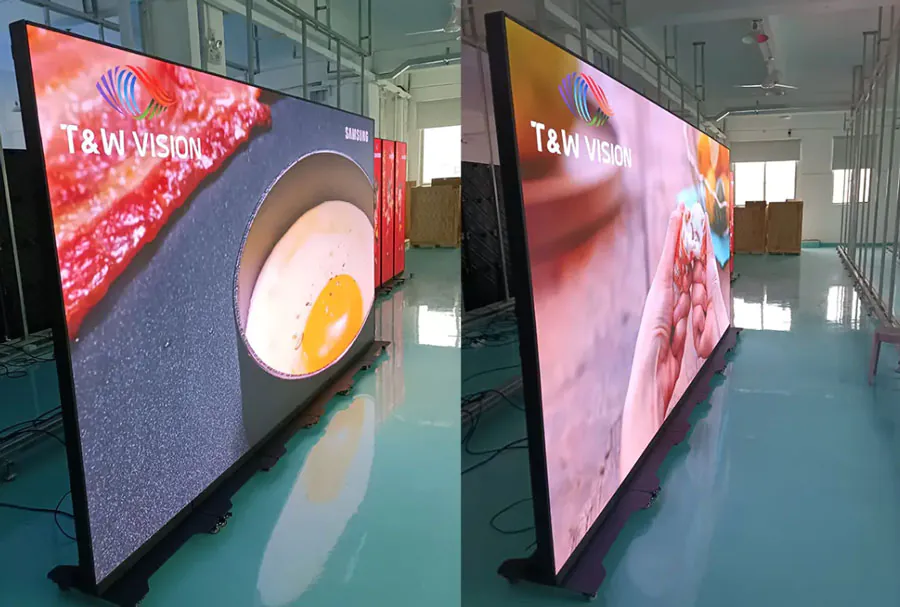
led display technology has become a cornerstone of modern corporate and marketing events. From trade shows and product launches to corporate town halls and experiential marketing activations, custom LED display screens elevate visual storytelling, improve audience engagement, and create memorable brand moments. Renting custom LED screens rather than purchasing them outright often makes financial and logistical sense for organizations that need flexibility, access to the latest technology, or unique configurations tailored to a single event or series of events.
This article examines the professional considerations behind renting custom LED displays for corporate and marketing events. It covers technical specifications, creative applications, logistics and setup, measurement of return on investment (ROI), vendor selection, pricing models, and best practices for content and troubleshooting. A 5-column analysis table compares common display types and helps planners quickly match needs to available options.
Understanding the Value Proposition of Rental LED Displays
Cost-effectiveness and Flexibility
Renting custom LED displays eliminates large capital expenditures and depreciation. Event budgets typically prefer operational expenses (OpEx) like rentals to capital expenses (CapEx) because rentals cover transportation, setup, and technical support. Rentals also give access to higher-spec screens that would be cost-prohibitive to buy.
Access to Cutting-edge Technology
Rental fleets are often updated regularly by providers to stay competitive. Renting allows event producers to use the latest pixel densities, brightness levels, and panel form factors (curved, transparent, fine-pitch) without long-term investment.
Customization and Creative Freedom
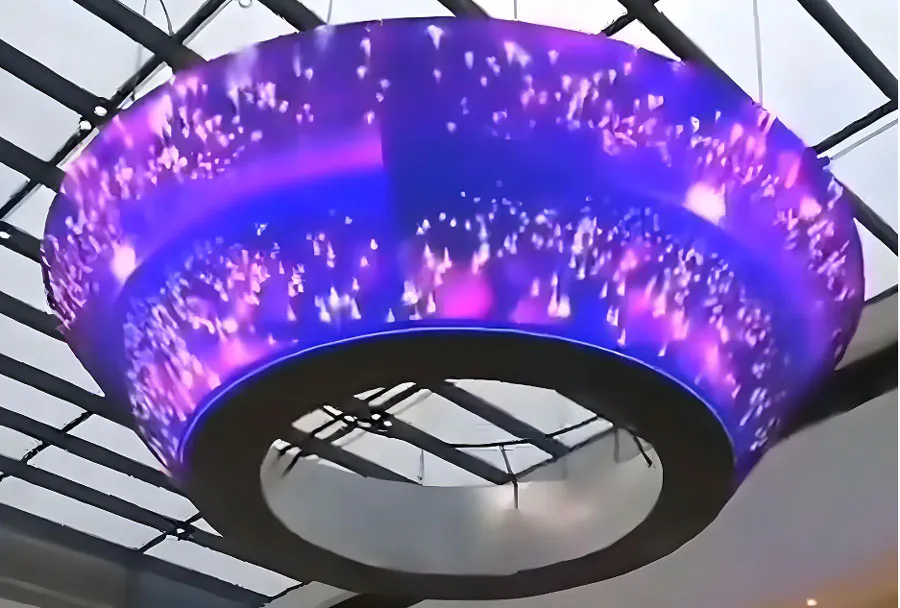
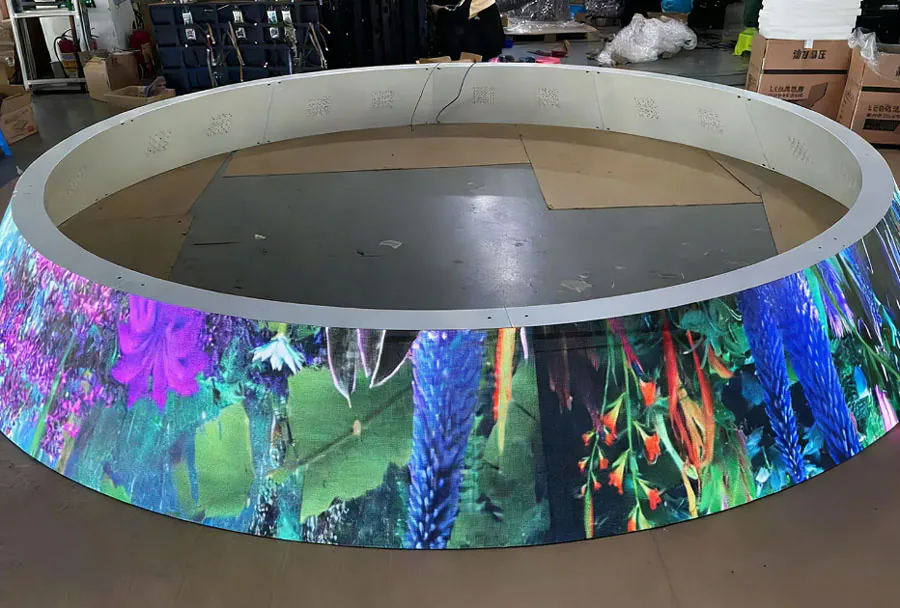
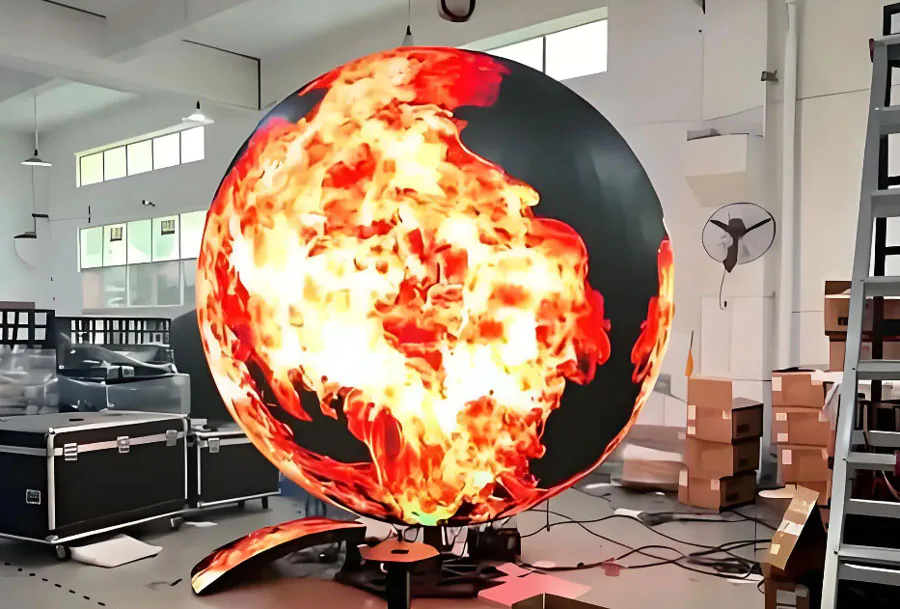
Custom LED rental permits unique shapes, sizes, and configurations—curved walls, stage backdrops, 360-degree displays, or multi-surface video canvases—opening creative opportunities that standardized purchased units may not support.
Technical Considerations When Choosing a rental led screen
Pixel Pitch and Viewing Distance
Pixel pitch is the distance between the centers of two adjacent LED pixels and directly affects perceived resolution. Smaller pixel pitches (e.g., 1.2–2.5 mm) are ideal for close viewing distances such as indoor conferences or trade show booths. Larger pitches (e.g., 4–10 mm) are suitable for larger venues and outdoor screens where viewers are farther away. Match pixel pitch to your audience’s average viewing distance to avoid visible pixelation.
Brightness and Ambient Light
Brightness, measured in nits (cd/m2), determines readability in different lighting conditions. Indoor event screens typically need 800–1,500 nits for clear visuals under stage lighting, while outdoor screens may require 5,000–10,000 nits to overcome sunlight. Always confirm the rental unit’s brightness rating against the venue’s lighting conditions.
Refresh Rate and Color Accuracy
High refresh rates reduce flicker and improve the quality of live video feeds and camera recordings. For camera-friendly screens (important when events are recorded or live-streamed), choose displays with high refresh rates and scan rates to minimize rolling bars or flicker artifacts. Color calibration and accurate color reproduction help maintain brand integrity for logos and product visuals.
Form Factor and Modularity
Rental LED systems come in cabinets or panels with standardized mounting hardware enabling quick assembly into custom shapes and sizes. Consider whether you need flat walls, curved assemblies, transparent panels, or flexible mesh displays. Panel size and weight affect rigging requirements and structural engineering needs.
Signal and Control Infrastructure
Determine how content will be routed: media servers, video processors, LED controllers, and redundancy systems. Ask vendors about input/output options, supported resolutions, and failover protocols. For multi-surface configurations, ensure synchronized playback across all nodes.
Creative Applications and Content Strategy
Visual Storytelling and Brand Immersion
Custom LED walls allow brands to build immersive environments—360-degree brand rooms, interactive product showcases, or dynamic stage backdrops that adapt to session topics. Use them to communicate product features through video, motion graphics, and animated infographics.

Live Video and Speaker Support
LED screens provide crisp backdrop video and live camera feeds for speakers and panels. For large auditoriums, screens improve visibility and allow the audience to connect with speakers’ expressions and gestures.
Interactive Experiences
Combine LED walls with touch interfaces, motion sensors, or mobile-triggered content to create interactive experiences that capture attention and collect first-party data. For example, a trade show booth might use a touch-enabled LED wall for product configurators, while a brand activation uses a gesture-based photobooth linked to social sharing.
Dynamic Content and Real-time Data
Show live social media feeds, leaderboards, live polling results, or website analytics to make events feel dynamic and participatory. Integrate APIs to push live updates or display results from gamification activities in real-time.
Logistics, Setup, and On-site Operations
Lead Time and Pre-Production Planning
Plan lead times for rented LED screens carefully. Popular rental periods can book out months in advance, especially during peak trade show seasons. Early engagement with the rental provider allows for site surveys, structural or electrical planning, and permit acquisition if needed.
Site Surveys and Venue Coordination
A physical or virtual site survey is essential to confirm rigging points, load-bearing capacities, available power, ingress/egress for truck loading, and line-of-sight requirements. Coordinate with venue AV, rigging teams, and local authorities regarding permits and safety requirements.
Power and Cooling Requirements
Large LED walls require significant power. Ensure the venue can supply adequate single or three-phase electricity and that power distribution is stable. For outdoor daytime events, heat management is critical—discuss cooling strategies with the provider.
Rigging and Safety Compliance
When suspending displays overhead or creating large free-standing structures, use certified rigging gear and follow local regulations. Vendors should provide engineering reports and liability insurance. Plan for wind loads, seismic considerations (if applicable), and safe distances from audience traffic.
Installation and Strike Times
Understand the time required for build and strike. Tight installation windows increase labor costs. Ensure that the rental agreement specifies crew size and expected installation duration, and that contingency plans exist for technical delays.
Pricing Models and Budgeting
Common Pricing Structures
– Daily/weekly rental rates: Most providers offer per-day or per-week rates with minimum rental periods.
– Package pricing: Includes delivery, setup, and technical support in a single fee—useful for budgeting.
– Itemized quotes: Detailed pricing for hardware, labor hours, transportation, and optional insurance.
– Service-level add-ons: Media server rental, live mixing technicians, color calibration, and content mapping come at additional cost.
Hidden Costs to Watch For
– Transportation (local vs. long haul)
– Overtime labor or rush fees
– Power distribution and cabling
– Permit or venue fees for rigging
– Insurance and damage waivers
– Content mapping and media server charges
Negotiation Tips
Bundle hardware and services to secure better rates. Offer multi-event or repeat business as leverage. Ask for a detailed breakdown of what’s included so you can compare apples to apples between vendors.
Measuring ROI and Event Effectiveness
Quantitative Metrics
– Attendance and foot traffic: Compare pre- and post-event attendance projections and capture location analytics if available.
– Engagement time: Use proximity sensors or interaction logs to calculate dwell time near the LED installation.
– Lead generation: Track leads associated with the display via QR codes, network captures, or digital sign-ups.
– Social lift: Monitor branded hashtags, impressions, and shared images captured at the display.
Qualitative Metrics
– Brand recall: Post-event surveys to measure recall and sentiment.
– Perceived production value: Interview stakeholders and targeted customers to assess the perceived impact of the display.
– Media coverage: Review press mentions and earned media that highlight the visual production.
Attribution Best Practices
Use unique calls-to-action, UTM links, QR codes, or time-bound promotions displayed only on the LED screen to attribute conversions directly to the installation. Combine observational analytics with controlled experiments where possible.

Case Studies and Use-Case Examples
Product Launch: High-Impact Reveal
A technology company launched a flagship product using a curved LED wall behind the stage paired with synchronized product animation and a live demo. The immersive backdrop allowed for product closeups, animated storytelling, and a live Q&A displayed on-screen. Result: increased press picks and a 30% boost in demo sign-ups.
Trade Show Booth: Lead Generation and Interaction
At a major industry expo, a B2B brand used a fine-pitch LED wall to display an interactive product configurator. Attendees could customize solutions and submit contact info directly from kiosks. The visual draw increased booth traffic and improved qualified lead conversion.
Corporate Town Hall: Clear Communication
A multinational company streamed leadership presentations to several satellite venues via LED screens to ensure consistent messaging across offices. High-quality video feed and synchronized presentation slides improved employee Q&A engagement and reduced follow-up clarification emails.
Analysis Table: LED Screen Comparison for Event Use
Screen TypePixel PitchBest Use CaseTypical Rental Cost Range (per day)Pros / ConsFine-pitch Indoor LED0.9–2.5 mmClose-view conference rooms, trade show booths$500–$2,000 per panelPros: Extremely high resolution and clarity. Cons: Higher cost, more fragile, needs climate-controlled indoors.Standard Indoor LED2.5–4 mmStage backdrops, auditoriums, mid-size venues$300–$1,200 per panelPros: Balanced price and quality. Cons: May not suit very close viewing.Outdoor High-Brightness LED4–10 mmOutdoor daytime activations, large signage$800–$3,500 per cabinetPros: Readable in sunlight, durable. Cons: Heavy, requires higher power and weatherproofing.Transparent LED6–12 mmStorefronts, stage overlays, window installations$700–$2,500 per panelPros: Allows see-through visuals, lightweight. Cons: Lower contrast, less effective in bright backgrounds.Mesh / Flexible LED8–20 mmLarge fa?ades, wraparound installations$500–$2,000 per panelPros: Lightweight, wind-permeable. Cons: Lower resolution and brightness than solid panels.
Vendor Selection Checklist
Capabilities and Fleet
– Confirm the provider’s inventory includes the screen type you need and whether units are current or older models.
– Ask for sample specifications and recent photos from similar events.
Technical Support and Crew
– Ensure 24/7 technical support during the event and on-site technicians during critical windows.
– Confirm the crew’s experience with the specific configuration and venue type.
Insurance and Compliance
– Request certificates of insurance and proof of compliance with local rigging and safety regulations.
– Verify that the vendor will provide engineering reports if suspending or fully rigging displays.
References and Case Studies
– Ask for client references and request to see case studies of similar scale and creative complexity.
Troubleshooting and Contingency Planning
Common Issues
– Image artifacts or pixel failure: Often traced to panel connection issues or damaged modules.
– Flicker on camera: Usually due to refresh rate mismatch or scan settings—adjust controller refresh rates or use motion-friendly panels.
– Power loss: Caused by insufficient power allocation or faulty distribution; always have backup power and generator options.
– Sync problems between multiple walls: Check timing and use reliable video processors with genlock capability.
Redundancy and Backup Plans
– Media server redundancy: Use mirrored servers and hot-swap capabilities.
– Spare modules and cables: Carry replacements for likely failure points.
– Alternate content delivery: Keep simplified content versions that can be deployed if full-resolution playback fails.

Environmental and Accessibility Considerations
Sustainability
Choose vendors who practice responsible lifecycle management—repair, refurbishment, and recycling of old panels. Efficient planning reduces wasted transport and energy use; prefer LED systems with power-efficient drivers.
Accessibility
Ensure content on LED screens is legible for people with low vision: high contrast, large type for key messages, and audio descriptions or captioning for video content. For interactive screens, provide alternative ways to engage for people unable to use gesture or touch interfaces.
Conclusion: Making the Most of a Rental LED Investment
Renting custom led display screens empowers event producers and marketers to deliver high-impact visual experiences without the long-term capital commitment. Thoughtful planning—matching pixel pitch to viewing distance, ensuring adequate brightness, coordinating logistics, and designing content that leverages the display’s strengths—translates to stronger audience engagement and measurable business outcomes.
Partnering with an experienced rental provider who offers transparent pricing, solid technical support, and a proven track record can reduce the risk associated with complex installations. When executed well, a custom LED installation becomes a strategic asset: a dynamic canvas for brand storytelling that drives awareness, leads, and lasting impressions.