High-Definition LED Screen Rental for Concerts & Conferences

High-definition (HD) LED screens have become indispensable tools for modern concerts and conferences. They deliver crisp visuals, vibrant color reproduction, and scalable display options that enhance audience engagement, reinforce branding, and ensure content clarity from the front row to the back of large venues. Renting HD LED screens offers event organizers flexibility, cost-effectiveness, and access to the latest technology without the capex burden of ownership. This article explores the technical considerations, logistical planning, content strategies, cost factors, and best practices for renting LED screens for concerts and conferences.
Understanding LED Screen Technology
LED screens are composed of many small light-emitting diodes arranged into modules and panels. Key technical parameters determine performance and suitability for different events:
– Pixel Pitch: The distance between the centers of adjacent pixels, measured in millimeters. Smaller pixel pitch (e.g., 1.2–2.5mm) offers higher resolution suitable for close viewing in conferences. Larger pitches (e.g., 3.9–6mm and above) are common for concert backdrops and outdoor stages.
– Brightness: Measured in nits (cd/m2). Indoor screens typically require 800–1,500 nits; outdoor displays often need 3,000 nits or more to overcome daylight.
– Refresh Rate: Higher refresh rates (≥3,840 Hz) reduce flicker and provide stable video capture for live broadcast and camera use.
– Contrast and Color Accuracy: High contrast ratios and accurate color calibration are crucial for immersive visuals and branded content fidelity.
– Panel Size and Modularity: Panels (e.g., 500x500mm or 640x640mm) combine to form custom aspect ratios and screen sizes, enabling flexible stage design.
– Viewing Angle: Determines how well the image maintains brightness and color when seen from off-center locations.
Understanding these parameters helps match display choices to venue size, audience distance, ambient lighting, camera use, and content type.
Benefits of Renting HD LED Screens for Events
– Flexibility: Rentals provide access to a range of pixel pitches, screen sizes, and mounting options, allowing customization for each event’s unique needs.
– Cost Efficiency: For occasional events, renting avoids upfront purchase costs, storage needs, and maintenance responsibilities.
– Latest Technology: Rental companies typically maintain newer hardware, enabling clients to use current-generation screens with better brightness, energy efficiency, and reliability.
– Professional Support: Rentals include delivery, rigging, integration with AV systems, and on-site technical support, reducing logistical headaches.
– Scalability: Organizers can scale screen sizes up or down based on production value and budget constraints.
How to Choose the Right LED Screen for Concerts vs. Conferences
Choice criteria differ between concerts and conferences due to viewing distances, ambient light, camera coverage, and content type.
Concerts
– Viewing Distance: Audiences are typically farther away; larger pixel pitches (P3.9–P10) can deliver strong visuals without excessive cost.
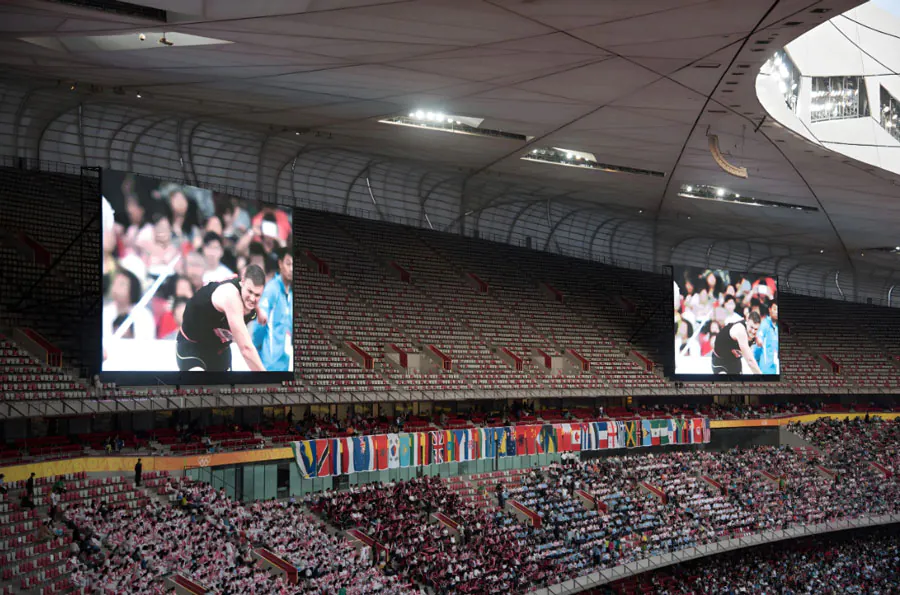
– Brightness & Weatherproofing: Outdoor or large indoor venues require high brightness (≥4,000 nits) and weather-resistant panels for outdoor shows.
– Durability & Weight: Lightweight and robust panels allow quick rigging and dynamic stage design.
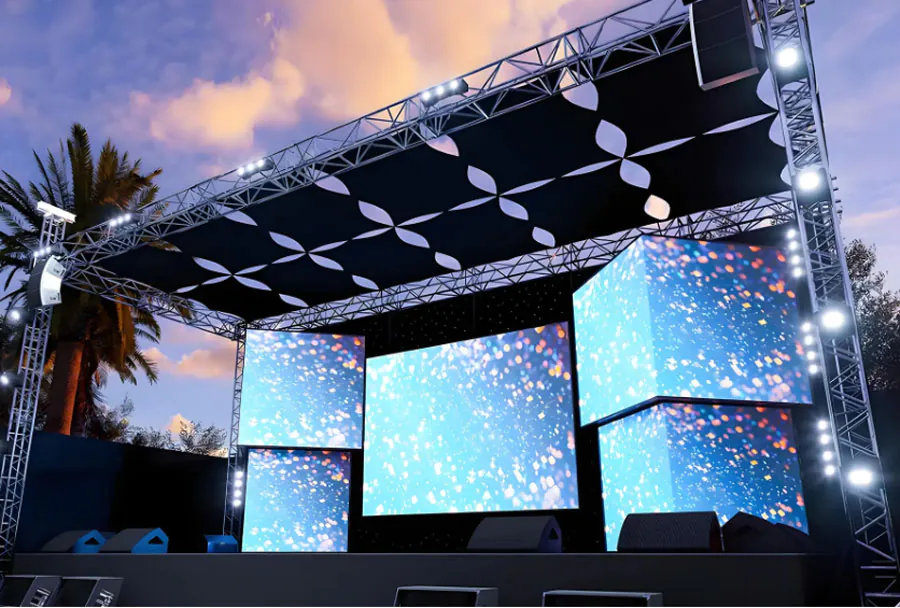
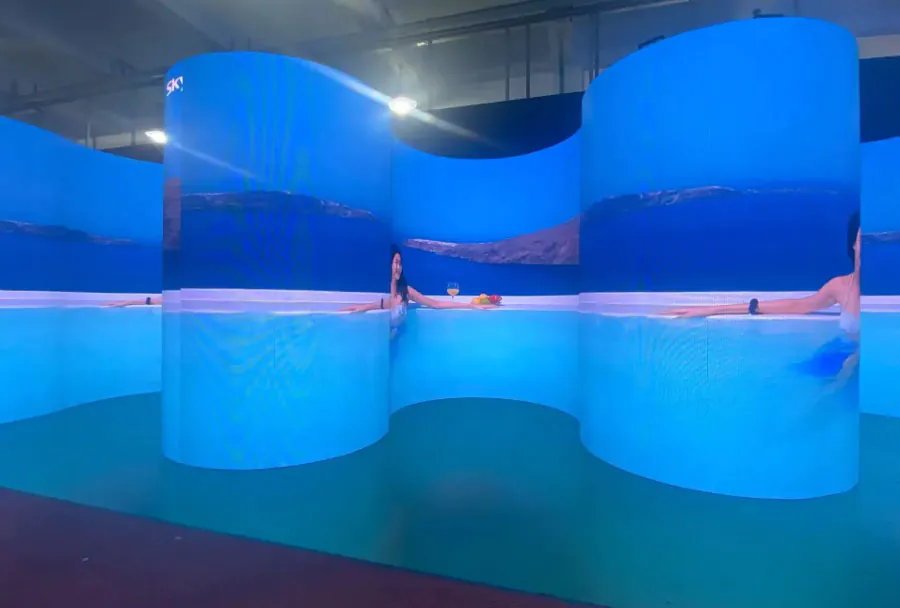
– Creative Flexibility: Non-standard shapes, curved screens, and video walls are frequently used for dramatic visual effects.
Conferences
– Close Viewing & Readability: Attendees sit closer, so fine-pitch panels (P1.2–P2.5) are desirable for clear text and detailed graphics.
– Color Accuracy: Brand presentations and product demos need accurate color reproduction.
– Multi-Screen Layouts: Confidence monitors, stage backdrop displays, and side screens ensure visibility for all attendees.
– Integration with AV: Seamless switching between presentation laptops, live feeds, and graphics is essential.
Operational Considerations and Logistics
Renting and deploying HD LED screens involves multiple logistical steps. Organizers should plan weeks in advance and coordinate with the rental vendor, production team, and venue staff.
– Site Survey: A pre-event site visit assesses rigging points, sightlines, power availability, ingress/egress routes, and audience seating or standing patterns.

– Power Requirements: LED walls can draw significant current; ensure adequate power distribution, clean power sources, and backup circuits.
– Rigging & Safety: Certified riggers and appropriate trussing, motors, and safety hardware are required for hanging large screens. Ensure local regulations and venue requirements are met.
– Transport & Load-In/Out: Coordinate vehicle access, load-bearing elevator use, and crew scheduling to avoid delays.
– On-Site Support: Technical staff for configuration, signal routing, troubleshooting, and content playback management are typically included or available as add-ons.
– Rehearsal & Testing: Schedule time for content test runs, camera checks, and lighting coordination to avoid surprises during the event.
Content and Production: Making the Most of HD Screens
High-definition LED screens enable creative production workflows, but content must be produced and formatted to match the display system.
Resolution and Aspect Ratio
Match the content resolution to the native pixel matrix of the assembled screen. For custom aspect ratios, create background canvases and safe zones to prevent cropping. When upscaling or downscaling, prioritize maintaining crisp typography for presentations.
Media Playback Systems
Professional media servers (e.g., Watchout, Resolume, Disguise) offer timeline control, multiple outputs, real-time effects, and synchronization with lighting and audio. For conferences, simple switchers and confidence monitors might suffice.
Camera and Broadcast Considerations
High refresh rates and appropriate scan settings are required to avoid LED flicker on camera. Coordinate frame rates (e.g., 30/60 fps) and shutter speed with the camera team and ensure LED panels have adequate refresh rates for live-broadcast capture.
Cost Factors and Budgeting
Rental costs vary widely based on screen size, pixel pitch, brightness, transport distance, installation complexity, labor, and rental duration. Typical cost components include:
– Per-day or per-event screen rental fee (often priced per square meter)
– Freight and logistics
– Rigging and structural hardware
– Power distribution and cabling
– Technical crew and on-site support
– Content playback or media server rental
– Insurance and contingency fees
Below is an analysis table comparing typical LED panel options frequently rented for concerts and conferences. Prices are illustrative and will vary by region and vendor.
| Model / Panel Type | Pixel Pitch (mm) | Brightness (nits) | Recommended Viewing Distance | Typical Rental Cost (per day) |
|---|---|---|---|---|
| Fine-Pitch Indoor LED (P1.5) | 1.5 | 900–1,200 | 1.5–5 meters | $150–$300 / m2 |
| Indoor Conference LED (P2.6) | 2.6 | 1,000–1,500 | 3–8 meters | $100–$200 / m2 |
| Concert Backdrop LED (P4.8) | 4.8 | 3,000–6,000 | 8–20 meters | $50–$120 / m2 |
| Outdoor Stage LED (P6.7) | 6.7 | 5,000–7,500 | 15–40 meters | $40–$90 / m2 |
| Large Venue Outdoor LED (P10) | 10 | 6,000–8,000 | 30+ meters | $30–$70 / m2 |
Note: Rental cost estimates depend on factors like minimum order size, duration, and additional services (installation, technicians, media servers).
Case Studies: Real-World Applications
Illustrative examples help clarify how different LED solutions fit event needs.
Music Festival Mainstage
A summer outdoor festival opted for a P6.7 outdoor LED backdrop measuring 12m x 6m. High brightness (≥6,000 nits) ensured visuals held up in daylight. The rental included a media server for synchronized visuals and on-site technicians for performance cues. The result: visually impactful stage design that remained readable even from distant viewing areas and through broadcast cameras.
Corporate Conference Keynote
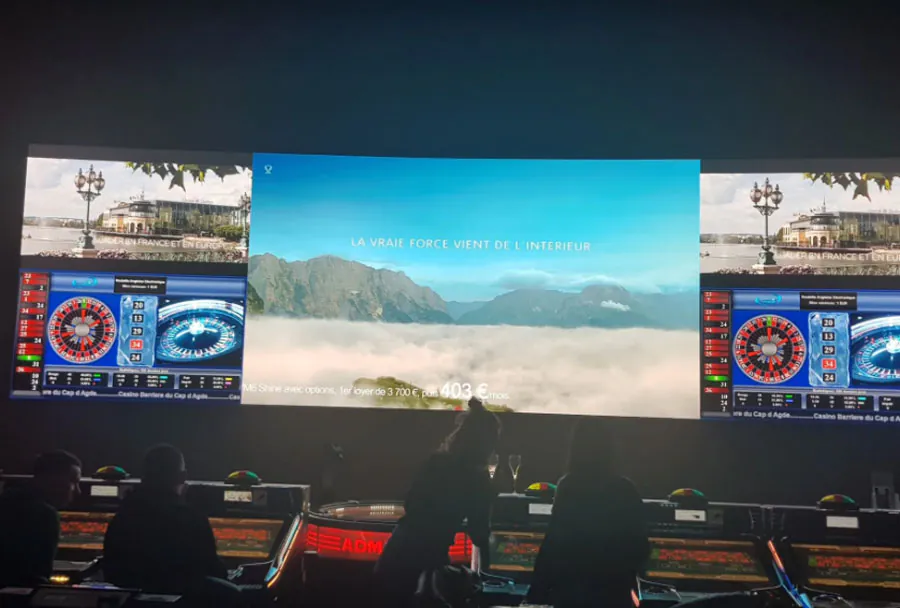
A tech company’s annual conference used a seamless P1.9 LED wall 10m x 3m as the stage backdrop. Fine-pitch resolution allowed detailed product diagrams and small-font copy to be legible on camera and for attendees in the front rows. Media servers handled dynamic transitions between slides, live feeds, and demo videos. The rental included rehearsal time for AV integration, which avoided last-minute technical issues.

Installation, Rigging, and Safety Best Practices
Safety is paramount when installing heavy LED walls in both indoor and outdoor settings.
– Certified Personnel: Use riggers and technicians certified in local safety standards. Confirm insurance and certifications prior to work.
– Structural Assessment: Ensure the rigging points and truss can support static and dynamic loads. For flying screens, factor in wind loads for outdoor events.
– Redundancy: Use dual power sources, redundant signal paths, and backup media players to reduce single points of failure.
– Cable Management: Proper cable routing avoids tripping hazards and maintains signal integrity.
– Weather Planning: For outdoor screens, have rain covers, drainage plans, and contingency procedures for high winds or storms.
Technical Checklist for Event Day
Before event start, verify the following:
– Screen alignment and bezels sealed for seamless images
– Pixel calibration and color temperature matching across panels
– Signal chain from media server to LED driver verified
– Power load balancing and surge protection in place
– Latency and lip-sync checks for live audio/video
– Camera test shots to detect flicker or strobing
– Emergency power cut-off accessible and understood by crew
Common Challenges and How to Avoid Them
– Unexpected Brightness Issues: Conduct daylight tests for outdoor events; request higher-nit panels if necessary.
– Pixel Failures: Work with the rental company to confirm acceptable dead-pixel standards and replacement policies.
– Screen Flicker on Camera: Ensure panels and media servers support sufficiently high refresh rates and use camera-LED sync solutions if needed.
– Logistics Delays: Schedule buffer time for load-in/out and coordinate permits and venue access ahead of time.
– Content Mismatch: Provide content specifications to the production team early; insist on final content proofs and test playback during rehearsals.
Environmental and Sustainability Considerations
LED technology is more energy-efficient than older projection systems, but large walls still consume power. Rental companies are increasingly offering energy-optimized panels and LED walls with power management features. Event organizers can reduce environmental impact by:
– Selecting panels with higher energy efficiency
– Consolidating screen use (turning off unused screens when possible)
– Using local rental suppliers to reduce transportation emissions
– Recycling or responsibly disposing of packaging and temporary rigging materials
Negotiating with LED Screen Rental Providers
When sourcing rental quotes, be clear and precise about your requirements:
– Provide exact screen dimensions, viewing distances, and venue photos
– Specify indoor vs. outdoor, weather conditions, and stage rigging options
– Ask for detailed line-item quotes including delivery, set-up, labor hours, and contingency charges
– Request references and examples of similar events the vendor has supported
– Confirm technical specs: pixel pitch, refresh rate, brightness, and warranty terms
Compare multiple quotes, but weigh the value of reliable technical support and proven equipment over the lowest price alone.
Checklist for Event Planners: Preparing to Rent an LED Screen
– Determine audience size and viewing distances
– Choose indoor or outdoor-rated panels
– Define content types and playback systems required
– Establish power availability and rigging constraints at the venue
– Schedule load-in, rehearsals, and load-out times
– Confirm staffing: riggers, AV techs, and operators
– Ensure insurance and compliance with venue policies
Future Trends in led displays for Events
– MicroLED and MiniLED panels will push pixel pitch even smaller with improved brightness and power efficiency.
– Flexible and transparent LED screens will enable more creative stage designs and architectural integration.
– Integrated LED-floor solutions and interactive touch-enabled LED surfaces will grow in experiential events.
– Networked content delivery and smarter media servers will enhance real-time content personalization and interactive capabilities.
Conclusion: Maximizing Impact with the Right Rental Strategy
High-definition LED screens can transform concerts and conferences by improving visibility, elevating production value, and enhancing audience experience. Renting provides access to tailored solutions and professional support while controlling costs. Success hinges on clear technical requirements, careful site planning, high-quality content production, and strong communication with rental vendors. By following best practices—prioritizing safety, testing content and camera compatibility, and planning logistics thoroughly—event organizers can deliver visually stunning and technically reliable events that engage attendees and meet production goals.