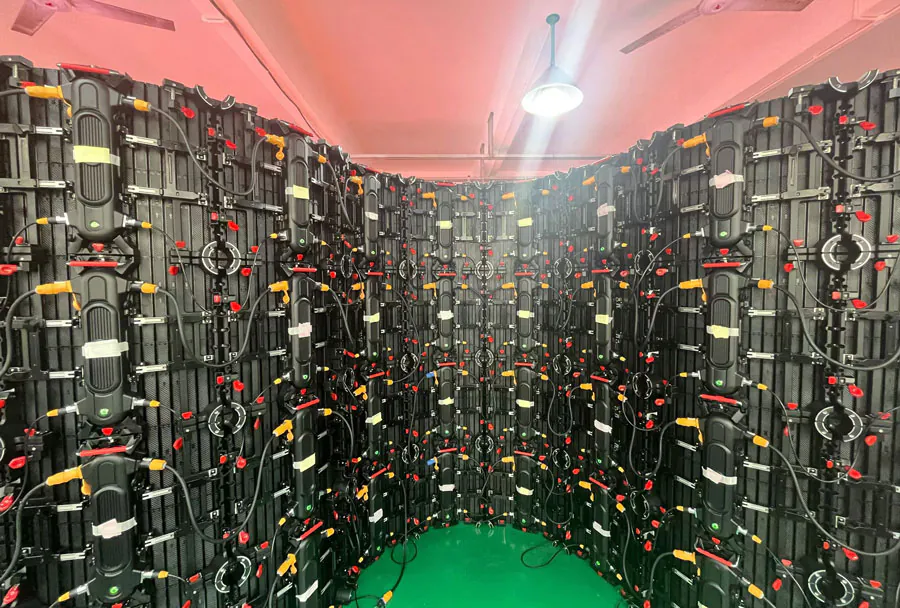
Innovative Bendable LED Display Designs for Custom Applications

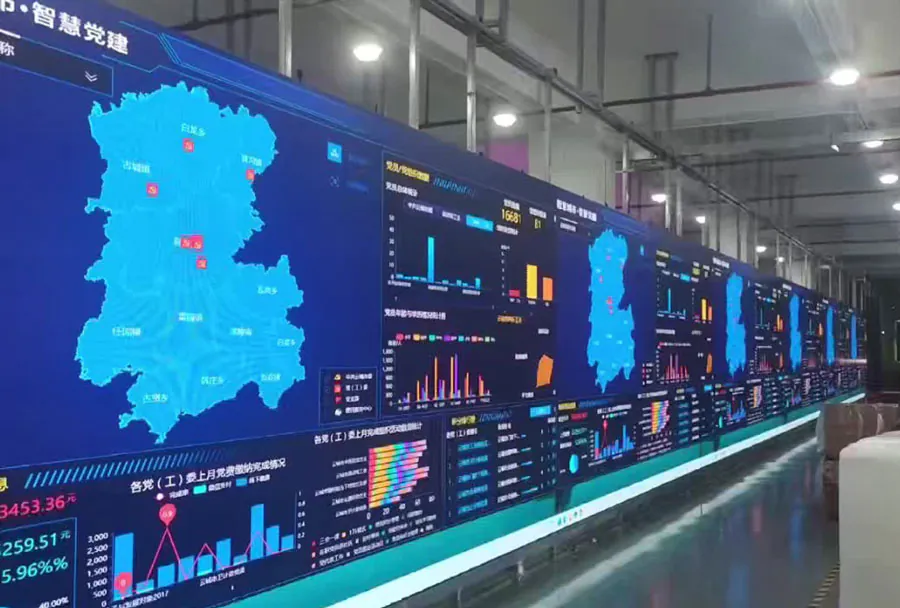
Innovative Bendable LED Display Designs for Custom Applications turn columns, curved walls, sculptural features, and other unusual surfaces into digital displays. Note: A flexible LED module doesn’t automatically create a display that can change shape during operation; the final assembly also depends on its frame, wiring, connectors, and approved bending limits.
Table of Contents
- 1. Choose a Shape That Serves the Space
- Model the Actual Surface
- Compare Shapes Before Committing
- 2. Match the Module’s Bending Limits to Your Geometry
- Check More Than the Minimum Radius
- Separate Fixed Curves From Moving Displays
- 3. Select Pixel Pitch for the Content and Viewing Position
- Evaluate the Hardest Content First
- Confirm the Delivered Pixel Map
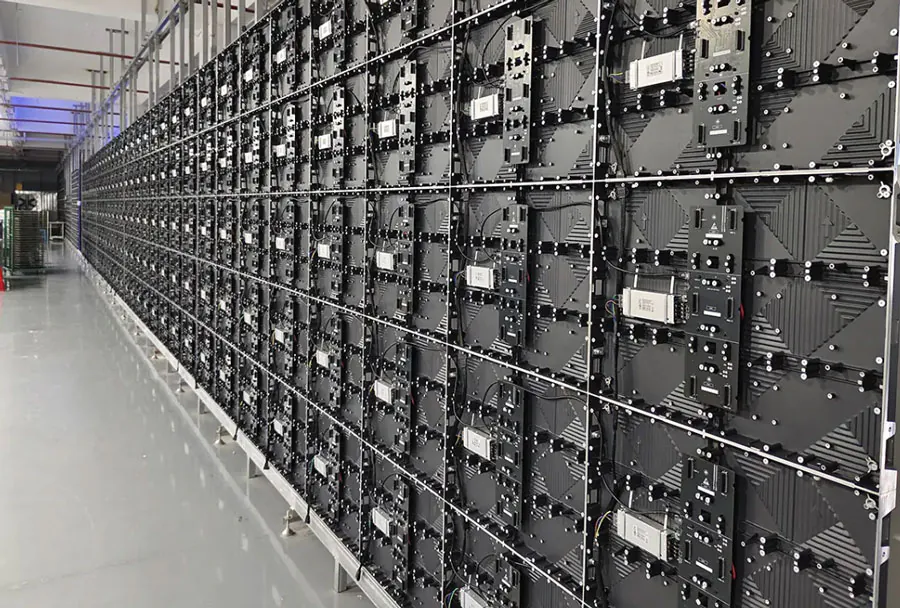
- 4. Engineer the Frame, Cooling, and Service Access Together
- Treat Environmental Ratings Precisely
- Make Maintenance a Design Requirement
- 5. Build Content Around the Curved Pixel Canvas
- Separate Mapping From Content Design
- Test the Complete Signal Path
- 6. Evaluate Suppliers Through a Representative Prototype
- Define Observable Acceptance Criteria
- Plan for Replacement Parts
- Can a bendable LED display be used in a temporary rental installation?
- Why do curved LED displays sometimes show bands on camera?
- What happens to the display when its network connection fails?
- How should a custom display accommodate visitors sensitive to flashing content?
- Can touch interaction be added to a curved LED surface?
- Conclusion
That distinction matters when you move from a concept drawing to a working installation. A shape may look convincing in a rendering yet leave too little space for cooling, maintenance, or cable routing.
The strongest projects connect visual design with mechanical engineering, display specifications, and content planning from the start. The following strategies explain how to choose a workable shape, evaluate flexible modules, match resolution to viewing conditions, plan installation access, prepare content, and assess suppliers.
You will also find a compact comparison table and practical questions to resolve before approving a custom LED display.
Sphere LED screen made by TW VISION-P2.5, 1 meter dismeter.
1. Choose a Shape That Serves the Space
A successful custom LED display starts with a defined viewing experience and a shape that fits the building.
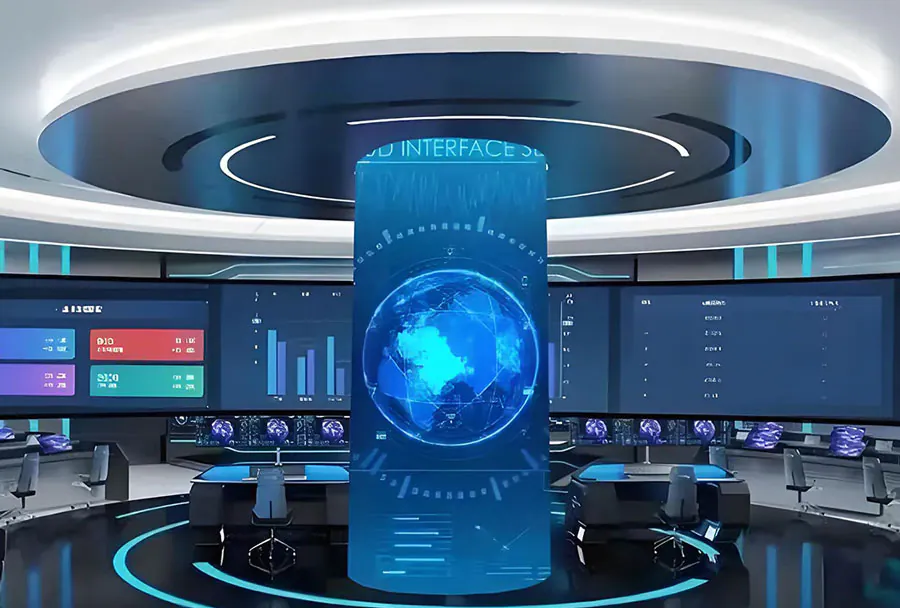
Innovative Bendable LED Display Designs for Custom Applications work best when curvature serves a clear purpose. A wrapped column can make content visible from multiple directions, while a curved presentation wall can help frame a central viewing area.
Before selecting hardware, document where people stand, how they move, and which architectural features interrupt their view. Identify doors, sprinklers, structural joints, and access panels that the installation must accommodate.
Model the Actual Surface
Rhino is a modeling tool for developing and evaluating curved geometry. Its developer, McNeel, identifies NURBS modeling as a core capability, making it useful for describing the curves and surfaces that a fabricator must build.
A smooth digital surface still needs a practical module layout. Ask your display supplier to show module boundaries, attachment points, and seams directly on the model.
Compare Shapes Before Committing
| Display form | Useful application | What to check |
|---|---|---|
| Concave wall | Presentation backdrop | Audience sightlines |
| Convex wrap | Architectural feature | Edge visibility |
| Column wrap | Multidirectional signage | Closing seam |
| Wave surface | Branded installation | Changing curvature |
| Segmented curve | Modular installation | Visible faceting |
For Innovative Bendable LED Display Designs for Custom Applications, this early layout becomes the shared reference for the architect, fabricator, installer, and content team.
How to apply this: Mark your audience positions on a floor plan and ask the supplier to overlay its proposed module grid on the chosen surface.
2. Match the Module’s Bending Limits to Your Geometry
A flexible module is suitable only when its documented bending direction and minimum radius match the intended surface.
Manufacturers distinguish flexible LED products from conventional rigid panels. Planar, for instance, describes its CarbonLight CLI Flex products as flexible LED video wall displays; that capability remains specific to the product and its installation requirements.
Innovative Bendable LED Display Designs for Custom Applications therefore need a model-specific mechanical review. “Flexible” alone does not establish whether a module supports concave curves, convex curves, twisting, or compound surfaces.
Check More Than the Minimum Radius
Request the approved bending axis, minimum radius, module dimensions, and mounting instructions. Also ask whether the stated limits apply to the bare module or the complete installed assembly.
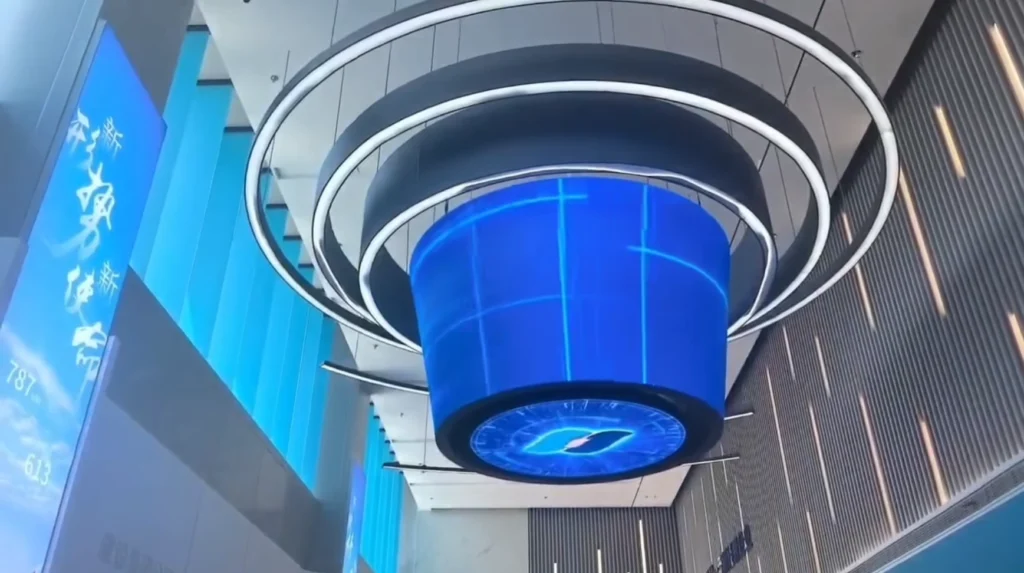
A cylindrical surface curves around one direction. A dome introduces curvature in multiple directions, so a module approved for a cylinder may not fit a dome without a different construction method.
Separate Fixed Curves From Moving Displays
Do not assume installation flexibility means repeated-motion capability. If your concept changes shape while operating, request documented limits for repeated bending and engineering details for moving cables and connections.
Innovative Bendable LED Display Designs for Custom Applications should reach a prototype stage before you commit to a difficult compound shape.
How to apply this: Send the supplier a dimensioned surface drawing and request written confirmation that the exact module supports every proposed curve.
3. Select Pixel Pitch for the Content and Viewing Position
The right pixel pitch depends on what viewers need to recognize and how close they will be to the display.
Pixel pitch describes the spacing between adjacent pixel centers. Manufacturers such as ROE Visual publish it in product specifications because it helps define a display’s pixel density and suitability for different viewing conditions.
Innovative Bendable LED Display Designs for Custom Applications require more than a pitch recommendation based on distance. Fine text, logos, video, and abstract animation place different demands on the same surface.
Evaluate the Hardest Content First
A retail column showing broad color fields may remain effective where a directory with small lettering becomes difficult to read. Test your smallest essential text and most detailed graphic before approving the specification.
Curvature also changes the angle at which viewers see different parts of the screen. A product’s published viewing-angle specification is useful, but it does not replace inspecting representative content on a curved sample.
Confirm the Delivered Pixel Map
Ask for the active pixel dimensions of the complete display, including irregular edges and any unused areas. These dimensions determine the content canvas and help prevent unnecessary scaling.
For Innovative Bendable LED Display Designs for Custom Applications, a sample test should include the actual brand fonts, intended colors, and likely audience positions.
How to apply this: Give suppliers the same content file and compare it on candidate modules from your closest and most demanding viewing positions.
4. Engineer the Frame, Cooling, and Service Access Together
A custom LED installation needs a support structure that preserves its shape while allowing heat removal and maintenance.
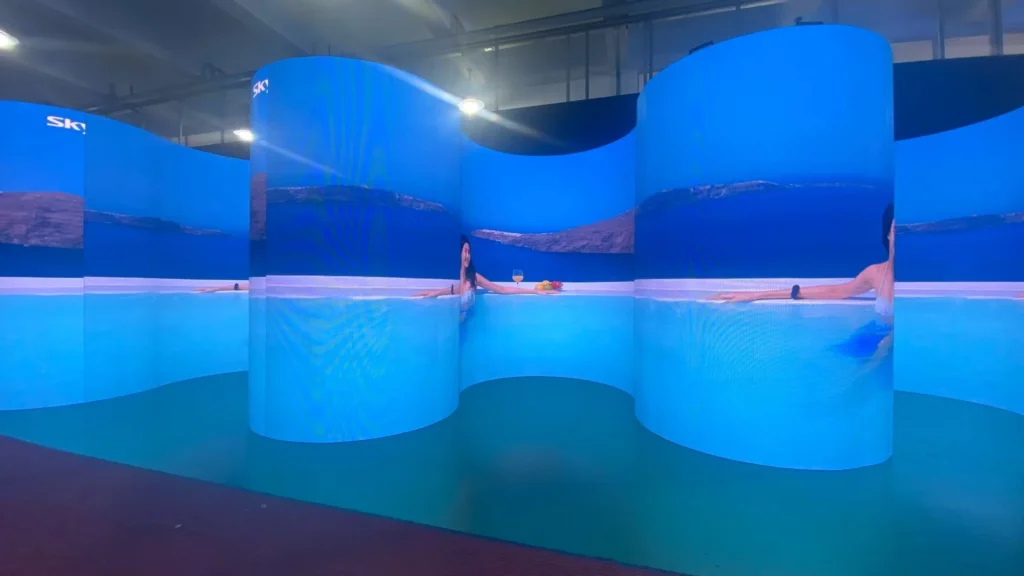
Innovative Bendable LED Display Designs for Custom Applications can fail operationally when the visual surface consumes all the available space. Power supplies, receiving electronics, connectors, and replacement modules still need accessible locations.
A wrapped lobby column illustrates the problem: a neat closing seam may become difficult to repair if the final module blocks access to the wiring behind it.
Treat Environmental Ratings Precisely
The International Electrotechnical Commission’s guidance on IP ratings explains that these ratings classify protection provided by enclosures against ingress. An IP rating does not, by itself, establish resistance to sunlight, corrosion, condensation, or every outdoor operating condition.
Check whether the manufacturer states different protection levels for the front and rear. Confirm how the installed frame, joints, and cable entries affect the complete enclosure.
Make Maintenance a Design Requirement
Request the manufacturer’s operating-temperature limits, power requirements, ventilation guidance, and service instructions. Have the project’s electrical and structural professionals review the proposed installation against applicable local requirements.
For Innovative Bendable LED Display Designs for Custom Applications, maintenance access should appear in the construction drawings before fabrication begins.
How to apply this: Require a drawing that shows airflow paths, electrical isolation points, cable access, and the physical route for removing each serviceable component.
5. Build Content Around the Curved Pixel Canvas
Content for a curved LED display should follow its actual pixel map and the audience’s primary viewing positions.
Innovative Bendable LED Display Designs for Custom Applications often use surfaces that differ substantially from a standard rectangular screen. Sending a conventional video file without planning its placement can leave text stretched across seams or important imagery outside the main sightline.
Resolume Arena is a playback and mapping tool for routing visual content to display outputs. Its official Advanced Output documentation describes slices that select parts of a composition and position them within an output.
Separate Mapping From Content Design
Output mapping determines where pixels go. Content design determines whether the result communicates clearly from the audience’s position.
A logo spanning a wrapped column may look complete in the source file while only part of it is visible to a passing viewer. Place essential messaging within a viewing zone that people can actually see at once.
Test the Complete Signal Path
Use the intended playback system, processor, receiving configuration, and display modules during testing. Check motion, color transitions, text edges, and alignment across module boundaries.
Innovative Bendable LED Display Designs for Custom Applications also benefit from a documented content template that identifies seams, hidden regions, and preferred message placement.
How to apply this: Obtain the final pixel map and create a test file containing alignment lines, brand colors, moving graphics, and your smallest approved text.
6. Evaluate Suppliers Through a Representative Prototype
A supplier should demonstrate that the proposed display can meet your geometry, image, installation, and maintenance requirements.
Innovative Bendable LED Display Designs for Custom Applications involve several linked components, so a module sample alone cannot prove the full system will work. Request a representative assembly that includes the proposed mounting method, module joints, electronics, and content playback.
LED processing is also part of the specification. Brompton Technology describes calibration and color-control capabilities within its Tessera processing platform, illustrating why processor selection belongs in the image-quality review.
Define Observable Acceptance Criteria
Agree on what the supplier must demonstrate before you approve production:
– Consistent alignment across adjacent modules.
– Legible content from agreed viewing positions.
– Stable operation with the intended playback equipment.
– Access for replacing a module and servicing connections.
– Clear identification of every supplied component.
Avoid acceptance language such as “excellent picture quality” unless the contract explains how you will assess it.
Plan for Replacement Parts
Ask how replacement modules are matched to the installed display and what adjustment or calibration may be required. Record product identifiers, firmware versions, configuration files, and responsibility for commissioning.
For Innovative Bendable LED Display Designs for Custom Applications, a documented prototype makes the final quotation easier to evaluate because both parties are pricing the same requirements.
How to apply this: Attach a prototype acceptance checklist and component schedule to your request for quotation before comparing supplier prices.
Frequently Asked Questions About Innovative Bendable LED Display Designs for Custom Applications
These questions address special operating conditions that can affect ownership after the initial design and installation.
Can a bendable LED display be used in a temporary rental installation?
Yes, provided the complete system is designed for repeated transport, assembly, and removal. A flexible module attached to a permanent architectural frame may lack the protective packaging, connectors, or handling features needed for rental work.
For Innovative Bendable LED Display Designs for Custom Applications used at touring events, ask for documented handling procedures, transport cases, assembly instructions, and a demonstration of how crews protect the modules during setup.
Why do curved LED displays sometimes show bands on camera?
Visible bands can result from interactions between camera exposure, sensor readout, display refresh, and LED driving behavior. A screen that looks steady to your eyes may still produce artifacts during filming, especially when camera settings change.
For Innovative Bendable LED Display Designs for Custom Applications intended as broadcast backgrounds, test the actual cameras and planned settings, then ask the display and camera teams to agree on compatible operating configurations.
What happens to the display when its network connection fails?
The result depends on the playback architecture and its configuration. A locally stored playlist may continue running, while content that depends on a live network source may freeze or disappear. For Innovative Bendable LED Display Designs for Custom Applications in public spaces, specify the desired failure behavior and test it by disconnecting the relevant connection.
Keep an approved fallback message available and document who receives fault notifications.
How should a custom display accommodate visitors sensitive to flashing content?
Content creators should review flashing, rapid transitions, and strong repetitive patterns before publication. The risk depends on the material shown, so hardware selection alone cannot resolve it. For Innovative Bendable LED Display Designs for Custom Applications near queues or seated audiences, provide a content review process and consider whether visitors can choose another route.
The W3C’s guidance on flashes provides a useful reference for assessing visual material.
Can touch interaction be added to a curved LED surface?
Yes, but touch usually requires a separate sensing system and interaction software. A flexible LED module does not inherently detect contact, and an added protective surface can affect image appearance and access.
For Innovative Bendable LED Display Designs for Custom Applications in an interactive exhibit, ask the integrator to demonstrate tracking on the finished curve, including edge areas, and confirm how the system handles several visitors interacting at once.
How to apply this: Add any relevant rental, camera, network, accessibility, or interaction requirement to your supplier brief before the system configuration is finalized.

Conclusion
Innovative Bendable LED Display Designs for Custom Applications succeed when the surface, display hardware, and operating plan are developed together. The most useful early investment is a representative prototype supported by clear drawings, real content, and agreed acceptance criteria.
– Define the viewing experience: Choose a shape that supports your message and fits the space.
– Verify the physical limits: Confirm bending direction, mounting requirements, environmental suitability, and maintenance access.
– Test the complete image system: Evaluate modules, processing, playback, and content as a connected installation.
– Document ownership requirements: Keep component records, configuration files, replacement procedures, and supplier responsibilities accessible.
How to apply this: Prepare a dimensioned concept drawing, your most demanding content sample, and a written acceptance checklist, then ask shortlisted suppliers to demonstrate their proposed solution against all three before you approve fabrication.
Related Articles
- flexible transparent led screen: 6 Best for Modern Displays
- ultra-thin flexible LED screen: complete guide: Expert Guide
- curved led panels: Design, Uses, Buying Guide: Expert Guide