Large LED Screen Design: Engineering,Installation&Performance

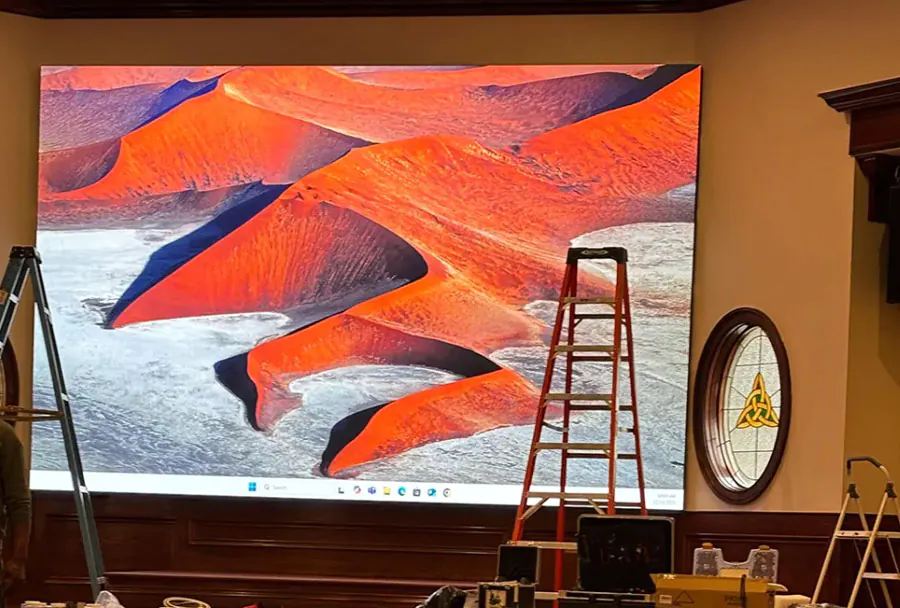
Large LED Screen Design: Engineering, Installation, and Performance often feel like three separate disciplines, but they are tightly connected. Industry surveys consistently show that most LED video wall image problems trace back to signal routing and calibration, not to the LED modules themselves.
Table of Contents
- Secret 1: Design for the Viewer, Not the Spec Sheet
- The Pixel Pitch Rule of Thumb
- Cabinet Size vs. Service Access
- Secret 2: Engineer the Power and Thermal Load Before You Ship
- Power Draw vs. Brightness
- Secret 3: Install with a Rigid, Level Frame — Tolerances Matter
- Secret 4: Calibrate to the Canvas, Not the Module
- Secret 5: Monitor Performance Continuously — Don’t Just Set and Forget
- Early Failures Are a Feature, Not a Bug
- How Does Extreme Cold Affect Large LED Screen Design: Engineering&Installation&Performance?
- What Network Bandwidth Do Large LED Screens Need for Live Video?
- Can I Film a Large LED Screen Without Getting Moiré Patterns?
- What IP Rating Do Outdoor Large LED Screens Actually Need?
- How Often Should I Replace Individual LED Panels in a Large Wall?
- Conclusion
You can spec the brightest panels and still get a muddy, pixelated wall if the pixel pitch, power load, and alignment do not match the room. Below are five practical secrets that cover the design, engineering, installation, and ongoing performance of large LED screens.
Secret 1: Design for the Viewer, Not the Spec Sheet
Large LED Screen Design: Engineering&Installation&Performance starts with one question: who is watching, and from how far away? A 1.9mm pitch screen looks stunning up close but wastes budget in a stadium where nobody stands within 10 meters. A 4.8mm pitch screen is perfect for a high-ceiling lobby but painful at desk distance.
AVIXA, the Audiovisual and Integrated Experience Association, explains in its display image size standards that the minimum viewing distance for direct-view LED is approximately equal to the pixel pitch in millimeters multiplied by 1.2 to 1.5 meters. So a 2.5mm panel needs at least 3 meters; a 4.8mm panel needs about 6 meters.
That single number drives cabinet count, processor load, and fine pitch price.
The Pixel Pitch Rule of Thumb
– Minimum viewing distance (meters) ≈ pixel pitch (mm) × 1.2 to 1.5
– Optimal immersion distance ≈ pixel pitch (mm) × 2.5 to 3
Cabinet Size vs. Service Access
Every access panel or service door you omit turns a 10-minute module swap into a full-day teardown. Always design rear clearance into the wall plan.
How to apply this: measure the actual sightline from the closest viewer to the wall, then pick the largest pixel pitch that still looks smooth at that distance.
| Pixel Pitch (mm) | Minimum Viewing Distance | Typical Use Case | Action to Take |
|---|---|---|---|
| 0.9–1.5 | 1.5–2 m | Broadcast studios, boardrooms | Rent panel samples before buying |
| 1.9–2.5 | 3–5 m | Lobby, retail, control rooms | Confirm ceiling height allows rear access |
| 3.9–4.8 | 6–10 m | Auditoriums, houses of worship | Compare daylight brightness to venue windows |
| 6–10 | 10–20 m | Stadiums, outdoor billboards | Specify waterproof IP65+ cabinets |
| 10+ | 20 m+ | Highway signage, mega-walls | Budget for structural steel and wind load |
Secret 2: Engineer the Power and Thermal Load Before You Ship
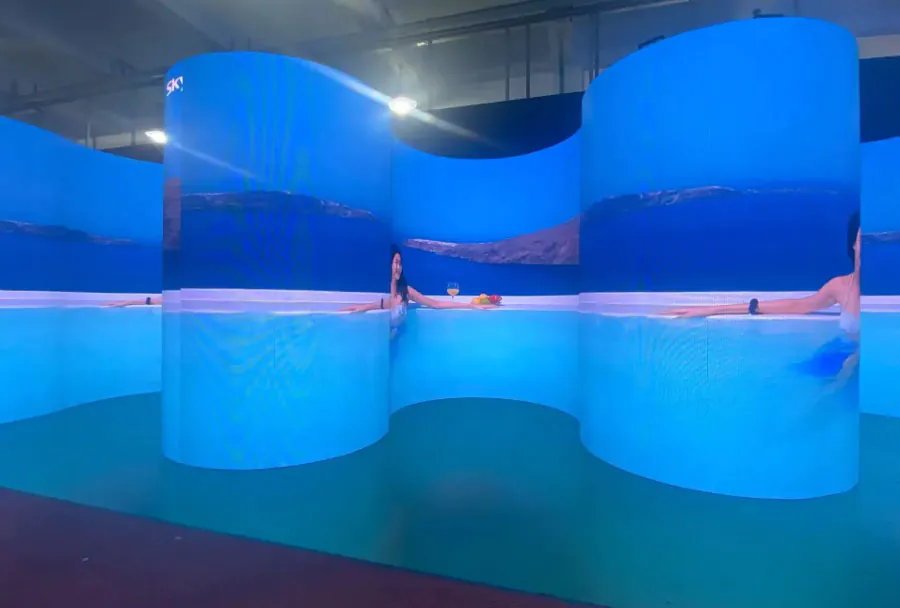
You can not fix a thermal failure with a firmware update. Large LED Screen Design: Engineering&Installation&Performance includes power distribution and heat removal as design inputs, not afterthoughts. Outdoor LED cabinets commonly draw between 400 and 700 watts per square meter at full white brightness, while indoor fine-pitch walls often draw 200 to 400 watts.
A 20-square-meter outdoor wall can easily require a dedicated 100-amp circuit.
Manufacturers such as TW VISION publish detailed power draw curves that show consumption drops sharply when content is not 100% white. But you must engineer for worst-case full-white scenes plus headroom. Heat load equals power draw — every watt eventually becomes heat. That means you need active cooling, ventilation, or HVAC planning for enclosed LED walls.
Power Draw vs. Brightness
Brightness spec is not linear with power. A 5,000-nit wall at 50% brightness often draws less than half its full-white power. Use this to right-size your breakers without sacrificing visual impact.
How to apply this: ask your electrical engineer to calculate full-white power draw plus 20% headroom, then verify the venue’s breaker panel and cooling capacity before ordering panels.
Secret 3: Install with a Rigid, Level Frame — Tolerances Matter
Even the best panels can not hide a wavy wall. Large LED Screen Design: Engineering&Installation&Performance requires a mounting structure that is flat, square, and rigid enough to keep every cabinet aligned. Professional installers target cabinet alignment tolerances of ±0.2 mm or less, because even a 1 mm step between adjacent panels creates a visible shadow line across the entire wall.
Most LED cabinets use threaded alignment pins or magnetic corners to help reach that tolerance.
Before hanging any panel, check the wall flatness with a laser level and a straightedge. If the substrate deviates more than 3 mm over a 2-meter run, you need shimming or a self-adjusting mounting frame. Also verify that the frame is anchored to structural steel or concrete, not drywall anchors.
Large outdoor walls can exceed 60 kg per square meter, so wind load and seismic bracing matter.
How to apply this: rent or borrow a laser level, mark vertical and horizontal reference lines, and check every mounting point before you unlock the first panel crate.
Secret 4: Calibrate to the Canvas, Not the Module
Factory calibration is a starting point, not a finish line. Large LED Screen Design: Engineering&Installation&Performance includes on-site calibration because every wall’s brightness, color temperature, and grayscale shift after transport and installation. You need a spectroradiometer or colorimeter and software such as CalMAN from Portrait Displays or Light Illusion to measure and adjust each module to a common target.
AVIXA’s display calibration guidelines state that on-site calibration should account for ambient light and the wall’s intended content, not just its native white point. That means a wall used for broadcast close-ups needs tighter Rec. 709 or Rec. 2020 targets than a wall used for animated logos.
After calibration, use a video processor from a vendor like NovaStar to store and push the same LUT and brightness curve to every receiving card.
How to apply this: book a professional calibration pass after the wall has been powered and run for at least 48 hours, so thermal drift settles before you lock in the color.
Secret 5: Monitor Performance Continuously — Don’t Just Set and Forget
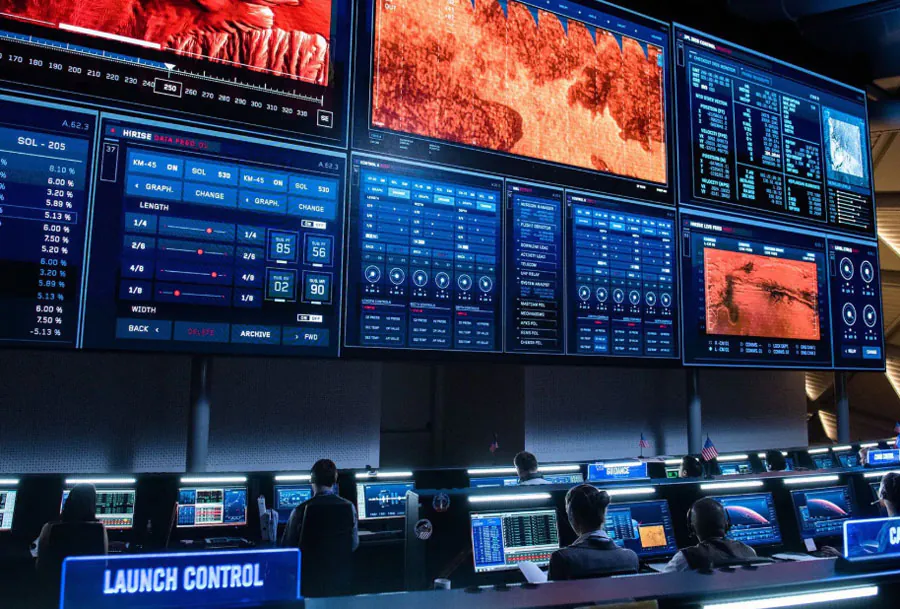
Large LED Screen Design: Engineering&Installation&Performance does not stop at handover. Real-world performance demands ongoing monitoring of power draw, temperature, pixel health, and content playback. Many LED processors and control systems from companies like Barco or Userful can send SNMP alerts for fan failures, overheating, and dead pixel spikes.
Without those alerts, a single failed power supply can cascade into a dark quadrant before anyone notices.
Pixel failure data from field service reports often shows that most dead pixels appear in the first 30 days of operation, then stabilize. That early burn-in period is when you should run a full white, red, green, and blue test pattern daily. Replace any module that shows more than a handful of dead pixels while parts are still under warranty.
Also schedule a semi-annual visual inspection of gaskets, seals, and cooling fans, especially for outdoor walls exposed to rain and dust.
Early Failures Are a Feature, Not a Bug
Treat the first month as an extended factory test. A module that fails in week one is not a lemon — it is exposing a manufacturing or transport defect while the vendor is still responsible.
How to apply this: enable email or SNMP alerts in your LED processor management software, and run a daily test pattern for the first month after installation.
Frequently Asked Questions About Large LED Screen Design: Engineering&Installation&Performance
How Does Extreme Cold Affect Large LED Screen Design: Engineering&Installation&Performance?
Large LED Screen Design: Engineering&Installation&Performance changes in sub-zero climates because LED drivers and power supplies have minimum operating temperatures. Many outdoor panels are rated only to -20°C, so warming kits or insulated cabinets may be required. One common exception is LED walls inside unheated hockey arenas: they work, but brightness and color shift until the wall reaches operating temperature.
Check the manufacturer’s cold-start specification before installation.
What Network Bandwidth Do Large LED Screens Need for Live Video?
A single 4K60 feed over IP can demand 12 to 18 Gbps uncompressed, but most large LED walls use compressed streams like NDI or SMPTE 2110 at 1 to 10 Gbps. The actual Large LED Screen Design: Engineering&Installation&Performance bottleneck is often the processor’s input card limit, not the network cable.
If you run multiple 4K streams to a 20-million-pixel wall, plan for a dedicated 10G fiber backbone, not the office LAN.
Can I Film a Large LED Screen Without Getting Moiré Patterns?
Yes, but only if the camera’s sensor pitch aligns with the LED pixel pitch. Moiré occurs when the screen’s pixel grid interferes with the camera’s Bayer pattern. For a 2.5mm pitch wall, set the camera aperture to a deep f-stop and move back until the wall fills less than 70% of the frame.
Large LED Screen Design: Engineering&Installation&Performance for broadcast often specifies an optical low-pass filter or a subtle diffusion layer on the wall.
What IP Rating Do Outdoor Large LED Screens Actually Need?
Front-facing LED arrays need at least IP65 to resist rain and dust, but the rear cabinet can be IP20 if housed in a sealed enclosure. A common mistake is buying an IP65 front but mounting it in a way that traps water behind the module.
For Large LED Screen Design: Engineering&Installation&Performance near salt water, specify stainless steel hardware and conformal-coated electronics, because salt spray corrodes standard aluminum cabinets within a year.
How Often Should I Replace Individual LED Panels in a Large Wall?
Most LED panels last 50,000 to 100,000 hours to half brightness, but individual modules can fail early. A typical service plan replaces 1-3% of modules in the first two years, then tapers off. For Large LED Screen Design: Engineering&Installation&Performance, keep spare modules of the exact same batch because LED color binning drifts over production runs.
If you can not match the batch, replace a whole row or column to hide the difference.
Conclusion
Large LED Screen Design: Engineering&Installation&Performance rewards methodical planning over heroic last-minute fixes.
– Design to the closest viewer’s distance, not the marketing brochure.
– Treat power, heat, and structure as first-class design inputs.
– Install with laser-level tolerance and calibrate on-site after thermal settle.
– Monitor pixel health and thermal alerts for the first 30 days and beyond.
Next step: walk the actual space with a laser measure, note the closest and farthest sightlines, and re-run your pixel pitch math before you request quotes. That one hour of planning prevents the most expensive mistake in large LED screen projects.
Related Articles
- Energy-Efficient LED Display: 8 Easy Secrets That Work
- giant led screen: Complete Guide for Smart Buyers 2026 – LED DISPLAY MANUFACTURE TW VISION
- LED Display for home theater: buying guidance and tips