Large-Scale Event LED Displays: Creating Immersive Stage

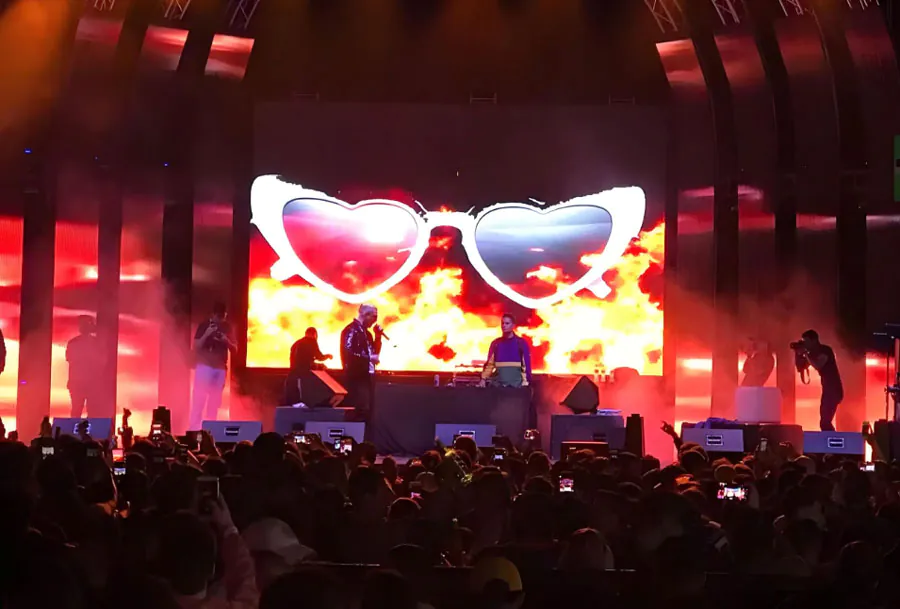
Large-Scale Event LED Displays: Creating Immersive Stage Visuals has become a make-or-break part of modern live production. AVIXA research consistently ranks live events among the strongest demand drivers for professional AV displays. Yet many teams still buy LED panels first and solve content, camera sync, and redundancy later.
Table of Contents
- Define Your Visual Story Before You Spec Panels
- Select Modular LED Modules That Fit the Venue and Budget
- Map Content to the Real Display Surface
- Build a 1:1 pixel map before load-in
- Unify Brightness, Color, and Camera Exposure Settings
- Build Redundancy and Run a Full Technical Rehearsal
- Rehearsal checklist
- What pixel pitch works best for an indoor LED stage filmed in 4K?
- How do you handle curved or angled LED walls?
- Can you use these displays outdoors in direct sunlight?
- What media server capabilities matter for multi-camera broadcast?
- How do you recalibrate after replacing a module mid-show?
- Conclusion
The result is visible seams, flicker on broadcast feeds, and walls that look bright but not immersive. This guide covers five practical secrets for production managers, video directors, and stage designers. You will learn how to plan the visual story, choose modular panels, map content correctly, control camera-facing brightness, and rehearse for failure.
Define Your Visual Story Before You Spec Panels
The most expensive pixel pitch will not save a stage that has no clear visual narrative. Large-Scale Event LED Displays: Creating Immersive Stage Visuals starts with a one-page brief that names the emotional tone, key camera angles, and nearest audience distance.
According to AVIXA, live events remain one of the strongest demand drivers for professional LED display investment, but content readiness often lags behind panel budgets.
Consider a festival headline set where the artist is shot tight for broadcast. If the content is built for a wide wall and then cropped to a close-up, the LED wall reveals every soft pixel. That close-up becomes a visual distraction instead of a background.
– Write a visual brief before contacting panel vendors.
– List the closest audience seat and the tightest camera focal length.
– Decide whether the wall is scenery, a light source, or a broadcast background.
When this brief is missing, large-scale event LED displays: creating immersive stage visuals quickly becomes a troubleshooting exercise instead of a design process. How to apply this: draft a one-paragraph visual brief and send it to your video director and LED vendor before you book a single panel.
Select Modular LED Modules That Fit the Venue and Budget
Modularity matters more than raw resolution. When you evaluate Large-Scale Event LED Displays: Creating Immersive Stage Visuals, treat every tile as a serviceable part rather than a fixed screen. Pixel pitch options range from below 1mm for very close indoor walls to 10mm or more for large outdoor stages, so the right choice changes with the first row of seats.
A common scenario is a corporate keynote in a hotel ballroom. A 2.6mm wall may look great on camera, but a 3.9mm wall can be adequate for a 50-foot viewing distance and will usually cost less. The saved budget can go to a better processor, spare modules, or a more experienced LED technician.
Large-scale event LED displays: creating immersive stage visuals on tour also require quick rigging. Look for panels with tool-free module removal, locking corner pins, and curved rigging bars if the design includes a curved wall.
– Ask for a pixel pitch card matched to nearest viewer distance.
– Confirm how many spare modules come with the rental or purchase.
– Check power and data cable standards before load-in.
How to apply this: request a service diagram that shows how modules, power supplies, and receiving cards are replaced after the wall is hung.
Map Content to the Real Display Surface
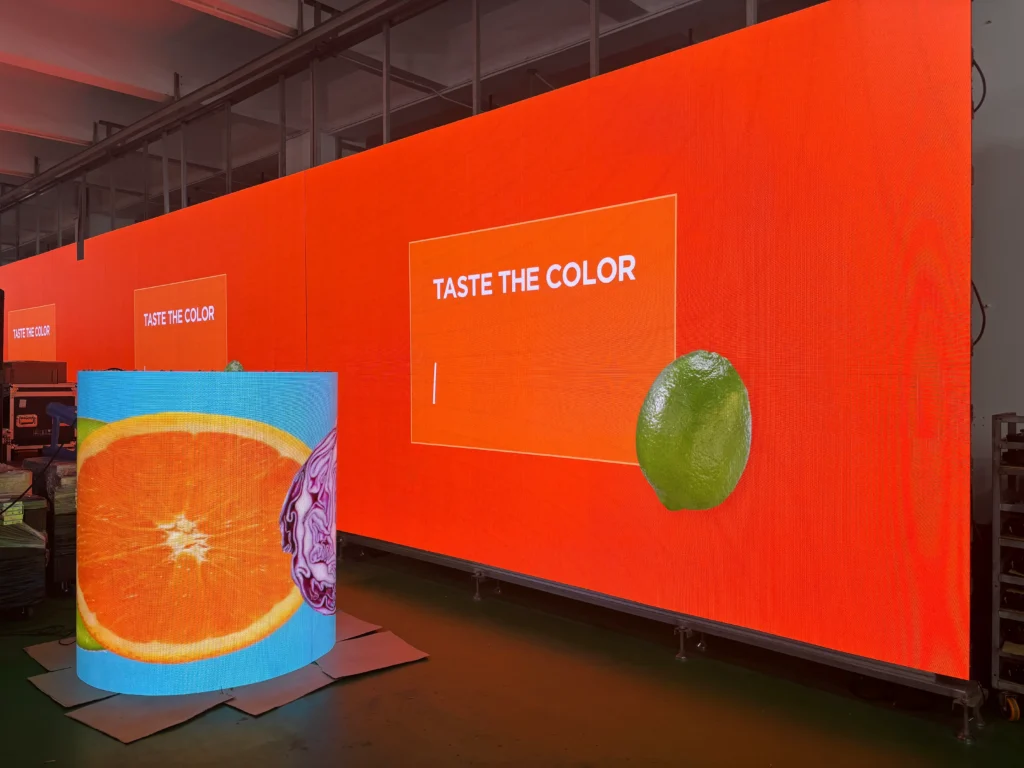
A pixel-accurate map prevents seams, stretching, and missing pixels after load-in. For Large-Scale Event LED Displays: Creating Immersive Stage Visuals, the content map is the single most overlooked file on the show. A standard 3840 x 2160 4K canvas contains 8,294,400 pixels.
If your wall is 20 meters wide by 5 meters high, a straight full-screen scale will distort or crop content unless the map matches the exact panel count.
Use Resolume Arena for real-time pixel mapping and disguise for 3D stage previsualization. Both let you position content on the virtual wall before the physical panels are hung.
Build a 1:1 pixel map before load-in
– Confirm exact panel resolution and total canvas size from the LED vendor.
– Import the stage CAD file or a measured rig plot into the media server.
– Render a numbered test pattern to catch swapped tiles or flipped connections.
| Task | Real tool | What it does | Action to take |
|---|---|---|---|
| Real-time mapping | Resolume Arena | Maps video inputs to processor outputs | Load a 1:1 test pattern before show content |
| 3D previz | disguise | Builds a virtual stage and LED wall | Import measured panel positions |
| Panel calibration | Brompton Technology | Controls per-panel color and brightness | Apply factory calibration and verify on camera |
| Processor monitoring | Novastar | Monitors receiving cards and power status | Set alerts for temperature and voltage drops |
Large-scale event LED displays: creating immersive stage visuals depend on this map staying current. When a set piece moves or a panel is replaced, the map must be updated before the next rehearsal. How to apply this: open your current stage file and verify that the media server canvas matches the LED processor canvas to the exact pixel.
Unify Brightness, Color, and Camera Exposure Settings
LED walls fail on camera when they are treated as separate from lighting and shading. Large-Scale Event LED Displays: Creating Immersive Stage Visuals must be balanced for human eyes and camera sensors at the same time. Broadcast cameras often shoot at shutter speeds from 1/50 to 1/250.
If the LED driver refresh is set below a compatible multiple, the feed shows flicker, banding, or rolling dark bars.
A Brompton Technology processor gives you global control over brightness, color temperature, and refresh rates. This matters more than the panel brand in many broadcast environments. Reducing peak brightness to 60% or 70% can improve skin tones while still reading as bright in the room.
Camera tests should include fast horizontal pans and a close-up of a presenter in front of the wall. If the background appears stable on both a wide and a tight lens, the sync is likely safe.
– Set LED brightness to match the lighting designer’s key light level.
– Use a processor preset for broadcast versus audience-only looks.
– Record a camera test at the exact shutter speed the director will use.
That is the practical core of large-scale event LED displays: creating immersive stage visuals that survive a broadcast cut. How to apply this: create one camera-facing preset and one audience-facing preset, then lock both with the lighting and video teams before doors.
Build Redundancy and Run a Full Technical Rehearsal
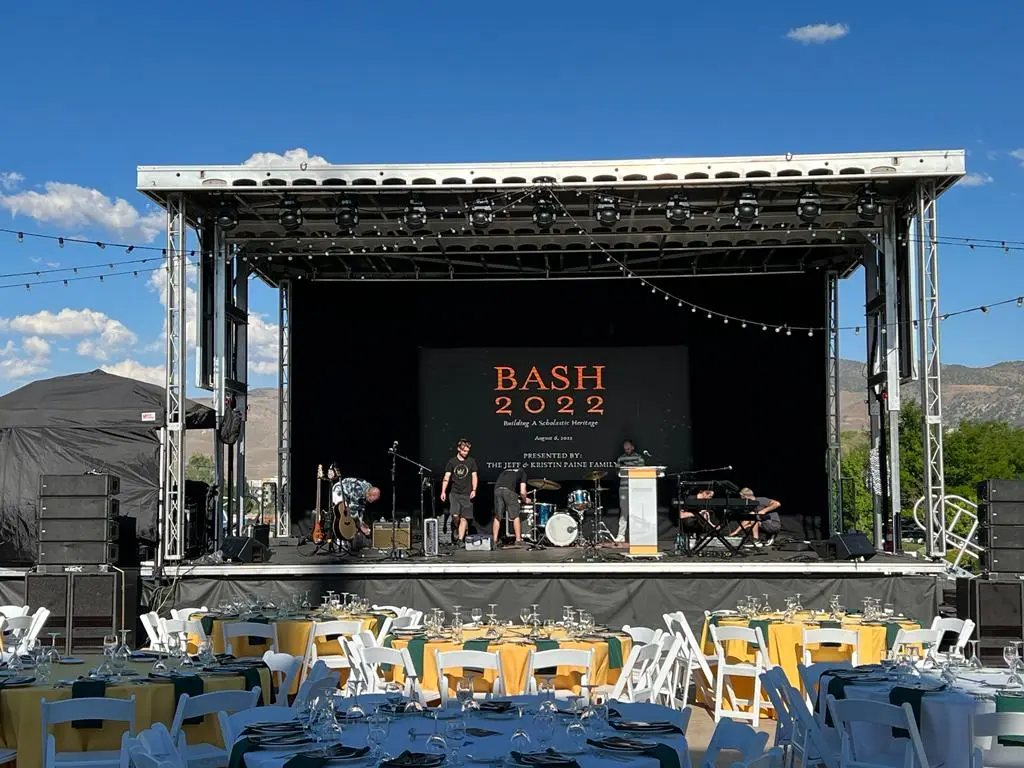
The best visual design fails if a single processor or power feed can take down the wall. For Large-Scale Event LED Displays: Creating Immersive Stage Visuals, redundancy is not optional on touring shows or high-stakes broadcasts.
Many touring racks use dual power supplies and a backup processor per bay, because one receiving card failure can blank an entire tile rather than a single pixel.
Use Novastar monitoring to watch receiving card temperature, voltage, and communication status. Set alerts low enough that a failing module is caught before it takes out its neighbors.
Rehearsal checklist
– Power cycle the entire wall from a full shutdown once before doors.
– Pull a redundant processor feed during rehearsal to verify failover.
– Swap one module with a spare and confirm color calibration returns.
– Run a camera record pass with the final broadcast shutter and frame rate.
Large-scale event LED displays: creating immersive stage visuals reward teams that rehearse failure, not just content. If a failover test causes a visible glitch, you still have time to re-route. How to apply this: schedule a one-hour failover and camera-sync rehearsal at least 24 hours before the first show.
Frequently Asked Questions About Large-Scale Event LED Displays: Creating Immersive Stage Visuals
What pixel pitch works best for an indoor LED stage filmed in 4K?
Most indoor camera-facing LED walls fall between 1.5mm and 2.5mm, but the true answer depends on the nearest camera distance. If the lens is 15 feet from the wall, 1.9mm usually holds detail. At 40 feet, 3.9mm can be enough.
Large-scale event LED displays: creating immersive stage visuals often force a trade-off between resolution and budget, so test with a real camera before purchasing.
How do you handle curved or angled LED walls?
Curved walls require modules with flexible side locks and a previsualization file that matches the actual radius. If the angle changes after load-in, the content map must be re-aligned or edges will show stretching.
Large-scale event LED displays: creating immersive stage visuals on curved surfaces benefit from 3D tools such as disguise, which can render the final curve before panels are hung.
Can you use these displays outdoors in direct sunlight?
Yes, but only with high-brightness panels rated at 5,000 nits or more. Direct sunlight washes out standard indoor panels quickly. Large-scale event LED displays: creating immersive stage visuals outdoors also need sealed cabinets, temperature monitoring, and anti-glare masks. Plan for shade structures and test the wall at the actual time of day it will be on camera.
What media server capabilities matter for multi-camera broadcast?
Look for genlock, low-latency inputs, 10-bit color handling, and multiple 4K outputs. If the media server drifts from the camera sync, you may see tearing or stutter. Large-scale event LED displays: creating immersive stage visuals for broadcast also need redundant outputs and the ability to re-route a feed without restarting the show.
How do you recalibrate after replacing a module mid-show?
Use the processor’s factory calibration import for the replacement module first. Then run a full white, red, green, and blue test pattern and check the wall on the live camera. Large-scale event LED displays: creating immersive stage visuals often fail visually after a module swap because the new panel is brighter than the aged ones around it.
Conclusion
– Define the visual story before choosing pixel pitch.
– Choose modular panels that match venue distance and service needs.
– Build and maintain a 1:1 pixel map with previz tools.
– Rehearse camera sync, power failover, and module replacement.
These habits separate a wall that looks big from a wall that feels immersive. On your next production, run this checklist before load-in for Large-Scale Event LED Displays: Creating Immersive Stage Visuals that hold up on camera and through the show.
Related Articles