

outdoor waterproof LED display: how to choose an all-weather LED screen

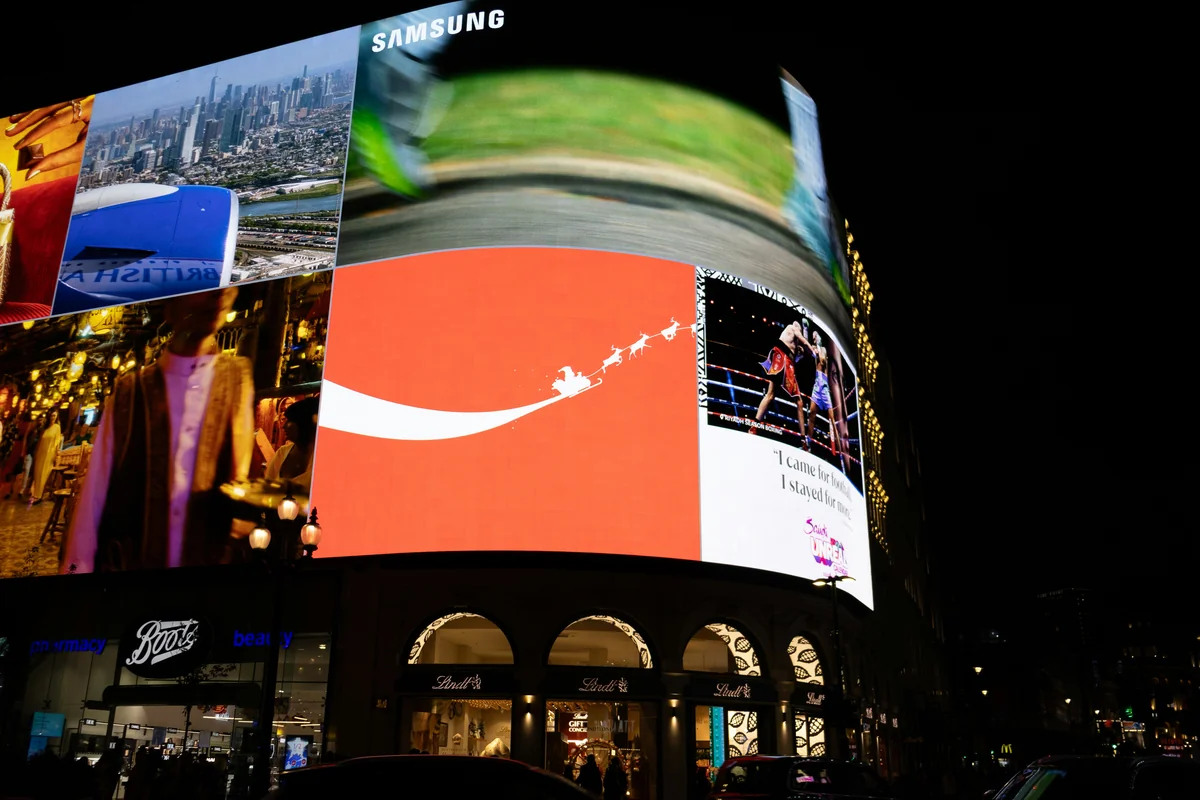
An outdoor waterproof LED display: how to choose an all-weather LED screen starts with one uncomfortable truth: water resistance alone does not guarantee your screen survives sun, dust, humidity, and thermal cycling. Many buyers learn this after a panel fails during the first summer storm or a coastal winter.
Table of Contents
- Start With an IP Rating That Matches Your Climate, Not Just the Front Face
- Front IP vs. Rear IP
- Match Brightness and Anti-Glare to the Actual Sun Load
- Choose Pixel Pitch by Closest Viewer, Not the Cheapest Panel
- Verify Thermal Management and Cabinet Materials Before You Buy
- Thermal Testing Tools
- Plan for Front or Rear Service, Control Systems, and Sign-Off Testing
- How is a waterproof LED display different from a water-resistant LED display?
- Can I mount an indoor LED panel inside a weatherproof enclosure?
- What does IP65 front and IP54 rear mean?
- How often should weather seals and gaskets be replaced?
- Are curved outdoor waterproof LED screens harder to keep weatherproof?
- Conclusion
Industry surveys consistently show a wide range of premature outdoor display failures tied to mis-specified IP ratings and thermal load. The problem is that manufacturers often list one attractive IP number on the front face while leaving the rear cabinet and power connections far less protected.
This guide walks through the five factors professional integrators use to pick an all-weather LED screen, so you can buy once without overpaying.
Start With an IP Rating That Matches Your Climate, Not Just the Front Face
IP rating is the first number to verify when you buy an outdoor waterproof LED display: how to choose an all-weather LED screen, because it tells you exactly how much dust and water the enclosure can block.
The International Electrotechnical Commission sets this benchmark in IEC 60529. The first digit rates protection against solids from 0 to 6, and the second digit rates protection against liquids from 0 to 8. IP65 means dust-tight and protected against low-pressure water jets from any direction.
IP66 means powerful water jets, while IP67 means temporary immersion in 1 meter of water for up to 30 minutes.
Front IP vs. Rear IP
One common mistake is paying for a high front-face rating while the rear cabinet carries a much lower rating. For an outdoor waterproof LED display: how to choose an all-weather LED screen, you must check both numbers.
Consider a signal pylon mounted on a bridge: wind-driven rain hits the rear face more often than the front, so a rear rating of IP54 may fail within months even if the front is IP65.
How to apply this: Ask the supplier for independent IP test certificates that list front and rear ratings separately, not just a product brochure number.
Match Brightness and Anti-Glare to the Actual Sun Load
Brightness decides whether an outdoor waterproof LED display: how to choose an all-weather LED screen is readable or washed out by afternoon sun.
A direct-sun panel usually needs at least 5,000 nits, and many installers spec 6,000–8,000 nits for south-facing walls. In shaded locations, 2,500–3,500 nits can work. Manufacturer data sheets often list peak brightness rather than sustained brightness after thermal de-rating, so the number you see is not always the number you get.
Anti-glare treatment matters too: a matte or anti-reflective finish can improve perceived contrast without increasing power draw.
A common scenario is a retailer who mounts a screen under a covered walkway but then refuses to buy a brighter panel. The screen looks fine in morning shade but becomes unreadable at 3 p.m. when direct sun reaches the display edge.
Use Google Earth to check sun position and shadow sources at your exact mounting location before you choose an outdoor waterproof LED display: how to choose an all-weather LED screen.
How to apply this: Request sustained nit output after 30 days of operation, not just the cold-start peak brightness, and compare it to the sun exposure at your install site.
Choose Pixel Pitch by Closest Viewer, Not the Cheapest Panel
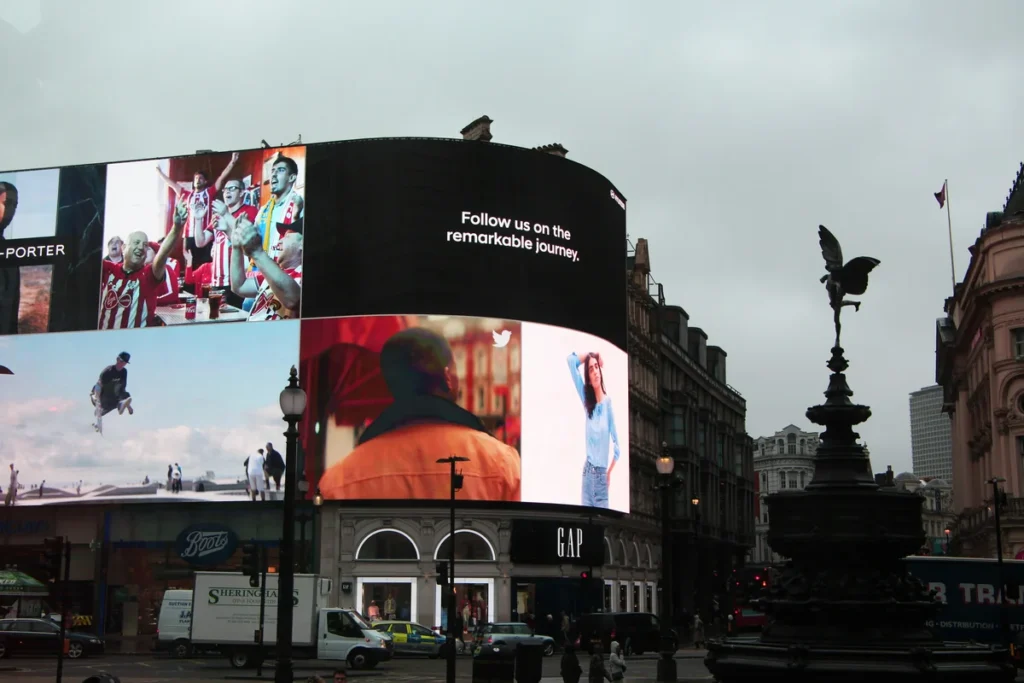
The pixel pitch you pick for an outdoor waterproof LED display: how to choose an all-weather LED screen sets resolution, cost, and minimum viewing distance.
Pixel pitch is the distance between the centers of adjacent LEDs, measured in millimeters. A lower pitch means higher resolution but also higher cost and often lower weather tolerance because more components sit in the same cabinet area.
A practical rule used by LED integrators is that minimum comfortable viewing distance in feet is about three times the pixel pitch in millimeters. A 4 mm panel works from roughly 12–14 feet, while a 10 mm panel is better suited to a highway sign viewed from 30 feet or more.
| Pixel Pitch | Typical Minimum Viewing Distance | Common Use | Action to Take |
|---|---|---|---|
| 2.9 mm | 10 ft (3 m) | Close storefront display | Verify anti-glare coating for close viewing |
| 4 mm | 14 ft (4.3 m) | Street-side retail sign | Match pitch to nearest pedestrian distance |
| 6 mm | 20 ft (6 m) | Building facade | Ask for thermal derating data |
| 8 mm | 27 ft (8 m) | Roadside billboard | Confirm rear cabinet IP rating |
| 10 mm | 33 ft (10 m) | Highway sign | Compare cost per square meter and cooling |
One mistake is buying the finest pitch available because it looks sharp in a showroom. For an outdoor waterproof LED display: how to choose an all-weather LED screen, a 2.9 mm panel on a 10-story facade wastes budget when your nearest viewer is 100 feet away.
How to apply this: Measure the actual distance from your nearest viewer to the proposed screen location, then divide that distance in feet by three to find the largest acceptable pixel pitch in millimeters.
Verify Thermal Management and Cabinet Materials Before You Buy
Weatherproofing is not only about water; heat kills more electronics in an outdoor waterproof LED display: how to choose an all-weather LED screen than rain does.
Many outdoor LED data sheets list an operating range near -20°C to 50°C and a storage range as low as -40°C. The weak point is often the power supply and driver ICs, not the LED chips. Die-cast aluminum cabinets shed heat better than steel, and they resist corrosion better in coastal or industrial environments.
In one case, a fluorescent billboard repurposed as an LED screen failed because the enclosed cabinet trapped heat and pushed the internal temperature past the driver’s rated limit.
Thermal Testing Tools
A thermal camera such as FLIR ONE can quickly reveal hot spots across a new LED panel during burn-in. If a single module runs significantly hotter than its neighbors, that may indicate a driver issue or poor thermal interface.
For an outdoor waterproof LED display: how to choose an all-weather LED screen, request the manufacturer’s thermal map or temperature rise test report, not just a stated temperature range.
How to apply this: Compare the cabinet material, internal airflow path, and power supply placement between two shortlisted panels, and ask for a salt-spray test report if you are within 5 kilometers of coastal water.
Plan for Front or Rear Service, Control Systems, and Sign-Off Testing
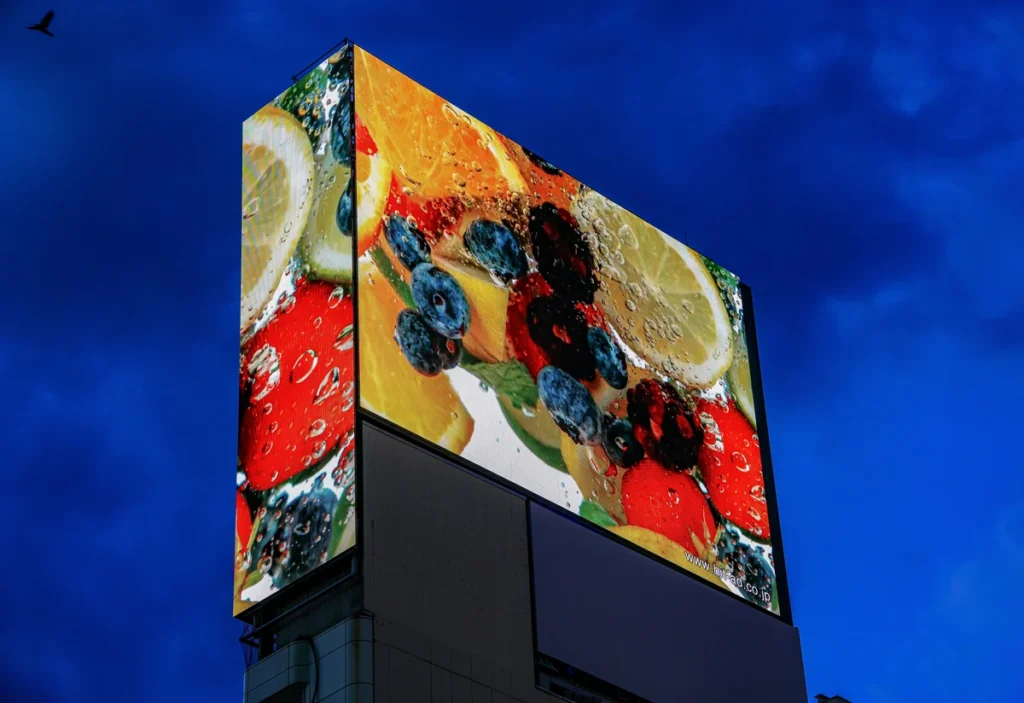
Service access is where an outdoor waterproof LED display: how to choose an all-weather LED screen can become a maintenance burden or a manageable task.
Front-service cabinets allow module replacement from the street or walkway, which reduces scaffolding and sidewalk closure time. Rear-service cabinets often cost less but require clear space behind the display. Control systems matter because a waterproof screen with an unproven processor can still fail playback, color calibration, or remote diagnosis.
Many integrators use NovaStar processors with NovaLCT software to manage brightness, color temperature, and redundancy. This matters when a display runs municipal traffic information or paid advertising and cannot stay dark.
For an outdoor waterproof LED display: how to choose an all-weather LED screen, confirm that the cabinet sealing does not block front-service levers or module latches. A sealed cabinet that takes 20 minutes per module to open turns a simple fix into an expensive service call.
How to apply this: Ask the manufacturer for a front-service access diagram and a list of spare modules, gaskets, and power supplies included in the first-year maintenance kit.
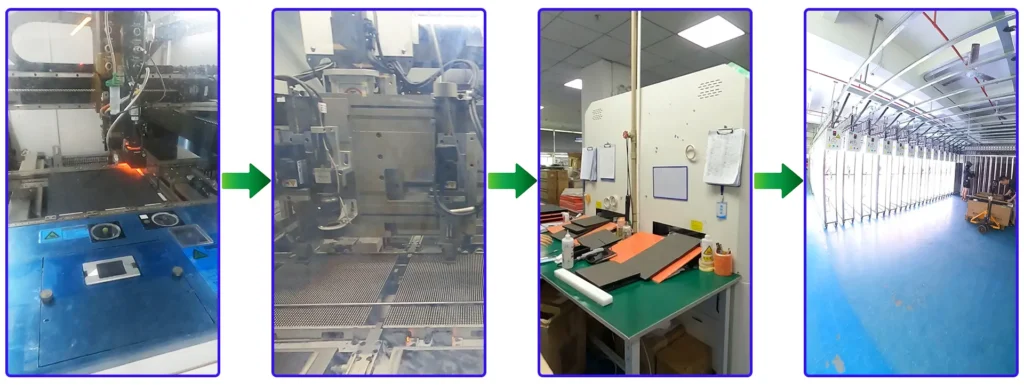
How TW VISION Manufactures Outdoor LED Displays
1. 8,000 m² manufacturing facility
TW VISION operates an 8,000 m² manufacturing facility dedicated to LED display production and quality control.
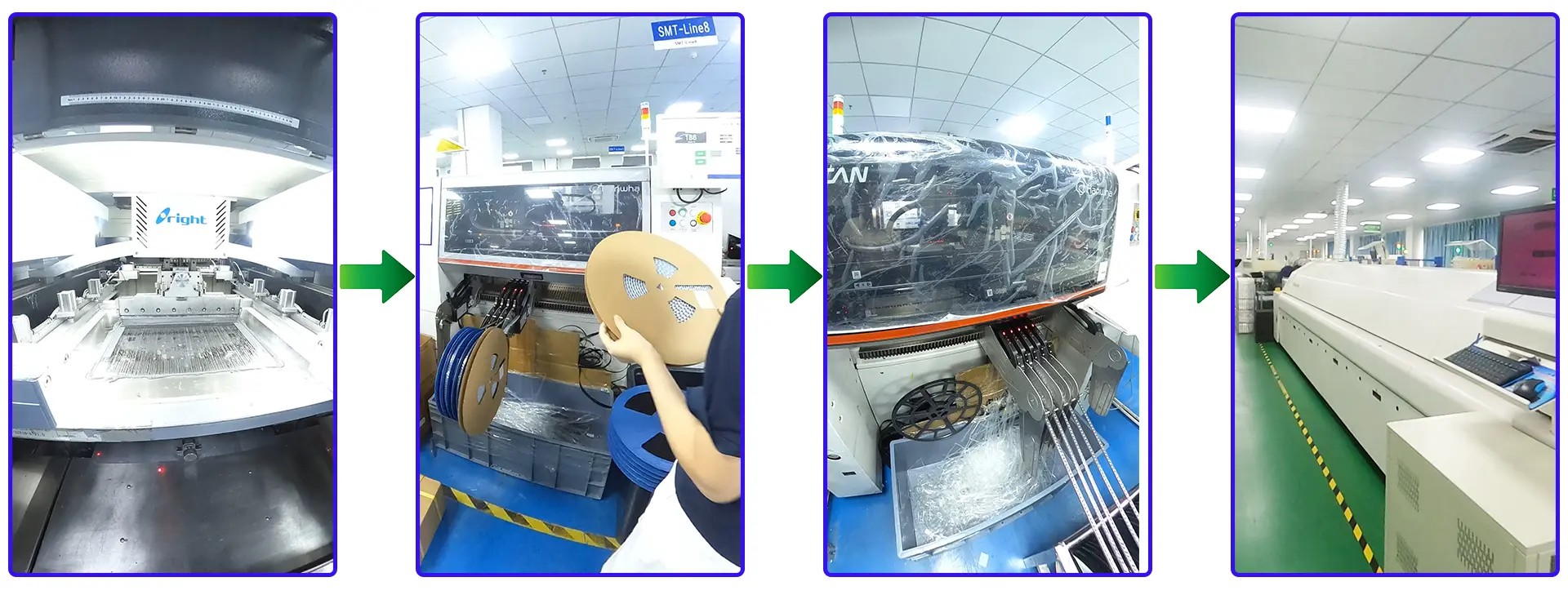
2. 8 independent SMT production lines
Eight independent SMT production lines support consistent and efficient LED module production.
3. Independent module aging workshop
All modules produced will sent to module aging workshop and aging for 24 hours to make sure of quality control.
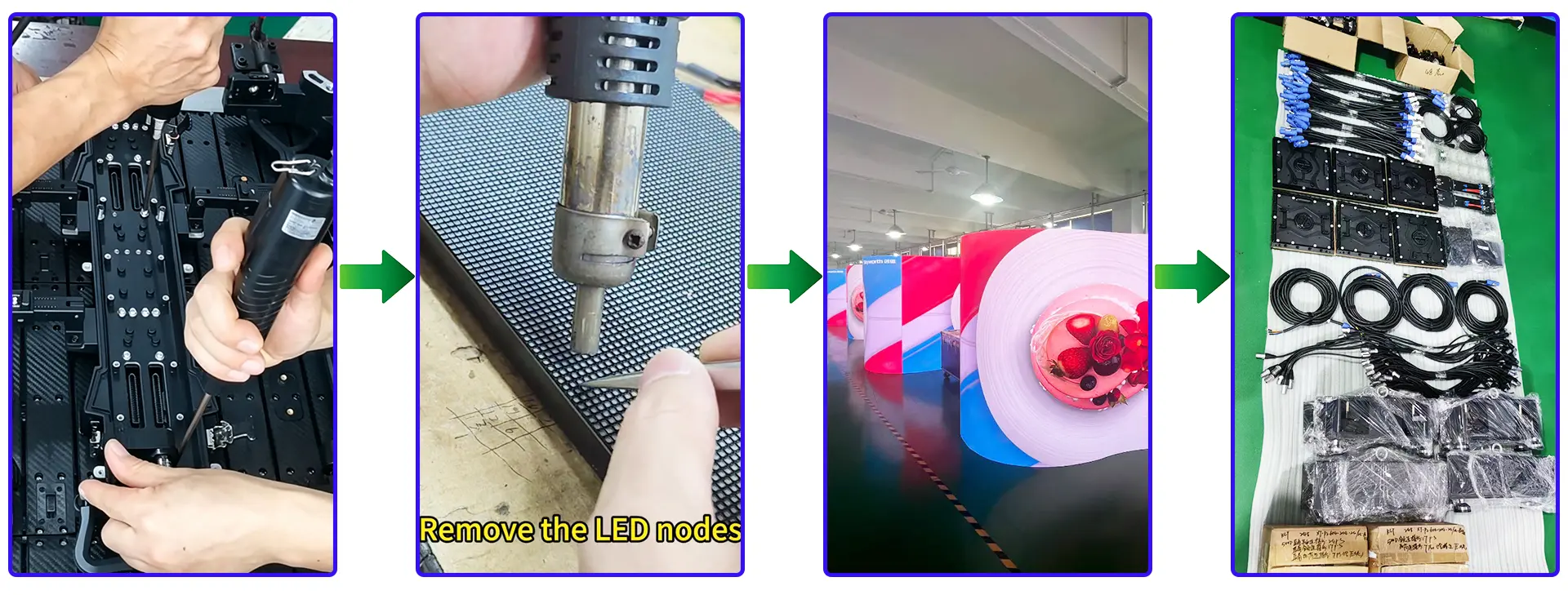
4. Approximately 2,000 m² cabinet aging area
After cabinet assembied, we will set as video wall and aging in our factory and shoot videos to client before delivery. Every cabinet batch undergoes a 24-hour aging test before shipment to help identify potential performance issues before delivery.
Frequently Asked Questions About Outdoor Waterproof LED Display: How to Choose an All-Weather LED Screen
How is a waterproof LED display different from a water-resistant LED display?
Water-resistant refers to limited exposure, while waterproof in IEC terms means a defined IP rating such as IP65 or IP66. In one case, a screen under an awning may only need water resistance, but a fully exposed highway sign needs waterproof protection.
For an outdoor waterproof LED display: how to choose an all-weather LED screen, treat the full cabinet as the rated enclosure.
Can I mount an indoor LED panel inside a weatherproof enclosure?
Rarely works long term. Indoor panels often lack conformal coating and use thinner PCBs. An enclosure traps heat and raises internal temperature, so an outdoor waterproof LED display: how to choose an all-weather LED screen is the safer choice. The exception is a shallow display inside a properly conditioned NEMA-rated enclosure.
What does IP65 front and IP54 rear mean?
It means the front face is protected against low-pressure water jets while the rear is protected only against splashing. A common mistake is paying for IP65 front while the rear faces wind-driven rain. For an outdoor waterproof LED display: how to choose an all-weather LED screen, verify the rear rating at the prevailing wind direction.
How often should weather seals and gaskets be replaced?
Most manufacturers recommend inspecting seals annually and replacing gaskets every 3–5 years depending on UV exposure and temperature swings. Coastal salt air can degrade gaskets within two years. For an outdoor waterproof LED display: how to choose an all-weather LED screen, factor seal replacement labor into total cost of ownership.
Are curved outdoor waterproof LED screens harder to keep weatherproof?
Yes, curved cabinets create more edge-seam length per square meter, so gasket alignment is harder. An LED cylinder video wall needs individually sealed wedge cabinets. For an outdoor waterproof LED display: how to choose an all-weather LED screen, ask for a water-tolerance test on your exact curve radius, not a flat sample.
Conclusion
Choosing an all-weather LED screen comes down to five practical checks before you sign a purchase order.
– Verify IP rating on both front and rear cabinet faces, not just the marketing face.
– Match sustained brightness and anti-glare treatment to the real sun load at your mounting spot.
– Select pixel pitch based on closest viewer distance, not premium resolution.
– Confirm thermal management, cabinet material, and salt-spray resistance for your climate.
– Plan for front or rear service and a reliable control system before installation.
For an outdoor waterproof LED display: how to choose an all-weather LED screen without regrets, start by requesting front and rear IP test certificates, thermal maps, and a service access diagram from each shortlisted manufacturer. Then compare those documents side by side using the table above before you commit.
Related Articles
LED Display for home theater: buying guidance and tips
COB vs SMD for Small Pixel Pitch LED Displays
Small Pixel Pitch LED Display: Resolution,Viewing Distance & Buying Guide
