

COB vs SMD for Small Pixel Pitch LED Displays

COB vs SMD for Small Pixel Pitch LED Displays is the packaging decision you need to settle before specifying any video wall at P1.5 or finer. At major AV trade shows, visitors often see COB panels demonstrated below P0.9 next to SMD panels at P1.2 and above, yet the durability gap only becomes obvious after installation.
Table of Contents
- 1. What COB and SMD Actually Mean for Fine-Pitch LED
- 2. Pixel Pitch Limits: Where COB Pulls Ahead
- Why P1.2 Is the Common Crossover
- 3. Visual Performance: Black Levels, Viewing Angles, and Moiré
- Checking Off-Axis Color Without a Showroom
- 4. Durability, Maintenance, and Real-World Damage Resistance
- 5. Total Cost of Ownership and 2025 Procurement Trends
- Build a 36-Month Cost Comparison
- Can COB modules be repaired on site if a pixel fails?
- Which format handles off-axis color shift better in curved walls?
- Does COB or SMD run cooler in high-brightness outdoor enclosures?
- What should I check first in a COB vs SMD demo with Novastar processing?
- Why do some rental houses still prefer SMD below P1.5?
- Conclusion
The problem is that datasheets for both formats can look similar in brightness and color gamut, so buyers assume the only difference is cost. In practice, pixel pitch, viewing angle, impact resistance, and service strategy all change the outcome.
The five sections below explain where each format wins, what to check before you buy, and which tools help you avoid costly mistakes.
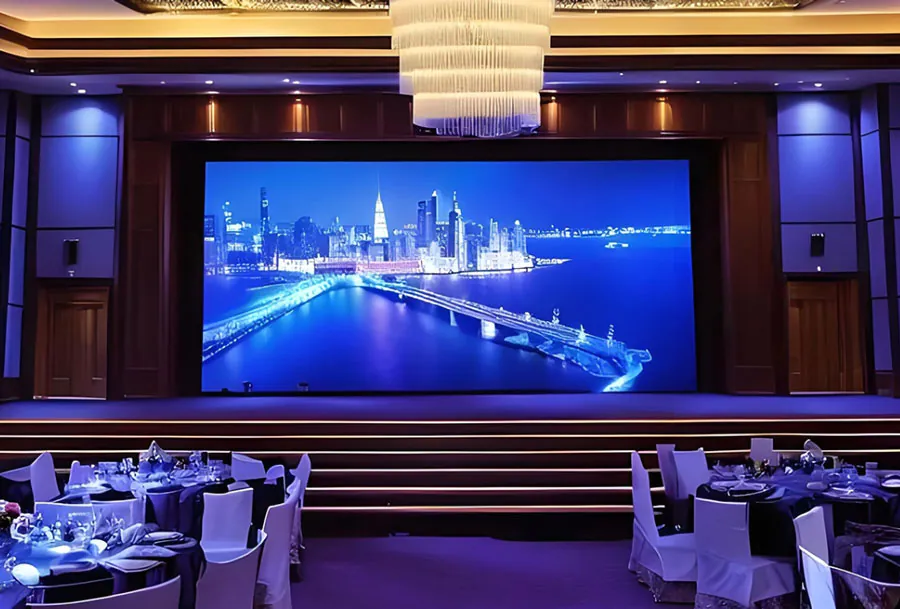
P0.9 COB LED display with 4k resolution from TW VISION. Video wall size: 3600x2025mm, resolution: 3840x2160p
1. What COB and SMD Actually Mean for Fine-Pitch LED
COB (chip-on-board) attaches the LED die directly to the PCB, while SMD (surface-mount device) uses a small resin package around each RGB diode. Understanding COB vs SMD for Small Pixel Pitch LED Displays starts with this packaging difference, because it affects everything from pixel density to repair.
In SMD modules, each lamp has its own lead frame and lens. In COB modules, multiple diodes sit under a single encapsulation layer, giving the surface a flatter, darker look. Many industry spec sheets show COB reaching tighter pixel densities below P1.0, while SMD remains the default for P1.2 to P2.5 range.
When you evaluate COB vs SMD for Small Pixel Pitch LED Displays, look at the module cross-section drawing, not just the front view. This drawing reveals whether the diodes are exposed lamp faces or embedded in a protective layer.
How to apply this: print one COB and one SMD module datasheet, then highlight the package cross-section before scheduling any demo.
2. Pixel Pitch Limits: Where COB Pulls Ahead
In COB vs SMD for Small Pixel Pitch LED Displays, the pitch limit is the main place to draw the line. COB pulls ahead most clearly below P1.0, where SMD package size starts restricting how tightly pixels can be placed.
Many vendor catalogs show COB modules at P0.6 to P0.9, while SMD modules remain concentrated at P0.9 to P1.5 and above. Results vary considerably depending on the manufacturer and intended use, but the packaging constraint is consistent.
Why P1.2 Is the Common Crossover
At P1.2 and above, SMD remains cost-competitive and easier to source. Below P1.2, the exposed lead frames and lens gaps in SMD become more visible, and pixel-level failures increase in many real-world installs.
The table below summarizes the key differences to inspect:
| Factor | COB behavior | SMD behavior | What to check |
|---|---|---|---|
| Pixel pitch range | Strong below P1.0 | Common at P1.2–P2.5 | Confirm minimum pitch |
| Physical impact risk | Encapsulated surface | Exposed lamp leads | Request drop-test data |
| Off-axis color shift | Smaller color deviation | Wider lens effect | View demo at 60° angle |
| Repairability | Module-level repair | Individual lamp rework | Ask service policy |
| Black level | Lower reflectance | Higher between lamps | Compare ambient demo |
| Heat dissipation | Direct substrate path | Lead frame path | Check thermal camera report |
If you specify COB vs SMD for Small Pixel Pitch LED Displays, ask for module-level test data at the exact pitch you plan to install.
How to apply this: calculate your minimum required pixel pitch from viewing distance first, then shortlist only formats that meet that pitch with headroom.

3. Visual Performance: Black Levels, Viewing Angles, and Moiré
The biggest visual difference in COB vs SMD for Small Pixel Pitch LED Displays is not brightness; it is contrast. COB modules tend to produce lower reflected glare and wider off-axis color accuracy because the flat encapsulation removes individual SMD lens shapes.
In side-by-side demos, many integrators report that COB shows less sparkle and deeper black at P0.9 than SMD modules with exposed lamp faces. This matters in lobbies, broadcast studios, and control rooms where cameras or seated viewers see the wall at an angle.
Checking Off-Axis Color Without a Showroom
Assessing COB vs SMD for Small Pixel Pitch LED Displays on a bright show floor can mislead you. Show floors are bright, which hides black-level problems and low-brightness contouring.
Use a smartphone camera to photograph the module at 45 to 60 degrees. Check whether the color shifts or whether a moiré pattern appears in the image. For more precise validation, Novastar SmartLCT software lets you control brightness and run grayscale patterns before committing to a panel.
How to apply this: request a dim-room demo and photograph both panels at off-axis angles, then compare the images side by side.
4. Durability, Maintenance, and Real-World Damage Resistance
In real-world COB vs SMD for Small Pixel Pitch LED Displays, durability often changes who should buy each option. COB can shrug off direct contact that would shear an SMD lamp because the diodes sit under a molded encapsulation layer.
Installers often report fewer dead-pixel calls on COB walls in high-traffic areas, though SMD repair can be simpler at the individual lamp level. This part of COB vs SMD for Small Pixel Pitch LED Displays matters most in high-traffic lobbies, museums, or touring events where a stray object can hit the screen.
Brompton Technology notes in its Tessera processing documentation that fine-pitch panels need per-pixel calibration to keep low-brightness images clean and uniform. Durability alone does not solve calibration, but a damaged SMD lamp can be impossible to calibrate until repair.
How to apply this: ask the manufacturer for front-impact and moisture-resistance test reports, and confirm whether field repair is lamp-level or module-level.
5. Total Cost of Ownership and 2025 Procurement Trends
For COB vs SMD for Small Pixel Pitch LED Displays, total cost of ownership is the tiebreaker. SMD usually wins initial price at P1.2 and above, but COB may win long-term reliability below P1.0 depending on your service contract.
Some buyers report lower service-call frequency with COB, while SMD module replacement is often simpler and cheaper per module. Results vary considerably depending on installation environment, but the service model usually matters more than the upfront line item.
Build a 36-Month Cost Comparison
When building your COB vs SMD for Small Pixel Pitch LED Displays shortlist, compare warranty terms line by line. Include spare module costs, technician travel, and downtime in the comparison.
Pair the panel decision with proven processing tools such as Brompton Technology Tessera processors or Novastar controllers. These tools affect calibration quality, but they cannot overcome a panel format that is wrong for your pitch.
How to apply this: create a simple spreadsheet with purchase price, spare modules, labor, and expected downtime over three years for one COB and one SMD option.
Frequently Asked Questions About COB vs SMD for Small Pixel Pitch LED Displays
Can COB modules be repaired on site if a pixel fails?
No. COB modules generally cannot be repaired at the individual diode level on site. A failed pixel usually means replacing the whole module. This is a key service-plan consideration in COB vs SMD for Small Pixel Pitch LED Displays because SMD allows individual lamp rework if you keep spare lamp masks and a skilled technician.
Which format handles off-axis color shift better in curved walls?
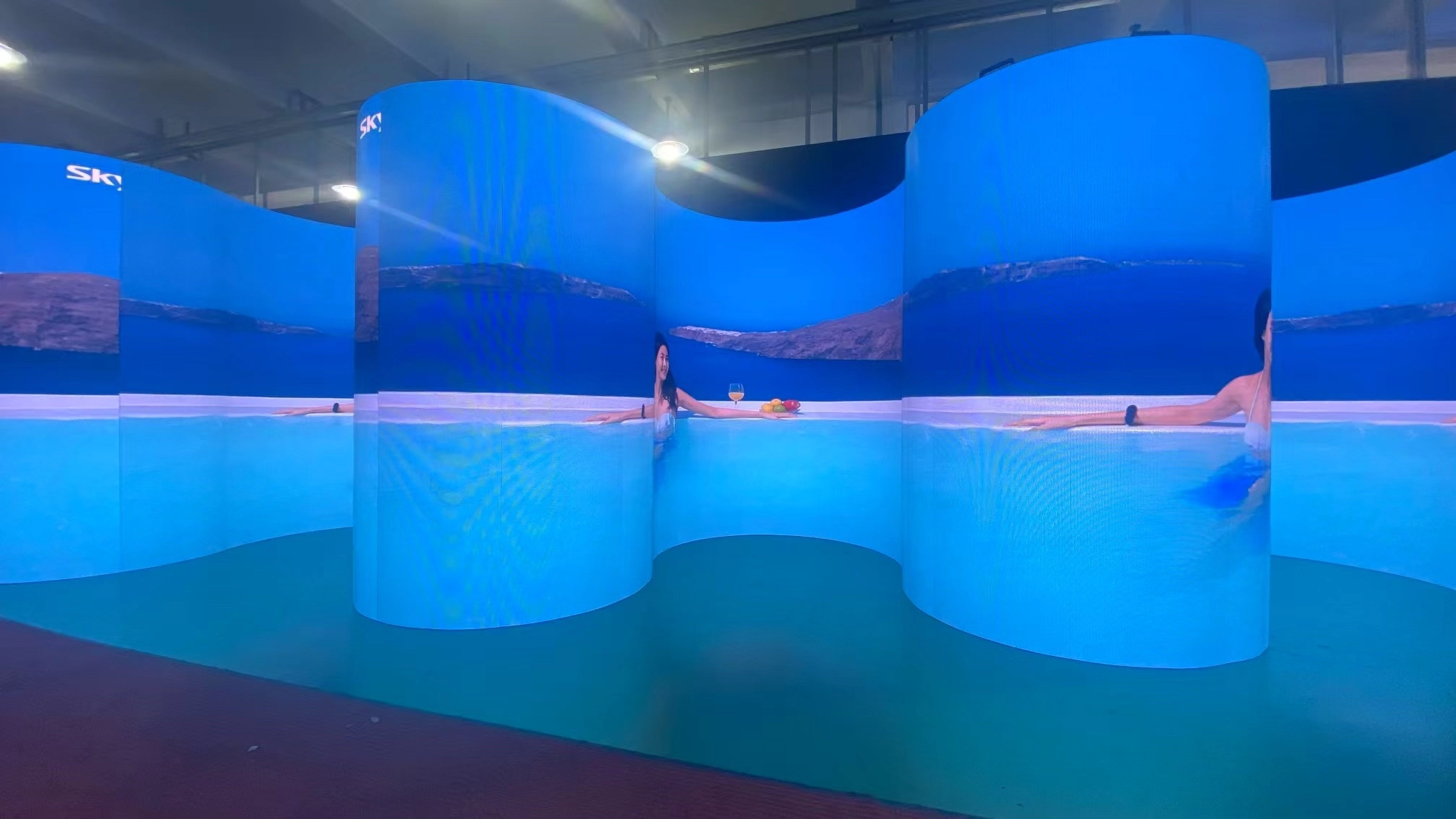
COB usually shows smaller color deviation because there is no individual SMD lens. In curved installations, steep viewing angles can still shift color with either format. When assessing COB vs SMD for Small Pixel Pitch LED Displays on a concave wall, test the exact curve radius and camera position before finalizing the panel choice.
Does COB or SMD run cooler in high-brightness outdoor enclosures?
COB may dissipate heat more directly into the substrate, but outdoor enclosures change thermal headroom because the modules are sealed and brightness is often higher. In direct sunlight, both formats need derating. Checking the thermal camera report is essential for COB vs SMD for Small Pixel Pitch LED Displays in any high-brightness outdoor or semi-outdoor install.
What should I check first in a COB vs SMD demo with Novastar processing?
Set the panel to 10 to 20 percent brightness and run a grayscale ramp. SMD panels often show more low-brightness contouring and uneven texture in this range. This test reveals weaknesses that a bright showroom hides, making it the first step in COB vs SMD for Small Pixel Pitch LED Displays evaluation.
Why do some rental houses still prefer SMD below P1.5?
SMD modules are often easier and cheaper to repair between events, and rental companies value fast turnaround. In touring situations, individual lamp rework can matter more than long-term encapsulation. However, COB impact resistance may justify its higher cost in COB vs SMD for Small Pixel Pitch LED Displays for permanent or high-traffic touring fixtures.
Conclusion
– COB wins at tighter pixel pitches, impact resistance, and black-level performance below P1.0.
– SMD remains a strong value at P1.2 and above, with simpler individual lamp repair.
– Always compare COB vs SMD for Small Pixel Pitch LED Displays with a dim-room grayscale test and off-axis photos.
– Total cost of ownership depends more on service policy than on upfront module price.
Next step: book a side-by-side P0.9 demo with your LED supplier, run a 10 percent brightness grayscale test, and ask for impact-resistance and repair-policy documents before signing the order.
