

Stage LED Screen Rental Prices 2026: Costs, Specs & Buying Options

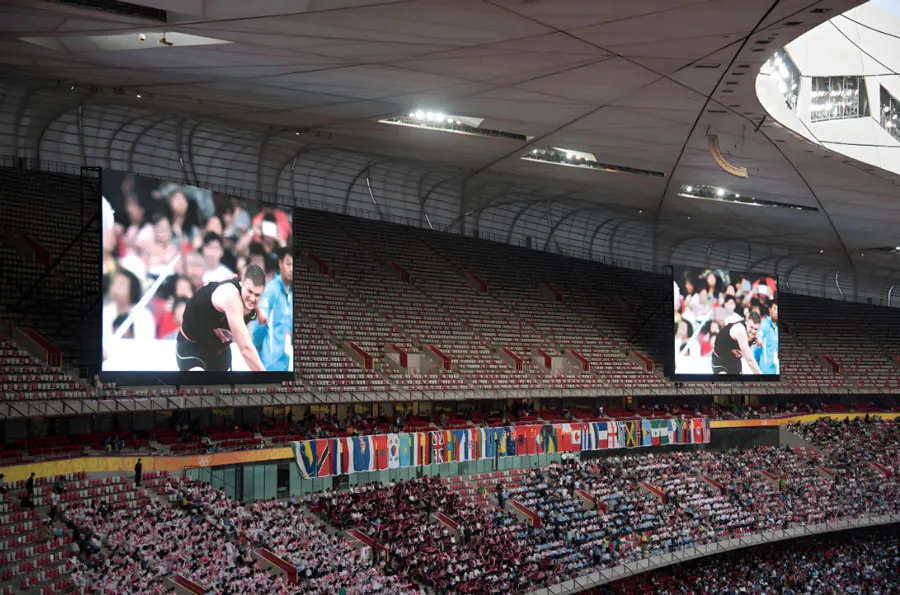
Stage LED rental prices in 2026 usually land between $300 and $2,500 per square meter per event, and the gap comes from pixel pitch, brightness, rigging and labor rather than from the panels alone. A 4 m × 3 m P3.9 indoor wall for a two-day corporate show typically quotes $4,000–$7,000 installed, while the same footprint in P1.9 for a broadcast set can pass $20,000. Because quotes bundle cabinets, processing, truss, crew and transport in different ways, two suppliers can name the same total and still deliver very different shows. This guide breaks the numbers down by pitch tier, indoor versus outdoor duty and package structure, so you can read a quote line by line and spot what is missing before you sign.
In this guide
- What stage LED rental prices cover in 2026
- Price by pixel pitch: what each tier buys
- Indoor versus outdoor rental rates
- Hidden costs that change the final quote
- Calibration, sampling and rigging requirements
- Rental versus buying: when the numbers flip
- Package structures and how to read a quote
- Frequently asked questions
- Final take: budgeting your stage rental
What Stage LED Rental Prices Cover in 2026
A rental quote is a package, not a product price. Therefore, the first job is to confirm which of the following items sit inside the number you were given.
- Cabinets and panels. The physical screen, usually quoted per square meter for the event or per panel per day.
- Processing and playback. LED processors, media servers, scalers and the technician who runs them.
- Structure. Ground support, truss, hoists, ballast and the engineering sign-off that goes with them.
- Power. Distro, cabling and a qualified electrician, because a 40 m² wall can pull well over 20 kW.
- Labor. Load-in, build, show support, strike and the truck that moves it all.
- Redundancy. Spare cabinets, spare processor ports and, on critical shows, a hot backup signal path.
In practice, suppliers quote in one of three units: per square meter per event, per panel per day, or a flat package for a defined footprint and schedule. Per-panel day rates for indoor rental cabinets commonly fall between $8 and $25, so a 500 × 500 mm panel covering 0.25 m² at $15 per day works out to roughly $60 per m² per day. Multi-day bookings usually discount the second and third day by 10–25 percent, yet the crew and truck rarely discount at all. Ask for the unit and the duration in writing, since a “cheaper” per-panel rate over five days often costs more than a per-event package over two.
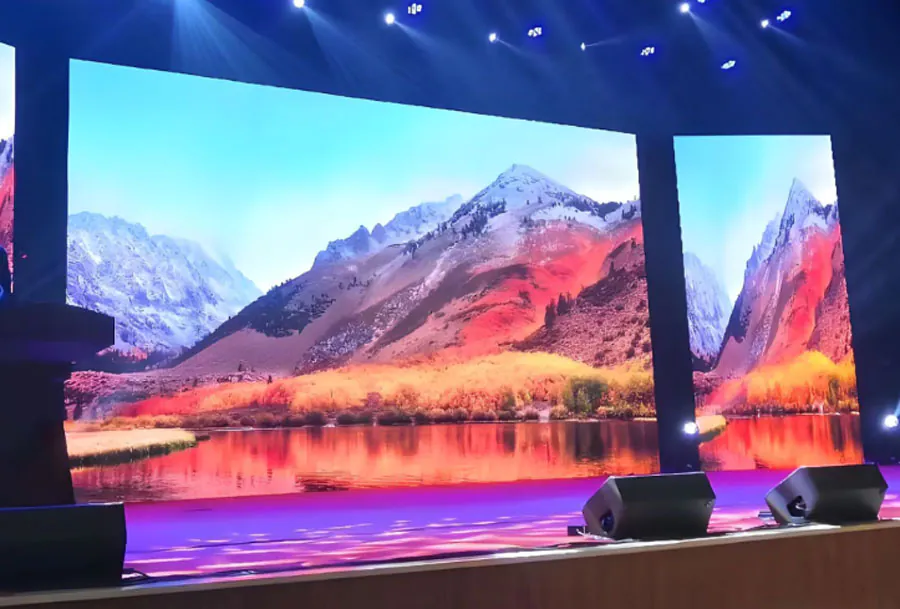
Content handling belongs in the same conversation, because a late sponsor slide can stall doors. The clip below shows how quickly a message moves from a phone to a rental poster.
Price by Pixel Pitch: What Each Tier Buys
Pitch drives cost faster than any other specification. A tighter pitch means more LEDs, more driver ICs and a more expensive cabinet, and it also demands better processing and more careful calibration. The table below reflects typical 2026 rates for a two-to-three day event, delivered and installed within a metro area.
| Pixel pitch | Typical stage use | Rental rate per m² per event | Viewing distance |
|---|---|---|---|
| P1.9–P2.6 | Broadcast sets, IMAG close-ups, premium keynotes | $1,200–$2,500 | 2–4 m |
| P2.9–P3.9 | Corporate stages, conference backdrops, church platforms | $700–$1,400 | 3–6 m |
| P3.9–P4.8 | Concert and festival stages, mid-size arenas | $500–$1,100 | 5–10 m |
| P5.2–P6.6 | Large outdoor stages, long-throw IMAG | $400–$800 | 8–15 m |
| P8–P10 | Stadium and long-distance backdrop screens | $300–$700 | 15 m+ |
These figures assume standard brightness and a single processor. Nevertheless, a broadcast client who needs 4,000-nit output, 120 Hz refresh and a calibrated white point sits at the top of the range, sometimes above it. On the other hand, a church or school booking midweek can often negotiate the bottom of the range, because the fleet is otherwise idle.
Sizing follows the same logic. For IMAG, the rule of thumb is a screen height of roughly one-sixth the distance to the furthest seat, which is why a 40 m hall usually needs a 6 m tall wall rather than a 3 m one. Get that number right first, then choose the pitch that suits the closest viewer, and the budget conversation becomes far shorter.
Indoor versus Outdoor Rental Rates
Outdoor cabinets cost more to own and more to insure, so outdoor rates carry a premium even when the pitch matches. The difference is not large on paper, usually 10–20 percent, but it grows with weather risk, rigging complexity and power requirements.
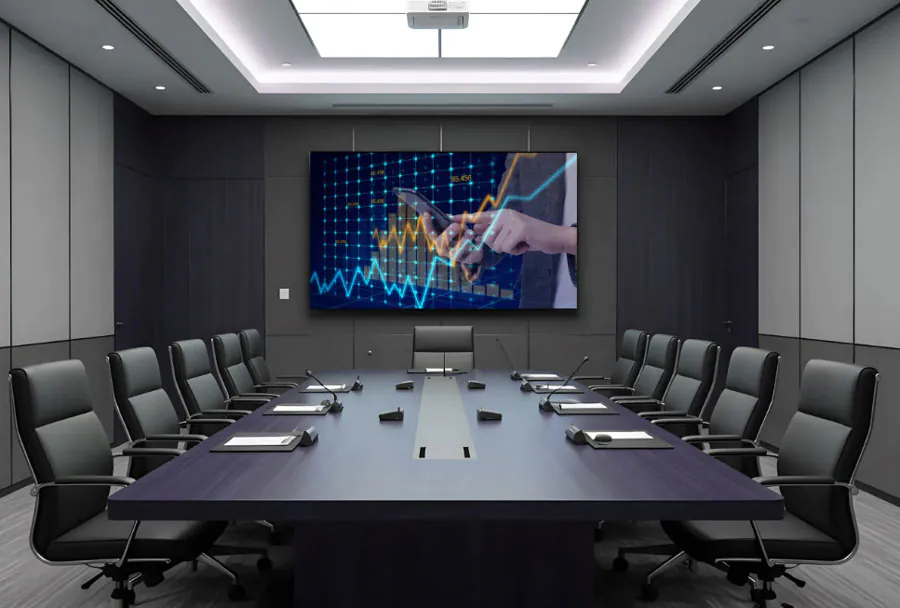
Indoor rental panels typically run 800–1,500 nits, weigh less and use lighter truss. Outdoor panels push 4,500–6,000 nits, carry IP65 front and rear sealing, and need ballast or ground support rated for wind load. As a result, an outdoor 30 m² wall may need twice the structure of an indoor wall of the same size, and the crew needs a weather window to build and strike safely.
Three cost items appear outdoors and rarely indoors:
- Weather contingency. Suppliers hold backup inventory and may charge a standby fee during storm season.
- Higher power. Brightness costs current, and outdoor distro is often a separate line item.
- Longer shifts. Wind holds, heat and daylight builds slow the crew, so labor hours rise.
Still, outdoor rental is not automatically the expensive option. A P6.6 outdoor wall at $500 per m² can beat a P2.9 indoor wall at $1,100 per m² for a festival with a 12 m viewing distance, because the audience never sees the pitch difference. Match the pitch to the sightline, and the gap shrinks to structure and weather alone. For buyers weighing rental against ownership, the same logic applies to LED screen panel prices.
Hidden Costs That Change the Final Quote
Most quote disputes trace back to scope, not to rate. For example, a supplier can quote $900 per m² and still deliver a higher total than a competitor at $1,100, because the first quote excludes rigging, power and overnight crew.
| Line item | Typical charge | Who usually forgets it |
|---|---|---|
| Truss, hoists and ballast | $800–$4,000 per show | Clients used to ground-stacked walls |
| Power distro and electrician | $500–$2,000 per day | Venues with limited service |
| Overnight or overtime labor | 1.5–2× day rate | Load-in slots after 22:00 |
| Content mapping and playback | $600–$3,000 per show | Clients assuming “plug and play” |
| Travel beyond metro area | $1.50–$3.00 per km, plus crew travel | Regional and resort venues |
| Insurance and permits | $200–$1,500 per event | Public outdoor sites |
Beyond the table, three clauses deserve attention. First, check whether the quote includes a technician for the full show day or only for build and strike, since a dark screen mid-keynote costs more than any labor line. Second, confirm the spare ratio: 3–5 percent spare cabinets is normal, and zero spares is a risk you are carrying. Finally, ask who pays for a re-hang if the venue changes the stage layout after the site visit.
Calibration, Sampling and Rigging Requirements
A rental screen is only as good as its calibration, and calibration is where quotes quietly diverge. Two suppliers can rent identical cabinets and produce visibly different shows, because one ships a calibration report and the other ships factory defaults.
Ask for three things before signing:
- A calibration report per batch. Brightness and color uniformity data, taken after the cabinets were last serviced.
- A sample screen. Even a single cabinet lets you check color, refresh and viewing angle under your own lighting.
- A rigging plan. Point loads, hoist ratings and a named engineer where the venue requires sign-off.
Rigging also sets the schedule. Venues with strict load-in windows often allow only a few hours on stage, so a wall that needs six hours to build will force an overnight shift, and that shift appears in the quote as overtime. In addition, confirm the trim height and the sightline from the back row, because a screen raised for a camera position can block the balcony.
Signal design matters just as much. Novastar and Brompton systems dominate rental fleets because they support hot backup and precise low-latency playback; the Novastar ecosystem, for instance, is widely documented for redundant processor setups. Whatever the brand, insist on a backup path for IMAG and on converters for HDMI, SDI and DVI at the stage box, since losing a signal source at doors is a common and avoidable failure.
Safety belongs in the same conversation. Outdoor builds need drainage at the base, cable ramps at walkways and a wind-management plan tied to the local forecast. These items rarely appear in a headline rate, and they are exactly what an experienced stage crew prices in from the start.
Broadcast-Ready Stage Walls: Mapping, Camera Sync and Redundancy
Most teams buy panels first and solve content, camera sync and redundancy later, which produces visible seams, flicker on the broadcast feed and a wall that looks bright without feeling immersive. A one-page visual brief should come before any quotation: the emotional tone, the tightest camera focal length, the closest audience seat and whether the wall is scenery, a light source or a broadcast background.
Modularity matters more than raw resolution. A 2.6 mm wall may look excellent on camera in a hotel ballroom, yet a 3.9 mm wall can be adequate at a 50-foot viewing distance and leave budget for a better processor, spare modules or a more experienced technician. Tool-free module removal, locking corner pins and curved rigging bars decide how fast a tour can adapt.
Build a 1:1 Pixel Map Before Load-In
A pixel-accurate map prevents stretching, seams and missing pixels. A 3840 × 2160 canvas holds 8,294,400 pixels, and a 20 m × 5 m wall will distort content unless the map matches the exact panel count. Confirm panel resolution and total canvas with the vendor, import the measured rig plot, then render a numbered test pattern to catch swapped tiles or flipped connections.
| Task | Typical tool | What it does | Action to take |
|---|---|---|---|
| Real-time mapping | Resolume Arena | Maps video inputs to processor outputs | Load a 1:1 test pattern before show content |
| 3D previz | disguise | Builds a virtual stage and LED wall | Import measured panel positions |
| Panel calibration | Brompton Technology | Controls per-panel color and brightness | Apply factory calibration and verify on camera |
| Processor monitoring | NovaStar | Monitors receiving cards and power status | Set alerts for temperature and voltage drops |
Unify Brightness, Color and Camera Exposure
Walls fail on camera when they are treated as separate from lighting. Broadcast cameras commonly shoot between 1/50 and 1/250 shutter, and a refresh rate that is not a compatible multiple produces flicker, banding or rolling bars. A processor with global control over brightness, color temperature and refresh matters more than the panel brand in many broadcast environments, and reducing peak brightness to 60–70 percent often improves skin tones while still reading as bright in the room. Test fast horizontal pans and a tight shot of a presenter, then lock one camera-facing preset and one audience-facing preset before doors.
Redundancy and the Rehearsal Checklist
Touring racks commonly carry dual power supplies and a backup processor per bay, because a single receiving-card failure can blank an entire tile. Monitoring should alert early enough to catch a failing module before it takes out its neighbors. Then rehearse failure, not only content:
- Power cycle the entire wall from full shutdown once before doors.
- Pull a redundant processor feed to verify failover.
- Swap one module with a spare and confirm calibration returns.
- Run a camera record pass at the final broadcast shutter and frame rate.
Schedule that one-hour failover and camera-sync rehearsal at least 24 hours before the first show, so a visible glitch still leaves time to re-route.
Module Swaps, Curved Walls and Outdoor Daylight
Multi-camera broadcast adds requirements beyond a bright wall. Look for genlock, low-latency inputs, 10-bit color handling and multiple 4K outputs on the media server, plus redundant outputs that can be re-routed without restarting the show. If the server drifts from camera sync, tearing and stutter appear on air.
Curved and angled walls need modules with flexible side locks and a previsualization file that matches the real radius. When the angle changes after load-in, the content map has to be re-aligned or the edges stretch, which is why 3D previz tools are worth the setup time on complex builds.
Replacing a module mid-show demands a fixed procedure. Import the factory calibration for the new module, run full white plus red, green and blue test patterns, then check the wall on the live camera. A fresh cabinet is usually brighter than aged neighbors, so skipping this step leaves a visible bright patch for the rest of the run.
Outdoor daylight raises the stakes further. Only high-brightness panels rated at 5,000 nits or more hold up in direct sun, and they need sealed cabinets, temperature monitoring and anti-glare masks. Plan shade structures where possible and test the wall at the time of day it will actually be on camera.
Rental versus Buying: When the Numbers Flip
For a single event, rental wins on almost every measure. For a venue that books 25 or more screen-days a year, ownership starts to pay back, because rental spend accumulates quickly against a one-time purchase.
Run the arithmetic on a realistic case. A 30 m² P3.9 indoor wall rents for roughly $900 per m² per event, or about $27,000 per two-day booking. Ten bookings a year therefore cost $270,000 in rental, while a comparable purchase with processing, truss and spares often lands between $60,000 and $110,000. Add storage, maintenance, insurance and a technician, and the breakeven usually appears between 12 and 20 events per year.
Yet ownership carries costs that rental hides:
- Storage. 30 m² of flight-cased cabinets needs dry, secure space and a forklift.
- Maintenance. Dead pixels, driver boards and connector wear accumulate with every load-in.
- Obsolescence. A fleet bought in 2023 competes with newer cabinets by 2027.
- Crew. Owning a wall means owning the labor to build it.
A hybrid model often fits best. Buy the pitch you use weekly, rent the tight pitch you need twice a year, and keep a service agreement for calibration. That structure keeps capital low while protecting the shows that carry your reputation.
Package Structures and How to Read a Quote
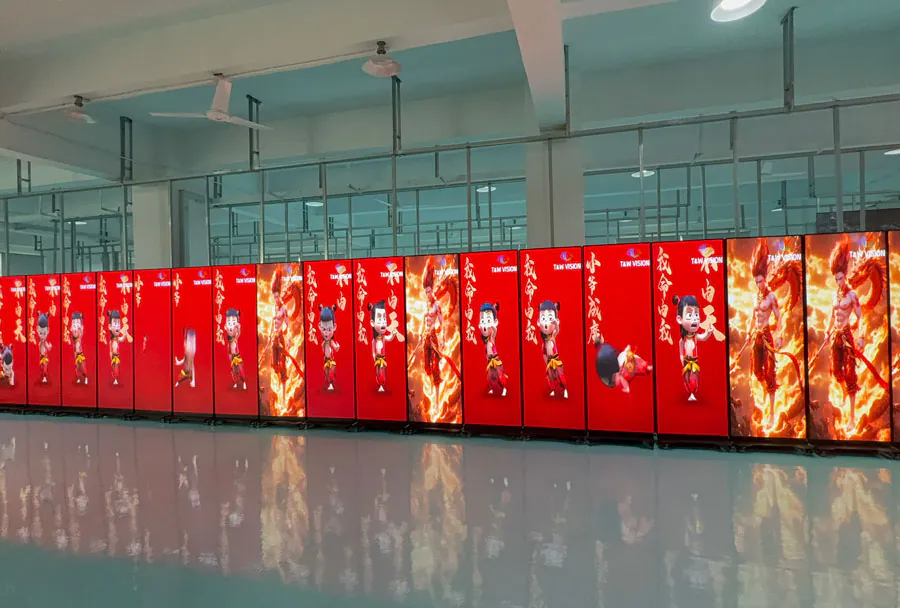
Suppliers package the same inventory in very different ways, so compare like with like before comparing totals. The three structures below cover most 2026 quotes, and small-format hardware now rides along in the same packages — the warehouse clip below shows an LED podium and a foldable poster leaving pre-configured for a client.
| Package | What is included | Best for |
|---|---|---|
| Dry hire | Cabinets, processor, flight cases; client supplies crew, truss and power | Experienced production companies |
| Standard rental | Screen, processing, delivery, build and strike, one technician | Corporate events and churches |
| Full service | All of the above plus rigging, power, content mapping and show-day operator | Festivals, launches, broadcast |
When you read a stage rental quote, check five fields in order: total square meters, pitch and brightness, included labor hours, spare ratio and the strike deadline. Then confirm three dates, because schedule drives price more than size does. The load-in window sets crew hours, the show days set technician days, and the strike deadline decides whether you pay overtime. If any of those fields is blank, the number is not yet comparable.
Finally, ask what happens when a cabinet fails. A supplier who can swap a panel within 15 minutes from on-site spares is worth a higher rate than one who promises a replacement “as soon as possible”. Reliability is the part of the quote you cannot see, and it is the part your audience will notice.
Frequently Asked Questions
What do stage LED rental prices usually include?
Most quotes cover cabinets, processing, delivery, build and strike, and at least one technician. Truss, power distro, content mapping and overtime are often separate, so confirm each line before comparing totals.
How much does a 20 m² screen cost to rent?
At $500–$1,400 per m² per event, a 20 m² wall usually quotes $10,000–$28,000 installed, depending on pitch, brightness, city labor rates and show days.
Why do quotes for the same wall differ by three times?
Usually scope, not rate. One quote may exclude rigging, spares and show-day crew, while another bundles them. Compare square meters, labor hours and spare ratio side by side.
Is a tighter pixel pitch always better?
No. Pitch should match the closest viewer. A P2.6 wall viewed from 8 m wastes money, while a P4.8 wall viewed from 2 m looks soft, so let the sightline set the specification.
How far in advance should we book?
Book four to six weeks ahead for corporate work and eight to twelve weeks for festival season, since tight-pitch inventory and experienced crews fill first.
Can indoor and outdoor panels be mixed on one stage?
They can share a show only with separate processing and matched calibration, and the design needs a clear safe zone between them. Mixing is common on festival stages with a covered main and an open thrust.
Final Take: Budgeting Your Stage Rental
Stage LED rental prices in 2026 reward buyers who specify before they shop. Decide the footprint from the sightline, choose the pitch from the closest seat, and state the load-in window and strike deadline up front. Then ask every supplier for the same five fields: area, pitch and brightness, labor hours, spare ratio and weather or overtime terms.
Do that, and the quotes become comparable within minutes. You will still see a spread, because fleets, crews and cities differ, but you will know which difference you are paying for. Whether you rent per event or move toward ownership, the cheapest quote is rarely the cheapest show, and the most expensive one is rarely the best value. TW VISION supplies rental fleets and stage systems from its Atlanta warehouse, so specification questions usually get answered the same day.
