

100 Inch LED Screen: Complete Buying Guide,Size,Price & Pixel Pitch

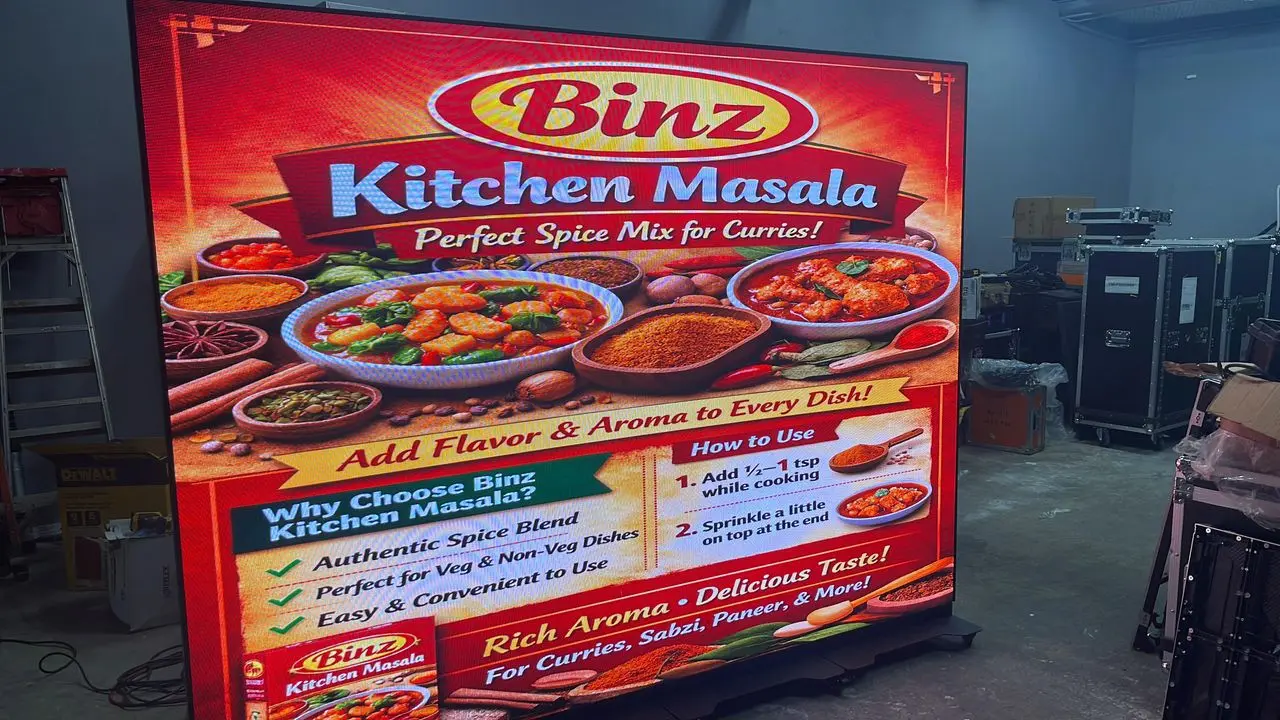
100 Inch LED Screen starts with one hard truth: a 100-inch LED screen is a system, not a single product. Major AV integrators consistently report that buyers who ignore pixel pitch and installation planning either overspend or end up with visible pixelation.
The real challenge is that size is easy to compare, but quotes change based on pixel pitch, room conditions100 Inch, processing, and physical access. Two 100-inch LED screens can look similar in a brochure and perform very differently in the same room.
Table of Contents
- Size and Space Planning Before You Buy
- Check Viewing Distance First
- Confirm Wall Load and Access
- Price Breakdown: What Actually Drives a 100 Inch LED Screen Quote
- Panel, Processor, and Installation Costs
- Power, Cooling, and Long-Term Costs
- Pixel Pitch and Viewing Distance: The Core Buying Metric
- Indoor Pixel Pitch vs Outdoor Pixel Pitch
- Why Smaller Pitch Can Increase Total Cost
- Resolution, Brightness, and Content Quality
- Matching Brightness to the Room
- Content and Media Players
- Installation and Infrastructure: Plan Beyond the Panel
- Power and Heat Load
- Front vs Rear Service
- Buying Checklist: 5 Best Secrets for a Safe Purchase
- Review the Full Bill of Materials
- Protect the Project With a Site Walk
- How much does a 100 inch LED screen weigh?
- Can I use a normal streaming stick or TV box with a 100 inch LED screen?
- Is a 100 inch LED screen always brighter than a 100 inch TV?
- What happens if one module fails after installation?
- Can a 100 inch LED screen be installed outdoors in direct sunlight?
- Conclusion
This guide covers room planning, price drivers, pixel pitch, resolution, installation, and a practical buying checklist you can use before requesting quotes.
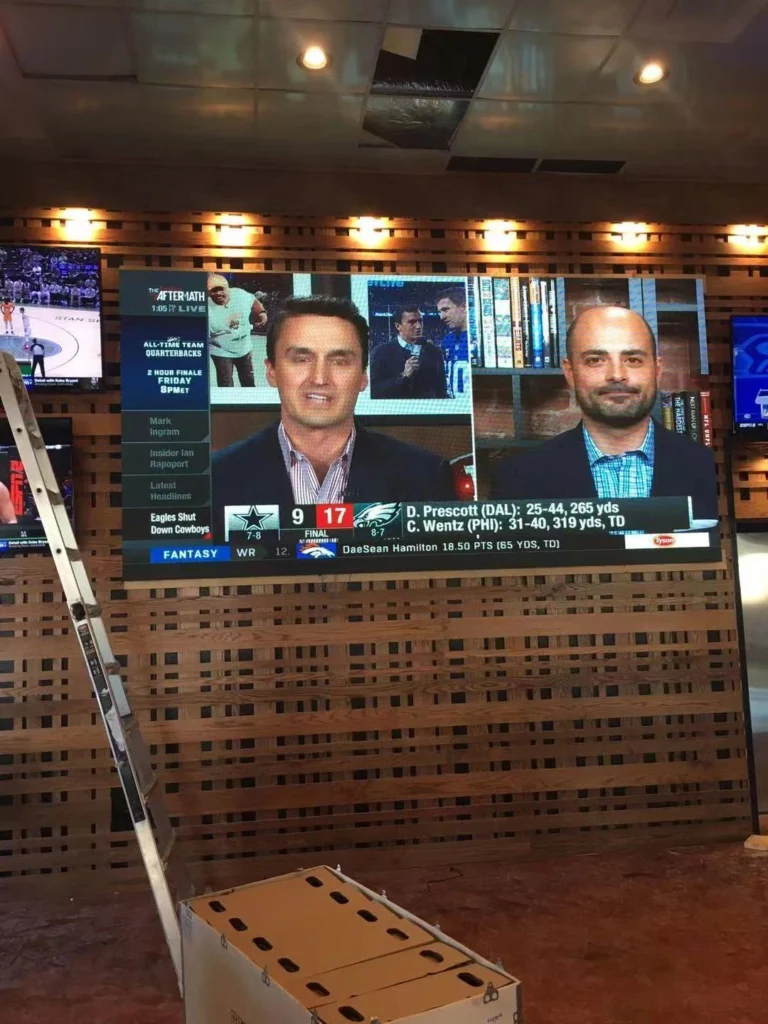
Size and Space Planning Before You Buy
A 100-inch LED screen needs more than a large wall; it needs the right viewing distance, safe structural support, and service clearance.
Before you buy any 100 Inch LED Screen: Complete Buying Guide-Size-Price-Pixel Pitch option, measure the diagonal image and the wall where it will hang. A 100-inch 16:9 screen is approximately 87.2 inches wide and 49.0 inches tall, so the display plus mounting frame may cover most of a standard wall.
Use painter’s tape to mark the width and height on the wall. Then stand at the expected primary seating position.
Check Viewing Distance First
The closer the viewer, the smaller the pixel pitch should be. General AV guidance uses roughly 1 meter of viewing distance per 1 millimeter of pixel pitch. A P2.5 panel is more comfortable when viewers are about 2.5 meters or farther away.
At 100 inches, a P4 panel can look blocky in a boardroom but acceptable above 4 meters.
Confirm Wall Load and Access
Ask the integrator for the total installed weight, including rigging, spare modules, and power supplies. A wall that holds a 70-inch TV will not automatically hold a commercial LED system.
Front-service panels can reduce depth in tight spaces, but they often cost more. Rear-service walls need walkable space behind the screen for module replacement and alignment.
How to apply this: Measure the wall and mark the 100-inch image with tape, then confirm the wall load and service clearance before requesting a quote.
Price Breakdown: What Actually Drives a 100 Inch LED Screen Quote
Price is not a single number; it is a bundle of panel cost, processor cost, rigging, and labor.
When you price any 100 Inch LED Screen: Complete Buying Guide-Size-Price-Pixel Pitch, ask for an itemized quote. LED panel quotes often separate the display modules from the video processor, power distribution, rigging, and installation.
Many buyers compare only panel cost and miss processor capacity or content delivery. P4 rental-style panels tend to be less expensive per square foot, but fine-pitch P1.5 panels require more receiving cards, tighter cabinet tolerances, and often more alignment labor.
No standard price list exists because regional labor, permits, and site conditions change the final number. Working with an AV integrator that provides an engineering drawing will help you compare quotes accurately.
Panel, Processor, and Installation Costs
The processor matters because it feeds content to the wall. A processor that cannot map the exact panel layout may need an upgrade. NovaStar processors are widely used in LED wall projects, and integrators often specify them based on pixel capacity and input count.
Power, Cooling, and Long-Term Costs
Ask for the maximum power draw per square meter. 100-inch walls in bright locations may run at higher brightness, increasing heat and energy use. Include air conditioning or ventilation in the long-term budget.
Also confirm warranty terms and whether replacement modules are included.
How to apply this: Request three itemized quotes that separate panel cost, processor, rigging, installation, and spare parts.
Pixel Pitch and Viewing Distance: The Core Buying Metric
Pixel pitch is the most important spec after size because it sets the minimum comfortable viewing distance.
According to TW VISION, LED Video Wall Resources, pixel pitch is the center-to-center distance between adjacent LED pixels. When buying a 100 Inch LED Screen: Complete Buying Guide-Size-Price-Pixel Pitch, you should start with where viewers sit, not with the price sheet.
The general AV rule of thumb is to multiply pixel pitch in millimeters by 1 to 2 to estimate a comfortable distance in meters. For critical viewing, use 1×; for casual viewing, use 2× or more. A P1.5 panel can support closer viewers, while P3 and P4 are better for long-view environments.
| Pixel pitch | Minimum comfortable distance | Typical use | Action to take |
|---|---|---|---|
| P1.2 | About 1.2 m (4 ft) | Boardroom, luxury retail | Confirm processor pixel capacity |
| P1.5 | About 1.5 m (5 ft) | Lobby, broadcast | Request demo content |
| P1.8 | About 1.8 m (6 ft) | Corporate, control room | Inspect module seams |
| P2.5 | About 2.5 m (8 ft) | Retail, worship | Verify ambient brightness |
| P3 | About 3 m (10 ft) | Staging, rental | Check rigging point load |
| P4 | About 4 m (13 ft) | Outdoor, large venue | Review weatherproofing |
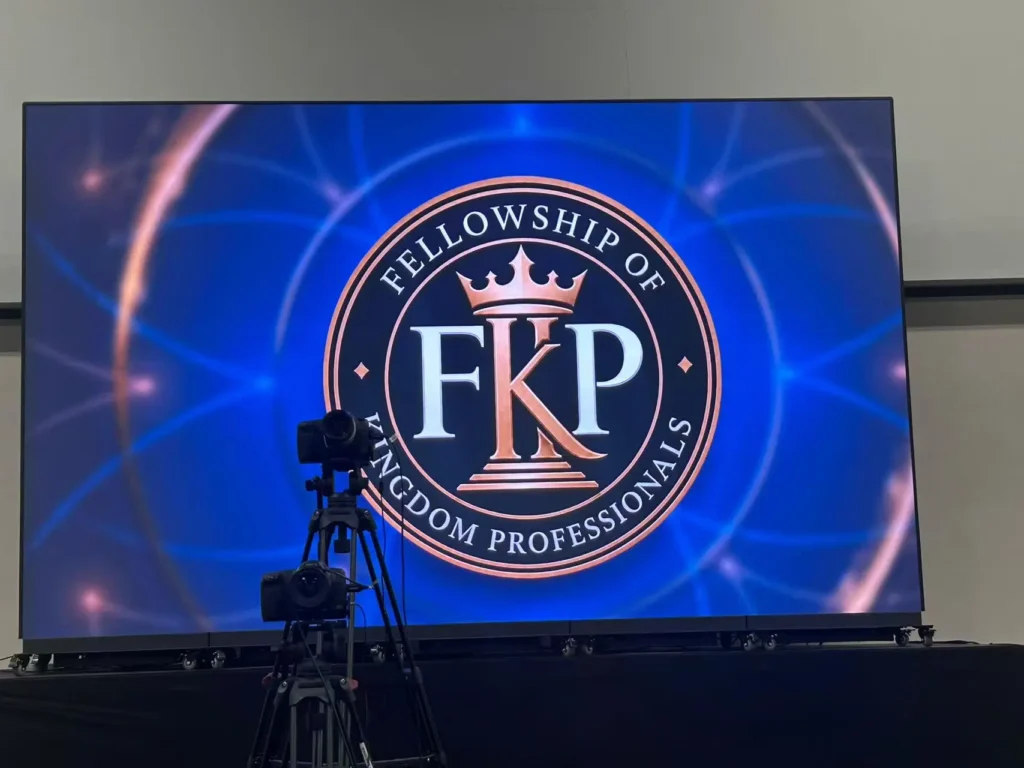
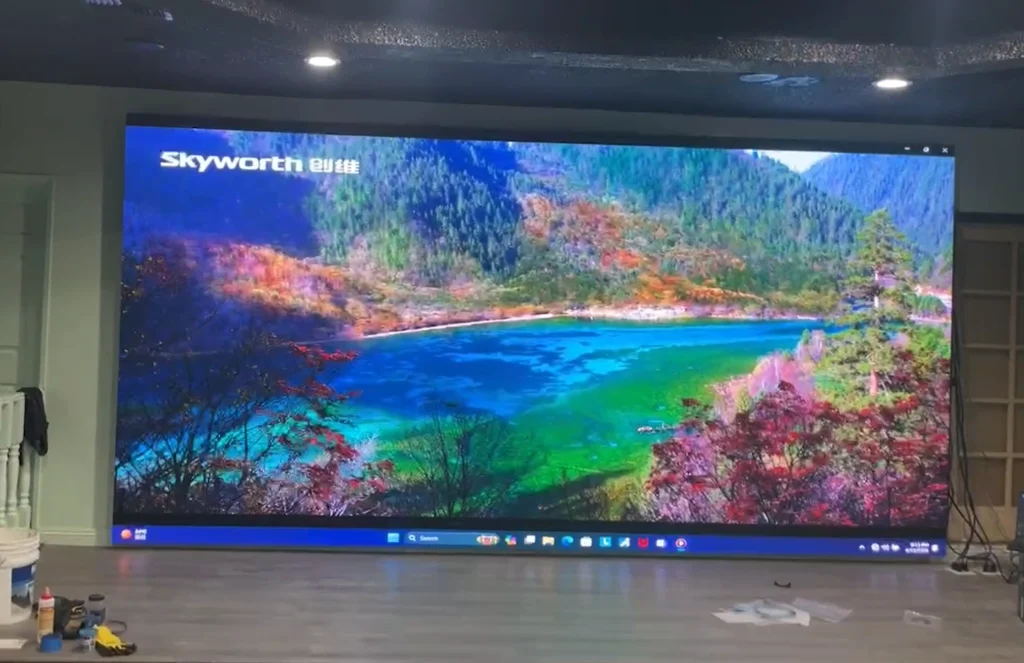
Followed is a 3200x1920mm (about 147′)LED video wall with pixel picth P1.86. Resolution 1720×1032.
Indoor Pixel Pitch vs Outdoor Pixel Pitch
Indoor modules often have higher pixel density and lower brightness; outdoor panels prioritize weather sealing and brightness over density.
A 100-inch indoor LED screen with P1.5 can look crisp up close, while an outdoor P4 may work only when viewers are far away. Confirm the module rating for humidity, dust, and temperature.
Why Smaller Pitch Can Increase Total Cost
Fine pitch means more LEDs per cabinet, tighter manufacturing tolerance, and more processing channels. That often raises cost per square meter even though the screen size stays the same.
This is why two 100-inch LED screens can have very different quotes.
How to apply this: Choose pixel pitch by measuring the nearest viewer distance before comparing price.
Resolution, Brightness, and Content Quality
Resolution is not the same as pixel pitch; it is the total pixel count across the screen.
For a 100-inch 16:9 screen, a full 1920×1080 image requires approximately P1.15 pixel pitch, because 87.2 inches of width equals about 2,214 mm and dividing by 1,920 pixels is roughly 1.15 mm. A P2 panel at 100 inches gives around 1,107 pixels across, less than Full HD.
Your 100 Inch LED Screen: Complete Buying Guide-Size-Price-Pixel Pitch decision should include content resolution. If you play 4K content on a lower-resolution wall, the processor will downscale it. If the wall resolution does not match the media player output, you may see scaling artifacts.
Brightness also matters: indoor spec sheets commonly list 600–1,200 nits, while outdoor-facing panels often need 2,500 nits or more.
Matching Brightness to the Room
Measure ambient light where the screen will be installed. A window-facing lobby should bias toward higher brightness and anti-glare coating. A dim boardroom may not need maximum brightness, which can also reduce power draw.
Content and Media Players
The downstream player must output at the wall’s native resolution. Media servers such as Resolume are used for real-time visuals and event production, but fixed installations often use a commercial-grade player provided by the integrator.
Synchronize frame rate and color settings during commissioning.
How to apply this: Ask for the total wall resolution and the brightness target based on your room’s ambient light.
Installation and Infrastructure: Plan Beyond the Panel
A 100-inch LED screen cannot be hung like a standard TV without checking power, data, and heat.
Any serious 100 Inch LED Screen: Complete Buying Guide-Size-Price-Pixel Pitch project should start with site readiness, not just panel selection. The wall needs clean power circuits sized for the maximum draw, and the signal path needs a processor that can handle the panel count.
Plan for data cabling and spare modules. LED walls are modular, so individual panels can fail. Keeping spare modules on site reduces downtime. Alignment and calibration also matter because cabinets can shift slightly after installation.
Use named processors like NovaStar or the one specified by the panel manufacturer. Confirm that the control system and media server can be reached over the network for remote monitoring.
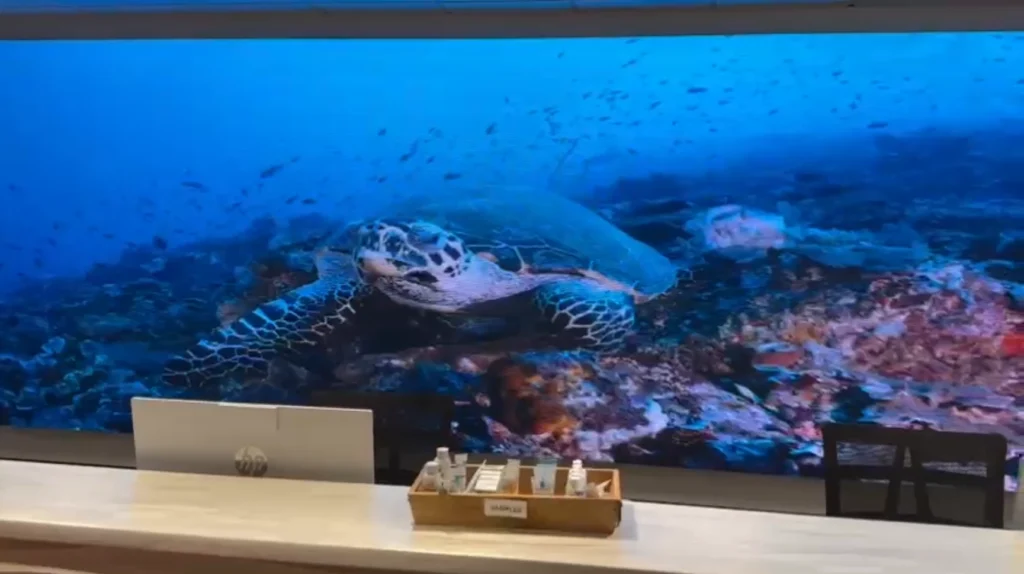
Power and Heat Load
Ask the electrical engineer for the maximum watts per square meter and total circuit load. Include LED power supplies and the processor.
In warm rooms, the heat load may affect HVAC sizing. Do not share a circuit with variable loads that can cause dropouts.
Front vs Rear Service
Rear-service walls need walkable space behind the screen; front-service cabinets allow maintenance from the front. For a 100-inch screen installed in a lobby with no rear access, front service is almost always required.
How to apply this: Create a site readiness list for power, data, heat, and service access before the screen ships.
Buying Checklist: 5 Best Secrets for a Safe Purchase
A safe purchase requires a complete system bill of materials, not a marketing quote.
As you finalize your 100 Inch LED Screen: Complete Buying Guide-Size-Price-Pixel Pitch purchase, verify that every line item is listed. Missing processor licenses, rigging brackets, spare modules, and commissioning labor are common sources of cost overrun.
Ask for a physical sample viewing. LED screens can look different in person, so view a panel with your actual content or a high-motion test pattern. Check color consistency, black levels, and any visible image retention.
Request warranty and service terms in writing. Confirm whether the warranty covers individual module replacement, on-site labor, or shipping.
Review the Full Bill of Materials
The bill of materials should include panel modules, cabinets, power supplies, receiving cards, processor, cables, rigging, spare parts, and installation.
If a line is missing, ask for it before signing.
Protect the Project With a Site Walk
A site walk with the integrator catches issues that a floor plan misses, such as uneven studs, ceiling height restrictions, and power availability. A signed site survey turns a 100 Inch LED Screen: Complete Buying Guide-Size-Price-Pixel Pitch quote into a safer installation plan.
How to apply this: Request a sample viewing, a full bill of materials, and a signed site readiness report before you pay.
Frequently Asked Questions About 100 Inch LED Screen: Complete Buying Guide-Size-Price-Pixel Pitch
How much does a 100 inch LED screen weigh?
Total weight depends on cabinet design, power supplies, and rigging. A 100 Inch LED Screen: Complete Buying Guide-Size-Price-Pixel Pitch should always include a structural report for the wall. In older drywall-only walls, integrators often add a steel support frame because LED modules are heavier than a conventional flat-panel TV.
Can I use a normal streaming stick or TV box with a 100 inch LED screen?
Yes, but only if your processor accepts the output. A 100 Inch LED Screen: Complete Buying Guide-Size-Price-Pixel Pitch usually needs scaled output to the wall’s native resolution. Consumer devices may output 16:9 HDMI, but frame rate or HDCP issues can appear in commercial processors, so test before final install.
Is a 100 inch LED screen always brighter than a 100 inch TV?
Not always. A 100 Inch LED Screen: Complete Buying Guide-Size-Price-Pixel Pitch is designed for controlled or high-ambient spaces, but indoor LED cabinets can be very bright. In a dark room, some LED walls exceed comfortable brightness and need calibration. A high-end TV may deliver better black level for pure home theater use.
What happens if one module fails after installation?
A modular LED wall lets you replace one failing tile instead of the whole screen. A 100 Inch LED Screen: Complete Buying Guide-Size-Price-Pixel Pitch should include spare modules and a service agreement. Failure behavior depends on the brand, so confirm whether replacement is field-swappable without full recalibration.
Can a 100 inch LED screen be installed outdoors in direct sunlight?
Outdoor-rated LED screens can be installed outdoors, but brightness and weatherproofing matter more than size. A 100 Inch LED Screen: Complete Buying Guide-Size-Price-Pixel Pitch intended for sunlight should use high-brightness modules and sealed cabinets. Partial shade can reduce the requirement, but direct sun still needs proper IP ratings and thermal management.
Conclusion
Your buying decision should follow these core checks:
– Measure the 100-inch width and height on the wall, then confirm viewing distance.
– Choose pixel pitch by nearest viewer distance, not by panel price alone.
– Compare itemized total system quotes that include processor, rigging, power, and labor.
– Verify the full bill of materials, service access, and installed brightness before signing.
Use this 100 Inch LED Screen: Complete Buying Guide-Size-Price-Pixel Pitch as your vetting checklist when comparing quotes. Start with a free site survey from qualified AV integrators, and only buy after a physical sample viewing with your real content.
