

Narrow Bezel vs Seamless LED Display: 5 Best Secrets to Use

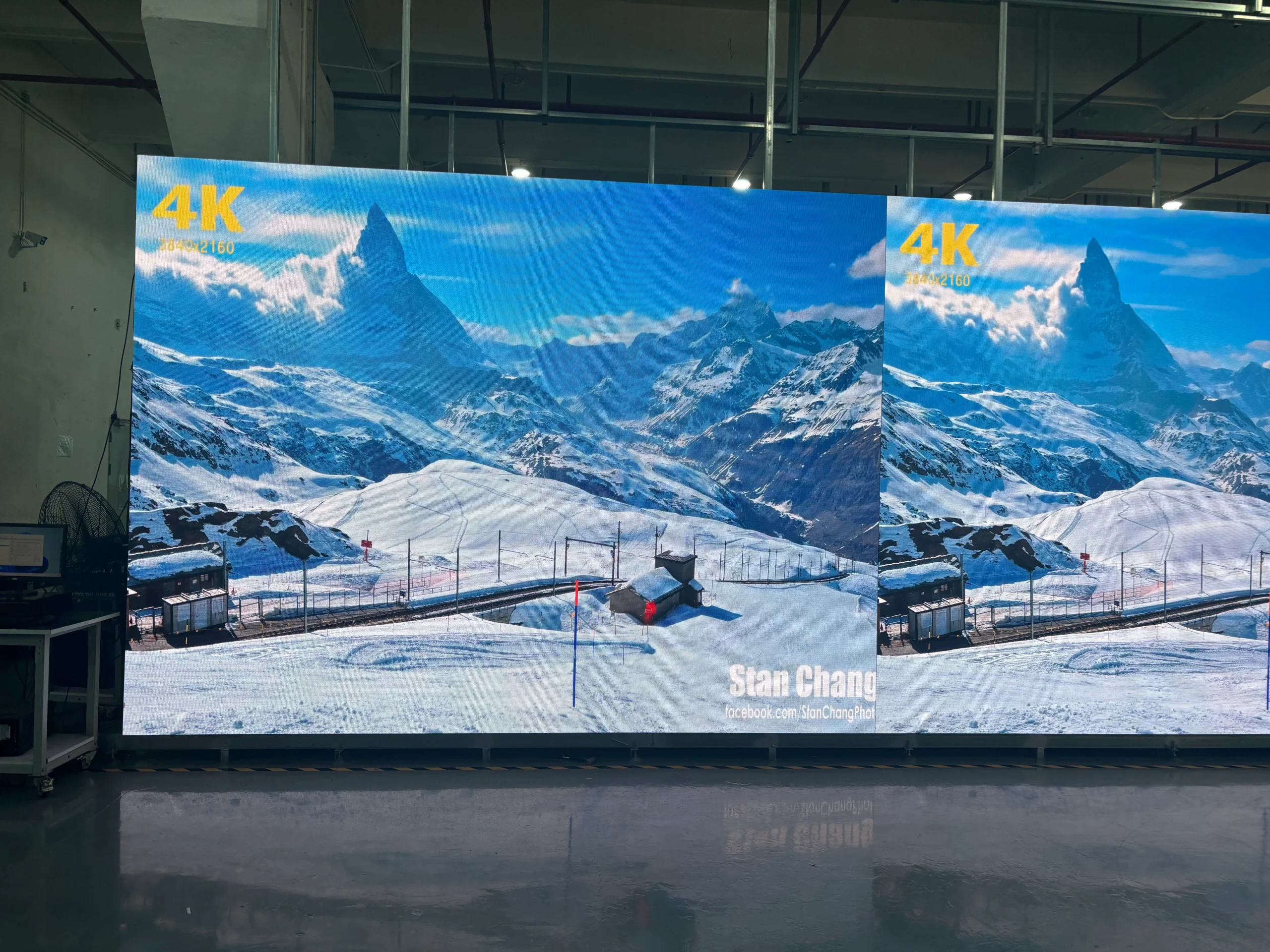
The choice between a Narrow Bezel and a Seamless LED Display is one of the most misunderstood buying decisions in modern video wall projects. A surprising pattern emerges across AV bids: buyers compare bezel-width spec sheets, but the real issue is how visible the seam becomes at the actual viewing distance in the room.
A narrow bezel panel looks like a gap-free screen in a brochure, then turns into a visible grid when staff or guests stand close. A seamless LED wall removes that grid, but it adds cost, calibration work, and cabinet-level maintenance. The right answer depends on viewing distance, content type, install budget, and who will service the wall.
Table of Contents
- 1. Narrow Bezel vs Seamless LED Display: The Core Visual Difference
- Viewing Distance Changes the Decision
- 2. Color Consistency and Brightness at Close Range
- Calibration Is Not a One-Time Event
- 3. Installation and Alignment: Where Projects Go Over Budget
- Structural Readiness Varies by Wall Weight
- 4. Total Cost: Narrow Bezel vs Seamless LED Display Budget Factors
- 5. Maintenance, Service, and How to Choose the Right Panel
- 1. Does pixel pitch change the narrow bezel vs seamless LED decision?
- 2. Are there hybrid options that simulate a seamless look?
- 3. Can I mix narrow bezel LCD and seamless LED panels in one wall?
- 4. What happens when a seamless LED module fails?
- 5. Is a projector a better alternative to seamless LED?
- Conclusion
This guide breaks the choice into five practical comparison points, including a cost table and the calibration tools AV teams rely on.
1. Narrow Bezel vs Seamless LED Display: The Core Visual Difference
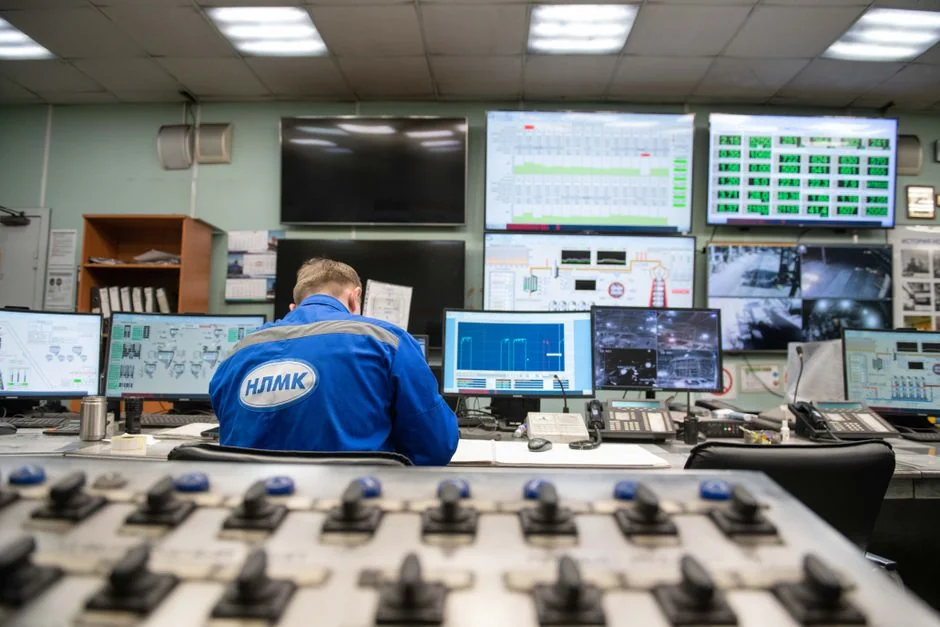
When you compare Narrow Bezel vs Seamless LED Display hardware, the key difference is whether you can see module boundaries. Manufacturers now describe many commercial LCD panels as ultra-narrow, but even a thin bezel still blocks light at the edge of each panel. That creates a visible grid line when content crosses panel boundaries.
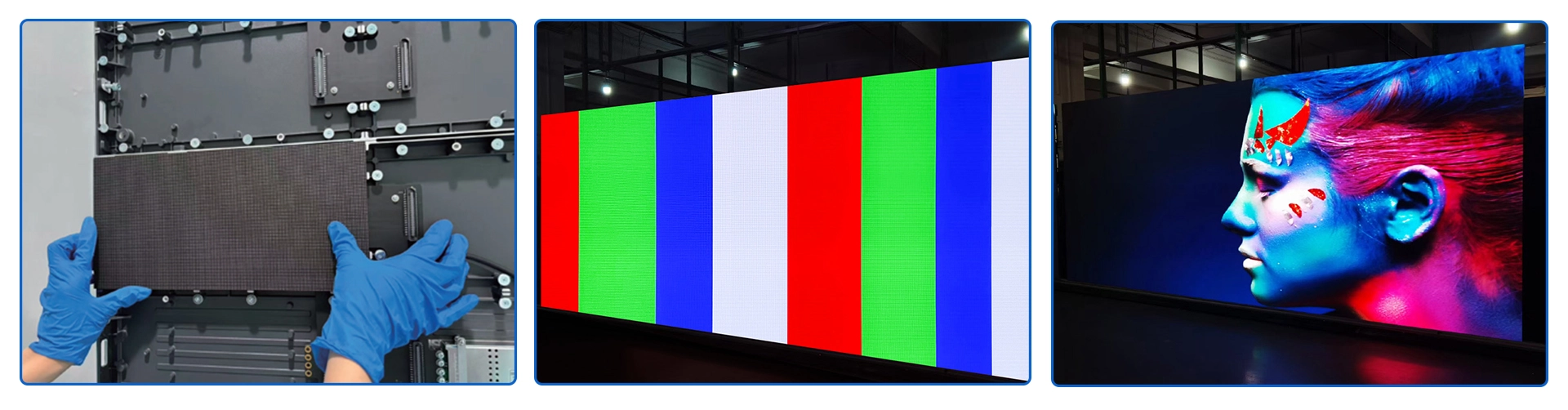
Direct-view seamless LED cabinets instead butt module edges together, so the display surface appears continuous from close viewing positions.
Viewing Distance Changes the Decision
At 8 meters, both displays can look nearly identical. At 2 meters, a narrow bezel seam becomes obvious. This is why measuring your closest viewer position is more useful than reading a bezel width spec.
Industry surveys consistently show that seam visibility depends heavily on room lighting and viewing distance. That makes the Narrow Bezel vs Seamless LED Display decision highly dependent on distance. A common scenario is a retail video wall where shoppers walk directly past the display.
The same 55-inch narrow bezel panels that looked clean in a demo room reveal thin dividers once content includes light backgrounds or moving imagery.
How to apply this: measure your minimum planned viewing distance, then ask the vendor to show a physical sample under that exact setup before you decide.
2. Color Consistency and Brightness at Close Range
Color consistency is one area where Narrow Bezel vs Seamless LED Display specs rarely tell the full story. Both technologies drift. Narrow bezel LCD panels tend to show panel-to-panel brightness and color temperature differences because each panel is an independent backlight source.
Seamless LED modules require per-cabinet calibration, but when calibrated, they can deliver a more uniform image across a large wall.
Calibration Is Not a One-Time Event
Panel matching drift can make a wall look pieced together even when the bezels are thin. A processor-based calibration pass is the only practical way to settle brightness and color.
In practice, the Narrow Bezel vs Seamless LED Display choice also changes the calibration workflow. NovaStar and Brompton Technology are two widely used platforms for brightness and color correction across LED cabinets. Their processors allow on-site calibration after installation, which is a practical requirement for seamless LED.
How to apply this: include a calibration line item in your quote and ask which processor the installer plans to use.
3. Installation and Alignment: Where Projects Go Over Budget
Installation is often the hidden cost that separates Narrow Bezel vs Seamless LED Display projects. Narrow bezel LCD walls usually mount each panel onto a rigid video wall frame. You may need precision brackets, spacers, and careful shimming to reduce gaps. As the wall grows, alignment time increases.
Seamless LED walls are built from cabinets that stack and lock, but they are heavier and often need a dedicated wall structure or reinforced floor support.
Structural Readiness Varies by Wall Weight
One installer team spent most of a weekend aligning a 9-panel narrow bezel wall because the brackets bowed slightly. The same team later installed a seamless LED wall in less time, but only after adding steel reinforcement and careful leveling.
Site readiness differs once you move from Narrow Bezel vs Seamless LED Display options. Direct-view LED often requires power distribution, data cabling from a processor, and enough clearance behind the wall for service. Narrow bezel panels can often use simpler display mounts, but the video wall mount still must be perfectly flat.
How to apply this: before ordering, ask your installer for a structural and cabling checklist, not just a mounting quote.
4. Total Cost: Narrow Bezel vs Seamless LED Display Budget Factors
The total cost difference in Narrow Bezel vs Seamless LED Display projects is smaller than many buyers expect once you add installation and service. Upfront panel cost generally favors narrow bezel LCD, especially for smaller walls. Seamless direct-view LED typically carries a higher initial price per square meter, but the range varies widely by pixel pitch, cabinet brand, and region.
Power consumption is another line item. High-brightness seamless LED walls can draw more electricity than equivalent LCD walls, especially in daylight-facing lobbies. Yet the cost difference often shrinks in larger installations where less steel and finishing work may be needed to hide gaps.
The table below breaks the major Narrow Bezel vs Seamless LED Display budget factors into quick action items.
| Factor | Narrow Bezel | Seamless LED | Action to take |
|---|---|---|---|
| Upfront panels | Lower for small walls | Higher per m² | Quote same display area |
| Seam visibility | Visible grid lines | No panel gaps | View sample at real distance |
| Install labor | Mount and shim each LCD | Stack and align cabinets | Request line-item labor |
| Power draw | Usually lower at equal nit | Higher for bright walls | Compare watts per m² |
| Calibration | Panel matching needed | Processor correction | Confirm calibration plan |
| Service | Replace one panel | Replace LED module | Check spare inventory |
How to apply this: build a simple total-cost sheet with panel, mount, processor, calibration, power, and spare parts lines.
5. Maintenance, Service, and How to Choose the Right Panel
Maintenance planning often decides Narrow Bezel vs Seamless LED Display ownership satisfaction long after the purchase. For narrow bezel LCD walls, a failed panel can usually be swapped without taking down the whole display, but you need an exact model match.
With seamless LED, failures are handled at the module or cabinet level, which is faster but requires spare modules and a qualified technician.
According to Samsung’s direct-view LED display page, The Wall uses modular LED technology to create a bezel-free video wall. That design goal matters most in spaces where the wall itself is part of the room’s architecture. Both NovaStar and Brompton Technology provide remote monitoring and redundant backup paths on many LED systems, which can reduce long-term service calls.
That is the ownership side of the Narrow Bezel vs Seamless LED Display decision.
How to apply this: before you buy, ask for a written service plan that names spare parts, response time, and who performs module-level repair.
Frequently Asked Questions About Narrow Bezel vs Seamless LED Display
1. Does pixel pitch change the narrow bezel vs seamless LED decision?
Yes, pixel pitch determines how close viewers can stand. A fine-pitch seamless LED wall can look clean at 1.5 meters, while a coarse pitch may show individual pixels. Narrow bezel LCDs do not have pixel pitch in the same way, so the comparison shifts to seam visibility.
For a small briefing room, choose a pitch under 1.6 mm if you go seamless, or verify the bezel is acceptable at your closest seat.
2. Are there hybrid options that simulate a seamless look?
Yes. Some installers use recessed mounting, dark bezel compensation, or content that avoids crossing panel edges to make narrow bezel LCD walls feel seamless. This Narrow Bezel vs Seamless LED Display workaround costs less, but it only works when content is static or already designed around the grid.
If the same wall later runs live video or bright backgrounds, the seams become obvious. It is a conditional fix, not a true replacement.
3. Can I mix narrow bezel LCD and seamless LED panels in one wall?
You can, but AV designers usually avoid it. The two technologies have different brightness drift, panel depths, mounting methods, and color behavior. When mixed, the seam between the technologies becomes a hard line that is difficult to hide.
The better approach in a phased narrow bezel vs seamless LED display project is to plan a future full replacement, or use separate zones for each type rather than blending them in one continuous image.
4. What happens when a seamless LED module fails?
This is a key service-case difference in the Narrow Bezel vs Seamless LED Display decision. A single LED module can often be replaced from the front while the wall stays live, provided spare modules are stocked. Without spares, you may wait days.
In contrast, replacing a narrow bezel LCD panel usually requires an exact model match, which gets harder after two years. Ask for a spare module inventory before signing.
5. Is a projector a better alternative to seamless LED?
Sometimes. A high-lumen projector can deliver a truly seamless image at a fraction of the cost for a high-resolution display where ambient light is controlled. But projectors need throw distance, bulb or laser maintenance, and dark ceilings. In bright spaces or multi-viewer walls, seamless LED usually wins.
That is the central trade-off when you compare projector-based display with a Narrow Bezel vs Seamless LED Display setup.
Conclusion
Your Narrow Bezel vs Seamless LED Display decision should end with a physical viewing test, not just a spec sheet review.
– Compare panels at your actual minimum viewing distance, not a vendor demo booth.
– Request a total-cost quote that includes mounts, processors, calibration, power, and spare modules.
– Ask for a written service plan that covers panel or module replacement and response time.
– Use calibration tools from NovaStar or Brompton Technology as part of the standard workflow.
Start by measuring the room, then ask two or three integrators to submit line-item quotes. The wall that wins is the one that stays clean, serviceable, and financially predictable over at least five years.
