

Basic Knowledge of LED Modules-part3

Introduction
This blog is about basic Knowledge of LED Modules. It is intended for those who are new to the LED industry or want to learn more about it.
It mainly explains various professional terms in the LED display industry, helping you gain a basic understanding of the LED screen.
What is LED:
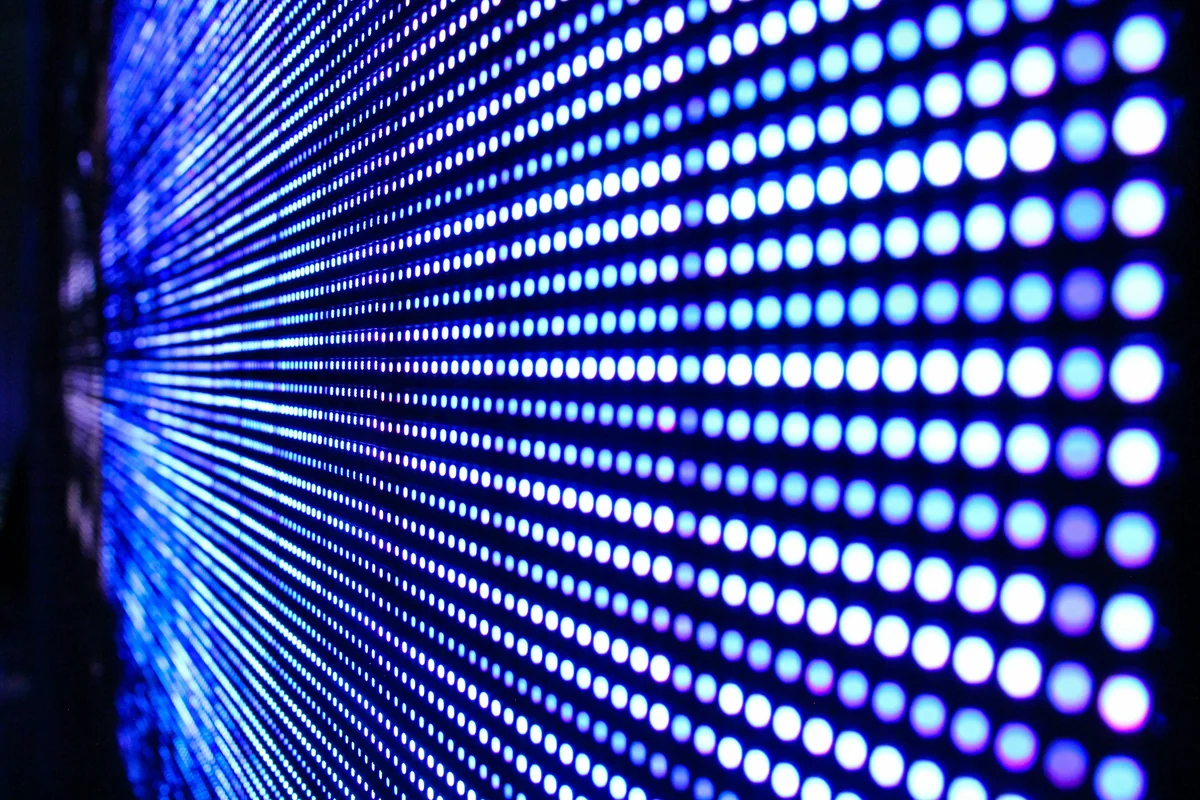
LED stands for Light Emitting Diode. In the display screen industry, “LED” specifically refers to LEDs that emit visible light.
What is a Pixel:
The smallest light-emitting unit of an LED display, equivalent to the term “pixel” in standard computer monitors.
What is Pixel Pitch (Dot Pitch):
The center-to-center distance between two adjacent pixels.
What is an LED Display Module:
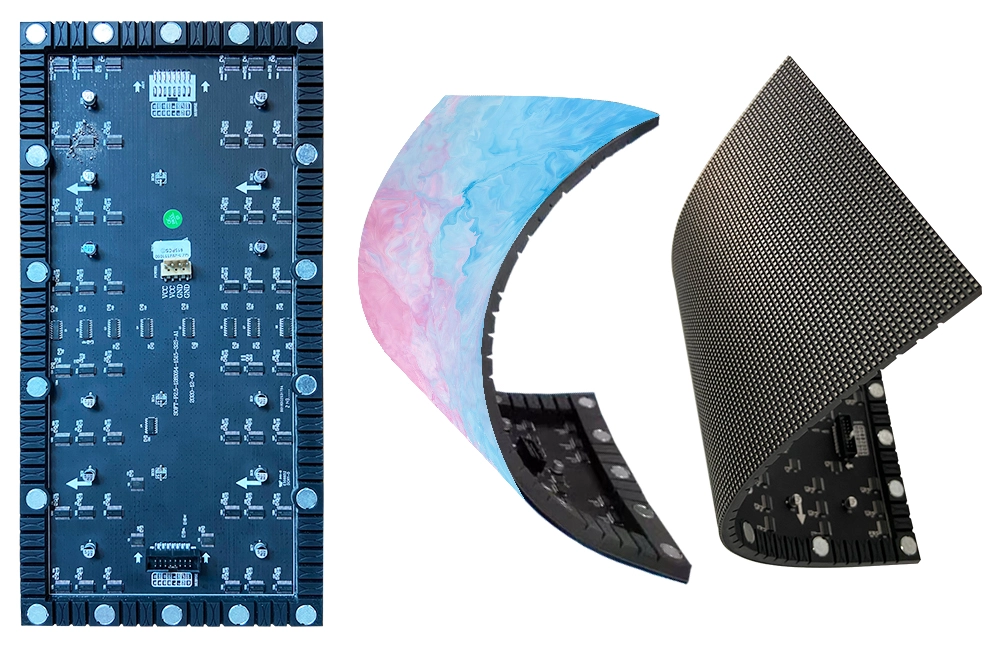
A structurally independent unit composed of multiple display pixels, serving as the smallest building block of an LED display.
What is DIP:
DIP stands for Double In-line Package, a dual-row pin insertion assembly method.
What are SMT and SMD:
- SMT (Surface Mounted Technology): The most widely used technology and process in the electronics assembly industry.
- SMD (Surface Mounted Device): A component designed for surface mounting.
What is an LED Display:
A display screen composed of an array of LED devices controlled via specific methods.

What is a DIP Module? Its Pros and Cons:
A module where DIP-packaged LEDs are inserted into PCB holes and soldered.
- Pros: High brightness, excellent heat dissipation.
- Cons: Low pixel density.
What is an SMT Module? Its Pros and Cons:
A module where SMD LEDs are soldered directly onto the PCB surface.
- Pros: Superior display quality, high pixel density, ideal for indoor use.
- Cons: Lower brightness, poor heat dissipation.
What is a Sub-SMT Module? Its Pros and Cons:
A hybrid between DIP and SMT. LEDs have surface-mounted packaging but are inserted through the PCB for soldering.
- Pros: High brightness, good display quality.
- Cons: Complex manufacturing, difficult repairs.
What is 3-in-1? Its Pros and Cons:
RGB LED chips are vertically packaged into a single SMT lamp.
- Pros: Excellent color mixing, stable performance.
- Cons: Complex process, difficult repairs.
What is 3-in-Line? Its Pros and Cons:
Three independently packaged RGB SMD LEDs arranged vertically.
- Pros: Simpler manufacturing, easier repairs.
- Cons: Inferior color mixing and stability compared to 3-in-1.
What is Luminance:
The light intensity emitted per unit area of an LED display, measured in cd/m² (candelas per square meter).
What is Brightness Level:
The number of adjustable brightness levels from minimum to maximum.
What is Grayscale Level:
The number of gradation steps between the darkest and brightest states at a fixed brightness level.
What is White Balance and White Balance Adjustment:
- White Balance: The balance of brightness ratios among RGB LEDs to produce pure white.
- White Balance Adjustment: Calibrating RGB brightness ratios and white coordinates.
What is Contrast Ratio:
The ratio of maximum brightness to background brightness under specific ambient lighting.
What is Color Temperature:
The temperature of a blackbody radiator that emits light matching the color of a light source, measured in Kelvin (K).
What is Frame Refresh Rate:
The frequency at which the display updates its content per unit time.
What is Refresh Rate:
The frequency at which the display redraws the image per unit time.
What are Viewing Angle, Effective Viewing Angle, and Optimal Viewing Angle?
- Viewing Angle: The angle at which brightness drops to half of the frontal (normal) brightness, measured horizontally and vertically.
- Effective Viewing Angle: The maximum angle where the display content remains visible.
- Optimal Viewing Angle: The angle where colors and image clarity are best preserved.
What is Optimal Viewing Distance:
The distance from the screen where the display content is fully visible without color distortion and with maximum clarity.
What are Static Drive and Scan Drive? Differences:
- Static Drive: Direct “point-to-point” control from the driver IC to pixels. No row control circuit required.
- Pros: High stability, minimal brightness loss.
- Cons: Higher cost.
- Scan Drive: “Point-to-column” control requiring row control circuits.
- Pros: Lower cost.
- Cons: Reduced brightness, lower stability.
What are Constant Current Drive and Constant Voltage Drive?
- Constant Current Drive: Maintains a fixed output current within the driver IC’s operating range.
- Constant Voltage Drive: Maintains a fixed output voltage within the driver IC’s operating range.
What are Synchronous and Asynchronous Systems?
- Synchronous System: The LED display content updates in real-time synchronization with a connected computer.
- Asynchronous System: Preloaded content is stored in the display’s control system, allowing operation without a connected computer.
What is Fiber Optic Transmission vs. Network Cable Transmission?
- Fiber Optic: Converts electrical signals to light for transmission via glass fibers.
- Network Cable: Transmits electrical signals directly through metal wires.
When to Use Network Cable vs. Fiber Optic?
- Network Cable: For distances under 100 meters.
- Multimode Fiber: For distances between 100–500 meters.
- Single-mode Fiber: For distances over 500 meters.
What are LAN Control and Internet Control?
- LAN Control: Local network-based control of devices within the same network.
- Internet Control: Remote control via the internet using IP addresses.
