LED Display Purchase Cost Breakdown 2026: Full Guide

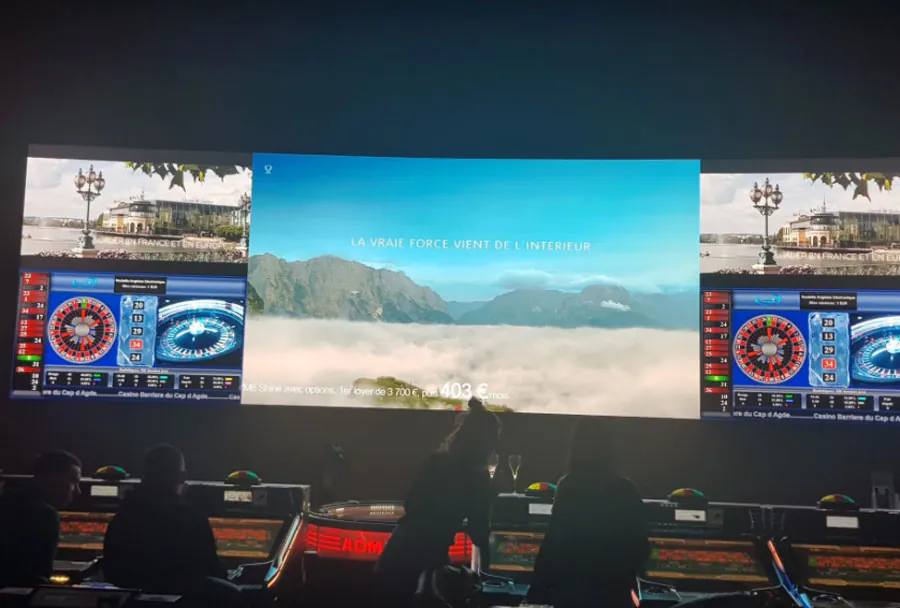
An LED display cost breakdown starts with one fact: screen size alone never sets the price. Pixel pitch, total resolution, brightness, cabinet layout, structure, processing, installation, and warranty each move the number, and two quotes for the same wall can differ by 40% once those lines separate.
This guide walks through the cost blocks that decide a large LED screen budget. It also shows how to compare proposals on equal terms, which line items suppliers usually leave out, and how to model operating cost before signing. All price examples below are planning figures or clearly dated historical list prices, not current offers.
Table of Contents
- 1. Pixel Pitch and Resolution Drive Hardware Cost
- 2. Screen Size, Aspect Ratio, and Resolution
- 3. Indoor, Outdoor, and High-Brightness Specifications
- 4. Installation, Structure, and Processing
- 5. How to Read an LED Display Cost Breakdown Quote
- 6. Operating Costs, Warranty, and Financing
- 7. Common Budget Mistakes
- 8. Site Survey for the LED Display Cost Breakdown
- FAQ
- Conclusion
1. Pixel Pitch and Resolution Drive Hardware Cost
In any LED display cost breakdown, pixel pitch is the strongest hardware driver. A finer pitch packs more pixels into the same area, so LED count, driver components, and processing load all rise together. Because of that stacking effect, the price per square meter climbs faster than the resolution figure suggests.
Match Pitch to Viewing Distance
Pitch measures the center-to-center distance between adjacent pixels, usually in millimeters. AVIXA publishes visual-acuity calculations that place comfortable viewing for a 1 mm pitch at about 3.44 m, against 8.60 m for a 2.5 mm pitch. Therefore, a 4 mm panel can look identical to a 1.2 mm panel from 14 m, at a fraction of the cost. Meanwhile, the finer panel still needs more receiving cards and a stronger processor, so the premium compounds beyond the modules.
Avoid Buying Unnecessary Density
A control room showing spreadsheets and small labels may need finer pitch than an arena screen showing video to distant seats. Consequently, start from the closest normal viewer and the content type, not from a target diagonal size. In practice, ask each supplier to justify its proposed pitch against that measured distance, and reject any proposal that cannot show the calculation.
Also separate the camera zone from the audience zone. When a stage is broadcast, the area behind the presenter may deserve fine pitch while the outer wings do not. That hybrid approach usually cuts hardware cost by 20–30% without any visible loss to the room.
Resolution also sets processor capacity. A wall with twice the pixel count may need a higher-tier processor, more output ports, and additional commissioning time. Because those items sit in a different budget line, buyers often approve the panel and then discover the control cost later.
2. Screen Size, Aspect Ratio, and Resolution
A larger screen costs more because it needs more cabinets, power supplies, mounting hardware, and processing capacity. However, area is only the first variable, since aspect ratio and native resolution change the cabinet count and the usable canvas.
Physical Area Is Only One Variable
Resolution depends on both physical size and pitch, so two screens with the same width can carry very different pixel counts. Historical manufacturer list prices show the spread clearly. The table below reproduces dated examples, and none of them should be read as a current quotation.
| Historical configuration | Pitch | Listed price (USD) | What to check |
|---|---|---|---|
| 109-inch Full HD | 1.2 mm | $65,600 | Closest viewer |
| 164-inch Full HD | 1.8 mm | $87,500 | Content detail |
| 219-inch Full HD | 2.5 mm | $109,900 | Wall dimensions |
| 164-inch 4K | 0.9 mm | $260,000 | Native pixel count |
Cabinet Layout Creates Secondary Costs
Nonstandard dimensions force extra cabinets, custom trim, or unused resolution. For example, an architectural wall that does not fit a 16:9 layout may still require full cabinets along one edge, so the buyer pays for pixels that never display content. Therefore, ask for a cabinet map, active dimensions, pixel dimensions, aspect ratio, and total area before comparing price per square meter.
A 16:9 canvas simplifies content production and fits most broadcast feeds, while a custom ratio can look better on a building but needs custom pixel mapping. In practice, decide the content format first, then let the cabinet layout follow, because reversing that order adds trim and engineering fees.
3. Indoor, Outdoor, and High-Brightness Specifications
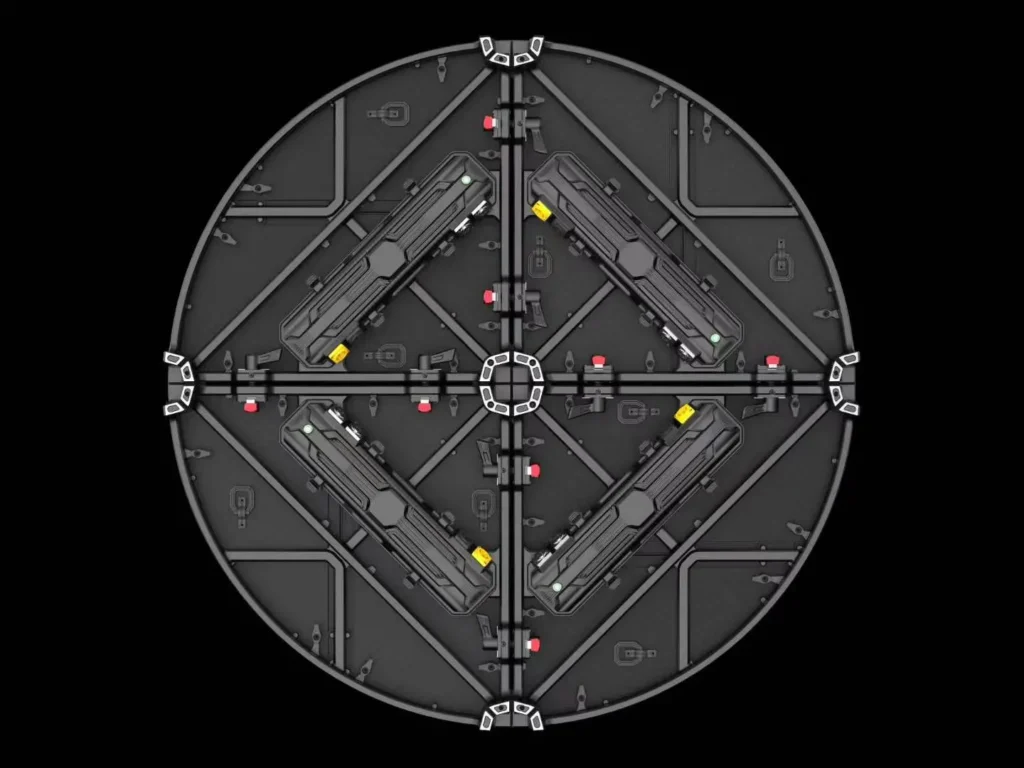
Outdoor and high-ambient-light installations need brighter LEDs, stronger enclosures, protective coatings, and more thermal management. Because those requirements stack, an outdoor wall often costs 20–60% more than an indoor wall of the same pitch.
Brightness Must Fit the Environment
Indoor meeting rooms rarely need more than 800–1,000 nits, while outdoor signage may run several thousand nits behind an IP66 enclosure. Excessive brightness raises purchase cost, power demand, and heat without improving the view, so specify the lowest level that meets the room.
Moreover, an IP rating describes protection under defined test conditions, not a guarantee of weatherproofing. Joints, cable entries, power distribution, and ventilation still need correct design, which is why the enclosure rating alone should never close the review.
Protective Construction Adds Cost
Waterproof coatings, sealed connectors, corrosion-resistant hardware, cooling, and UV protection all add cost. In one published example, a 1.3 mm outdoor model rated at 3,000 nits and IP65 lists maximum power at 840 W per square meter, which also changes electrical planning. Therefore, record ambient light, sun exposure, temperature range, moisture, dust, and operating hours before requesting products.
Brightness also trades against heat and power. A 6,000-nit wall draws roughly twice the power of a 1,500-nit wall at the same area, so the electrical service and the cooling load both grow. When the site cannot support that load, a lower-brightness panel with better shading often delivers a cleaner result at lower cost.
4. Installation, Structure, and Processing
The installed price covers far more than cabinets, because the system needs support, power, signal distribution, calibration, and safe access. Typically, these lines add 40–60% to the hardware subtotal, and complex sites push them higher. This is the block where an LED display cost breakdown most often goes wrong.
Site Conditions Determine Labor
Installation scope usually includes structural engineering, wall reinforcement, custom frames, electrical panels and circuits, data cabling, signal extenders, lifts or rigging, processors, commissioning, permits, and freight. In one historical North American package, assisted installation listed at $10,667 for HD models and $14,000 for UHD models, separate from the display price. Since site conditions vary, ask for each trade as its own line.
Service Access Changes the Design
Front-service cabinets allow maintenance from the room, while rear-service cabinets need a corridor behind the wall. Front-service modules sometimes also need specialized mounting hardware, so confirm the model supports the access your building actually offers. For a screen mounted against a finished surface, choosing rear-service-only hardware can force architectural changes. In addition, the processor model, input capacity, spares, training, and content integration belong on separate lines. Therefore, schedule a site survey before approving any installed total.
Ask the integrator to price eight trades separately: structure, reinforcement, electrical, cabling, access equipment, commissioning, permits, and freight. When those appear as one allowance, the number is usually optimistic, and the gap returns as a change order once work begins.
5. How to Read an LED Display Cost Breakdown Quote
A complete LED display cost breakdown lists modules, control, structure, freight, installation, commissioning, and spares on separate lines. When a quote shows one lump sum, the exclusions are invisible until the deposit clears.
| Quote item | Why it matters | Action to take |
|---|---|---|
| Typical power | Operating expense | Model annual usage |
| Spare modules | Repair speed | Confirm quantity and batch |
| Warranty labor | Service exposure | Read exclusions |
| Structure | Site risk | Get engineering review |
| Commissioning | Acceptance | Define test criteria |
| Freight and duty | Landed cost | Lock Incoterms |
Check four clauses before ranking totals. First, confirm the validity period, because exchange rates and freight move faster than most projects. Second, confirm the currency, taxes, duties, Incoterms, and payment milestones. Third, confirm who pays for storage if delivery slips. Fourth, define acceptance tests in writing, including brightness uniformity, dead pixels, and color consistency.
Watch for three common exclusions as well: spare modules, commissioning labor, and structural engineering. Each one can add five figures on a large wall, and each one is easy to hide inside a single allowance line.
6. Operating Costs, Warranty, and Financing
The lowest equipment subtotal rarely delivers the lowest lifetime cost. Instead, compare energy, spares, service, and warranty coverage across the same operating assumptions, then test whether renting or leasing changes the picture.
Calculate Ownership Costs
Ongoing costs include electricity, replacement modules, processor maintenance, content management, cleaning, calibration, and support. Use the manufacturer’s typical power figure rather than maximum draw, then apply a simple model: power in kW × operating hours × electricity rate. For US projects, the U.S. Energy Information Administration publishes average commercial rates by state.
Compare Buying, Renting, and Leasing
Renting suits temporary events, touring productions, and seasonal campaigns, because the fee bundles transport, crew, and teardown. Insurance and overtime usually sit outside that fee, so ask for both before comparing a rental quote with ownership cost. Leasing preserves cash but adds financing cost over the term, so separate the equipment price from the interest. In practice, buying wins once the screen runs regularly for more than two years.
Warranty deserves the same scrutiny. Confirm the duration, labor coverage, response time, freight responsibility on returns, and whether spare modules ship from local stock. A three-year promise without parts on the continent is worth less than a two-year warranty with a stocked service kit.
Use Planning Tools in the LED Display Cost Breakdown
Manufacturer layout calculators and AVIXA display-size tools both help test dimensions, aspect ratios, and viewing positions before an integrator is involved. Because those tools expose unusable cabinet counts early, they prevent a specification that cannot be built at the quoted price.
7. Common Budget Mistakes
Most overruns repeat the same five patterns. In practice, an LED display cost breakdown that avoids them lands within 10% of forecast, while projects that repeat them drift by 30% or more.
- Buying resolution nobody sees: overspecifying pitch adds cost without a visible gain at the real viewing distance.
- Pricing panels only: control, structure, and labor usually add 40–60% to the hardware subtotal.
- Ignoring cabinet count: nonstandard sizes leave unused pixels on the invoice.
- Skipping the site survey: access, power, and rigging surprises surface after the deposit.
- Choosing on unit price: weak spares support costs more over ten years than a modest hardware premium.
Therefore, convert each risk into a written line item before signing, and require the supplier to state what the quote excludes. When a vendor cannot name the exclusions, treat that silence as a cost.
8. Site Survey for the LED Display Cost Breakdown
Before final pricing, walk the site with the integrator and record six conditions. First, measure the wall, the closest seat, and the farthest seat. Second, note the structural substrate and whether it can carry the wall load. Third, confirm the power panel capacity and the route for new circuits. Fourth, map the signal path from the source rack to the wall. Fifth, check lift or rigging access and any permit requirements. Sixth, photograph obstructions that affect service access.
The survey usually takes an hour, yet it prevents the change orders that inflate an LED display cost breakdown by double digits. Consequently, attach the findings to the request for quotation so every bidder prices the same conditions.
FAQ
Is buying a used large LED screen a safe option?
It can work when operating history, module condition, processing gear, and spare supply are documented. Because modules from different batches may show color differences after calibration, budget for an inspection and confirm replacement parts remain available for that exact generation.
When is renting better than purchasing?
Renting suits temporary events, touring productions, and seasonal campaigns. Compare the recurring rental fee with ownership only after adding storage, maintenance, staffing, and transport, since rental quotes often bundle crew and trucking that buyers forget to count.
Can a large LED screen be financed or leased?
Many equipment providers offer leases, yet approval terms, interest, ownership rights, and end-of-term options vary. Therefore, separate the equipment price from financing charges and ask a tax adviser how depreciation or lease treatment applies in your jurisdiction.
Why do curved and transparent LED displays cost more?
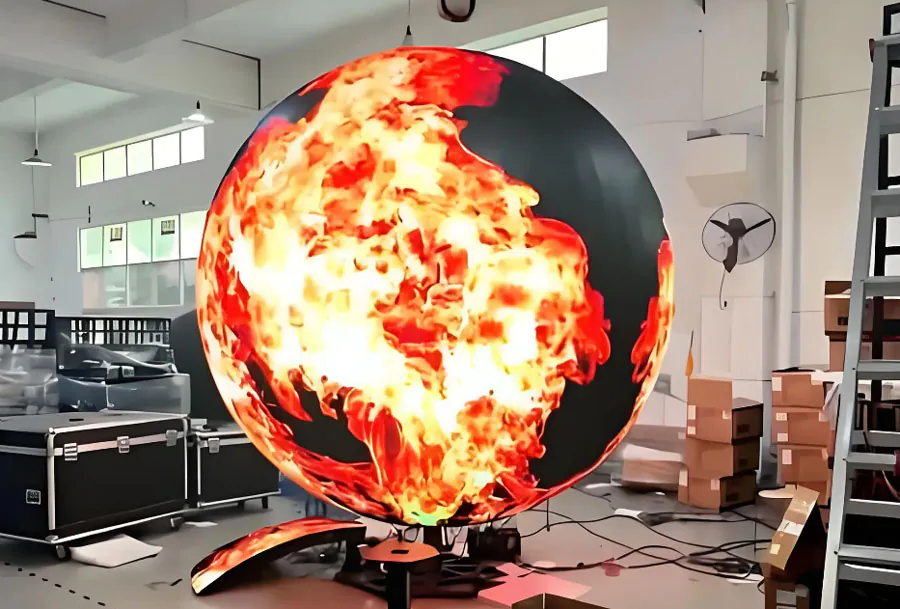
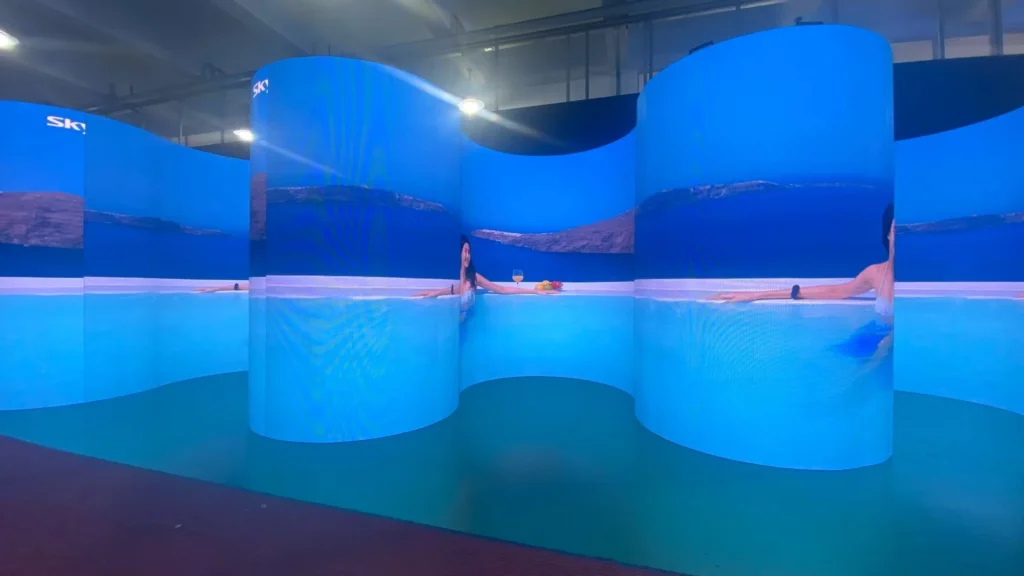
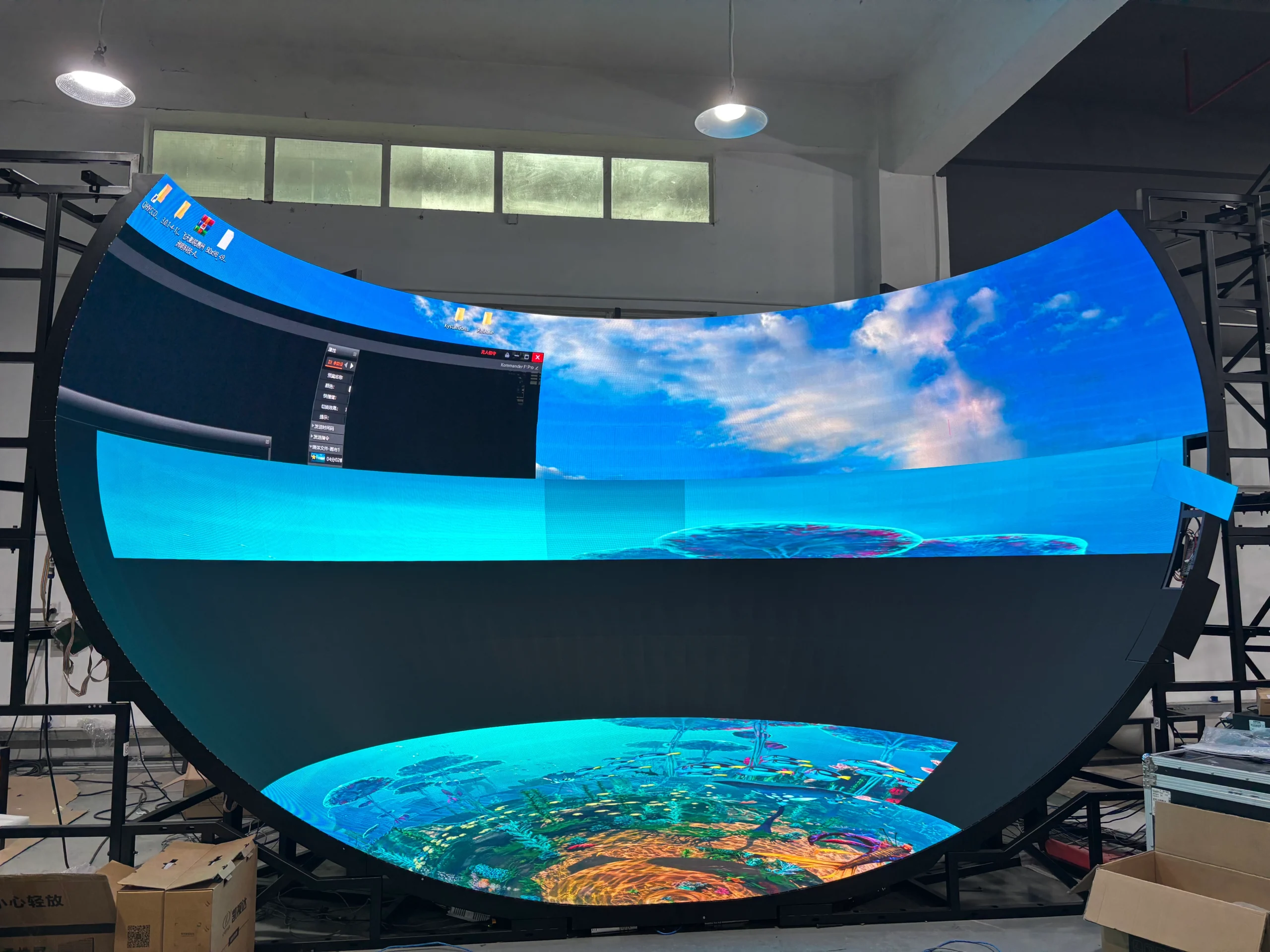
Both need specialized cabinets, custom engineering, nonstandard mounting, and content built for the geometry. Transparent products may also trade pixel density or brightness for light transmission, so include engineering drawings and content production in the budget.
How long should a supplier quote remain valid?
Validity depends on inventory, exchange rates, freight, component supply, and project timing. Document the validity period, currency, taxes, duties, freight terms, payment milestones, lead time, and who pays for storage delays.
Conclusion
In short, an LED display cost breakdown should capture the complete installed system, not the visible screen alone, and the section order above follows the order in which costs actually appear. Pitch and resolution set the hardware base, area and cabinet layout adjust it, environment adds protection, and installation and support complete the total.
- Start from viewing distance and content, then justify every pitch against that measurement.
- Compare equivalent configurations on dimensions, resolution, brightness, processing, and warranty.
- Budget structure, electrical work, access equipment, freight, permits, and commissioning.
- Model energy, spares, and service over the expected life before choosing on price.
Therefore, write a one-page performance specification and send the same document to every qualified supplier, then compare the itemized responses side by side. Request a cabinet layout, data sheets, warranty terms, power figures, exclusions, and an installed total. For product options, review the indoor LED video wall range and the LED screen panel price guide before fixing the budget.