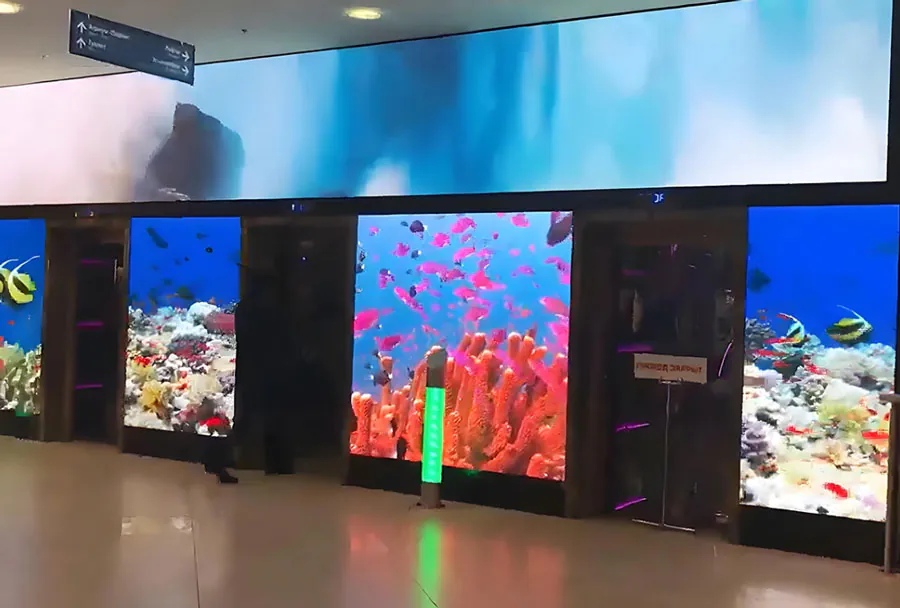
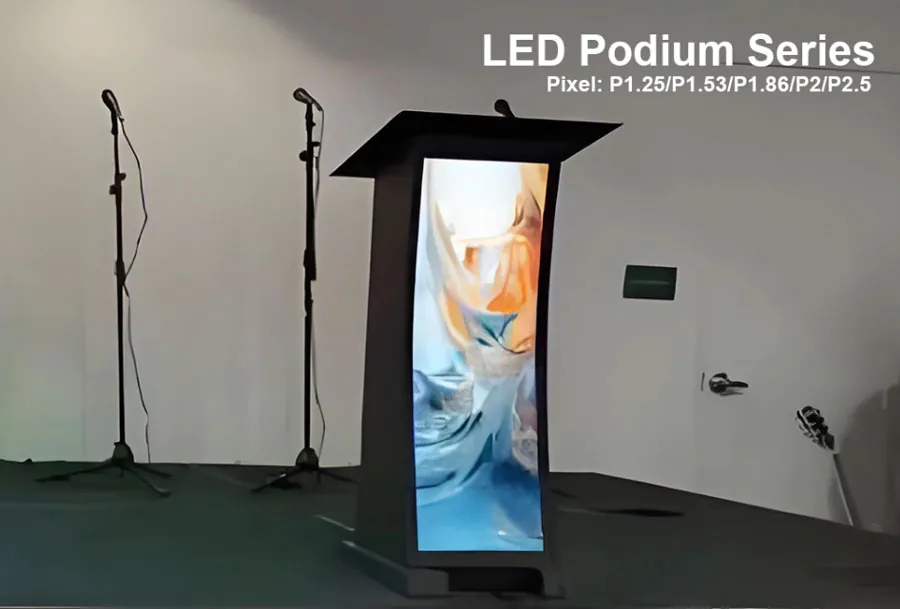
Wide-Viewing-Angle LED Displays for 24/7 Retail Stores

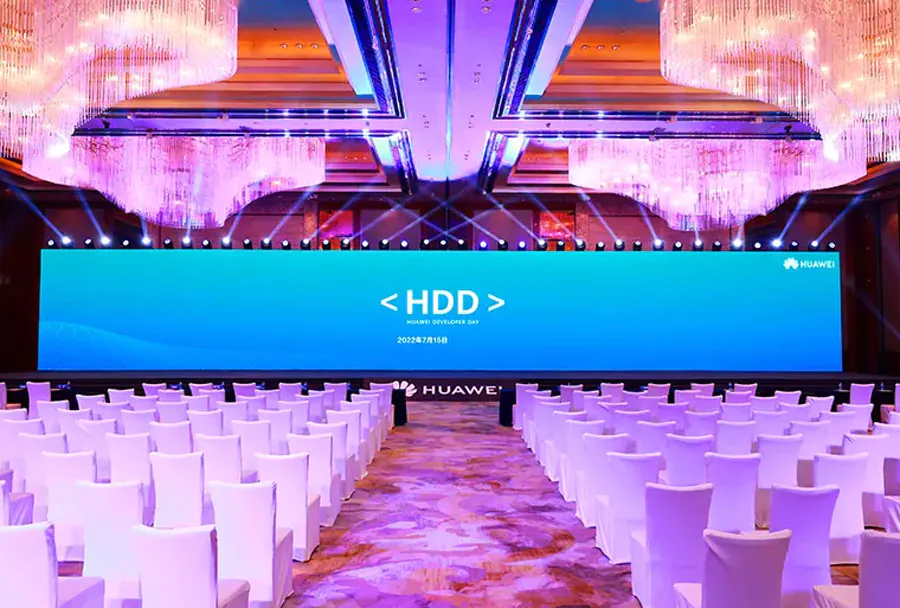
Wide-Viewing-Angle LED Displays for 24/7 Retail Stores help shoppers see promotions, prices, and brand messages from more positions across a sales floor. The U.S. Department of Energy states that LED lighting uses “at least 75% less energy” and lasts up to 25 times longer than incandescent lighting, although complete LED display systems have different operating costs and service requirements.
Retail operators still face difficult choices: a screen may look bright from the entrance but lose contrast near an aisle, show color shifts at side angles, or become expensive to maintain during continuous operation. This guide explains how to evaluate viewing angle, pixel pitch, brightness, thermal design, content management, maintenance, and compliance before you buy.
Table of Contents
- 1. Measure Viewing Angle From Real Customer Positions
- 2. Match Pixel Pitch and Brightness to Distance
- 3. Design for 24/7 Heat, Power, and Service
- 4. Use Content Software That Supports Retail Operations
- 5. Compare Total Cost, Maintenance, and Compliance
- How does window glare affect wide-angle LED signage?
- Can LED displays show different content to different store zones?
- Are LCD video walls better for small retail locations?
- What should operators do when one LED module changes color?
- Does a weak network connection stop the display?
- Conclusion
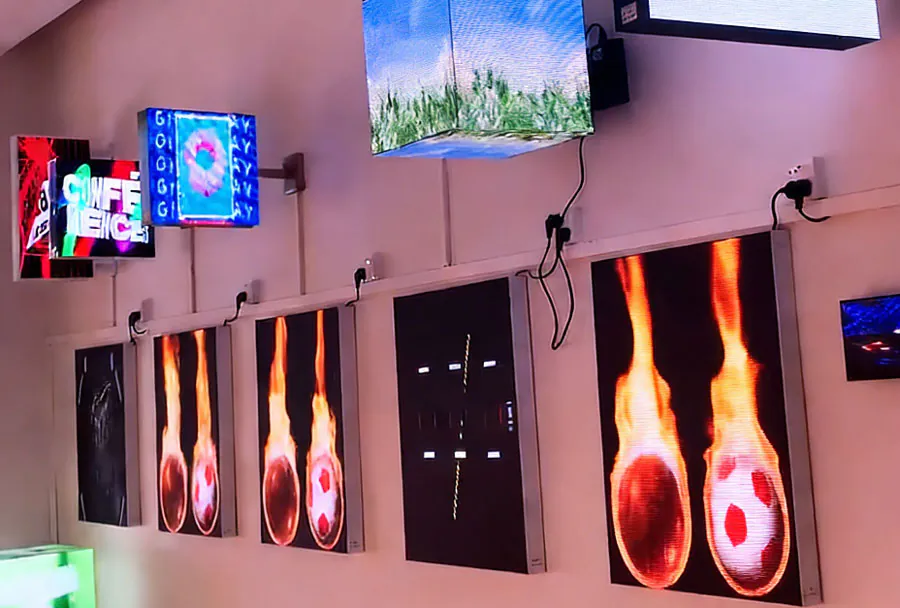
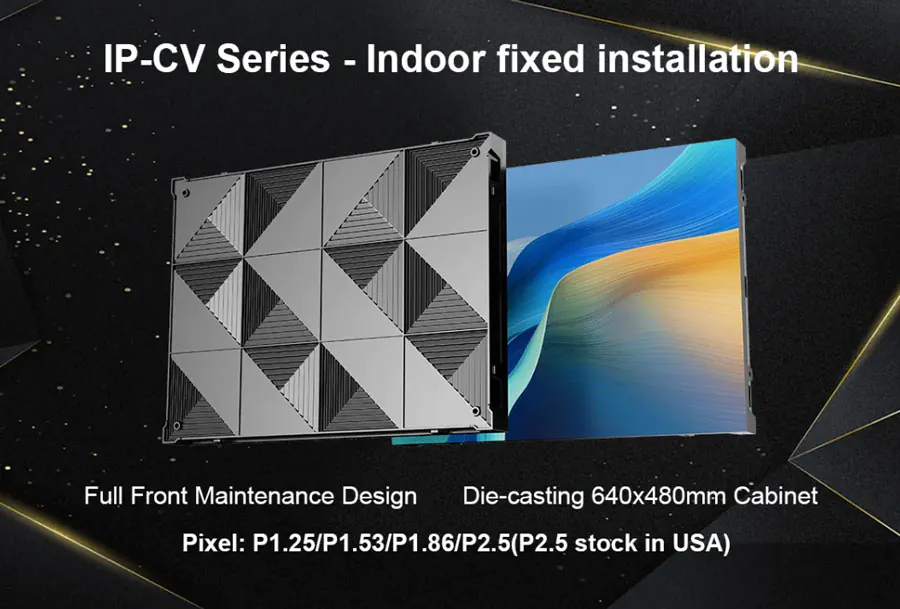
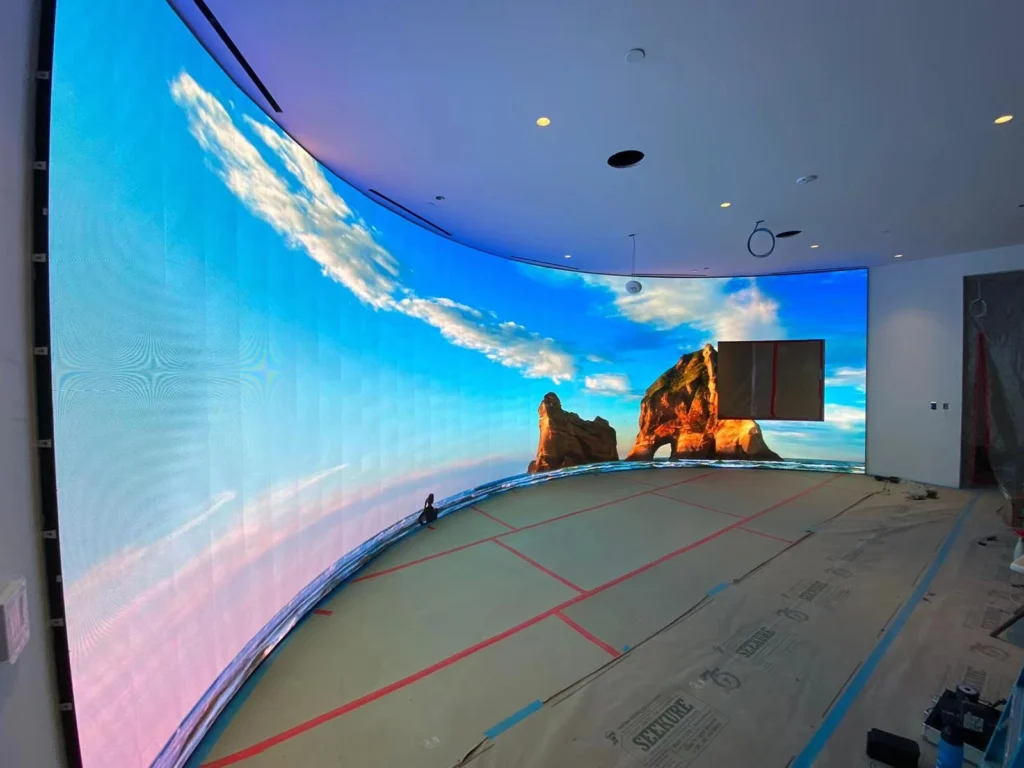
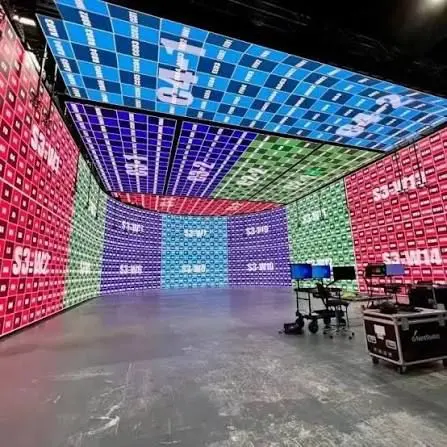
P1.9 flexbile led display curve for 22.5 degree made by TW VISION.
1. Measure Viewing Angle From Real Customer Positions
The best viewing angle is the one that preserves readable content from the positions where customers actually stand, walk, and queue. Wide-Viewing-Angle LED Displays for 24/7 Retail Stores should therefore be judged across the whole customer path, not from a single position directly in front of the screen.
Manufacturers usually describe viewing angle as the point where brightness or contrast falls below a stated level. The measurement method matters because a product with a large advertised angle may still show weaker contrast, color shift, or glare at the edges.
Map the likely viewing positions before comparing models:
– The entrance, where customers first notice the display
– Main aisles that run across the screen
– Checkout lines and waiting areas
– Sidewalk or window positions for street-facing screens
– Staff locations where content or faults may be checked
A screen installed above a narrow aisle has different requirements from a large wall display viewed from multiple directions. Direct-view LED panels, fine-pitch LED walls, and transparent LED products may also use different optical designs.
Samsung product specifications, for instance, publish horizontal and vertical viewing-angle information for individual commercial LED products. Treat these specifications as model-specific rather than as a universal LED standard. Compare the stated measurement conditions, brightness mode, and color performance before making a decision.
How to apply this: Mark customer viewing zones on a floor plan, then test shortlisted displays from the entrance, nearest aisle, farthest aisle, and checkout line.
2. Match Pixel Pitch and Brightness to Distance
Pixel pitch and brightness determine whether Wide-Viewing-Angle LED Displays for 24/7 Retail Stores look sharp at close range and remain readable under changing light. Pixel pitch is the distance between neighboring LED pixels, usually stated in millimeters; a smaller pitch generally supports closer viewing but often increases cost.
A practical selection process starts with the nearest normal viewing distance, not the largest screen size. A fine-pitch indoor display may be appropriate when shoppers stand close to product information, while a larger-pitch installation may suit a high-mounted promotional board viewed across a broad store.
Brightness also needs context. An indoor shop with controlled lighting does not require the same output as a window display exposed to direct sunlight. Excessive brightness can create glare, reduce comfort, and make dark content appear less balanced.
Check these specifications together:
– Pixel pitch in millimeters
– Recommended viewing distance
– Brightness range and adjustment method
– Contrast performance in the intended lighting
– Color calibration and refresh rate
– Whether brightness can be scheduled by time of day
The U.S. Department of Energy’s lighting guidance distinguishes LED efficiency from the broader performance of a complete fixture or system. Apply the same discipline to displays: compare the panel, controller, power supply, and operating mode rather than relying on one headline specification.
How to apply this: Measure the closest customer viewing point and the brightest ambient-light condition, then require vendors to demonstrate content at both distances and conditions.
3. Design for 24/7 Heat, Power, and Service
Wide-Viewing-Angle LED Displays for 24/7 Retail Stores need thermal and electrical planning because continuous operation creates more service exposure than occasional promotional use. A display running every hour of every day operates for 168 hours per week and 8,760 hours in a non-leap year.
The panel itself is only one part of the system. Power supplies, receiving cards, media players, ventilation paths, and control equipment can all affect uptime. A screen placed inside a tight cabinet or near a heat source may experience higher internal temperatures than the room temperature suggests.
Ask the supplier for:
– Rated operating temperature and humidity ranges
– Power draw in typical and maximum modes
– Heat dissipation requirements
– Front-service or rear-service access
– Spare module and power-supply availability
– Warranty terms for continuous operation
– Monitoring alerts for temperature, signal, and power faults
Do not treat “24/7 rated” as a guarantee that the installation will never fail. It should mean the product has a stated operating profile for continuous use, with conditions and exclusions documented in the technical specification.
For a window-facing screen, add sunlight and seasonal temperature to the assessment. For an indoor wall, inspect airflow around the cabinet and confirm that store fixtures will not block ventilation.
How to apply this: Request a written 24/7 operating statement, maximum power draw, heat-management plan, and replacement-part lead time before approving the purchase.
4. Use Content Software That Supports Retail Operations
Wide-Viewing-Angle LED Displays for 24/7 Retail Stores become easier to manage when content scheduling, device monitoring, permissions, and proof of playback are handled in one system. A display that looks excellent but requires manual USB updates can create avoidable operational risk across multiple locations.
Common digital-signage platforms include BrightSign BSN.cloud, which supports cloud-based management of compatible BrightSign players, Samsung VXT, which provides cloud-based signage content and device management, and Signagelive, a digital-signage platform for publishing and managing content across supported devices.
Choose software based on the workflow your staff can maintain:
– Scheduled promotions by store, date, and time
– Emergency message replacement
– User roles for marketing, operations, and vendors
– Playback confirmation or device status reporting
– Remote restart and fault visibility
– Support for portrait, landscape, and unusual resolutions
– Local playback when the network connection drops
A single store may need only basic scheduling, while a chain may need location groups, approval workflows, and audit records. Confirm that the player, controller, display resolution, and software are officially compatible.
A common scenario is a price promotion that ends at midnight. The content system should remove or replace the message automatically, while the operator can verify the result without visiting the store.
How to apply this: Build a sample schedule with an opening message, peak-hour promotion, closing message, and emergency override before selecting the platform.
5. Compare Total Cost, Maintenance, and Compliance
The purchase price of Wide-Viewing-Angle LED Displays for 24/7 Retail Stores does not reveal the full cost of ownership. Electricity, replacement modules, technician visits, content software, cleaning, network support, and downtime can materially change the business case.
Prepare a comparison that separates one-time and recurring costs. Include installation structure, electrical work, media players, calibration, spare parts, software subscriptions, warranties, and disposal obligations. Ask whether quoted power consumption reflects normal operation, full white output, or a defined brightness setting.
| Area | What it tells you | Action to take |
|---|---|---|
| Viewing angle | Side-position readability | Test from marked customer zones |
| Pixel pitch | Close-range sharpness | Measure nearest viewing distance |
| Brightness | Visibility in ambient light | Test at daytime and evening levels |
| Power draw | Operating expense | Request typical and maximum figures |
| Service access | Repair time and labor | Confirm front or rear access |
| Software | Scheduling and monitoring | Run a multi-message trial |
Safety and installation requirements also deserve attention. Confirm applicable electrical, structural, fire, accessibility, and local sign regulations with qualified professionals. For ingress protection, the IEC explains IP Code classification, which uses digits to describe protection against solid objects and water; the correct rating depends on the actual installation environment.
In one case, an indoor display may need less environmental protection but still require careful cable routing, secure mounting, and safe access for maintenance. A street-facing or semi-outdoor installation may need a different enclosure and service plan.
How to apply this: Ask each vendor for a five-year cost model that lists energy, software, parts, labor, warranty coverage, and expected maintenance assumptions.
Frequently Asked Questions About Wide-Viewing-Angle LED Displays for 24/7 Retail Stores
How does window glare affect wide-angle LED signage?
Window glare can reduce perceived contrast even when the panel has a high brightness rating. Wide-Viewing-Angle LED Displays for 24/7 Retail Stores placed near glass should be tested at the brightest time of day, with the actual window orientation and surrounding reflections. A display may need automatic brightness control, a sunshade, revised placement, or a matte surface treatment.
Avoid evaluating it only after sunset, when glare is absent.
Can LED displays show different content to different store zones?
Yes, provided the controller or signage platform supports separate zones, players, or synchronized canvases. Wide-Viewing-Angle LED Displays for 24/7 Retail Stores may require different messages near checkout, seasonal displays, and entrance screens. Check whether the system can assign content by device group and maintain consistent schedules. A single large canvas may not be suitable when departments need independent promotions.
Are LCD video walls better for small retail locations?
Sometimes. LCD video walls can offer strong close-range detail and may fit smaller indoor installations, while direct-view LED can avoid bezel lines across a large canvas. Wide-Viewing-Angle LED Displays for 24/7 Retail Stores are not automatically superior; compare brightness uniformity, service access, seams, power use, and replacement strategy.
For a compact wall viewed close up, an LCD solution may be simpler to maintain.
What should operators do when one LED module changes color?
First, document the affected module, content, brightness setting, and time of failure. Wide-Viewing-Angle LED Displays for 24/7 Retail Stores can show color differences caused by module aging, calibration drift, a receiving-card issue, or a failing power connection. Avoid swapping parts without recording serial numbers and cabinet positions. Use the supplier’s service procedure and recalibrate after replacement when required.
Does a weak network connection stop the display?
Not always. Many signage players can cache approved content locally and continue playback during a temporary outage, but live feeds and remote commands may stop. Wide-Viewing-Angle LED Displays for 24/7 Retail Stores should be tested with the network disconnected before launch.
Confirm how long scheduled content remains available offline, how recovery is reported, and whether emergency messages require an active connection.
Conclusion
Wide-Viewing-Angle LED Displays for 24/7 Retail Stores should be selected around real customer behavior and operating conditions, not just screen size or headline brightness.
– Measure viewing positions across entrances, aisles, windows, and checkout areas.
– Match pixel pitch and brightness to viewing distance and ambient light.
– Confirm continuous-operation, thermal, power, service, and warranty requirements.
– Test signage software, offline playback, scheduling, monitoring, and emergency control.
– Compare total ownership cost, safety requirements, and maintenance access.
Start by creating a floor plan with viewing zones and a short content test. Then ask at least two suppliers to demonstrate the same messages from the same positions and provide written operating assumptions. That process will make your final Wide-Viewing-Angle LED Displays for 24/7 Retail Stores decision easier to defend and easier to operate.
Related Articles
- COB vs SMD for Small Pixel Pitch LED Displays
- 100 Inch LED Screen: Complete Buying Guide,Size,Price & Pixel Pitch
- Outdoor Digital Signage for Schools: 5 Best Secrets