LED Display Serviceability and Downtime Risk: 5 Easy Hacks

LED Display Serviceability and Downtime Risk depend on how quickly you can locate a fault, reach the affected component, replace it safely, and restore an acceptable picture. A surprising fact: a display can keep showing content while losing useful service, because a failed region, unstable image, or unreadable message may already violate your operating requirements.
Table of Contents
- 1. Verify Access Before Approving the Installation
- Check the Complete Repair Path
- Confirm Safe Isolation
- 2. Build a Diagnostic Path That Identifies the Fault
- Preserve a Known-Good Configuration
- Define the First Diagnostic Checks
- 3. Match Spare Parts to the Installed System
- Verify Compatibility and Visual Acceptance
- Make the Spare Usable
- 4. Protect the Conditions That Make Repairs Reliable
- Use Inspection Evidence
- Control the Return to Service
- 5. Measure Recovery and Put the Result in the Contract
- Define What Counts as Unavailable
- Contract for the Dependencies
- Why can an LED display flicker on camera while looking normal in person?
- How should remote maintenance access be secured?
- What changes when an LED display is rented for touring events?
- Does a warranty cover revenue lost during an outage?
- When should you replace the display instead of continuing repairs?
- Conclusion
That makes “the screen is powered on” a weak measure of availability. Your real concern is whether the display can perform its intended job—and how long it takes to recover when it cannot.
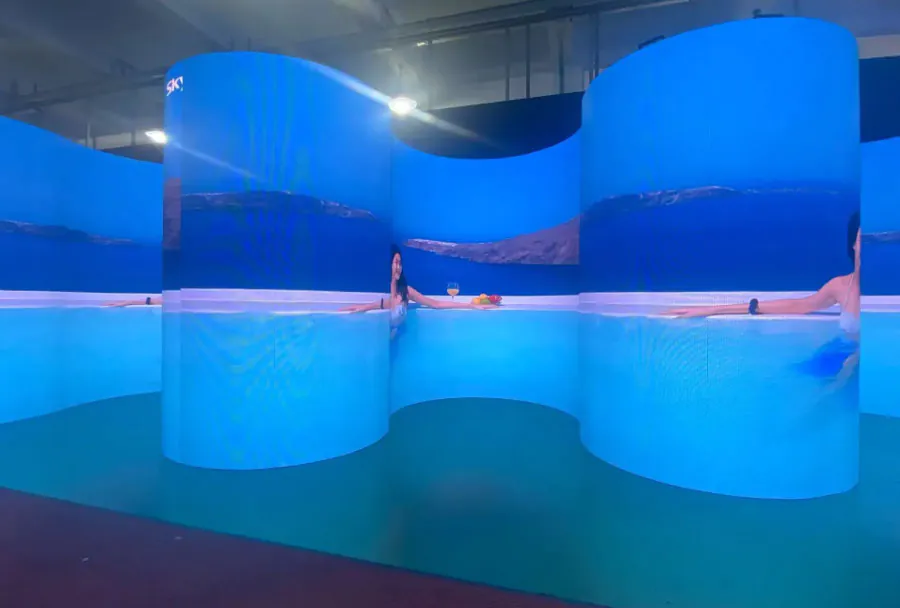
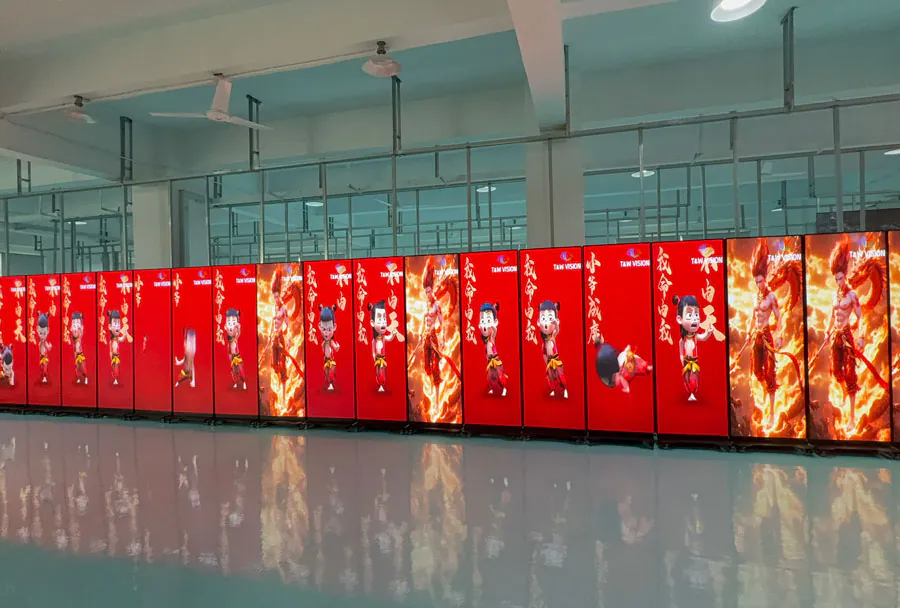
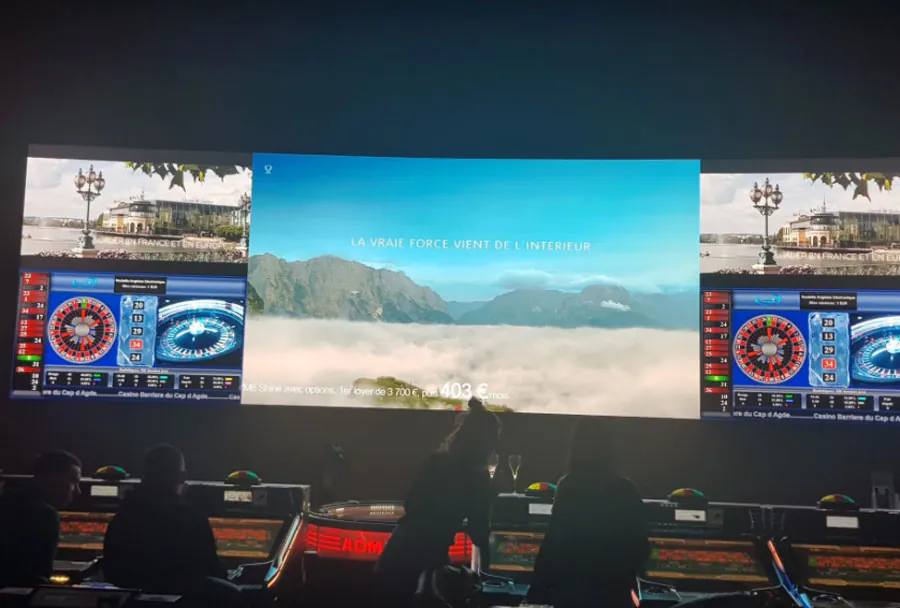
LED display P1.9 flexbile with GOB-PD series-TW VISION
For buyers, facilities teams, and system integrators, the challenge is connecting product specifications to actual maintenance conditions. Front access, spare modules, monitoring software, and response contracts all help, but each depends on installation details.
The following five checks explain how to assess access, diagnose faults, manage replacement parts, protect operating conditions, and measure recovery. Use them to turn a supplier’s maintenance claims into evidence you can evaluate before accepting a system.
1. Verify Access Before Approving the Installation
Serviceability starts with a safe, workable path to every component that may need replacement.
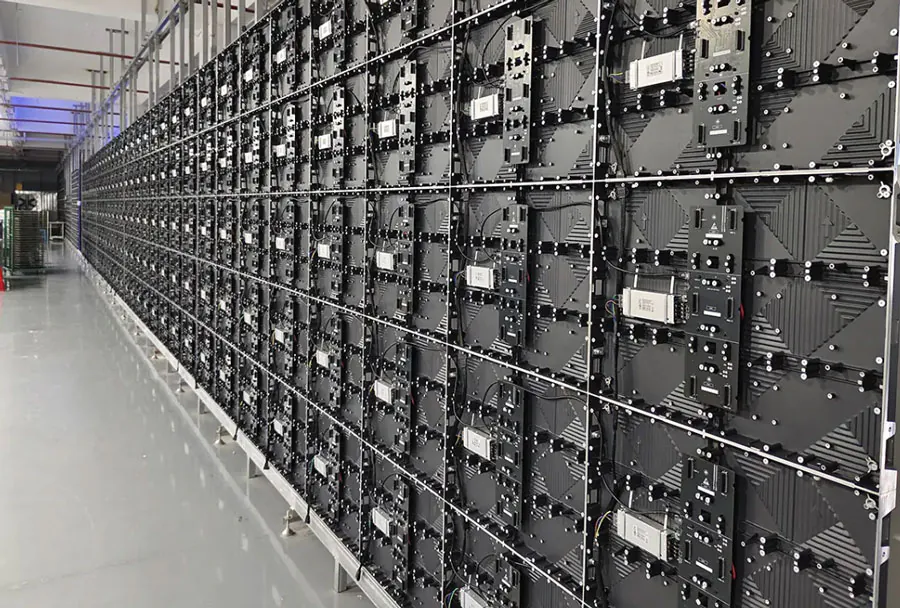
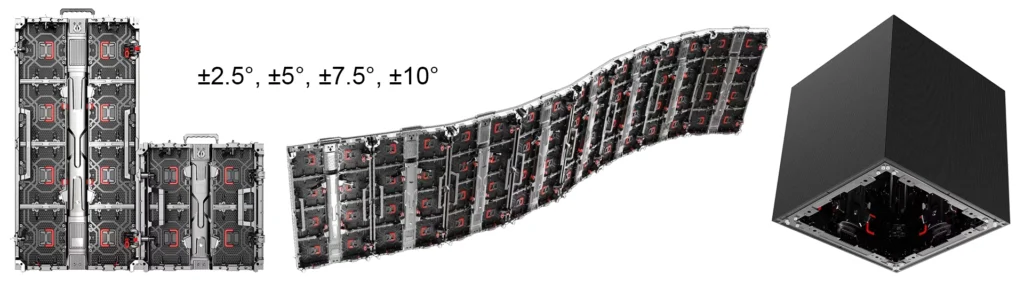
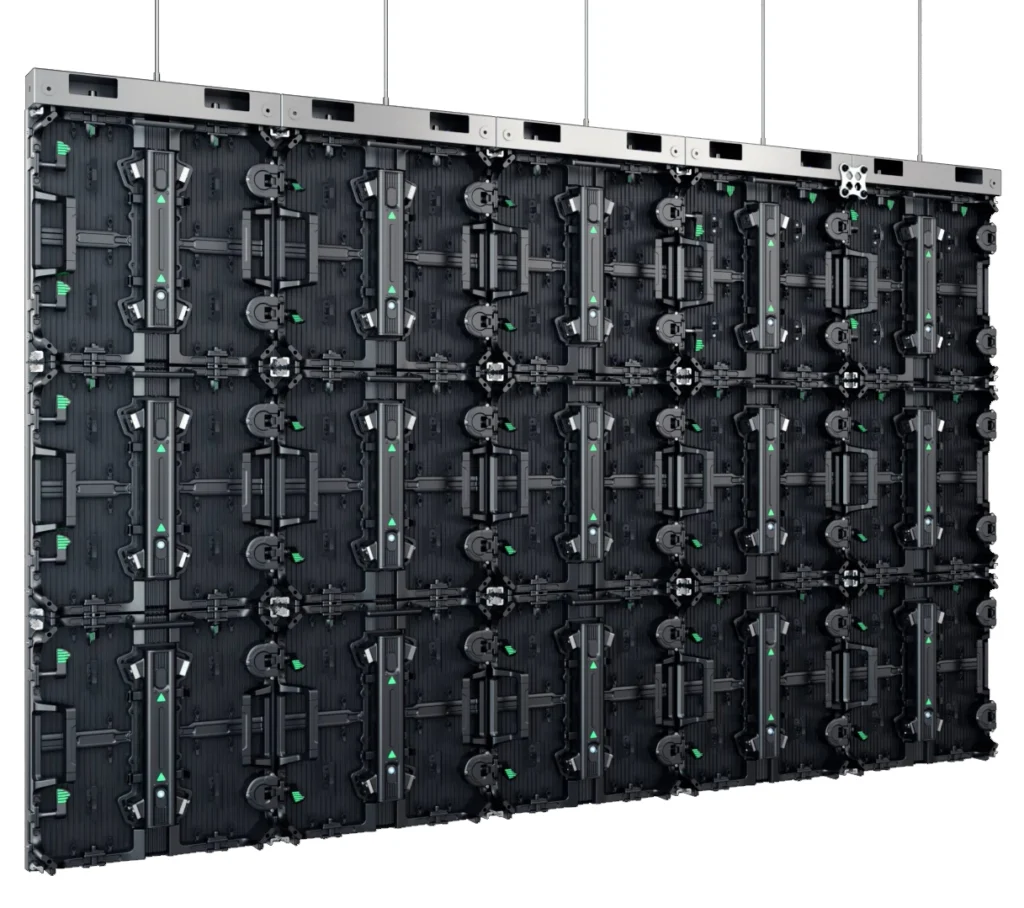
“Front service” does not automatically mean the entire display is serviceable from the front. Ask separately about LED modules, power supplies, receiving cards, connectors, and cabinet wiring; access requirements can differ within the same product.
Check the Complete Repair Path
Assess LED Display Serviceability and Downtime Risk against the installed drawings, including trim, adjacent walls, mounting hardware, and access equipment.
| Access arrangement | Main constraint | What to check |
|---|---|---|
| Front access | Removal clearance | Demonstrate module extraction |
| Rear access | Working space | Verify access behind cabinets |
| Elevated installation | Access equipment | Confirm lift positioning |
| Recessed installation | Trim interference | Test access with trim fitted |
| Shared electrical supply | Isolation boundary | Identify affected equipment |
A common scenario is a recessed wall whose modules lift out easily, while a failed power supply remains blocked by the supporting structure. The practical repair then includes work beyond the component swap.
Confirm Safe Isolation
The U.S. Occupational Safety and Health Administration’s electrical work rules state that exposed live parts generally must be deenergized before employees work on or near them, subject to specified exceptions. That requirement makes isolation access part of the maintenance design.
For LED Display Serviceability and Downtime Risk, include shutdown, access setup, and reassembly in the repair estimate.
How to apply this: Require a witnessed component-removal demonstration with the proposed mounting system, finished trim, and documented isolation procedure.
2. Build a Diagnostic Path That Identifies the Fault
Useful diagnostics reduce downtime by helping technicians distinguish content, signal, power, and display-component faults.
A blank area does not identify its own cause. Troubleshooting should follow the actual system path: source, processor, data distribution, receiving electronics, power supply, and LED modules.
Preserve a Known-Good Configuration
NovaLCT is NovaStar’s LED display configuration software, used for tasks such as screen configuration and receiving-card parameter management in supported systems. Its available functions depend on the connected hardware and software version.
That product-specific fact matters: a generic promise of “software monitoring” does not establish what your installed equipment can report. For LED Display Serviceability and Downtime Risk, request a demonstration using the proposed controller and receiving cards.
Preserve the commissioned configuration, cabinet map, software version, and connection diagram. Record which functions require administrator access and which your maintenance team can use.
Define the First Diagnostic Checks
Consider a region that displays corrupted content while surrounding cabinets remain normal. A documented cabinet map lets the technician connect the visible fault to the relevant hardware and signal path.
Your checklist should record:
– The affected area and visible symptom.
– Whether a local test pattern reproduces the fault.
– Relevant alarms or status information.
– Recent configuration or hardware changes.
– The next approved diagnostic action.
LED Display Serviceability and Downtime Risk increases when technicians must reconstruct the system during an outage.
How to apply this: Save a verified configuration backup and rehearse fault isolation on a controlled test system before handover.
3. Match Spare Parts to the Installed System
Replacement parts reduce recovery time only when they are compatible, accessible, and ready to install.
A warehouse full of nominally similar modules is not evidence of repair readiness. Record the installed module revision, receiving-card model, power-supply specification, connector arrangement, and relevant firmware or configuration dependencies.
Verify Compatibility and Visual Acceptance
The IEC’s explanation of IP ratings identifies the first characteristic numeral with protection against solid objects and the second with protection against water. Consequently, a replacement component’s physical fit alone does not establish equivalent environmental protection.
When evaluating LED Display Serviceability and Downtime Risk, ask the manufacturer which substitutions are approved and whether replacement affects the assembled cabinet’s protection.
Visual compatibility also needs an acceptance test. A module may function electrically yet require calibration or adjustment to achieve an acceptable appearance beside the installed modules.
Make the Spare Usable
In one case, a stocked replacement module may still delay recovery because its calibration information or installation instructions cannot be located. The missing supporting material becomes part of the outage.
For each spare, maintain:
– An approved part number and revision.
– Storage and handling instructions.
– Required configuration or calibration files.
– A record of compatibility checks.
– A replenishment contact and current lead-time confirmation.
LED Display Serviceability and Downtime Risk should account for the full replacement process, including setup and visual verification.
How to apply this: Select one spare component and demonstrate its complete replacement workflow, including configuration, picture assessment, and stock replenishment.
4. Protect the Conditions That Make Repairs Reliable
Environmental controls and safe maintenance procedures help prevent recurring faults and incomplete repairs.
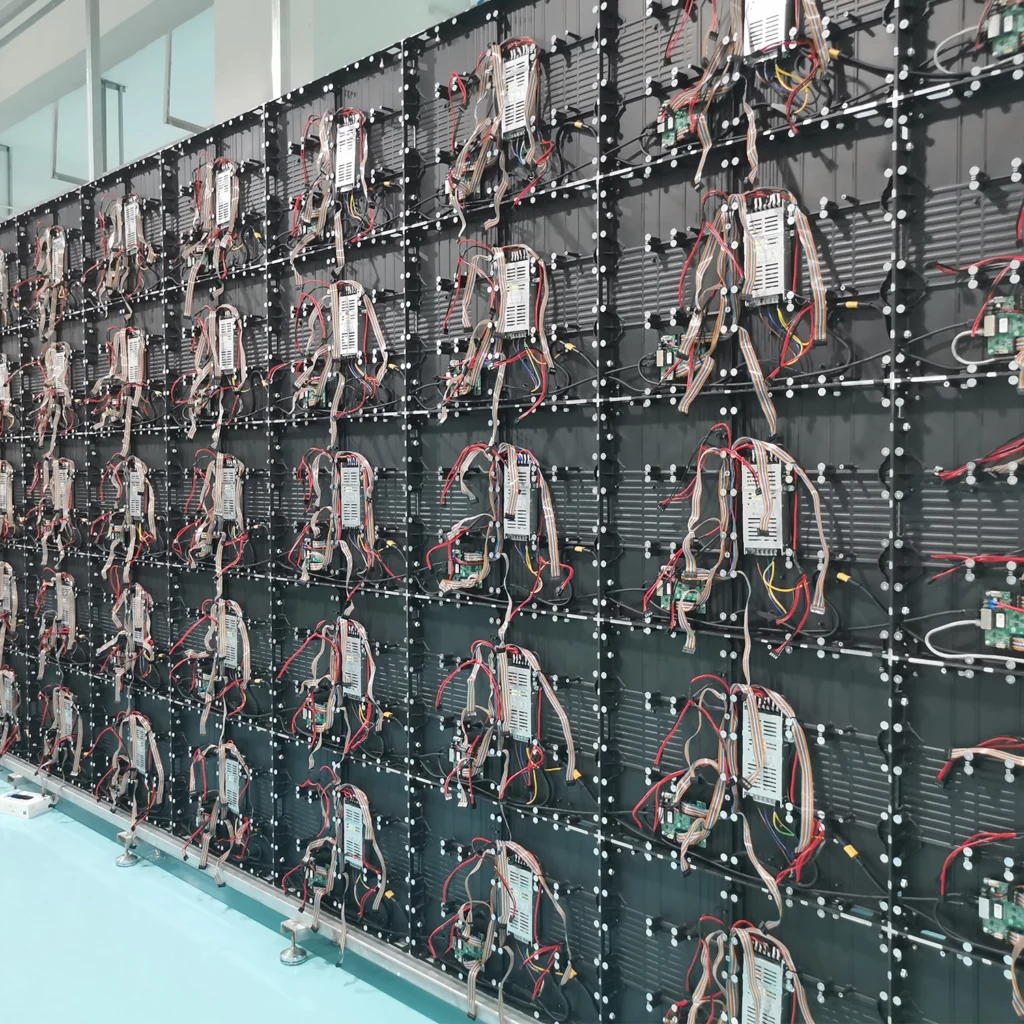
Inspect the operating conditions around the display, not just its product label. Ventilation, dust accumulation, water entry, cable strain, and access-panel seals can affect maintenance needs and repair quality.
Use Inspection Evidence
Fluke Connect supports collecting and sharing measurement information from compatible Fluke instruments, including supported thermal-imaging equipment. It can help your team retain inspection records instead of relying on memory.
Thermal comparisons require consistent conditions. Load, ambient temperature, surface properties, and camera settings can influence the apparent result; an image alone does not establish the cause of a fault.
For LED Display Serviceability and Downtime Risk, record inspection conditions alongside findings and compare them with manufacturer limits.
Control the Return to Service
Picture a cabinet that repeatedly develops faults after maintenance. An inspection may reveal obstructed airflow or a seal that was not correctly restored, making another component replacement an incomplete response.
OSHA’s electrical safety rules also require a qualified person to verify deenergization before equipment is treated as deenergized. A dark screen is therefore insufficient evidence that electrical work can begin safely.
Use an approved return-to-service checklist covering connections, protective parts, access covers, environmental seals, and picture quality. LED Display Serviceability and Downtime Risk remains unresolved until the repair meets those acceptance conditions.
How to apply this: Establish a documented inspection baseline and require technicians to record both the fault correction and the conditions checked before restart.
5. Measure Recovery and Put the Result in the Contract
Downtime becomes manageable when you define service failure and measure the complete recovery interval.
A supplier’s response-time commitment may describe when someone acknowledges a ticket or arrives on site. It does not necessarily describe when useful display service returns.
Define What Counts as Unavailable
For LED Display Serviceability and Downtime Risk, agree on measurable failure conditions: a blank region, unreadable content, unacceptable brightness variation, or loss of a required content feed. Set acceptance criteria around the display’s actual purpose.
Use a transparent calculation:
Availability = acceptable-service time ÷ scheduled-service time
This is a calculation method, not an industry benchmark. Its usefulness depends on your definitions and incident records; specify how planned maintenance and partial failures are treated.
Track detection, diagnosis, dispatch, access setup, repair, and validation separately. Those timestamps show which part of the recovery process needs improvement.
Contract for the Dependencies
Suppose a technician arrives within the contracted window but must wait for a replacement receiving card. The arrival target has been met while the display remains impaired.
Ask the service provider to document:
– Coverage hours and escalation contacts.
– On-site and remote responsibilities.
– Spare-part ownership and location.
– Access-equipment arrangements.
– Restoration targets and exclusions.
– Repair acceptance and reporting requirements.
LED Display Serviceability and Downtime Risk also depends on who can approve work when your usual contact is unavailable.
How to apply this: Review one realistic outage with the supplier and map every recovery stage to a named owner, required resource, and contract commitment.
Frequently Asked Questions About LED Display Serviceability and Downtime Risk
Why can an LED display flicker on camera while looking normal in person?
Camera-visible flicker can result from the interaction between camera exposure timing and the display’s light output timing. It does not, by itself, prove that a module is defective.
At a broadcast event, your crew may need to coordinate shutter settings and supported display adjustments before replacing hardware. Assess LED Display Serviceability and Downtime Risk against the intended camera workflow, and ask the supplier to demonstrate compatibility with the production equipment.
How should remote maintenance access be secured?
Remote maintenance should use authorized accounts, controlled access, and a record of configuration changes. Define who can connect, what they can change, and how access is revoked.
A venue may need temporary vendor access during an incident without granting permanent access to its wider network. Include cybersecurity responsibilities in LED Display Serviceability and Downtime Risk planning, and have your IT team approve the connection method before remote support is needed.
What changes when an LED display is rented for touring events?
Touring adds handling, assembly, transport, and venue variation to the maintenance workload. Your acceptance process should cover the assembled screen at each location, with faults recorded before the audience arrives.
A cabinet that worked at the previous venue may have a damaged connector after transport. Assess LED Display Serviceability and Downtime Risk through rental-provider responsibilities, available replacement stock, and clear authority to exchange equipment during load-in or operation.
Does a warranty cover revenue lost during an outage?
Do not assume that it does; coverage depends on the warranty, service agreement, insurance policy, and applicable law. Review the wording for component replacement, labor, transport, exclusions, and consequential losses.
An advertising operator could receive a replacement part while still bearing the cost of missed campaigns. Evaluate LED Display Serviceability and Downtime Risk with your commercial or legal adviser, using the actual contract and policy documents rather than a supplier’s verbal assurance.
When should you replace the display instead of continuing repairs?
Replacement deserves consideration when supported parts, compatible electronics, or qualified service become difficult to obtain. Compare the documented maintenance burden with the cost and disruption of a planned replacement.
An older screen may remain usable until a controller change introduces compatibility problems that the supplier cannot resolve. Include product support status in LED Display Serviceability and Downtime Risk reviews, and request written confirmation of replacement options before committing to further upgrades.
Conclusion
LED Display Serviceability and Downtime Risk is best evaluated through demonstrated maintenance workflows and documented recovery responsibilities. A product specification cannot establish how quickly your installed screen will return to acceptable service.
Focus your review on these priorities:
– Prove physical access: demonstrate component removal with the actual mounting arrangement and finished surroundings.
– Prepare diagnosis and replacement: preserve configuration files, identify compatible spares, and verify the repair process.
– Control repair quality: document operating conditions, safe isolation, and the checks required before restart.
– Measure complete recovery: define service failure and assign responsibility for every stage from detection to acceptance.
Start with a maintenance walk-through involving your installer, service provider, and facilities team. Select a credible failure, trace the recovery process, and record the missing resources or decisions before accepting the installation or renewing the service agreement.