LED display color inconsistency problem guide: Expert Guide

Introduction
The LED display color inconsistency problem is one of the most common issues affecting visual quality in modern digital screens. Whether used for advertising, control rooms, retail signage, sports arenas, or event stages, LED displays must present uniform brightness and accurate color to deliver a professional viewing experience. When sections of a screen appear slightly different in hue, brightness, or saturation, the result can be distracting and costly.
Table of Contents
- Introduction
- What Causes the LED display color inconsistency problem?
- 1. LED binning differences
- 2. Variation between modules and panels
- 3. Calibration errors
- 4. Aging and usage patterns
- 5. Environmental influences
- 6. Power supply instability
- 7. Signal and control system issues
- How to Diagnose the LED display color inconsistency problem
- Start with visual pattern testing
- Inspect module history and replacement records
- Use calibration and measurement tools
- Check driver ICs and receiving cards
- Evaluate thermal conditions
- Confirm power uniformity
- Compare factory settings with live performance
- Best Solutions for the LED display color inconsistency problem
- Recalibrate the display
- Replace mismatched modules
- Standardize components
- Improve thermal management
- Stabilize the power system
- Update firmware and control settings
- Schedule preventive maintenance
- How to Prevent the LED display color inconsistency problem Long Term
- Choose a reputable manufacturer
- Buy spare modules from the same batch
- Install under proper environmental conditions
- Maintain consistent operating settings
- Perform scheduled recalibration
- Train maintenance personnel
- Monitor environmental and electrical data
- FAQ
- What is the main reason for the LED display color inconsistency problem?
- Can calibration fix the LED display color inconsistency problem completely?
- Does outdoor installation increase the LED display color inconsistency problem?
- How often should LED displays be recalibrated?
- Should I replace one panel or multiple panels if colors do not match?
- Conclusion
Understanding the causes behind the LED display color inconsistency problem is essential for display owners, installers, and maintenance teams. From manufacturing tolerances and calibration errors to aging components and environmental effects, many factors can influence color performance. This guide explains the issue in depth, outlines practical solutions, and helps you prevent recurring display quality problems over the long term.
What Causes the LED display color inconsistency problem?
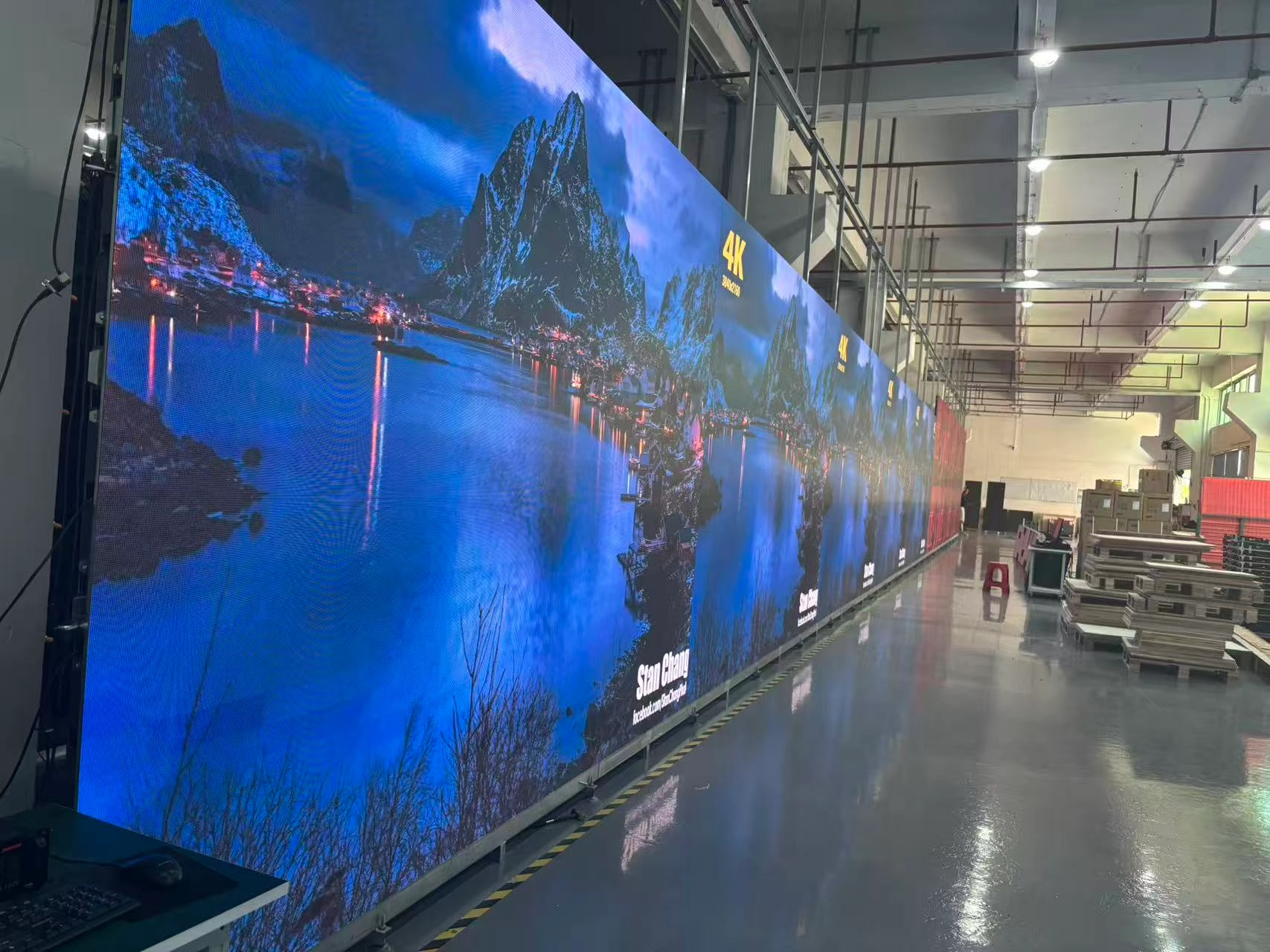
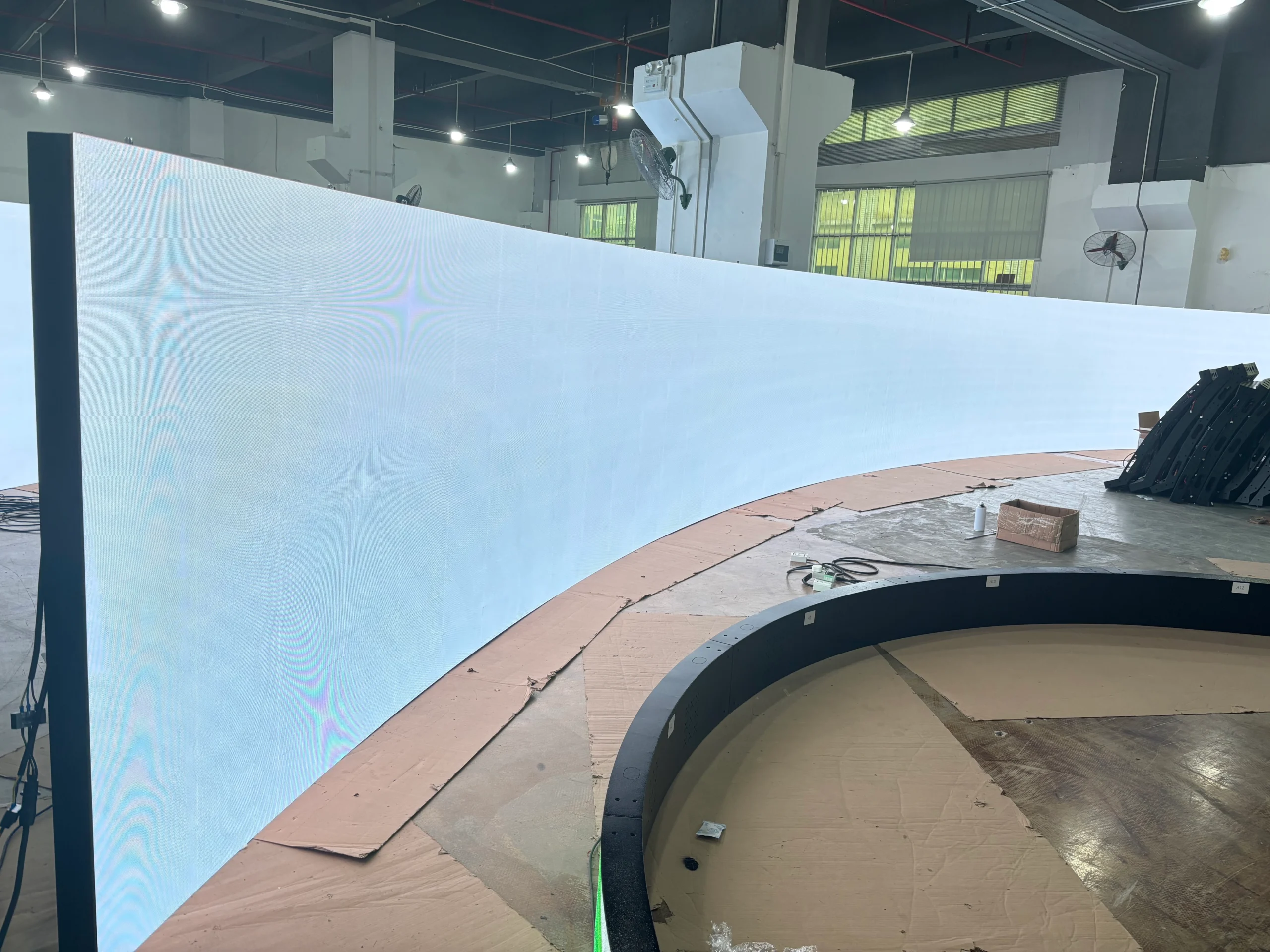
The problem typically occurs when different areas of a display fail to reproduce the same color values under identical content conditions. On a large LED wall, this may appear as visible patchiness, warmer or cooler sections, uneven grayscale transitions, or brightness differences between modules.
Several root causes can trigger this issue:
1. LED binning differences
LEDs are manufactured in large quantities, but not every diode has exactly the same luminous intensity, wavelength, or voltage characteristics. Manufacturers sort LEDs into bins based on color and brightness performance. If modules are assembled using components from different bins without strict matching, visual inconsistency can appear across the display.
2. Variation between modules and panels
Even when LEDs are binned properly, differences in PCB quality, driver ICs, power regulation, and module assembly can contribute to the variation. Slight variations in the electronic characteristics of one panel compared to another can alter how colors are rendered.
3. Calibration errors
Factory calibration and on-site recalibration are critical for achieving uniform output. If calibration data is incomplete, corrupted, or improperly applied, one section of the screen may produce different brightness or color temperature levels than neighboring sections.
4. Aging and usage patterns
LED displays do not age perfectly evenly. Panels exposed to longer operating hours, stronger sunlight, higher heat, or heavier content loads may degrade faster. Blue LEDs in particular may shift differently over time, contributing to noticeable non-uniformity.
5. Environmental influences
Temperature and humidity can affect LED performance. Displays installed outdoors or in demanding industrial environments may show shifting chromaticity or luminance as ambient conditions change. Poor ventilation can intensify thermal imbalance, making color inconsistency worse.
6. Power supply instability
Voltage fluctuations or inconsistent power delivery across cabinets can create minor but visible changes in brightness and color rendering. In large installations, poor wiring design or overloaded circuits may magnify these differences.
7. Signal and control system issues
Sometimes the issue is not caused by the LEDs themselves but by the control system. Mismatched receiving cards, firmware incompatibility, incorrect grayscale settings, or color processing errors can produce visible variation across sections of the screen.
By identifying the exact cause, technicians can choose the most effective repair strategy instead of applying general adjustments that only partially solve the problem.
How to Diagnose the LED display color inconsistency problem
A proper diagnosis of the problem requires both visual inspection and technical testing. Relying on the human eye alone can lead to incomplete conclusions, especially in large or high-resolution displays.
Start with visual pattern testing
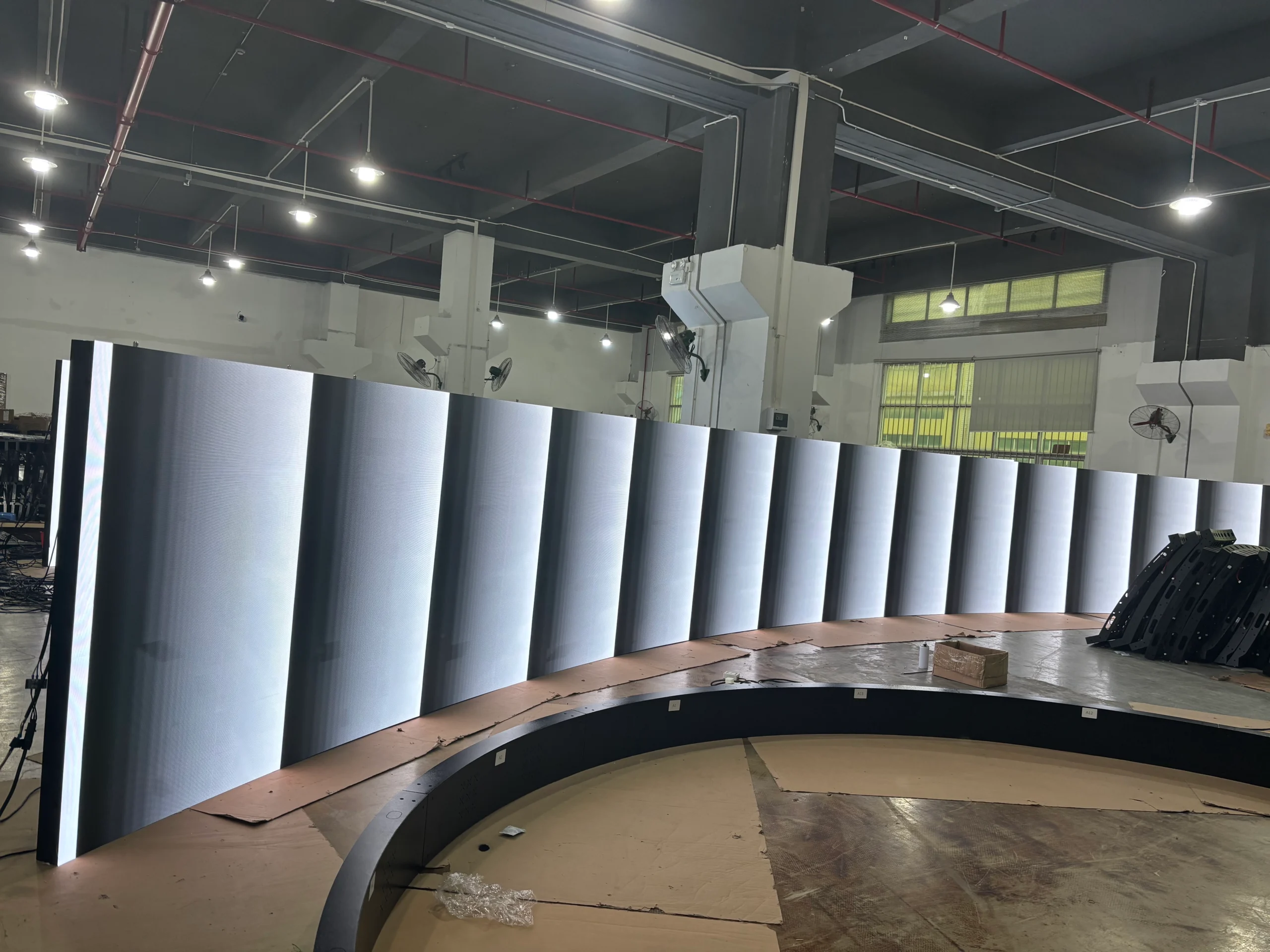
Display full-screen test images in pure red, green, blue, white, gray, and black. Uniform test patterns help reveal inconsistencies that may be hidden during regular video playback. Watch for:
– Brightness variation between modules
– Color temperature shifts
– Patchy white balance
– Vertical or horizontal banding
– Uneven grayscale transitions
These patterns often make the it easier to isolate.
Inspect module history and replacement records
If certain panels were replaced at different times, they may not match the aging profile of the original screen. A newer module often appears brighter or cooler than older neighboring modules. Maintenance logs can reveal whether the issue coincides with previous repairs.
Use calibration and measurement tools
Professional technicians typically use colorimeters, spectroradiometers, and calibration software to measure luminance, chromaticity, and gamma performance. Instrument-based measurement is the most reliable way to quantify the color and verify whether correction has been successful.
Check driver ICs and receiving cards
Driver chips and receiving cards should be checked for model consistency, firmware status, and proper configuration. Even a single mismatched component can alter grayscale output and create a visible boundary on screen.
Evaluate thermal conditions
Use thermal cameras or temperature sensors to compare heat distribution across cabinets. Overheated sections may produce different output characteristics, indicating that cooling or airflow management needs improvement.
Confirm power uniformity
Measure voltage and current at multiple points across the display system. If one cabinet receives lower or less stable power, it may exhibit dimmer or shifted colors. Correcting electrical imbalance can sometimes resolve the issue without replacing panels.
Compare factory settings with live performance
A display may leave the factory in excellent condition but drift over time due to installation variables. Comparing original calibration data to current on-site measurements helps determine whether recalibration alone is enough or if hardware replacement is necessary.
A systematic diagnostic workflow saves time and prevents unnecessary module swaps. In many cases, what seems like a severe defect is actually a calibration or environmental issue that can be corrected efficiently.
Best Solutions for the LED display color inconsistency problem
Once the source has been identified, resolving the these becomes much more practical. The best solution depends on whether the issue is caused by manufacturing mismatch, aging, thermal imbalance, power instability, or software configuration.
Recalibrate the display
Calibration is often the first and most cost-effective solution. Advanced LED calibration systems can correct brightness and chromaticity differences at both module and pixel levels. Recalibration helps restore screen uniformity without replacing large portions of the display.
For best results:
– Perform calibration in stable ambient conditions
– Use certified measurement devices
– Calibrate all modules together, not just the visible problem area
– Save and back up all calibration profiles
Replace mismatched modules
If the they is caused by recently installed panels that do not match the rest of the screen, replacement with correctly matched modules may be necessary. Ideally, replacement modules should come from the same production batch or be specially calibrated to blend with the existing display.
Standardize components
Mixed driver ICs, control cards, cables, or power supplies can introduce visible variation. Standardizing hardware throughout the system reduces compatibility issues and supports more consistent rendering.
Improve thermal management
Heat is one of the biggest hidden causes of color instability. Better ventilation, cabinet spacing, fan maintenance, and thermal monitoring can reduce uneven aging and stabilize display output. For outdoor installations, shading and weather-resistant engineering may also help.
Stabilize the power system
Use quality power supplies, voltage regulators, proper grounding, and balanced distribution design. In large commercial installations, power system optimization can significantly reduce the LED display color inconsistency problem over time.
Update firmware and control settings
Control software and receiver firmware should be kept current and configured consistently. Review grayscale depth, white balance, refresh settings, and color temperature presets. Incorrect software parameters can mimic hardware-related color faults.
Schedule preventive maintenance
Routine inspection and maintenance prevent small inconsistencies from becoming major visual defects. Cleaning, thermal checks, electrical verification, and periodic recalibration all contribute to sustained display quality.
In many cases, the most successful fix is a combination of calibration, hardware matching, and better environmental management rather than a single repair action.
How to Prevent the LED display color inconsistency problem Long Term
Preventing the LED display color inconsistency problem starts well before installation. Product selection, supplier quality control, installation standards, and maintenance planning all influence long-term color uniformity.
Choose a reputable manufacturer
High-quality manufacturers implement strict LED binning, module matching, calibration, and QC processes. Choosing a reliable supplier reduces the risk of initial inconsistency and makes future module replacement easier.
When evaluating vendors, ask about:
– LED binning standards
– Factory calibration procedures
– Replacement module matching policy
– Driver IC consistency
– Warranty support for color uniformity issues
Buy spare modules from the same batch
Keeping spare modules from the original production batch can be extremely valuable. If future repairs are needed, matching parts are more likely to blend visually with the existing display.
Install under proper environmental conditions
Poor installation can accelerate the LED display color inconsistency problem. Ensure adequate airflow, stable structural mounting, moisture protection, and safe electrical design. Outdoor systems should be designed for local weather, temperature swings, and sunlight exposure.
Maintain consistent operating settings
Frequent changes to brightness, contrast, color temperature, or content type can influence how quickly certain modules age. Consistent operating practices help maintain uniformity over time.
Perform scheduled recalibration
Even premium LED displays benefit from periodic recalibration. Annual or semiannual calibration is especially important for displays used in broadcasting, retail branding, command centers, and high-end events where color accuracy matters.
Train maintenance personnel
A trained technical team can spot early warning signs before viewers notice them. Small brightness drift, color tint changes, or heat anomalies often appear before major visible defects. Early response lowers repair costs and extends display life.
Monitor environmental and electrical data
Modern LED systems can integrate sensors and remote monitoring tools. Tracking temperature, humidity, voltage, and cabinet performance helps operators identify conditions that may contribute to future inconsistency.
With the right preventive strategy, operators can greatly reduce service interruptions, maintain brand image, and protect their display investment.
FAQ
What is the main reason for the LED display color inconsistency problem?
The main reason for the LED display color inconsistency problem is usually a combination of LED binning differences, module variation, calibration issues, and uneven aging. In some cases, power instability or control system misconfiguration can also be the primary cause.
Can calibration fix the LED display color inconsistency problem completely?
Calibration can often solve the LED display color inconsistency problem when the issue is related to brightness drift, white balance errors, or minor module differences. However, if the problem comes from severe aging, incompatible replacement modules, or defective hardware, calibration alone may not be enough.
Does outdoor installation increase the LED display color inconsistency problem?
Yes, outdoor use can increase the LED display color inconsistency problem because displays are exposed to heat, humidity, sunlight, dust, and changing weather. These conditions can accelerate uneven aging and affect color stability across the screen.
How often should LED displays be recalibrated?
The ideal recalibration schedule depends on usage intensity and application requirements. For critical visual environments, recalibration every 6 to 12 months is recommended to reduce the LED display color inconsistency problem and maintain uniform image quality.
Should I replace one panel or multiple panels if colors do not match?
If a single panel causes the LED display color inconsistency problem, replacing only that panel may work if a properly matched module is available. If surrounding panels have aged significantly, multiple-panel replacement and full recalibration may produce better visual consistency.
Conclusion
The LED display color inconsistency problem can seriously affect screen performance, viewer experience, and brand presentation. Although the issue may appear as a simple color mismatch, the underlying causes often involve manufacturing tolerance, calibration quality, aging behavior, thermal imbalance, electrical stability, and control system configuration.
By approaching the LED display color inconsistency problem methodically, operators can diagnose the real source and apply the right combination of calibration, hardware matching, environmental control, and preventive maintenance. Investing in quality components, proper installation, and regular technical checks is the most effective way to preserve long-term display uniformity. When handled correctly, LED displays can deliver vibrant, consistent, and professional image quality for years.