Flexible LED Display Solutions for Interior Design: Custom Ultra-Thin LED Screens

Introduction
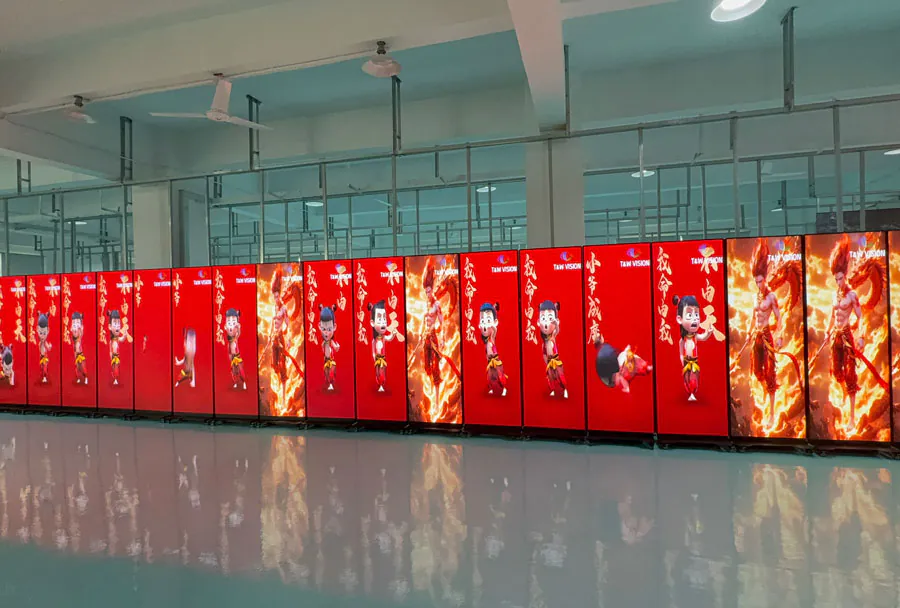
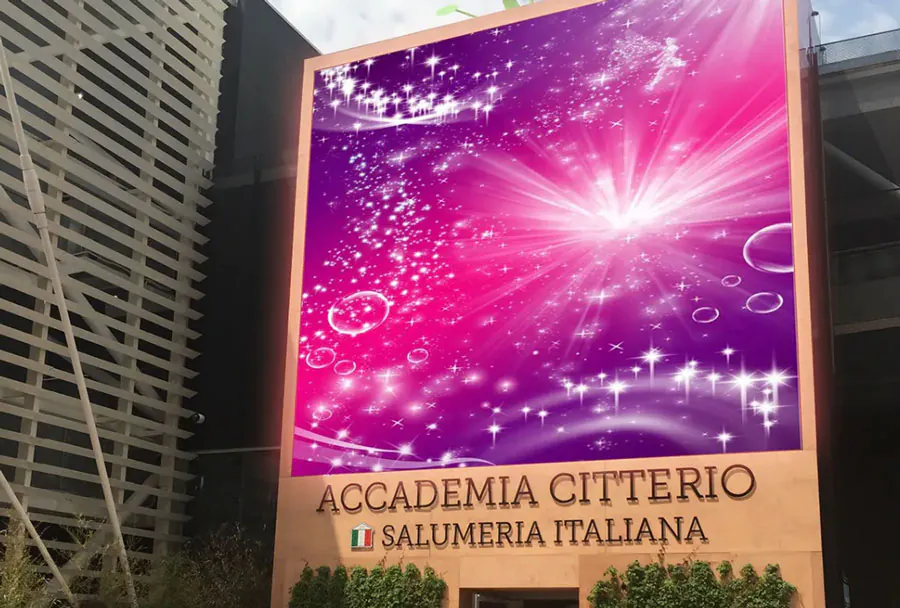
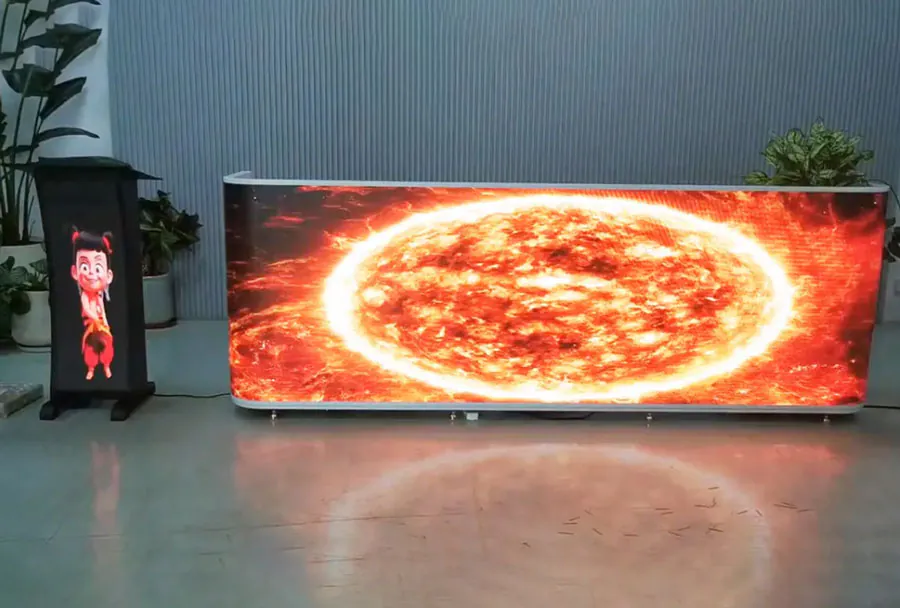
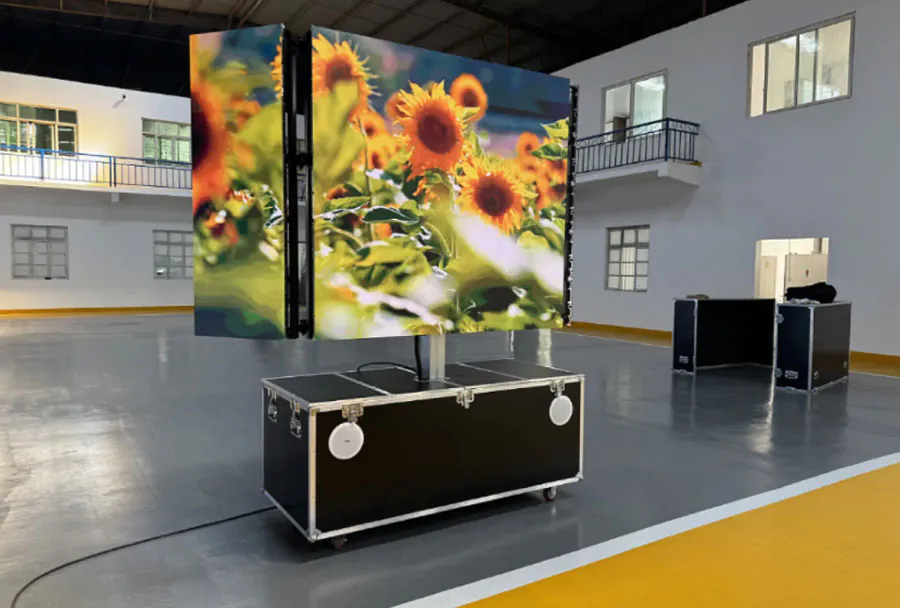
Interior spaces increasingly serve more than one purpose. They must communicate a brand, support navigation, create atmosphere, and remain adaptable as requirements change. Flexible LED Display Solutions for Interior Design offer a practical way to combine digital communication with architectural creativity. Unlike traditional flat screens, flexible LED systems can follow curves, wrap around columns, form immersive walls, or integrate into unusual structures without compromising visual impact.
TW VISION has LED SCREEN stock in the USA and China, talk to sales if you are interested.
Table of Contents
- Introduction
- What Are Flexible LED Displays?
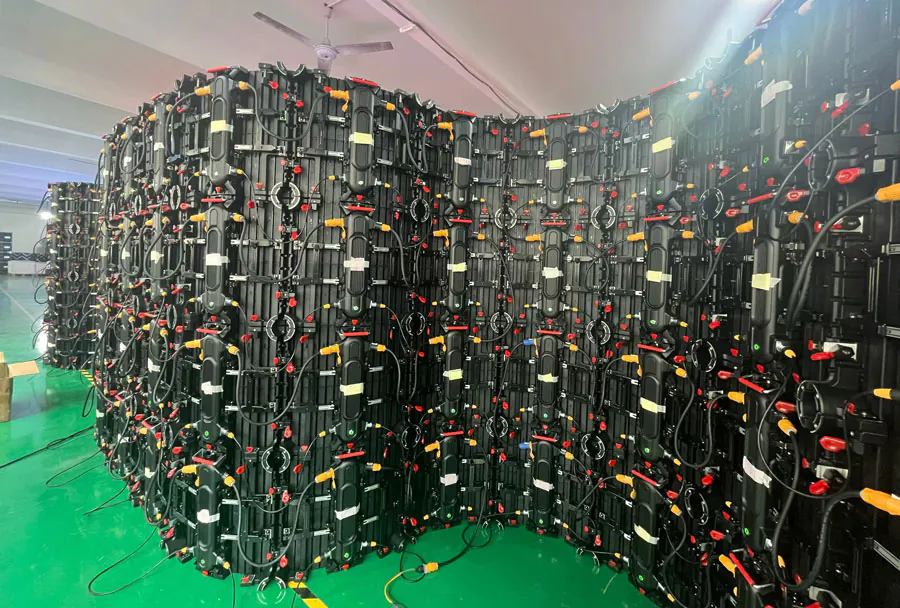
- Key Components
- Flexible Versus Conventional Displays
- Pixel Pitch and Viewing Distance
- Benefits for Modern Interior Spaces
- Architectural Freedom
- Strong Visual Impact
- Adaptable Branding
- Better Space Utilization
- Improved Customer Engagement
- Energy and Operational Considerations
- Applications Across Commercial and Public Interiors
- Retail Stores and Showrooms
- Hotels and Restaurants
- Corporate Offices
- Museums and Cultural Institutions
- Transportation and Public Buildings
- Events and Experiential Installations
- Planning and Installation Best Practices
- Start With the Spatial Objective
- Survey the Architecture
- Respect the Bending Radius
- Plan for Maintenance
- Control Brightness and Motion
- Design Content for the Display Shape
- Selecting a Technology and Supplier
- Evaluate Image Quality
- Check Structural Compatibility
- Review Software and Networking
- Consider Warranty and Support
- Plan the Budget
- Content Strategy and User Experience
- Establish a Content Hierarchy
- Match Content to Dwell Time
- Use Motion With Purpose
- Prioritize Accessibility
- Measure Performance
- What makes Flexible LED Display Solutions for Interior Design different from regular LED screens?
- Are Flexible LED Display Solutions for Interior Design suitable for small rooms?
- How long do Flexible LED Display Solutions for Interior Design last?
- Do Flexible LED Display Solutions for Interior Design consume a lot of electricity?
- Can Flexible LED Display Solutions for Interior Design show live data or interactive content?
- Do flexible LED displays require special installation expertise?
- Can a curved display be repaired without replacing the entire installation?
- Are flexible LED displays appropriate for daylight-filled interiors?
- Conclusion
For designers, this technology creates new opportunities to shape mood and movement through light, color, video, and interactive content. For businesses, it provides a dynamic communication platform that can be updated without replacing physical signage or remodeling an entire space. From retail stores and hospitality venues to corporate offices, museums, and entertainment environments, flexible LED displays can become a functional design element rather than an afterthought.
This guide explains how the technology works, where it performs best, what to consider before installation, and how to create a successful display strategy.
What Are Flexible LED Displays?
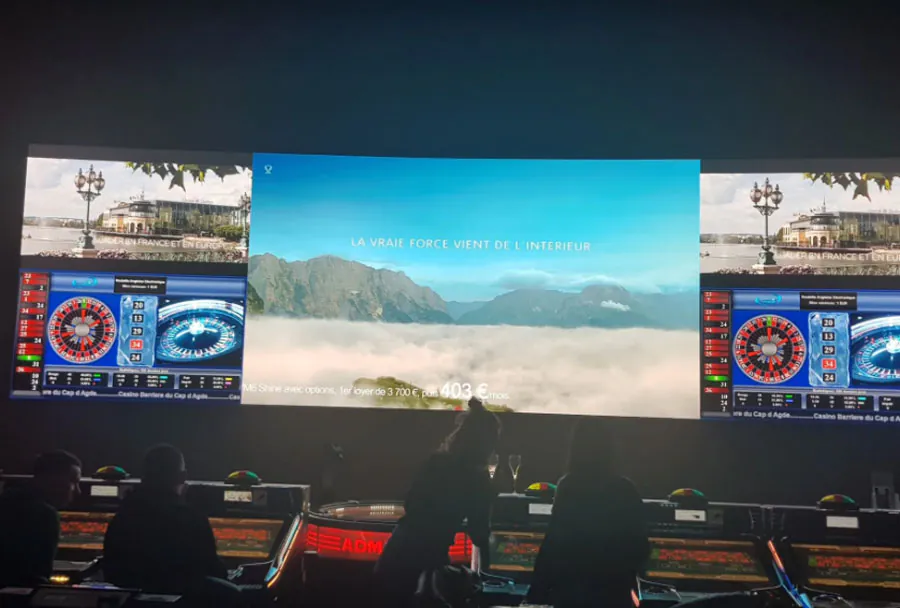
Flexible LED Display Solutions for Interior Design are digital display systems built with lightweight modules or panels that can bend, curve, or conform to selected architectural surfaces. Standard LED displays usually rely on rigid cabinets arranged in a flat plane. Flexible models use specialized circuit boards, soft substrates, magnetic structures, or bendable modules that allow designers to create forms beyond a conventional rectangle.
At a basic level, an LED display consists of many light-emitting diodes arranged into pixels. Each pixel contains red, green, and blue components that combine to produce a broad range of colors. A control system sends image or video data to the display, allowing it to show branded graphics, animations, live information, artwork, or environmental visuals.
The term “flexible” does not mean that every product can be folded in any direction. Each model has a minimum bending radius, a specified bending direction, and limits related to weight, mounting, and operating conditions. Some displays support concave curves, while others are designed for convex surfaces. Understanding these limitations is essential during the design phase.
Key Components
A flexible LED installation typically includes several connected elements:
– LED modules: The visible sections that contain the pixel matrix and electronics.
– Mounting structure: A frame, magnetic backing, adhesive system, or custom support that holds the modules in position.
– Receiving cards: Components that distribute image data to individual sections of the display.
– Sending controller: Hardware or software that processes and transmits the visual content.
– Power supplies: Units that convert incoming electrical power into the voltage required by the LED modules.
– Content management system: A platform that schedules, updates, and monitors the material shown on one or more displays.
– Protective components: Covers, housings, ventilation elements, or surface treatments used where the environment demands additional protection.
The quality of the final result depends on how these parts work together. A high-resolution panel may still look poor if the mounting surface is uneven, the content is poorly scaled, or the brightness is excessive for the room.
Flexible Versus Conventional Displays
Rigid LED walls remain useful for large, flat installations, especially where maximum brightness, outdoor durability, or high structural strength is required. Flexible displays are more suitable when the architecture includes curves, narrow columns, rounded counters, sculptural features, or irregular surfaces.
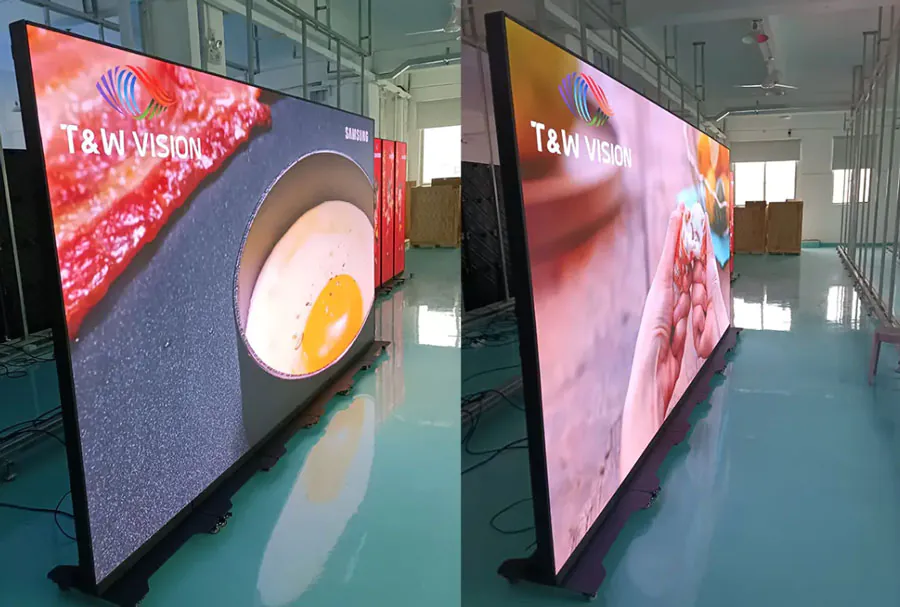
Flexibility can also reduce visual bulk. In some applications, a thin modular display can be placed directly against a feature wall, reducing the depth associated with a traditional video wall. This makes it easier to preserve circulation space and maintain a clean interior profile.
However, flexible products may have different service procedures and mechanical tolerances. Designers should evaluate the full lifecycle of the installation, including access to power supplies, module replacement, ventilation, and future content updates.
Pixel Pitch and Viewing Distance
Pixel pitch is the distance between the centers of adjacent LED pixels. A smaller pixel pitch generally creates a sharper image, particularly when viewers are close to the screen. A larger pitch may be appropriate for displays viewed from a greater distance.
For interior design projects, common considerations include:
– Reception displays viewed from a few meters away
– Retail installations seen at close range
– Large atrium features viewed from multiple floors
– Lobby walls where viewers move continuously
– Interactive exhibits inspected from short distances
Choosing the smallest available pixel pitch is not always the most efficient decision. It can increase cost, power consumption, and processing requirements without providing a visible benefit at the intended viewing distance. The decision should be based on screen size, audience position, content type, and visual expectations.
Benefits for Modern Interior Spaces
The appeal of Flexible LED Display Solutions for Interior Design comes from their ability to combine architectural form with changing digital content. A display can function as a wall surface during one event, a brand communication channel during another, and an atmospheric visual element during quieter periods.
Architectural Freedom
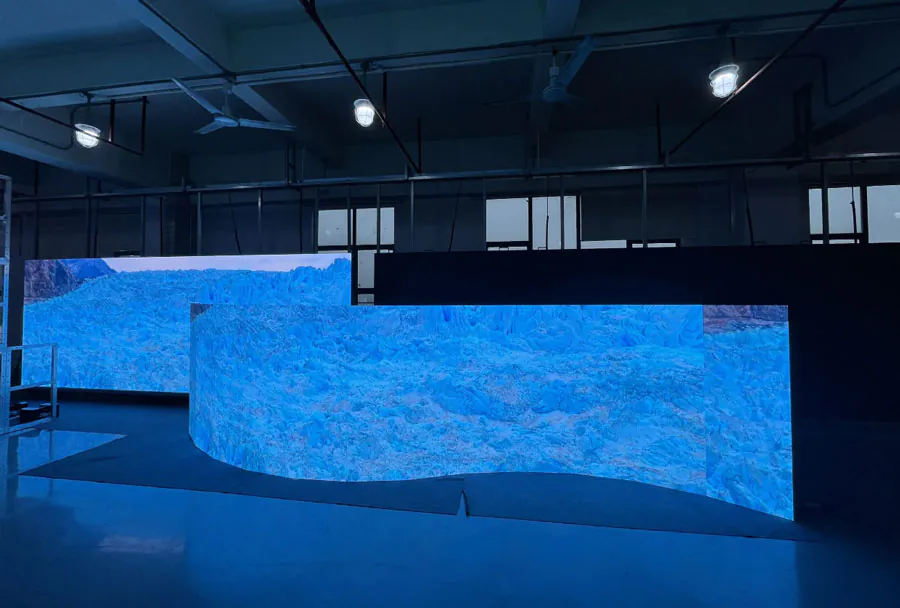
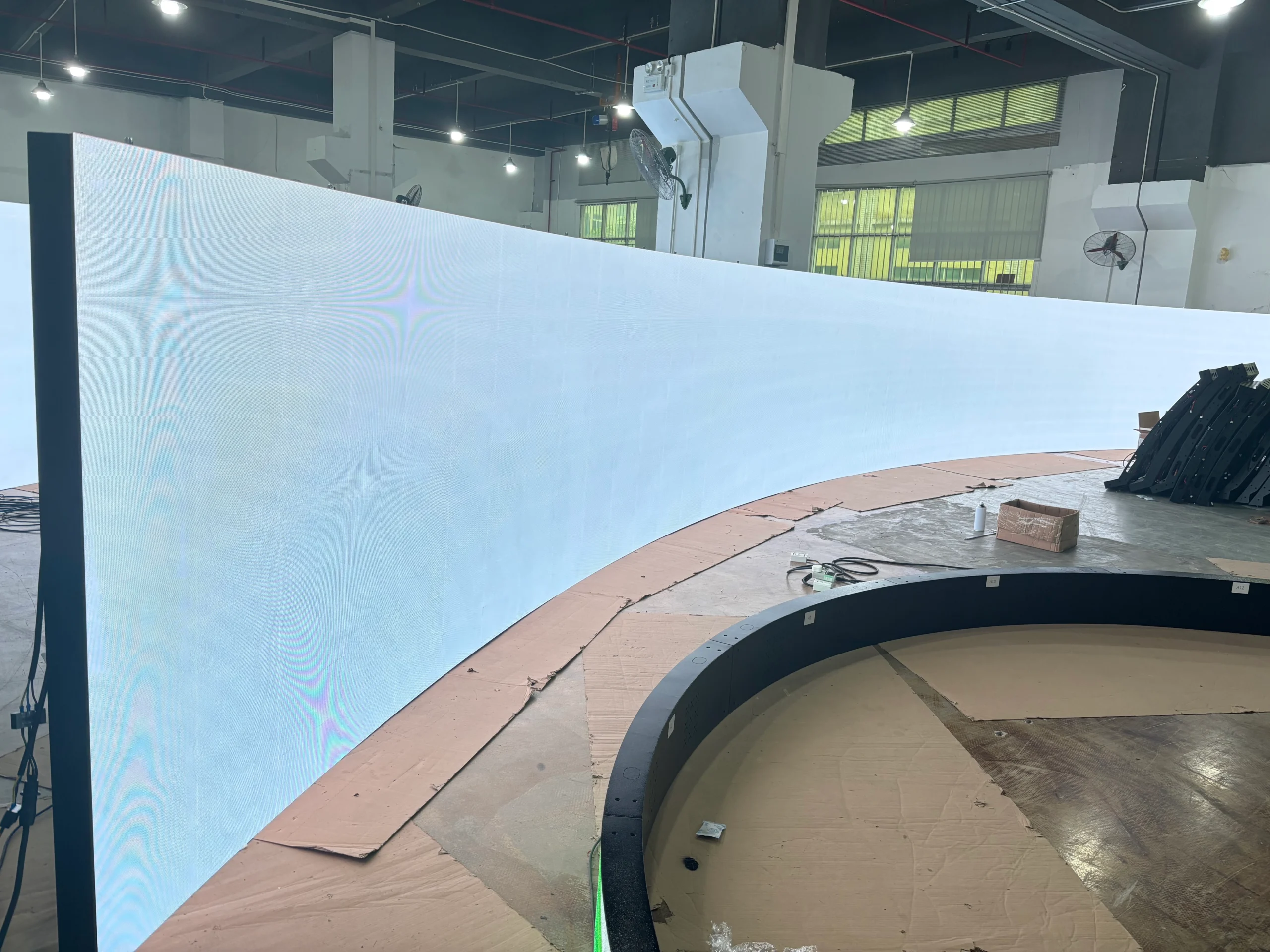
The most obvious advantage is the ability to create display surfaces that are not limited to a flat rectangle. Curved walls, circular pillars, wave-shaped structures, and suspended forms can all become digital canvases when the right product and support system are selected.
This freedom allows the display to follow the logic of the interior rather than forcing the interior to accommodate a standard screen. In a hotel lobby, for example, a curved display can echo the shape of a reception desk or staircase. In a retail environment, a narrow vertical installation can follow a structural column while preserving product visibility around it.
Designers can also divide one display into multiple visual zones. A curved section may provide brand storytelling, while a smaller adjoining section shows directional information or promotional content. This makes the technology useful across both decorative and operational purposes.
Strong Visual Impact
Moving images naturally attract attention, but the most effective installations use motion carefully. High-quality LED displays can create depth, movement, changing color, and visual rhythm without adding physical objects to the room.
A hospitality venue may use slow-moving natural imagery to support relaxation. A fashion store may display editorial video, product details, or campaign footage. An office may present data visualizations, corporate messages, or creative work from internal teams.
The display becomes especially powerful when its content is designed for its physical form. A curved wall can show content that travels smoothly around the bend. A vertical ribbon can display flowing patterns or narrow-format video. A circular installation can use radial animation that reinforces its geometry.
Adaptable Branding
Printed graphics and built architectural features can remain in place for years, but digital content can be updated in minutes. This makes the display useful for campaigns, seasonal events, announcements, and changing brand guidelines.
An organization may use the same installation for:
– Product launches
– Event schedules
– Welcome messages
– Promotional campaigns
– Internal communications
– Wayfinding
– Social media feeds
– Emergency notifications
– Cultural or artistic programming
This adaptability can help businesses avoid repeated print production and physical installation work. It also enables different content for different times of day, visitor groups, or operating conditions.
Better Space Utilization
A digital surface can perform several roles within the same footprint. A display may serve as branding, entertainment, information, and atmosphere without requiring separate signs, posters, projectors, or decorative media.
In compact commercial interiors, this is valuable. A display behind a reception desk can provide a visual focal point while communicating services or announcements. In a showroom, a digital wall can explain product features without occupying floor space with additional displays.
The design should still protect the primary function of the room. A screen should not make a corridor difficult to navigate, distract drivers in a parking structure, or compete with important safety signs. Digital content should support the spatial experience rather than overwhelm it.
Improved Customer Engagement
Flexible displays can encourage visitors to pause, explore, and interact with a space. When paired with sensors, touch interfaces, mobile integrations, or real-time data, they can support personalized experiences.
Examples include:
– A museum wall that responds to visitor movement
– A retail display that changes based on product selection
– A fitness center screen showing live class information
– A corporate lobby showing employee or community stories
– A restaurant display featuring changing menus and visual themes
Interactive functionality should be evaluated according to audience needs and maintenance capacity. A simple, reliable experience is usually more effective than an elaborate feature that is difficult to use or regularly fails.
Energy and Operational Considerations
LED technology is generally more efficient than many older display technologies, but energy use still depends on brightness, size, operating schedule, content, and pixel pitch. Indoor displays can often run at lower brightness than outdoor screens, reducing power consumption and improving comfort.
Automatic scheduling can turn the display off or reduce brightness during unoccupied hours. Light sensors can help adjust output based on ambient conditions. These controls support both energy management and a more considerate visitor experience.
Applications Across Commercial and Public Interiors
The versatility of Flexible LED Display Solutions for Interior Design makes them appropriate for a wide range of environments. The best application depends on the purpose of the space, the audience, the architectural form, and the content strategy.
Retail Stores and Showrooms
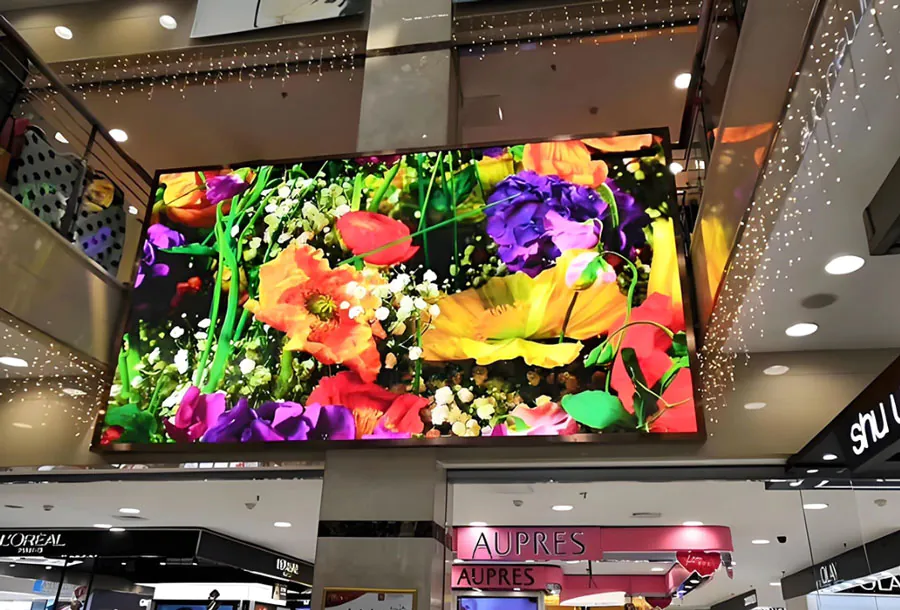
Retail environments use digital surfaces to attract attention, communicate promotions, and build an immersive brand identity. A curved LED display can frame a product zone, wrap around a column, or create a strong visual background behind a checkout area.
In showrooms, content can demonstrate product use, show alternate finishes, compare specifications, or present customer stories. The display can support the sales team by providing visual information without requiring a large amount of printed material.
Placement is important. The screen should not obscure merchandise, make product colors difficult to judge, or create glare on reflective surfaces. Content should also be readable during the typical customer journey. A shopper walking past a screen may only have a few seconds to absorb the main message.
Hotels and Restaurants
Hotels often use flexible displays in lobbies, reception areas, event spaces, elevators, and lounges. The technology can reinforce a sense of arrival through branded motion graphics, local imagery, or calm ambient visuals.
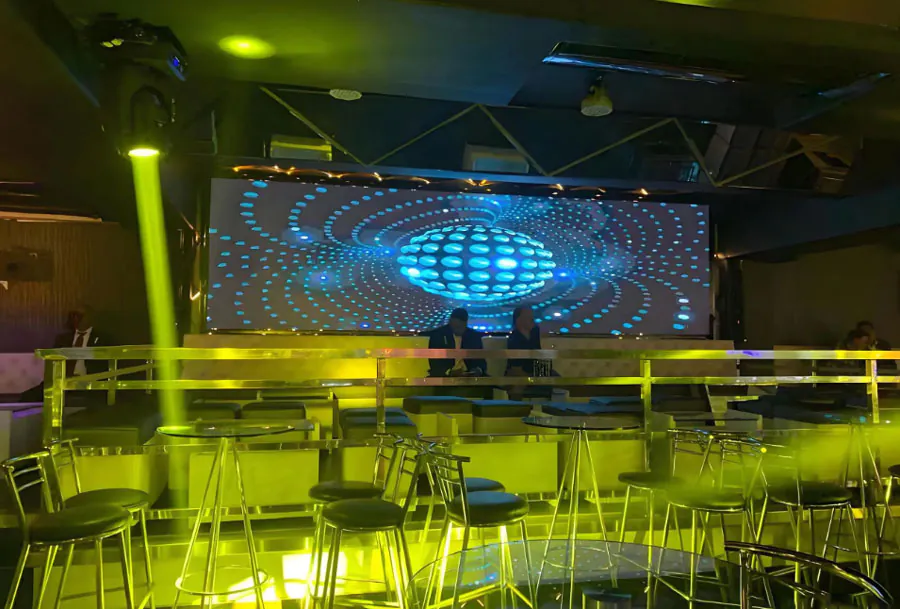
Restaurants may use displays to present menus, specials, chef stories, or artistic content. A curved screen behind a bar can become a distinctive visual feature, while a narrow display can fit into a wall treatment without consuming valuable seating area.
Content should match the venue’s atmosphere. Fast-changing promotional content may suit a casual dining concept but feel inappropriate in a luxury environment. Brightness, color temperature, and animation speed should all support the intended mood.
Corporate Offices
In offices, digital displays can improve communication and strengthen workplace identity. Flexible panels can fit around columns, reception desks, or feature walls while showing company information, visitor welcomes, achievements, sustainability data, or live operational metrics.
Meeting spaces may use displays for presentations and video conferencing, while common areas can show internal news or employee-generated content. In larger offices, a networked content management system allows communications teams to manage several locations centrally.
Privacy and information security require attention. Screens in public-facing areas should not expose confidential information, personal data, or sensitive operational details. Content permissions and approval workflows should be included in the system design.
Museums and Cultural Institutions
Museums use LED technology to create immersive storytelling environments without permanently changing historic structures. A flexible display can fit within curved galleries, exhibit portals, or temporary installations.
It can show archival images, reconstructed environments, animated maps, or synchronized visual narratives. Since museums often serve visitors of different ages and abilities, text should be legible, contrast should be adequate, and motion should not create discomfort.
Curators and designers should consider how the display interacts with physical artifacts. Digital media should provide context or emotional connection while preserving attention for the objects and stories at the center of the exhibit.
Transportation and Public Buildings
Airports, railway stations, hospitals, universities, and civic buildings can use flexible displays for wayfinding, announcements, public information, and visual identity. Curved architectural forms are common in these environments, making flexible modules particularly useful.
Reliability is critical. Public information systems must remain legible, operational, and easy to update. Displays used for navigation should prioritize clear typography and high contrast over decorative animation. Content teams should also prepare fallback layouts for emergencies or network interruptions.
Events and Experiential Installations
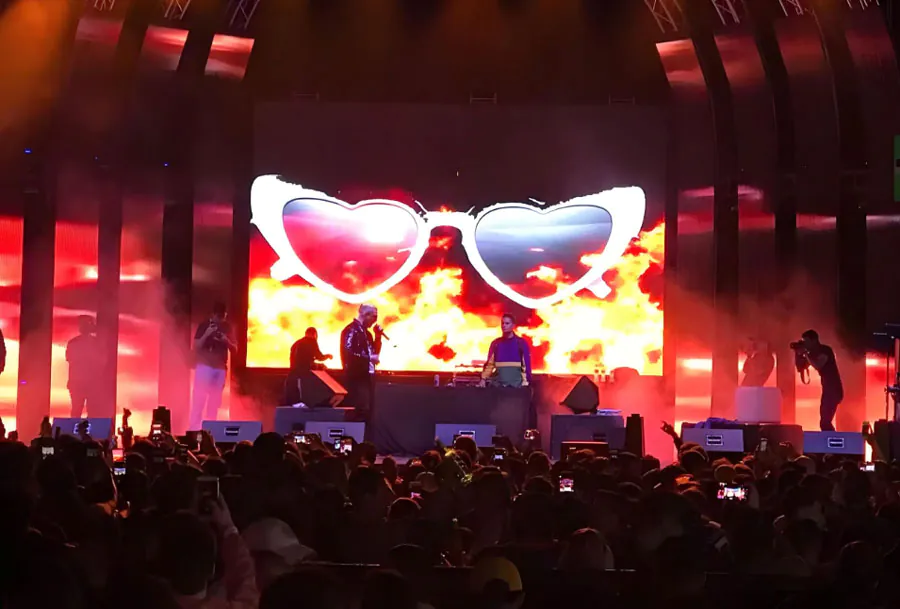
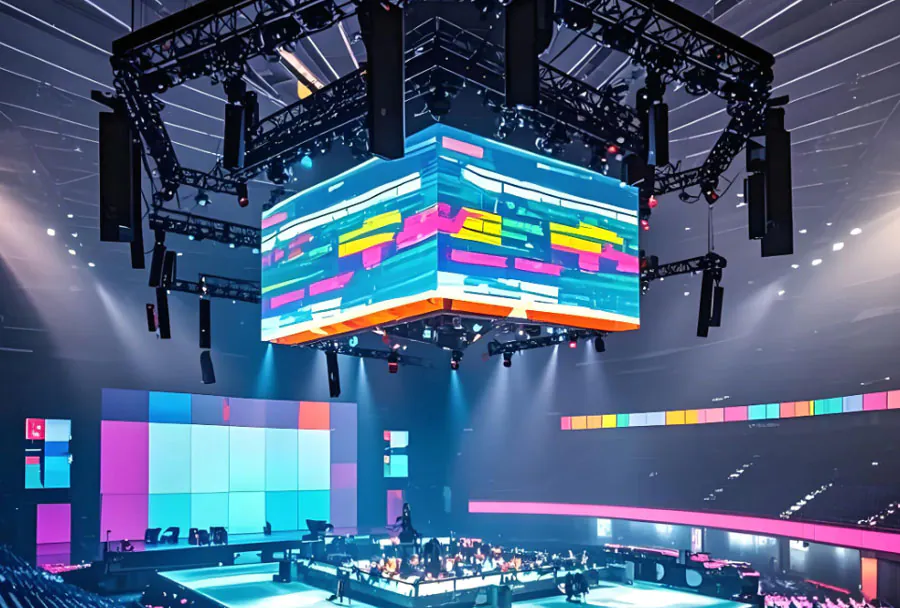
Trade shows, product launches, concerts, and conferences benefit from temporary or semi-permanent flexible LED structures. Lightweight modules can help create branded environments that are easier to transport and reconfigure than traditional scenic elements.
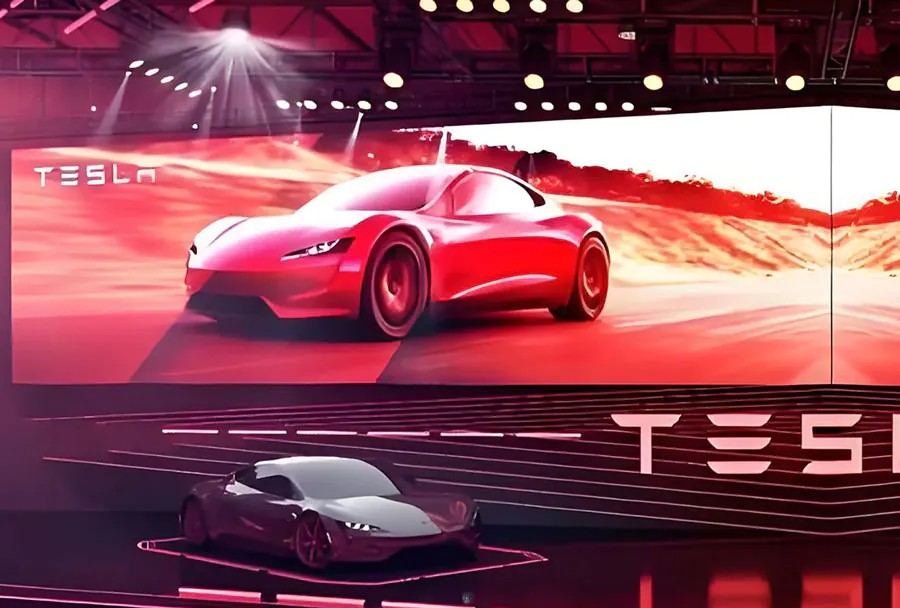
An event display may wrap around a stage, form a curved backdrop, or create a digital tunnel at an entrance. Because event content is often viewed from different angles, designers should test perspective, camera capture, brightness, and synchronization before opening to the public.
Planning and Installation Best Practices
Successful Flexible LED Display Solutions for Interior Design require coordination between the creative team, architect, electrical contractor, AV integrator, and content producer. Problems often occur when the display is treated as a late-stage decoration rather than part of the building system.
Start With the Spatial Objective
Before selecting hardware, define what the display must accomplish. Possible objectives include:
– Creating a focal point
– Communicating information
– Supporting navigation
– Reinforcing a brand
– Providing an immersive experience
– Replacing printed signage
– Delivering event content
– Changing the mood of a room
The objective determines the ideal location, size, brightness, resolution, viewing angle, and control system. A display intended for detailed product demonstrations has different requirements from one showing abstract ambient content.
Survey the Architecture
The installation surface should be assessed for curvature, flatness, load capacity, access, and finish. Measure the exact radius and identify doors, vents, sprinklers, lighting fixtures, maintenance panels, and other obstructions.
The survey should also document:
– Available electrical circuits
– Network connectivity
– Ventilation requirements
– Mounting points
– Service access
– Ceiling height
– Expected viewing positions
– Ambient light levels
– Fire and building-code restrictions
A detailed survey reduces the likelihood of expensive changes after fabrication begins.
Respect the Bending Radius
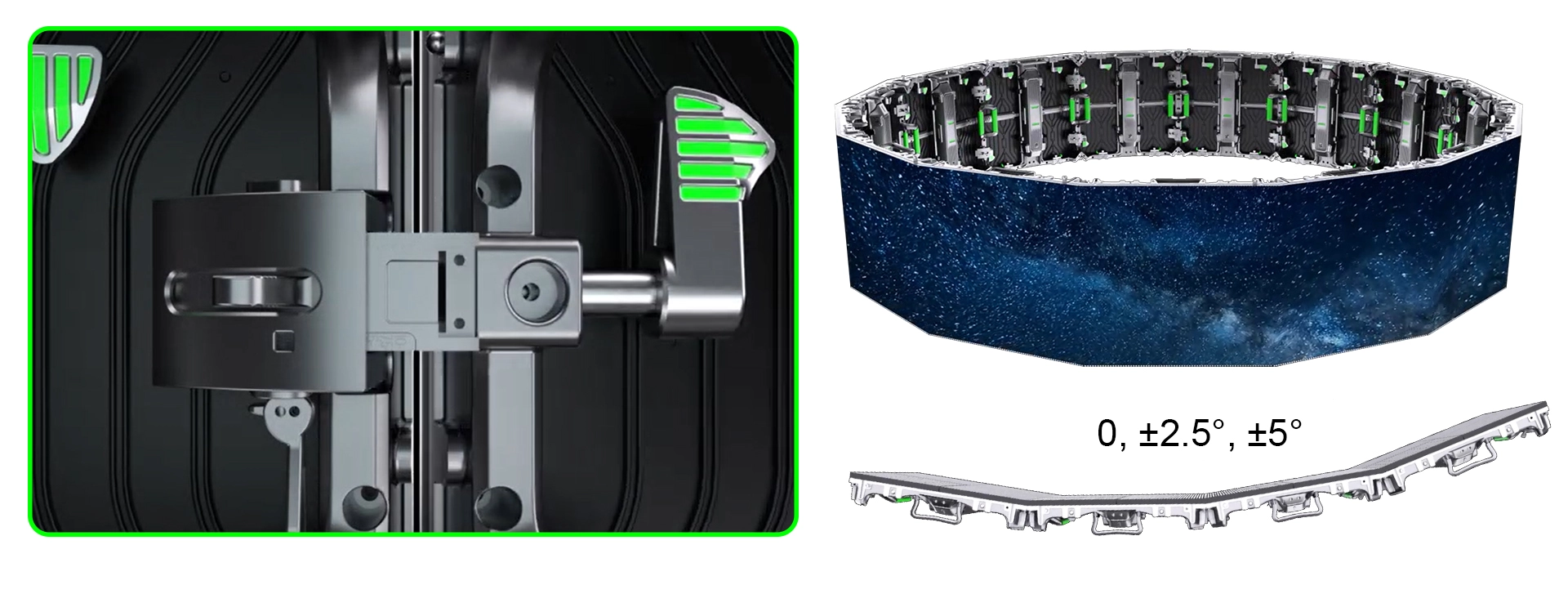
Every flexible module has a specified minimum bending radius. Bending beyond that limit can damage solder joints, LEDs, circuit boards, or connectors. The display may appear functional at first and then develop dark areas, flickering, or intermittent faults.
The mounting system should distribute pressure evenly and avoid sharp transitions. Curves should be designed with the product’s mechanical properties in mind. If the architecture contains a tighter bend than the display supports, a different module format or a segmented design may be necessary.
Plan for Maintenance
Maintenance access should be designed from the beginning. Even high-quality LED systems may eventually require module replacement, power-supply service, connector inspection, or calibration.
Ask the installation team:
– Can individual modules be removed without dismantling the entire wall?
– Are spare modules available?
– How quickly can replacement parts be supplied?
– Can service be performed from the front?
– Where are power supplies and controllers located?
– Is there adequate ventilation around heat-producing components?
– Who will manage software and content updates?
A visually elegant installation becomes a long-term liability if technicians cannot reach the equipment safely.
Control Brightness and Motion
Indoor LED displays are often installed in environments where people spend significant time. Excessive brightness can cause eye strain, reflections, and visual discomfort. A screen that looks impressive in a showroom may feel harsh in a dim lobby.
Use scheduled brightness levels, ambient light sensors, or manual presets. Content should also avoid constant high-speed movement unless the setting specifically calls for it. Slow transitions and deliberate animation usually create a more refined result.
Design Content for the Display Shape
Content should be created at the display’s actual aspect ratio and resolution. Standard widescreen videos may look distorted or poorly composed when placed on a curved ribbon or unusually tall wall.
Content producers should account for:
– The bending direction
– Viewing angles
– Areas that may be partially hidden by architecture
– The distance from the nearest viewer
– Text size and reading time
– Color shifts caused by ambient light
– Camera capture and refresh-rate behavior
– Safe areas near module edges
A content preview or digital mockup can help stakeholders evaluate the experience before hardware is installed.
Selecting a Technology and Supplier
When comparing Flexible LED Display Solutions for Interior Design, buyers should assess more than pixel pitch and quoted screen size. Product quality, supplier support, mechanical design, software capability, and installation expertise all affect the final outcome.
Evaluate Image Quality
Image quality includes resolution, color consistency, grayscale performance, refresh rate, contrast, and viewing angle. For close-range interiors, uneven brightness or visible color variation can be distracting.
Request demonstrations using the actual content style planned for the project. Static test patterns alone may not reveal how skin tones, gradients, dark scenes, small text, or fast motion will appear.
Check Structural Compatibility
Confirm the display’s flexibility range, weight, mounting method, service access, and operating temperature. The supplier should provide technical drawings and installation requirements early enough for the architect and contractor to coordinate them with the rest of the building.
For custom curves, ask whether the supplier can produce a verified template or fabrication model. Small dimensional errors can become visible across a large continuous surface.
Review Software and Networking
A reliable content management system should support scheduling, user permissions, remote monitoring, media playback, and system alerts. It should also make it easy to update content without requiring a technician for routine tasks.
Consider whether the platform supports:
– Multiple screen layouts
– Different content by location
– Automatic playlists
– Emergency messaging
– Offline playback
– Remote diagnostics
– User approval workflows
– Integration with data feeds
– Reporting and playback logs
Network security is also important, particularly in corporate, healthcare, education, and government settings. The system should follow the organization’s policies for authentication, device access, and software updates.
Consider Warranty and Support
A supplier should clearly explain warranty coverage, expected component life, spare-parts availability, repair procedures, and response times. Ask whether local technicians are available and whether installation includes calibration and commissioning.
The lowest initial price may not represent the lowest total cost. A slightly more expensive system with better service access, stronger software, and reliable support may provide greater value over several years.
Plan the Budget
The project budget should include more than LED modules. Typical cost categories include:
– Display hardware
– Mounting structure
– Power distribution
– Control hardware
– Content creation
– Network infrastructure
– Installation labor
– Structural engineering
– Calibration
– Testing and commissioning
– Training
– Maintenance
– Spare parts
– Future software or service fees
Content is often underestimated. A visually complex display requires a steady supply of professionally produced material. Include a content budget and an ownership plan before approving the installation.
Content Strategy and User Experience
Technology alone does not create an effective interior experience. Flexible LED Display Solutions for Interior Design deliver the strongest results when the content responds to the purpose and behavior of the surrounding space.
Establish a Content Hierarchy
Every screen should have a clear priority. The most important message must be understood quickly, especially in high-traffic areas. Use concise headlines, strong contrast, and visual structure rather than filling the screen with information.
For informational displays, organize content into primary, secondary, and supporting details. For branded environments, establish a consistent visual language through color, typography, imagery, and animation style.
Match Content to Dwell Time
Dwell time describes how long a typical viewer remains in front of or near the display. A person passing through a corridor may see a message for only two or three seconds. A visitor waiting in a lobby may have several minutes to explore more detailed information.
Short dwell time requires simple content with one clear action or message. Longer dwell time supports playlists, interactive elements, storytelling, and rotating information.
Use Motion With Purpose
Animation can guide attention and communicate change, but constant motion can create fatigue. Use movement to reveal information, signal transitions, or reinforce a brand concept. Avoid unnecessary effects that compete with architecture, staff activity, or conversation.
A content calendar can define the appropriate rhythm for different periods. Morning content may be calm and informative, while event programming can become more energetic during scheduled occasions.
Prioritize Accessibility
Digital displays should support as many viewers as possible. Use readable type, sufficient contrast, and clear layouts. Avoid relying on color alone to communicate important information. Provide captions for video and consider alternative communication methods where the display carries essential instructions.
Flashing content should be controlled carefully. Rapid visual changes can affect visitors with photosensitivity or motion sensitivity. Accessibility should be part of content approval, not a late compliance check.
Measure Performance
Depending on the application, success can be measured through:
– Visitor dwell time
– Content engagement
– Retail conversion
– Event attendance
– Wayfinding accuracy
– Internal communication reach
– Customer feedback
– Brand recall
– Operational uptime
For public installations, qualitative observation may be as important as numerical analytics. Watch how visitors move, where they look, and whether the display helps or obstructs their experience.
Frequently Asked Questions
What makes Flexible LED Display Solutions for Interior Design different from regular LED screens?
Flexible LED Display Solutions for Interior Design are designed to conform to curved or irregular architectural surfaces. Regular LED screens typically use rigid cabinets intended for flat installations. Flexible systems offer more freedom in shape and placement, although they still have defined bending limits and structural requirements.
Are Flexible LED Display Solutions for Interior Design suitable for small rooms?
Yes, Flexible LED Display Solutions for Interior Design can work well in small rooms when brightness, scale, and viewing distance are carefully planned. Thin modules can use vertical walls, columns, or narrow architectural features without consuming much floor space. A smaller, lower-brightness installation may be more appropriate than a large, high-output screen.
How long do Flexible LED Display Solutions for Interior Design last?
The lifespan of Flexible LED Display Solutions for Interior Design depends on component quality, operating hours, brightness, ventilation, maintenance, and environmental conditions. Many commercial systems are designed for long-term operation, but individual modules, power supplies, and control components may require service before the entire display reaches the end of its useful life.
Do Flexible LED Display Solutions for Interior Design consume a lot of electricity?
Energy consumption varies by display size, pixel pitch, brightness, content, and schedule. Flexible LED Display Solutions for Interior Design generally use less power when operated at moderate indoor brightness and scheduled around occupancy. Automatic dimming and sleep modes can further reduce energy use while improving comfort.
Can Flexible LED Display Solutions for Interior Design show live data or interactive content?
Yes. Flexible LED Display Solutions for Interior Design can connect to content management platforms, sensors, data feeds, cameras, scheduling systems, and interactive interfaces. The required hardware and software depend on the complexity of the experience, network architecture, privacy requirements, and desired response time.
Do flexible LED displays require special installation expertise?
They do. The installer must understand bending radii, module alignment, power distribution, signal routing, structural support, calibration, and service access. A supplier with experience in architectural LED installations can help coordinate the display with electrical, construction, interior design, and content requirements.
Can a curved display be repaired without replacing the entire installation?
In many cases, individual modules or sections can be replaced. The exact process depends on the mounting structure and whether the display supports front or rear service. Maintenance access should be confirmed before purchase because difficult access can increase downtime and repair costs.
Are flexible LED displays appropriate for daylight-filled interiors?
They can be, but brightness must be selected according to the amount of ambient light. A display placed beside large windows may need higher output and stronger contrast than one installed in a dim lounge. Light sensors, shading, and careful placement can improve visibility without making the screen uncomfortable at other times.
Conclusion
Flexible LED Display Solutions for Interior Design give architects, designers, and businesses a way to integrate digital communication directly into the character of a space. Their ability to follow curves and unusual forms supports distinctive environments in retail, hospitality, offices, museums, public buildings, and events.
The best projects begin with a clear spatial objective and continue through careful architectural measurement, product selection, structural planning, content development, and maintenance preparation. Pixel pitch, brightness, viewing distance, bending radius, service access, software, and energy management should all be evaluated together.
A successful installation is not simply a large screen placed on a wall. It is a coordinated visual system that respects the architecture, supports the audience, and remains useful over time. When hardware and content are planned as one experience, flexible LED technology can transform an interior from a static setting into an adaptable, informative, and memorable environment.
Related Articles
- rgb led screen panel: A Complete Guide
- ultra thin flexible led screen: Best ultra thin flexible
- flexible transparent led screen: 6 Best for Modern Displays