Event LED Displays for Seattle Projects | TW VISION

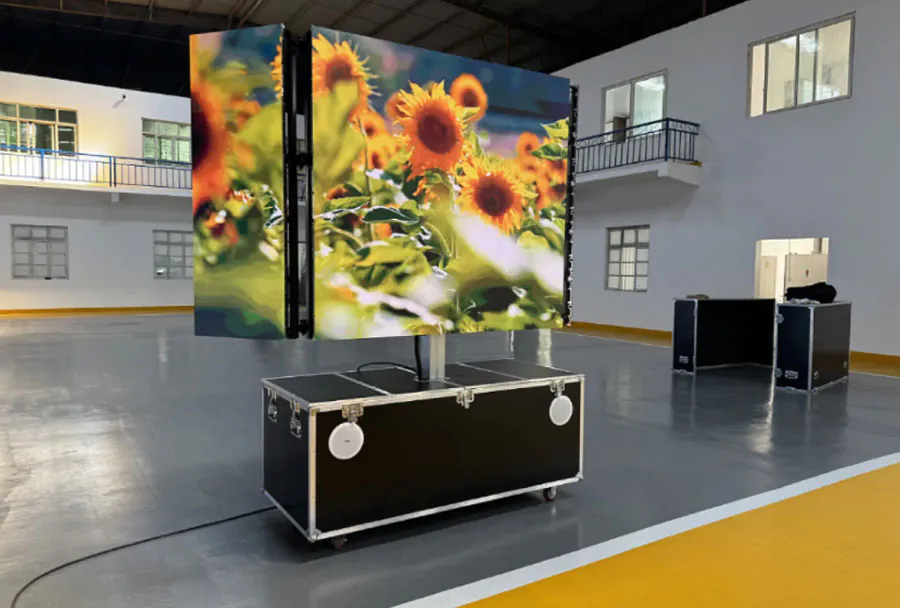
Event LED Displays for Seattle Projects starts with a practical question: what must your audience see, and under what conditions? A useful fact often surprises event planners: an LED wall’s pixel pitch alone cannot tell you whether presentation text will be readable.
Table of Contents
- 1. Define What Your Audience Must See
- Establish the viewing area
- Test representative content
- 2. Match Pixel Pitch and Brightness to the Setting
- Compare the installation conditions
- 3. Plan Outdoor Displays Around Exposure and Weather
- Check the complete installation
- Establish operating decisions
- 4. Coordinate Structure, Access, and Electrical Safety
- Verify the support arrangement
- Coordinate power and cable routes
- 5. Build a Playback Workflow That Survives Rehearsal
- Prepare files for the actual canvas
- Test the fallback
- 6. Compare Quotes by Deliverables and Responsibilities
- Make exclusions visible
- Define the acceptance check
- Who is responsible for securing rights to videos and music?
- How should you handle confidential information on a live screen?
- What should you do when attendees are sensitive to flashing imagery?
- When should a multilingual event use separate content versions?
- How can you make LED content useful after the event?
- Turn Your Display Brief Into an Installation Plan
AVIXA’s display-sizing guidance also considers the content, viewing distance, and task the audience needs to perform.
That distinction matters when you are planning a Seattle conference, waterfront activation, exhibition booth, or stage presentation. A screen can look impressive in a proposal while leaving distant attendees unable to read a chart or follow a demonstration.
Your project needs a coordinated plan for viewing positions, daylight, weather exposure, structural support, electrical service, and content playback. The following six planning priorities explain how to compare proposals, brief your production team, and identify problems before installation. Use them to turn a screen request into a clear, reviewable production specification.
1. Define What Your Audience Must See
Choose your display size around the audience’s viewing task, the smallest important content, and the farthest viewing position.
AVIXA’s standards resources include Display Image Size for 2D Content in Audiovisual Systems, commonly called DISCAS. The standard distinguishes between viewing tasks, helping planners evaluate whether an image supports basic understanding or more detailed analysis.
For Event LED Displays for Seattle Projects | TW VISION, start by separating decorative visuals from information people must read. A stage backdrop showing abstract animation has different requirements from a screen displaying financial charts, captions, or software interfaces.
Establish the viewing area
Record the nearest and farthest audience positions, seating angles, and any obstructions. Include standing attendees if your event allows people to gather behind the seating area.
Consider a conference presentation containing a detailed dashboard: the deciding test is whether the farthest attendee can read its important labels. A compelling promotional video does not establish that the same screen will work for dense slides.
Test representative content
Ask your presenter for an actual slide, chart, or demonstration screen before approving dimensions. Review that content at the proposed display size and viewing distance.
Your Event LED Displays for Seattle Projects | TW VISION brief should identify the content that determines readability, rather than relying on a general request for a “large screen.”
How to apply this: Mark the farthest viewing position on your floor plan and send your supplier the most demanding piece of audience-facing content.
2. Match Pixel Pitch and Brightness to the Setting
Select pixel pitch for image detail and viewing distance, then assess brightness against the light reaching the screen.
Pixel pitch describes the distance between neighboring pixels, usually expressed in millimeters. Manufacturer specifications, including those published by ROE Visual, identify pixel pitch alongside other product characteristics; compare the exact proposed panel model rather than a broad product category.
A finer pitch can provide more pixels within the same physical screen dimensions. However, it does not correct undersized text, poor source material, or a badly positioned display.
For Event LED Displays for Seattle Projects | TW VISION, require a proposal that identifies both the panel model and the finished wall’s pixel dimensions. Those dimensions tell your content team what canvas they are preparing.
Compare the installation conditions
| Setting | Main concern | What to check |
|---|---|---|
| Conference room | Text clarity | Test presentation slides |
| Exhibition booth | Close viewing | Inspect detail up close |
| Outdoor stage | Daylight visibility | Review rated brightness |
| Evening reception | Visual comfort | Confirm dimming control |
| Camera-facing stage | Recorded image | Run a camera test |
A common scenario is an evening reception where a display remains set for daylight use. Reducing brightness can improve audience comfort, but your operator should verify that color and shadow detail remain acceptable.
The equipment specification for Event LED Displays for Seattle Projects | TW VISION should therefore include operating conditions, not just maximum brightness.
How to apply this: Request the panel datasheet, finished pixel dimensions, and a brightness plan for each lighting condition your event will encounter.
3. Plan Outdoor Displays Around Exposure and Weather
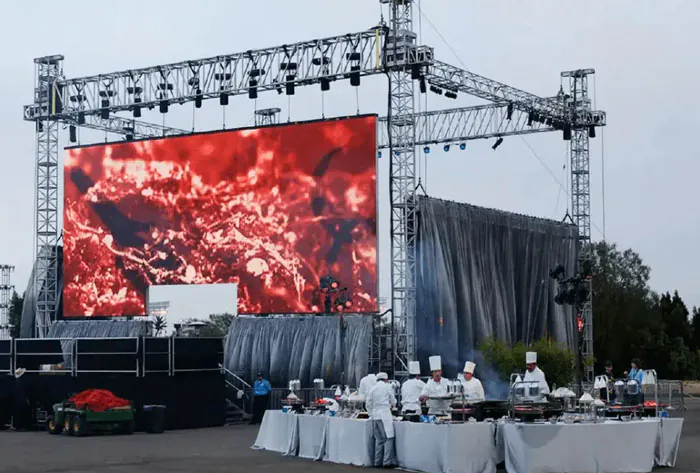
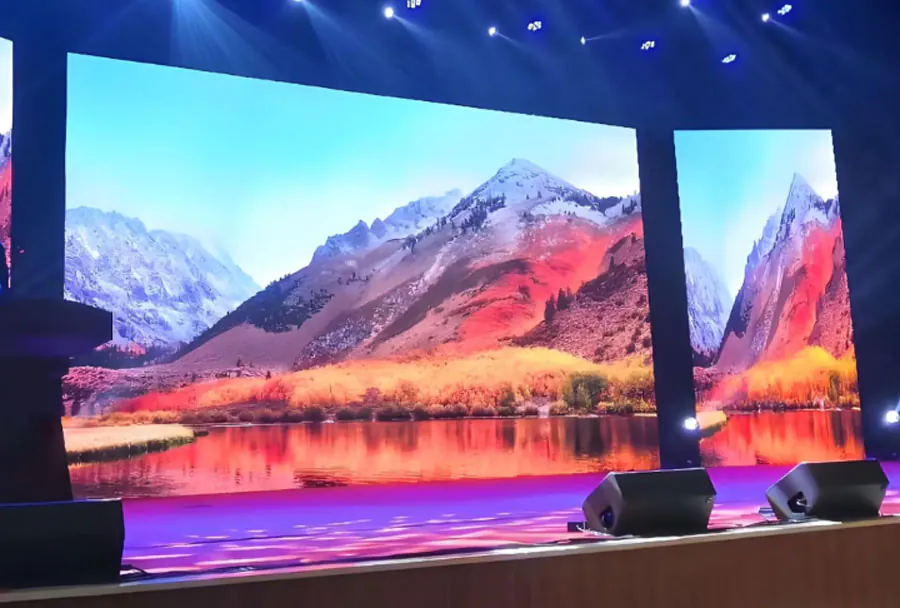
An outdoor LED installation needs a weather plan covering the complete system, its supporting structure, and the people operating it.
The National Weather Service’s Seattle office publishes local forecasts, watches, warnings, and forecast discussions. Those resources provide a practical basis for monitoring conditions as installation and show dates approach.
For Event LED Displays for Seattle Projects | TW VISION, distinguish between a panel’s environmental rating and the readiness of the assembled installation. A weather-rated cabinet does not automatically protect exposed connectors, distribution equipment, playback computers, or cable transitions.
Check the complete installation
Ask your supplier to document the environmental suitability of the proposed components. Confirm which cabinet faces are protected, how connections will be sheltered, and how water will drain away from equipment.
For a waterfront activation, rain protection may be only part of the decision. Wind exposure also affects the support design and the conditions under which the display can remain in operation.
Establish operating decisions
The structural provider should supply operating limits and a response procedure appropriate to the actual design. Assign responsibility for monitoring forecasts, approving shutdowns, and communicating changes to the event manager.
Your Event LED Displays for Seattle Projects | TW VISION plan should identify a backup communication method if the screen becomes unavailable. That could be a staffed information point or another approved announcement system.
How to apply this: Add weather monitoring, equipment protection, operating limits, and shutdown responsibility to the production schedule before approving an outdoor installation.
4. Coordinate Structure, Access, and Electrical Safety
Approve the support method, audience circulation, and electrical distribution together because each affects the installation footprint.
The U.S. Access Board’s ADA guidance on accessible routes states that “the clear width of walking surfaces shall be 36 inches (915 mm) minimum,” subject to the standard’s exceptions and other applicable provisions. That accessibility minimum does not replace venue rules, egress requirements, or project-specific review.
For Event LED Displays for Seattle Projects | TW VISION, the visible wall is only part of the space requirement. Ground supports, ballast, equipment racks, cable protection, and maintenance access also need room.
Verify the support arrangement
Request the actual support design and confirm who approves it. Suspended installations require coordination with the venue’s rigging authority; ground-supported walls need a suitable floor or surface and a documented stability plan.
In one case to anticipate, a screen fits the stage drawing while its rear supports extend into a circulation route. Reviewing the full equipment footprint exposes that conflict before delivery.
Coordinate power and cable routes
Have the supplier submit electrical requirements for the proposed configuration. Ask the venue’s electrical provider to confirm available service, connection arrangements, and distribution responsibilities.
The site drawing for Event LED Displays for Seattle Projects | TW VISION should show cable routes and service access alongside audience pathways. Do not assume a protective cable ramp is automatically appropriate for every accessible route.
How to apply this: Obtain one coordinated drawing showing the wall, supports, equipment, power connections, cable routes, and required clearances.
5. Build a Playback Workflow That Survives Rehearsal
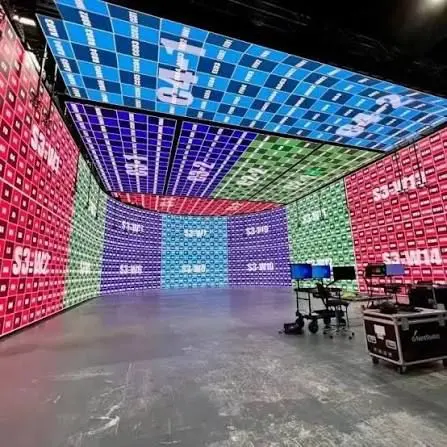
Reliable playback depends on a known content canvas, clear signal routing, and rehearsal using the actual show equipment.
Resolume Arena is a live visual playback and composition tool with projection-mapping capabilities. Brompton Technology’s Tessera ecosystem provides LED processing and screen-control functions; its supported features depend on the processor model and configuration.
These tools handle different parts of production. Playback software prepares and sends imagery, while the LED processing system manages how compatible display hardware presents it.
For Event LED Displays for Seattle Projects | TW VISION, identify the playback operator, processor operator, and person authorized to approve content changes. Clear ownership helps prevent a last-minute file update from bypassing technical checks.
Prepare files for the actual canvas
Give designers the finished pixel dimensions, content-safe areas, accepted file formats, and any cropping or scaling requirements. Confirm how presentation computers and live video sources enter the system.
A useful rehearsal scenario is switching from a full-screen animation to a presenter’s laptop. That transition can expose aspect-ratio changes, missing adapters, or a source that the signal chain cannot accept.
Test the fallback
Prepare an approved holding image and a recovery procedure for a lost source. For camera-facing events, test the complete display with the production cameras and their planned settings.
Treat rehearsal for Event LED Displays for Seattle Projects | TW VISION as an operational check, including transitions and recovery.
How to apply this: Run a cue-to-cue rehearsal with final content, live sources, show operators, and the agreed fallback image.
6. Compare Quotes by Deliverables and Responsibilities
Compare LED proposals using the complete installed scope, acceptance criteria, and operating responsibilities.
Vectorworks Spotlight is an entertainment design application used for production drawings and documentation. A coordinated drawing can help suppliers quote the same arrangement and expose differences in equipment footprints or installation assumptions.
For Event LED Displays for Seattle Projects | TW VISION, ask bidders to identify the panel model, wall dimensions, processing, support system, labor, transport, electrical scope, and show staffing. A price becomes meaningful when you can see what it includes.
Make exclusions visible
Require clear treatment of venue charges, rigging services, content preparation, overtime, and access restrictions. Confirm who provides any items excluded from the supplier’s scope.
A proposal may include delivery and assembly but leave the event without an operator during presentations. That arrangement could suit an unattended visual loop, while a live program needs an explicit operating plan.
Define the acceptance check
Specify when the installed display will be reviewed and who can accept it. Check representative content, source switching, image alignment, visible faults, and any agreed camera requirements.
Your Event LED Displays for Seattle Projects | TW VISION procurement brief should also request service and escalation contacts. Do not infer local inventory, certifications, or response times from a brand name; obtain those commitments in writing.
How to apply this: Send every bidder the same scope and require a written list of inclusions, exclusions, acceptance checks, and on-site responsibilities.
Frequently Asked Questions About Event LED Displays for Seattle Projects | TW VISION
Special requirements deserve explicit answers before booking, especially when the display will carry sensitive information or serve multiple audiences.
Who is responsible for securing rights to videos and music?
Your contract should identify who clears rights for every supplied asset, including music embedded in videos. For Event LED Displays for Seattle Projects | TW VISION, do not assume equipment rental includes content licensing. A sponsor may provide a promotional video cleared for its website but lacking permission for your intended public presentation.
Ask the content owner to confirm the permitted use in writing before scheduling playback.
How should you handle confidential information on a live screen?
Use a dedicated presentation workflow and restrict access to the playback source. Event LED Displays for Seattle Projects | TW VISION should include instructions for disabling notifications and removing unrelated documents from presentation devices. During a private product launch, a presenter switching applications could expose confidential messages.
Have the operator display an approved holding image while the presenter changes sources, and test that procedure before guests arrive.
What should you do when attendees are sensitive to flashing imagery?
Offer a way to report concerns and review content for flashing effects before approval. For Event LED Displays for Seattle Projects | TW VISION, a creative sequence containing rapid flashes needs specific review even when the equipment operates correctly. Ask your content team to remove unnecessary flashing and establish an alternative version.
Coordinate any audience notice and accommodation process with your event’s accessibility lead rather than assuming dimming alone resolves the issue.
When should a multilingual event use separate content versions?
Use separate versions when combining languages would make essential information difficult to read or follow. Event LED Displays for Seattle Projects | TW VISION can support multilingual programming, but the content schedule needs clear ownership and language labels. At an event with different language sessions, an operator might accidentally retain the previous session’s slides.
Name files consistently, include the language in the cue sheet, and have a qualified reviewer approve translations.
How can you make LED content useful after the event?
Request reusable source files and clarify ownership before commissioning content. With Event LED Displays for Seattle Projects | TW VISION, a composition built for an unusually wide wall may need a separate layout for later use on standard video channels. Ask the designer to preserve editable assets and provide agreed export formats.
Confirm whether fonts, footage, and other licensed elements permit reuse beyond the original event.
Turn Your Display Brief Into an Installation Plan
A successful Seattle LED project starts with a documented viewing requirement and ends with an installation your team can operate confidently. Event LED Displays for Seattle Projects | TW VISION should connect those decisions through a shared brief, coordinated drawings, and a realistic rehearsal.
Keep these priorities visible as you review proposals:
– Audience needs: Approve dimensions using representative content and actual viewing positions.
– Site conditions: Match equipment and support plans to lighting, exposure, power, and access.
– Show operation: Assign ownership for playback, source changes, weather decisions, and recovery.
– Commercial clarity: Confirm inclusions, exclusions, acceptance criteria, and support commitments.
How to apply this: Gather your venue drawing, sample content, event schedule, and operating requirements, then request a project-specific proposal from TW VISION that addresses each item in writing.