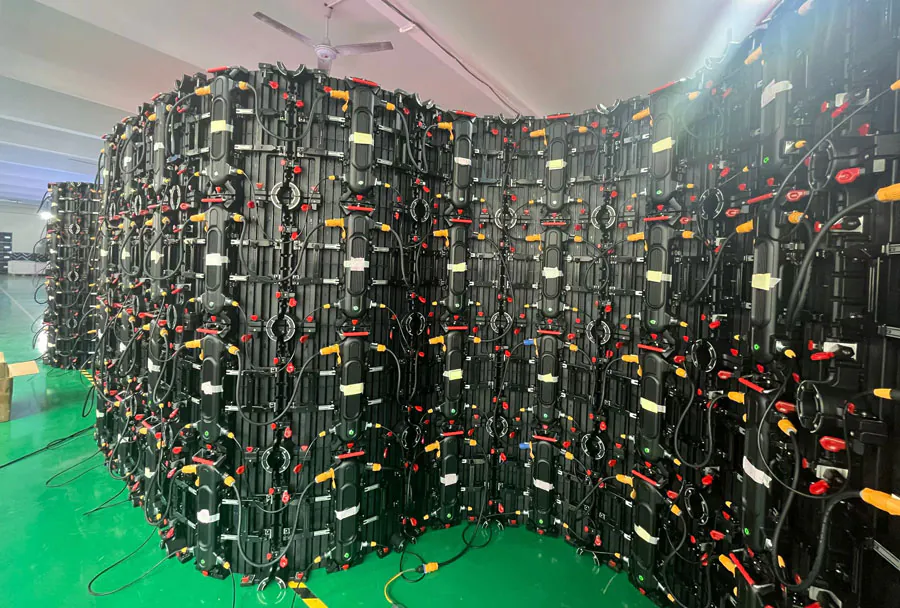
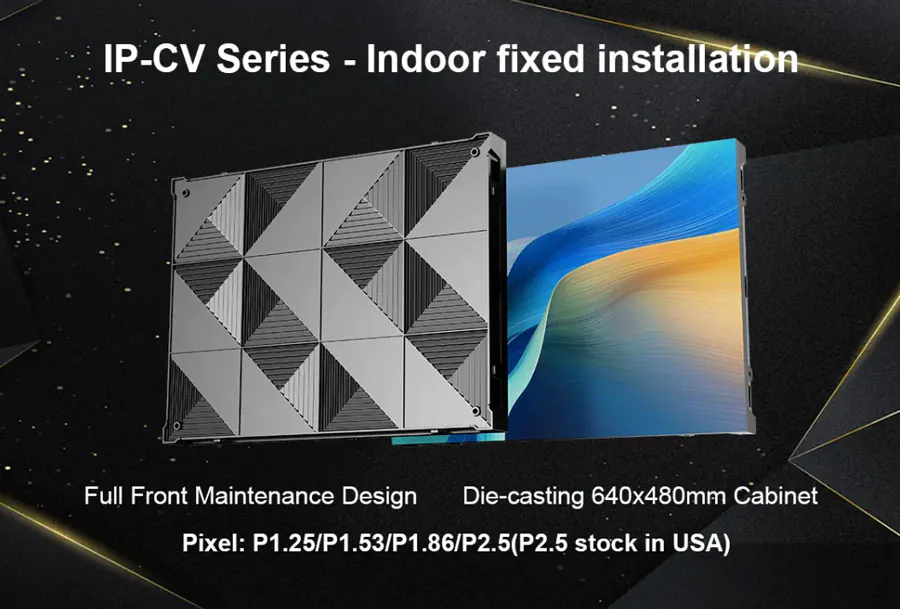
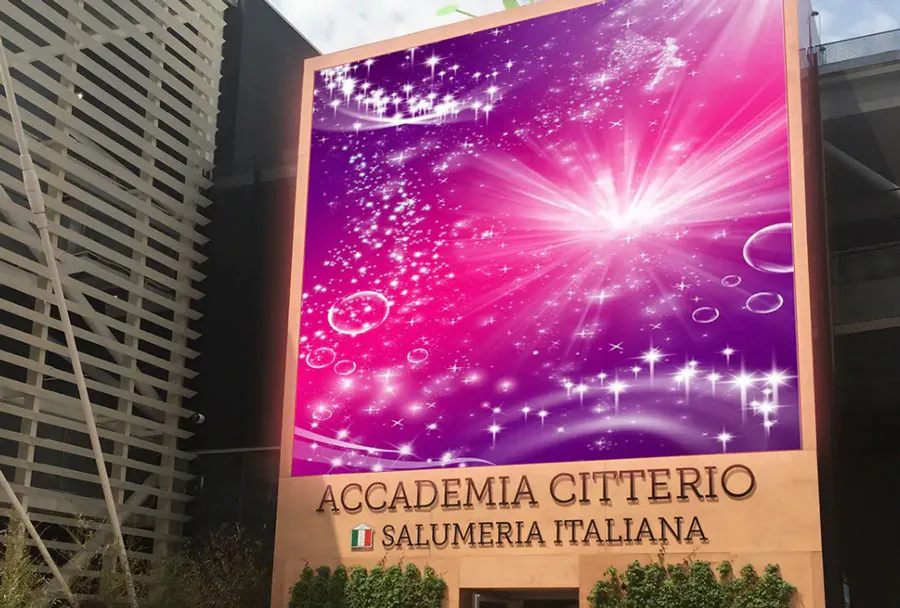
Bendable LED Display Technology for Curved Commercial Screens

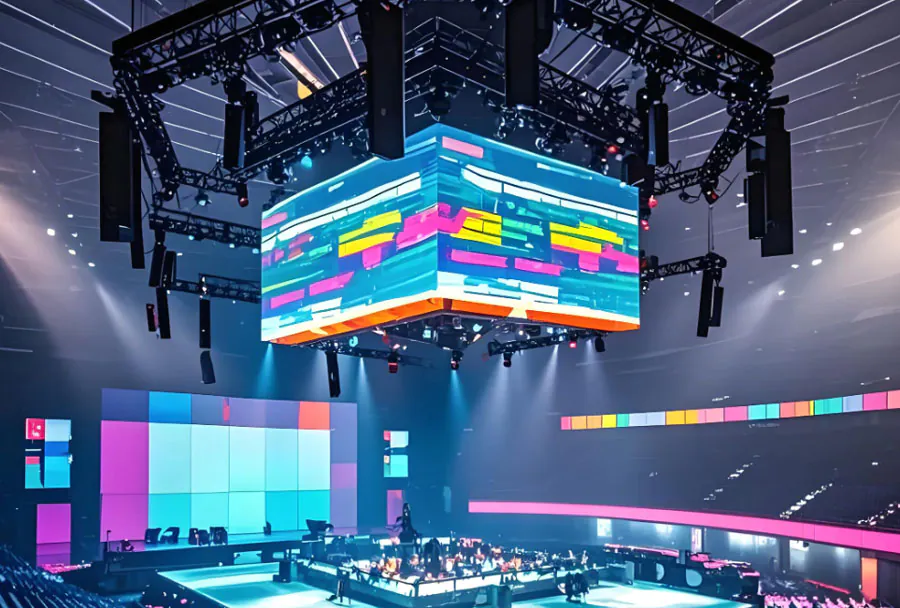
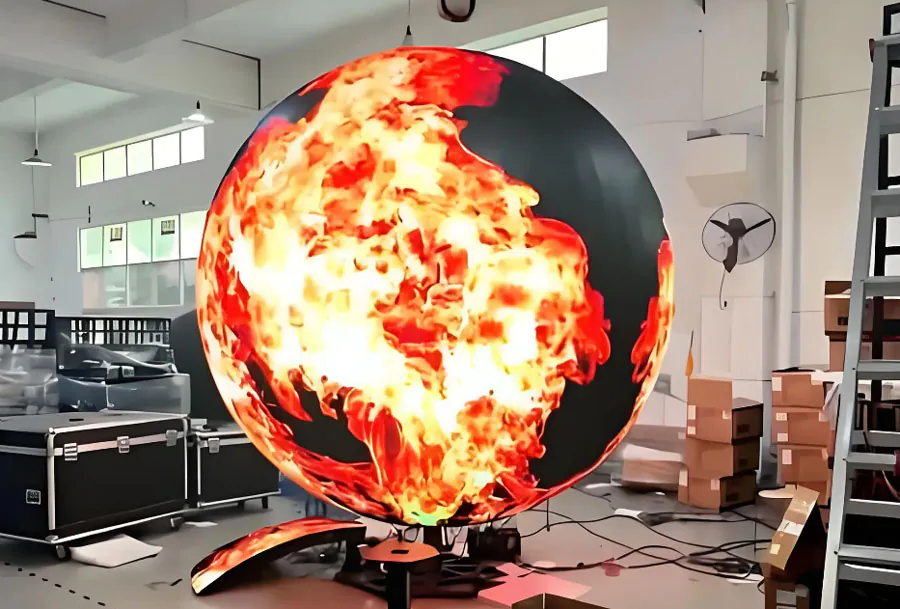
Bendable LED Display Technology for Curved Commercial Screens lets designers build continuous concave, convex, cylindrical, and wave-shaped video surfaces without relying on visibly segmented flat panels.
Table of Contents
- 1. Understand How Bendable LED Modules Create Smooth Curves
- Module Construction
- Curve Limits Matter
- 2. Match Pixel Pitch, Radius, and Viewing Distance
- Use Viewing Distance as the Starting Point
- Test the Actual Content
- 3. Design the Structure, Power, and Service Access Together
- Model the Complete Assembly
- Use Documented Electrical Loads
- 4. Configure Processing, Calibration, and Content Mapping
- Choose Compatible Configuration Software
- Map Content for the Physical Shape
- 5. Control Procurement, Safety, and Lifecycle Risk
- Verify Product-Specific Claims
- Treat IP Ratings Correctly
- How do you replace a failed module without damaging the curve?
- Can curved LED displays support touch interaction?
- Why does a curved LED screen look uneven on camera?
- Can flat and flexible LED modules be combined in one screen?
- What happens if the building surface is not perfectly round?
- Conclusion
A surprising product-level fact shows how far the hardware has progressed: TW VISION lists flexible modules with pixel pitches from 1.25 to 3.0 millimeters and a minimum curve radius as tight as 0.48 meters on selected configurations. (TW VISION)
The challenge is that a curved screen cannot be specified by appearance alone. Pixel pitch, bending limits, structure, processor capacity, heat, service access, and content geometry all affect whether the installation looks seamless or becomes difficult to maintain.
This guide explains how the technology works, how to select the right specifications, how to design the supporting system, how to control image quality, and how to reduce procurement and operational risks. You will also learn which technical documents, software tools, and acceptance tests to request before approving a commercial installation.
1. Understand How Bendable LED Modules Create Smooth Curves
Flexible LED modules create true curves by mounting LED pixels and electronic components on a pliable substrate that follows a shaped supporting frame. Unlike a rigid cabinet, each module can conform to a specified concave or convex radius.
Bendable LED Display Technology for Curved Commercial Screens should not be confused with arranging flat cabinets at slight angles. Angled cabinets produce a faceted surface, while flexible modules can form a continuous arc when the frame and module system are designed correctly.
Module Construction
Most commercial systems include:
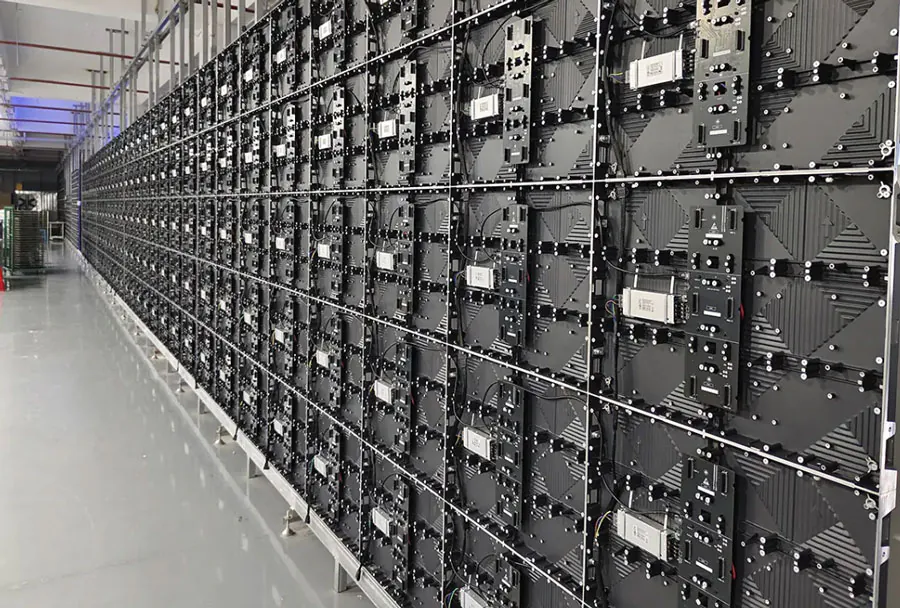
– Flexible LED modules with magnetic or mechanical attachment points
– A custom steel, aluminum, or composite support structure
– Separate power and data distribution components
– Receiver cards or control units mapped to module groups
– Front-access hardware for maintenance
One Planar CLI Flex specification lists a 250-by-125-millimeter module with a 160-by-80-pixel resolution at 1.5-millimeter pitch. The same model lists 409,600 pixels per square meter, demonstrating how module dimensions and pitch determine total resolution. (planar.com)
Curve Limits Matter
Every flexible module has a minimum supported radius or diameter. Bending it beyond that limit can stress circuit traces, distort pixels, weaken magnets, or create visible color changes.
Consider a circular column wrap. The column diameter must accommodate the module’s documented bending limit, the frame thickness, ventilation space, and any protective surface layer.
Bendable LED Display Technology for Curved Commercial Screens therefore requires both a front-surface radius and a structural radius. Never assume that a module rated for one curve can fit every architectural shape.
How to apply this: Obtain a manufacturer-approved radius drawing and test a full-size module on a frame mock-up before releasing the structure for fabrication.
2. Match Pixel Pitch, Radius, and Viewing Distance
The correct specification balances viewing distance, curve geometry, content detail, brightness, and budget. Choosing the smallest available pixel pitch without studying the venue can increase cost and processing requirements without producing a visible benefit.
Bendable LED Display Technology for Curved Commercial Screens begins with the closest expected viewer position. This distance influences whether individual pixels, module seams, or curved-edge distortion will be noticeable.
Use Viewing Distance as the Starting Point
AVIXA states that “pixel pitch is the distance in millimeters between two adjacent pixels.” Its published visual-acuity calculation is:
`Visual Acuity Distance = Pixel Pitch × 3438 ÷ 1000`
Using that method, a 1.5-millimeter display has a visual-acuity distance of approximately 5.16 meters. AVIXA also notes that acceptable viewing distance remains subjective because eyesight, content, and viewing conditions differ. (avixa.org)
| Pixel pitch | AVIXA visual-acuity distance | Suitable starting point | Action to take |
|---|---|---|---|
| 0.9 mm | About 3.1 m | Close premium viewing | Test text at full size |
| 1.2 mm | About 4.1 m | Lobbies and showrooms | Check processor load |
| 1.5 mm | About 5.2 m | Retail feature walls | Review seam visibility |
| 2.5 mm | About 8.6 m | Large public spaces | Test distant content |
| 3.9 mm | About 13.4 m | Long-range viewing | Confirm brightness needs |
Test the Actual Content
A lobby screen viewed from three meters may require a finer pitch when it displays small text. The same physical screen showing large motion graphics may remain acceptable at a coarser pitch.
Bendable LED Display Technology for Curved Commercial Screens also changes how content appears across the viewing field. A tight convex curve may reduce the portion visible from one position, while a concave curve can direct more of the image toward a central audience.
How to apply this: Mark the nearest, typical, and farthest viewing positions on the floor plan, then evaluate real content on a sample panel from each location.
3. Design the Structure, Power, and Service Access Together
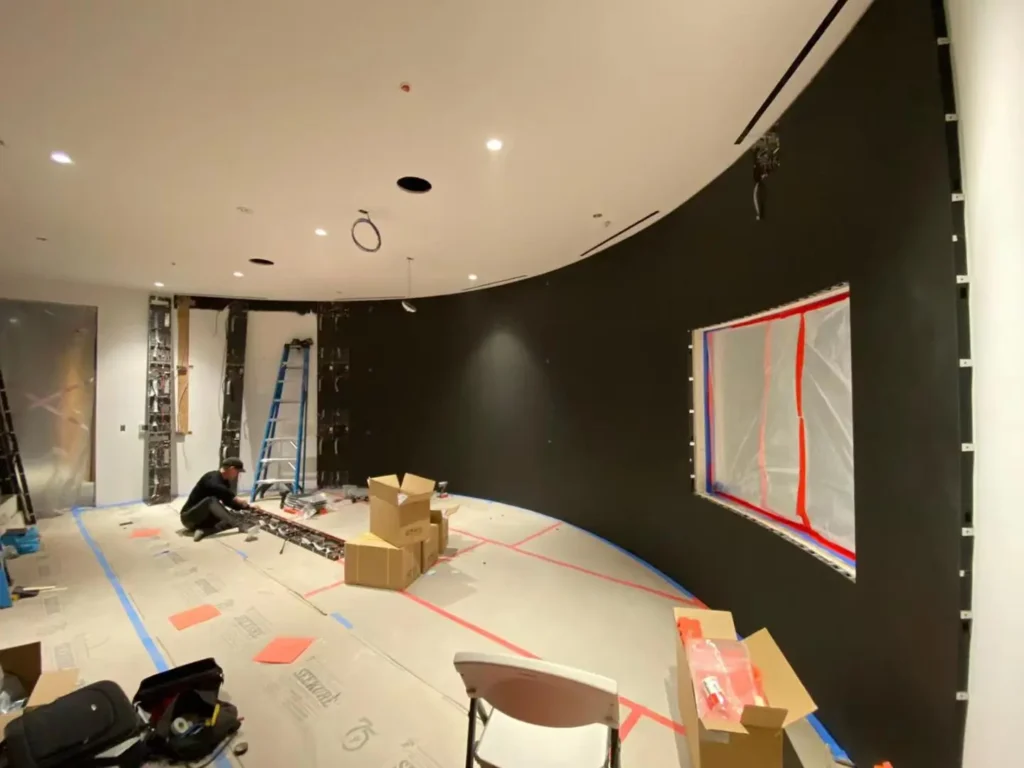
A reliable curved display treats the LED surface, supporting frame, electrical system, ventilation, and maintenance path as one coordinated assembly. Designing these elements separately often creates alignment problems or inaccessible components.
Bendable LED Display Technology for Curved Commercial Screens depends on the accuracy of the structure behind it. Even flexible modules cannot hide an uneven frame, inconsistent radius, or poorly aligned mounting points.
Model the Complete Assembly
Use AutoCAD or comparable CAD software to document:
– Final display radius and overall dimensions
– Module and control-unit positions
– Frame tolerances and attachment points
– Power and data cable routes
– Ventilation clearances
– Front or rear service zones
– Removal paths for failed components
Planar’s Tile Flex product information states that one compact control unit can drive up to eight LED modules. Product-specific limits like this influence cable density, control-unit placement, and access-panel design. (planar.com)
Use Documented Electrical Loads
Power requirements must come from the selected manufacturer’s maximum and typical consumption specifications. Maximum load is important for circuit sizing, while typical consumption helps estimate normal heat output and operating cost.
A common scenario is a screen installed around a structural column. If power supplies are hidden inside a sealed enclosure, heat can accumulate even when the visible LED surface appears adequately ventilated.
Bendable LED Display Technology for Curved Commercial Screens should also include signal redundancy where interruption would affect revenue, safety messaging, or a live event. Ask whether backup data paths and spare processor outputs are supported.
How to apply this: Build a coordinated drawing that identifies every module, circuit, data path, control unit, ventilation opening, and removable service panel before construction begins.
4. Configure Processing, Calibration, and Content Mapping
Accurate processing and calibration make the curved surface appear like one screen rather than a collection of modules. The control system must know each module’s position, orientation, signal path, and calibration data.
Bendable LED Display Technology for Curved Commercial Screens can reveal brightness and color differences more clearly than a flat wall because viewers see modules from changing angles. Factory calibration helps, but final on-site calibration may still be necessary after assembly.
Choose Compatible Configuration Software
Two established control platforms include:
– NovaLCT, a Windows-based NovaStar tool for screen configuration, receiver-card settings, monitoring, brightness adjustment, redundancy, and calibration-coefficient management
– Tessera Software, Brompton Technology’s interface for mapping LED fixtures, managing inputs, storing presets, and monitoring processor capacity
NovaStar’s NovaCLB documentation says its full-screen calibration system supports arc-shaped and irregular displays. The manual reports brightness variation below 1% and color variation below 0.003 under the system’s specified calibration process. These are vendor-documented performance figures, not universal guarantees. (oss.novastar.tech)
Map Content for the Physical Shape
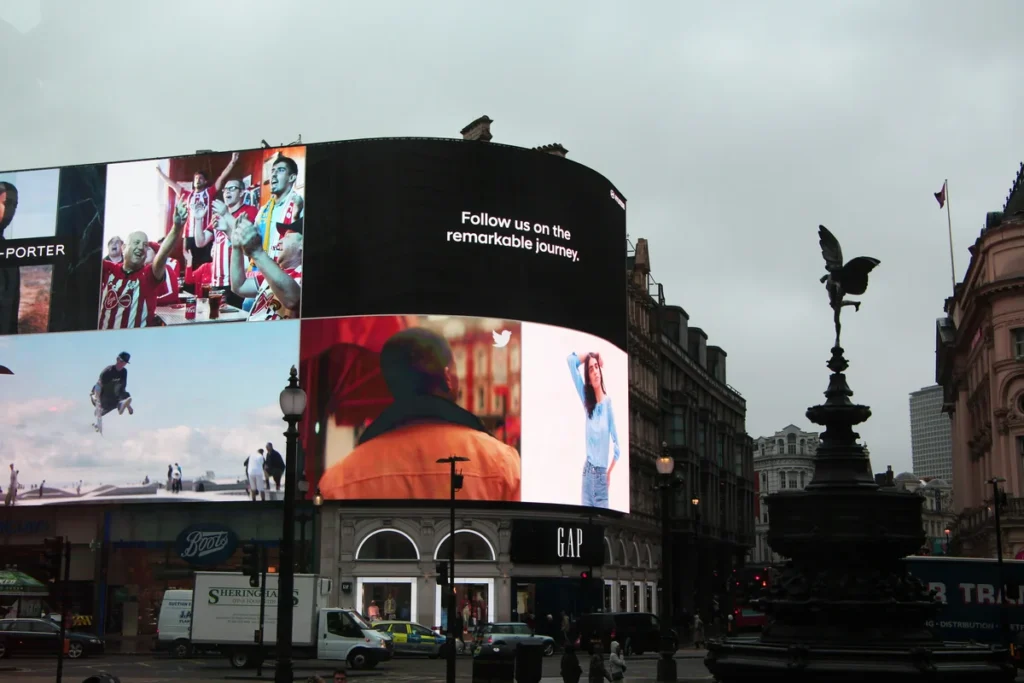
Standard rectangular video may look stretched when wrapped around a cylinder or wave. Your content team should receive a pixel map showing the exact canvas dimensions, visible zones, seams, and areas that curve away from primary viewers.
In one case, a brand logo centered in the raw video file may appear off-center from the main entrance because part of the canvas wraps around the side of the structure. A viewpoint-based preview prevents that problem.
Bendable LED Display Technology for Curved Commercial Screens performs best when calibration files, processor configurations, and approved content templates are backed up after commissioning.
How to apply this: Run grayscale ramps, solid colors, fine text, moving lines, and brand content across the completed display, then save the final processor and calibration files in two secure locations.
5. Control Procurement, Safety, and Lifecycle Risk
A successful purchase specifies measurable performance, documented compliance, maintainability, and acceptance criteria rather than relying on a visual rendering. The contract should define what the vendor must deliver before final payment.
Bendable LED Display Technology for Curved Commercial Screens involves more custom engineering than a standard flat video wall. That makes drawings, samples, warranties, spare-part commitments, and installation responsibilities especially important.
Verify Product-Specific Claims
Request written documentation for:
– Minimum supported concave and convex radius
– Available pixel pitches and brightness ratings
– Maximum and typical power consumption
– Operating temperature and humidity limits
– Front or rear serviceability
– Module, power-supply, and receiver-card warranty
– Spare-part availability and replacement procedures
– Relevant electrical, fire, structural, and enclosure certifications
Planar advertises a three-year standard limited warranty for its CLI Flex series, while its LSX literature lists IP65 protection for specified outdoor models. Neither detail should be assumed to apply to another product or configuration. (planar.com)
Treat IP Ratings Correctly
The IEC 60529 standard classifies protection provided by electrical enclosures through the IP Code. An IP rating applies to a tested enclosure configuration; it does not automatically confirm compliance with local electrical, structural, fire, or building requirements. (webstore.iec.ch)
Consider an outdoor retail installation. The module face may have a published ingress-protection rating, but connectors, ventilation openings, power enclosures, and field modifications must also suit the environment.
Bendable LED Display Technology for Curved Commercial Screens should undergo documented factory and site acceptance testing. Record dead pixels, color uniformity, seams, brightness, signal recovery, noise, temperatures, and component access.
How to apply this: Attach a technical compliance matrix and acceptance-test checklist to the purchase agreement instead of approving the project from a quotation alone.
Frequently Asked Questions About Bendable LED Display Technology for Curved Commercial Screens
How do you replace a failed module without damaging the curve?
A technician normally removes the module from the front using the manufacturer’s approved magnetic or mechanical service tool. Bendable LED Display Technology for Curved Commercial Screens may require the replacement module to be gently shaped before attachment rather than forced onto the frame.
A module from another production batch can show a color difference, so retain calibration coefficients and purchase matching spare modules with the original order.
Can curved LED displays support touch interaction?
Yes, but the touch system must support the screen’s geometry and expected number of users. Bendable LED Display Technology for Curved Commercial Screens may use external infrared, camera-based, capacitive, or manufacturer-specific interaction systems. Tight curves and column wraps can create blind zones for optical sensors.
Test touch accuracy near module seams and curved edges, not only in the center of the display.
Why does a curved LED screen look uneven on camera?
Cameras can reveal scan lines, moiré, color shifts, or flicker that viewers do not notice directly. Bendable LED Display Technology for Curved Commercial Screens intended for broadcast or recorded content needs suitable refresh rate, scan configuration, shutter compatibility, and processor synchronization. The apparent problem may change with camera angle because pixels face different directions across the curve.
Perform camera tests using the actual production equipment before approval.
Can flat and flexible LED modules be combined in one screen?
They can be combined when the manufacturer supports common dimensions, pixel pitch, processing, brightness, and mechanical transitions. Bendable LED Display Technology for Curved Commercial Screens may form the curved portions while rigid cabinets cover large flat areas. The transition requires careful alignment because differences in surface coating, viewing angle, or calibration can remain visible.
Request a physical junction mock-up before approving a mixed-module design.
What happens if the building surface is not perfectly round?
The supporting structure should create the correct LED radius independently of minor architectural irregularities. Bendable LED Display Technology for Curved Commercial Screens should not be attached directly to an unverified wall or column surface. Laser scanning can identify deviations before fabrication.
If the existing shape changes along its height, the integrator may need adjustable brackets or individually manufactured frame sections rather than one repeated curve.
Conclusion
A curved commercial LED installation succeeds when you treat it as an engineered visual system rather than a decorative surface.
– Select pixel pitch using actual viewing positions and content.
– Keep every module within its documented bending limit.
– Coordinate structure, power, data, ventilation, and servicing.
– Calibrate the completed screen and preserve configuration backups.
– Define compliance documents and acceptance tests before purchasing.
Bendable LED Display Technology for Curved Commercial Screens can create smooth architectural displays, column wraps, waves, and immersive environments, but the result depends on precise geometry and verified product specifications.
Your next step is to document the display radius, viewing distances, content type, operating environment, and service requirements. Send that brief to qualified manufacturers or integrators and require a module sample, engineered drawings, and a written test plan before selecting Bendable LED Display Technology for Curved Commercial Screens.
Related Articles
- ultra thin flexible led screen: Best ultra thin flexible
- flexible transparent led screen: 6 Best for Modern Displays
- ultra-thin flexible LED screen: complete guide: Expert Guide