

Outdoor Waterproof LED Display: The Complete Buying Guide

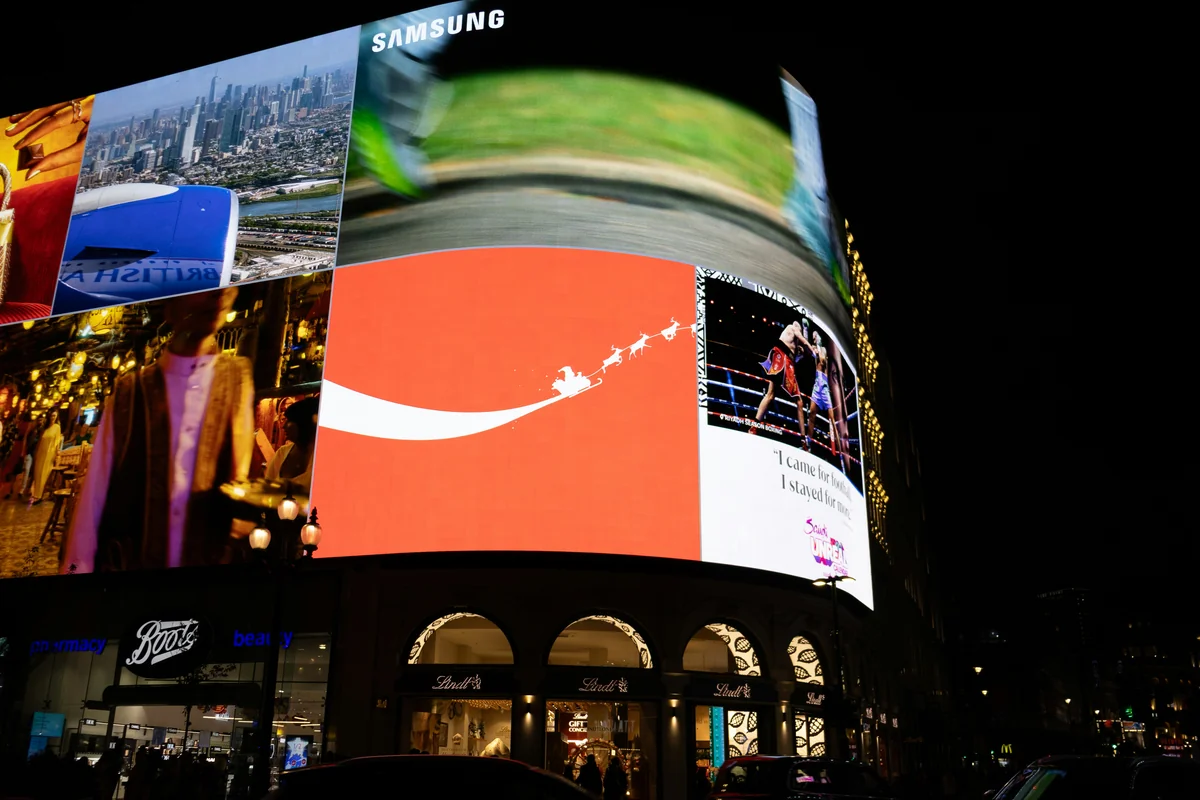
An outdoor waterproof LED display is a sealed optical system, not a screen with a plastic cover over it. Buyers who compare only the IP number, peak nits and price usually meet the difference in the first storm season. Water finds a cable gland, or a rear cabinet that was never rated for wind-driven rain.
This guide explains how the enclosure, cabinet, module sealing, brightness and service design work together. It also covers what to record before you request a quote, and which documents to demand. TW VISION builds the cabinets and modules for our outdoor LED display screen range.
Site structure, footings, power supply and installation stay with the owner or contractor.
Table of Contents
- 1. What “Waterproof” Means on an Outdoor Cabinet
- 2. Specification Inputs and Constraints
- 3. Cabinet, Module and Pitch Selection
- 4. Brightness and Anti-Glare for Real Sun Load
- 5. Cooling, Heat Rise and Coastal Exposure
- 6. Structure, Mounting and Service Access
- 7. Content and Control Design
- 8. Outdoor Deployment Notes
- 9. How TW VISION Builds Weather-Ready Cabinets
- 10. Frequently Asked Questions About an Outdoor Waterproof LED Display
- 11. Conclusion
What “Waterproof” Means on an Outdoor Cabinet
“Waterproof” has no legal meaning in display sales.
The only useful number is the ingress protection rating from IEC 60529. That standard uses two digits. The first covers solids from 0 to 6, and the second covers liquids from 0 to 8. An outdoor waterproof LED display sold as IP65 is dust-tight and survives low-pressure water jets from any direction.
The second digit climbs further than most buyers expect. IP66 adds powerful water jets.
IP67 allows temporary immersion in one meter of water for up to 30 minutes. Both numbers apply to the whole enclosure, not to a single face.
Front and rear ratings often differ. A bridge pylon takes wind-driven rain on its rear face more often than on its front.
An IP65 front paired with an IP54 rear can leak within months. That is why you need certificates listing each face separately.
How to apply this. Ask for independent IP test reports for the front, the rear and the cable entries. Then compare them with the prevailing wind direction at your site.
Specification Inputs and Constraints
Six site inputs decide most of the configuration.
None of them appears on a standard price list. Record them before you compare suppliers, because a quote built on the wrong climate or viewing distance is worthless.
| Input | What to record | Why it changes the order |
|---|---|---|
| Climate | Annual rain, wind-driven rain, snow load, humidity | Sets IP target and gasket grade |
| Sun load | Orientation, shading hours, reflective surfaces nearby | Sets brightness and anti-glare finish |
| Viewers | Nearest and farthest realistic distance | Sets pixel pitch and cabinet count |
| Mounting | Height, recess, wall or pole, service side | Sets service type, weight and lifting points |
| Power | Supply capacity, circuit location, backup plan | Sets power supplies and redundancy |
| Coast distance | Kilometers to salt water | Sets corrosion protection and test reports |
An outdoor waterproof LED display specified for a shaded shopfront will fail or overspend on a coastal highway.
The reverse is just as common. In practice, the site survey costs one afternoon and prevents most change orders.
Cabinet, Module and Pitch Selection
Pitch is the distance between adjacent LED centers in millimeters.
It drives resolution, cost and minimum viewing distance. A practical rule used by integrators is simple. The minimum comfortable viewing distance in feet is about three times the pitch in millimeters.
| Pitch | Minimum distance | Typical use |
|---|---|---|
| 2.9 mm | 10 ft (3 m) | Close storefront display |
| 4 mm | 14 ft (4.3 m) | Street-side retail sign |
| 6 mm | 20 ft (6 m) | Building facade |
| 8 mm | 27 ft (8 m) | Roadside billboard |
| 10 mm | 33 ft (10 m) | Highway sign |
A 2.9 mm outdoor waterproof LED display wastes budget on a ten-story facade. The nearest viewer there stands 100 feet away. Divide the viewer distance in feet by three to find the largest acceptable pitch. Then confirm the cabinet size that pitch produces.
Cabinet material matters as much as pitch. Die-cast aluminum sheds heat faster than steel and resists corrosion better near the coast.
Its machined faces hold gasket compression more evenly. For fixed roadside and facade work we quote the PO-H series outdoor sign cabinet. We then confirm pitch and screen size against your measured viewer distance. Every cabinet we ship for fixed outdoor work uses die-cast aluminum bodies and sealed module frames. The rear cover is torqued to a documented value.
Brightness and Anti-Glare for Real Sun Load
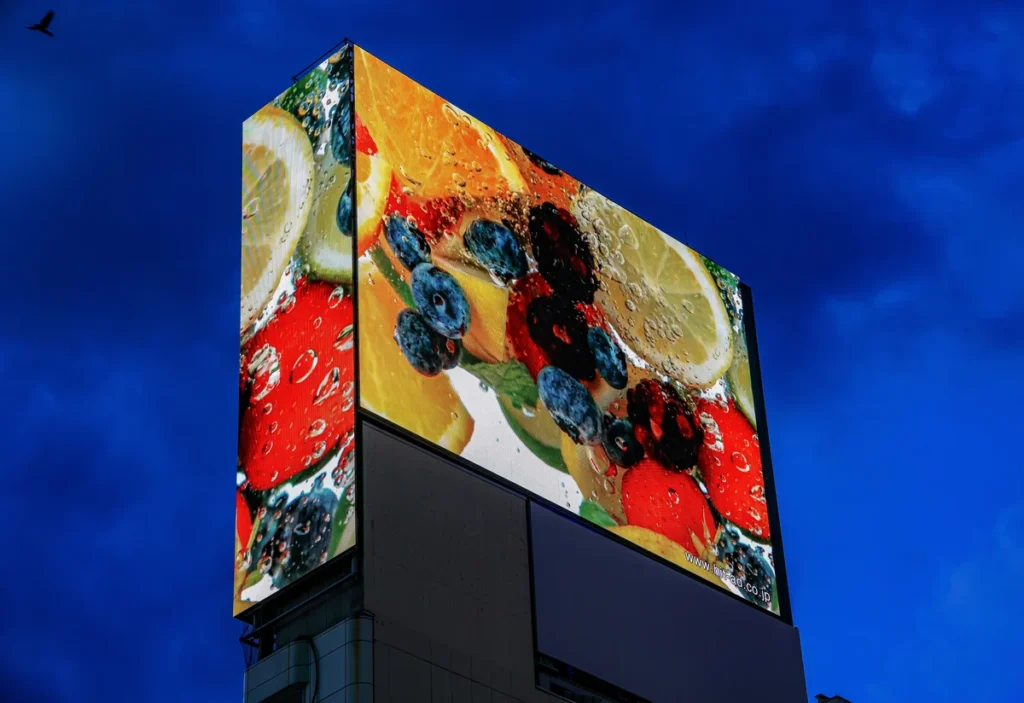
Brightness decides the outcome at 3 p.m. A weak panel dissolves into glare instead. A panel in direct sun usually needs at least 5,000 nits. South-facing walls in bright climates often call for 6,000–8,000 nits. Under a canopy or in deep shade, 2,500–3,500 nits can be enough.
Peak and sustained figures are not the same. Datasheets usually quote the cold-start peak, while heat and aging pull real output down within weeks. The DOE LED basics page explains why chip peaks and delivered light differ.
Anti-glare treatment protects contrast without extra power. A matte or anti-reflective face cuts specular reflection from the sun and from nearby glass towers. That is why two identical panels can look different on opposite sides of the same street.
A retailer under a covered walkway once refused the brighter option. It lost the screen every afternoon when sun reached the display edge. Use Google Earth or a site visit to trace shadow movement. Then match brightness to the worst hour, not the average.
How to apply this. Ask for sustained nits measured after 30 days of operation. Then compare that figure with your sun exposure.
Cooling, Heat Rise and Coastal Exposure
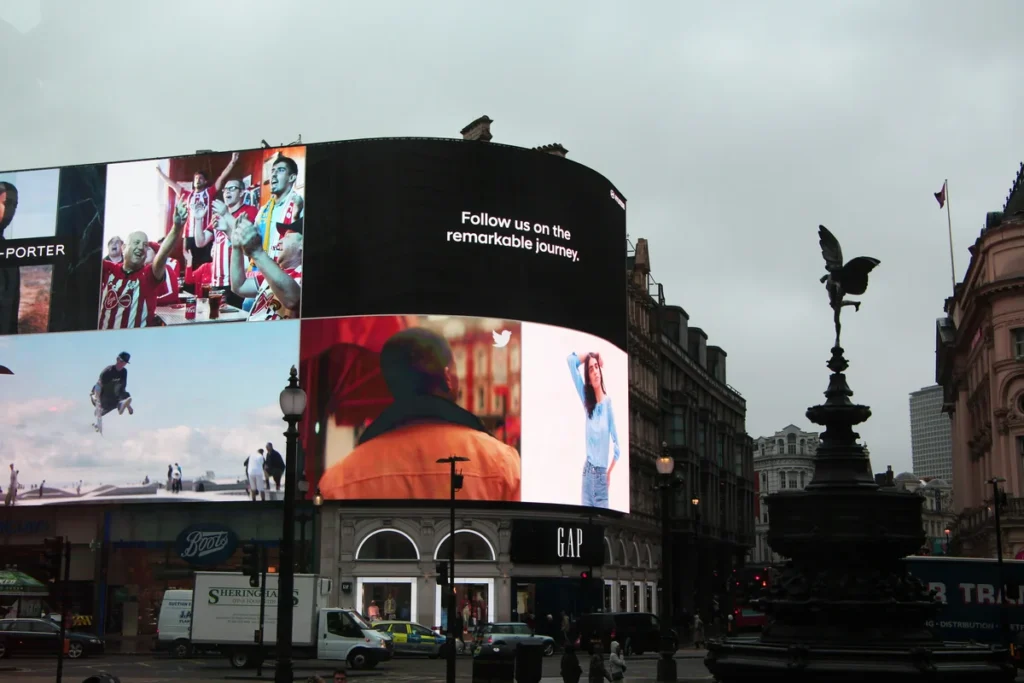
Heat retires more outdoor electronics than rain does. Most datasheets list an operating range near -20 °C to 50 °C, plus storage down to -40 °C.
The weak points are usually the power supply and the driver ICs rather than the LED chips.
Cabinet design decides how fast that heat leaves. Die-cast aluminum spreads heat across the whole rear shell. An internal air path keeps drivers out of the hottest zone. Power supplies mounted low avoid the thermal ceiling. A fluorescent billboard converted into an LED screen once failed. The old enclosure trapped heat and pushed internal temperature past the driver limit.
Coastal sites add salt. Within 5 km of salt water, ask for a salt-spray test report. Confirm the coating on screws, hinges and cable glands, not only on the visible face. Corrosion usually starts at fasteners and then reaches the PCB.
Large screens need a planned heat path, not luck. Passive rear fins suit most cabinets up to a certain size. Very large walls or enclosed recesses need forced air or air conditioning. The enclosure design must account for that cooling. Adding cooling later means cutting a sealed cabinet, which is exactly where leaks begin.
Wiring safety belongs in the same review. The OSHA electrical safety guidance covers lockout, grounding and conductor protection.
Your electrician should confirm the supply before the cabinet arrives.
How to apply this. Request a thermal map or temperature-rise report. Then compare cabinet material and power supply placement across your shortlist.
Structure, Mounting and Service Access
Service access decides whether maintenance is routine or a recurring expense. Front-service cabinets let a technician pull modules from the street side. That removes scaffolding and sidewalk closure from most repairs. Rear-service cabinets cost less but need clear standing space behind the screen.
Sealing must not fight service. A cabinet that takes twenty minutes and four tools to open turns a ten-minute fix into a billed call.
Check that gaskets, latches and cable glands stay reachable once the cabinet is closed.
We supply cabinet drawings, weight, lifting points and module removal instructions. The steel frame, footings and wind-load calculations belong to your structural engineer and contractor. Local code and site conditions decide them.
How to apply this. Ask for a front-service access diagram and the first-year spares list. Include modules, gaskets, fans and power supplies.
Content and Control Design
A sealed screen with an unproven processor still fails playback in public. Control design starts with the processor and the sending and receiving cards. The scheduling software for brightness, color temperature and source switching belongs in the same review.
Most integrators standardize on NovaStar processors with NovaLCT for calibration and remote diagnosis. Redundancy matters for municipal traffic information and paid advertising. A dark screen there means a contract breach.
A backup player or dual signal path costs little against that risk.
Plan content brightness too. A night schedule that drops to 20–30 percent avoids glare complaints and cuts power draw.
An automatic sensor handles sudden weather changes without operator input.
Power design deserves the same attention. Split the load across multiple supplies so one failure darkens a section, not the whole wall. Keep drivers accessible from the service side. Label every circuit to match the as-built drawing.
How to apply this. Test the actual content file on the actual processor before shipment.
Keep the calibration file with the as-built documents.
Weather protection decides whether the cabinet survives.
Content decides whether the investment works. A street-facing waterproof sign is read in two to three seconds.
One message, five to seven words and high contrast beat a detailed promotion. Larger type and fewer elements reduce the brightness needed to stay legible. That lowers glare complaints and power draw at night.
Outdoor Deployment Notes
Commissioning is the last chance to catch a seal problem while the lift is still on site. Run the screen at full white for a few hours. Then inspect every module edge, cable gland and rear door for heat and moisture.
Set an inspection rhythm from day one. Most manufacturers recommend checking seals annually and replacing gaskets every 3–5 years. Coastal salt air can degrade them within two years. Curved cabinets carry more seam length per square meter. Gasket alignment therefore needs extra attention.
A curved outdoor waterproof LED display should be water-tested at its actual radius rather than approved from a flat sample.
Log the results. A simple record of seal condition, module replacements and brightness readings turns warranty talk into evidence.
It shows when a gasket is aging before water reaches the PCB.
How TW VISION Builds Weather-Ready Cabinets
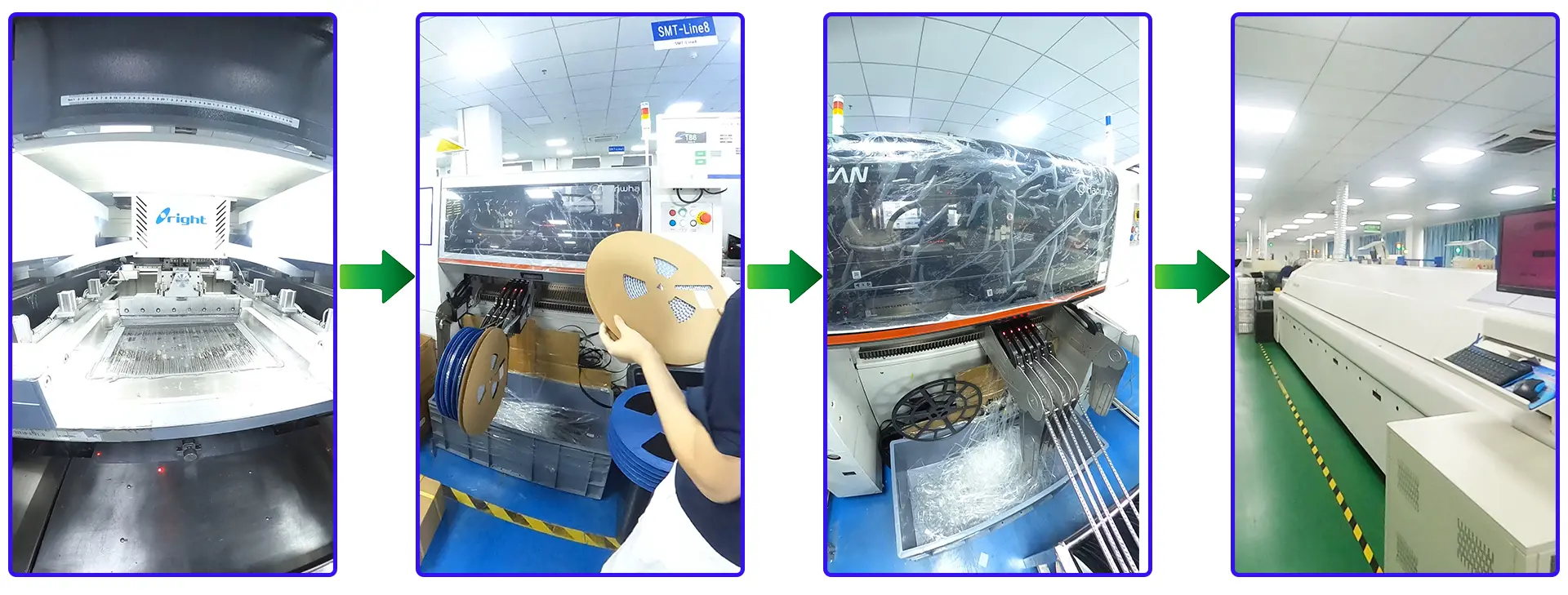
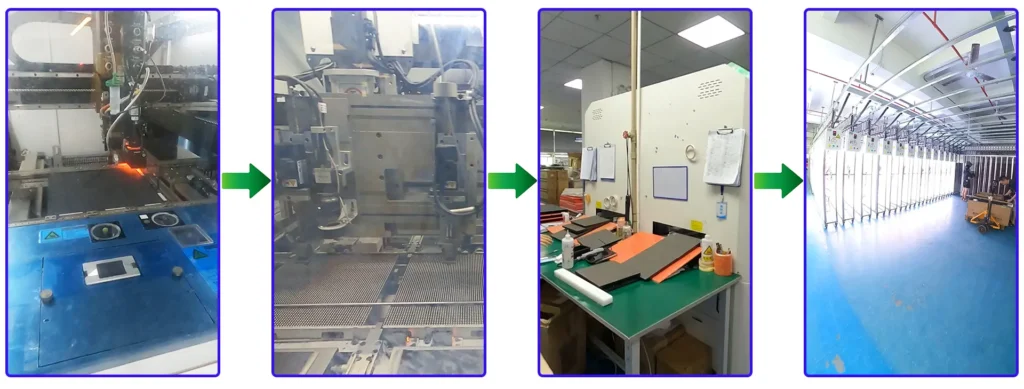
TW VISION runs an 8,000 m² plant with eight independent SMT lines. Automated placement keeps component accuracy steady across modules. That matters more outdoors, where one weak solder joint becomes a water path after thermal cycling.
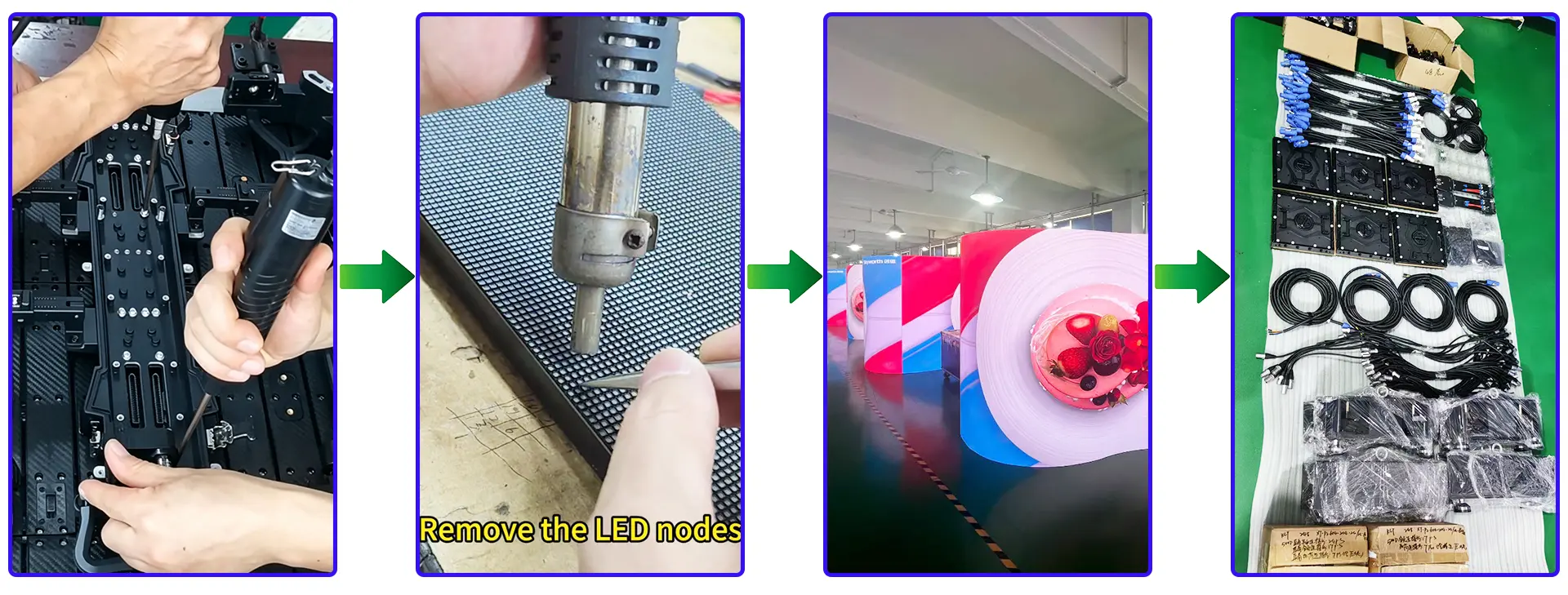
Every module goes to an independent aging workshop for 24 hours before assembly. After assembly, cabinets run as a full video wall in an approximately 2,000 m² aging area.
We record video for the client before delivery. Each cabinet batch also completes a 24-hour aging test before shipment.
That routine exists because a factory fault costs far less than a service lift on site. Aging also exposes brightness drift.
Modules that will sit beside each other on the wall can be matched before they leave the building.
Frequently Asked Questions About an Outdoor Waterproof LED Display
How is a waterproof LED display different from a water-resistant one?
Water-resistant means limited exposure with no defined rating. Waterproof, in IEC terms, means a stated IP number such as IP65 or IP66 that applies to the full enclosure. A screen under a deep awning may survive with water resistance.
An exposed highway sign needs the rated cabinet.
Can I mount an indoor LED panel inside a weatherproof enclosure?
Rarely for long. Indoor panels often skip conformal coating and use thinner PCBs.
The enclosure traps heat that shortens driver life. The exception is a shallow display inside a conditioned NEMA-rated box with real ventilation.
What does IP65 front and IP54 rear mean?
It means the front resists low-pressure water jets while the rear only resists splashing. Wind-driven rain hits the rear on most pylons.
Verify the rear rating against the prevailing weather before you approve the order.
How often should weather seals and gaskets be replaced?
Inspect annually and plan replacement every 3–5 years. Move that up within 2 km of the coast, or where UV and temperature swings are severe. Include seal labor in the total cost of ownership from the start.
Are curved outdoor screens harder to keep weatherproof?
Yes. Curved cabinets create more seam length per square meter, so gaskets need careful alignment. Ask for a water test at your exact radius instead of accepting a flat-panel result.
Conclusion
Buying an outdoor waterproof LED display comes down to documents, not adjectives. Confirm the IP rating on both faces. Match sustained brightness to the real sun load. Pick pitch from the nearest viewer. Verify cooling and corrosion protection for your climate. Settle service access before the frame goes up.
Start by requesting front and rear IP reports, a thermal map and a salt-spray result where relevant. Then add a service diagram from each shortlisted supplier. Compare those four documents side by side. The cheapest quote usually stops looking cheap.
Related Articles
High-brightness outdoor LED display energy-saving solutions
LED display for home theater: buying guidance and tips
COB vs SMD for small pixel pitch LED displays
Small pixel pitch LED display: resolution, viewing distance and buying guide
