High-Definition Rental LED Display Screens: for Concerts & Conferences


High-definition rental LED display screens have become indispensable tools for modern concerts and conferences. They transform stages into immersive environments, ensure information is readable from a distance, and enable creative visual storytelling that amplifies brand messaging and audience engagement. For event producers, AV managers, and venue operators, rental-led displays provide flexibility: high-end visual performance without the capital expenditure and storage burdens of owning fixed LED walls.
This article explores the technical, logistical, and creative aspects of renting high-definition LED displays for concerts and conferences. It includes practical advice for choosing the right pixel pitch, brightness, and modularity, outlines common rental considerations, and provides a comparison table to analyze key features and trade-offs. Whether you’re an event planner preparing your next conference or a production manager staging a live concert, this guide will help you make informed decisions that optimize visual impact and budgetary efficiency.
Why High-Definition Matters for Live Events
High-definition (HD) in the context of LED rental refers primarily to pixel density and the ability to render crisp images, text, and video content at close viewing distances. For conferences, clarity of slide text and presenter overlays is essential; for concerts, high-res visuals contribute to atmosphere and audience immersion. The advantages include:
– Readability: Higher pixel density (smaller pixel pitch) ensures that detailed content like small fonts and intricate graphics remain legible, even at close range.
– Visual Impact: HD renders smoother gradients, finer textures, and more realistic imagery — essential for music visuals, sponsors’ content, and live camera feeds.
– Flexibility: With HD rental options you can tailor the screen size and pixel pitch to the venue and viewing geometry without buying multiple fixed solutions.
However, HD comes with trade-offs: smaller pixel pitch increases cost and weight, and often requires more precise power and cooling management. Rental providers balance these factors to deliver the optimal combination for each event.
Core Technical Considerations
Pixel Pitch and Viewing Distance
Pixel pitch, measured in millimeters (mm), denotes the distance between LED centers. Lower numbers mean higher resolution. Typical rental ranges:
– 0.9–1.5 mm: True indoor HD, suitable for close viewing (conferences, broadcast)
– 1.8–2.6 mm: Versatile choice for mixed-use indoor events
– 2.8–4.0 mm: Cost-effective for larger stages and concerts where viewing distance is greater
– 4 mm and up: Best for large-scale outdoor concerts and stadium displays
A simple rule: Minimum comfortable viewing distance (in meters) ≈ pixel pitch (mm) × 1.5 to 2. Example: 2 mm pixel pitch → comfortable as close as ~3–4 meters.
Brightness and Contrast
Brightness is measured in nits (cd/m2). For indoor conferences, 800–1500 nits is often sufficient; for concert stages under strong lighting or outdoor events, 3000–6000+ nits may be necessary to overcome ambient light and stage lighting. Contrast ratio and uniformity are equally important: good contrast ensures deep blacks and vibrant colors, improving legibility of text and visual depth.
Color Calibration and Processing
Color accuracy relies on calibration, high-quality color processing engines, and bit depth (10-bit or higher). Rental providers should offer factory calibration and onsite color matching to ensure consistency between multiple panels, camera feeds, and projectors. Look for features like HDR support, advanced LUTs (lookup tables), and frame rate matching for filmic content.
Modularity, Size, and Pixel Density Trade-Offs
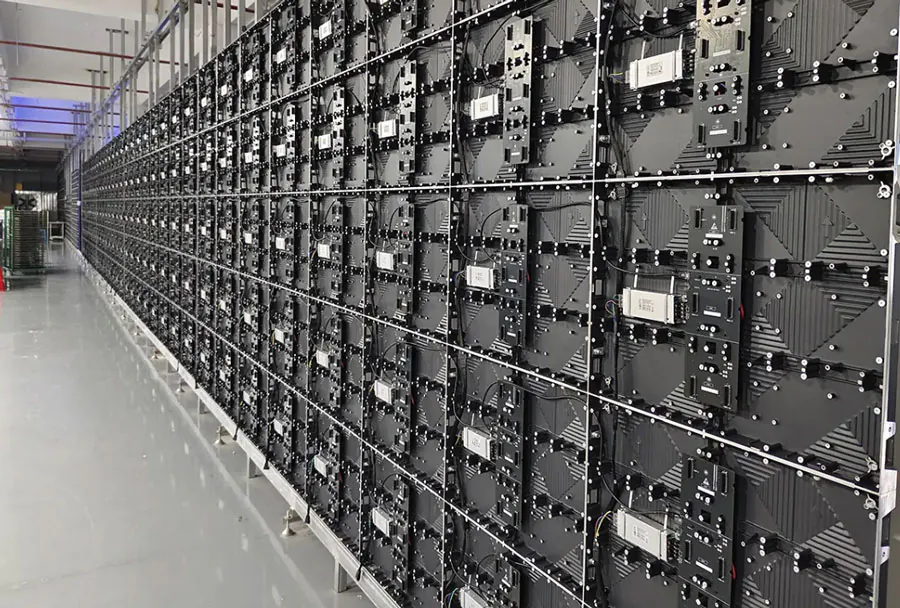
LED panels (or cabinets) are modular and come in standardized sizes. Smaller cabinets allow for more flexible aspect ratios and finer seams, but increase assembly time. Large cabinets speed up installation but may limit fine-grain shaping. For conferences where rectangular screens and precise edges are critical, smaller cabinets with narrow seams provide a cleaner look. For concerts requiring wide panoramic screens, larger cabinets can shorten rigging time.
Installation, Rigging, and Safety
Rigging Options: Ground-Stacked vs. Flying
For concerts, flying (suspended) LED walls are common, enabling unobstructed sightlines and dynamic stage design. Flying requires certified rigging hardware, load calculations, and professional riggers. Ground-stacked or floor-mounted walls are popular for conferences where speed of setup and lower overhead are priorities. Choose rigging based on the venue’s structural capacity and local safety regulations.

Load Calculations and Redundancy
A key safety requirement is thorough load calculation for flown walls: total weight of LED modules, frames, brackets, motors, and dynamic movement. Use certified hoists and redundancy (safety chains, secondary attachment points). Rental companies should provide rigging plots, load specs, and risk assessments.
Power Distribution and Cooling
HD LED walls draw significant power. Properly sized power distribution units (PDUs), clean circuits, and UPS support for critical components (video processors, servers) are essential. For extended concerts, heat buildup can affect LED longevity and color performance; ensure adequate ventilation or active cooling where needed.
Signal Chain and Media Servers
Video Processing and Scalers
A dependable signal chain prevents latency, frame drops, and sync issues. Components include:
– Media servers (distributing content, handling warping and blending)
– LED processors (mapping pixel data to cabinets)
– Scalers and switchers (matching different source resolutions)
– Fiber optic or copper signal transport with redundancy
For HD LED walls, use processors that support native resolutions, advanced color management, and multi-screen mapping. Frame-accurate sync is crucial for live camera feeds blended with pre-rendered visuals.
Cameras, Live Feed, and Latency
Live shows often combine camera feeds with pre-rendered content. Minimize latency by choosing low-latency cameras, fast encoders, and direct feed paths from cameras to the media server. For camera-facing screens, consider black-level management and high refresh rates (≥ 3840 Hz) to avoid flicker under camera sensors.
Content Creation and Playback
Designing for High-Definition LED
Designers must account for pixel pitch, viewing angles, and aspect ratio. Best practices:
– Create content at the native resolution or at integer multiples to avoid scaling artifacts.
– Use vector-based graphics for text and logos to preserve clarity.
– Avoid fine details or thin fonts for larger pixel pitches.
– Preview content at scale using media servers or mockups.
Media File Requirements and Codecs
Use high-quality codecs (ProRes, DNxHR) for playback. Compression artifacts are amplified on HD LED walls. Ensure media servers can handle target bitrates and resolution, and test files on-site to confirm performance under real-world conditions.
Rental Logistics and Cost Considerations
Cost Drivers in LED Rentals
Key cost components include:
– Pixel pitch: finer pitches command higher rental premiums.
– Screen size and complexity: larger walls or curved/irregular shapes increase labor and equipment.
– Setup/teardown time: additional rigging or location constraints add labor hours.
– Transport distance and freight: shipping large quantities of cabinets and rigging gear can be significant.
– Onsite support: technician hours for configuration, color-matching, and running the show.
Negotiate bundled quotes that include pre-production technical planning, onsite technicians, and contingency for extra hours. For recurring events, establishing standing agreements or preferred vendor relationships can reduce costs.
Timing and Venue Coordination
Plan loading docks, truck access, and rigging times carefully. For conferences in hotels or convention centers, strict load-in windows and noise restrictions may apply. For concerts, coordinate with stagehands, lighting crews, and local unions. Always allow buffer time for calibration and rehearsals.
Performance Metrics and Quality Assurance
Key Performance Indicators (KPIs)
When evaluating rental providers and screens, track:
– Pixel integrity rate (percentage of faulty pixels)
– Uniformity (brightness and color variance across panels)
– Latency (end-to-end from source to LED display)
– Uptime during the event (downtime incidents)
– Time to repair/replace a failed module
A reputable rental provider will perform bench tests and onsite diagnostics to ensure KPIs are met before audiences arrive.
Analysis Table: Comparing Typical Rental LED Options
| Feature | Best For | Typical Specs | Pros | Rental Considerations |
|---|---|---|---|---|
| 0.9–1.5 mm Pixel Pitch | Broadcast conferences, close-seat corporate events | Indoor, 800–1500 nits, high refresh rates, 10-bit color | Exceptional clarity, fine text legible, camera-friendly | Higher cost, more modules, careful power management |
| 1.8–2.6 mm Pixel Pitch | Hybrid events, medium venues, concert side fills | Indoor, 1500–3000 nits, good color depth | Balanced cost vs. quality, versatile | Moderate weight, requires calibrated processors |
| 2.8–4.0 mm Pixel Pitch | Large conferences, concert main walls at distance | Indoor/outdoor, 3000–6000 nits, rugged cabinets | Cost-effective for large surfaces, robust | Less readable for close seats, heavier cabinets |
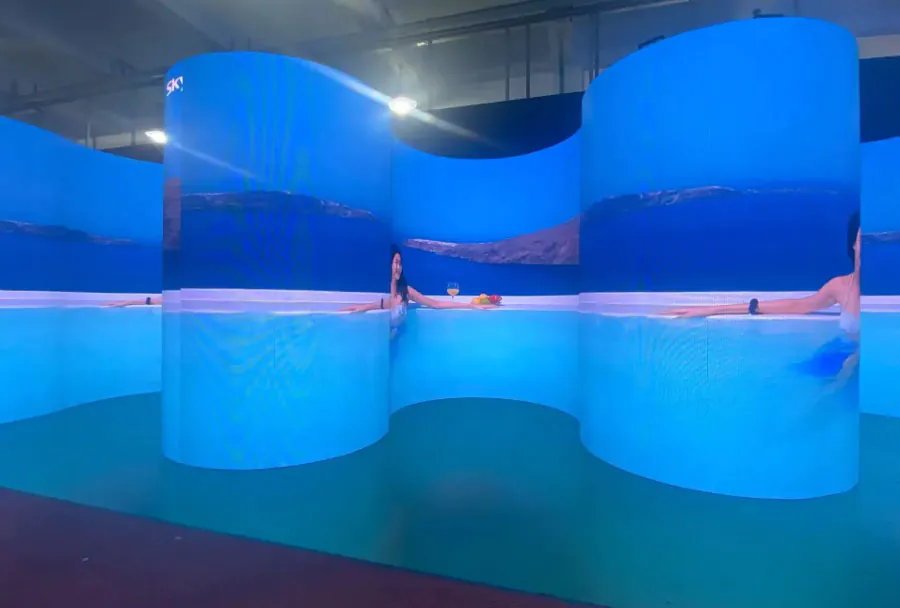
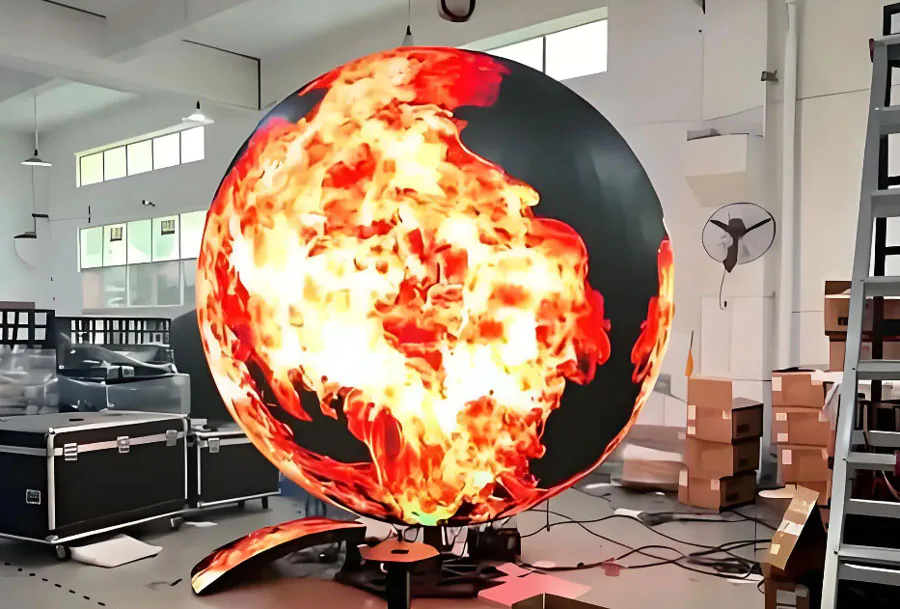
| Curved/Freeform Panels | Creative concert stages, immersive experiences | Various pitches, flexible frames, custom mounts | Unique aesthetics, seamless curves | Custom rigging, extra engineering time, premium price |
| Outdoor High-Brightness Panels | Outdoor concerts, festival stages | 4k–10k nits, IP65 weather-rated | Visible in sunlight, durable | High power draw, additional weather insurance |

Case Studies: Practical Applications
Corporate Conference: Clarity and Brand Integrity
A multinational corporation staged a three-day leadership summit in a 1,200-seat auditorium. The client required crisp text for slide decks and a consistent brand look across multiple screens. The rental provider supplied 1.2 mm LED panels in a 16:9 configuration for the main stage and 2.6 mm panels for side confidence monitors. Onsite calibration and a color-managed media server ensured brand colors matched printed materials and broadcast feeds. Result: attendees reported higher satisfaction with visibility and perceived production quality; the client renewed the vendor for subsequent events.
Music Concert: Spectacle and Versatility
A touring band used a combination of 3.9 mm main wall and 2.6 mm flown side wings to create dynamic visuals. The main wall was modular with curved sections to create a sense of depth. Media servers handled pixel-mapped animations synced to the lighting rig. Redundant fiber links and hot-swappable power supplies reduced risk during high-energy performances. The show ran flawlessly across multiple cities, thanks to standardized road cases and a consistent rigging plan.
Checklist for Event Planners and AV Managers
Pre-Event
– Define viewing distances and audience layout.
– Choose pixel pitch based on closest viewing distance and content detail.
– Confirm venue power capacity and rigging points.
– Request detailed technical rider from rental provider (weights, power, PDU maps, rigging plots).
– Schedule a site visit or virtual tour with the AV team and rental company.
During Load-In and Setup
– Verify cabinets on arrival and inspect for physical damage.
– Follow vendor checklists for calibration and color matching.
– Confirm signal chain and run a full content playback test.
– Conduct a camera test to check for flicker and black level issues.
– Ensure redundant signal paths and spare modules are on-site.
Post-Event
– Document any issues and performance metrics for vendor review.
– Verify teardown procedure to avoid damage (panel handling, packing).
– Gather audience feedback on visibility and engagement for future improvements.
Troubleshooting Common Issues
Dead or Stuck Pixels
Minor pixel issues are common; rental vendors should have spares and a replacement protocol. For critical stages, pre-show pixel checks and acceptance criteria limit surprises.
Color Mismatch Between Panels
Use a colorimeter and media server LUTs to calibrate panels. If mismatch persists, swap suspect cabinets and re-run calibration.
Flicker Under Camera
Flicker is usually due to refresh rate mismatch between LED refresh and camera shutter. Increase LED refresh rate, adjust camera shutter or use genlocked cameras.
Signal Loss or Flashing
Check cable integrity, connectors, and processor configurations. Implement redundant signal paths and hot-swappable processors in critical setups.
Vendor Selection: What to Ask Your Rental Provider
– Can you provide a detailed rigging plot, weight tables, and PDU requirements?
– What pixel pitches and cabinet sizes do you stock for rapid deployment?
– Do you include onsite technicians, and what are their hourly rates for overtime?
– What redundancy and backup parts are shipped with the job?
– Can you provide references or case studies for similar-sized events?
Choose vendors with proven experience in both concerts and conferences, as each scenario has unique technical and logistic demands.

Environmental and Sustainability Considerations
LED rental companies are increasingly aware of environmental impact. Sustainable practices include:
– Energy-efficient panels with optimized driving schemes.
– Reusable road cases and minimized packaging.
– Route-optimized transportation schedules and consolidation.
– Lifecycle management programs to refurbish and recycle old modules.
When selecting a rental provider, ask about their sustainability policies — these are increasingly important to corporate clients and public venues.
Return on Investment and Metrics of Success
For conferences, ROI can be measured through attendee satisfaction, brand impressions, and sponsor visibility. HD screens can increase perceived event quality and command higher sponsorship fees. For concerts, HD visuals boost emotional connection and social media shareability, which can drive ticket sales and merchandising. Metrics to track:
– Sponsor ROI: visibility, impressions, brand recall.
– Audience engagement: dwell time, social shares, survey responses.
– Operational efficiency: setup time, failure rates, and overtime costs.
Conclusion: Maximize Impact With the Right Rental LED Strategy
High-definition rental led display screens are powerful enablers for memorable concerts and effective conferences. The right balance of pixel pitch, brightness, processing, and logistics transforms visual content into a clear, engaging audience experience. By prioritizing technical planning, partnering with experienced rental vendors, and adhering to rigorous pre-show testing and safety standards, event professionals can deliver stunning visuals without the burden of equipment ownership.
Whether you’re producing a broadcast-quality conference or a visually ambitious concert, thoughtful selection and management of rental LED displays are essential. Use the guidance in this article to create a detailed technical brief, evaluate rental quotes, and execute events that meet aesthetic goals while staying on budget and on schedule.
Related Blogs:
- LED VIDEO WALL VIEWING DISTANCE
- LED display color inconsistency problem guide: Expert Guide – TW VISION
- led screen rental: 3 : A Complete Event Display Guide – TW VISION