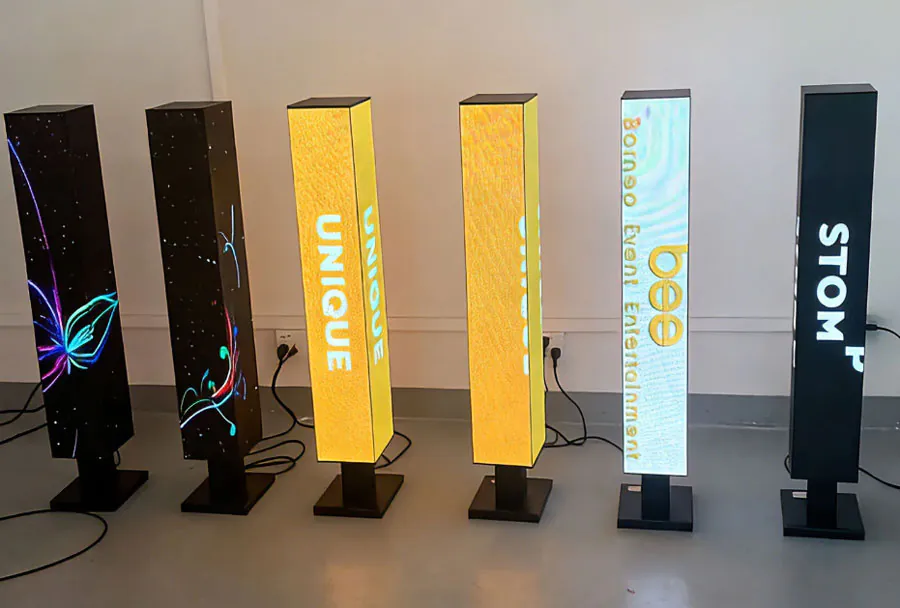
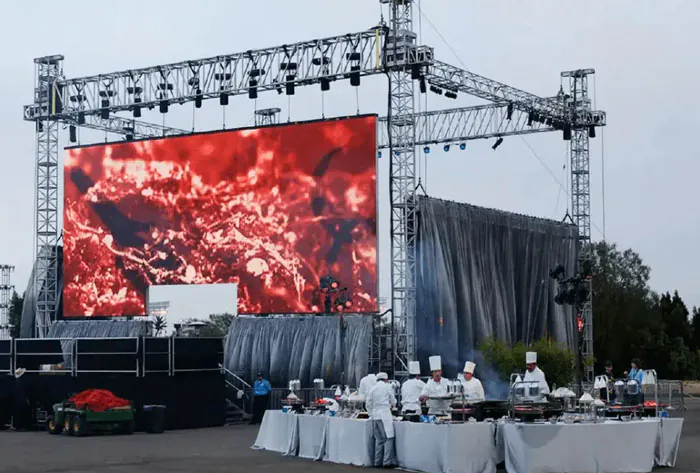
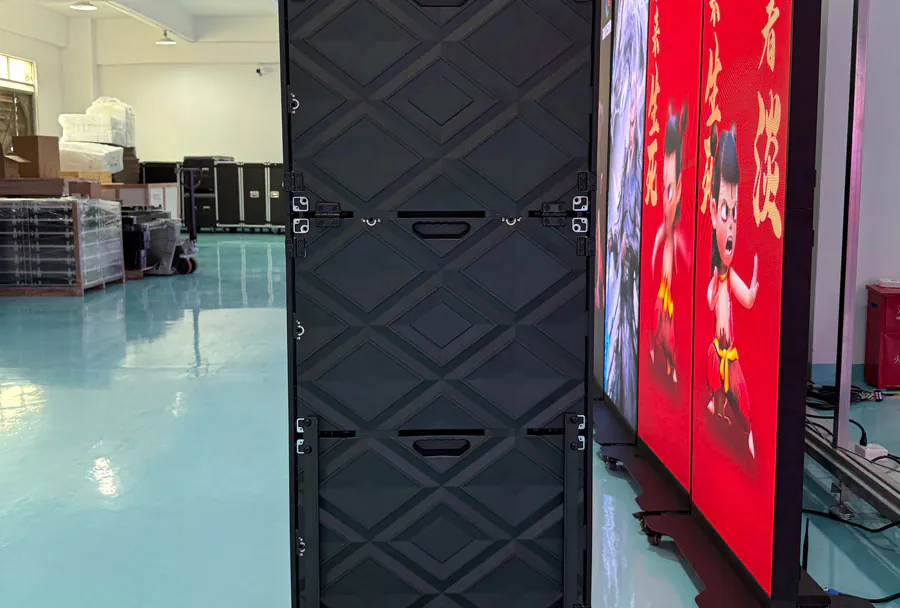
Energy-Efficient Digital Signage Monitor for Continuous Use

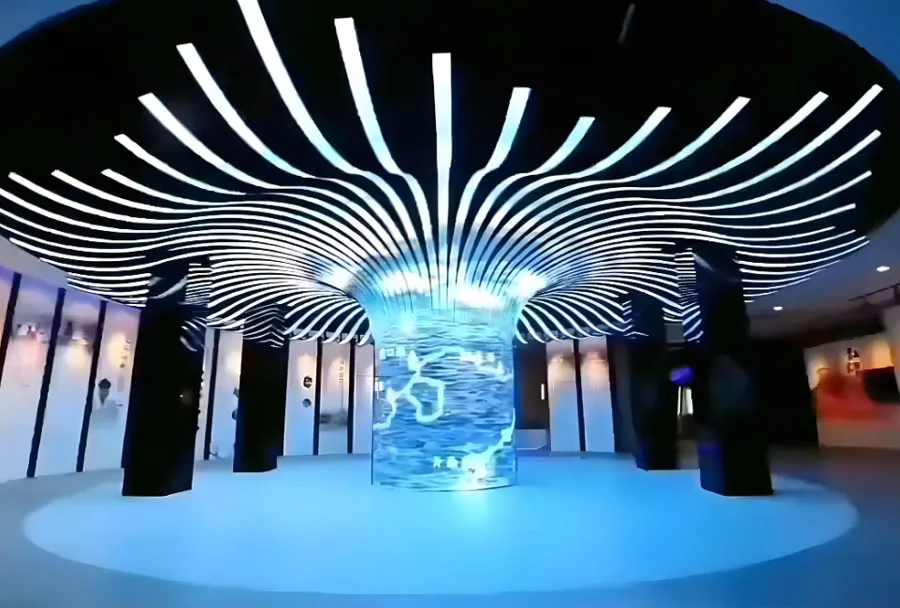
In modern retail, transportation hubs, corporate lobbies, hospitals, and smart campuses, digital signage is no longer a “nice-to-have.” It is a real-time communication channel that must stay visible, consistent, and reliable—often for 16/7, 18/7, or even 24/7 operations. Yet continuous display comes with a challenge that decision-makers cannot ignore: energy consumption. An energy-efficient digital signage monitor for continuous use is the cornerstone of sustainable, cost-controlled, and dependable signage networks.
TW VISION focuses on helping organizations deploy digital signage that balances performance and efficiency. When uptime is non-negotiable, the right monitor design—panel selection, thermal architecture, brightness control, and smart power management—can reduce operating costs while preserving image quality and long-term stability.
Why Continuous-Use Digital Signage Demands Energy Efficiency
Digital signage is different from meeting-room displays or home TVs. It runs longer, faces more demanding environments, and must maintain a consistent visual experience under variable lighting and temperature conditions. Continuous use amplifies every inefficiency: a few extra watts per display becomes a major cost line when multiplied by dozens or hundreds of screens and measured across years.
Energy efficiency, in this context, is not only about lowering the electricity bill. It also reduces heat generation, which can improve component longevity, prevent image degradation, and minimize failures that lead to downtime. In other words, efficiency is reliability.
Lower Total Cost of Ownership (TCO)
TCO includes purchase price, energy cost, maintenance, and replacement cycles. An energy-efficient monitor can deliver measurable savings month after month. Over multi-year deployments, the reduced power draw and fewer heat-related issues can outweigh a slightly higher upfront hardware investment.
Sustainability and Compliance
Many organizations now have ESG targets or internal sustainability guidelines. Energy-efficient digital signage helps align communication infrastructure with broader environmental goals, and supports compliance in markets where energy standards for commercial displays are increasingly emphasized.
What Makes a Digital Signage Monitor Energy-Efficient—Especially for 24/7 Use
“Energy-efficient” should not be a vague marketing label. For continuous operation, the concept should translate into engineering choices that reduce waste without sacrificing legibility, color stability, or operational control.
Efficient LED Backlight System
The backlight is typically the biggest power consumer in an LCD-based digital signage monitor. High-efficiency LED backlights, paired with optimized optical films and uniformity design, can deliver the same brightness with less energy. For signage, the goal is not maximum brightness at all times, but the right brightness at the right time.
Smart Brightness Management
A monitor that can dynamically adjust brightness based on ambient lighting or scheduling can cut energy use significantly. For example, a store may need higher brightness during daytime foot traffic and lower brightness at night. A hospital corridor may require consistent but not excessive luminance around the clock. TW VISION solutions can be planned around realistic operating profiles, not worst-case assumptions.
Thermal Design that Reduces Power Waste
Heat is the byproduct of inefficiency. In a continuous-use environment, poor thermal design forces components to work harder and can cause brightness drift, premature LED aging, or system instability. Well-designed ventilation paths, heat dissipation materials, and internal layout reduce hot spots and keep performance stable—without requiring excessive fan power or external cooling.
Power Management and Standby Optimization
Continuous use does not always mean “full brightness 24/7.” A professional signage monitor should support scheduled on/off, low-power standby, and quick wake behavior. Even when content must remain visible, there are often low-activity windows where energy savings can be captured safely.
Panel Quality and Long-Life Stability
Continuous-use monitors need panels that are designed for commercial duty cycles. Efficient operation becomes harder if the display must be over-driven to maintain brightness, or if color shifts force frequent recalibration. Long-life panels maintain performance with less compensation over time.
Balancing Brightness, Readability, and Energy Consumption
One of the most common mistakes in signage deployments is selecting brightness based on fear rather than measurement. Over-specifying brightness increases energy use and thermal stress. Under-specifying brightness reduces readability and hurts campaign effectiveness. The right decision depends on placement.
Indoor Retail and Corporate Spaces
Most indoor settings do not require extreme brightness, but they do require consistent contrast and wide viewing angles. Energy-efficient monitors optimized for indoor use can deliver crisp content at moderate luminance levels while keeping power consumption controlled. When deployed across multiple screens—menu boards, endcaps, promotional walls—moderate brightness efficiency becomes a major operational advantage.
Semi-Outdoor and Window-Facing Areas
Window-facing signage often needs higher brightness to compete with sunlight. Energy efficiency here comes from targeted performance: using high-brightness modes only when needed, pairing brightness with appropriate anti-glare treatments, and leveraging automatic control to avoid running at peak output during low-light hours.
Transportation and Public Information Displays
In transit environments, the monitor must remain readable at a distance and from many angles. Efficient signage monitors deliver clarity without constantly driving the backlight to extremes. Reliability and thermal stability matter even more because downtime impacts public communication.
Continuous Operation Reliability: Efficiency as a Protection Mechanism
For 24/7 signage, efficiency is closely tied to longevity. Lower power draw typically means less heat, and less heat reduces stress on internal components. This chain reaction affects real-world outcomes: fewer service calls, fewer replacements, and more consistent screen quality across a network.
Reducing Burn-in and Image Retention Risks
While burn-in is often associated with certain display technologies, any continuous-use signage can suffer from image retention or uneven aging if content is static and brightness is excessive. Energy-efficient operation encourages sane brightness levels and supports content strategies (such as periodic layout shifts) that reduce retention risk.
Stable Color and Brightness Over Time
A monitor that overheats or runs at unnecessarily high output may show faster brightness decline or color inconsistency. In branded environments—retail chains, franchise networks, corporate offices—visual consistency matters. Efficient designs help maintain uniform presentation across locations.
Operational Control: Turning Efficiency into Everyday Savings
Hardware efficiency is only half of the equation. The other half is control—being able to operate monitors in ways that match business hours, traffic patterns, and real content needs.
Scheduling Policies That Make Sense
Many signage networks can save energy simply by aligning screen operation with real viewing demand. Even a daily reduction of a few hours, across many screens, can significantly reduce annual consumption. For venues that must keep screens on, partial-dimming policies and intelligent brightness schedules are practical compromises.
Remote Monitoring and Maintenance Planning
Energy-efficient monitors support stable operation, but proactive monitoring helps keep them efficient. If a screen is running too bright due to misconfiguration, or if a unit is overheating due to installation constraints, remote alerts and routine audits can prevent waste. TW VISION deployments can be structured with service-oriented thinking—so efficiency is maintained, not lost after installation.
Installation Choices That Affect Energy Efficiency
Even the best monitor can become inefficient if installed poorly. Continuous-use signage requires installation methods that protect airflow, reduce heat buildup, and prevent users from compensating with unnecessary brightness.
Ventilation and Clearance
Wall mounts, enclosures, and recessed installations should keep adequate clearance for heat dissipation. A cramped environment can raise operating temperature, which may drive higher power draw or shorten backlight life. Proper planning keeps the system efficient and reliable.
Orientation and Ambient Light Management
If a screen is placed opposite a strong light source, glare forces operators to increase brightness. Simple changes—angle adjustments, anti-glare placement planning, or repositioning—can improve readability while allowing lower brightness settings.
How TW VISION Supports Energy-Efficient Digital Signage for Continuous Use
TW VISION provides digital signage monitor solutions designed for continuous operation, with a focus on balancing performance, durability, and power-conscious design. The goal is not only to deliver a bright and attractive screen, but to help customers run signage networks predictably—day after day—without unnecessary energy waste.
Scenario-Based Recommendations
Instead of treating every project the same, TW VISION supports selection based on real deployment conditions: indoor vs. semi-outdoor, viewer distance, operating hours, and content type. This approach prevents over-specification and helps customers invest in the right efficiency level.
Design Emphasis on Stability and Long Duty Cycles
Continuous-use displays must remain stable under long hours. TW VISION emphasizes solutions that can support extended uptime with power-efficient operation, reducing heat stress and helping maintain consistent visual output.
Service-Oriented Deployment Thinking
Energy efficiency does not stop at purchase. TW VISION helps customers think through installation, scheduling, and operational practices that protect efficiency and simplify long-term maintenance.
Key Checklist When Choosing an Energy-Efficient Continuous-Use Signage Monitor
Selecting the right monitor becomes easier when criteria are clear. For most buyers, the following checklist keeps the evaluation grounded in real operational needs:
1) Duty Cycle Fit
Confirm the monitor is designed for continuous or extended daily operation, not occasional consumer use.
2) Brightness Strategy
Choose brightness appropriate to the environment, and prioritize monitors that support smart dimming or scheduling.
3) Thermal Stability
Look for design characteristics that support heat dissipation, especially for dense installations like video walls or recessed mounts.
4) Power Management Features
Ensure the monitor supports scheduling, low-power states, and reliable recovery after power events.
5) Consistency Over Time
Prioritize stable panels and backlights that maintain brightness and color without constant manual correction.
Efficiency Is the New Standard for Always-On Signage
An energy-efficient digital signage monitor for continuous use is not simply about saving power—it is about building a signage network that remains dependable, consistent, and financially sustainable. Continuous operation magnifies the impact of every watt consumed and every degree of heat generated. By choosing monitors engineered for long duty cycles, smart brightness control, and thermal stability, organizations can achieve better performance with fewer operational surprises.
TW VISION supports this shift by focusing on practical, scenario-driven digital signage solutions that help customers keep screens on, content clear, and energy waste low—day after day, location after location.