Small Pixel Pitch LED Display for Compact Commercial

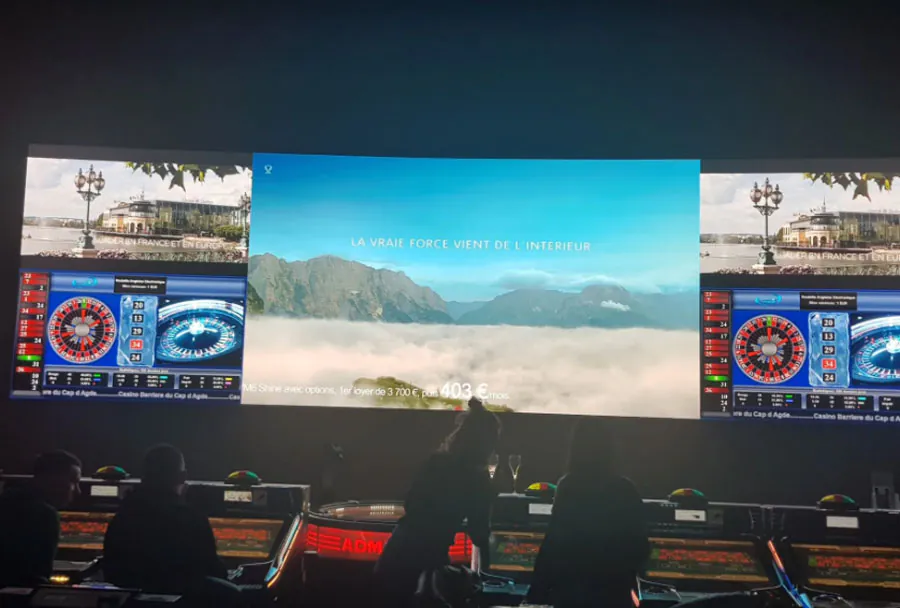
The challenge is that a lower pitch does not necessarily result in a better installation. Your room size, viewing distance, source resolution, power capacity, and service access all affect the final result. For a small-pixel-pitch LED Display for Compact Commercial Spaces, those practical conditions matter as much as the pixel specification.
Table of Contents
- 1. Match Pixel Pitch to Real Viewing Distance
- Calculate Native Pixel Density
- Avoid Buying for a Distant Use Case
- 2. Calculate Resolution Before Choosing Cabinet Size
- Compare Common Planning Inputs
- 3. Plan Power, Structure, and Regulatory Requirements
- Verify Electrical and Signal Requirements
- Preserve Service Access
- 4. Use the Right Controller and Content Workflow
- Separate Technical Setup From Daily Publishing
- 5. Commission the Display for Daily Commercial Use
- Check Daytime and Evening Brightness
- Create a Handover Record
- How does a small-pitch LED wall compare with a commercial LCD display?
- What happens if one LED module fails after installation?
- Can a compact LED display show QR codes reliably?
- When should a business use front-service cabinets?
- Why does an LED wall look different in photos than in person?
- Conclusion
This guide explains how to select pitch, calculate practical resolution, plan physical installation, configure control systems, and prepare a commercial display for ongoing use. A # Small Pixel Pitch LED Display for Compact Commercial Spaces project is easiest to manage when these decisions are made before ordering cabinets.
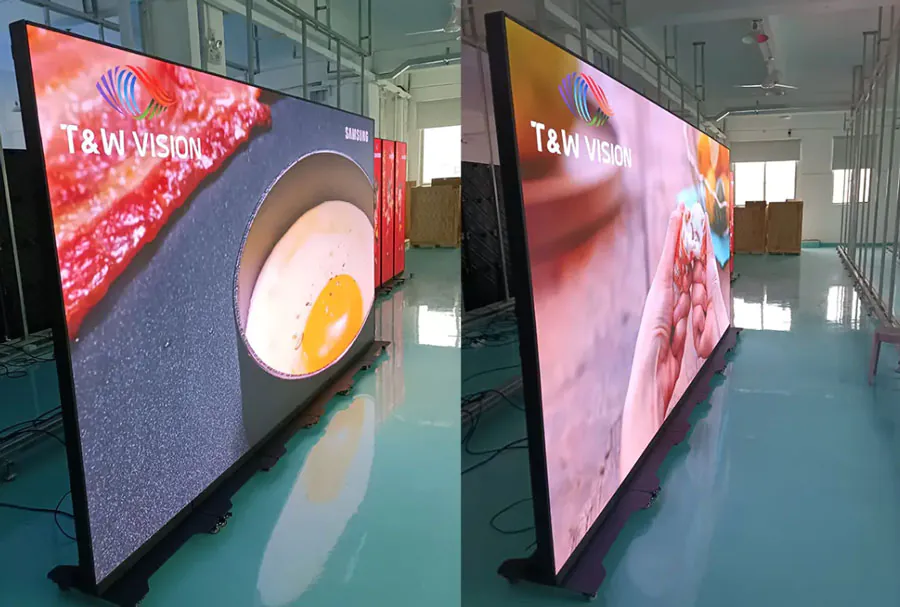
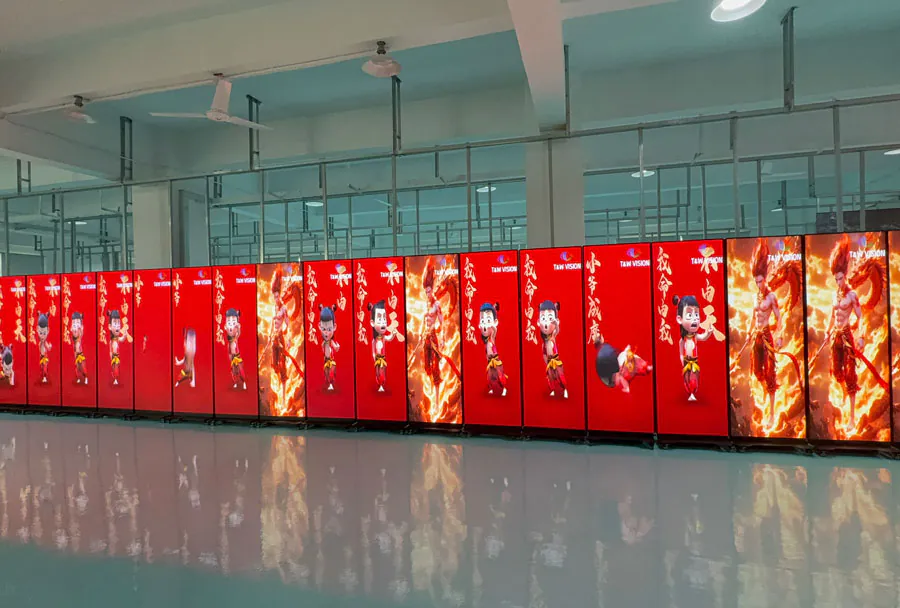
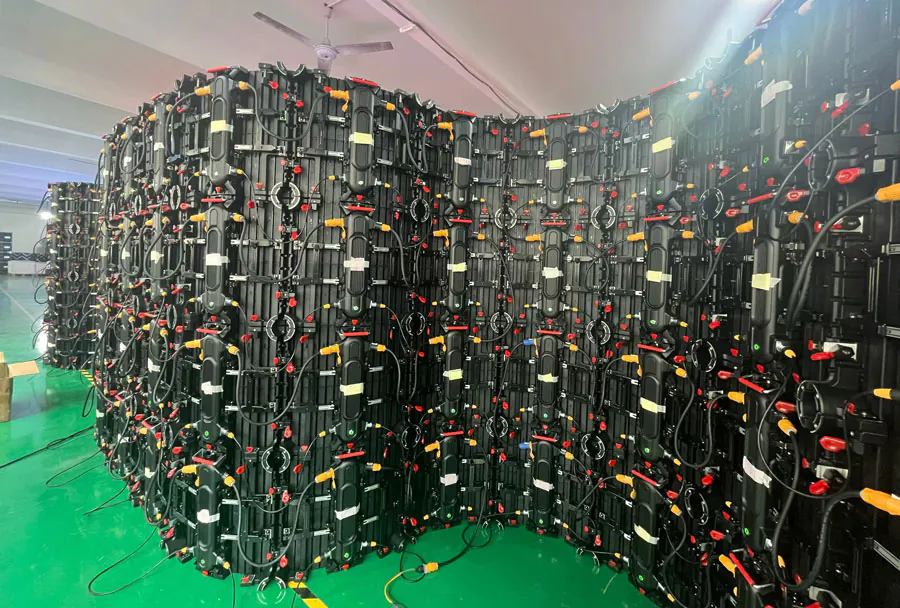
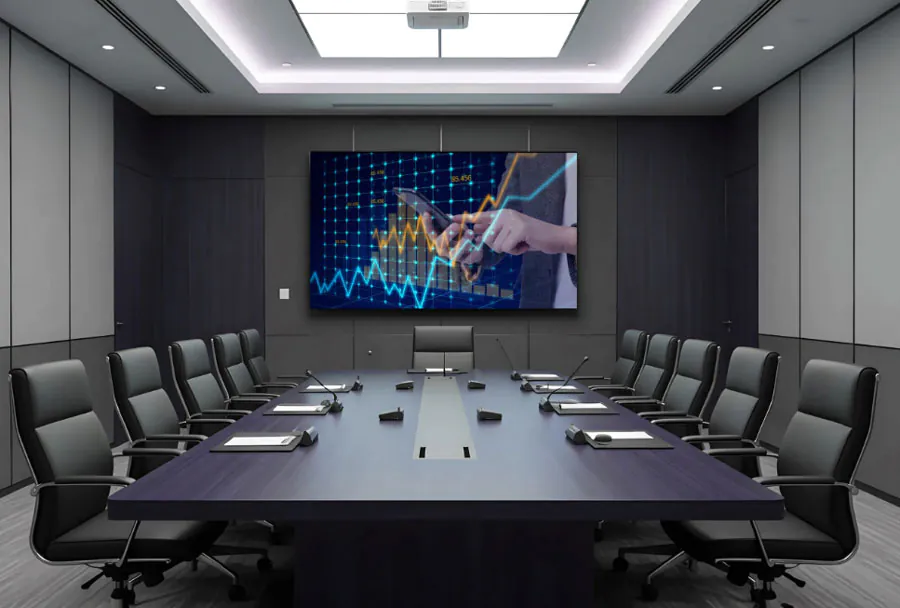
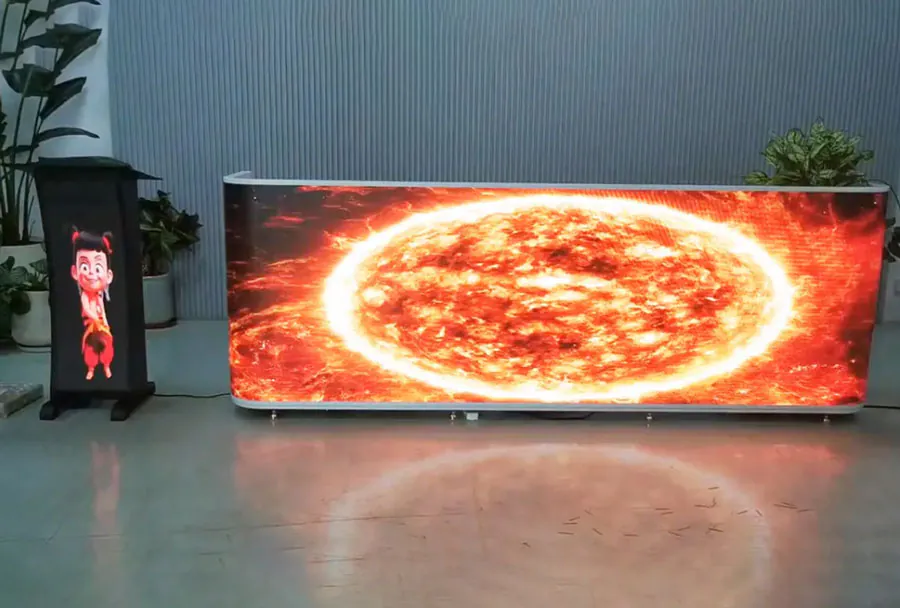
TW VISION P1.9 indoor rental usage LED display. Flexible led display with curve -22.5~+22.5 degree.
1. Match Pixel Pitch to Real Viewing Distance
Pixel pitch should be selected from the closest practical viewing distance, not from a specification sheet alone. # Small Pixel Pitch LED Display for Compact Commercial Spaces is most useful when customers, staff, or visitors need to read information from a short distance.
Pixel pitch is the center-to-center distance between adjacent LED pixels, measured in millimeters. A 1.2 mm display has smaller spacing than a 2.5 mm display, so it can produce more pixels within the same cabinet area.
Calculate Native Pixel Density
Use this calculation to estimate pixel density:
`pixels per meter = 1,000 / pixel pitch in mm`
A 1.5 mm module delivers roughly 667 pixels per meter. A 2.5 mm module delivers 400 pixels per meter. That difference matters when showing prices, menu descriptions, spreadsheets, maps, or small logos. For Small Pixel Pitch LED Display for Compact Commercial Spaces, the resulting density helps determine whether detailed content will remain legible.
Avoid Buying for a Distant Use Case
A compact lobby display viewed from one to three meters away typically needs finer detail than a display mounted behind a large retail floor. Paying for ultra-fine pitch in a space where people only view it from far away can waste budget without improving legibility.
A # Small Pixel Pitch LED Display for Compact Commercial Spaces should be chosen for the actual audience position rather than the smallest available pitch.
Consider a reception wall used for visitor directions. If people stop directly in front of it, readable type and clean edges matter more than a large physical screen size.
How to apply this: Measure the closest normal viewing position, calculate the pixels per meter for two candidate pitches, and request a vendor demo using your actual content. This approach makes # Small Pixel Pitch LED Display for Compact Commercial Spaces easier to compare objectively.
2. Calculate Resolution Before Choosing Cabinet Size
Native resolution determines how clearly your content will appear on the finished wall. # Small Pixel Pitch LED Display for Compact Commercial Spaces should be sized around the content resolution you can supply, especially when it will show dashboards, menus, or presentation slides.
The display’s pixel width comes from its physical width divided by the pixel pitch. A wall that is 3 meters wide with a 1.5 mm pitch has roughly 2,000 horizontal pixels:
`3,000 mm / 1.5 mm = 2,000 pixels`
Compare Common Planning Inputs
| Input | What it tells you | Action to take |
|---|---|---|
| Pixel pitch | Pixel density | Calculate pixels per meter |
| Wall width | Horizontal resolution | Divide width by pitch |
| Wall height | Vertical resolution | Check source fit |
| Content type | Detail required | Test native assets |
| Controller limit | Maximum pixels | Confirm before ordering |
A 16:9 video source does not always fit a custom LED wall without scaling. If a wall is unusually wide, a standard presentation may show empty areas, stretching, or cropped content unless your content team creates a matching canvas.
A common scenario is a retail counter display that needs to show a menu, loyalty QR code, and product images at once. Designing those assets at the wall’s native pixel dimensions avoids last-minute layout problems and supports # Small Pixel Pitch LED Display for Compact Commercial Spaces in content-heavy settings.
How to apply this: Ask the supplier for the exact finished pixel width and height, then build one test slide at that resolution before approving the cabinet layout.
3. Plan Power, Structure, and Regulatory Requirements
A commercial LED installation must have adequate electrical capacity, secure mounting, ventilation, and documented compliance. # Small Pixel Pitch LED Display for Compact Commercial Spaces can be physically compact, but its power supplies, data cabling, and mounting system still require professional planning.
Power consumption varies by module type, brightness setting, content, and configuration. Do not rely only on a maximum-wattage figure when sizing circuits; request both typical and maximum consumption from the manufacturer for the exact cabinet and brightness setting. These figures are essential when estimating the operating requirements of # Small Pixel Pitch LED Display for Compact Commercial Spaces.
Verify Electrical and Signal Requirements
Many LED display systems accept HDMI input, but the source connection is only one part of the system. HDMI 2.0 supports 4K video at up to 60 Hz, while older HDMI 1.4 equipment is commonly limited to 4K at 30 Hz. The LED controller may also impose its own pixel-capacity limit.
Use a qualified electrician to confirm circuit capacity, grounding, disconnect requirements, and local code obligations. For installations in the United States, radio-frequency equipment requirements can also apply. The FCC’s Part 15 rules state that operation is subject to conditions including that a device may not cause harmful interference.
A # Small Pixel Pitch LED Display for Compact Commercial Spaces installation should therefore include both electrical review and signal-path verification.
Preserve Service Access
A flush wall can look clean while becoming expensive to service. Confirm whether cabinets support front maintenance, rear maintenance, or both, and leave access for power supplies, receiving cards, and signal connections.
How to apply this: Obtain the display’s electrical schedule, cabinet weight, maintenance method, and compliance documents before approving construction drawings.
4. Use the Right Controller and Content Workflow
The controller connects video sources to the LED wall and maps the physical cabinets into one display canvas. # Small Pixel Pitch LED Display for Compact Commercial Spaces needs a controller sized for its total pixel count, refresh requirements, and number of receiving cards.
Controller software is not interchangeable across every LED brand. Novastar installations commonly use NovaLCT to configure receiving cards, cabinet mapping, brightness, and calibration-related settings. Its purpose is hardware setup and display management, not everyday playlist publishing.
Separate Technical Setup From Daily Publishing
Technical staff should retain access to controller configuration, while store or office teams should use a simpler content workflow. A media player can feed HDMI content to the controller, or a compatible signage platform can schedule approved media. This separation keeps # Small Pixel Pitch LED Display for Compact Commercial Spaces stable while allowing routine content updates.
A practical workflow includes:
– A native-resolution content template
– A named source input for each player
– A documented brightness schedule
– A backup image or message for source failures
– Restricted controller credentials
The display refresh rate and camera shutter settings can affect recorded video. A wall that looks stable in person may show banding on a phone camera if the camera and display timing interact poorly. Test this when the display will appear in social content, livestreams, or video calls.
These checks are particularly important for # Small Pixel Pitch LED Display for Compact Commercial Spaces used as a filming background.
How to apply this: Assign one person to own content publishing and one technical contact to own controller settings, then document both roles before launch.
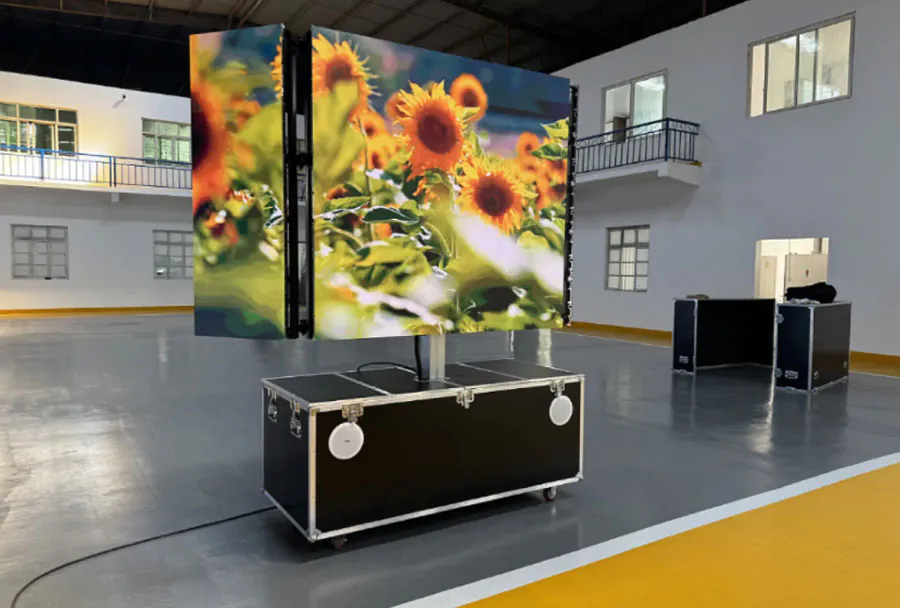
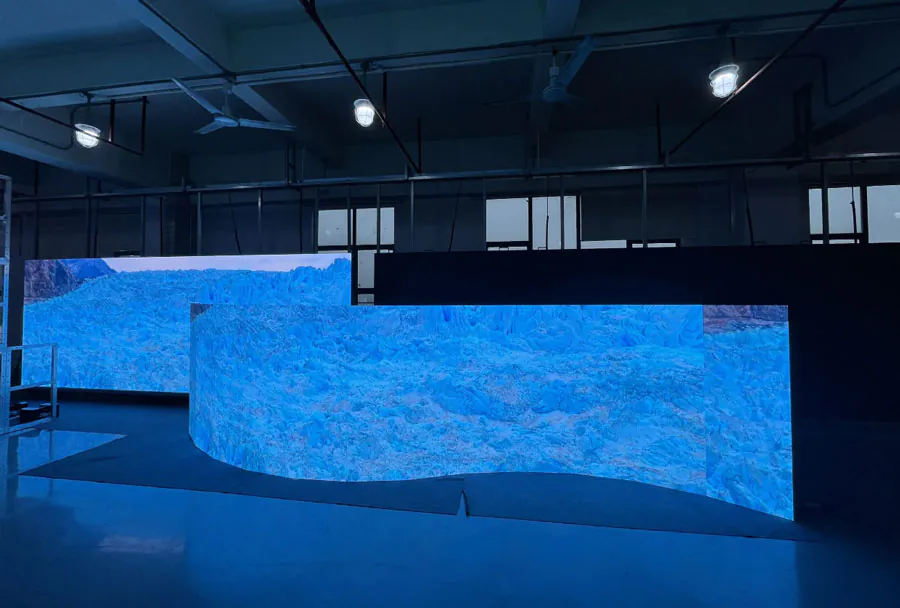
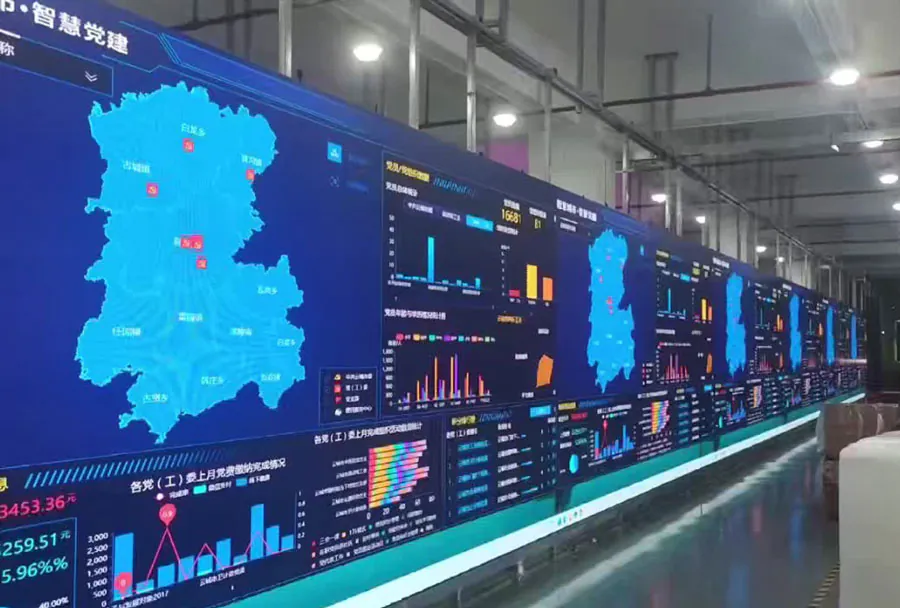
P1.5 indoor COB LED display for commercial usage. Screen size: 2400x1350mm, Resolution: 1568×882
5. Commission the Display for Daily Commercial Use
Commissioning verifies that the installed display works correctly under real operating conditions. # Small Pixel Pitch LED Display for Compact Commercial Spaces should be tested with more than a bright promotional video because solid colors, fine type, dark gradients, and motion reveal different faults.
Start with red, green, blue, white, gray, and black test patterns. These patterns can reveal dead pixels, stuck pixels, cabinet seams, inconsistent color temperature, and abnormal brightness. Then test the actual content that staff and customers will see.
Check Daytime and Evening Brightness
Brightness should match the environment. A screen set too high in a dim reception area can cause discomfort and reduce apparent image quality. A screen set too low near daylight-facing glass can appear washed out. Correct brightness is a core operating requirement for # Small Pixel Pitch LED Display for Compact Commercial Spaces.
Record the approved brightness settings for daytime, evening, and closed hours. This gives operators a repeatable baseline after a controller reset or service visit.
Compare each environment
| Environment | Main risk | What to check | Action |
|---|---|---|---|
| Retail store | Reflections | Daylight and window glare | Test daytime scenes |
| Meeting room | Eye fatigue | Low-brightness uniformity | Require dimming demo |
| Hotel lobby | Mixed lighting | Skin tones and gradients | Review evening mode |
| Control room | Missed detail | Text, maps, alarms | Test dark scenes |
| Museum | Conservation impact | Heat, glare, color stability | Involve conservator |
Museum installations deserve additional care. The display should support low-output operation, stable color, quiet cooling, and content schedules that do not expose sensitive objects to unnecessary light.
Create a Handover Record
Your handover package should include cabinet maps, controller configuration files, receiving-card files, warranty contacts, spare-module details, and a photo record of cable paths. Keep a copy outside the display controller computer.
In one case, a venue can avoid extended downtime by labeling each cabinet position and keeping an approved spare module from the same production batch. Batch consistency matters because replacement modules may otherwise differ slightly in color or brightness.
How to apply this: Run a documented acceptance test before final payment and save the configuration files in your organization’s shared maintenance location.
Frequently Asked Questions About Small Pixel Pitch LED Display for Compact Commercial Spaces
How does a small-pitch LED wall compare with a commercial LCD display?
A small-pitch LED wall is modular, so it can be built to custom dimensions, while commercial LCD displays usually come in fixed panel sizes. Small Pixel Pitch LED Display for Compact Commercial Spaces may be preferable when you need an unusually wide wall or want to avoid visible bezel lines.
However, an LCD display can be more practical for a small room where a standard 55-inch or 75-inch screen fits the required viewing area.
What happens if one LED module fails after installation?
A failed module can often be replaced without rebuilding the entire display, provided you have compatible spares and a service-access method. Small Pixel Pitch LED Display for Compact Commercial Spaces may use front-service modules in tight interiors, but replacement can still require careful handling of neighboring modules.
Keep a spare from the same manufacturing batch because a newer module may show a slightly different color balance.
Can a compact LED display show QR codes reliably?
Yes, but QR code reliability depends on module resolution, code size, viewing distance, camera quality, and contrast. Small Pixel Pitch LED Display for Compact Commercial Spaces should use high-contrast QR codes with quiet space around the code rather than placing them over moving video.
Test scanning with several phone models from the intended customer position before publishing a campaign or payment code.
When should a business use front-service cabinets?
Use front-service cabinets when the wall sits close to an existing wall, storefront glass, or built-in joinery that prevents rear access. Small Pixel Pitch LED Display for Compact Commercial Spaces often benefits from this arrangement in reception areas and retail counters.
The exception is an installation with a dedicated rear service corridor, where rear-service cabinets can be easier to maintain and may offer more installation choices.
Why does an LED wall look different in photos than in person?
Phone cameras use rolling shutters, automatic exposure, and image processing that can interact with LED refresh timing. Small Pixel Pitch LED Display for Compact Commercial Spaces may look smooth to viewers while appearing to flicker, band, or show uneven brightness on video.
This matters for broadcast studios, social-media filming areas, and video conferencing rooms, where you should test the wall with the actual camera equipment before final calibration.
Conclusion
A well-planned compact LED installation depends on more than selecting the smallest pixel pitch.
– Calculate native resolution from physical dimensions and pitch before designing content.
– Match pitch to the closest real viewing position and the type of information people must read.
– Confirm electrical capacity, structural support, maintenance access, and applicable compliance records.
– Document controller settings, cabinet maps, brightness schedules, and replacement parts.
Measure your space, define the content resolution, and request a supplier proposal that includes cabinet drawings, controller capacity, power data, and a live content test.