How to Verify Small Pixel Pitch LED Display Quality and Reliability


How to Verify Small Pixel Pitch LED Display Quality and Reliability Before Buying starts with testing the display under conditions that match your real installation. A small pixel pitch means LEDs sit close together, so defects, uneven color, and poor calibration can be easier to notice at close viewing distances.
Table of Contents
- 1. Inspect image quality at the real viewing distance
- 2. Verify specifications and test conditions
- 3. Check consistency across modules and the full display
- 4. Assess reliability, service, and replacement parts
- 5. Validate the supplier with a staged acceptance test
- How can I check a display if I cannot visit the factory?
- What should I do if my venue has bright windows?
- Can a refurbished display be a reliable purchase?
- Does a lower pixel pitch always make the display better?
- What if my content uses a different resolution from the display?
- Conclusion
There is no single rating that proves a display will perform well in every venue.
That makes buying by specification sheet alone risky. A quoted brightness level or pixel pitch does not tell you how the screen looks from your audience’s seats, how consistently its modules match, or how quickly the supplier can replace a failed part.
This guide explains how to inspect image quality, verify technical claims, review reliability evidence, and compare warranty and service terms. It also identifies standards and tools that can help you check the details before you approve a purchase.
1. Inspect image quality at the real viewing distance
How to Verify Small Pixel Pitch LED Display Quality and Reliability Before Buying begins with the audience’s view. Check whether text, fine lines, and gradients look clean from both the nearest and farthest seating positions and at the angles your audience will use.
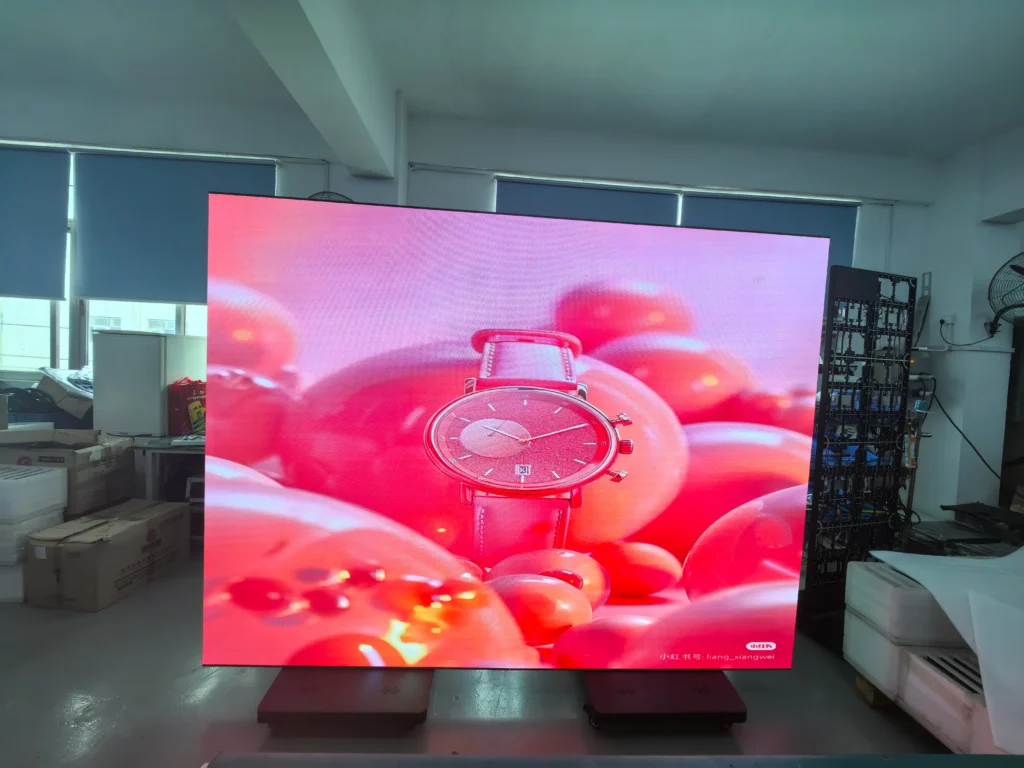
Ask the vendor to show a powered-on display with the same pixel pitch and LED configuration proposed for your project. For a practical demonstration of How to Verify Small Pixel Pitch LED Display Quality and Reliability Before Buying, inspect it with:
– Fine text and thin lines to reveal gaps, uneven edges, or visible pixel structure.
– Solid white, gray, red, green, and blue fields to reveal color or brightness inconsistency.
– Gradients and dark scenes to reveal banding, color shifts, and poor low-brightness performance.
– Moving content to reveal flicker, scan artifacts, or motion problems.
Camera settings also matter when considering How to Verify Small Pixel Pitch LED Display Quality and Reliability Before Buying. Use a fixed shutter speed and exposure if your phone allows it. Automatic exposure can hide or exaggerate flicker, so treat phone footage as a clue rather than proof. Repeat the test using the intended processor, refresh settings, and brightness level.
Pixel pitch is the distance between the centers of adjacent pixels, normally expressed in millimeters. A smaller pitch can support closer viewing, but image quality also depends on the LED package, panel design, processing, calibration, and viewing angle.
How to apply this: Put How to Verify Small Pixel Pitch LED Display Quality and Reliability Before Buying into practice by bringing representative content and a viewing-distance plan, then recording visible defects before evaluating price.
2. Verify specifications and test conditions
How to Verify Small Pixel Pitch LED Display Quality and Reliability Before Buying requires knowing how specifications were measured. Ask the supplier to define brightness, refresh rate, viewing angle, and grayscale performance, then request relevant test reports or supporting documentation.
Consistent operating conditions are essential to How to Verify Small Pixel Pitch LED Display Quality and Reliability Before Buying. Brightness, power consumption, and thermal behavior can change with content, settings, and ambient temperature. Ask whether quoted brightness is typical or maximum, whether it is measured before or after calibration, and what settings were used.
Confirm that refresh-rate claims describe the panel’s actual operating mode with the proposed controller.
Compliance documentation provides another part of How to Verify Small Pixel Pitch LED Display Quality and Reliability Before Buying. Ask which safety and electromagnetic compatibility standards apply to the exact product and market. The European Commission’s CE marking guidance explains that CE marking indicates a product meets applicable EU requirements; it is not a general quality grade or reliability guarantee.
Request the declaration of conformity and relevant test documents.
| Item | What to verify | Action to take |
|---|---|---|
| Brightness | Typical or maximum; test conditions | Request the measurement report |
| Refresh rate | Operating mode and controller | Test with intended equipment |
| Power | Typical and peak demand | Confirm electrical design |
| Compliance | Applicable market requirements | Review declarations and reports |
| Pixel pitch | Physical specification | Check a sample or module |
How to apply this: Use How to Verify Small Pixel Pitch LED Display Quality and Reliability Before Buying as the basis for a bid comparison that includes measurement conditions and supporting documents.

3. Check consistency across modules and the full display
How to Verify Small Pixel Pitch LED Display Quality and Reliability Before Buying extends beyond a single sample. Inspect multiple modules and their boundaries, because brightness and color differences can become visible across a larger image.
An assembled demonstration is central to How to Verify Small Pixel Pitch LED Display Quality and Reliability Before Buying. Run full-screen gray and white fields, then inspect the display from your actual audience angles. Look for visible seams, color patches, dead or stuck pixels, and brightness changes between modules.
Ask what calibration covers, how results are documented, and whether it applies to the delivered display.
For color-critical applications, How to Verify Small Pixel Pitch LED Display Quality and Reliability Before Buying includes defining what “matched” means before acceptance. Request a documented uniformity or color measurement method and agree on an inspection process. Instruments should be suitable for LED displays; a basic handheld lux meter does not establish color accuracy.
A useful acceptance test checks the complete installation after assembly, configuration, and calibration. Include your content processor, signal path, and typical operating settings. This can expose issues that a vendor’s showroom setup does not reveal.
How to apply this: Turn How to Verify Small Pixel Pitch LED Display Quality and Reliability Before Buying into contractual checks by specifying full-screen uniformity tests and written defect-acceptance criteria.
4. Assess reliability, service, and replacement parts
How to Verify Small Pixel Pitch LED Display Quality and Reliability Before Buying includes checking power supplies, receiving cards, connectors, cooling design, operating conditions, and repair support. Reliability depends on more than the LED package.
Product-specific evidence supports How to Verify Small Pixel Pitch LED Display Quality and Reliability Before Buying: request burn-in procedures, failure tracking, component documentation, and service records. Treat broad lifetime claims cautiously unless the supplier explains their assumptions and test method. The U.S.
Department of Energy’s LED Lighting Facts guidance discusses supporting performance claims with standardized information; it concerns LED lighting and is not a certification for an LED display wall.
Service arrangements are another practical part of How to Verify Small Pixel Pitch LED Display Quality and Reliability Before Buying. Confirm:
– Warranty duration, exclusions, and who pays shipping and labor.
– Response and repair process for a failed module or controller.
– Availability of matching replacement modules and spare parts.
– Whether replacement parts can be calibrated to match the installed screen.
– Who provides remote support and on-site service in your region.
A common installation risk is discovering that a replacement module has a different color appearance or is no longer available. Ask the supplier to document the spare-parts plan and how long compatible parts are expected to remain available.
How to apply this: Complete the service review for How to Verify Small Pixel Pitch LED Display Quality and Reliability Before Buying by obtaining the warranty, repair workflow, and spare-parts commitment in writing.
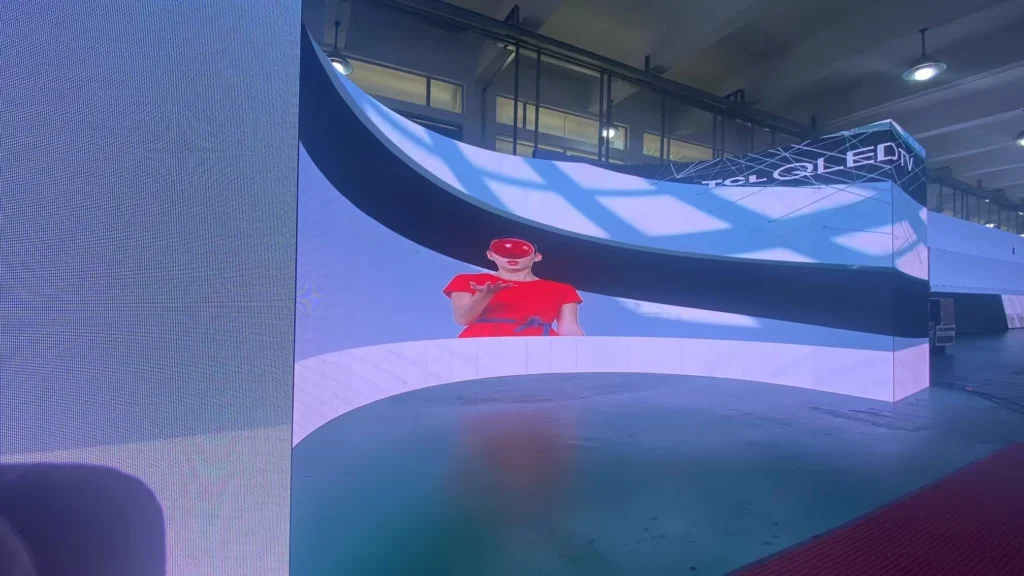
5. Validate the supplier with a staged acceptance test
How to Verify Small Pixel Pitch LED Display Quality and Reliability Before Buying requires checks at the sample, factory-test, delivery, and commissioning stages. Agree on these before production begins to reduce the chance of discovering problems after permanent installation.
Traceable records strengthen How to Verify Small Pixel Pitch LED Display Quality and Reliability Before Buying. Ask which test records accompany delivered panels and how serial numbers connect to them. Check that the quotation identifies the exact model, pixel pitch, cabinet or module configuration, controller, and accessories.
For custom products, confirm that production units use the approved sample’s components and settings.
Choosing suitable tools also matters to How to Verify Small Pixel Pitch LED Display Quality and Reliability Before Buying. You can use DIALux to model room lighting; it is a lighting-design tool, not a display-quality certification service. Assess the display through agreed acceptance tests and appropriate measurement equipment.
For independent verification, hire a qualified AV or display-testing professional and define the scope in advance.
Keep a signed record of test conditions, observed defects, corrective actions, and final approval. This makes supplier discussions clearer if a delivered unit differs from the demonstration.
How to apply this: Make How to Verify Small Pixel Pitch LED Display Quality and Reliability Before Buying enforceable through a documented acceptance test tied to final payment or approval.
Frequently Asked Questions About How to Verify Small Pixel Pitch LED Display Quality and Reliability Before Buying
How can I check a display if I cannot visit the factory?
Request a live video demonstration that shows the display, its signal source, and its settings in one continuous view. Ask the supplier to display your own test images and move the camera among the intended viewing positions. This cannot replace an independent measurement, but it can help screen out obvious defects.
For How to Verify Small Pixel Pitch LED Display Quality and Reliability Before Buying remotely, require a written factory-test record and a delivery acceptance clause.
What should I do if my venue has bright windows?
Ask the supplier to demonstrate the screen at the ambient light level expected during use, not only in a dark showroom. A screen that performs well at night may be hard to read near sunlit windows, while excessive brightness can be uncomfortable indoors. If daylight varies by time of day, test more than one lighting condition.
How to Verify Small Pixel Pitch LED Display Quality and Reliability Before Buying in this setting includes confirming practical brightness control and readable content at the brightest expected time.
Can a refurbished display be a reliable purchase?
It can be, but ask for the unit’s age, service history, replaced components, and remaining warranty. Check whether the vendor can provide matching spare modules and whether the full display can be recalibrated. A refurbished unit may be a poor fit if it combines panels from different production batches or has limited parts availability.
How to Verify Small Pixel Pitch LED Display Quality and Reliability Before Buying used equipment means inspecting the actual units you will receive, not a similar showroom system.
Does a lower pixel pitch always make the display better?
No. A lower pitch can improve the appearance of detail at close range, but it may cost more and may not benefit viewers seated farther away. Room size, content, brightness needs, and budget all affect the right choice. A display should be assessed at the intended viewing distances rather than selected by the smallest pitch available.
How to Verify Small Pixel Pitch LED Display Quality and Reliability Before Buying includes asking the supplier to demonstrate the proposed pitch from the nearest normal audience position.
What if my content uses a different resolution from the display?
Ask the vendor to test the actual content resolution and processor configuration. Scaling can make text or fine lines look soft, even when the LED panels themselves are functioning correctly. This is especially important when connecting legacy equipment, cameras, or computers with fixed output modes.
How to Verify Small Pixel Pitch LED Display Quality and Reliability Before Buying in a mixed-system installation means testing the full signal chain, including source, processor, cable path, and display settings.
Conclusion
How to Verify Small Pixel Pitch LED Display Quality and Reliability Before Buying brings together image inspection, documented specifications, and service planning. Check real viewing distances and consistency across an assembled area, request product-specific evidence, and review warranty terms. Standards and measurement tools support due diligence, but no logo or headline claim replaces testing the delivered system.
– Demonstrate representative content at the intended viewing distances.
– Compare specifications using documented test conditions.
– Agree on uniformity, defect, and acceptance criteria in writing.
– Confirm replacement parts, warranty coverage, and service access.
Before signing, use How to Verify Small Pixel Pitch LED Display Quality and Reliability Before Buying as your acceptance checklist: request the documents, run the tests, and record the results.