Small Pixel Pitch LED Display for Retail and Commercial Spaces

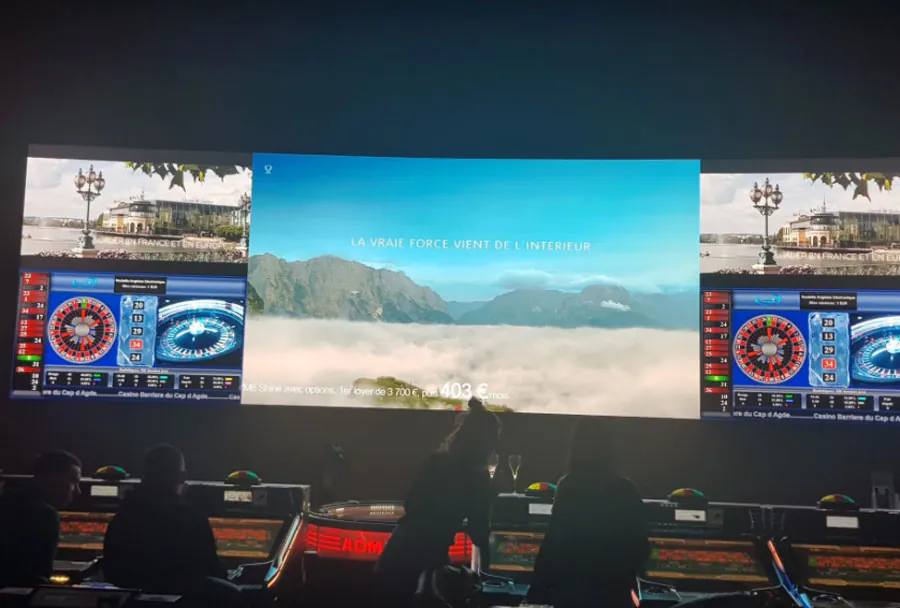
A small pixel pitch LED display earns its cost in compact commercial spaces, where customers stand close to the screen and the wall doubles as a sales surface. This guide covers footprint planning, cabinet and service access, power and regulatory checks, controller workflow, and the commissioning steps that keep a retail wall running after opening day.
Table of Contents
- 1. Small Pixel Pitch LED Display: Match the Pitch to a Compact Footprint
- 2. Plan Cabinet Size and Service Access Before Resolution
- 3. Plan Power, Structure, and Regulatory Requirements
- 4. Use the Right Controller and Content Workflow
- 5. Commission the Display for Daily Commercial Use
- 6. FAQ
- 7. Conclusion
1. Small Pixel Pitch LED Display: Match the Pitch to a Compact Footprint
Start from the floor space, not the hall size. A shop counter, reception desk or trade stand often puts viewers within two metres, so a pitch between P1.25 and P1.86 keeps text legible without the budget of a sub-millimetre panel. Because the wall also has to fit beside shelving or a doorway, measure the available width first and let the pitch follow.
Distance maths sits in the 1.25mm pixel pitch indoor guide, so this page concentrates on the constraints that appear once the space is fixed.
Avoid Buying for a Distant Use Case
Buyers sometimes choose a finer pitch for a future hall or a bigger venue. That choice usually costs money without changing what a shopper sees, because the compact wall never displays the content the extra resolution was bought for. Buy for the room you can measure today, then revisit the spec when a second site exists.
2. Plan Cabinet Size and Service Access Before Resolution
Cabinet size decides the wall dimensions, the pixel canvas and the installation method. A 500×500mm cabinet builds clean 16:9 or 4:3 walls on tight retail columns, while a 640×480mm cabinet suits 4:3 content and lower ceilings. Because the cabinet grid sets the canvas, confirm it before the processor is specified.
| Cabinet | Typical wall shape | Best fit |
|---|---|---|
| 500×500 mm | 16:9 or 4:3 | Retail columns, kiosks |
| 640×480 mm | 4:3 | Reception, low ceilings |
| 500×1000 mm | Tall 16:9 | Atrium, double-height |
| 1000×500 mm | Wide band | Wall strip above shelving |
Compare Common Planning Inputs
Three numbers decide the layout: available width, viewing height and clearance behind the wall. Also record whether a door or sprinkler head sits inside the band, because both change the mounting frame before anything is ordered.
Preserve Service Access
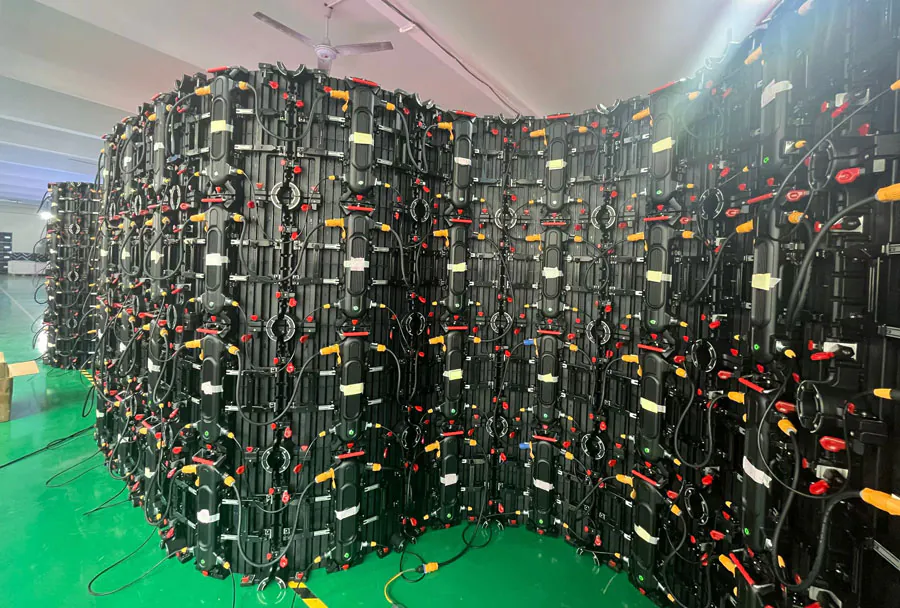
A tight retail plan often leaves no rear corridor. Front-service cabinets solve that, since a technician removes a module from the viewing side without moving the wall. Where the building allows rear access, rear-service cabinets cost less and speed up repairs.
3. Plan Power, Structure, and Regulatory Requirements
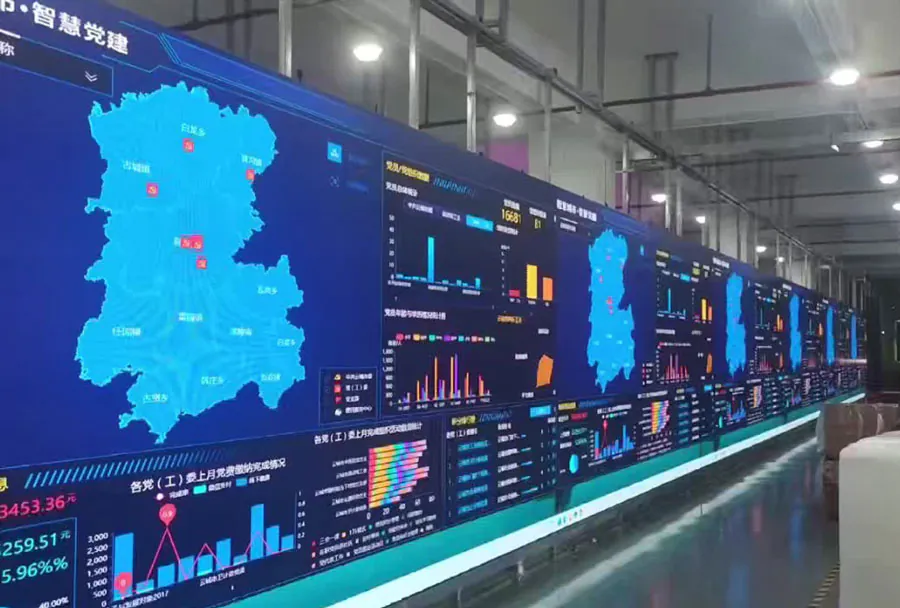
Electrical load follows pixel count, so ask the supplier for watts per square metre at the brightness you plan to run. Then size the circuit and the distribution board with headroom, because a retail wall often runs twelve hours a day and rarely at low output.
Verify Electrical and Signal Requirements
Check the supply voltage on site before the order leaves the factory. North American venues typically provide 120/208V, while panels may be built for 110V or 220V. Signal runs also need a length check, because copper stops at roughly 100 metres and longer runs need fibre.
Compare Each Environment
A wall behind a shop window faces daylight and reflections, so it needs a higher brightness setting and often an anti-glare surface. An interior wall beside a counter runs at lower output, which cuts heat and power. Treat the two as separate specifications rather than one catalogue line.
Regulatory checks follow the venue. Electrical work references NFPA 70, and public routes reference ADA clearances, so confirm both before the mounting frame is signed off.

4. Use the Right Controller and Content Workflow
The controller must output the full canvas without scaling. Because a native 4K wall needs a 4K-capable processor, match the output to the cabinet grid rather than to the source device.
Separate Technical Setup From Daily Publishing
Staff change prices, menus and QR codes daily, while nobody should touch the processor. Split the two: a locked controller handles mapping, and a scheduling tool handles content. Then a price change needs no technician visit.
Also plan for QR codes and short text. A compact wall often shows a code at eye level, so test it at the real viewing distance before launch, because a code that scans from two metres fails from one.
5. Commission the Display for Daily Commercial Use
Commissioning decides whether the wall matches the showroom demo. Run a white field, a grey ramp and a real content loop, then record the settings so a later service visit can restore them.
Check Daytime and Evening Brightness
Set two presets instead of one. The daytime preset handles window light, and the evening preset drops output to suit interior lighting. Because a single setting always looks wrong at one end of the day, two presets solve it without hardware changes.
Create a Handover Record
Leave a one-page record: cabinet layout, controller map, preset values, spare module location and the service contact. Then a module failure becomes a ten-minute swap rather than a support call, and the record survives staff turnover.
6. FAQ
How does a small-pitch LED wall compare with a commercial LCD display?
An LED wall has no bezel, so the image reads as one surface, and it scales to any size the cabinets allow. An LCD panel is cheaper at small sizes and easier to replace as a single unit, which suits a single doorway sign rather than a wall.
What happens if one LED module fails after installation?
The cabinet keeps running with one dark module until a replacement arrives. A spare module and a handover record turn the repair into a ten-minute swap, while an order placed after the failure can leave a visible gap for days.
Can a compact LED display show QR codes reliably?
Yes, when the pitch suits the scan distance. Test the code at the height and distance a customer actually uses, because a screen tuned for a two-metre view may fail at arm’s length.
When should a business use front-service cabinets?
Use them whenever the plan leaves no rear corridor, which is common in shops and reception areas. Front service also protects a finished partition, since the wall never has to come down for a module swap.
Why does an LED wall look different in photos than in person?
Cameras sample the pixel grid at a different rate than the eye, so a wall can show moiré or banding in a phone photo while looking clean on site. Test with the camera the venue will use before signing off the content.
7. Conclusion
Choose the pitch from the footprint, the cabinet from the layout, and the presets from the lighting. Then hand over a record the shop team can use, because the wall only earns its cost when staff run it without help.
Compare the indoor LED video wall range for cabinet sizes, then confirm power and access before the frame is built.