Choose Right Outdoor Digital Signage: How It Works, Specs and What to Check


To choose outdoor digital signage, start with the job it must do rather than the screen that looks best in a catalog. A roadside billboard, a bank pylon, a storefront window and a mall facade each demand different brightness, sealing and service access, and the wrong match shows up as glare, water damage or a dark panel within a season. This guide walks through objectives, site constraints, cabinet and pitch selection, cooling, content control, permits and budget, so the final choice survives weather and delivers measurable value.
The advice applies to fixed outdoor LED displays used for advertising, menus, wayfinding and brand signage. Rental screens and mobile trailers follow different rules, so treat those as a separate purchase.
Table of Contents
- 1. Choose Outdoor Digital Signage: Start With Objectives
- 2. Specification Inputs and Constraints
- 3. Cabinet, Module and Pitch Selection
- 4. Brightness, Contrast and Anti-Glare
- 5. Durability: IP, IK and Materials
- 6. Structure and Cooling Design
- 7. Content and Control Design
- 8. Power, Energy and Maintenance
- 9. Permits, Compliance and Accessibility
- 10. Budget, ROI and Vendor Checks
- 11. Outdoor Deployment Notes
- 12. FAQ
- 13. Conclusion
Choose Outdoor Digital Signage: Start With Objectives
Business goals decide the specification before any supplier conversation begins. Write down what the screen must achieve and how you will measure it, because a promotional display, a wayfinding sign and a menu board pull the design in different directions.
Define the message and the audience
Promotions need motion, color and flexible scheduling. Wayfinding needs large type, high contrast and a layout that reads at a glance. Menu boards need accurate color and text that stays legible under heat lamps and daylight. Match the content type to the display, not the other way round.
Match the common use cases
Use cases repeat across the category. Quick-service restaurants need menu boards that survive heat and change by daypart. Retail storefronts want window-facing impact that stops foot traffic. Fuel stations rely on price displays that stay legible in direct sun. Campuses and transport hubs need wayfinding that updates in real time.
Set measurable targets
A target such as more lunchtime footfall, shorter perceived wait times or fewer printed menu reprints turns a vague wish into a budget case. Record the baseline before installation, otherwise the pilot has nothing to compare against.
Choose outdoor digital signage with these targets in hand, and you can reject a cheap option that cannot deliver the brightness or uptime the goal requires.
Specification Inputs and Constraints
A site survey supplies the numbers that drive every later decision. Visit at the hour of worst glare, then again after dark, and record what the screen must overcome.
Light, distance and angle
Note the sun path, reflective surfaces and the distance from which most viewers approach. A screen read from a car needs different pitch and brightness than one read by pedestrians at two meters.
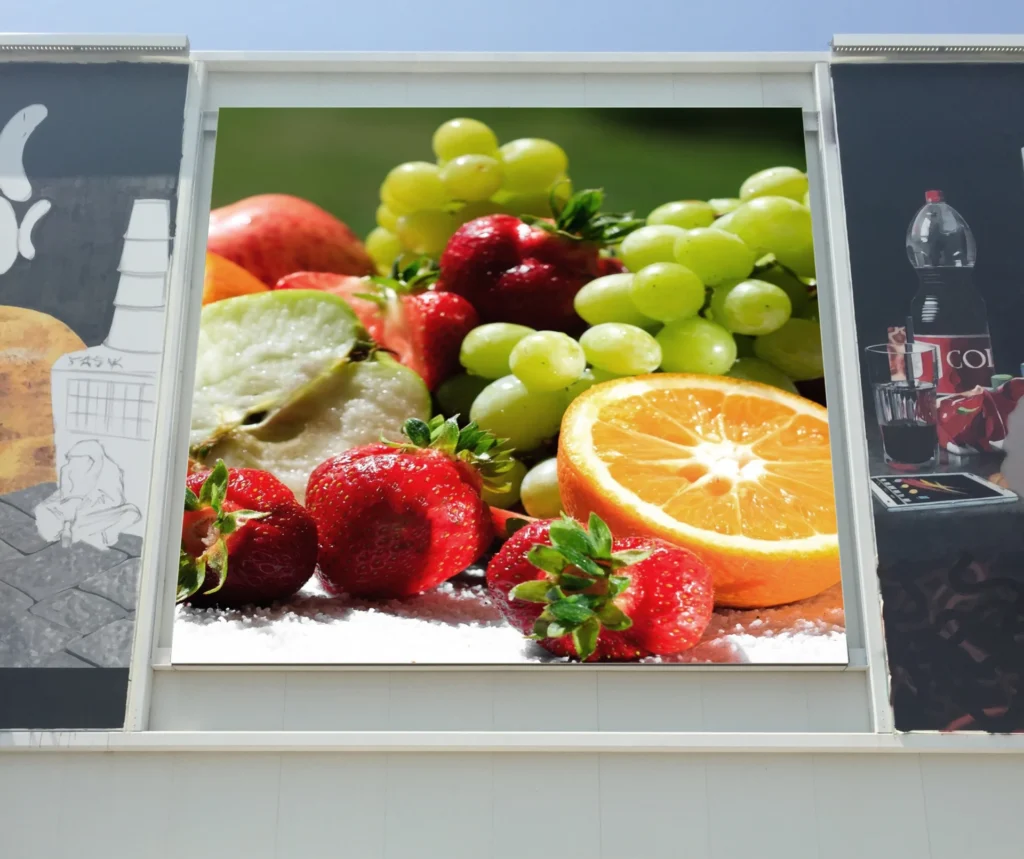
Choose Outdoor Digital Signage for Harsh Weather
Rain exposure, coastal salt, dust and road spray decide the IP rating, housing material and maintenance interval. A sheltered canopy position tolerates a lighter enclosure than an exposed pole.
Power, network and access
Confirm the available voltage, the route for a data cable and the space for a lift or ladder. If trenching is impossible, plan for cellular connectivity. If the cabinet sits above a shop, confirm the landlord’s load limit in writing.
Write these constraints into the tender document. Suppliers quote very differently when the brief states the real site conditions rather than a generic outdoor requirement, and that gap widens when you choose outdoor digital signage for an exposed position.
Cabinet, Module and Pitch Selection
Direct-view LED, high-brightness LCD and modular video walls all work outdoors, yet they suit different sizes and budgets. The table below summarizes the trade-offs before the detail.
| Display type | Best for | Brightness | Durability | Cost level |
|---|---|---|---|---|
| Direct-view LED | Large signs, long viewing distance | 3,000–10,000 nits | IP65+, modular service | High |
| High-brightness LCD | Medium screens, menu boards | 1,000–4,000 nits | IP65 enclosure, glass face | Medium |
| Modular LED video wall | Custom large facades | 3,000–8,000 nits | IP65+, scalable | Very high |
| LCD in weatherproof box | Budget builds, moderate sun | 700–1,500 nits | Enclosure-dependent | Low–medium |
| Digital kiosk | Wayfinding and ticketing | 700–3,000 nits | Heated and cooled, IK rated | Medium–high |
Pixel pitch follows viewing distance. A coarse pitch read from far away looks identical to a fine pitch at a fraction of the cost, while a fine pitch viewed from a footpath rewards close inspection. Cabinet size then sets the practical screen dimensions, because most builds grow in module increments.
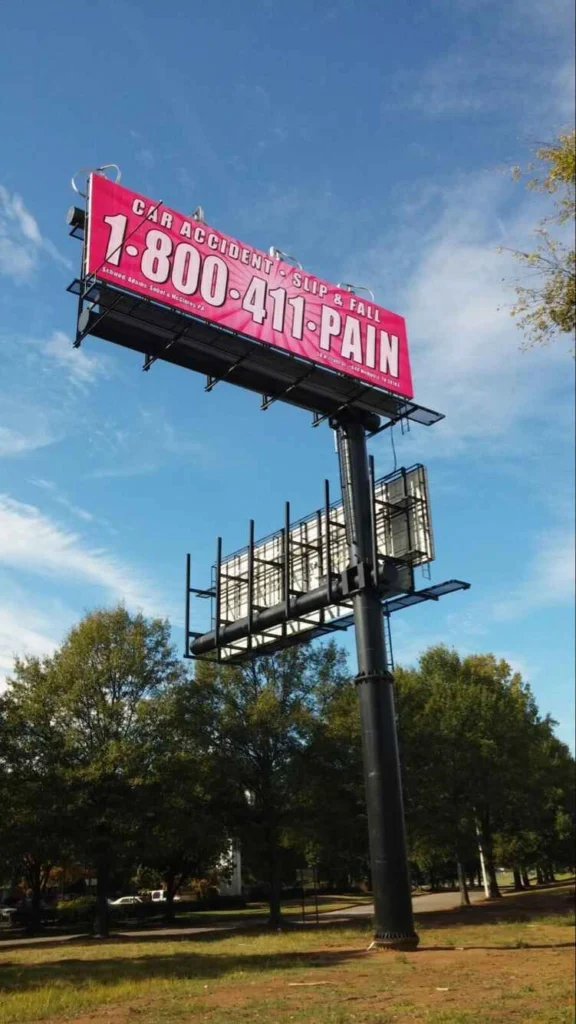
For fixed roadside and building signs, front or rear service access shortens maintenance. Cabinets such as the PO-T outdoor billboard series keep power and control gear inside a sealed bay, which matters when the screen sits above a road. Compare cabinet formats in the outdoor LED display screen guide before the tender goes out.
Brightness, Contrast and Anti-Glare
Brightness decides whether the message survives daylight. Typical planning bands are 700–1,000 nits for shaded positions, 1,000–2,000 nits for partial shade and 3,000–6,000 nits or direct-view LED for full sun. Treat these as starting points, then test the actual content on site.
Contrast and surface treatment matter as much as peak nits. A glossy cover mirrors the sky and wipes out text, while a matte finish or a hood restores legibility. Automatic brightness control saves energy and reduces light pollution after dark.
Ask for a site demonstration at the worst hour, not a showroom demo. A screen that reads well at noon will read even better at night.
Nits alone do not guarantee readability. Measure contrast on the actual content, because white text on a dark background survives glare better than a pale image with low contrast. A light sensor that dims the panel at dusk also protects nearby windows and reduces complaints from neighbors.
Keep a brightness margin for aging. Emitters lose output over years, so a screen specified exactly at the minimum looks tired after a few years. Ask the supplier for the lumen maintenance curve rather than a single peak figure.
Durability: IP, IK and Materials
IP ratings describe dust and water protection, while IK ratings describe impact resistance. Anyone who has to choose outdoor digital signage for a coastal site should treat the IP number as a starting point, not a guarantee. Outdoor signs usually start at IP65, and exposed coastal or wash-down positions justify IP66 or IP67. Higher numbers only help when the gasket, cable entry and drain path are designed to match.
Vandalism changes the specification. Public transport stops and town centers benefit from laminated or polycarbonate faces and tamper-resistant fixings, while a private forecourt may need less.
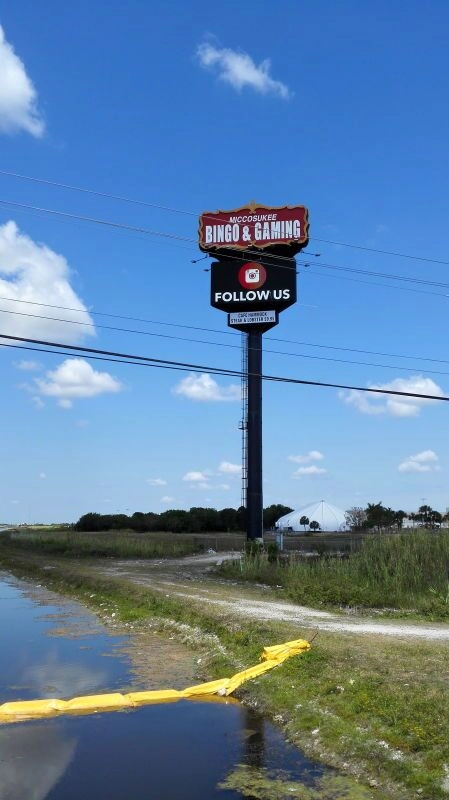
Materials decide corrosion life. Powder-coated steel, aluminum and stainless hardware resist salt air far better than painted mild steel, and the difference appears at the first fastener, not the panel. Buy an outdoor-rated enclosure rather than retrofitting an indoor display, because the seal, coating and drain path work as one system.
Test the seal rather than trusting the label. A sample cabinet sprayed from the front, the top edge and the cable gland reveals whether water reaches the power bay. On coastal sites, specify the fastener grade and the coating thickness, because rust at a bracket is the first visible failure.
Plan cleaning around the environment. Road dust and pollen block airflow and dull the face, while salt residue attracts moisture. A quarterly wash with plain water and a soft brush keeps both brightness and heat under control.
Structure and Cooling Design
The cabinet carries wind load, so the frame and fixings must suit the local exposure. A structural engineer should confirm the anchor pattern, the steel grade and the fatigue detail for a pole or facade mount.
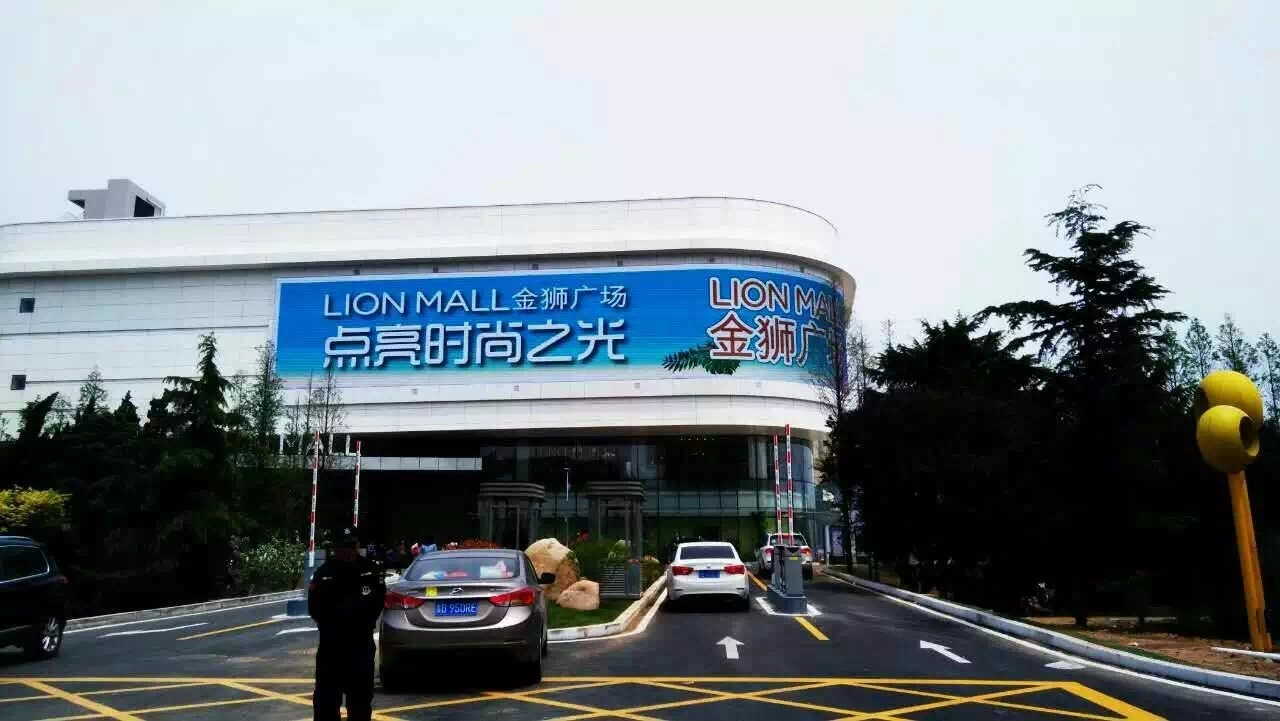
Heat is the quieter failure mode. Direct sun raises internal temperature, and sustained heat shortens component life. Passive vents, heat sinks, fans or air conditioning all have a place, yet the choice depends on ambient temperature, dust and the noise level near homes.
Plan service access at the same time. A cabinet that needs a cherry picker for a module swap costs more over its life than one with a walkway or a rear door.
Wind and thermal movement work together. A facade screen expands in sun and vibrates in gusts, so the fixing detail needs slotted holes or flexible washers rather than a rigid weld at every point. On a pole, confirm the foundation design with the same engineer who checks the steel.
Keep the driver bay accessible from the service side, and separate high-voltage gear from the data path. That layout shortens diagnosis and keeps a module swap from becoming a cabinet rebuild.
Content and Control Design
Content decides whether the investment earns attention. A CMS with scheduling, templates and remote publishing removes the need to send a technician for every change, while real-time feeds keep menus and prices accurate.
Connectivity follows the site. Wired Ethernet is the default, cellular suits remote poles and temporary sites, and a backup link protects revenue-critical screens. Encrypt the connection, change default passwords and keep firmware current, because an outdoor screen is a network device in a public place.
Integration separates a slideshow from a system. APIs for point-of-sale, inventory or transport data let the screen react to real conditions, and role-based access keeps content approval with marketing rather than the installer.
Power, Energy and Maintenance
Confirm the supply before ordering. High-brightness LED draws more current than a printed sign, so the circuit, breaker and cable must match the load, and the installer should confirm the earth and surge protection. When you choose outdoor digital signage, ask for the real draw at the brightness you will actually run.
Meter one cabinet before scaling. Real consumption includes brightness settings, ambient temperature and the duty cycle of the cooling system, and a week of logged data beats a nameplate estimate.
Running cost is manageable with scheduling. Dim the screen outside trading hours, use ambient-light sensors and avoid maximum output when the sun is low. A modest reduction in average brightness extends emitter life and cuts the electricity bill.
Maintenance needs a plan: cleaning interval, spare modules, a named service contact and a response time. Ask how quickly the supplier ships a replacement cabinet, because a long wait turns a small fault into a dark sign.
Permits, Compliance and Accessibility
Sign permits often control size, brightness, animation and operating hours. Submit drawings and photometric data early, because a rejection after fabrication is expensive.
Accessibility applies to content and placement as well as buildings. Where the public relies on the sign for directions or services, provide legible contrast, adequate character height and an alternative channel for people who cannot see the screen. The US Access Board ADA standards summarize the baseline requirements.
Data and cybersecurity also fall under compliance for connected signs. Keep personal data out of the content system, and document who can publish and who can approve changes.
Brightness curfews are increasingly common in residential districts. A screen that meets the daytime limit can still breach a night-time cap, so specify automatic dimming with a logged schedule that an inspector can verify. Content rules may also restrict animation, alcohol advertising or the interval between messages, so read the local sign code before the creative brief.
Budget, ROI and Vendor Checks
Budget the whole system, not the panel alone: structure, electrical work, permits, CMS subscription, content production, connectivity and service. A low quote that omits installation rarely stays low.
ROI comes from measurable gains such as higher footfall, fewer reprints, faster menu changes and premium advertising space. Model a conservative case and check the payback against the targets set at the start.
Screen the supplier on evidence. Ask for cabinet test reports, aging records, spare-part availability and references from similar sites. The DOE LED basics page explains why efficiency claims deserve a data sheet rather than a slogan.
Choose outdoor digital signage the way you would choose a building component: fixed specification, written warranty and a service route that still works years later.
Outdoor Deployment Notes
A pilot installation answers questions that a brochure cannot. Run one cabinet for a month, measure brightness at noon, check water ingress after rain and test the content workflow with the real team.
Seasonal planning matters. Install in mild weather where possible, allow sealants to cure, and schedule the first inspection before the harshest season rather than after it.
Keep a small spares kit: one module, a receiver card, a power supply and a gasket set. Label the cabinets and record the as-built wiring, because the next technician may not be the one who installed the screen.
Review performance against the original targets each quarter. That habit turns a one-off purchase into a managed asset and shows whether the next site should repeat the same specification.
FAQ
How many nits do I need for a sunny location?
Plan for 5,000 nits or more, or use direct-view LED, then confirm on site at midday. Shade, reflection and content contrast can change the real requirement by a wide margin.
Is outdoor LED or LCD better for a storefront?
LED suits large facades and long viewing distances, while high-brightness LCD suits smaller windows and close reading. Budget, enclosure depth and service access usually decide the tie.
What IP rating should an outdoor sign have?
Start at IP65 for general outdoor use. Choose IP66 or IP67 for exposed coastal sites, wash-down areas or positions where driving rain hits the cabinet face directly.
What should I check before signing a supply contract?
Confirm the warranty terms, spare-part availability, service response time and the exact cabinet and module specification. Written details prevent a substitution once production starts.
Conclusion
To choose outdoor digital signage well, connect the business goal to the site conditions, then let brightness, pitch, sealing, cooling and service access follow. The cheapest panel rarely survives the cheapest installation, and the best-looking showroom demo tells you little about noon glare or a winter storm. Set measurable targets, write a precise specification, verify the supplier and pilot one location before scaling.