Flexible LED Displays for Retail: How Screen Geometry Affects Content and Readability


Flexible LED Displays for Retail: How Screen Geometry Affects Content and Readability determines whether shoppers notice, understand, and remember your message. A curved display can create a stronger visual presence than a flat screen, but the same curve can distort text, reduce viewing comfort, and make poorly designed content difficult to read.
Retail teams often focus on pixel pitch, brightness, and cabinet quality while overlooking the shape of the display itself.
Table of Contents
- 1. Match the Display Shape to the Shopper’s View
- Convex, concave, and irregular surfaces
- Viewing zones matter
- 2. Use Pixel Pitch and Geometry Together
- Pixel pitch is not a readability guarantee
- Design for the weakest viewing position
- 3. Build Content Around the Screen’s Safe Area
- Keep critical text in stable regions
- Short messages outperform dense layouts
- 4. Control Motion, Brightness, and Contrast
- Use motion that follows the form
- Brightness needs environmental testing
- 5. Measure Performance From Real Shopper Positions
- Record observations systematically
- Compare versions, not assumptions
- How does a curved LED display affect product photography?
- When should a retailer choose flexible LED over a flat LED display?
- Can subtitles or accessibility text be used on a curved retail screen?
- What should retailers do when part of the display is blocked?
- How can a retailer troubleshoot uneven readability across cabinets?
- Conclusion
Flexible LED Displays for Retail: How Screen Geometry Affects Content and Readability also depends on how a screen wrapped around a column, arch, or curved wall changes viewing angles, line lengths, image proportions, and the amount of content visible from each position.
This guide explains how geometry affects message design, viewing distance, typography, motion, and accessibility. Flexible LED Displays for Retail: How Screen Geometry Affects Content and Readability provides a practical framework for testing methods, measurement tools, and installation decisions that can help you build a flexible LED display that looks intentional from the entire sales floor.
1. Match the Display Shape to the Shopper’s View
The first design decision is not the content format. It is the direction from which shoppers will see the display.
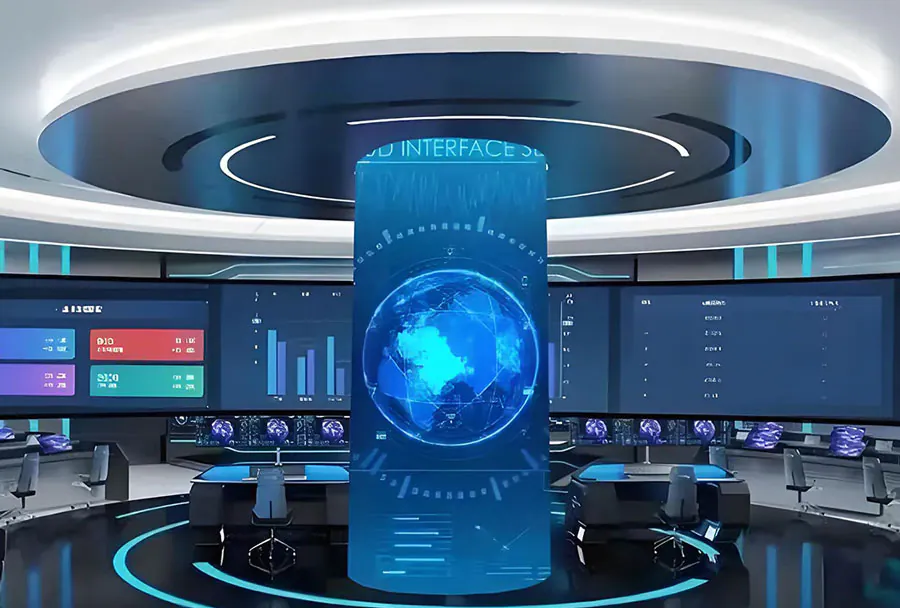
Flexible LED Displays for Retail: How Screen Geometry Affects Content and Readability starts with the relationship between screen curvature and audience position. A convex display can direct content toward people approaching from multiple angles, while a concave design may focus attention on a narrower zone.
Convex, concave, and irregular surfaces
A convex screen usually exposes more of its surface to people moving around it. This can work well around columns, entrances, and freestanding retail structures.
A concave screen can create an immersive effect, but the outer edges may appear farther away or visually compressed from off-center positions. Irregular surfaces create an additional challenge because content may not follow a predictable grid.
Consider a display wrapped around a store column. A centered headline may look clear from the front but become stretched or partially hidden as a shopper walks past the side.
Viewing zones matter
Divide the floor into practical viewing zones:
– Primary zone: shoppers facing the display directly
– Secondary zone: shoppers viewing it from an angle
– Passing zone: people seeing it briefly while walking by
– Blocked zone: areas affected by fixtures, queues, or merchandise
W3C’s Web Content Accessibility Guidelines state that normal text should generally meet a contrast ratio of at least 4.5:1 against its background. Although LED signage is not a web page, the principle remains useful: strong contrast becomes more important when viewing time is short or the angle is poor.
Flexible LED Displays for Retail: How Screen Geometry Affects Content and Readability should be evaluated against these real viewing conditions.
How to apply this: Mark the main approach paths on a floor plan, then test every critical message from the primary and secondary viewing zones before approving the final layout. Flexible LED Displays for Retail: How Screen Geometry Affects Content and Readability is most reliable when those zones are mapped before creative production begins.
2. Use Pixel Pitch and Geometry Together
Pixel pitch affects detail, but geometry determines how that detail is perceived across the surface.
Flexible LED Displays for Retail: How Screen Geometry Affects Content and Readability cannot be evaluated by pixel pitch alone. A tight pixel pitch may support fine text on a flat screen, yet curved installation, oblique viewing, reflections, or movement can still reduce legibility.
Pixel pitch is not a readability guarantee
Pixel pitch describes the distance between LED pixels. Smaller pitch generally allows finer detail at closer distances, but the correct choice depends on viewing distance, content size, ambient light, and the display’s physical shape. Flexible LED Displays for Retail: How Screen Geometry Affects Content and Readability requires all of these variables to be considered together.
Curving a display can change the apparent width of letters and logos. At the sides of a convex screen, straight horizontal lines may appear to bend or narrow from the viewer’s perspective.
Design for the weakest viewing position
Do not approve typography based only on a straight-on render. Flexible LED Displays for Retail: How Screen Geometry Affects Content and Readability should be tested from the least favorable realistic viewing position.
Test:
– Headline height
– Stroke thickness
– Letter spacing
– Line length
– Logo proportions
– Small legal or promotional text
– Image detail in curved areas
A common scenario involves a short promotional message placed across a wraparound display. The center may be clear, but the first and last words can become hard to read because they sit on sharply angled sections.
| Design factor | Readability risk | What to check |
|---|---|---|
| Small pixel pitch | May not fix poor layout | Test from real distances |
| Tight curvature | Edge distortion | Check side viewing zones |
| Thin type | Strokes disappear | Use heavier weights |
| Long headline | Breaks across curve | Shorten the message |
| Glossy surface | Reflections reduce contrast | Inspect under store lighting |
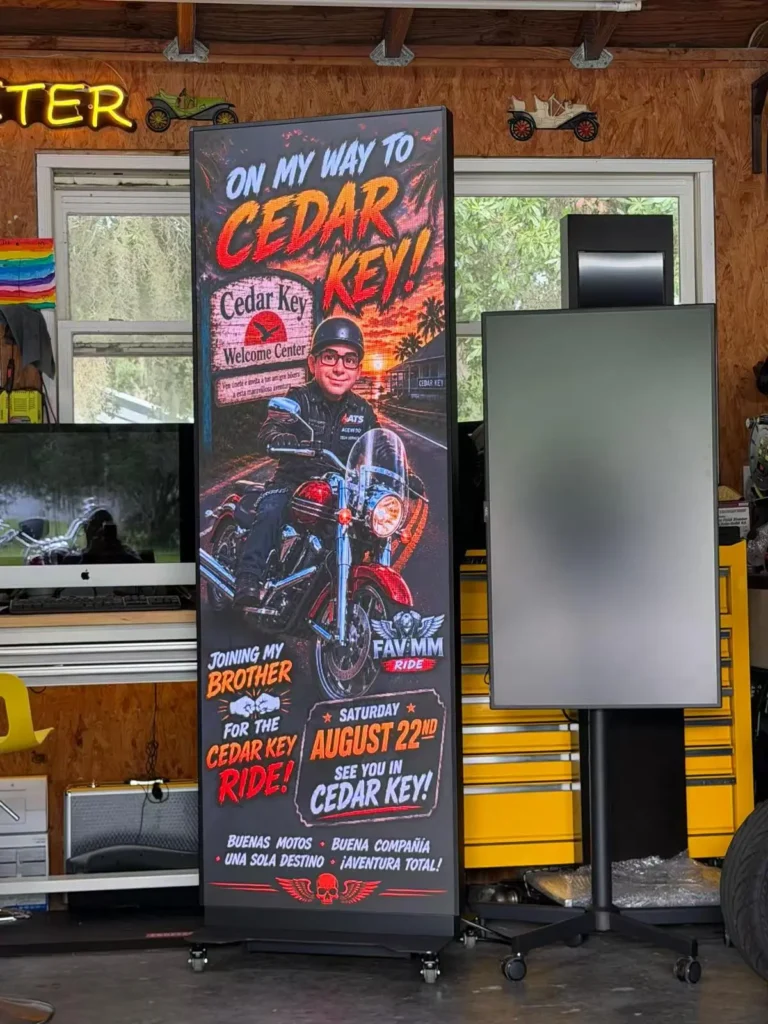
How to apply this: Create a full-scale content mockup using the actual pixel dimensions and inspect it from the farthest and most angled positions shoppers will use.
3. Build Content Around the Screen’s Safe Area
The safest content strategy keeps essential information away from sharp bends, seams, corners, and visually unstable edges.
Flexible LED Displays for Retail: How Screen Geometry Affects Content and Readability works best when content is designed for a protected central area rather than stretched edge to edge. The safe area should contain the main message, price, product name, and call to action.
Keep critical text in stable regions
Use the central or least-curved part of the display for:
– Product names
– Prices
– Discount amounts
– Store directions
– Event dates
– Short calls to action
Reserve more distorted areas for decorative motion, color fields, product photography, or repeated brand patterns. Flexible LED Displays for Retail: How Screen Geometry Affects Content and Readability favors this separation between essential information and decorative material.
This approach is similar to responsive design. Content must adapt to the available shape rather than assuming that every screen is a wide rectangle.
Short messages outperform dense layouts
Curved retail displays are often viewed while people are walking. That makes scanning speed important. A brief headline with a clear visual hierarchy is more reliable than a paragraph of promotional copy. Flexible LED Displays for Retail: How Screen Geometry Affects Content and Readability is easier to manage when the message is concise.
For instance, a curved display near a cosmetics counter might place the product image on the outer arc and keep the product name, price, and offer in the flatter center section. Flexible LED Displays for Retail: How Screen Geometry Affects Content and Readability supports this segmented arrangement because each content element stays within a predictable viewing area.
Use a content hierarchy such as:
- Primary message
- Product or offer
- Supporting detail
- Brand identifier
- Legal qualification, where required
Avoid placing a single sentence across multiple curvature transitions. Break it into shorter visual units or use separate content zones.
How to apply this: Draw a safe-area overlay on the screen template and prohibit essential text, faces, product labels, and prices from entering the highest-distortion regions. Flexible LED Displays for Retail: How Screen Geometry Affects Content and Readability should guide the placement of that overlay.
4. Control Motion, Brightness, and Contrast
Motion can attract attention, but geometry can make moving content harder to follow.
Flexible LED Displays for Retail: How Screen Geometry Affects Content and Readability should use animation that supports the screen shape instead of fighting it. Rapid movement across a curved surface can produce apparent jumps, stretching, or uncomfortable tracking for viewers.
Use motion that follows the form
Content can be animated in several ways:
– Fade between complete messages
– Move slowly along the curve
– Reveal content from the center outward
– Animate a product image within one stable zone
– Use gentle background movement behind static text
Flexible LED Displays for Retail: How Screen Geometry Affects Content and Readability benefits from motion that respects the display’s stable regions.
Avoid fast horizontal text crawls across a sharply curved display. The message may be readable in the center but become visually unstable at the edges.
The World Wide Web Consortium’s accessibility guidance includes a requirement to provide control over certain moving or auto-updating content. In a retail environment, the exact implementation may differ, but the underlying lesson is practical: motion should not prevent comprehension.
Brightness needs environmental testing
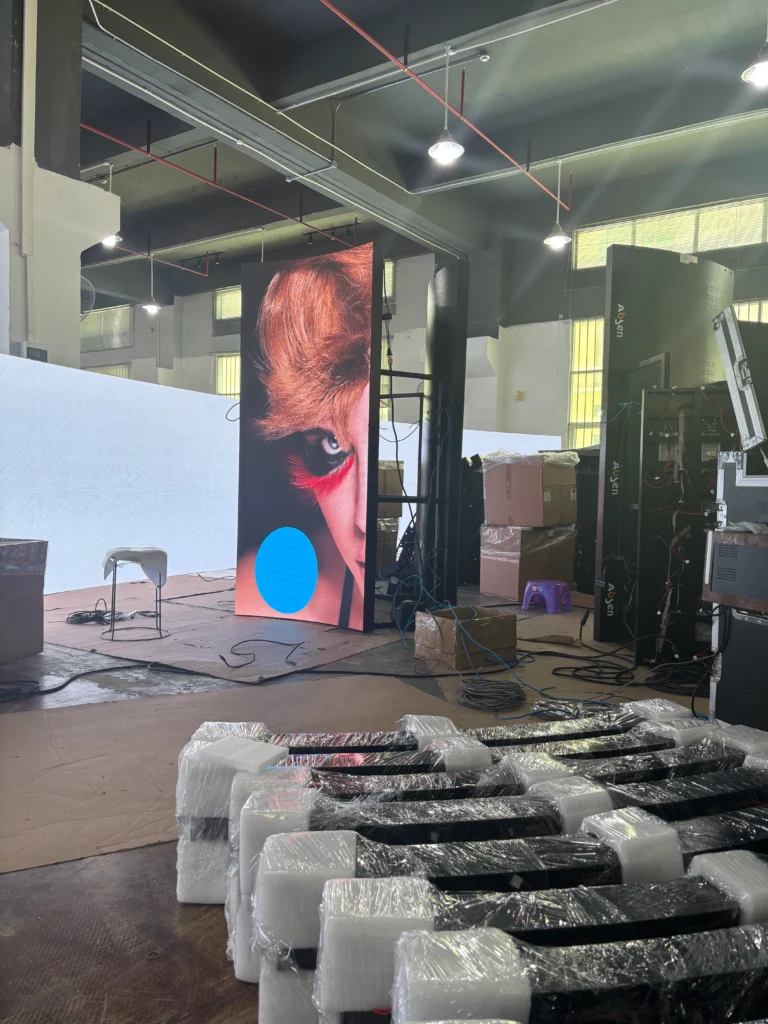
A display that looks clear in a factory or showroom may appear harsh under store lighting or washed out near windows. Brightness should be tested at different times of day and against the actual merchandise, walls, and fixtures surrounding the screen.
Flexible LED Displays for Retail: How Screen Geometry Affects Content and Readability includes this environmental testing because geometry can change reflections and perceived contrast.
High contrast usually helps, but extremely bright white text can create glare on reflective surfaces. Dark backgrounds with carefully chosen bright accents may be more comfortable than full-screen white layouts.
How to apply this: Test every animation at normal playback speed under daytime, evening, and artificial lighting conditions, then remove motion that makes edge content difficult to track. Flexible LED Displays for Retail: How Screen Geometry Affects Content and Readability should be judged during these real operating conditions.
5. Measure Performance From Real Shopper Positions
The final test should happen in the store, not only in design software.
Flexible LED Displays for Retail: How Screen Geometry Affects Content and Readability needs field validation because rendered previews rarely capture reflections, obstructions, walking speed, ambient brightness, or changing sightlines.
Record observations systematically
Create a simple evaluation sheet with these checks:
– Can shoppers identify the main message quickly?
– Is the text readable from the side?
– Does the image look stretched near the curve?
– Are prices and dates visible?
– Do fixtures block important areas?
– Does animation remain comfortable?
– Is the screen too bright near reflective surfaces?
Flexible LED Displays for Retail: How Screen Geometry Affects Content and Readability can be assessed alongside campaign results.
You can use Google Analytics to compare campaign landing-page behavior associated with different creative versions, provided your links and measurement setup are configured correctly. Google Search Console is designed for organic search performance, not in-store screen measurement, but it can help assess whether campaign messaging aligns with branded search behavior after a promotion.
For screen diagnostics, many LED control systems provide cabinet status, temperature, receiving-card, and signal information. Use the manufacturer’s own monitoring software because available metrics vary by controller and display system.
Compare versions, not assumptions
Test one change at a time when possible:
– Short headline versus long headline
– Static frame versus animated frame
– Centered layout versus segmented layout
– High-contrast palette versus low-contrast palette
Flexible LED Displays for Retail: How Screen Geometry Affects Content and Readability becomes more useful when each creative comparison is tied to a specific viewing condition.
A single store entrance display may serve people waiting in line, walking past, and browsing nearby shelves. Its best creative may differ from the best creative for a fixed viewing zone.
How to apply this: Run a timed in-store review with several observers standing in marked viewing positions, and record the first message each person can accurately repeat.
Frequently Asked Questions About Flexible LED Displays for Retail: How Screen Geometry Affects Content and Readability
How does a curved LED display affect product photography?
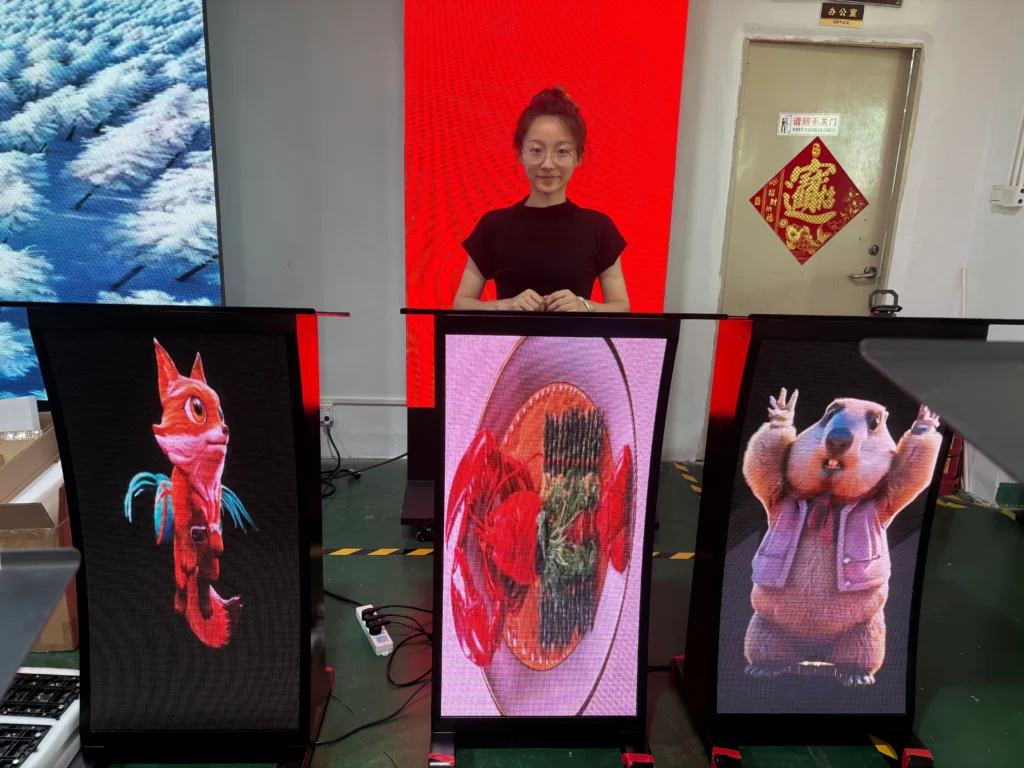
A curved LED display can make product photography appear wider, narrower, or visually tilted near the outer sections, especially when the image contains straight packaging lines. Flexible LED Displays for Retail: How Screen Geometry Affects Content and Readability should therefore use product images with generous side margins.
If a package must remain dimensionally accurate, keep it near the stable center zone instead of spanning the full curve.
When should a retailer choose flexible LED over a flat LED display?
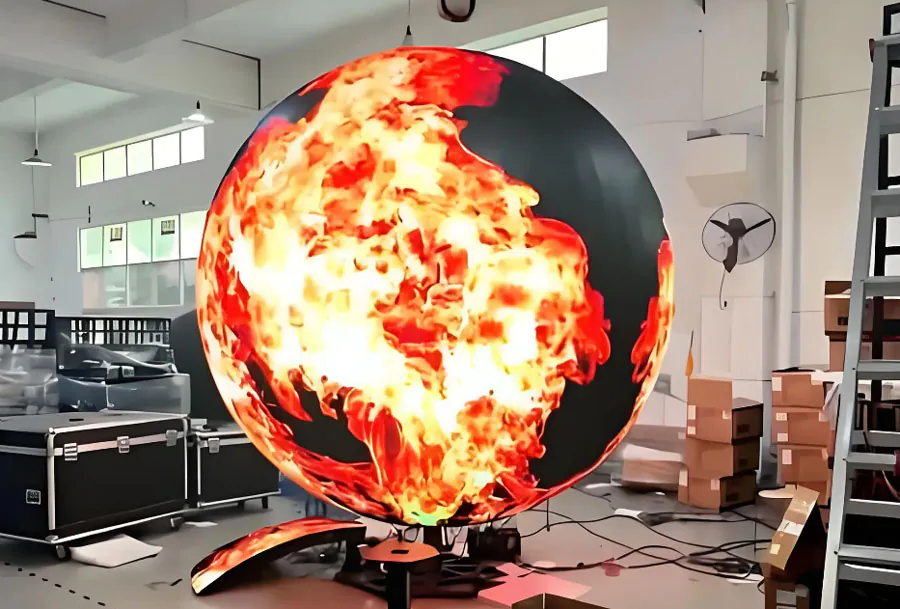
Choose flexible LED when the architecture, shopper flow, or brand experience depends on a curved or shaped surface. Flexible LED Displays for Retail: How Screen Geometry Affects Content and Readability is especially relevant for columns, arches, circular displays, and curved feature walls.
A flat display may be the better choice when the audience faces one direction and low installation complexity matters more than sculptural form.
Can subtitles or accessibility text be used on a curved retail screen?
Yes, but text should remain large, high contrast, and positioned within the most stable viewing area. Flexible LED Displays for Retail: How Screen Geometry Affects Content and Readability becomes difficult when captions are placed across strong curvature or move rapidly. For spoken promotional videos, consider a shorter caption format rather than reproducing every word in a dense block.
What should retailers do when part of the display is blocked?
Treat blocked sections as unavailable content space rather than trying to force important information into them. Flexible LED Displays for Retail: How Screen Geometry Affects Content and Readability requires a layout that remains meaningful when merchandise, queue barriers, or seasonal fixtures interrupt sightlines. Place the primary offer in the clearest visible region and use secondary areas for supporting visuals.
How can a retailer troubleshoot uneven readability across cabinets?
First check whether the problem is creative, mechanical, or signal-related. Flexible LED Displays for Retail: How Screen Geometry Affects Content and Readability may expose cabinet alignment problems that look like content distortion. Inspect cabinet gaps, receiving-card status, calibration, brightness consistency, and the source canvas dimensions before redesigning the message.
Conclusion
Screen geometry changes more than the appearance of a retail LED display. It affects what shoppers can see, how quickly they can read it, and whether motion remains comfortable from different angles.
– Match curvature to real shopper movement.
– Keep prices, headlines, and calls to action inside a stable safe area.
– Choose pixel pitch with viewing distance and screen shape in mind.
– Test brightness, motion, and contrast under actual store conditions.
– Measure readability from multiple positions before launch.
Flexible LED Displays for Retail: How Screen Geometry Affects Content and Readability should be treated as a combined design, engineering, and merchandising decision. Start by mapping viewing zones, create a geometry-aware content template, and conduct an in-store review before final installation.