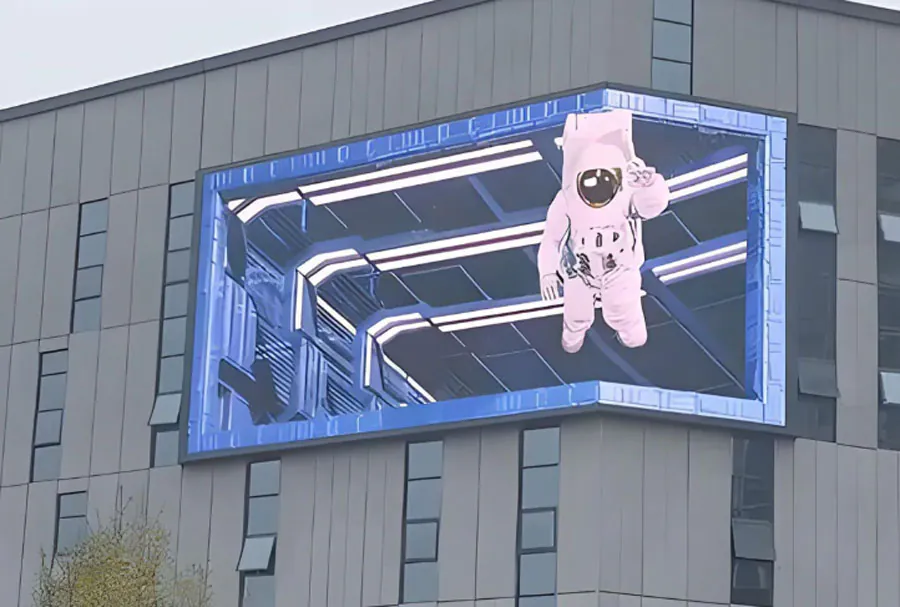
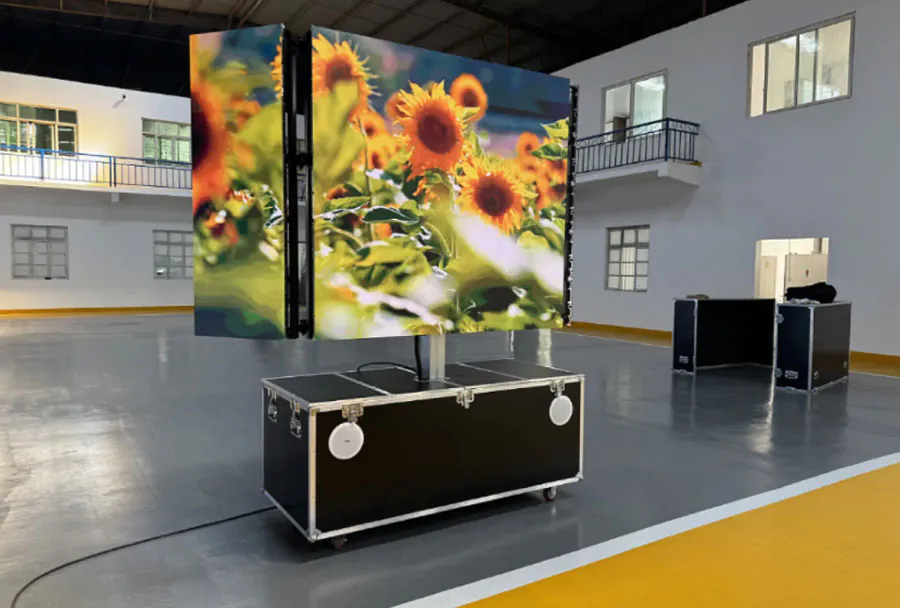
Cost-Effective Big Digital LED Screen Rental Toronto for Any Occasion


Toronto is a city of scale — cultural festivals, corporate conventions, sports events, outdoor concerts, community gatherings and private celebrations draw audiences that expect high-impact visual experiences. Big digital LED screens have become an essential element for event organizers who want to deliver clear messaging, enhance audience engagement and create memorable moments. Yet many planners worry about the budget implications. The good news: renting large LED screens in Toronto can be highly cost-effective if you understand sizing, specifications, logistics and vendor options.
This article provides a practical, professional guide to renting big digital LED screens in Toronto for any occasion. It covers cost components, technical and logistical considerations, recommended screen sizes for common event types, tips to maximize ROI, permitting and safety notes relevant to the city, and sample cost estimates. Whether you’re producing an outdoor music festival or a corporate product launch in downtown Toronto, this guide will help you choose the right screen solution without overspending.
Understanding the Value Proposition: What Big LED Screens Deliver
Large digital LED screens offer a number of measurable benefits:
– Visibility and reach: LED screens are bright and legible in daylight or at night, ensuring messages reach audiences across large venues.
– Dynamic content: They support video, live camera feeds, graphics, sponsor loops, and real-time social media streams — all increasing engagement.
– Branding and revenue: Prominent sponsor placements and dynamic ads generate additional revenue that can offset rental costs.
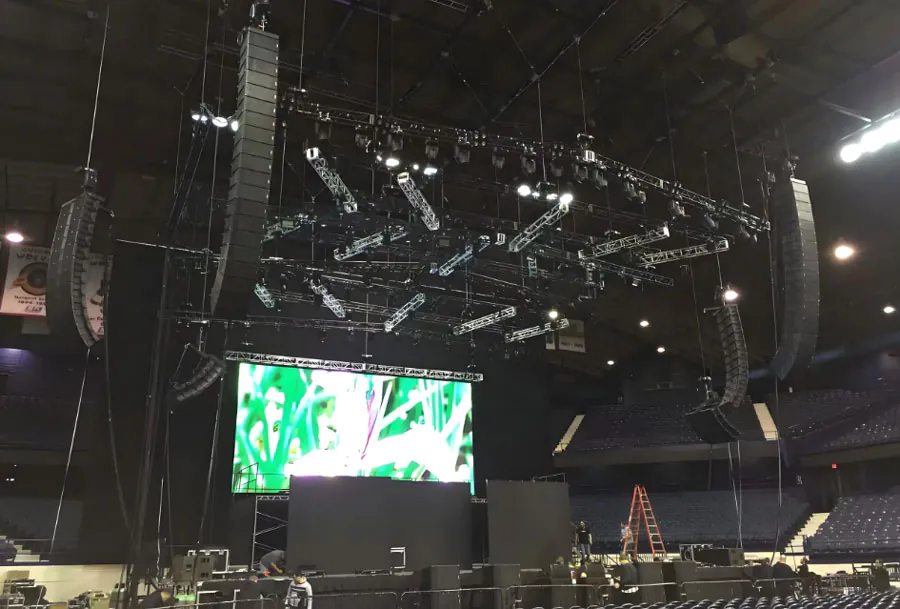
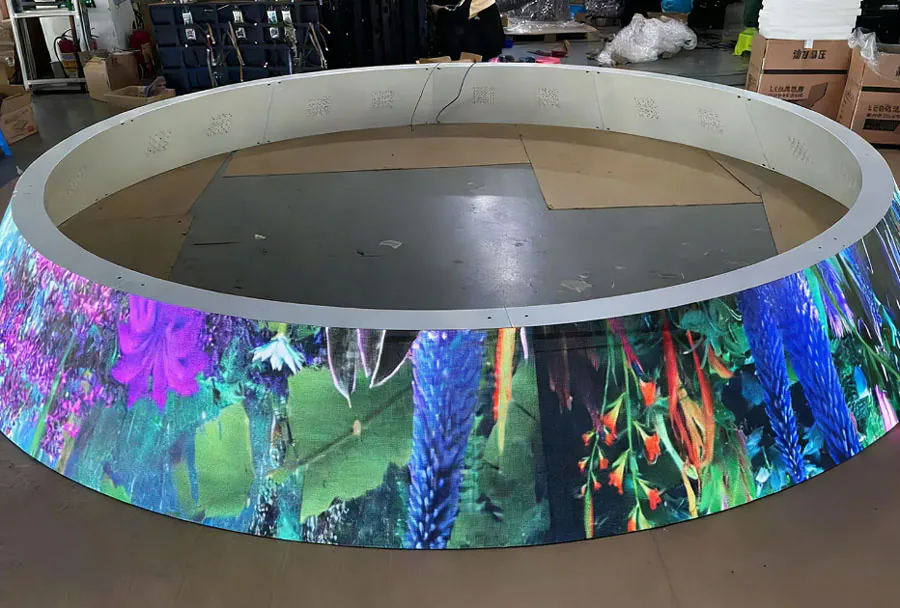
– Flexibility: Modular LED walls can be configured to fit unusual spaces, outdoor stages, or indoor arenas.
– Reliability: Modern rental screens are built for continuous operation, with built-in redundancy and professional technical support.
Understanding these value drivers helps justify rental expenditure because the screen acts as both utility and revenue generator.
Key Cost Components When Renting a Big LED Screen in Toronto
When evaluating rental quotes, break down the cost into explicit components so you can compare vendors apples-to-apples:
– Screen rental fee (per day or per event): Depends on total surface area (square meters or square feet), pixel pitch, and brightness rating.
– Transport and logistics: Trucking from vendor warehouse to venue, loading/unloading, and return.
– Installation and labor: Professional rigging, assembly, structural support, and video technician hours.
– Video processing and playback: Media servers, scalers, switchers and operator time.
– Power and auxiliary equipment: Generators (for outdoor events), cabling, distribution and backup power.
– Permits and inspection fees: City permits required for outdoor structures and amplified events.
– Insurance and contingency: Liability coverage required by venues and event organizers.
– Content creation or conversion: If your content needs editing or reformatting to match screen resolution.
Vendors may bundle some items; make sure bundled vs. à la carte items are clearly listed.
Technical Specifications That Affect Cost and Performance
Several technical factors influence both cost and final visual quality:
– Pixel pitch: Smaller pitch (e.g., 2.6mm) provides higher resolution and closer viewing distance, but costs more than larger pitch (e.g., 6-10mm) suited for long-distance viewing.
– Screen size (area): Larger surface area directly increases rental price.
– Brightness (nits): Outdoor screens require higher brightness (5,000–7,000 nits) than indoor displays (800–1,500 nits).
– Refresh rate and color depth: Important for smooth video and accurate brand colors; higher specs demand better processors.
– Weatherproofing and IP rating: Outdoor-rated modules resist rain and dust—essential for Toronto’s variable weather.
– Module reliability and redundancy: Manufacturer quality impacts risk of failures; rental providers often include spare modules and backup control systems.
Balancing these specs with audience distance and content type will help you select the most cost-effective option.
Recommended Screen Sizes and Use Cases
Different event types require different screen strategies. Below is an analysis table summarizing typical recommendations for Toronto events. The table helps estimate costs and choose the right size and features.

| Event Type | Recommended Screen Size (WxH) | Typical Rental Duration | Estimated Cost Range (CAD) | Key Considerations |
|---|---|---|---|---|
| Outdoor Music Festival | 12m x 6m (40′ x 20′) | 3–5 days (setup + event + strike) | $20,000–$60,000 | High brightness, weatherproofing, staging rigging, generator power |
| Sports Viewing (Public Fan Zone) | 8m x 4.5m (26′ x 15′) | 1–7 days | $7,000–$25,000 | Viewing distance, crowd capacity, audio sync, municipal permits |
| Corporate Conference / Trade Show | 6m x 3m (20′ x 10′) | 3–5 days | $6,000–$18,000 | Indoor pixel pitch, AV integration, rigging points in venue |
| Outdoor Movie Night / Community Event | 5m x 3m (16′ x 10′) | 1 day | $3,000–$10,000 | Screen brightness, audio setup, local event permit |
| Wedding / Private Celebration | 3m x 2m (10′ x 6.5′) | 1 day | $1,200–$5,000 | Indoor/outdoor choice, intimate viewing distances, content formatting |
Note: These ranges are indicative. Actual quotes depend on pixel pitch, vendor pricing, labor rates, time of year, and additional services.
How to Read Rental Quotes: Questions to Ask Every Vendor
When comparing quotes, ask these targeted questions:
– Is the screen area quoted in square meters or in module counts? Request both.
– What is the pixel pitch and viewing distance recommendation?
– Does the price include transport, rigging, and power? If not, get itemized fees.
– Are setup and strike included? How many labor hours are estimated?
– What is the warranty or uptime guarantee? Are spare modules and backup controllers provided?
– Who supplies generators and who covers fuel costs?
– What is the minimum rental period and cancellation policy?
– Do you provide an on-site technician for the duration of the event?
– Do you handle permits or provide documentation needed for the city inspection?
Insist on an itemized contract. Hidden fees are often where budgets are blown.
Permitting, Safety and Toronto-Specific Regulations
Toronto has specific guidelines for temporary structures and amplified events:
– Street and park permits: For events on public property, permits from the City of Toronto and possibly Toronto Police Services are required.
– Building and structural approvals: Large LED walls suspended from temporary trusses may need engineering sign-off and inspections.
– Noise and curfew rules: Outdoor events must respect municipal noise bylaws; amplified sound may require special permission.
– Electrical safety: Licensed electricians must handle power distribution; portable generators require exhaust and fuel management plans.
– Crowd safety: Proper barriers, ingress/egress plans and emergency access are mandatory for large crowds.
Work with vendors familiar with local rules — they often help you navigate the permitting process and provide necessary documentation for applications.
Tips to Maximize Cost-Effectiveness
– Right-size the screen: Don’t pay for a 2.6mm indoor-resolution screen when your audience sits 60+ feet away. Larger pixel pitch is more cost-effective for long-distance viewing.
– Negotiate package deals: Many vendors will bundle transport, tech support and media server in a single fee — negotiate to capture discounts.
– Book off-peak dates: Prices are higher during summer festival season; consider off-peak scheduling where feasible.
– Monetize the screen: Sell ad slots to sponsors, run rotating sponsor loops, or offer naming-rights for the screen during your event.
– Share resources: For multi-stage festivals, ask if a vendor can rotate screens or share power infrastructure to reduce costs.
– Prepare content properly: Poorly formatted content requires vendor time to fix. Deliver correctly sized files in the right codecs to avoid extra editing charges.
– Use local vendors: Toronto-based rental companies reduce transport and accommodation fees for crew.
Installation Best Practices and On-Site Support
– Site survey: A qualified vendor should conduct a site visit to map rigging points, power access and sightlines.

– Ground or flown: Choose ground-stacked setups for speed and lower cost; flown (rigged) screens offer better sightlines but increase rigging costs and require certified riggers.
– Redundancy: For critical events, require backup data paths (dual media servers) and spare modules onsite.
– Testing window: Schedule at least several hours for final testing — brightness, color matching, and camera feed alignment should be validated.
– Safety protocols: Ensure barricades, fall protection for riggers, and safe cable runs per municipal codes.
Content and Creative Considerations
Great content maximizes the impact of a rented LED screen:
– Resolution planning: Create assets at native pixel resolution to avoid scaling artifacts.
– Letterboxing and safe areas: Keep critical text and logos away from edges that may be obscured by mounting hardware.
– Brightness contrast: Use high-contrast designs for outdoor screens. Avoid subtle gradients that lose detail in high ambient light.
– Live feeds and delay: If streaming live cameras, ensure proper delay and latency handling especially for feed-to-broadcast synchronization.
– Sponsor rotation: Design modular sponsor slots so they can be swapped or updated easily.
Outsourcing content creation to an experienced AV agency is often cost-effective because it reduces technical issues on the day.
Case Studies — Realistic Scenarios in Toronto
1) Outdoor Summer Concert — Mid-sized festival in Toronto’s waterfront park:
– Need: Mainstage screen 10m x 5m, high-bright outdoor modules, 3-day rental.
– Result: Vendor supplied turnkey solution including generator, rigging and LED techs. Festival sold sponsor loops on the screen for additional revenue that covered ~30% of screen costs.
2) Corporate Product Launch — Downtown conference center:
– Need: 6m x 3m indoor LED wall, integrated with stage lighting and presentation system.
– Result: Vendor provided custom content scaling and an on-site technician. The clarity of product demo videos and branding elevated attendee perception and reduced need for printed collateral.
3) Community Movie Night — Neighborhood association:
– Need: 5m x 3m screen, one-night rental, minimal rigging.
– Result: Local rental company provided an economical package including basic sound system. Ticket revenue covered the entire rental and the event attracted sponsors for subsequent seasons.
Sustainability and Energy Efficiency
LED technology is more energy-efficient than older display options but large screens still consume significant power. Tips to reduce environmental impact and possibly lower costs:
– Use energy-efficient LED modules and modern power supplies.
– Optimize brightness for conditions — high nits are required in sunlight but not at dusk.
– Consolidate screen runtime — only power on sections or reduce idle screen content.
– Choose vendors who use biodiesel-compatible generators or have grid-tie options when possible.
– Reuse screens across multiple events to reduce manufacturing demand; rental models inherently support circular use.
These measures also support sponsors’ and organizers’ sustainability commitments.
Choosing the Right Vendor in Toronto
Select a vendor based on these criteria:
– Experience and references: Ask for local Toronto event references and photos of similar installs.
– Transparent pricing: Itemized quotes and clear cancellation and overtime policies.
– Technical capability: On-site technicians, redundancy planning and modern media server options.
– Insurance and compliance: Proof of liability insurance, WSIB (if applicable), and familiarity with city permits.
– Inventory quality: Recent-generation LED modules and professional-grade control systems.
Request multiple bids and evaluate not only price but technical fit and vendor reliability.
Sample Budget Breakdown: Estimating Total Event Cost
Below is a hypothetical budget for a one-day outdoor community event with an 8m x 4.5m screen:
– Screen rental (day rate): $9,000
– Transport and crew (truck + 4 techs): $2,000
– Rigging and installation: $1,500
– Generator and fuel: $800
– Media server and operator: $600
– Permits and municipal fees: $400
– Insurance and contingency (10%): $1,420
Estimated total: $15,720 CAD
Always build a 10–15% contingency into your budget for unforeseen needs.
Final Checklist Before Signing a Rental Contract
– Confirm screen dimensions, pixel pitch, and brightness.
– Verify which costs are included and get an itemized contract.
– Ensure vendor provides proof of insurance and WSIB/worker clearance if necessary.
– Confirm exact setup and strike times, and who covers overtime.

– Request documentation needed for permits and engineering approval (if applicable).
– Schedule a technical walkthrough and content delivery deadlines.
– Agree on escalation procedures and on-site technician availability.
Conclusion: Renting Smart in Toronto
Big digital LED screen rental in Toronto can be a cost-effective investment that significantly amplifies the impact of your event. The secret to cost-effectiveness lies in matching screen specs to audience needs, negotiating transparent bundled services, leveraging sponsorship revenue, and choosing experienced local vendors who understand Toronto’s permitting and safety requirements. With careful planning — right-sizing the screen, optimizing content, and building robust technical support — you can deliver high-impact visuals without unnecessary costs.
If you’re organizing an event in Toronto, start by defining audience distances, content type, and the desired visual impact. Use the analysis table and cost components outlined here to request clear, comparable quotes from multiple vendors. With the right approach, a large LED screen will do more than display content — it will help you tell a story, attract sponsors, and create an experience that attendees remember.