How to Choose the Right LED Display Screen Rental Service


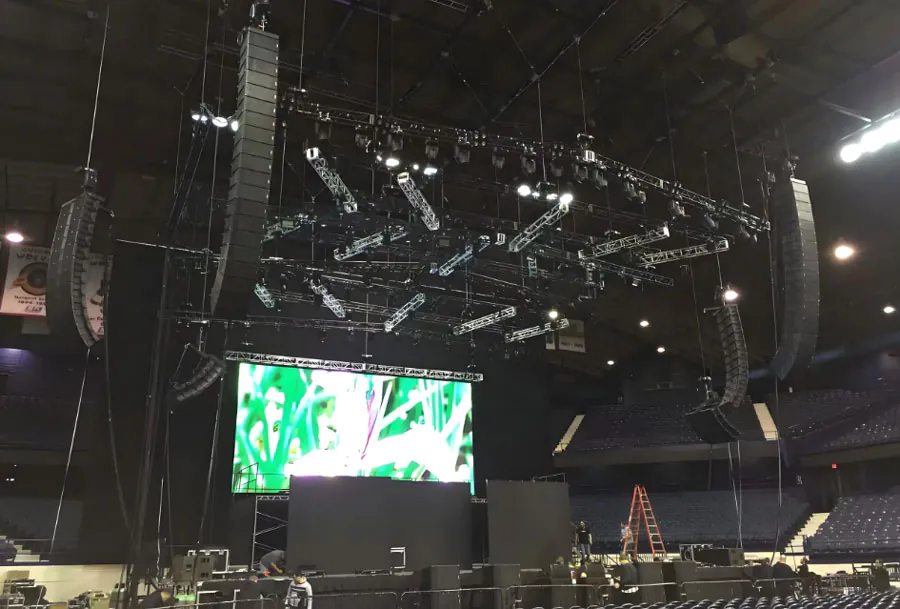
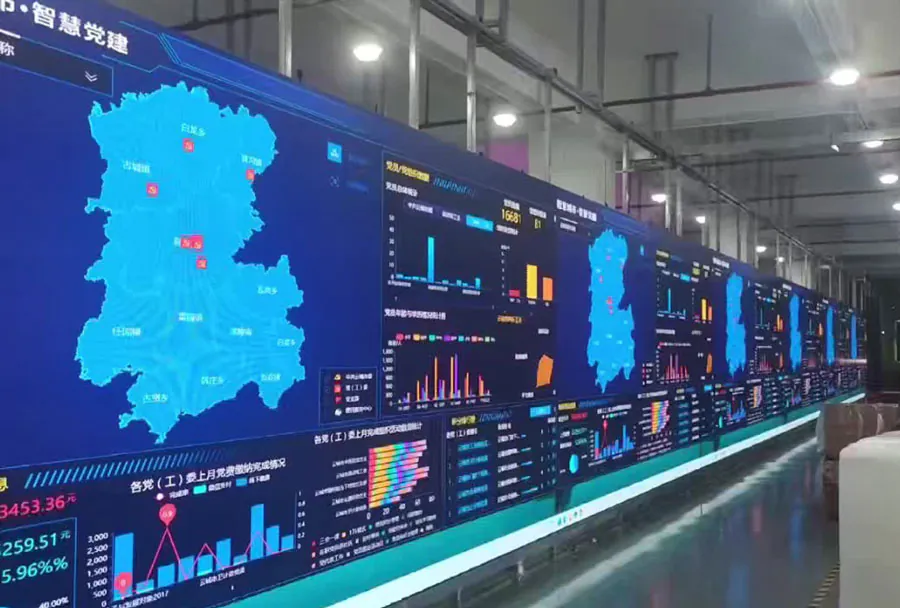
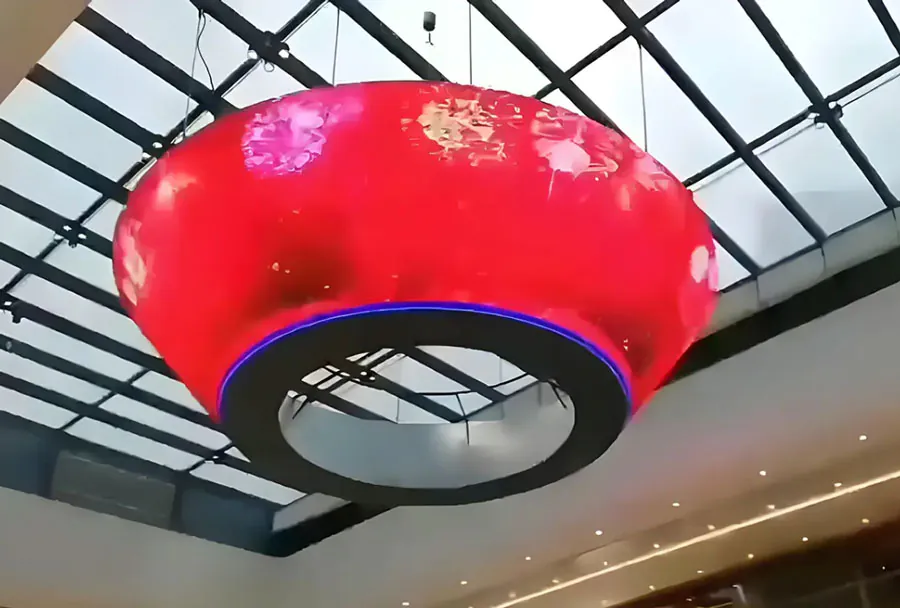
LED display screens are now central to events, trade shows, concerts, corporate presentations, retail promotions, and outdoor advertising. Selecting the right led display screen rental service is not just about picking a screen that looks good — it’s about ensuring the technology, logistics, and service match your event goals, budget, and audience environment. A poor choice can mean pixelated images, insufficient brightness, missed deadlines, or surprise costs. Conversely, the right partner turns your content into a memorable visual experience while reducing stress and operational risk.
This guide covers the essential technical, operational, and commercial factors to evaluate when choosing an LED display rental provider. It includes a practical comparison table to help you analyze options and a step-by-step checklist you can use when soliciting bids or evaluating vendors.
Understanding Core Technical Specifications
Resolution and Pixel Pitch
Pixel pitch is the distance between the centers of two adjacent LEDs, typically measured in millimeters. Smaller pixel pitch means higher resolution and better close-up viewing. For indoor events where viewers are close (5–20 feet), consider pixel pitches from 1.2mm to 3mm. For trade shows and larger venues with moderate viewing distances, 2.5mm–4mm can be appropriate. For outdoor stage backdrops or large screens meant to be seen from farther away, 6mm–10mm (or larger) is common.
When evaluating rental providers:
– Ask to see sample panels at the pixel pitch you’ll need.
– Request a mock-up or footage of similar content to see real-world clarity.
– Ensure the rental provider can configure the screen resolution to match your content’s native aspect ratio.
Brightness and Contrast
Brightness (nits) is critical, especially for outdoor events or indoor spaces with high ambient light. Typical ranges:
– Indoor low-light: 800–1200 nits.
– Indoor controlled lighting: 1200–2000 nits.
– Outdoor/daylight: 4000–7000+ nits.
Contrast determines how well the screen displays deep blacks and vibrant colors. High dynamic range capabilities and local dimming on some panels can improve perceived contrast. Ask the provider for measurements under relevant environmental conditions.
Refresh Rate and Color Accuracy
Refresh rate affects motion clarity; for video and live feeds, 3840Hz (or higher) reduces flicker in camera capture and live broadcast. Lower refresh rates can cause strobing or rolling bars when filmed. Color accuracy and calibration matter for brand fidelity — request ICC profiles, calibration reports, or proof of color management capability.
Viewing Distance and Aspect Ratio
Match pixel pitch and screen dimensions to expected viewer distances. A general guideline: viewing distance (in meters) ≈ pixel pitch (in mm) × 3–8 for legibility. Work with the rental provider to determine ideal aspect ratio based on content (16:9, 4:3, custom shapes). Avoid forcing non-native content onto a screen without proper scaling; this can degrade image quality.
Operational Considerations: Logistics, Setup, and On-Site Support
Delivery, Installation, and Tear-Down
Learn the provider’s logistics capabilities:
– Lead times for delivery and pick-up.
– Transport vehicles and crew certifications.
– Typical install and teardown duration.
– On-site load-in and load-out plans that minimize disruption.
Insist on written timelines and contingency plans — late equipment arrival or a rushed install can cripple an event.
On-Site Technical Support and Redundancy
A reliable rental service provides on-site technicians throughout the event. Critical checks:
– How many technicians will be on-site and for how long?
– Are they trained for both hardware and software troubleshooting?
– What spares and backup systems are provided (power supplies, control processors, spare panels)?
Ask about fault-handling protocols and response times. A robust service will include redundant signal paths and spare modules to swap quickly if a panel fails.
Power, Weatherproofing, and Safety
Confirm power requirements (voltage, phase, amperage) and whether the venue can supply them. For outdoor events, ensure the rental equipment is rated for weather conditions (IP65 or higher for outdoor panels) and that the vendor includes weather protection plans (coverings, drainage, wind load calculations). Verify that installation follows local safety codes, including rigging certifications for suspended screens.
Content and Control: Compatibility and Ease of Use
Playback Systems and Media Servers
Understand what playback hardware or software the provider uses. Ask:
– Which media players and servers are compatible?
– Can the provider accept native files (MP4, H.264/H.265, PNG, TIFF) and layered formats (Alpha channels)?
– Will they handle content scaling, color grading, and real-time switching?
If you require live video feeds, confirm signal types supported (SDI, HDMI, NDI) and whether they provide video mixers or switchers.
Control Interfaces and Remote Management
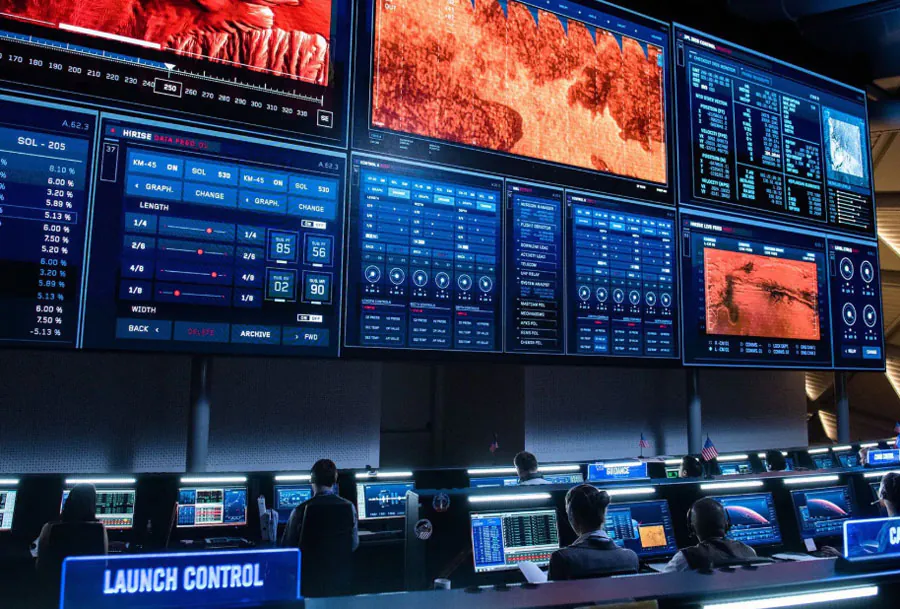
A good rental provider offers user-friendly control interfaces and options for remote monitoring and display management. This includes web-based dashboards for health monitoring, remote diagnostics, and real-time content scheduling. Confirm whether you’ll have control access and whether training is included.
Commercial Factors: Pricing, Contracts, and Insurance
Transparent Pricing Structures
Rental pricing can vary widely. Common cost components include:
– Daily/weekly rental fees for the screen and support equipment.
– Transportation, installation, and teardown charges.
– Technician fees and after-hours support.
– Insurance and venue-specific charges.
Request itemized quotes and compare total cost of ownership for the event duration. Beware of low initial quotes that add significant fees later.
Contracts, Cancellation, and Liability
Review contracts carefully:
– Cancellation policy and deposit terms.
– Liability for damages (who is responsible for damage during the event?).
– Force majeure clauses and what constitutes vendor responsibility.
– Warranties for equipment performance and uptime guarantees.
Ensure the provider carries adequate public liability insurance and can supply certificates to your venue if required.
Insurance and Damage Waivers
Ask whether insurance is included or if you’ll need event insurance. Some vendors offer damage waivers for an extra fee which can simplify risk allocation. Clarify deductibles and coverage limits.
Vendor Reputation and Case Studies
Portfolio and References
A reputable rental company will have a portfolio of past events and references. Request:
– Case studies similar to your event type and size.
– Contactable references you can call.
– Video/photo documentation and client testimonials.
Look for evidence of successful installations under similar constraints (outdoor, high ambient light, multi-screen setups, live broadcast).
Certifications and Industry Standards
Check whether the company adheres to industry standards for rigging, electrical safety, and broadcast compatibility. Certifications might include rigging certifications, OSHA-compliant training, and vendor partnerships with LED manufacturers.
Comparative Analysis Table
Below is a sample comparison table you can use to analyze rental providers or screen types. Modify rows and ratings to match your evaluation criteria.
| Factor | Provider A | Provider B | Provider C | Notes / Priority |
|---|---|---|---|---|
| Pixel Pitch / Resolution | 1.9mm (High) | 4mm (Medium) | 6mm (Low for close-up) | Match to viewing distance |
| Brightness (nits) | 1500 (Indoor bright) | 5000 (Outdoor) | 3000 (Versatile) | Choose by ambient light |
| On-site Support | Full crew all day | Technician on-call | Technician included for install | Consider event criticality |
| Logistics & Lead Time | 2 days lead (local) | 1 week lead (regional) | 3 days but longer travel | Factor in transport delays |
| Total Estimated Cost | $8,500 | $12,000 | $6,500 | Compare full breakdown |
Questions to Ask Potential Rental Providers
– What pixel pitches and panel sizes do you have available?
– Can I view a demo of a screen with similar content under similar lighting?
– What are the exact delivery, setup, and teardown times and costs?
– How many technicians will be on-site, and what are their qualifications?
– What redundancy and spare equipment do you bring?
– What are your power and rigging requirements, and can you coordinate with the venue?
– How do you handle color calibration and playback compatibility?
– Can you provide an itemized quote and a sample contract?
– What is your cancellation policy and liability coverage?
– Can you provide references for similar events?
Content Preparation Best Practices
Designing for LED Screens
Design content optimized for LED:
– Create content at the screen’s native resolution when possible.
– Use high-contrast graphics and avoid fine text for distant viewing.
– Use safe margins: keep critical elements away from the edges where seams and bezels might exist.
– When in doubt, preview content on the actual panel or request a pixel-accurate mock-up.
File Formats and Compression
Deliver files in agreed formats and codecs. H.264 and H.265 MP4 are common for video. For motion graphics requiring transparency, supply ProRes or PNG sequences. Avoid over-compression — artifacts show up clearly on large LED surfaces.
Testing and Rehearsals
Schedule content tests during the install window. Rehearsals with live feeds or cues will reveal signal latency, playback hiccups, or synchronization issues. Confirm frame rates and sync across multiple screens if you have a multi-display setup.
Cost-Saving Strategies Without Sacrificing Quality
– Choose pixel pitch appropriate to viewer distance rather than defaulting to the highest resolution.
– Rent the exact duration needed; avoid unnecessary days.
– Bundle services (audio, lighting, LED) with one vendor for potential discounts.
– Provide well-prepared, broadcast-ready content to reduce onsite content prep time.
– Negotiate a clear all-inclusive quote to prevent surprise fees.
Red Flags to Watch For
– Vague quotes without itemized costs or clear timelines.
– No on-site technical staff offered for mission-critical events.
– Lack of recent references or case studies for similar events.
– Inability to demonstrate content on the actual panels or provide a live demo.
– Contracts that lack clear liability, cancellation, or service-level clauses.
Final Checklist Before You Book
– Confirm pixel pitch and screen size match viewing distance and content.
– Get a fully itemized quote including transport, rigging, power, setup, tech support, and insurance.
– Verify on-site technical staff availability for the entire event.
– Ensure panels are rated for the event environment (IP rating for outdoor).
– Review contract terms, cancellation policies, and liability clauses.
– Request references and review case studies.
– Schedule content testing and rehearsal during setup.
– Agree on backup and contingency plans in writing.
Choosing the right led display screen rental service requires balancing technical requirements, operational reliability, and commercial transparency. The best vendors are not merely equipment providers; they are partners who help translate your creative vision into a dependable live experience. By focusing on pixel pitch, brightness, support, logistics, and contract clarity — and by asking targeted questions and demanding demonstrations — you’ll minimize risk and ensure your event’s visuals leave a strong, positive impression.