Reliable LED Screen Rental with Setup Support in Dallas

When you’re planning an event in Dallas—whether it’s a corporate conference at the Kay Bailey Hutchison Convention Center, an outdoor festival in Klyde Warren Park, a trade show, or a private celebration—visual presentation is no longer optional. LED screens have become the backbone of modern events, delivering crisp video, vibrant color, and dynamic content that can engage audiences at scale. But the best LED screen is only as good as the service behind it. Reliable LED screen rental paired with professional setup support ensures your content displays correctly, your schedule stays intact, and technical issues don’t derail your event. This article explores the critical factors for renting LED screens in Dallas, the types of screens available, what to expect from setup support, pricing considerations, and practical tips for achieving a flawless visual experience.
Understanding LED Screen Rental: Core Components
LED rental encompasses several components: the LED panels themselves, a control system (video processor and media server), mounting and rigging hardware, power distribution, and cabling. When vendors advertise “setup support,” they typically offer site surveys, delivery and installation, calibration and alignment, system testing, operator staffing, and technical standby during the event. In Dallas’s varied event environments—indoor halls, outdoor stages, corporate boardrooms, and unique architectural spaces—each of these components plays a role in ensuring a successful deployment.
The first step in a reliable rental is accurate needs assessment. Vendors should evaluate viewing distance, audience size, ambient light (especially critical for outdoor daytime events), content resolution, and venue infrastructure (load-bearing points, power availability, indoor access). This assessment informs screen type, pixel pitch, brightness requirements, and the appropriate control system.
Types of LED Screens and Where to Use Them
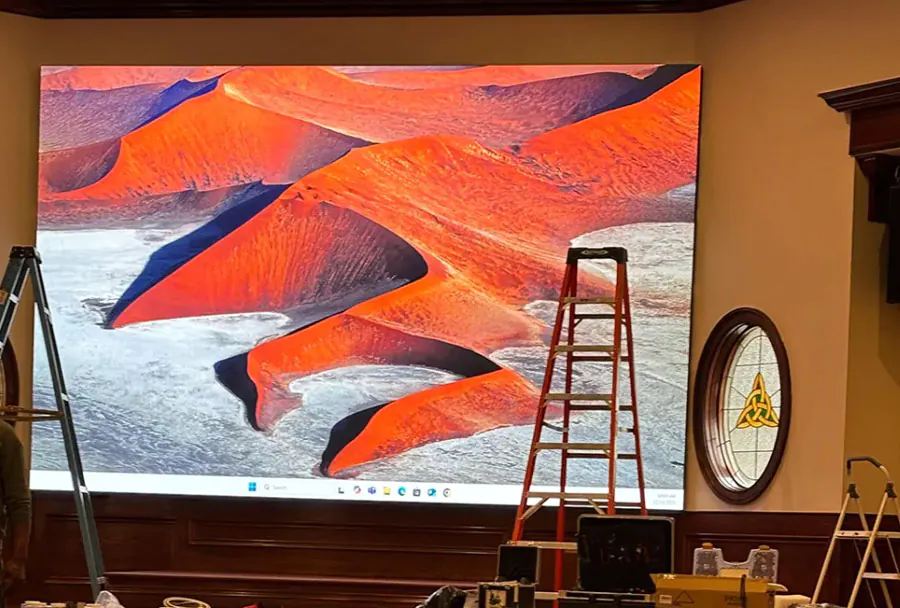
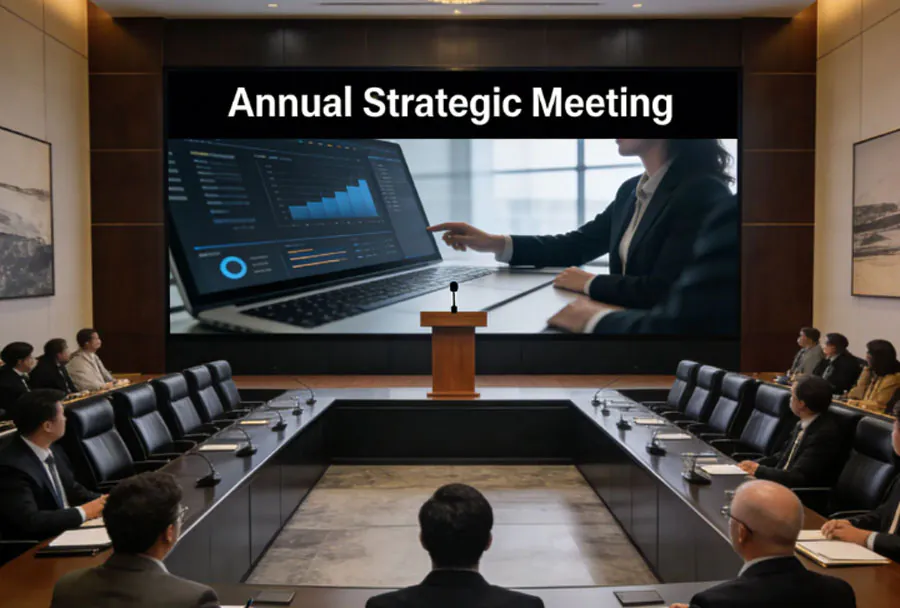
– Indoor Fixed/Backdrop Screens: Ideal for conference stages and trade show booths where controlled lighting and short viewing distances allow fine pixel pitch (P2.5–P4.8). These offer high-resolution imagery for close audiences.
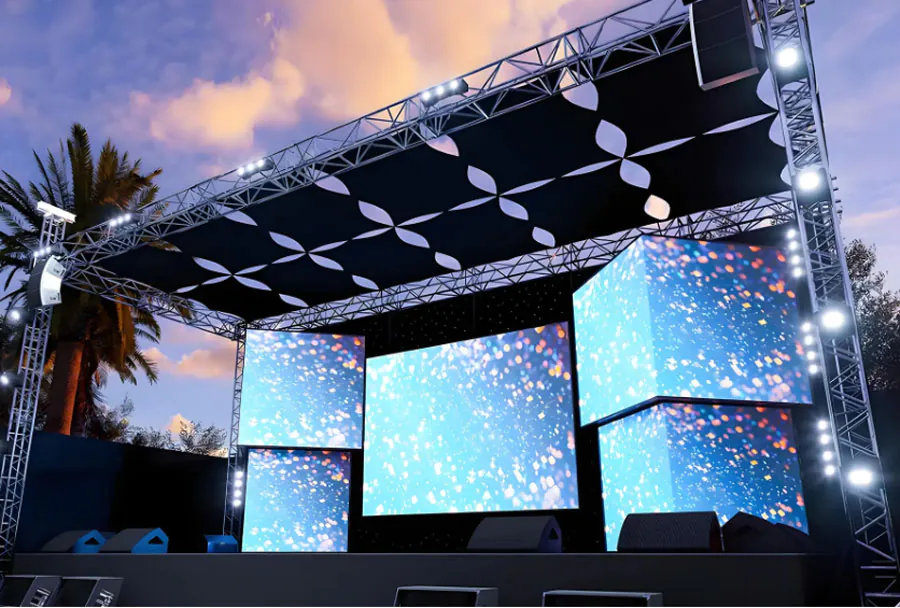
– Outdoor Rental Screens: Built to withstand weather and high ambient light, these screens have high brightness (5,000 nits or more) and are often used for concerts, festivals, and outdoor advertising.
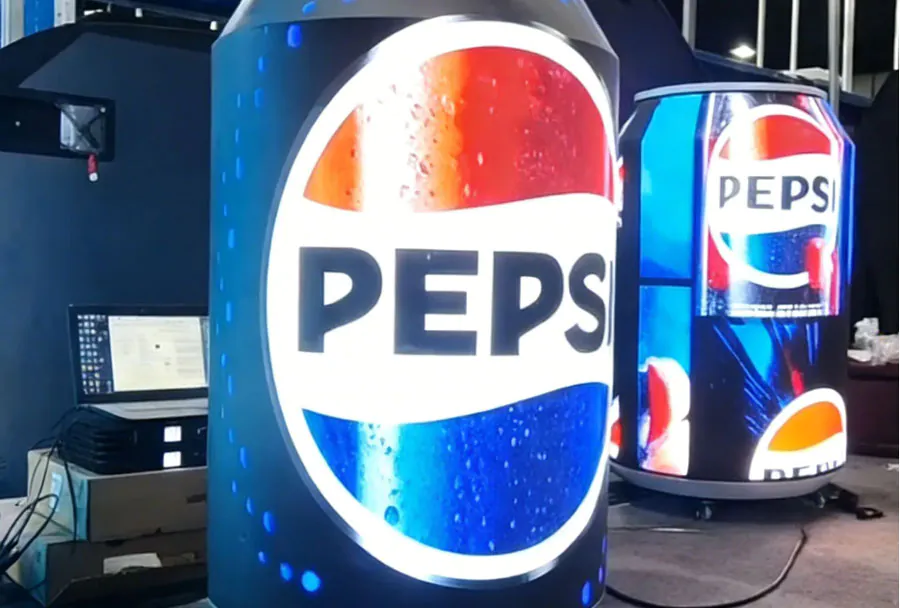
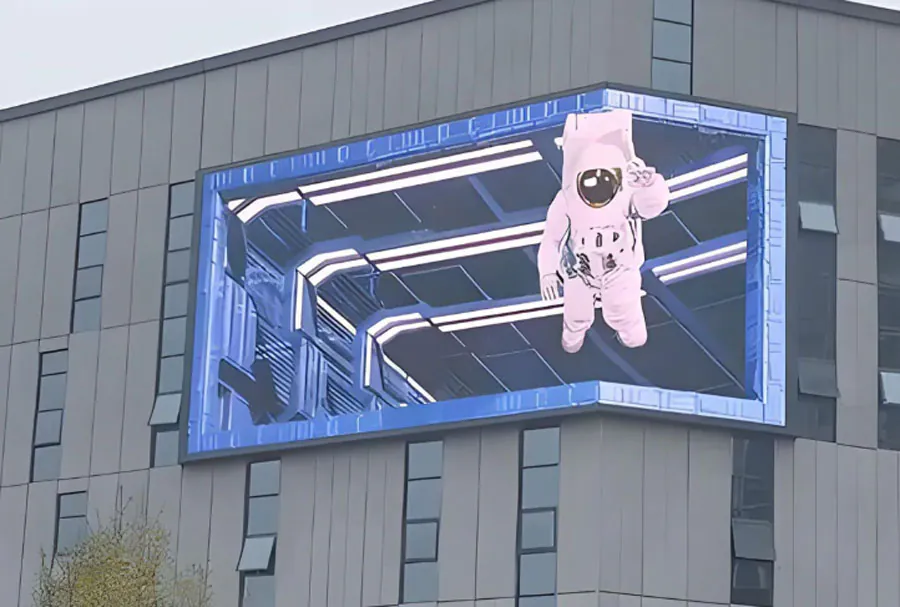
– Transparent and Creative Screens: For storefronts and experiential marketing, transparent LED offers visual impact without blocking sightlines. Creative shapes and curved screens can be custom-rigged for unique stage designs.
– Portable and Quick-Deploy Systems: For temporary AV needs such as corporate meetings, graduations, and pop-up events, lightweight cabinets and simple rigging make installation faster with lower setup complexity.
Analysis Table: Comparing LED Screen Options
| Screen Type | Typical Pixel Pitch | Brightness (nits) | Best Use Cases | Setup Complexity |
|---|---|---|---|---|
| Indoor High-Resolution (Fixed/Backdrop) | P1.9–P3.9 | 800–1,500 | Corporate stages, trade shows, broadcast | Medium (precise alignment and calibration) |
| Outdoor High-Brightness | P3.9–P10 | 5,000–7,000+ | Concerts, festivals, sports events | High (weatherproofing, structural rigging) |
| Transparent/Creative LED | P4–P10 | 2,000–4,500 | Retail fa?ades, experiential installations | High (custom mounting and integration) |
| Portable/Quick Deploy | P3.9–P6 | 2,000–4,000 | Conferences, town halls, graduations | Low–Medium (modular cabinets, fast rigging) |
| Indoor Rental LED (Budget) | P4.8–P6.9 | 800–2,000 | Small events, trade booth backdrops | Low (basic mounting and control) |
Technical Considerations: Pixel Pitch, Brightness, and Resolution
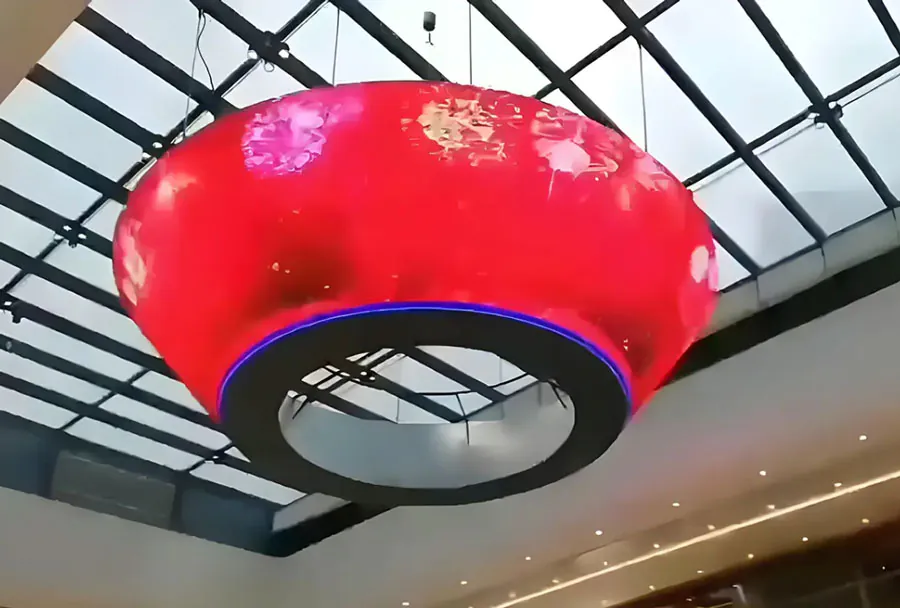
Pixel pitch is the most critical technical parameter for image fidelity. It measures the distance between LED pixels in millimeters; the smaller the pitch, the higher the perceived resolution at close viewing distances. For audiences within 10–20 feet, choose P1.9–P2.9. For longer viewing distances (50 feet and beyond), P4–P6 is often sufficient and more cost-effective.
Brightness is measured in nits and matters most in outdoor or bright indoor environments. If your event will occur in daylight, opt for screens rated 5,000 nits or higher. For indoor events with controlled lighting, 800–1,500 nits usually suffice.
Resolution is determined by both pixel pitch and panel size. Work with your rental provider to match the native resolution of your content (1080p, 4K) and to plan how content will scale across the screen array. Avoid excessive upscaling or downscaling, which can cause blurriness and artifacting.
Setup Support: What Reliable Service Looks Like
Reliable setup support should include:
– Site Survey: On-site or virtual inspection to verify mounting points, power capacity, rigging requirements, access paths, and sightlines.
– Logistics and Delivery: Timely transport with padded cases, clear delivery windows, and equipment inventory checks.
– Rigging and Mounting: Certified riggers for truss, scaffold, or ground-stacked installations. For indoor theaters and arenas, compliance with facility load constraints is essential.
– Power Management: Proper distribution panels, UPS (if required), and professional cable runs to avoid power dips and signal noise.
– Calibration and Testing: Color calibration, white balance, uniformity correction, and full content run-through to detect latency, sync issues, or dead pixels.
– Onsite AV Operators: Trained technicians to manage content playback, switch inputs, live feeds, and troubleshoot during the event.
– Redundancy and Contingency Planning: Spare modules, backup processors, and contingency timelines in case of last-minute changes.
– Post-Event Strike and Recovery: Safe dismantling, load-out coordination, and equipment checks to prevent damage and minimize venue disruption.
A quality Dallas-based vendor should provide a detailed scope of work in advance, including timelines, staffing levels, and liabilities. If structural permits or city approvals are required for outdoor rigs, the vendor should either manage permits or clearly advise you on the process.
Common Pitfalls and How to Avoid Them
– Underestimating Ambient Light: Outdoor daytime events require very bright panels. Ask for nit ratings and request on-site brightness tests whenever possible.
– Ignoring Viewing Angles: Cheap panels can appear washed out from side angles. Confirm horizontal and vertical viewing angles for your layout.
– Skimping on Control Hardware: Low-end players and wireless links can introduce latency and frame drops. Always specify professional-grade video processors and cabling for live events.
– Insufficient Power Planning: Many venues underestimate power needs. Verify power distribution and request power audits when necessary.
– Last-Minute Content Changes: Allow time for content formatting. Provide your content to the vendor 48–72 hours before load-in for testing and any necessary re-encoding.
Pricing Models and Budget Planning
LED rental pricing varies based on screen size, pixel pitch, brightness, and the level of support. Typical cost components include:
– Base Rental Fee: Charged per square meter or per cabinet per day. Higher-resolution panels cost more.
– Delivery and Labor: Setup, rigging, and strike labor are usually billed separately and can vary significantly depending on complexity.
– Equipment Insurance and Damage Waivers: Some vendors require insurance; others offer waivers for an extra fee.
– Control and Processing Equipment: Media servers, switchers, and signal extenders can be additional line items.
– Onsite Tech Support: Hourly rates for technicians or flat day rates for operator coverage.
– Miscellaneous: Truss rental, scaffolding, power distribution, and permits.
As a rough benchmark, a medium-sized indoor LED wall (20–30 square meters, P3.9) with full setup and technician support for a one-day event in Dallas can range from $3,000 to $10,000. Outdoor high-bright installations or custom creative screens can push well beyond this range. Always request itemized quotes and a clear list of included services.
Selecting a Vendor in Dallas: Questions to Ask
When evaluating suppliers, ask these targeted questions:
– What is your local inventory for Dallas-area events? (Avoid vendors that ship equipment from out of state unless necessary.)
– Can you provide references and case studies for similar events in Dallas?
– Do you carry spare panels, power distribution, and backup processors onsite?
– Are your riggers and technicians certified, and do they have experience with the specific venue?
– What is your process for content testing and color calibration?
– Do you handle permits and venue approvals for outdoor rigs?
– What are the insurance and liability terms in your contract?
– What contingency plans do you have for weather, power failure, or equipment malfunction?
A reputable vendor will answer transparently, provide documented processes, and include a clear escalation plan for issues.
Preparing Your Content: Best Practices
Content preparation is a frequent source of last-minute headaches. Follow these best practices:
– Deliver master files in the native resolution of the screen when possible. If the LED canvas is 3840×2160 (4K), provide 4K masters.
– Use progressive-scan formats (e.g., MP4 H.264 or H.265) and avoid interlaced media.
– Keep consistent frame rates; 30fps is common for signage, but live feeds might be 60fps.
– Provide layered assets for live graphics or keyable elements. Communicate any live overlays or ticker elements required during the event.
– Include a clear content schedule and cue sheet for operators.
– Run content through the vendor’s system in advance during the content check window.
Local Considerations: Dallas Venues, Weather, and Regulations
Dallas’s climate and venue variety present unique considerations. Summer months can be extremely hot—ensure outdoor racks and power distribution have adequate ventilation and temperature monitoring. Wind loads for outdoor rigs must comply with venue and city regulations, especially for elevated truss systems. Venue rules at large centers may require certified riggers, union labor for certain halls, or specific mounting points. Confirm these constraints early in planning.
Case Studies: Examples of Successful Deployments
– Corporate Product Launch: A tech company used a 30-square-meter P2.9 backdrop for a product reveal in a downtown Dallas hotel ballroom. The vendor provided a full day of setup, color calibration, and a dedicated operator for live demos. The high-resolution canvas enabled crisp product close-ups and a cohesive multi-camera feed.
– Outdoor Music Festival: A two-day festival in Fair Park required two 12m x 6m high-bright LED screens for the main stage. The vendor handled structural engineering, wind bracing, and weatherproof cabling, and maintained redundant processors for uninterrupted 4K playback.
– Retail Window Activation: A Dallas retail brand used a transparent LED installation across a storefront for a week-long campaign. The vendor coordinated city permits, installed dimmable panels for nighttime visibility, and provided remote monitoring throughout the campaign.
Partnering for Success
Reliable LED screen rental with professional setup support transforms visual aspirations into reality. In Dallas’s competitive events market, choosing the right screen, ensuring rigorous setup and calibration, and working with an experienced local vendor are the keys to success. Prioritize technical assessment, insist on transparent quotes, and demand onsite testing and operator coverage. With the right partner, you’ll not only get a brilliant display but also the peace of mind that comes from knowing your visual production is in capable hands.