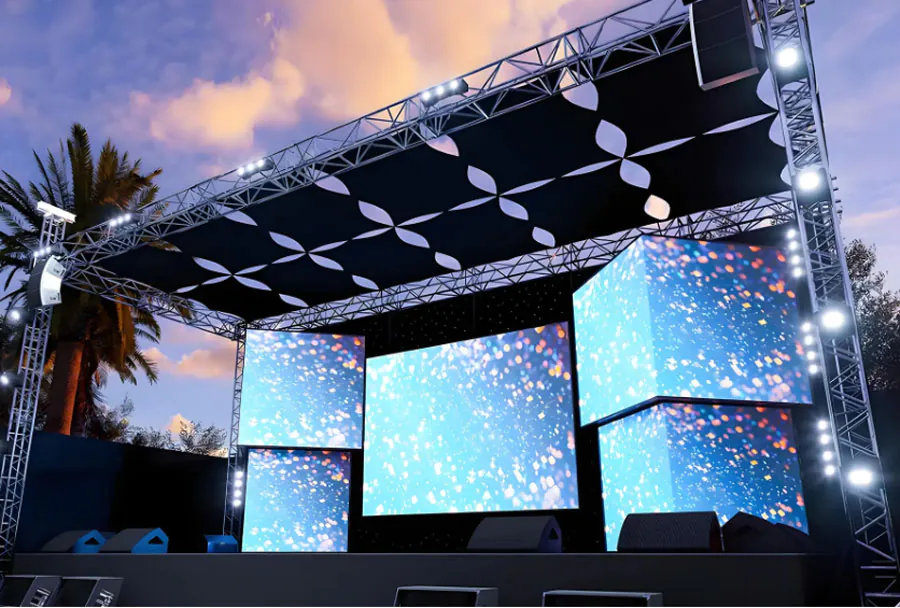
Reliable TW VISION Flexible LED Display for Commercial Projects

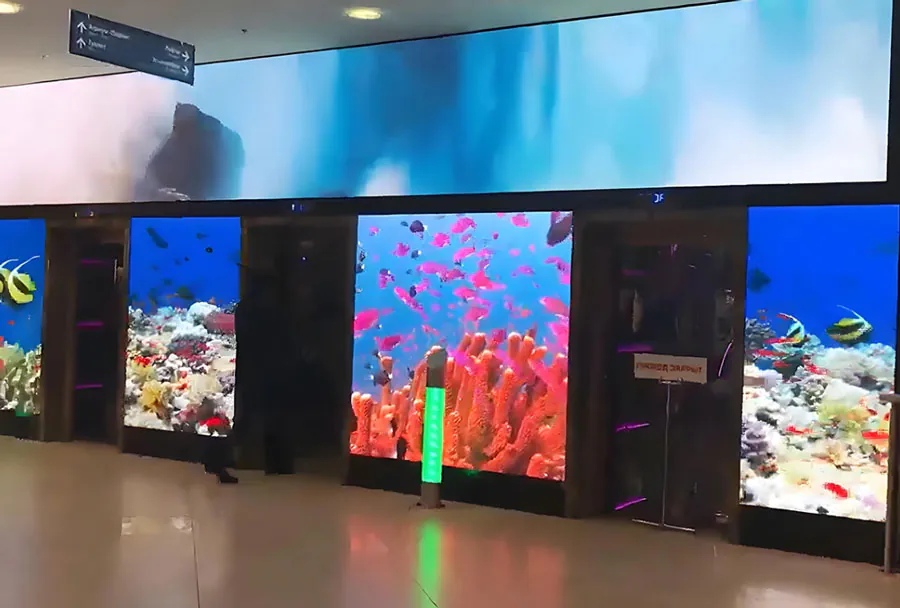
TW VISION’s flexible led displays have emerged as a compelling option for architects, designers, and AV integrators looking to add high-impact digital media to commercial environments. A “reliable” TW VISION flexible LED display blends pliable physical form factors with the performance parameters expected from commercial-grade signage: consistent brightness, accurate color reproduction, predictable lifetime, and serviceability. This article examines the technical and practical factors that make TW VISION flexible LED modules suitable for commercial projects — from retail flagship stores and hospitality spaces to transportation hubs and corporate lobbies — and provides a practical analysis table and specification checklist for project teams.
What “Flexible” Means in Practical Terms
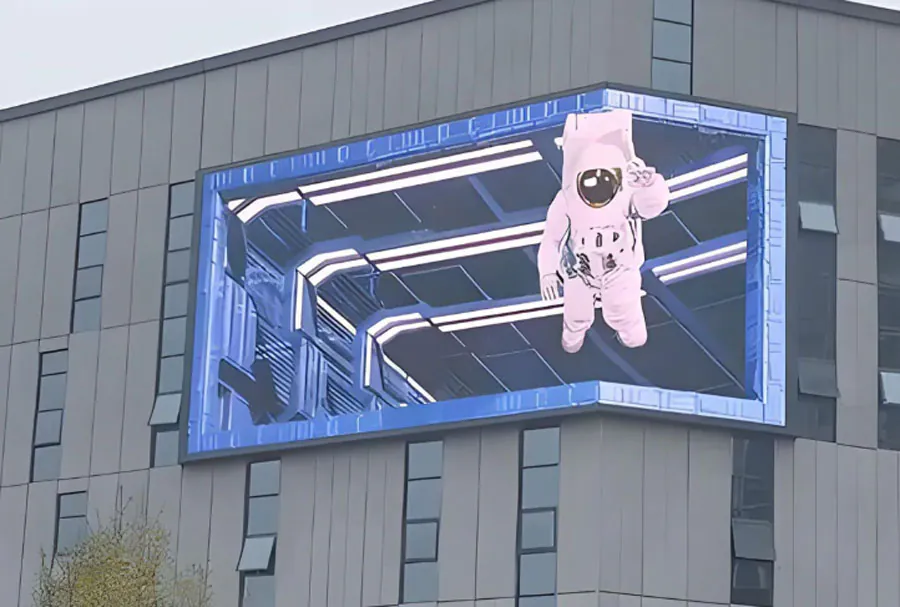
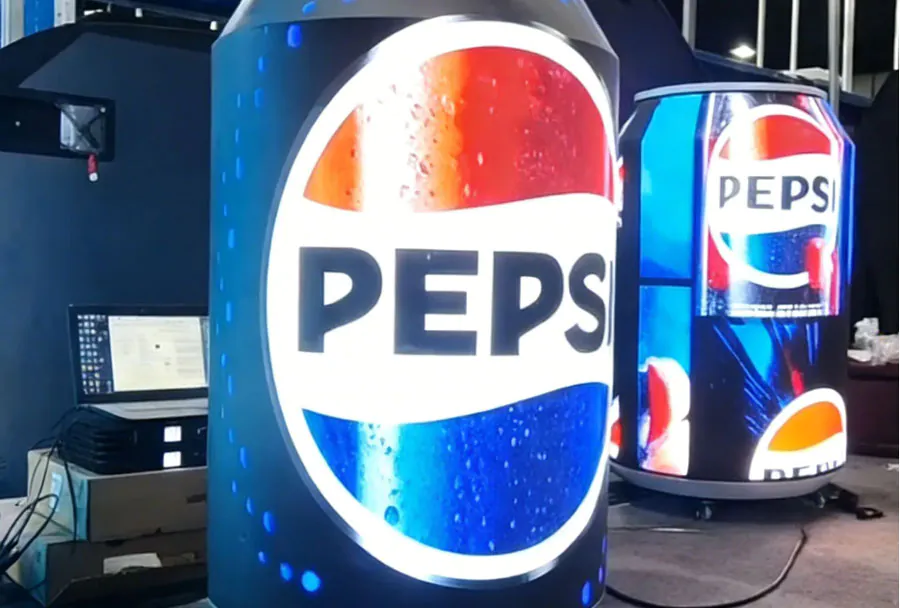
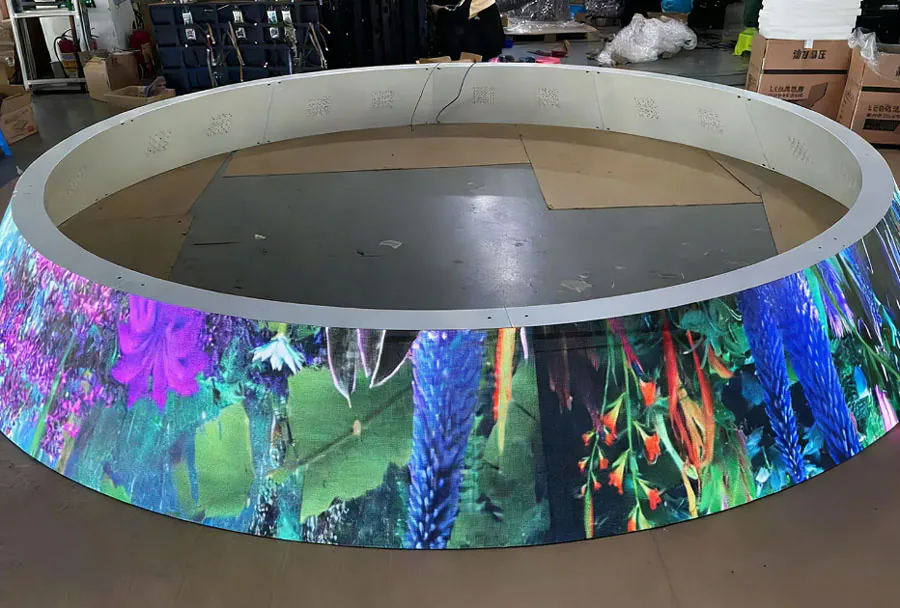
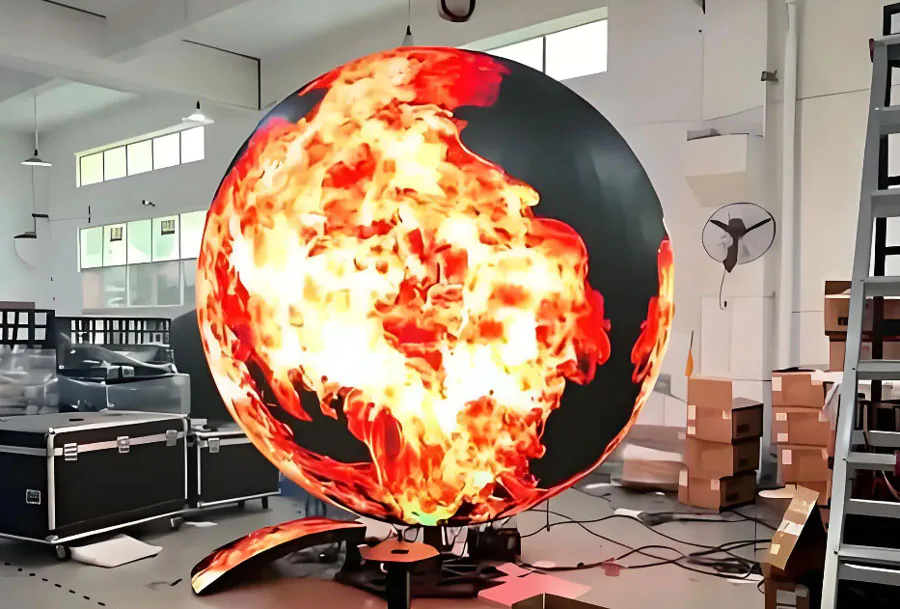
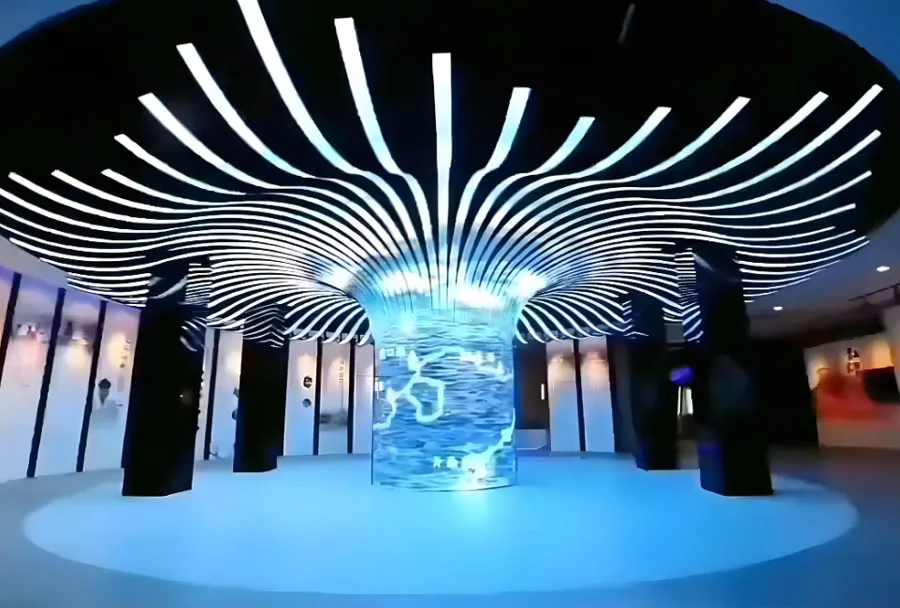
Flexible LED displays are designed to conform to non-flat surfaces — convex, concave, cylindrical, or organically curved designs — while delivering continuous video and graphic content. The flexible architecture typically uses thin, bendable PCB substrates, specially designed LED packages (SMD or COB), and modular connector systems that maintain electrical and optical continuity when curved. The flexibility allows creative integration of digital media into fa?ades, columns, ceilings, and sculptural elements without the visual breaks or heavy support structures associated with rigid cabinets.
Key Technical Features and Performance Metrics
A reliable TW VISION flexible LED display should meet or exceed commercial expectations across several categories:
– Pixel pitch and resolution: Common commercial pitches for interior flexible applications range from 1.2mm to 4mm. Smaller pixel pitches yield higher perceived resolution for close-view installations (e.g., retail displays, lobbies).
– Brightness: Commercial indoor flexible displays typically offer 800–1500 nits; displays intended to face large windows or brighter environments may be specified to 2000+ nits.
– Refresh rate and grayscale: At least 3840 Hz refresh and high grayscale levels (10–14-bit processing) support smooth video and camera-friendly imaging.
– Color uniformity and calibration: Factory and field calibration routines (using ICC-like profiles or color-mapping tools) minimize banding and ensure consistent chromaticity across modules.
– Viewing angle and contrast: Wide viewing angles (≥160°) and high contrast ratios ensure visibility from multiple vantage points.
– Physical flexibility: Curvature radius specs (minimum bend radius) determine how tight a surface the display can follow without damaging modules or affecting image uniformity.
– Environmental ratings: IP20 for indoor use is common; IP65 or higher is necessary for semi-exposed installations or outdoor projects.
Design and Integration Considerations
Successful integration of flexible LED displays into commercial projects requires coordination across disciplines: architects, structural engineers, MEP (mechanical/electrical/plumbing) teams, and AV integrators.
– Structural substrates: Flexible modules still require secure backing. Materials like perforated aluminum skins, flexible composite panels, or curved gypsum are commonly used. The backing must be even and provide reliable thermal conduction and fastening points.
– Curvature planning: Specify the required minimum curvature radius early. Extremely tight radii may necessitate custom module layouts or bespoke mounting rails to avoid optical distortion and mechanical stress.
– Seams and sightlines: Unlike tileable rigid cabinets, flexible modules can provide continuous surfaces with fewer visual seams — but stitch points at power or data splices must be planned to avoid content-critical areas.
– Weight and anchoring: Flexible displays are lighter than many rigid cabinet arrays, but anchoring and seismic considerations remain critical for high-traffic commercial locations.
Installation and Serviceability
For a commercial installation, reliability isn’t just about uptime; it’s about predictable maintenance workflows and minimal operational disruption.
– Front vs. rear servicing: Choose a configuration that matches site access. Some flexible displays are fully front-serviceable for installations with no rear access; others require a service cavity.
– Module replacement: Modular design that allows individual module removal reduces Mean Time to Repair (MTTR). Check the manufacturer’s recommended replacement workflows and spare parts strategy.
– Connectivity and redundancy: Redundant power feeds, dual-control inputs, and loop-through data cabling improve resiliency in mission-critical installations such as transportation hubs.
– Training and documentation: Comprehensive installation guides, CAD models, and on-site training significantly reduce install time and mistakes.
Durability, Lifecycle, and Maintenance
Commercial projects demand predictable lifecycle costs.
– Mean time between failures (MTBF) and rated lifetime: Look for industry-standard lifetime ratings (e.g., 50,000–100,000 hours to half-brightness). MTBF and empirical field data should be available from the manufacturer or experienced integrators.
– Environmental durability: Indoor flexible displays should be rated for humidity and contamination tolerance. If a display faces a semi-exposed vestibule, require an IP-certified variant or protective glazing.
– Cleaning and surface protection: Ensure the front surface plane (diffusers or protective films) can be cleaned with standard commercial cleaning agents without optical degradation.
– Firmware and software updates: Ongoing software support and update mechanisms are part of long-term reliability.
Content Management and Control
A flexible display’s visual potential is only as good as the content pipeline and control system used.
– Media servers and processors: Systems from NovaStar, Brompton, or proprietary TW VISION controllers can manage mapping onto curved surfaces, warping, and edge-blending.
– Mapping and geometry correction: Content must be warped and color-mapped to the physical surface geometry to avoid distortion. Software that supports 3D mapping and LUTs simplifies workflows.
– Remote monitoring and diagnostics: Networked displays should provide health telemetry — pixel errors, voltage/current metrics, temperature, and uptime — to facilities teams and integrators.
– Scheduling and integration: Integrate with building management and marketing CMS platforms for scheduling, telemetry display, and dynamic content triggers.
Energy Efficiency and Thermal Management
Power and thermal strategy are key, especially for large-area displays.
– Power consumption: Specify average and peak power draw per square meter under typical content scenarios; peak figures determine UPS and circuit sizing.
– Cooling: Flexible displays are thin and rely on conduction to backing materials and convective airflow. Avoid fully enclosed HVAC-tight cavities without conduction paths; temperature rise reduces lifetime.
– Low-power modes: Use motion-triggered or scheduled dimming to reduce operational energy costs during closed hours.
Safety, Codes, and Compliance
Commercial installations must align with building codes and safety requirements.
– Fire codes: Verify materials meet local fire and smoke spread codes. Backing materials and adhesives should be non-combustible where required.
– Electrical compliance: UL, CE, FCC, and local regulatory certifications for power supplies and control systems are essential.
– Structural and seismic: For tall or overhead curved elements, confirm anchor points, wind loads (for fa?ade applications), and seismic constraints.
Cost, ROI, and Procurement Strategy
Flexible displays can command a premium versus flat rigid cabinets. Evaluate total cost of ownership and business impact.
– Capital expenditure vs. impact: Consider retail sales uplift, brand impact, wayfinding efficiency, or advertising revenue for ROI models.
– Operational costs: Include power, maintenance labor, spare modules, and control system subscriptions.
– Financing: Leasing or revenue-share models with digital signage networks can reduce immediate capex burdens.
– Vendor selection: Choose a supplier with proven field references, warranty terms, and accessible technical support in the installation region.
Best Practices for Specifying TW VISION Flexible LED Displays
– Early collaboration: Bring TW VISION or certified integrators into the design phase to verify curvature, service access, and power/data routing.
– Site mockups: Full-scale mockups or rendered visualizations reduce surprises on final install.
– Specify environmental ratings and testing standards: IP rating, lifetime hours, color calibration tolerances, and warranty periods.
– Ask for references and case studies: Confirm similar project types and ask for direct site visits where possible.
– Maintain spare part kits: A small inventory of modules, power supplies, and connectors reduces downtime.
Analysis Table
| Feature | Typical TW VISION Spec | Commercial Benefit | Installation Impact | Recommendation |
|---|---|---|---|---|
| Pixel Pitch | P1.2 / P1.9 / P2.5 / P3.9 | High resolution for close viewing; flexible options for different sight distances | Smaller pitches require more cabinet density and precise mounting | Choose pitch based on closest viewer distance; P1.2–P2.5 for retail/lobby |
| Maximum Brightness | 800–2000 nits (model dependent) | Good visibility in bright interiors and near windows | Higher brightness increases power and heat load | Specify brightness vs. ambient lux; use sensors for adaptive dimming |
| Minimum Curvature Radius | From flat to ≤100 mm radius (model dependent) | Enables tight organic shapes and columns | Tighter radii require careful mechanical design and backing | Confirm minimum radius early; plan backing and access accordingly |
| IP / Environmental Rating | IP20 (indoor) / IP54–IP65 (semi-exposed/endpoint models) | Protects investment against dust and moisture in transitional zones | Higher IP typically needs encapsulation and affects serviceability | Match IP rating to installation location; avoid over-specification |
| Serviceability | Front and/or rear access; modular replaceable panels | Reduces downtime and maintenance cost | Space for service, spare parts planning required | Prefer front-serviceable systems when rear access is limited |
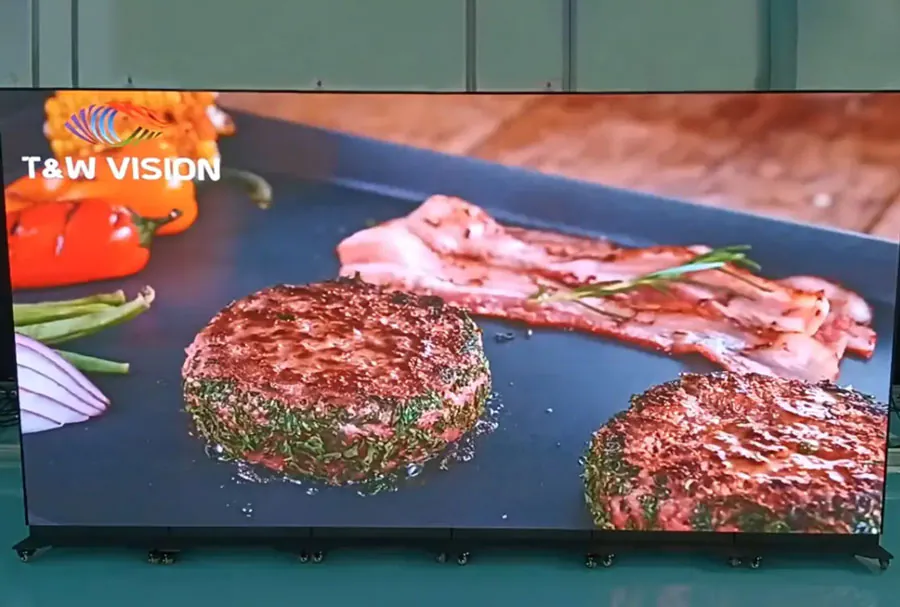
Real-World Use Cases
– Retail Flagship Windows: Flexible LED can curve around window mullions or columns to create immersive product showcases that attract foot traffic. High brightness and fine pixel pitch are priorities.
– Hotel Lobbies and Casinos: Organic shapes and backlit curved walls create a premium experience. Emphasize color consistency and calibration to match brand palettes.
– Transportation Hubs: Cylindrical columns wrapped in flexible LED can present schedules, wayfinding, and advertising. Durability, redundancy, and secure mounting are critical.
– Corporate Environments: Curved video walls in auditoriums or executive briefing centers provide a modern, engaging backdrop for presentations. Integration with control systems and meeting-room AV is necessary.
Procurement Checklist
– Confirm pixel pitch and viewing distance calculations.
– Verify brightness and color calibration options with TW VISION.
– Ask for minimum curvature radius and mechanical mounting details.
– Specify access for servicing and required spare parts list.
– Require certifications (UL/CE/FCC) and fire-safety compliance.
– Request sample modules and a small-scale mockup where feasible.
– Include warranties, SLAs for response time, and software support terms.
Reliable TW VISION flexible LED displays offer powerful possibilities for commercial projects that demand visual impact combined with architectural integration. The strengths of flexible LED are most apparent when design teams and AV integrators collaborate early, aligning pixel pitch, brightness, curvature, mechanical backing, and service access to the real-world constraints of the built environment. Prioritize clarity on lifecycle costs, maintenance regimes, and performance specifications to maximize ROI and minimize operational disruption.