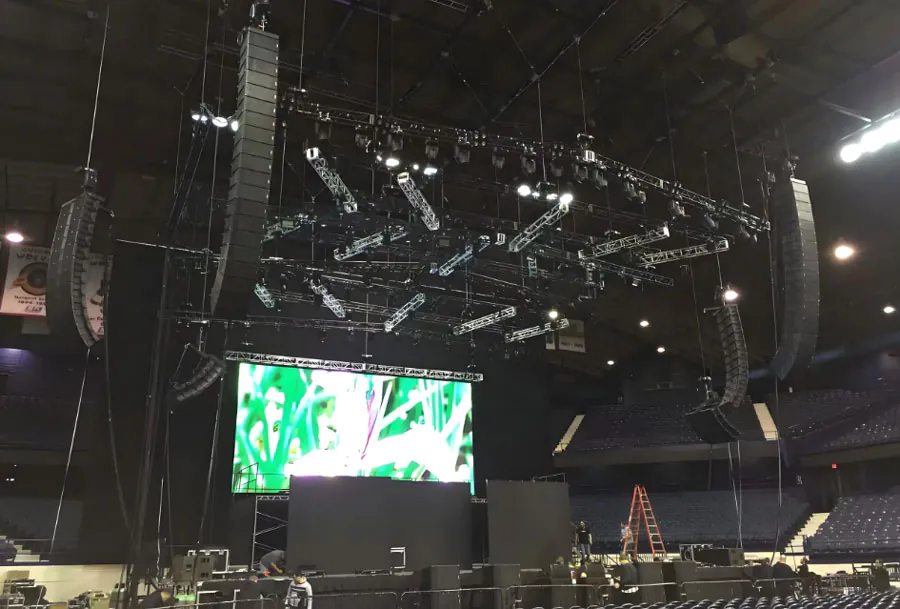
Affordable LED Screen Rental Solutions with Fast Installation

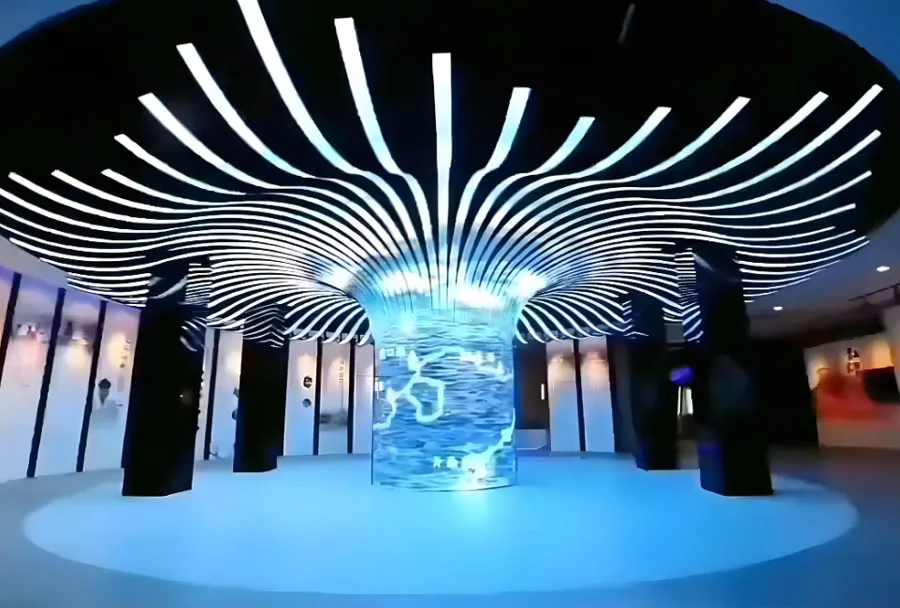
LED screen technology has transformed the way events, retail activations, conferences, and corporate presentations engage audiences. Whether you’re producing a two-hour product launch, a week-long trade show, or a multi-day music festival, the visual quality and reliability of your display can make or break the attendee experience. However, buying large-format led displays often requires significant capital investment, technical resources, and storage—barriers for many organizations. That’s where affordable LED screen rental solutions with fast installation come in: they deliver professional-grade visuals, flexible sizing, and turnkey support without the upfront cost or long lead times.
This article provides a professional, practical guide to renting LED screens that balance cost-effectiveness and rapid deployment. You’ll find an analysis table comparing common LED options, actionable strategies to accelerate installation, cost and logistics considerations, service-level expectations, and decision criteria to choose the right rental partner.
Market Overview: Rental Demand and Cost Drivers
Demand for LED screen rentals has grown steadily as events return to in-person formats and brands seek immersive experiences. Several factors drive the rental market:
– Event Complexity: Larger, multi-camera productions and outdoor festivals need robust, high-brightness solutions with precise color calibration.
– Time Pressure: Tight schedules encourage renting from providers who guarantee fast installation and on-site support.
– Budget Constraints: Many clients seek modular, scalable solutions that minimize cost while delivering strong visual impact.
– Technical Performance: Pixel pitch, brightness, refresh rate, and reliability remain the top technical considerations.
Cost drivers include screen technology (SMD vs. COB), pixel pitch (smaller pitch increases price), size, brightness requirements for outdoor use, rigging and structural needs, and staffing for installation and operation.
Choosing the Right LED Screen Type
Selecting the correct LED screen depends on viewing distance, content type, venue conditions, and budget. Key categories include:
Indoor Rental LED (Fine Pitch)
– Pixel Pitch: Typically 1.2–2.6 mm.
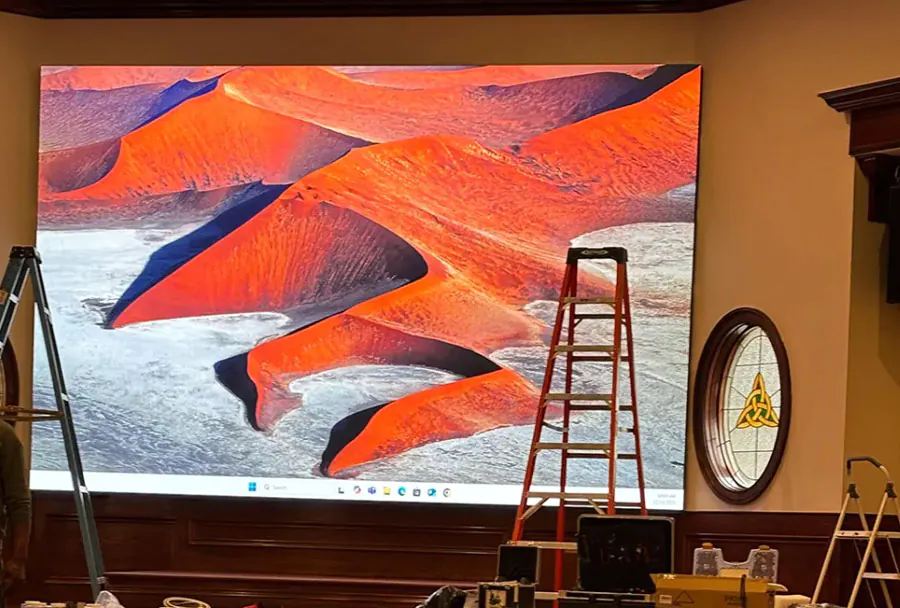
– Best for: Conferences, corporate lobbies, and high-resolution content where viewers are close to the display.
– Pros: High clarity for text and detailed graphics.
– Cons: Higher rental price per square meter.
Indoor/Outdoor Hybrid LED
– Pixel Pitch: 2.6–4.8 mm.
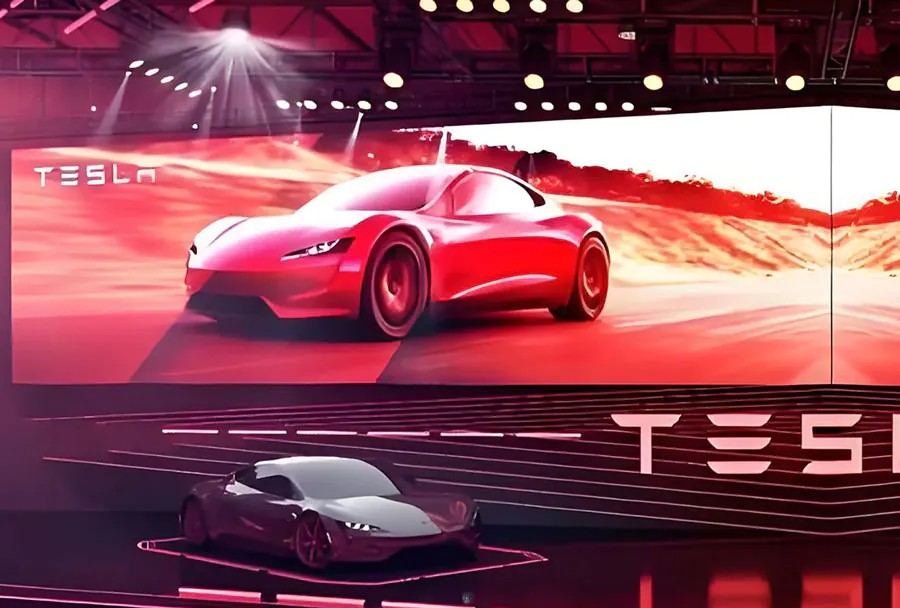
– Best for: Trade shows, stage backdrops where a balance of cost and image quality is needed.
– Pros: Flexible use across venues.
– Cons: May not be ideal for very close viewing.
Outdoor High-Brightness LED
– Pixel Pitch: 6–10 mm (and larger).
– Best for: Festival walls, billboards, and large outdoor screens.
– Pros: High brightness, weather resistant.
– Cons: Lower pixel density at close distances, higher structural/rental charges.
Analysis Table: Comparative Overview of Common Rental LED Options
| Screen Type | Pixel Pitch (mm) | Ideal Use | Typical Size (sqm) | Estimated Rental Cost (per day) |
|---|---|---|---|---|
| Indoor Fine Pitch | 1.2 – 2.6 | Corporate AV, close-view presentations | 5 – 20 | $400 – $1,200 |
| Indoor/Outdoor Hybrid | 2.6 – 4.8 | Exhibitions, stage backgrounds | 10 – 40 | $350 – $900 |
| Outdoor High Brightness | 6 – 10+ | Festivals, outdoor advertising | 20 – 200+ | $800 – $3,000+ |
| Transparent LED | 2.6 – 10 | Retail storefronts, stage overlays | 3 – 30 | $500 – $1,500 |
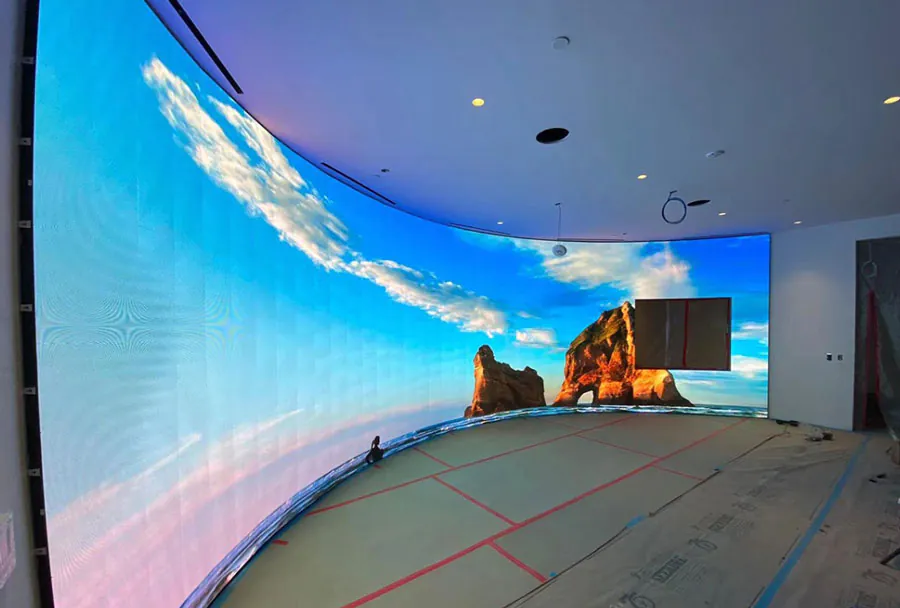
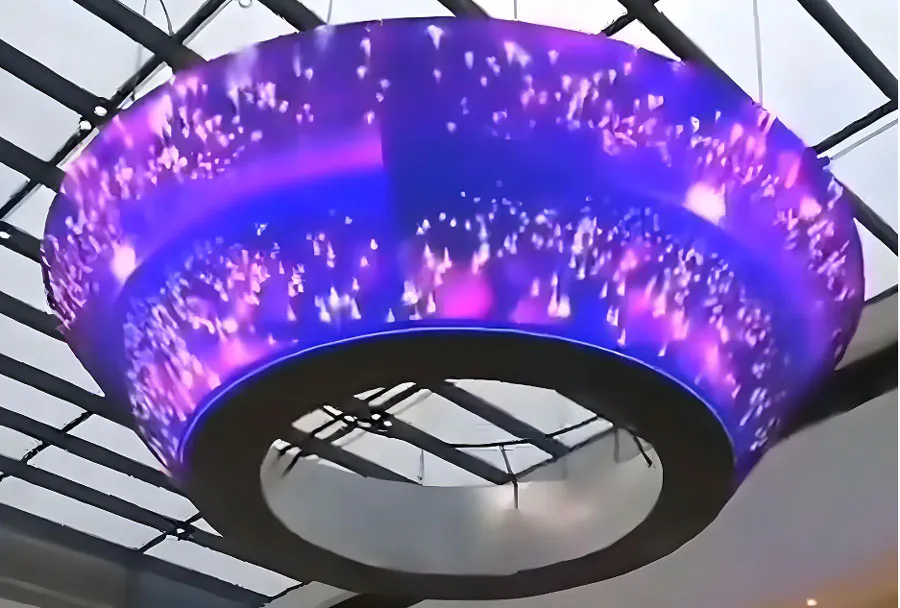
| Curved/Flexible LED | 2.6 – 6 | Immersive installations, creative stages | 5 – 50 | $600 – $2,000 |
Notes: The figures are indicative; actual pricing depends on provider, region, installation complexity, and inclusions like transport and technical crew.

Cost Components and How to Keep Rentals Affordable
Understanding the major cost components helps you negotiate and find affordability without sacrificing quality. Primary cost components include:
– Base Rental Rate: Cost per square meter or per cabinet per day.
– Transport and Logistics: Delivery, loading/unloading, and long-haul transport fees.
– Labor: Technicians for installation, calibration, and operation.
– Rigging and Structures: Trusses, scaffolding, and weatherproofing for outdoor installs.
– Power and Signal: Generators, power distribution, and signal routing equipment.
– Insurance and Permits: Venue permits, liability coverage.
Ways to reduce rental costs:
– Rent modular systems that scale to the minimum required size.
– Book longer blocks (multi-day) to get discounted daily rates.
– Use local rental vendors to lower transport costs.
– Avoid last-minute changes—plan and confirm at least 2–4 weeks ahead.
– Bundle services (rental + installation + operator) with a single vendor for package pricing.
Fast Installation Strategies
Fast installation is not just about speed; it’s about predictable, safe, and repeatable processes. These strategies shorten setup times while maintaining quality:
1. Pre-Event Site Survey and Mock-Ups
A comprehensive site survey identifies access routes, power availability, mounting points, rigging constraints, and sightlines. Where possible, request a CAD or 3D mock-up to pre-plan positioning, cabling, and camera sightlines.
2. Standardized Modular Panels
Using standardized LED cabinet sizes and pre-configured mounting frames accelerates assembly. Vendors that provide rigging frames that snap together or quick-lock hardware significantly reduce labor hours.
3. As-Built Mounting Points and Templates
Pre-fabricated templates and labeling on panels speed alignment and reduce on-site measurement errors. Templates also minimize the need for rework.
4. Pre-Programmed Control Systems
Bring pre-configured media servers and color calibration settings. Testing and burning-in content at the vendor facility before transport reduces the need for lengthy playback tests onsite.
5. Parallel Workstreams
Organize teams to perform parallel tasks—structural assembly, electrical setup, and signal routing—rather than serial workflows. Clear task allocation and a single stage manager keep teams coordinated.
6. Onsite Tools and Spares Kit
A dedicated spares kit (power supplies, data cables, module replacements) prevents slowdowns due to minor failures. Specialized tools such as quick-release hoists and cable management solutions also speed work.
Logistics and Planning Checklist for Fast Deployment
– Confirm load-in/load-out windows with venue and transport crew.
– Reserve local labor and ensure certifications for rigging staff.
– Verify power requirements and arrange generator backup for outdoor events.
– Develop a show-day run sheet: setup, testing, rehearsal, and contingency windows.
– Confirm signal paths (SDI, HDMI, fiber) and test all equipment prior to arrival if possible.
– Ensure insurance and permits are secured at least two weeks before the event.
Service Levels to Expect from a Rental Partner
A reliable rental partner should provide transparent service levels:
– Delivery Windows: Clear arrival and departure times with tracking.
– Installation Crew: Certified technicians with experience in LED configuration.
– Testing Protocols: Brightness, color uniformity, refresh rate, and pixel checks.
– Onsite Support: Technician(s) during the event duration for real-time troubleshooting.
– Spare Inventory: Immediate replacement components for common failures.
– Post-Event Handling: Efficient strike and return logistics.
Negotiate Service Level Agreements (SLAs) that specify technician arrival response times, replacement component timeframes, and remedies if SLAs are unmet.
Case Study Summaries: How Fast Installation Saved the Day
Example 1: Corporate Product Reveal
– Challenge: 8 m × 3 m fine pitch LED wall for a product reveal had a 4-hour load-in window.
– Solution: Vendor used modular 500×500 mm cabinets with quick-lock frames and pre-flown trusses. Media server was pre-configured and tested off-site.
– Outcome: Wall assembled, calibrated, and content-tested in 3.5 hours; smooth live presentation.
Example 2: Outdoor Music Festival
– Challenge: Multiple stages required 6 outdoor screens with weatherproofing; weather forecast predicted wind.
– Solution: Vendor pre-rigged reinforced truss modules, brought ballast systems, and staged 24 spare modules.

– Outcome: Screens deployed in planned windows, stood up to wind, and had no downtime.
These examples underline the value of planning, modular hardware, and experienced crews in achieving fast, problem-free installs.
Rental vs. Purchase: Financial and Practical Considerations
When deciding whether to rent or buy, consider:
– Frequency of Use: Purchase makes sense for daily or very frequent use; otherwise rental is cheaper.
– Capital vs. Operating Expense: Rentals convert capital expenditure into operational expense, aiding cash flow.
– Maintenance and Upgrades: Rental providers absorb maintenance and technology refresh costs.
– Storage and Transport: Ownership requires storage space and logistics capability.
A simple break-even analysis should include purchase cost, annual maintenance, storage, and estimated number of event days over a specified period.
Choosing a Rental Partner: Criteria and Questions
Key criteria to evaluate vendors:
– Equipment Quality: Ask for models, pixel pitch, brightness, and warranty.
– Inventory Depth: Ensure they can scale to your maximum needs.
– Experienced Crew: Request staff bios and references for similar events.
– Response Time: Confirm technical support response SLA.
– Insurance and Compliance: Confirm certificates and permits handling.
– References and Case Studies: Ask for similar event outcomes.
Important questions to ask:
– What’s included in the rental (transport, rigging, power distribution, operator)?
– Can you provide CAD drawings and a site survey prior to the event?
– What is your contingency plan for component failures?
– How do you handle weatherproofing and safety in outdoor installs?
– What are the payment terms and cancellation policy?
Contract Terms and Risk Management
Contracts should clearly define:
– Scope: Exact equipment, crew numbers, and inclusion/exclusion items.
– Timelines: Build, test, strike windows and any penalties for overruns.
– Liability: Insurance coverage limits and responsibility for loss/damage.
– Force Majeure: Handling of weather or other uncontrollable events.
– Payment Terms: Deposits, final payments, and refund policies.
– Acceptance Criteria: Protocol for testing and signing off on systems.
Risk mitigation tips:
– Include an agreed-upon test procedure before the event.
– Keep a small buffer budget for last-minute contingencies.
– Ensure the vendor holds event liability insurance naming you as an additional insured if required.
Maintenance, Calibration, and Quality Assurance
Quality assurance keeps visuals consistent across shows:
– Burn-In and Calibration: Perform pre-show Burn-In and color calibration to avoid brightness or color shifts.
– Preventive Maintenance: Vendors should test power supplies, data lines, and module integrity between jobs.
– Pixel Mapping and Masking: Ensure dead pixels are mapped and masked where possible to avoid visible artifacts.
– Firmware Management: Keep LED driver firmware consistent across the wall for uniform performance.
ROI: Measuring the Value of an LED Rental
Measure ROI through:
– Engagement Metrics: Dwell time, social shares, and attendee feedback.
– Lead Generation: Number and quality of leads captured during the event.
– Media Value: Impressions and brand exposure from on-screen content.
– Cost Comparison: Compare rental cost to alternative media buys and the cost of purchase amortized over expected use.
Often, the qualitative benefits—professional perception, higher attendee engagement, and social amplification—are decisive in justifying rental expenses.
Practical Tips for Event Managers
– Book early: Secure inventory and favorable rates by booking weeks to months in advance.
– Build in redundancy: For critical events, specify redundant power and spare modules.
– Keep content simple and high-contrast: High-resolution images and large fonts perform best on LED.
– Test at scale: Try content on a similar-size wall before the event or request vendor mock-up.
– Coordinate AV and stage teams: Clear communication avoids signal and sightline problems.
Conclusion: Balancing Affordability and Speed Without Compromise
Affordable LED screen rental solutions with fast installation are achievable through a combination of the right hardware, an experienced rental partner, thorough pre-event planning, and smart logistics. Focus on modularity, pre-configuration, and standardized installation procedures to minimize setup time and risk. Evaluate vendors not just on price but on their ability to deliver a predictable, high-quality experience within your timeline and budget.

When properly executed, renting an LED screen gives event organizers professional visuals, financial flexibility, and the ability to scale solutions to any venue—without the burdens of ownership. Use the checklist, analysis table, and strategies in this guide to plan your next event with confidence, ensuring great visuals delivered quickly and affordably.