Reliable Outdoor Rental LED Screen Solutions for Corporate Activities

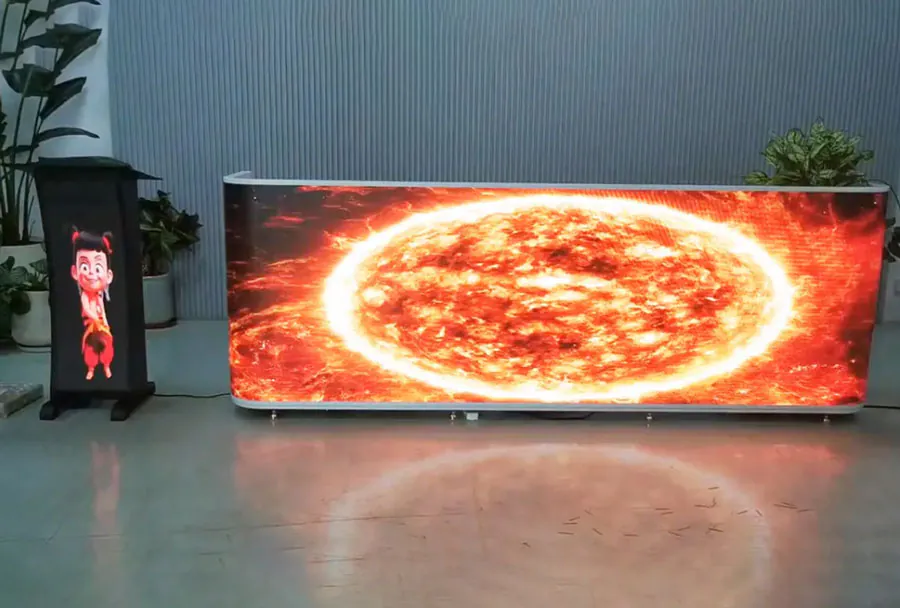
Outdoor corporate events—product launches, shareholder meetings, brand activations, conferences, and large-scale employee gatherings—demand reliable visual communications. A well-designed outdoor rental led screen solution can transform an event by delivering clear messaging, compelling visuals, and a memorable brand experience. This article examines the technical, logistical, and operational aspects of deploying outdoor rental LED screens for corporate activities, provides vendor-selection guidance, a practical configuration analysis table, and a checklist to ensure successful execution.
Why Choose Rental LED Screens for Outdoor Corporate Events
Renting outdoor LED screens is an attractive option for corporations because it balances performance with cost-effectiveness and flexibility. Key advantages include:
– Cost efficiency: Renting avoids capital expenditure on equipment that may be needed infrequently.
– Flexibility: Rental providers offer multiple screen sizes, pixel pitches, and configurations tailored to event scale and location.
– Professional support: Reputable rental companies include delivery, installation, onsite technical support, and teardown, reducing risk for event planners.
– Latest technology: Rental fleets are often updated, letting clients access high-brightness, high-refresh, and weather-rated solutions without buying new hardware.
For corporate events where brand perception and message clarity matter, choosing the right rental solution is critical—especially outdoors where sunlight, weather, and ambient noise create additional challenges.
Key Technical Considerations for Outdoor LED Screen Rentals
Selecting the right outdoor led display involves balancing image quality, environmental durability, and cost. The following technical factors should guide decisions:
– Brightness (nits): Outdoor screens must fight sunlight. Typical recommendations: 5,000–8,000 nits for direct sunlight viewing; 2,500–4,000 nits may suffice for shaded or evening events.
– Pixel pitch: Measured in millimeters, pixel pitch determines viewing distance and resolution. For large outdoor stages, P6–P10 is common for general viewing; P4–P6 for closer audiences or high-detail content.
– Refresh rate and grayscale: High refresh rates (≥3,840 Hz for broadcast-grade) and good grayscale capability reduce flicker and improve camera capture for live streaming or broadcasts.
– Contrast and HDR: Good contrast and HDR processing provide more vibrant images and better legibility under bright conditions.
– IP rating and build: Outdoor modules should be rated IP65 or higher for dust and water protection; robust frames and gasketing are essential.
– Power and thermal management: Efficient power distribution and ventilation (or forced cooling) prevent failures during long outdoor events.
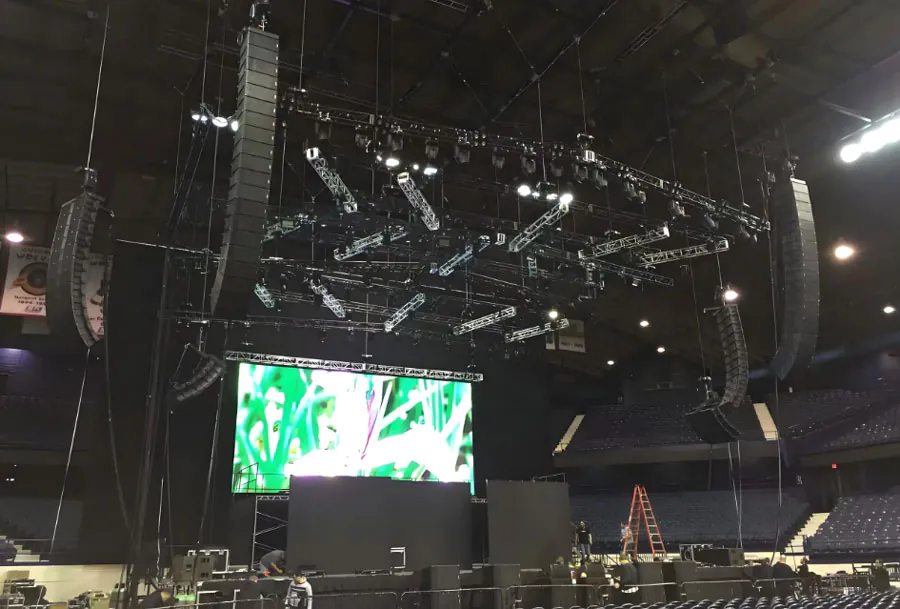
– Rigging and mounting: Truss-compatible frames, ground supports, and wind-load considerations are crucial for safety and stability.
Configuration Options and Use Cases
Different corporate events require different LED specifications:
– Product launch or press event: High resolution (P4–P6), excellent color reproduction, and high refresh rates to support camera capture.
– Large outdoor conference: Bigger, lower-resolution screens (P6–P10) with very high brightness and robust speakers to reach a dispersed audience.
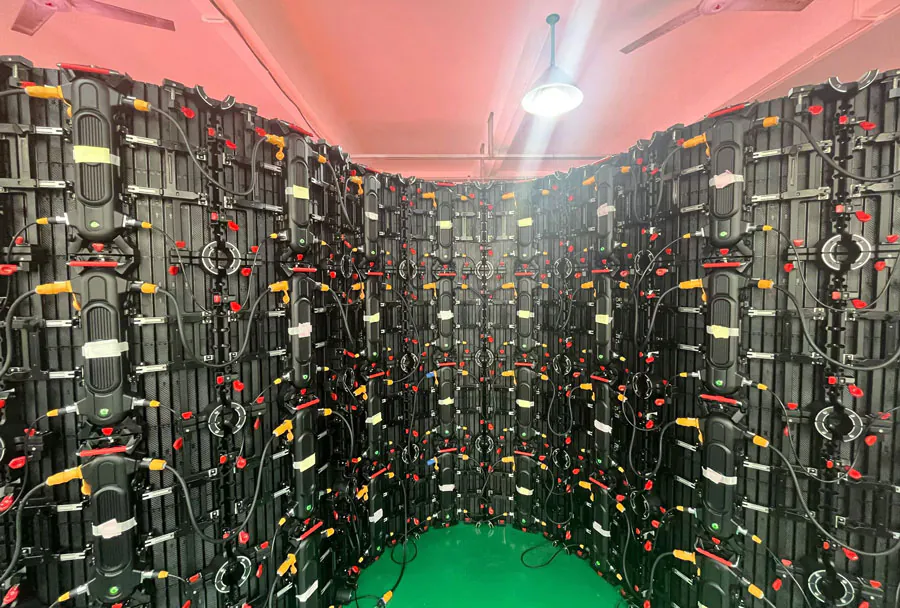
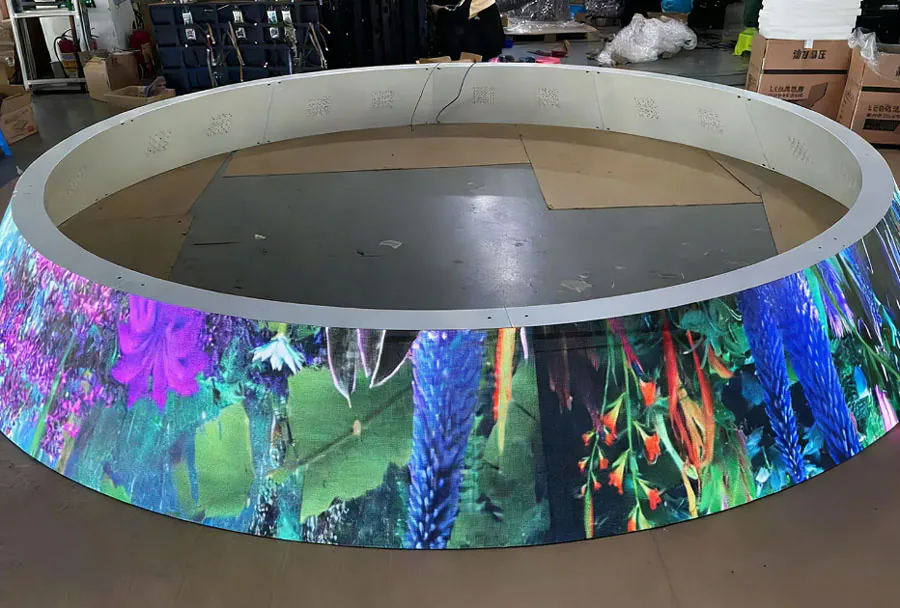
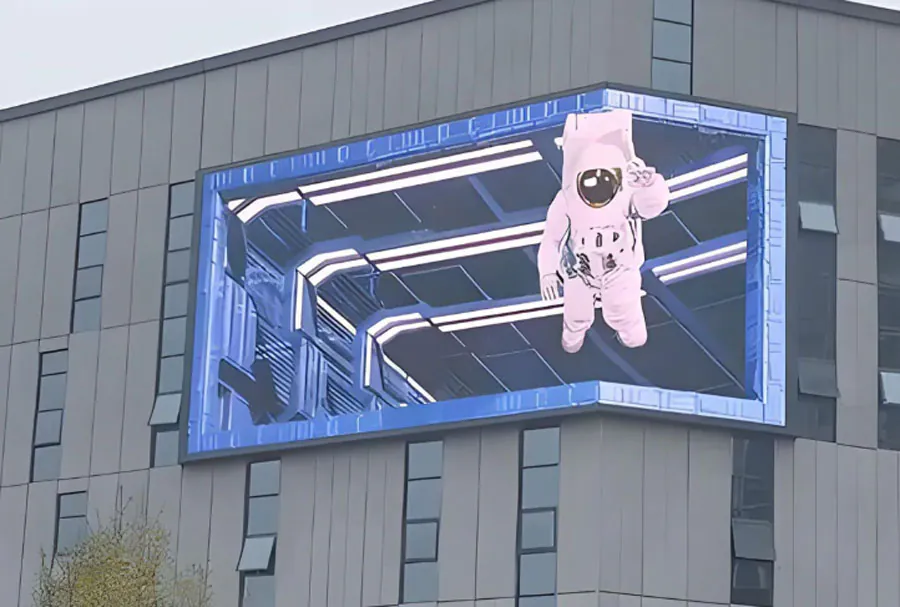
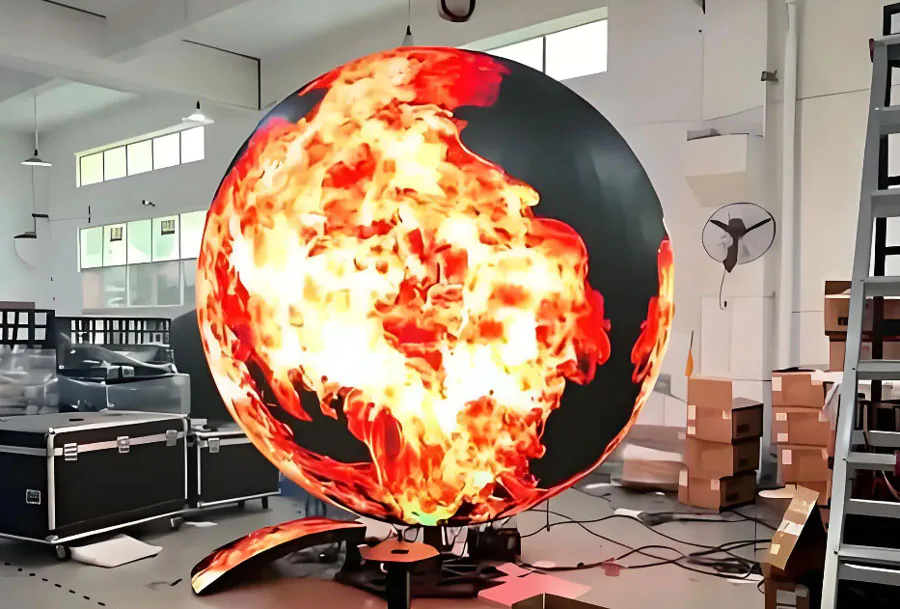
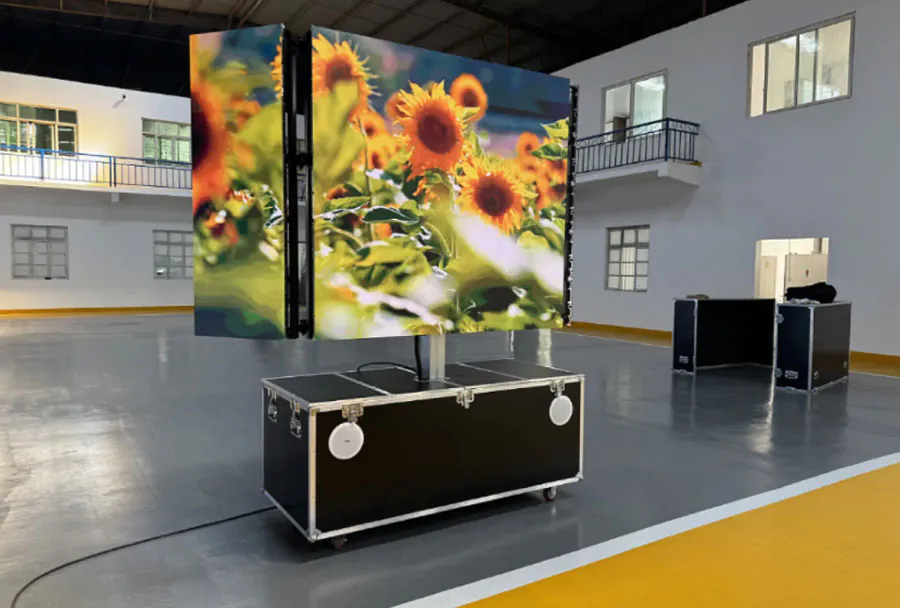
– Brand activation/festival presence: Modular screens for unusual shapes, double-sided displays, or curved arrays to create immersive brand moments.
– Shareholder meeting or corporate town hall: Balanced resolution and brightness with emphasis on reliability, failover media players, and clear speech intelligibility.
Below is an analysis table comparing common outdoor rental configurations for corporate activities:
| Use Case / Event Type | Pixel Pitch (mm) | Typical Screen Size (W x H meters) | Brightness (nits) | Recommended Features |
|---|---|---|---|---|
| Product Launch / Press Event | P4–P6 | 6 x 3 to 12 x 6 | 5,000–8,000 | High refresh rate (≥3,840Hz), HDR processing, broadcast-friendly, IP65+, redundancy |
| Outdoor Conference / Keynote | P6–P10 | 8 x 4 to 16 x 9 | 6,000–8,000 | Large-format reliability, wind-rated rigging, multiple video inputs, integrated audio support |
| Brand Activation / Experiential | P3–P8 | Variable (custom shapes) | 4,000–7,000 | Curved/creative mounts, transparent or double-sided panels, interactive content servers |
| Evening Gala / Concert | P4–P8 | 6 x 3 to 20 x 10 | 3,000–6,000 | High contrast, color accuracy, strong audio integration, stage-friendly truss systems |
| Internal Town Hall / Employee Event | P6–P10 | 6 x 3 to 10 x 5 | 3,000–6,000 | Cost-effective panels, simple playback systems, redundancies for mission-critical messages |

Site Survey and Logistics
A professional site survey is non-negotiable. Even for rental setups, the vendor must understand the venue to plan power, access, rigging, sightlines, and permit requirements. Key elements of a site survey include:
– Power availability and distribution: Identify mains, backup generators, and distance from the screen to the power source. Confirm single-phase vs. three-phase requirements and cable runs.
– Structural assessment and rigging points: Verify load capacity of any overhead points and plan ground-support systems for screens and trusses. Consider wind load and local codes for anchor points.
– Sightlines and audience spacing: Map optimal screen size and height to ensure readability for the majority of attendees. Factor in stage placement and potential obstructions.
– Weather contingency: Plan for rain, high winds, and temperature extremes. Ensure IP-rated panels and have tarps, covers, or alternate indoor locations as backups.
– Transmission and connectivity: Confirm the availability of network connections for content upload, remote monitoring, or live streaming.
Installation, Operation, and Redundancy
The reliability of an outdoor rental display often depends more on installation and operational practices than on the hardware itself. Best practices include:
– Professional rigging and certified crews: Use experienced technicians for assembly and safety-compliant rigging.
– Power redundancy: Deploy UPS units for control gear, redundant media servers, and backup power for critical components.
– Media server redundancy: Use dual media players with automatic failover to avoid interruption in case of hardware failure.
– Real-time monitoring: Remote monitoring tools and onsite engineers can detect pixel failures, temperature anomalies, or signal loss instantly.
– Pre-event testing: Run full rehearsals with the display in place and test all camera angles, playback files, and lighting scenarios.
Content Strategy and Technical Preparation
Good content design improves legibility and impact. Outdoor screens require content optimized for brightness and viewing distance:
– High-contrast graphics: Use bold colors, large typography, and high-contrast elements so content is readable at distance and under bright light.
– File formats and codecs: Use uncompressed or high-bitrate codecs recommended by the rental provider. Avoid ambiguous frame rates; standardize on 29.97p or 59.94Hz for broadcast capture.
– Resolution matching: Produce content at the native resolution (or a proper scaling factor) of the screen to avoid interpolation artifacts.
– Motion and refresh compatibility: For live camera capture, ensure content and screen refresh rates synchronize to prevent flicker.
– Playlist and scheduling: Employ content-management systems (CMS) provided by the rental company for timed playback, transitions, and emergency messaging.
Vendor Selection: What to Ask
Choosing the right rental partner requires evaluating technical capability, support, and track record. Ask potential vendors:
– What is your fleet composition? Request specific models, IP ratings, brightness levels, and pixel pitches.
– Can you provide case studies for similar corporate events? Look for experience with comparable audience sizes and environments.
– What is included in the rental? Clarify installation, tech crew, testing, onsite support, and teardown scope.
– What are your redundancy and contingency plans? Ask about backup media players, spare panels, generators, and replacement timelines.
– How do you handle permits and local regulations? Vendors familiar with regional compliance can speed up approvals.
– What training or technical documentation is provided? Ensure your internal AV team can coordinate during the event.
Budgeting and Cost Drivers
Rental costs vary with screen size, pixel pitch, duration, and location. Main cost drivers include:
– Screen size and resolution: Larger and higher-resolution displays command higher rental costs.
– Specialized features: Curved panels, double-sided displays, or transparent LED systems increase prices.
– Labor and time: Setup and teardown labor, especially for complex rigs, can be significant.
– Transportation: Long-distance transport, heavy rigging gear, or difficult access sites raise logistics costs.
– Weatherproofing and power: Generators, waterproofing measures, and extra safety equipment add to the budget.
– Support level: Onsite engineers and extended support windows increase total costs but lower risk.
Transparent quotes should separate equipment, labor, transport, power, and insurance so you can compare vendors accurately.
Safety, Compliance, and Insurance
Safety must be paramount for outdoor installations:
– Follow local building codes, fire regulations, and OSHA guidelines for rigging and crowd safety.
– Use certified rigging hardware and ensure all fasteners, anchors, and lifting equipment are rated and inspected.
– Wind-load planning: Solid screens act as sails; have engineered wind-load calculations and contingency plans for high winds.
– Insurance: Ensure the rental company carries liability insurance and that your event insurance covers equipment and possible damages.
– Emergency procedures: Define procedures for sudden weather changes, power failures, or emergency evacuations.
Case Example: Product Launch Execution Outline
A condensed example of steps for a typical outdoor product launch using a rental LED screen:
– Pre-event (4–6 weeks): Select a vendor, confirm screen size/pixel pitch, run site survey, obtain permits.
– Production prep (2–3 weeks): Create content at native resolution and test on vendor’s staging equipment.
– Logistics (1 week): Confirm transport, access, generator rental, and crew schedules.
– Installation (1–2 days): Rig the screen, run power and signal, perform calibration and color-matching, run full rehearsal.
– Event day: Onsite technician monitors playback, adjusts brightness as sunlight changes, ensures switch to backup servers if needed.
– Teardown (next day): Safely dismantle, inventory panels, and confirm return logistics.
Final Checklist for Reliable Outdoor Rental LED Screen Deployments
– Confirm audience sightlines and determine appropriate pixel pitch.
– Verify panel brightness and IP rating for expected weather and daylight.
– Ensure vendor provides certified rigging, safety documentation, and crew.
– Plan for power distribution, UPS for control systems, and generator backup.
– Require dual media players with automatic failover and spare panels on site.
– Test content at native resolution, frame rate, and in an environment that simulates event lighting.
– Confirm insurance coverage and permits are in place.
– Schedule a complete technical rehearsal before the event opens to attendees.
Reliable outdoor rental LED screen solutions are a strategic asset for corporate activities. The right combination of technical specifications, professional installation, and operational redundancy delivers high-impact visuals while minimizing risk. By conducting thorough site surveys, choosing the appropriate pixel pitch and brightness, working with experienced rental partners, and enforcing strict safety and contingency planning, corporate event planners can ensure their outdoor displays perform flawlessly—elevating brand messaging, engaging audiences, and protecting the investment in the event’s success.