Top Rated Big LED Screen Rental Companies Near You

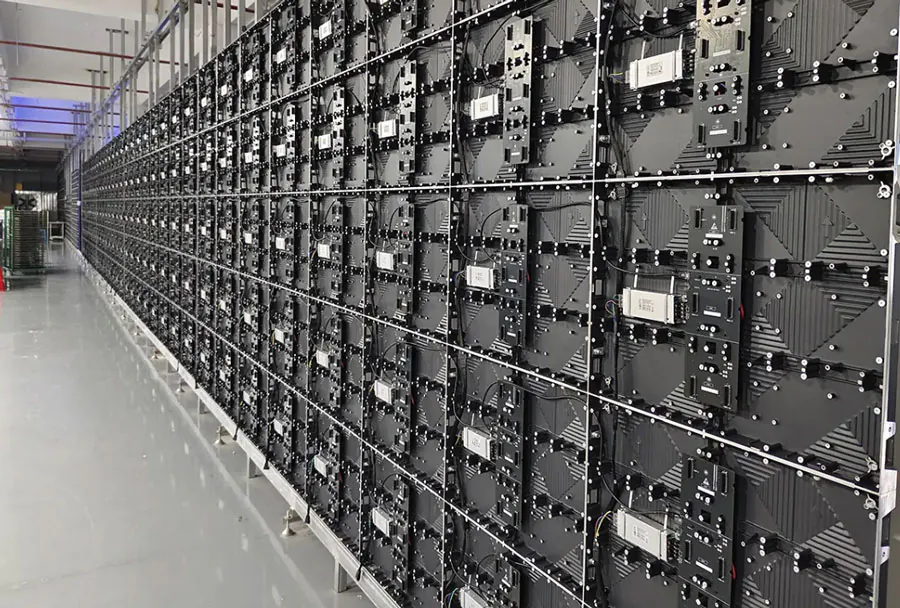
If you’re planning an outdoor concert, a corporate townhall, a sporting event, or a large trade show, renting a big LED screen is often the most effective way to ensure your audience sees every moment. This guide dives into what makes a top-rated big LED screen rental company, how to compare providers near you, and practical steps to secure the right screen, crew, and services for your budget and venue. Whether you’re new to event production or an experienced planner, the advice below will help you evaluate providers, anticipate technical needs, and avoid common pitfalls.
Why choose a big LED screen rental?
Big LED screens (often called LED video walls) offer:
– Superb daylight visibility compared to projection.
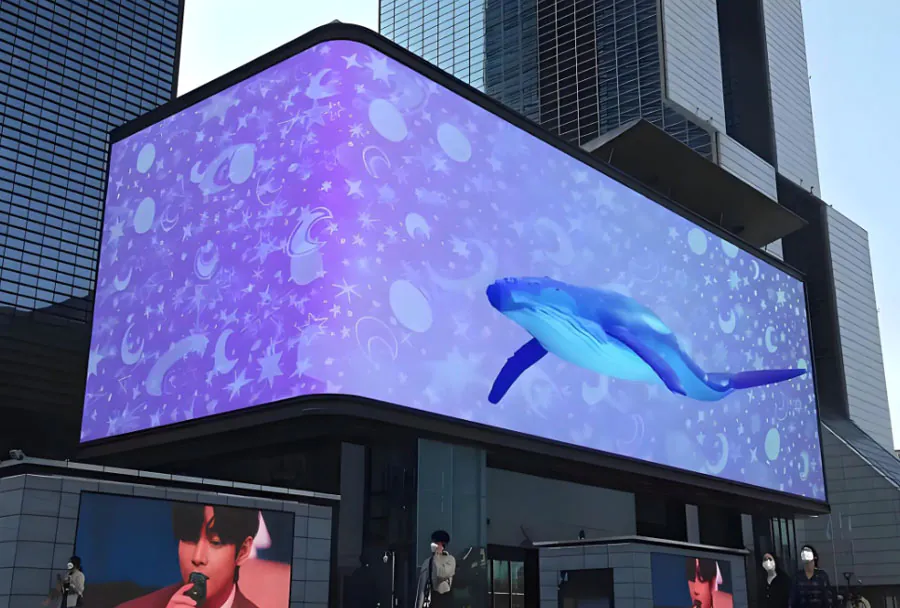
– Modular sizing and shapes to fit unconventional stages or fa?ades.
– High brightness and contrast for clear image quality at long distances.
– Robust outdoor weatherproofing options.
– Versatile mounting: flown, ground-supported, or truss-mounted.
Renting rather than buying saves capital, avoids depreciation and maintenance responsibilities, and gives access to the newest pixel pitches and control systems tailored to your event.
How to identify top-rated LED screen rental companies
There are several criteria that distinguish top-rated rental companies from ordinary vendors:
– Technical Portfolio: A range of pixel pitches, brightness ratings (nits), IP-rated outdoor products, and modularity for custom sizes.
– Project Experience: Proven track record with events similar in scale and complexity to yours (e.g., stadiums, festivals, corporate).
– In-house Crew: Experienced riggers, electricians, and video techs who handle installation, calibration, and live content switching.
– Logistics Capability: Fleet and logistics for rapid delivery, safe transport, and on-site staging.
– Support Services: On-site technical support, redundancy plans, and immediate troubleshooting.
– Clear Pricing & Contracts: Transparent quotes with line items for screen time, labor, transport, power, and insurance.
– Reviews & References: Client testimonials and case studies that verify reliability and quality.
Key technical specs to evaluate
– Pixel Pitch (mm): Smaller numbers (P1.9, P2.6) mean higher resolution for close viewing; larger pitches (P6, P10) suit long-distance outdoor use.
– Brightness (nits): Outdoor daytime events often require 5,000–7,000 nits; nighttime events can use much lower brightness.
– Refresh Rate (Hz): Higher refresh rates (>=3840Hz for broadcast) avoid flicker when filming.
– IP Rating: IP65 or higher for outdoor modules to resist rain and dust.
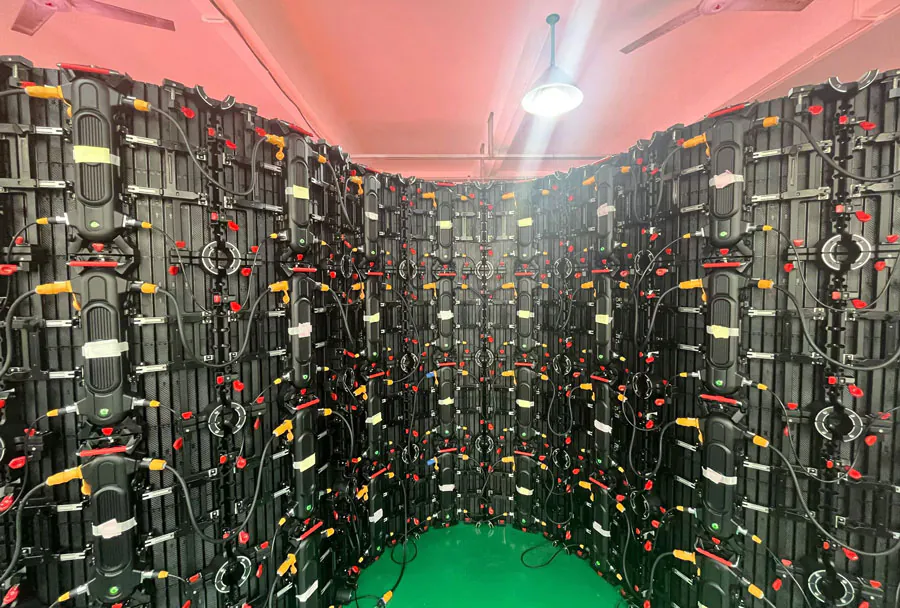
– Module Size & Weight: Affects rigging decisions and structural load calculations.
– Control Systems: Compatibility with mediaservers, broadcast switches, and redundancy playback.

How to compare quotes — a practical checklist
When you receive quotes, compare line items carefully. A lower total might mask gaps.
– Screen rental fee: Confirm whether quoted price is per day, per event day, or per hour.
– Labor: Separate charges for rigging, video techs, and electricians; check hourly rates and minimums.
– Transport & Handling: Trucking, lift rental, and mileage surcharges can add up.
– Power & Infrastructure: Generators, distro, and cabling — some venues require venue power backup.
– Permits & Inspections: Some cities require permits for large structures or public gatherings.
– Insurance & Bonds: Confirm liability insurance minimums and any keys to venue insurance.
– Content playback: Is content encoding or media server time included? Live input handling often costs more.
– Setup & Strike windows: When can crew access venue? Overtime charges apply for off-hours work.
– Redundancy & Backup: Ask about backup modules, spare power supplies, and failover playback.
Questions to ask every rental company
– What is the smallest pixel pitch you can provide and how does it affect viewing distance?
– What brightness (nits) will the screen deliver in direct sunlight?
– Can you provide a site drawing or CAD for the rigging plan?
– What are your crew’s certifications and experience with similar-sized installs?
– How do you handle broadcast requirements (refresh rate, genlock)?
– What’s your contingency plan for module failure or power loss during a show?
Technical considerations: choosing pixel pitch and viewing distance
A practical rule of thumb for pixel pitch vs. optimal viewing distance (in feet):
– P1.9–P2.6: Best for close viewing (up to 20–30 ft)
– P3–P4: Good for medium distance (30–60 ft)
– P5–P8: Suited for long-distance viewing (60+ ft)
– P10+: Ideal for very large stadium screens where the audience is 100+ ft away
Always match pixel pitch to your audience’s average distance. For mixed audience distances, consider layering with a high-resolution stage screen and larger distant screens.
Mounting options and structural safety
– Ground-supported: Requires substantial trussing and ballast; ideal for festival stages.
– Flown: Safer for sightline and aesthetics but requires certified rigging points and experienced fly crew.
– Scaffold or facade mounts: Used on buildings or temporary scaffolds; may require structural engineering sign-off.
Ask for load calculations, center-of-mass drawings, and proof of rigging crew qualifications.
Logistics and operations: what to expect on event day
– Pre-rig meeting: Walk the site with the vendor, production manager, and venue engineer.
– Power test: Confirm dedicated circuits and generator capacity well before load-in.
– Dry run: Schedule a content playback test with video signals, aspect ratio, and color calibration.
– Rehearsal window: Request time for content timing and live switching rehearsals.
– On-site support: Have at least one dedicated technician for the duration of the event plus strike.
Power and environmental considerations
– Power draw: Large LED walls can require thousands of watts; work with the vendor to calculate draw per panel.
– Weatherproofing: Rated enclosures and sealed connectors are essential for outdoor events; ensure IP rating is suitable.
– Sun readout: If your event is in direct midday sun, confirm brightness and anti-glare treatment.

– Temperature: Extreme cold can affect LED performance; vendors often recommend heated enclosures or operational limits.
Budgeting: typical cost drivers
While quotes vary widely, cost drivers include:
– Screen size and pixel pitch (largest driver)
– Event duration and number of setup/strike days
– Labor hours and required certifications (riggers, electricians)
– Transport distance and overnight security
– Power infrastructure and generator rental
– Additional services (mediaserver, livestream encoding, broadcast specs)
As a rough rule: mid-sized outdoor LED walls for multi-day events often start in the low thousands per day and scale to tens of thousands for stadium-grade solutions with full production crews.
Common pitfalls and how to avoid them
– Underestimating power needs: Always confirm generator planning with the vendor’s spec sheet.
– Ignoring outdoor brightness: Choosing a low-nit screen for daytime will result in washed-out images.
– Skipping site surveys: Without a site survey, rigging risks and obstructions can cause late changes and cost overruns.
– Overlooking content formatting: Ensure your content matches the wall’s native aspect ratio and pixel mapping.
– Not building redundancy: No failover plan means a single module failure could disrupt the whole display.
Case example (typical event workflow)
– 8 weeks prior: Confirm event date, audience size, and venue constraints. Request preliminary quotes.
– 6 weeks prior: Choose vendor, sign contract, provide site photos, and discuss pixel pitch.
– 3 weeks prior: Finalize rigging plan and power requirements. Submit permits if required.
– 72 hours prior: Vendor ships equipment and confirms crew schedule.
– Load-in day: Rigging, screen build, alignment, and calibration.
– Rehearsal day: Content tests, color correction, and broadcast checks.
– Show day: On-site support and monitoring. Post-show: strike and load-out.
Final recommendation: selecting the right partner
Selecting a top-rated LED screen rental company is about more than the hardware. Prioritize providers who demonstrate:
– Technical competence with clear specs and CAD/rigging support.
– Proven experience in events of similar size and type.
– Transparent pricing that accounts for all logistics and support.
– Strong client references and rapid local response times.
If you need help sourcing vendors, create a short RFP (request for proposal) that includes event date/time, venue address and photos, desired screen dimensions, expected viewing distances, content types (live video, slides, interactive), and power availability. Share this RFP with at least three providers — one national, one regional, and one local — to compare capabilities and pricing.
Checklist before you sign
– Confirm pixel pitch vs. viewing distance suitability.
– Get a signed rigging plan and load calculations.
– Verify crew certifications and insurance certificates.
– Lock in power requirements and backup generator plans.
– Ensure content playback, switcher, and broadcast needs are included.
– Clarify rates for overtime, last-minute changes, and damage liability.
With the right planning and a reputable rental partner, a big LED screen transforms your event into an immersive, visible experience for every attendee. Invest time in vetting companies by their technical depth, practical logistics, and client service — and you’ll get both spectacular visuals and a smooth production run.