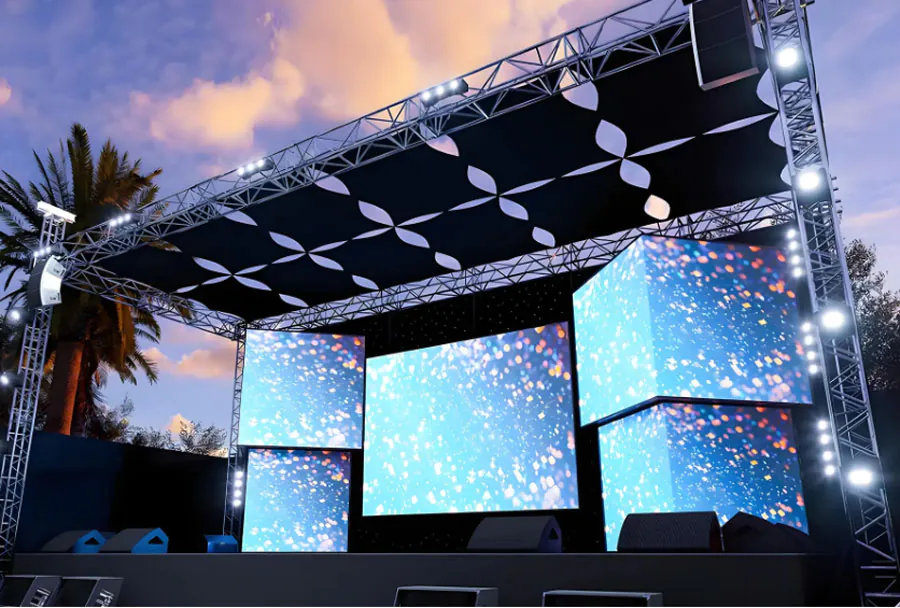
Reliable Rental Outdoor LED Screen with Setup and Technical Support

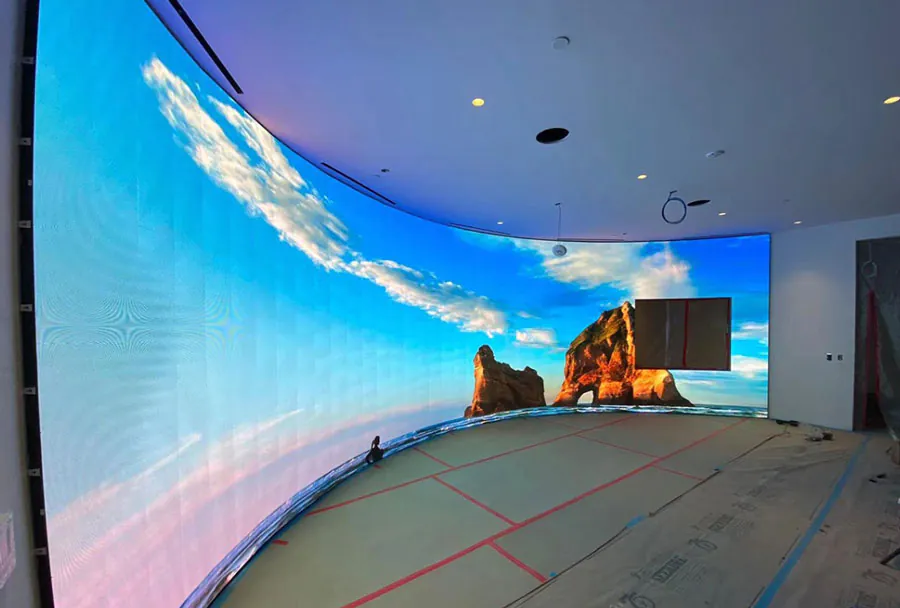
Outdoor LED screens are a cornerstone of modern events, advertising, and public information systems. When you rent an outdoor LED screen, reliability becomes the single most important factor: it affects audience experience, brand reputation, and the bottom line. A reliable rental package is more than just an attractive panel — it combines durable hardware, rigorous setup procedures, and responsive technical support. This article examines what makes a rental outdoor LED screen dependable, the logistics and technical considerations of setup, and the support structures rental companies should provide to ensure consistent, trouble-free performance.
Key Components of a Reliable Rental Outdoor LED Screen
A dependable rental product involves careful integration of hardware, software, and human expertise. Key components include:
– High-brightness LED modules with appropriate pixel pitch for the viewing distance.
– Weatherproof enclosures and IP-rated connectors suitable for outdoor conditions.
– Robust control systems (video processors, media servers, and sending cards) that support redundancy and synchronization across panels.
– Rigging and support structures engineered to comply with local safety codes and wind-load specifications.
– Power distribution that accommodates inrush currents and provides surge protection and uninterruptible power for critical control devices.
– On-site and remote technical support with defined SLAs, spare module inventory, and trained technicians.
Performance Specs to Prioritize
Selecting the right LED screen for an event or installation depends on expected viewing distance, ambient light conditions, and the type of content. Critical specifications include:
– Pixel pitch (mm) — determines resolution and ideal viewing distance.
– Brightness (nits) — ensures readability in daylight; rental outdoor screens typically range from 4,000 to 10,000 nits.
– Refresh rate (Hz) — high refresh rates reduce flicker in video capture and live-broadcast scenarios.
– Contrast ratio and color calibration — for accurate, vibrant reproduction.
– IP rating (e.g., IP65) — indicates protection from dust and water.
– Weight and wind-load data — necessary for safe rigging and ground-support calculations.
Pre-Rental Process: Site Survey, Permits, and Planning
A professional rental company conducts a comprehensive site survey before confirming a quote. This includes:
– Physical site inspection or high-resolution satellite/photographic review.
– Determining mounting options: flown/rigged, truss-supported, ground-supported frame, or truck/trailer-mounted.
– Assessing power availability and distance to the distribution point; identifying need for generators.
– Confirming sightlines, ambient light, and audience flow to determine optimal screen size and pixel pitch.
– Checking local regulations for permits, noise restrictions, crowd control, and rigging approvals.
– Logistics planning for access routes, crane or forklift needs, and time window for setup and strike.
This pre-event planning phase is where reliability is primarily guaranteed — identifying risks, allocating spares, and preparing contingency plans makes failures less likely.
Setup: Best Practices for a Stable Installation
A methodical setup process ensures the screen performs reliably from the first power-on:
– Structural checks: confirm base plates, anchors, and rigging hardware meet calculated loads and safety factors.
– Environmental protections: install wind-shielding if required, use sealed junction boxes, and ensure proper drainage around ground supports.
– Power staging: use soft-start devices for large LED loads when starting from generator power; install surge protection and proper grounding.
– Data cabling: use weatherproof connectors (e.g., EtherCON, waterproof fiber connectors), maintain proper cable runs, and avoid parallel runs of high-voltage and data cabling to reduce interference.
– Module-level checks: test each cabinet and module while building to catch faulty pixels or connections early.
– Synchronization: verify frame sync across multiple sending cards and video processors; use genlock for live broadcast sources.
– Full content rehearsal: run the actual playlist or live feed for extended time to identify overheating, brightness uniformity issues, or timed content problems.
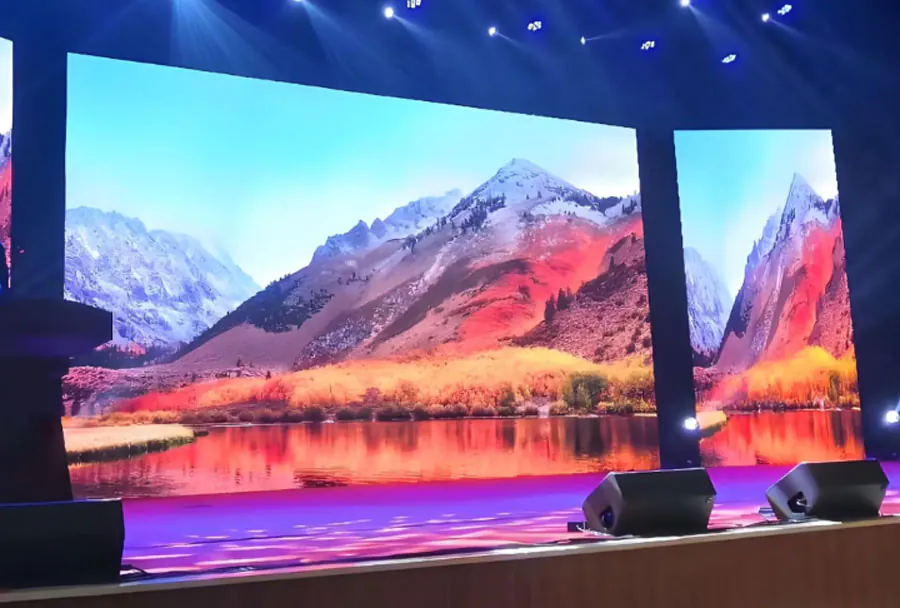
On-Site Technical Support: Roles and Responsibilities
Reliable technical support during an event typically includes:
– Lead technician: oversees the system, communicates with event producers, and coordinates troubleshooting.
– Spare parts technician: carries LED modules, power supplies, cables, and connectors for immediate replacement.
– Remote operations engineer: monitors system health from a central location and assists with software/firmware issues or content server problems.
– Logistics coordinator: manages parts movement, additional resource requests, and post-event transport.
An effective rental company outlines responsibilities and communication pathways in a technical run sheet and provides contact escalation protocols for rapid response.
Technical Support Models and Service Level Agreements (SLAs)
Rental providers should offer defined SLA tiers to match customer risk tolerance and budget:
– Basic SLA: phone support, remote diagnostics, and technician dispatch within 6–12 hours.
– Standard SLA: remote monitoring, next-business-day spare parts, and on-site technician within 4–8 hours.
– Premium SLA: 24/7 remote monitoring, on-site technician within 1–2 hours, and redundant hardware staged on-site.
Key SLA metrics include response time, on-site arrival time, mean time to repair (MTTR), spare inventory guarantees, and uptime targets. Contracts should detail liability, insurance requirements, and failure remediation.
Remote Monitoring and Predictive Maintenance
Modern control systems enable remote monitoring of LED panels, power draws, temperature sensors, and module health. Predictive maintenance uses this telemetry to:
– Trigger alerts for rising temperatures or abnormal current draws before failure.
– Schedule preventive swaps of aging power supplies or modules pre-emptively for long-term rentals.
– Provide trend data to optimize brightness and power settings, extending component life and reducing downtime.
Troubleshooting Common Issues and Rapid Remedies
Common problems and recommended rapid responses:
– Dark pixels or pixel clusters: swap the affected module with a spare; verify cabling and receiving card; check power distribution to affected cabinet.
– Sync issues (tearing or misalignment): confirm sending card firmware versions, re-establish genlock, and reset video processor. Use frame buffer settings to realign.
– Flickering or strobing: increase refresh rate if possible; check grounding and power quality; look for loose data connections or failing power supplies.
– Brightness drift across panels: run color calibration routine or check individual module power and temperature compensation settings.
– Intermittent blackouts: inspect generator/UPS transitions, circuit breakers, and soft-start devices; confirm phase balance on three-phase supplies.
Having a well-stocked spare parts kit (modules, power supplies, sending cards, cable assemblies) on-site dramatically reduces MTTR.
Case Scenarios: Typical Rental Use Cases
– Concerts and festivals: require large-format screens, high brightness, fast refresh rates, touring rigs, and quick module swaps.
– Sporting events: need synchronized multi-screen setups, low latency for live feeds, and ruggedized enclosures for long outdoor runs.
– Corporate outdoor launches: prioritize image quality and color accuracy, often paired with premium technical support and rehearsals.
– Political rallies/public messaging: demand high uptime and redundancy due to reputational risks.
Cost Considerations and Pricing Models
Rental pricing varies by screen size, pixel pitch, brightness, and required support level. Typical components of a rental quote:
– Equipment rental (per day/week)
– Transport and logistics charges
– Labor for setup/strike (hours and number of technicians)
– Power and generator rental if needed
– Insurance/damage waivers and deposit
– Support package (SLA level)
A transparent quote should break down these elements and show optional add-ons such as additional spares, extra rehearsal time, and content playback services.
ROI and Value-Add: Why Invest in Reliable Rentals
A reliable outdoor LED rental delivers measurable value:
– Reduced risk of on-site failures that can disrupt revenue-generating events.
– Better audience engagement and sponsor satisfaction, leading to higher payments and repeat business.
– Lower hidden costs from last-minute emergency replacements and penalties.
– Enhanced brand reputation for both the event organizer and rental provider.
Vendor Selection Checklist

When selecting a rental provider, evaluate:
– Inventory quality and age of equipment.
– Spare parts strategy and responsiveness for replacements.
– Documented SLAs and proven on-site support team.
– Experience with similar events and local permits/inspections.
– Insurance coverage and liability terms.
– References and case studies demonstrating successful deployments.
Analysis Table: Comparing Typical Outdoor Rental LED Options
| Pixel Pitch | Brightness (nits) | Typical Use Case | Rigging/Support Options | Estimated Daily Rental Cost |
|---|---|---|---|---|
| P2.9–P4.0 | 4,000–6,000 | Close-view corporate events, small concerts | Ground-support, light truss | $1,200–$2,000 |
| P6.0–P10.0 | 6,000–8,000 | Large concerts, stadium perimeters | Flown truss, scaffold, truck-mount | $2,000–$5,000 |
| P10.0–P16.0 | 8,000–10,000 | Outdoor advertising, highway signage | Permanent frames, specialized mounting | $1,500–$4,000 |
| P3.9–P5.2 (Touring) | 5,000–7,000 | Touring stage screens, festivals | Rigging frame, quick-release cabinets | $2,500–$6,000 |
| P16–P20 Large Format | 6,000–9,000 | Large billboards; long-distance viewing | Heavy-duty mounts, permanent poles | $1,000–$3,500 |
Safety, Compliance, and Environmental Considerations
Safety and regulatory compliance are non-negotiable:
– Follow local building and rigging codes; obtain required inspections and permits.
– Perform load calculations, wind-load assessments, and use certified rigging hardware.
– Ensure electrical work is performed by licensed electricians and meets local codes.
– Address light pollution concerns and comply with local ordinances on brightness and operating hours.
– Plan for inclement weather with clear stop-work triggers and safe evacuation procedures for equipment and crew.
Checklist for Day-Of Operations
– Confirm arrival and setup times with event operations.
– Verify that the power source and emergency power are online and tested.
– Perform a full system power-up and calibration 2–4 hours before show.
– Execute content playback rehearsal for the full sequence.
– Keep spare modules, power supplies, and data cables staged nearby.
– Maintain clear lines of communication between production, AV, and rental techs.
– Monitor telemetry and environmental conditions continuously.
Building Trust Through Reliability and Support
Renting an outdoor LED screen is not purely a hardware transaction — it’s a service package that should ensure consistent performance under variable outdoor conditions. The most reliable rentals are those offered by providers who combine high-quality, well-maintained equipment with detailed pre-event planning, precise and safe setup, and robust technical support with clear SLAs. For event planners and marketers, investing a bit more in a trusted rental partner can prevent costly interruptions, protect brand reputation, and ensure the audience leaves with a positive, memorable experience. When choosing a rental provider, prioritize their proven processes, spare-part readiness, and commitment to support — that is the real definition of reliability in outdoor LED rental services.