How to Choose the Best Stage LED Screen Rental for Your Event

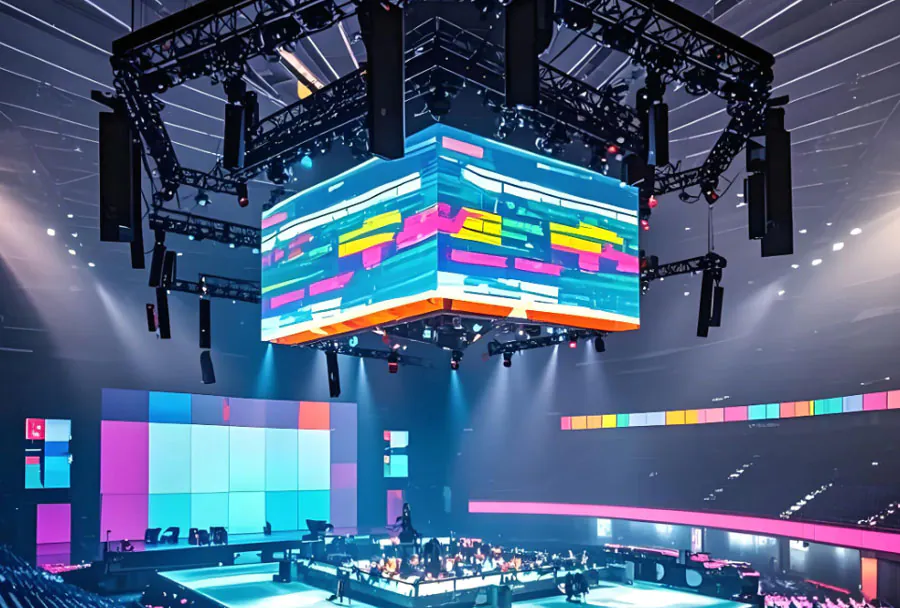
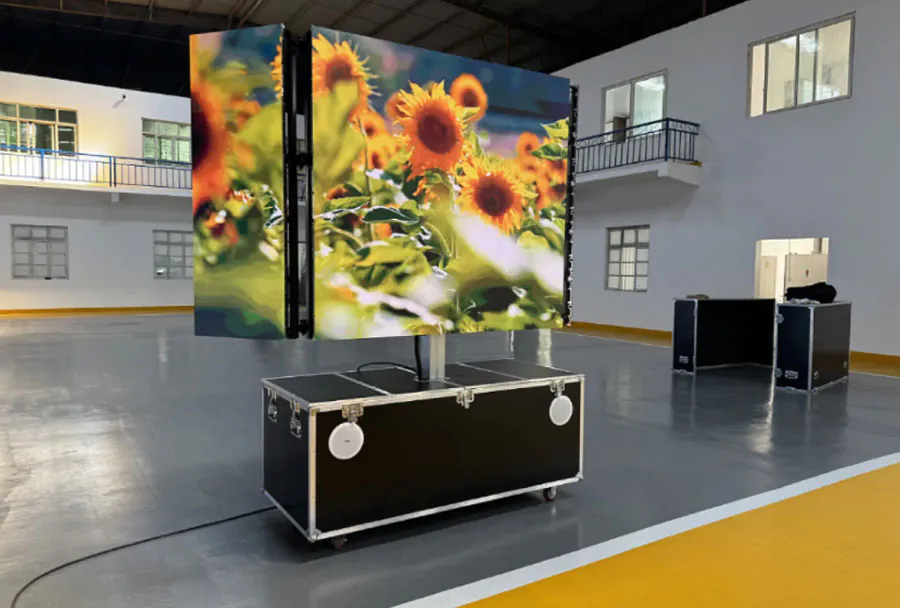
Choosing the right stage LED screen rental can make or break the visual impact of your event. Whether you’re producing a concert, corporate conference, product launch, trade show, or wedding, the LED screen is the focal point that communicates brand, mood, and content clarity to your audience. A well-chosen screen enhances stage presence, improves audience engagement, and ensures your content is seen as intended under varied lighting and viewing conditions. Conversely, the wrong choice can lead to washed-out images, unreadable text, or awkward sightlines that distract from the event experience.
This guide breaks down the professional considerations you need when selecting a stage LED screen rental. It covers technical specs, logistical considerations, creative needs, and budgeting realities. It also includes a practical analysis table and a final checklist you can use when requesting quotes from rental companies.
1. Define your event’s visual goals and audience
Before discussing pixel pitch or brightness, clarify what you want the LED screen to achieve. Ask: Is the screen for scenic backdrop visuals, live camera feeds, presentation slides, or detailed product demos? How large is the audience, and where will they be seated or standing? The answers define the minimum screen size, resolution, and viewing distance considerations.
Large-scale concerts need big, high-brightness screens visible from far distances. Conferences often prioritize legible text and crisp slides for mid-range viewing distances. Intimate events may permit smaller panels but will benefit from tighter pixel pitch for near-field viewing. Define the single most important visual requirement and prioritize specs that support it.
2. Screen size and viewing distance
Screen size is directly tied to the audience’s maximum viewing distance. A general rule of thumb: readable text and clear imagery require a screen height that is roughly 1/6 to 1/8 of the viewing distance for large audiences. For example, if the furthest viewer is 120 feet away, a screen height of 15–20 feet is appropriate. For concerts where imagery needs to be visible from very far, larger screens or additional satellite screens may be necessary.
Map the sightlines in your venue: take into account stage height, rake of seating, and obstructed views. If some audience areas will be far away or to the sides, consider supplemental screens or a modular configuration. Rental companies can provide mock-ups and CAD drawings to visualize placements—ask for these before committing.
3. Pixel pitch: matching resolution to viewing distance
Pixel pitch (measured in millimeters) defines the distance between LED pixels and determines how sharp a display appears at a given distance. Lower pixel pitch means higher resolution and is preferable for close viewing. Common pixel pitches for stage rental are:
– P2.6–P3.9: excellent for close-up viewing (e.g., corporate events, broadcast close-ups).
– P4–P6: good balance for mid-range distances and concert stages.
– P8–P16: used for very large outdoor screens viewed from far away.
To choose pixel pitch, calculate the minimum viewing distance (in meters) and use the rule: comfortable viewing distance ≈ pixel pitch (mm) × 1000. For example, P4 (4mm) works well for viewers at or beyond 4 meters (≈13 feet). If you expect camera close-ups for broadcast or streaming, prioritize a tighter pixel pitch even if the live audience sits further away.
4. Brightness, contrast, and HDR considerations
Brightness (nits) is critical for outdoor daytime events and indoor shows with strong stage lighting. Typical rental LED modules offer brightness from 1,000 to over 6,000 nits. For indoor use in a dim theater, 800–1,500 nits may suffice. Outdoor daytime events often need 3,000–6,000 nits to overcome sunlight.
Contrast ratio affects perceived depth and color richness. High-quality panels and processing engines with HDR (High Dynamic Range) capability provide better highlights and shadow details. If your content includes high-contrast video or product visuals, request panels and servers capable of HDR or at least good color processing and calibration.
5. Indoor vs. outdoor and environmental durability
Know whether the screen will be used indoors or outdoors. Outdoor-rated panels have IP65/IP67 protection and weatherproofing for rain, dust, and temperature extremes. Indoor panels are lighter and often cheaper but won’t withstand moisture. For semi-outdoor venues (canopies, partial cover), choose outdoor-rated to avoid last-minute failures.
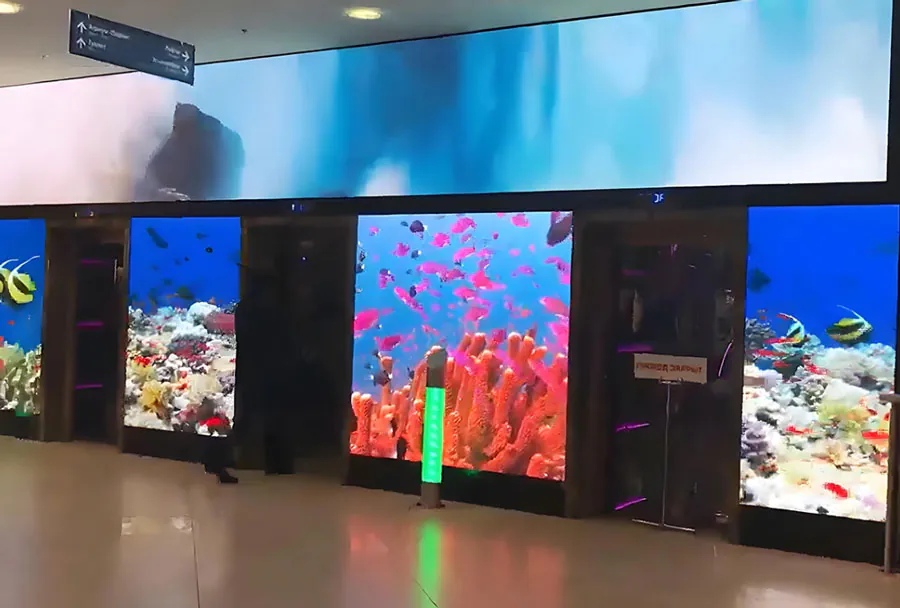
Also consider temperature ranges and wind load for freestanding structures. Large outdoor screens require structural engineering, ballast or anchoring, and wind speed monitoring. Rental companies should supply weather contingency plans and rated rigging equipment.
6. Rigging, mounting, and structural requirements
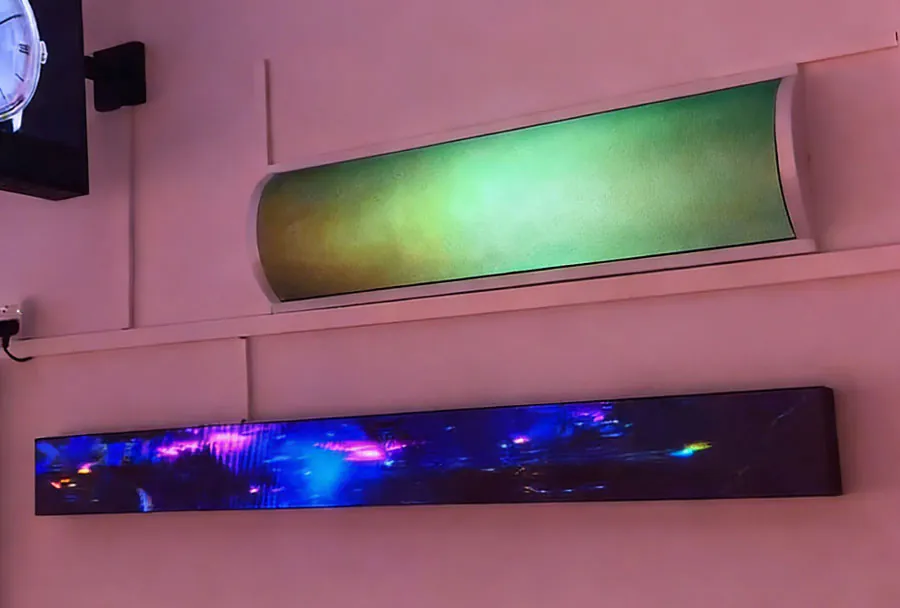
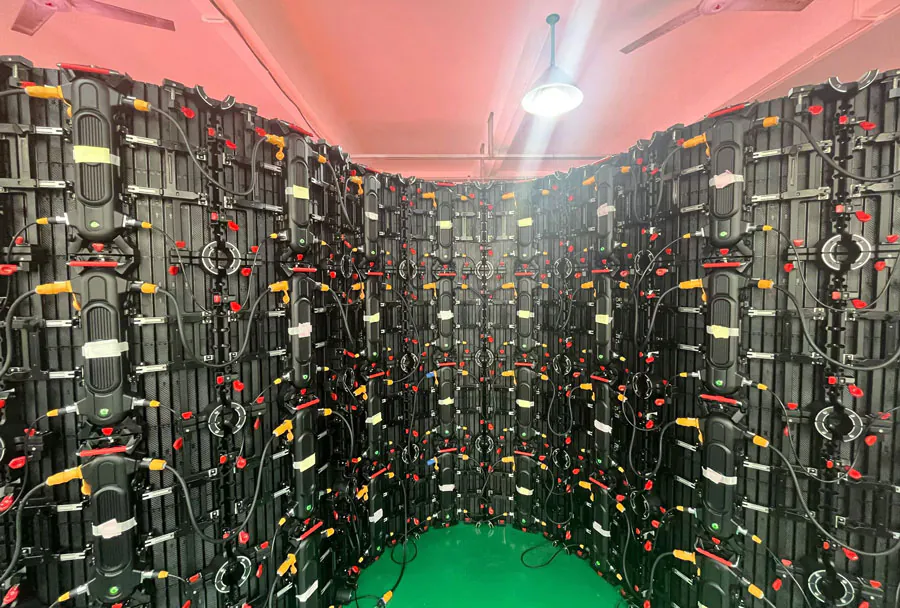
How the screen will be mounted affects aesthetics, safety, and logistics. Options include flown (suspended from truss), ground-supported (stacked towers or LED columns), curved panels for wrap effects, and transparent LED for scenic transparency. Flown systems demand certified rigging points and load calculations; ground stacks require stable platforms and safety measures.
Ask rental companies for rigging drawings, weight per panel, anchoring details, and scaffold or truss specs. Confirm that the venue can accept flying loads and that local codes are followed. For festivals or outdoor concerts, discuss wind limits and emergency lowering procedures.
7. Signal processing, control systems, and content playback
The LED processor (video controller) determines how content is scaled, blended, and fed to the screen. Popular controllers (e.g., from companies like Brompton, Novastar, or Analog Way) offer robust scaling, color calibration, and edge blending. Ensure the rental provides a control system compatible with your content formats (e.g., 4K, multiple inputs, live camera feeds).
Discuss redundancy: will there be backup processors or playback servers? For live events, redundancy prevents downtime. Confirm who will operate the control system—your content team, the rental’s technician, or a third-party operator—and clarify responsibility for on-site coordination.
8. Power, cabling, and backup
Large LED screens consume significant power. A run-of-show should estimate total wattage, peak draws, and required circuits. For outdoor events, ensure access to adequate power distribution (generators with capacity and clean sine wave output). Discuss generator redundancy and UPS (uninterruptible power supply) for control systems to avoid glitches during transitions.
Consider cable runs and signal latency. Long distances may require fiber or signal repeaters. Ensure proper cable protection and routing to prevent tripping hazards and signal loss.
9. Content creation and aspect ratio planning
Design content to the screen’s native resolution and aspect ratio. A common mistake is supplying 16:9 content for an ultrawide stage screen, leading to letterboxing or stretched visuals. Request exact pixel dimensions from the rental company and build content assets accordingly. For dynamic stage designs, create modular content that can be split across multiple panels or mapped to curved surfaces.
If you plan live camera feeds, plan for graphics overlays, lower-thirds, and safe areas to account for cropping and pixel interpolation. Test all assets on the actual screen or a reference monitor calibrated to the LED system.
10. Budgeting, quotes, and hidden costs
Get itemized quotes that separate equipment rental, delivery, rigging, labor, and technical support. Hidden costs often include transport, customs (for international events), overtime labor, additional power or generators, and insurance. Confirm whether setup, rehearsals, and strike (dismantle) are included and if technical rehearsals incur extra charges.
Negotiate service level agreements (SLAs) for uptime, technician response times, and replacement policies. If the event is high-stakes, accept higher rental costs for reputable vendors that include redundancy and on-call technicians.
11. Testing, calibration, and rehearsals
Schedule time for calibration and content testing on-site. LED panels need color calibration and uniform brightness across the entire array. Perform a content run-through with producers, camera crew, presenters, and lighting designers to check visibility and color consistency under stage lights. For broadcasted events, perform camera tests to identify moiré patterns or flicker issues and adjust camera shutter speeds or pixel timing accordingly.
12. Choosing the right rental partner
A reliable rental partner brings technical expertise, proven logistics, and post-install support. Check references, ask for case studies of similar events, and verify certifications for rigging and technicians. Evaluate their inventory freshness and whether they own multiple panel types (flexible options). A vendor who can advise on content, provide mock-ups, and deliver test logs is more valuable than the lowest bidder.
Ask about service response times and spare parts availability. For multi-day events or festivals, confirm that replacement panels and backup control equipment are staged on-site or nearby.
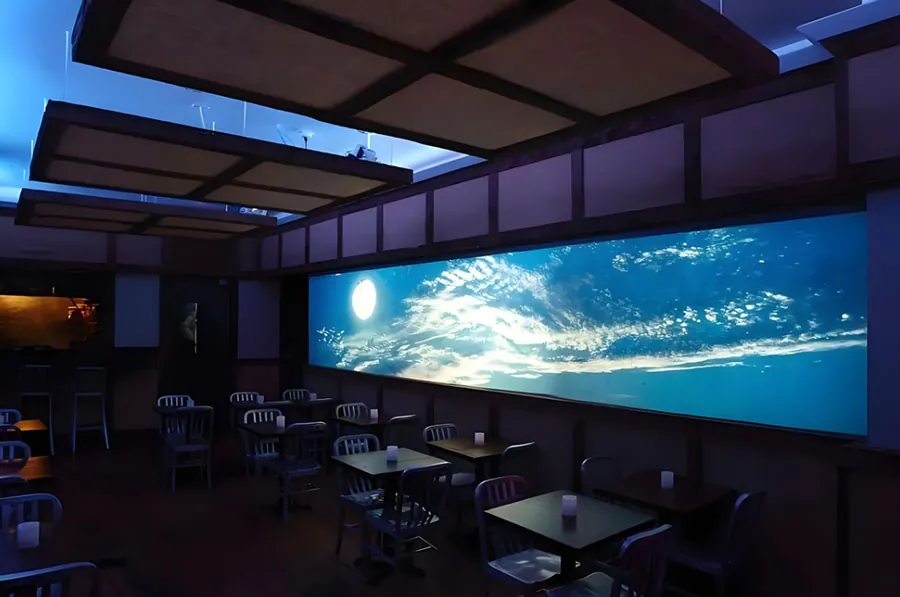
Analysis Table: Key decision factors
| Factor | Why It Matters | What to Ask the Renter | Recommended Spec | Common Trade-Off |
|---|---|---|---|---|
| Pixel Pitch | Determines image clarity for close viewing | What pixel pitch fits my minimum viewing distance? | P2.6–P4 (indoor close); P6–P10 (large outdoor) | Higher resolution costs more and increases processing needs |
| Brightness (nits) | Critical for visibility under ambient light or daylight | What is the max nit rating and can you adjust brightness? | Indoor: 800–2,000 nits; Outdoor daytime: 3,000–6,000+ | Ultra-bright panels consume more power and heat |
| Screen Size & Aspect | Impacts sightlines, content framing, and aesthetics | What are actual pixel dimensions and aspect ratio? | Match screen height to farthest viewing distance | Larger screens increase transport, rigging, and costs |
| Rigging & Safety | Ensures safe installation and regulatory compliance | Can you provide rigging plans and certified crew? | Certified rigging, structural calculations provided | Ground-supported is safer but takes more floor footprint |
| Signal & Control | Affects playback, scaling, and redundancy | What processor/servers are used and is redundancy included? | Brompton/Novastar class processors; backup server | Higher-end processors increase rental cost |
13. Common pitfalls and how to avoid them
– Underestimating viewing distance and buying panels with too large a pixel pitch. Solution: map sightlines and choose pixel pitch accordingly.
– Forgetting brightness needs under stage lights or daylight. Solution: request nit values and confirm they look acceptable during lighting rehearsal.
– Not accounting for rigging limitations at the venue. Solution: request rigging drawings and verify venue load capacities in advance.
– Supplying content in the wrong aspect ratio or resolution. Solution: get pixel dimensions from the renter and build content assets to match.
– Overlooking power and backup requirements. Solution: have a dedicated power plan, generators, and UPS for critical systems.
14. Final checklist before you sign
– Confirm total pixel dimensions, pixel pitch, and screen size.
– Verify brightness (nits) and whether the screen is indoor or outdoor rated.
– Obtain rigging drawings, weight per panel, and certified crew details.
– Ask for control system specs, playback servers, and redundancy plans.
– Ensure power requirements and backup generators are included.
– Request an itemized quote outlining all fees (delivery, labor, overtime).
– Schedule on-site calibration and a full technical rehearsal.
– Confirm insurance, liability, and damage responsibilities.
– Get references and examples of similar events the vendor has handled.
Make informed trade-offs for the best visual impact
Selecting the best stage LED screen rental is a balance of technical needs, venue constraints, creative goals, and budget. Prioritize viewer experience—legibility, brightness, and color fidelity—over purely aesthetic desires. Work early and collaboratively with your rental partner: provide content specs, venue drawings, and event timelines. Allow time for calibration and rehearsals, and secure redundancy for key systems. With careful planning and the right partner, your LED screen will elevate your event, amplify your message, and leave your audience with a memorable visual experience.