Outdoor LED Display Screen Roadside: How It Works, Specs and What to Check

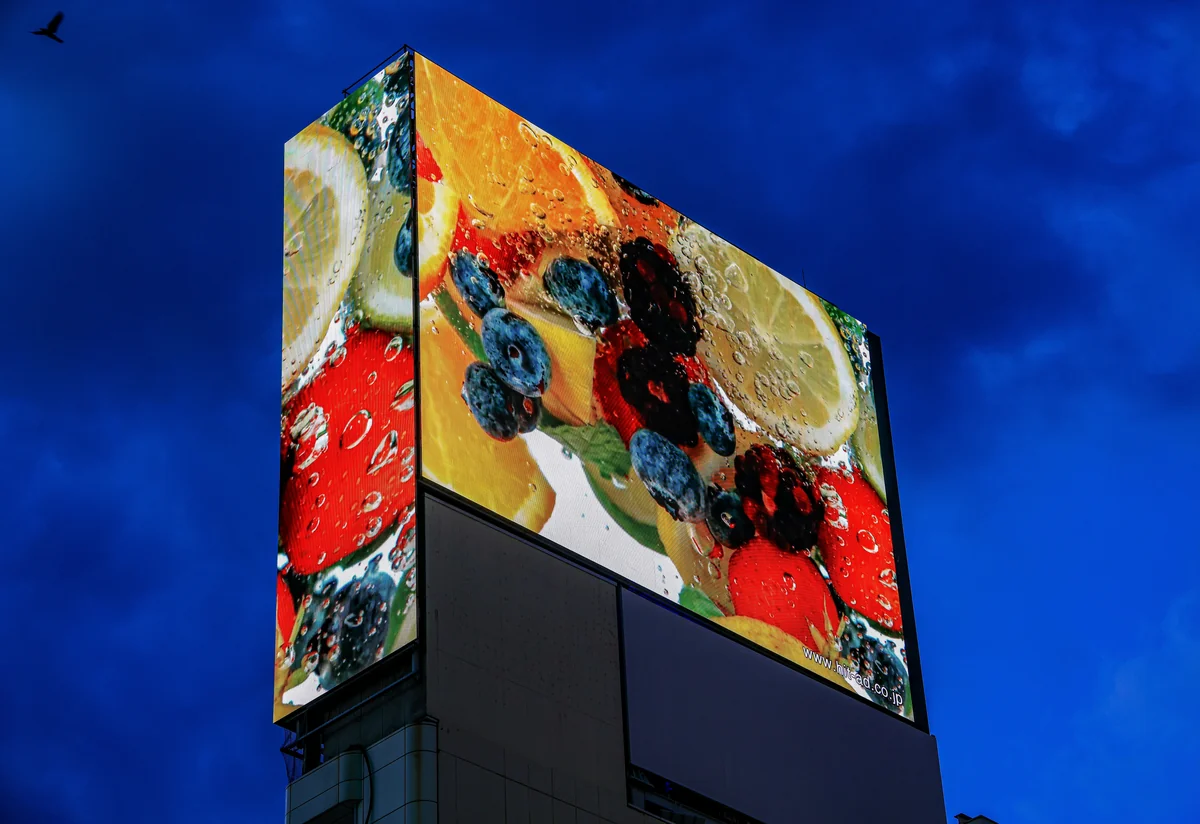
A roadside LED display screen turns a fixed poster position into a media asset that changes by daypart, weather and advertiser. Highway billboards, arterial road signs and intersection panels all face the same enemies: direct sun, rain, road vibration and long viewing distances. A screen built for those conditions stays readable at noon, dims politely at night and keeps selling slots while a printed board fades.
This guide covers brightness, sealing, heat, wind load, format choice, content, control systems, compliance and ROI. It also separates what a display manufacturer supplies from the structural and electrical work that belongs to your local engineer and contractor.
Table of Contents
- 1. Why Roadside Advertising Suits a Roadside LED Display Screen
- 2. Brightness Requirements by Sunlight Condition
- 3. IP65 vs IP68 and Waterproof Construction
- 4. Thermal Management and Derating
- 5. Wind Load and Structural Fixing
- 6. Highway, Urban and Intersection Formats
- 7. Content Strategy That Works at Speed
- 8. Control Systems and Remote Management
- 9. Reliability, Maintenance and Spare Parts
- 10. Safety, Compliance and Permits
- 11. Cost, Uptime and ROI
- 12. Outdoor Deployment Notes
- 13. FAQ
- 14. Conclusion
Why Roadside Advertising Suits a Roadside LED Display Screen
Roadside environments punish weak hardware. Sun heats the cabinet, rain finds every gap, traffic shakes the frame and viewers pass at speed. Printed posters survive the weather badly and cannot change, while an emissive display holds contrast in daylight and updates without a print run.
Four advantages drive the business case. Visibility holds day and night because the panel dims instead of disappearing. Updates run on a schedule, so a campaign can shift from breakfast to evening messaging. A media owner can sell several slots per loop rather than one poster for weeks. Motion, countdowns and simple storytelling also earn attention that static boards struggle to keep.
None of that matters if the screen fails in July or looks dim after a few years, so the sections below focus on the specifications that decide whether a roadside LED display screen performs as an asset rather than a liability.
Brightness Requirements by Sunlight Condition
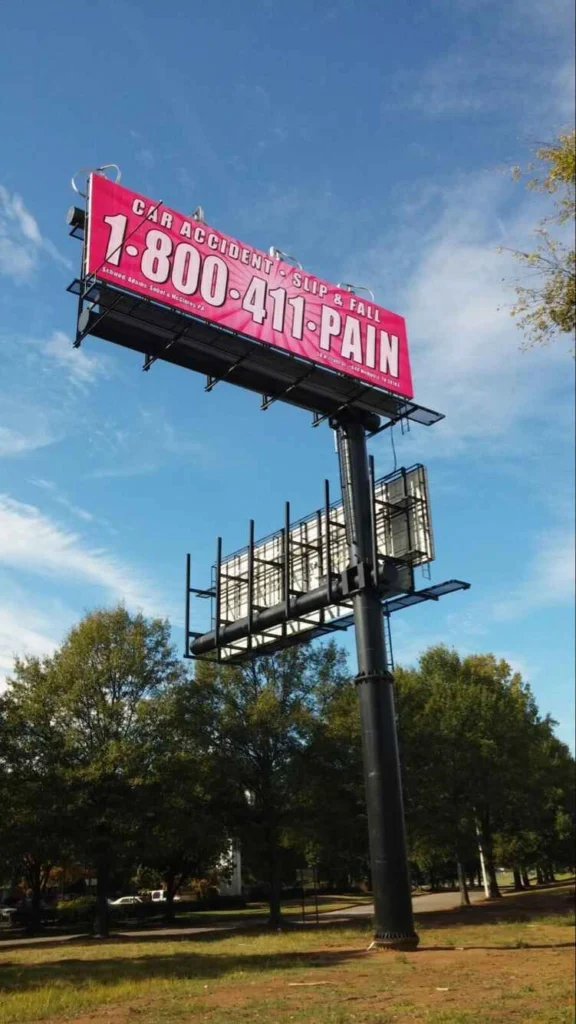
Brightness sets the first limit. A roadside LED display screen in full sun has no shade to borrow, so typical planning bands run from 700–1,000 nits for shaded positions to 1,000–2,000 nits for partial shade and 3,000–6,000 nits or direct-view LED for open exposure.
Auto-dimming matters as much as peak output. A screen that stays at full brightness after dusk creates glare, annoys neighbors and can breach local rules. Light sensors and scheduled profiles let the cabinet follow ambient conditions while logging the levels an inspector may request.
Test the panel on site at the worst hour with the real creative. A white background with thin text behaves very differently from a dark image with bold type, and the demonstration should show both. Ask for the measured nits at the operating settings you will actually use, not a lab peak.
IP65 vs IP68 and Waterproof Construction
IP65 means dust-tight and protected against water jets. IP66 adds stronger jet protection, IP67 covers temporary immersion and IP68 covers continuous immersion. For a roadside cabinet, IP65 is the sensible floor and IP66 suits exposed positions where wind drives rain at the face.
IP68 is not automatically better. A higher number can hide a design that traps water, because the rating describes a test rather than a drainage strategy. Look at the gasket path, the cable entry, the breather valve and the bottom drain. Water that enters must have a way out without crossing the power bay.
Vandal-prone positions justify impact-rated faces and tamper-resistant fixings, because a cracked module lets water straight into the cabinet. In busy pedestrian areas, that protection matters more than another hundred nits of brightness.
Coastal roads add salt, which attacks fasteners and heatsink fins before it reaches the electronics. Specify coated aluminum, stainless hardware and a wash interval that matches the exposure. A sealed cabinet with cheap screws still fails at the bracket.
Thermal Management and Derating
Heat arrives from two directions: the sun on the face and the power supplies inside. On a roadside LED display screen, a black cabinet in direct sun can run far above air temperature, and sustained heat reduces emitter efficiency and shortens driver life. Good thermal design starts with layout, not with a bigger fan.
Passive vents and heat sinks suit clean sites with moderate load. Fans move more heat but pull in dust, so they need filters and a service interval. Sealed air conditioners protect the electronics in dusty or coastal locations, at the cost of power and maintenance.
Derating protects the asset. Run the panel below maximum on hot afternoons, monitor internal temperature and let the control system reduce output before a thermal shutdown becomes necessary. A screen that never reaches its limit lasts longer than one that runs flat out every July.
Wind Load and Structural Fixing
A billboard face behaves like a sail. Wind pressure grows with area and speed, so the steel frame, monopole, roof anchors and foundation must be calculated for the local exposure. The display manufacturer supplies the cabinet weight, footprint and fixing points; a licensed structural engineer confirms the rest.
Fixing detail matters in service. Slotted holes, flexible washers and controlled torque allow the cabinet to move without cracking welds or crushing gaskets. On a pole, the connection between cabinet and structure deserves an inspection schedule, because vibration loosens fasteners over time.
Keep the design honest about responsibility. TW VISION builds and tests the display; structural steel, foundations, lifting and site installation belong to your engineer and contractor. Clear scope prevents a safety gap that no warranty covers. Photograph the mounting detail before cladding goes on, because later inspections depend on that record.
Highway, Urban and Intersection Formats
Roadside is not one product. The viewing task changes with speed, distance and the number of things competing for attention.
Highway and expressway billboards
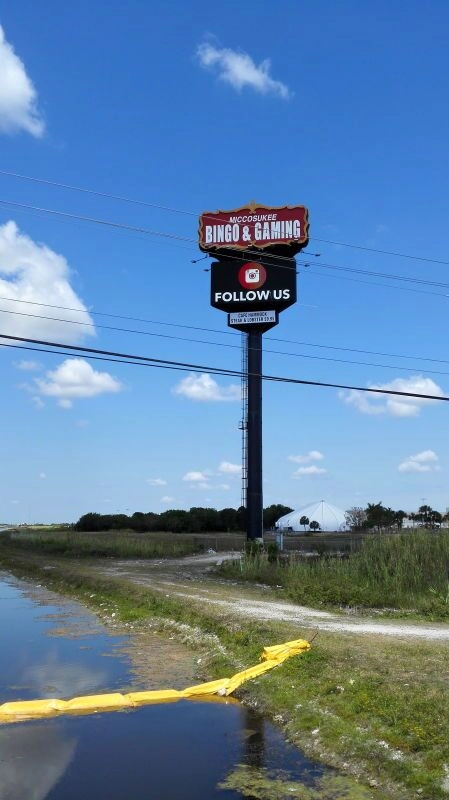
Long sight distance allows a coarser pitch and a large face. Content should carry one idea, a big logo and very few words. Monopole and rooftop mounts dominate, and the viewing angle is set once, so the design must match the driver’s approach.
Urban arterials and commercial streets
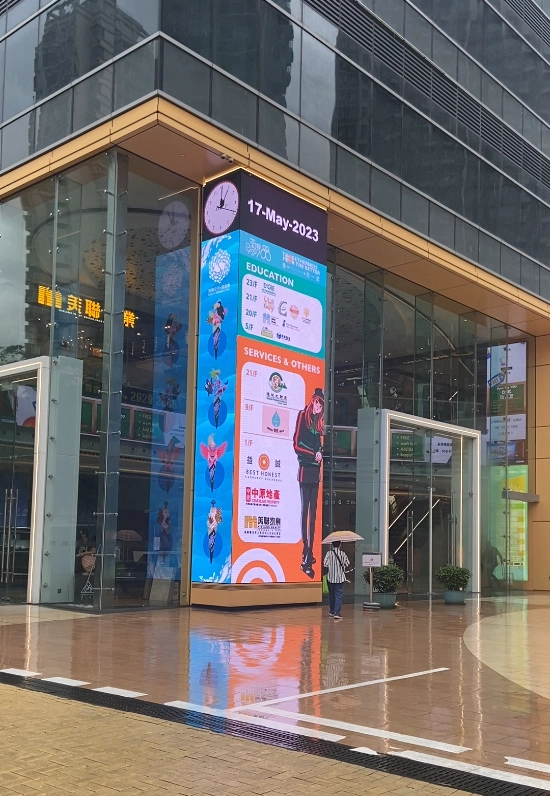
Closer viewers and slower traffic support a finer pitch and more detail. These screens compete with shop windows and streetlights, so glare control and brightness caps matter. Street-level panels also face pedestrians, which changes the mounting height and the content scale.
Intersections, roundabouts and transit corridors
These sites need wide viewing angles and reliable scheduling. Mixed content works well: advertising plus community notices, wayfinding or emergency messages. A screen that can switch roles earns more value from the same structure.
Content Strategy That Works at Speed
A driver has seconds, not minutes. One idea per slot, bold type, strong contrast and a recognizable logo do more than a detailed layout. Six to ten words is usually enough for comprehension at speed, and fewer is better at highway distance.
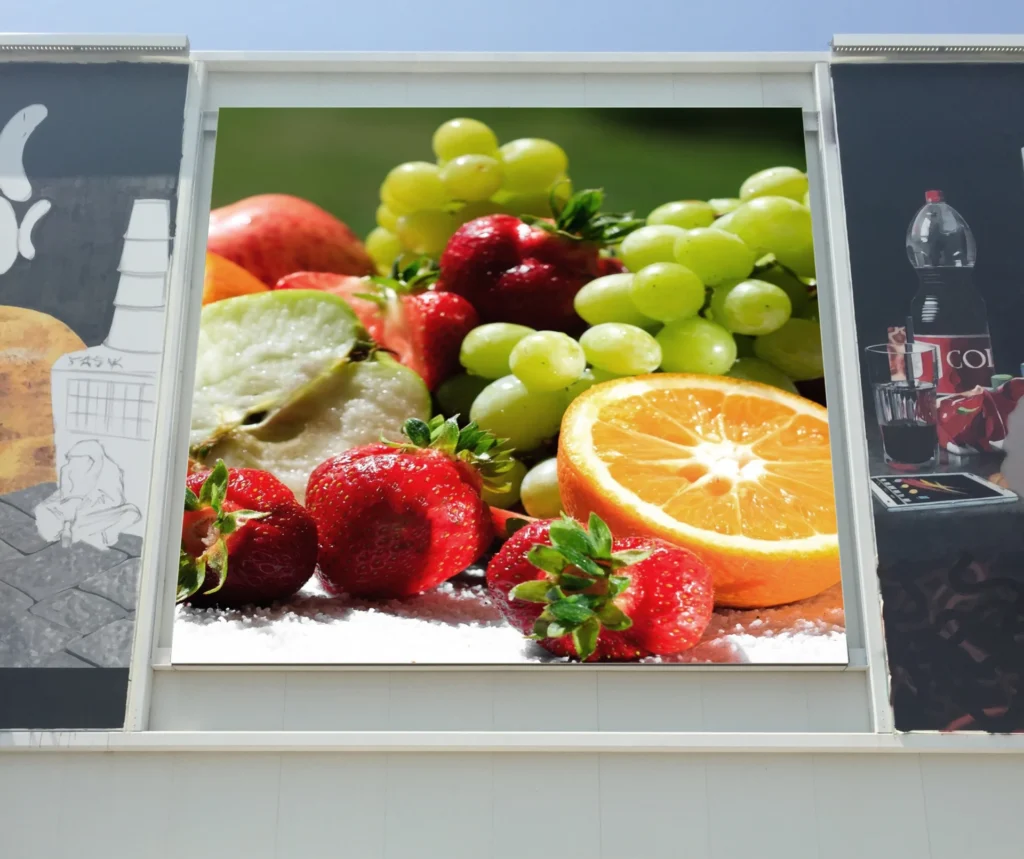
Motion should support the message rather than decorate it. Simple transitions keep attention on the brand; rapid flashing and signal-like patterns create distraction and invite complaints. Schedule by daypart so the morning commute sees a different offer from the evening return.
Design for the panel, not for a desktop monitor. Check the creative at the real pixel pitch and viewing distance, because thin lines and small text disappear first. A content template with fixed safe zones prevents a late upload from breaking the layout. Refresh the loop on a fixed cycle as well, since regular commuters stop noticing creative that never changes.
Control Systems and Remote Management
Roadside networks usually span several sites, so remote control is the operational backbone. Look for centralized publishing, playlists per advertiser, real-time monitoring of temperature and power, fault alerts and permission levels that stop unauthorized uploads.
Proof-of-play records turn the screen into an auditable advertising medium. They show when each slot ran, which supports billing and resolves disputes. Pair that with an emergency override so a public message can replace advertising quickly.
Connectivity follows the site. Wired Ethernet is the default where cable exists, cellular covers remote poles, and a backup link protects revenue during an outage. Encrypt the connection and change default passwords, because a public screen is also a network device. Keep a named maintenance account on the CMS rather than a shared admin login, and export the configuration before any upgrade.
Reliability, Maintenance and Spare Parts
Uptime is the product. Surge protection, grounding and stable power distribution prevent the failures that follow lightning and grid noise, which are common on exposed roads. For a roadside LED display screen, front or rear service access decides how quickly a module returns to service, and cabinets such as the PO-H outdoor LED sign series keep the driver bay reachable from a walkway.
Keep a small spares kit per network: one module, a receiver card, a power supply and a gasket set. Set an inspection cycle that covers cleaning, fastener torque and seal condition. Log every fault by cabinet and position, because a repeat failure points to a driver or water path rather than a single part. Write the response time into the service contract, so a minor fault receives the same attention as a dark screen.
Safety, Compliance and Permits
Roadside screens sit next to traffic, so compliance is part of the specification. Local rules often cap brightness, require night-time dimming and restrict animation or content near junctions. Check the sign code before the creative brief, not after fabrication.
Placement and angle should avoid glare into oncoming traffic. Content must never imitate a traffic signal or use patterns that confuse drivers. Structural permits and engineering documents usually sit with the site owner, while electrical inspection follows local code; the OSHA electrical safety guidance is a useful baseline for the installation team.
Keep the paperwork with the asset: drawings, load calculations, electrical certificates and the brightness schedule. Inspectors ask for them, and the next owner will need them. A roadside LED display screen that changes hands without that file usually starts its new life with an avoidable compliance problem.
Cost, Uptime and ROI
Price is only one line in the model. Traffic volume and visibility set the advertising rate, screen size and resolution set the premium position, and uptime protects both. A cheaper cabinet that loses a week of revenue each year rarely wins over its life.
Operating efficiency adds up. Auto-dimming, scheduled shutdown and efficient drivers cut power without hurting daytime impact. Remote management reduces site visits, and a multi-advertiser loop lifts yield from the same structure.
Build a conservative case with real local rates, then compare the total cost of ownership across five years. Include the structure, electrical work, permits, control software and service visits, because a panel-only quote hides most of the real spend. The DOE LED basics page explains why efficiency claims should come with a data sheet rather than a marketing line.
Outdoor Deployment Notes
Survey the site before the order. Record sun path, approach speed, sight lines, power route and the space for service access. Confirm who owns the structure, who signs off the electrical work and who holds the permit.
Commission with a checklist: brightness at noon and at night, seal inspection, fastener torque, control failover and a full content cycle. Return after the first heavy rain and inspect the cabinet interior, because that visit catches the leaks a factory test cannot. Photograph the as-built wiring and file it with the permit set, so the next technician works from evidence rather than memory.
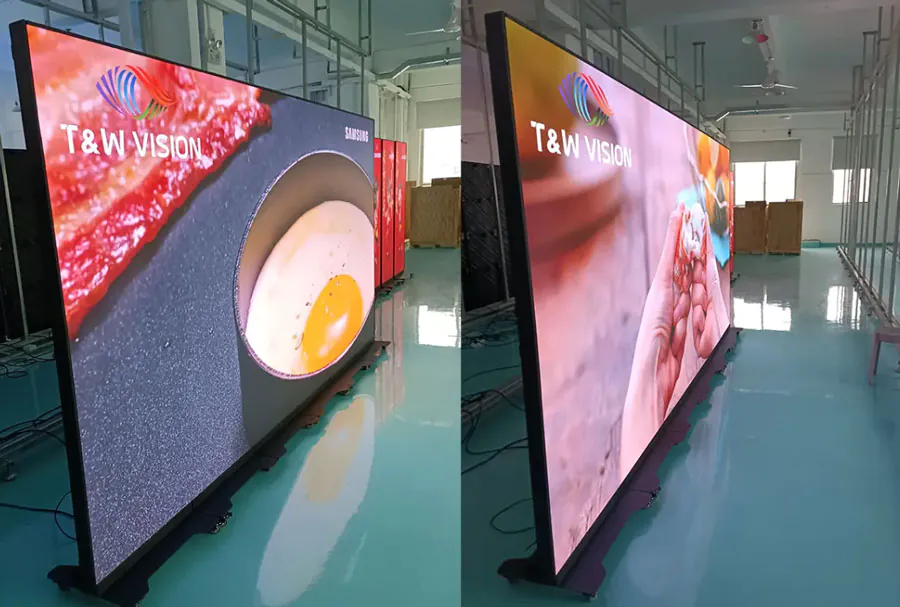
Keep two spare modules per cabinet size in stock and label every cabinet with its address and circuit. For cabinet formats and pitch options, start with the outdoor LED display screen guide and confirm dimensions before the steel is drawn.
FAQ
How bright should a roadside LED billboard be?
Plan for 5,000 nits or more in full sun, with automatic dimming for night. Local rules may set a lower night-time cap, so confirm the limit before specifying the panel.
Is IP68 necessary for a roadside cabinet?
Usually not. IP65 or IP66 handles rain and road spray when the gasket and drain path are designed well. IP68 suits immersion risk, not ordinary weather.
Can one screen show several advertisers?
Yes. A scheduled playlist splits the loop into slots, and proof-of-play records show when each ad ran. That model usually earns more than a single static poster.
Who handles the steel and installation?
A local structural engineer and contractor handle the structure, foundation, lifting and site work. The display supplier provides cabinet weight, fixing points and commissioning support for the screen itself.
Conclusion
A roadside LED display screen earns its place when brightness, sealing, heat control and structure are specified for the site rather than copied from a catalogue. Match the format to the viewing task, keep the content simple, run the network remotely and document every compliance step. Do that, and the screen becomes a predictable advertising asset instead of an expensive experiment.