Local LED Display Screen Rental Services Near Me

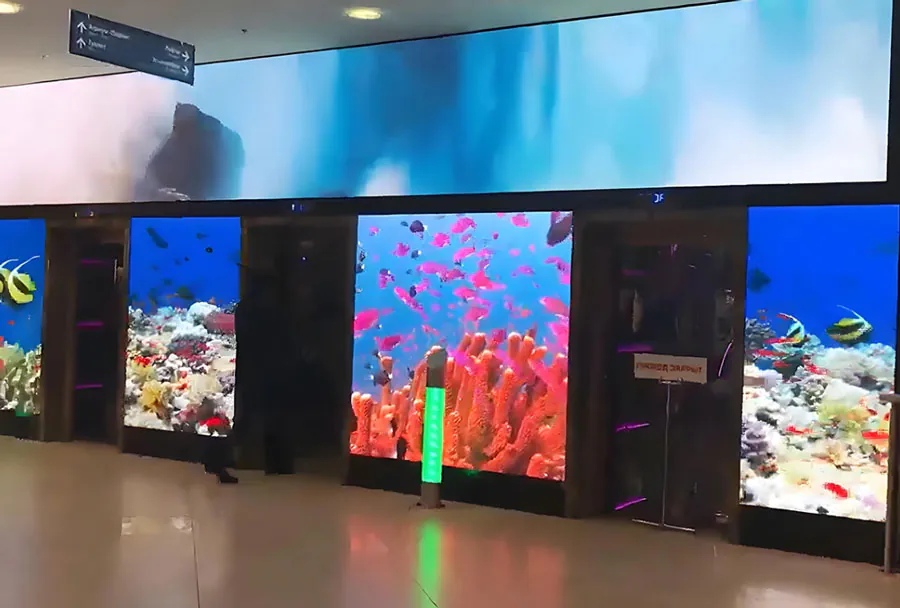
Searching for “Local LED display screen Rental Services Near Me” often happens when an event planner, marketer, or venue manager needs a high-impact visual solution fast. led display rental companies make it possible to stage everything from intimate indoor presentations to massive outdoor concerts without purchasing expensive hardware. This article gives a professional, practical overview of local LED rental services, how to evaluate providers, technical and logistical considerations, typical costs, and a decision-making checklist. Whether you’re producing a corporate conference, trade show booth, product launch, sports event, or community festival, this guide helps you get the right screen, on time and on budget.
Why Rent an LED Display Instead of Buying?
Renting LED displays offers flexibility, lower upfront capital expenditure, and access to the latest technology without long-term maintenance. Key reasons organizations rent:
– Short-term needs: single events, tours, seasonal promotions.
– Variable requirements: different resolutions and sizes for different venues.
– Technical assistance: installers, operators, and content management included.
– Up-to-date technology: access to newer pixel pitches, brighter cabinets, HDR support.
– Logistics and storage: rental companies handle transport, storage, repairs, and spare parts.
Common Use Cases for Local LED Rental Services
– Corporate events and conferences: stage backdrops, presentation displays, sponsor recognition.
– Trade shows and exhibitions: eye-catching booth walls, product demos.
– Concerts and festivals: large outdoor screens for crowd viewing and live feed.
– Sporting events: scoreboards, instant replay screens, perimeter LED.
– Retail activations and pop-ups: window displays, in-store promotions.
– Government and public events: town halls, public messaging, election night displays.
– Weddings and private parties: photo walls, live feeds for large audiences.
Key Technical Terms You Should Know
– Pixel pitch: distance between LED centers (mm). Lower = higher resolution and closer viewing distance.
– Brightness: measured in nits (cd/m2). Indoor typically 800–2,500 nits; outdoor often 5,000–10,000+ nits.
– Refresh rate: frequency screen updates (Hz). Higher refresh rates reduce flicker in camera recordings.
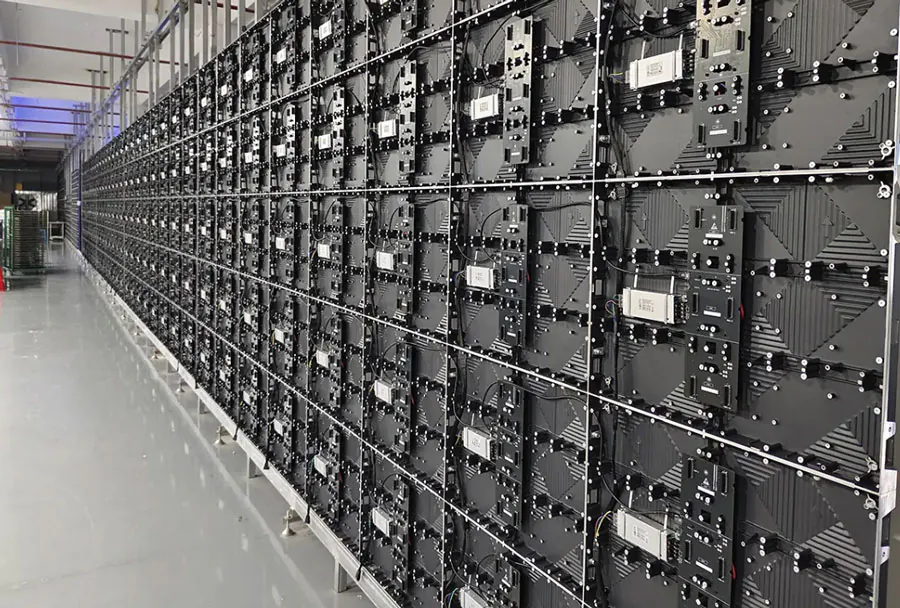
– Cabinet: modular unit that forms the larger screen. Sizes vary (e.g., 500x500mm, 500x1000mm).
– IP rating: indicates ingress protection; IP65+ common for outdoor weatherproof units.
– Contrast ratio and color calibration: affect image depth and color accuracy.
– Control system and content player: software/hardware that manages media playback and scheduling.
How to Choose a Local LED Rental Provider
Choosing the right local provider involves technical capability, logistics, reputation, and clear pricing. Consider these criteria:
– Inventory quality and variety: Do they offer multiple pixel pitches, sizes, and indoor/outdoor cabinets?
– Technical expertise: Are trained technicians available for installation, calibration, and operation?
– Logistics and coverage: How quickly can they deliver, set up, and break down? Do they cover your venue area?
– Safety and compliance: Do they follow rigging standards, have insurance, and manage permits?
– Content services: Do they offer content creation, live switching, and media playback solutions?
– Transparent pricing: Are quotes clear about delivery, setup, labor, power, and insurance?
Typical Specifications and Recommendations
– Indoor events: Pixel pitch P2.5–P3.9 for close viewing; brightness 800–2,500 nits.
– Large indoor arenas: P3–P6 depending on distance; consider high refresh rate (≥3,840Hz) for broadcast cameras.
– Outdoor events (audience close): P6–P10; high brightness (≥5,000 nits).
– Outdoor billboards/long-range viewing: P10–P16 or greater; extremely bright (≥7,000 nits).
– For camera work: refresh rate ≥3,840Hz and flicker-free driver ICs; consider color calibration and genlock.
Analysis Table: Features to Evaluate (5-column)
FeatureWhy It MattersTypical Range / SpecCost ImpactRecommended ValuePixel PitchDetermines resolution and minimum viewing distanceP1.2–P16 (mm)High (smaller pitch increases cost)P2.5–P4 for indoor events; P6–P10 for outdoorBrightnessVisibility under ambient light or sunlight 800–10,000+ nitsMedium–HighIndoor: 1,000–2,500 nits; Outdoor: 5,000+ nitsRefresh RateReduces flicker, important for filmed events1,920–6,000+ HzLow–Medium≥3,840Hz for camera-friendly eventsIP Rating / WeatherproofingProtects screen in outdoor conditionsIP33–IP68MediumOutdoor: IP65+; Indoor: IP33+Rigging & StructureSafety and installation flexibilityTruss mounts, ground support, fly framesHigh (complex rigging raises cost)Professional rigging with certified crew
Typical Pricing Models and Cost Drivers
Rental pricing varies widely based on size, resolution, event duration, and services. Common cost components:
– Screen rental rate: daily or multi-day rate per square meter or per cabinet.
– Delivery & pickup: distance and access influence cost.
– Installation & dismantle: hourly labor rates and crew size.
– Technical support: on-site operator, content technician, or remote support.
– Power and cabling: additional distribution, generators for outdoor events.
– Insurance and permits: some cities require special permits or proof of insurance.
– Content services: creation, playback management, LED mapping, and calibration.
Ballpark figures (very general):
– Small indoor (5–10 m2, basic pixel pitch): $300–$1,000 per day.
– Medium indoor (10–25 m2): $1,000–$3,000 per day.
– Large indoor or medium outdoor (25–50 m2): $3,000–$8,000+ per day.
– Large outdoor (concert-sized, 50–200+ m2): $8,000–$50,000+ per day depending on specs and production support.
Note: These are approximate ranges; obtain quotes from local providers for accurate pricing.
Logistics, Site Survey, and Permits
Before booking, a proper site survey is essential:
– Access points: doors, elevators, staircases, and truck parking.
– Rigging points: overhead trusses, beam loads, or ground stands for supporting structure.
– Power availability: dedicated circuits, capacity, and distribution.
– Sightlines and viewing distances: ensure pixel pitch matches audience distance.
– Permits: street closures, public safety, electrical permits, and municipal signage rules.
– Weather planning: wind load allowances, waterproofing, and contingency shelter.
Local rental companies often provide site survey services and work with you to obtain necessary permits. Ask them to include a rigging plan and load calculations for outdoor installations.
Content Preparation and Playback
Good content makes LED displays perform at their best. Consider:
– Resolution mapping: format content to match the physical pixel dimensions to avoid stretching.
– Safe areas: keep critical text within margins to avoid cropping.
– Frame rates and file formats: coordinate with the rental company’s media player specs (commonly H.264, H.265, ProRes for high-quality playback).
– Live feeds and switching: for multi-camera events, confirm the provider can handle SDI/HDMI inputs, vision mixers, and live overlays.
– Brightness and contrast adjustments: calibrate content for the screen’s native color profile and ambient conditions.
– Scheduling and signage: use content management systems for timed playlists and dayparting.
Safety, Insurance, and Compliance
Safety is non-negotiable when installing heavy LED arrays:
– Crew certification: riggers and electricians should be certified and experienced.
– Structural integrity: truss and ground support must meet load specs; wind ratings evaluated for outdoor screens.
– Electrical safety: proper grounding, breakers, and cable protection.
– Insurance: verify the rental firm carries public liability insurance and equipment coverage; request certificates of insurance.
– Contracts: clearly outline responsibilities for damage, theft, and weather cancellations.
Operational Considerations and Staffing
Determine the level of operational support needed:
– Full-service: provider handles transport, install, operator, and teardown.
– Partial service: you supply some labor while the provider supplies equipment and supervision.
– Dry hire: equipment only; your team handles everything else (less common for complex LED walls).
For events with live feeds or rapid content switching, plan for:
– A dedicated video operator.

– A separate content technician for file transfers and troubleshooting.
– Clear communication channels between event director, AV, and the rental crew.
Vendor Comparison: Questions to Ask Local Providers
– What pixel pitches and cabinet sizes do you stock?
– Can I see examples of recent installs similar to my event?
– Do you provide a site survey and rigging plan?
– What is included in the quoted price (delivery, setup, power, crew)?
– What are your cancellation and weather policies?
– Do you handle permits or provide documentation for city approvals?
– What backup equipment and redundancy plans do you have?
– Do you provide on-site technical support for the entire event?
– Can you provide sample content specifications and media templates?
Case Study Examples
1) Corporate Product Launch: A 12 m2 indoor LED wall with P2.9 pixel pitch, high refresh rate, and integrated playback for synchronized product demos. Outcome: Clear close-up visuals for product walkthroughs, strong brand presence during keynote.
2) Outdoor Music Festival: Two 80 m2 outdoor LED walls with P8 pixel pitch, IP65-rated cabinets, and elevated ground-supported frames. Outcome: Audience visibility from long distances, reliable performance during daylight, and quick load-in/out driven by experienced rigging crew.
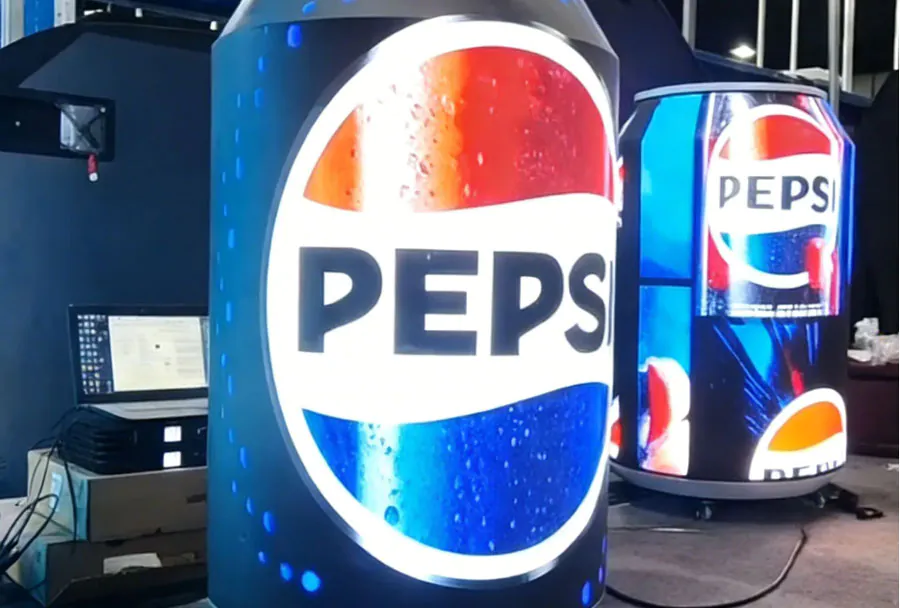
3) Trade Show Booth: A curved 4 m × 3 m LED cylinder using P3.9 tiles, content scheduled across multiple zones to highlight sponsors and product features. Outcome: High foot traffic engagement, increased lead capture through dynamic content.
Checklist Before You Sign the Rental Agreement
– Confirm screen size, pixel pitch, and brightness meet your needs.
– Verify dates, delivery windows, and setup/teardown times.
– Ensure scope of work includes crew size and responsibilities.
– Request detailed cost breakdown and any potential extras.
– Ask for digital mockups showing how content will map to the screen.
– Confirm insurance, liability, and damage policy in writing.
– Ensure the provider performs a site survey and provides a rigging plan.
– Verify that power requirements and distribution plans are included.
– Confirm on-site technical contact and escalation process.
How to Find Trusted “Near Me” Providers
– Local searches and business directories: Google Maps, Yelp, and local event industry directories.
– Industry associations and trade shows: AVIXA, local AV rental guilds, and production expos.
– Referrals: Ask venue managers, event planners, and production companies for recommendations.
– Portfolio and reviews: Look for past installations, client testimonials, and case studies.
– Site visits: Request to see equipment in person or attend a local event where the provider is set up.
Negotiation Tips and Value Adds
– Bundle services: Negotiate better rates by bundling screens, sound, lighting, and labor.
– Multi-event discounts: If you have recurring needs, secure a preferred-renter rate.
– Off-peak scheduling: Some providers offer lower rates during weekdays or non-peak seasons.
– Inquire about demos: Ask for a short demo or trial to verify image quality before the event.
– Ask about spare parts: Confirm what redundancy is available in case of pixel failures or cabinet issues.
Future Trends in LED Rental Services
– Higher resolution at lower costs: Pixel pitches continue to shrink, making high-DPI screens more accessible.
– Lightweight and curved panels: Easier installation and creative shapes for immersive experiences.
– Integrated media ecosystems: Cloud-based content management and remote diagnostics for faster updates.
– Energy efficiency: Improved LED drivers and power distribution reduce consumption.
– Augmented reality and interactivity: LED walls integrating sensors and interactive content for audience engagement.
Finding the right local led display screen rental service near you means balancing technical specs, budget, logistics, and safety. Start by defining your event goals—audience distance, indoor or outdoor, live camera use—and then use that as the foundation for technical decisions like pixel pitch, brightness, and refresh rate. A thorough site survey, transparent vendor quotes, and clear contractual terms will minimize surprises. Local providers often offer invaluable on-the-ground knowledge, quick response times, and the flexibility to scale up or down. With the right partner, renting an LED display becomes a strategic asset that elevates your event and delivers measurable visual impact.