Big Digital LED Screen Rental Toronto for Corporate & Commercial Events


Large-format digital LED screens have become a transformational tool for corporate and commercial events. In a market like Toronto — where conferences, product launches, trade shows, outdoor promotions, and cultural festivals compete for attention — renting a big digital LED screen provides instant visual impact, increases audience engagement, and delivers flexible content options that traditional projection or printed signage cannot match. This article provides a comprehensive guide to Big Digital LED Screen Rental in Toronto for corporate and commercial events: from selecting the right screen and understanding technical specifications to logistics, costs, content production, and measurement of success.
Why Big Digital LED Screens Matter for Corporate and Commercial Events
Big LED screens offer several strategic advantages:
– Visibility and Impact: High brightness and contrast ensure content can be seen clearly even in daylight, outdoor plazas, or brightly lit convention centers.
– Scalability: Screens can be combined into enormous video walls or used as single large panels to fill stages or fa?ades.
– Flexibility: Content can be updated in real time — live feeds, social media walls, dynamic advertising, wayfinding, and interactive elements.
– Reliability: Modern rental LED systems are designed for event use with redundancy, easy serviceability, and stable color playback.
– Brand Perception: Large, crisp visuals enhance a brand’s perceived professionalism and production value.
For event organizers and marketers in Toronto, these features mean better audience recall, enhanced sponsor value, and the ability to execute complex multimedia productions without long lead-time investments in permanent infrastructure.
Common Use Cases in Toronto
– Conferences and conventions (Metro Toronto Convention Centre, Beanfield Centre): Keynote backdrops, session displays, and live-streaming screens.
– Trade shows and expos: Booth backdrops, product demos, interactive kiosks, and ambient branding.
– Product launches and corporate galas (hotels, ballrooms, private venues): Stage backdrops, product close-ups, and immersive visuals.
– Outdoor promotions and experiential marketing (Yonge-Dundas Square, public plazas): Large fa?ades for ad campaigns, brand activations, and live events.
– Sporting and entertainment events (Scotiabank Arena perimeter activations, fan zones): Live replay, sponsor messaging, and crowd engagement.
– Retail and commercial events: Window displays, pop-ups, and temporary storefront activations.
Technical Considerations: Choosing the Right LED Screen
Selecting the correct LED screen involves matching your event goals, venue conditions, viewing distance, and budget to technical specifications. Key specs include pixel pitch, brightness, resolution, aspect ratio, refresh rate, and cabinet size.
Pixel Pitch and Viewing Distance
Pixel pitch — the distance (in millimeters) between LED pixels — determines the best viewing distance and image clarity. For large event screens:
– 1.2–2.5 mm: Best for close viewing, indoor presentations, and up-close booth attendees.
– 2.5–4.0 mm: Ideal for mid-range viewing such as conference halls and exhibition floors.
– 4.0–10+ mm: Suited for outdoor displays and long-distance viewing.
A general rule: minimum comfortable viewing distance (in meters) ≈ pixel pitch (mm) / 1. To avoid overpaying for ultra-fine displays at long distances, choose a pixel pitch appropriate to your audience’s proximity.
Brightness and Outdoor Use
Brightness is measured in nits (cd/m2). For outdoor daytime use, look for screens rated 5,000–8,000 nits to remain legible in direct sunlight. Indoor venues typically function well at 800–1,500 nits; however, high-ambient-light environments (e.g., exhibition halls with skylights) may require higher brightness.
Resolution and Aspect Ratio
Resolution depends on the physical size and pixel pitch. For stage backdrops and high-definition content, ensure the screen’s native resolution matches your content assets to avoid scaling artifacts. Common aspect ratios include 16:9 for video content and custom panoramic ratios for wide stage installations.
Refresh Rate and Color Accuracy
A refresh rate of 3,840 Hz or higher helps eliminate flicker during close-up camera shots and live streams. If your event will be filmed or broadcasted, confirm the rental screens are camera-friendly. Color calibration and uniformity are essential — request test footage or onsite proofing.

Structural and Rigging Considerations
Large LED walls require secure rigging points, truss support, or ground-stacking with safety redundancies. Verify venue load limits, overhead rigging capacity, and local codes. Outdoor installations may need wind load calculations and ballast systems.
Analysis Table: Quick Comparison of Typical LED Screen Options
| Screen Type | Typical Pixel Pitch | Optimal Use Case | Average Rental Cost (CAD/day) | Typical Setup Time |
|---|---|---|---|---|
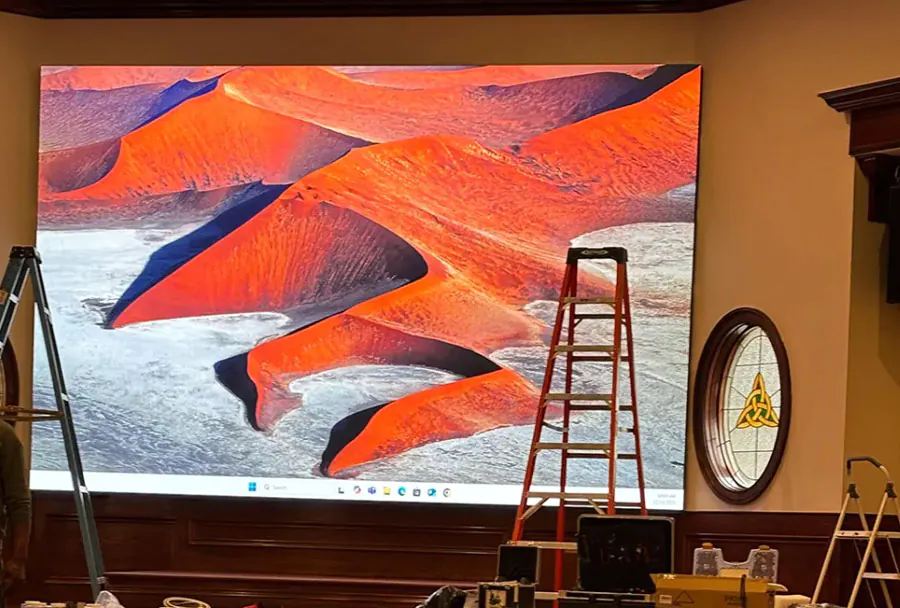
| Indoor Fine Pitch LED | 1.2–2.5 mm | Keynotes, close-view booths, corporate theaters | $1,200–$3,000 | 6–12 hours |
| Standard Indoor LED | 2.5–4.0 mm | Expo halls, breakout rooms, mid-size stages | $800–$2,000 | 4–8 hours |
| Outdoor High-Bright LED | 4.0–8.0 mm | Outdoor plazas, advertising fa?ades, festivals | $1,500–$4,500 | 8–18 hours |
| Pixel-Perfect Rental Video Wall | 1.5–3.0 mm | TV-quality productions, product demos | $1,500–$4,000 | 6–14 hours |
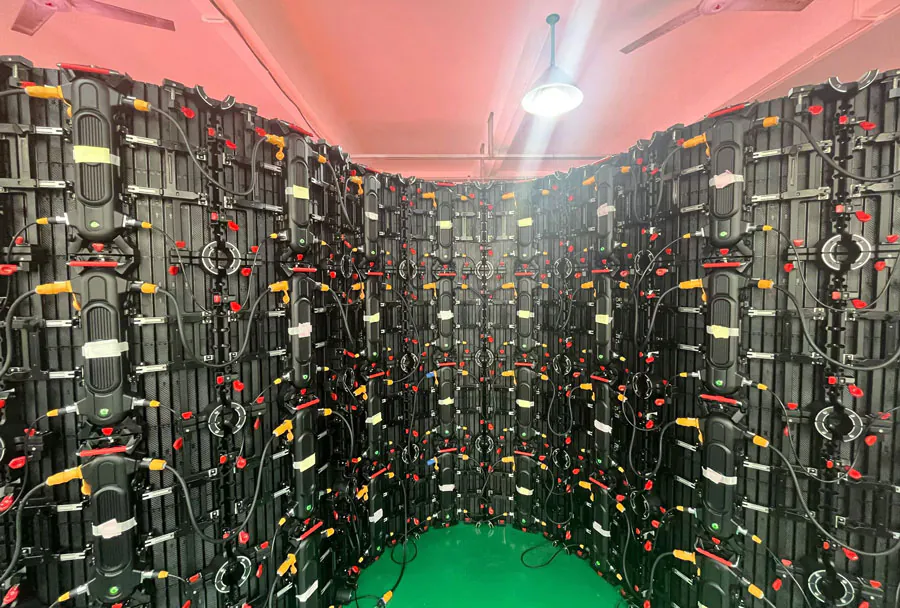
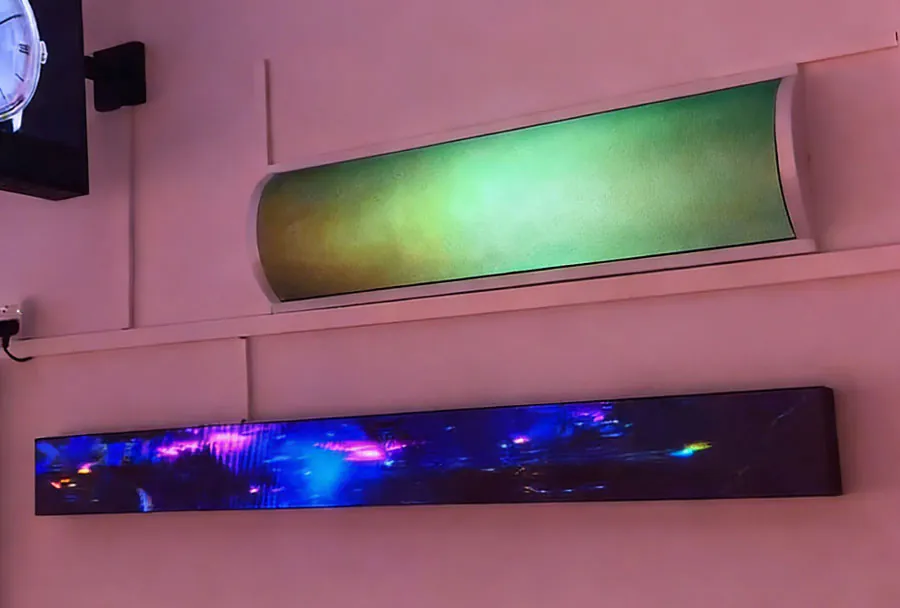
| Curved/Creative Panels | 2.5–6.0 mm | Immersive installations, experiential marketing | $2,000–$6,000 | 10–24 hours |
Notes: Costs vary with size, duration, delivery distance, and production services. Setup time includes rigging, alignment, calibration, and basic content testing. Always request a site visit for precise quotes.
Budgeting and Pricing: What to Expect
Rental pricing for big LED screens is influenced by multiple factors:
– Size (square meters): Larger screens cost more for hardware and labor.
– Pixel pitch and resolution: Finer pitches increase rental rates.
– Brightness and weatherproofing: Outdoor-rated screens typically cost more.
– Duration of rental: Multi-day bookings often reduce per-day rates.
– Delivery distance and logistics: Downtown Toronto deliveries may be less costly than suburban or out-of-city installs.
– Setup complexity: Curved walls, hanging installations, and those requiring scaffolding add labor and rental fees.
– Production services: Content playback systems, media servers, technical operators, and live-switching gear are often additional.
– Insurance and permits: Depending on the venue and scope, event insurance and city permits may be required.
To create an accurate budget, request itemized quotes from multiple vendors and factor in contingency (typically 10–20%) for unexpected charges.
Logistics and Onsite Execution
Organizing a successful LED screen rental in Toronto demands careful planning across several domains.
Venue Coordination and Site Surveys
A professional rental company will perform a site survey to confirm rigging points, floor load, power availability, access routes, and installation constraints. For outdoor events, they will assess obstructions, sightlines, and potential sunlight glare during the event timeline.
Power and Backup
Large LED walls require significant power. Confirm the venue’s power capacity and arrange dedicated power feeds or generators if needed. Include uninterruptible power supplies (UPS) or redundant power sources for mission-critical presentations.
Rigging and Safety
For flown walls, Certified rigging technicians are essential. Ground-stacked walls must be properly braced and weighted. Ensure compliance with Toronto’s safety requirements and the venue’s engineering specifications.
Transport and Access
Plan for truck access, loading docks, and elevator sizes if screens are installed on upper floors. Some Toronto venues have specific loading-hour windows and associated fees.
Insurance and Permits
Depending on the venue and public exposure, the event may require liability insurance naming the venue and rental company as additional insured parties. Outdoor installations might need temporary structure permits — consult the venue and the City of Toronto for requirements and timelines early in planning.

Content Strategy and Production
A great screen only performs as well as the content it displays. Production and content strategy are critical for maximizing impact.
Design for Scale and Distance
Design visuals that consider viewing distance: large text, high-contrast colors, and bold imagery work best for long-range legibility. Avoid small copy or intricate details on distant screens.
Resolution Matching and File Prep
Deliver content at the native resolution or in aspect ratios that match the screen layout to prevent stretching or pixelation. Use encoded video formats recommended by the rental company (commonly H.264/H.265 MP4 with specified bitrates) and supply any layered assets for live production teams.
Live Inputs and Integration
Plan for camera feeds, slide decks, livestream overlays, and social media feeds. Confirm the available inputs on the LED system (HDMI, SDI, NDI, media server integrations) and test connectivity during rehearsals.
Rehearsals and Technical Runs
Schedule technical rehearsals (at least one full run-through) to test video playback, camera capture, transitions, and latency. Ensure a trained operator is available on event day to manage cues.
Vendor Selection: Choosing a Rental Partner in Toronto
Select a vendor based on expertise, equipment quality, availability, and support. Key questions to ask prospective rental partners:
– Can you provide references and past event examples in Toronto?
– Do you perform on-site surveys and engineering assessments?
– What redundancy and backup procedures do you have?
– Are your screens camera-friendly (high refresh rate)?
– Who will operate the system during the event?
– Do you handle permits and liaison with venues?
– What is included in the quote (transport, rigging, cabling, operator)?
– What are your insurance limits and liability terms?
A reliable vendor will be transparent, provide an itemized quote, and offer a clear production plan and schedule.
Case Studies and Example Scenarios
Below are practical examples to illustrate how different LED solutions fit event needs:
– Conference Keynote (Indoor Fine Pitch): A 12m x 4m, 2.5mm LED wall used as a stage backdrop for a tech conference. Benefits include crisp slide legibility and the ability to show live demos with high fidelity cameras. Setup includes 2 days of prep, in-house AV operator, and integrated playback server.
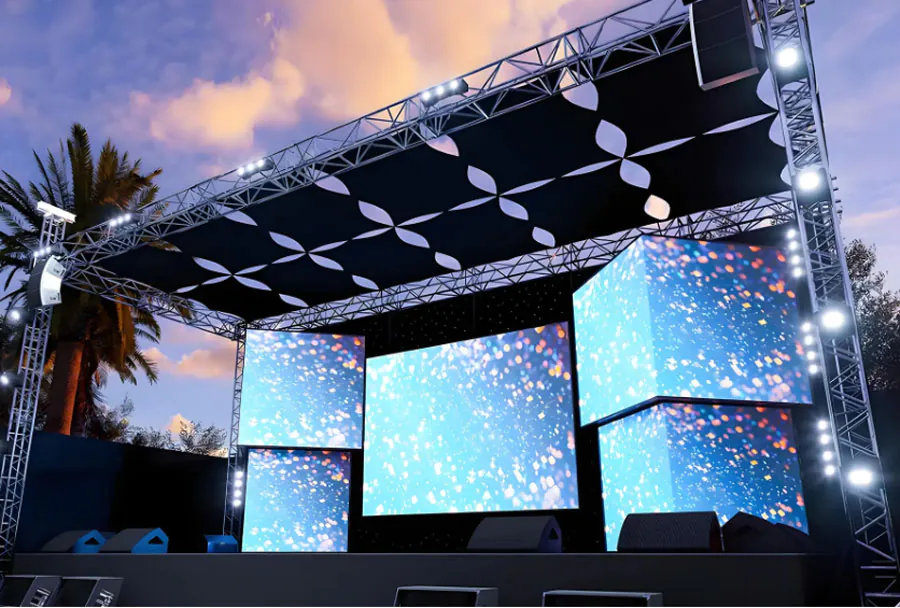
– Outdoor Product Launch (High-Bright Outdoor LED): A 6m x 3.5m outdoor screen at a downtown plaza for a vehicle reveal. High brightness and IP-rated cabinets ensure visibility in daylight and weather resilience. Logistics include city permits, generator power, and wind-rated mounting.
– Trade Show Booth (Modular LED Wall): A curved 5m video wall at a busy exhibition hall draws visitors to the booth, running product loops and interactive content. Pixel pitch around 2.9mm balances cost and clarity for foot-traffic distances.
Measuring Success and Return on Investment (ROI)
Determine KPIs before the event so you can measure the LED screen’s impact. Typical KPIs include:
– Audience recall and brand lift (post-event surveys).
– Engagement metrics (dwell time, booth visits, social media interactions).
– Lead generation and conversion rates from booth traffic.
– Sponsor satisfaction and sponsor revenue attributable to screen exposure.
– Impressions estimated from attendance and sightlines.
Collecting data via QR codes displayed on the screen, short URLs, or live social walls can help quantify audience response and translate visual impact into measurable outcomes.
Sustainability and Accessibility Considerations
– Energy Use: LED walls consume significant power. Discuss energy-efficient configurations or shorter on-times to reduce consumption. Some vendors offer green options or carbon offset partnerships.
– Accessibility: Ensure on-screen content follows accessibility best practices: readable fonts, high color contrast, and alternative channels (closed captions for live feeds or sign language integration where appropriate).
– Noise and Light Pollution: For outdoor or evening events, consider local community impact and adjust brightness and operating hours accordingly.
Common Pitfalls and How to Avoid Them
– Underestimating Power Needs: Always confirm available power and provide backups.
– Wrong Pixel Pitch: Too fine a pitch wastes budget; too coarse degrades audience experience.
– Late Content Delivery: Lock content deadlines at least 7–10 days before the event; allow for testing and revisions.
– Overlooking Sightlines: Poor placement can create blind spots; conduct sightline studies during planning.

– Ignoring Camera Requirements: If the event will be recorded or livestreamed, prioritize refresh rates and camera calibration.
Checklist for Organizers: Planning Timeline
– 8–12 weeks out: Define objectives, budget, and KPI. Engage rental vendors and request site surveys.
– 6–8 weeks out: Confirm screen type, size, rigging plan, and preliminary quote. Start permit and insurance processes.
– 4–6 weeks out: Finalize content specs, pixel mapping plan, and production schedule.
– 2–3 weeks out: Deliver final content, confirm logistics (power, access), and schedule rehearsals.
– 1–2 days out: Perform full technical setup, screen calibration, and content test runs.
– Event day: Onsite technical operator and backup plan active. Monitor performance and record metrics.
– Post-event: Collect data, measure KPIs, and conduct vendor debrief.
Conclusion: Maximize Event Impact with the Right LED Rental Strategy
A well-executed large digital LED screen rental in Toronto can transform corporate and commercial events — improving visibility, deepening audience engagement, and elevating brand presence. The key to success lies in choosing the right screen type and pixel pitch for your audience, partnering with an experienced rental company, planning logistics early, preparing camera-friendly content, and measuring outcomes against clear KPIs. By following the planning timelines, technical considerations, and vendor selection guidelines provided here, event organizers can achieve high-impact results while controlling costs and technical risk. If you’re planning an event in Toronto, begin conversations with qualified LED rental partners early, request a site visit, and build your content and technical rehearsal schedule into your project timeline to ensure a seamless, memorable event.